To Generate report for Steel Industrial and RC structures using TSD
Ans 1:-
AIM:- to generate the report for the steel building design
Procedure:-
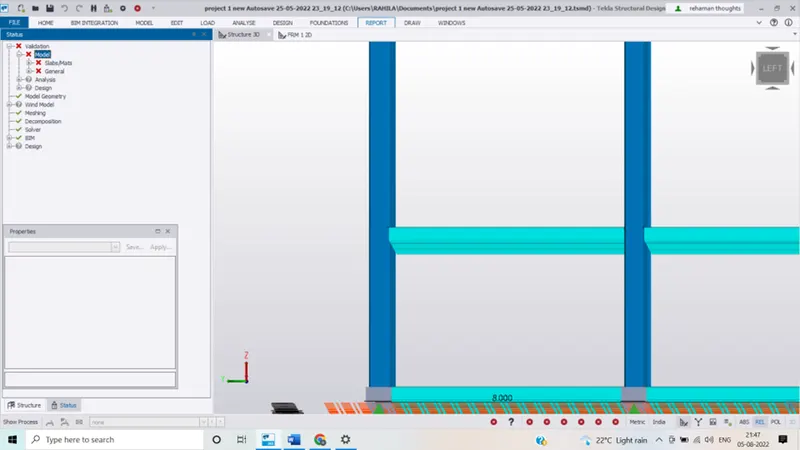
- Open the Tekla model
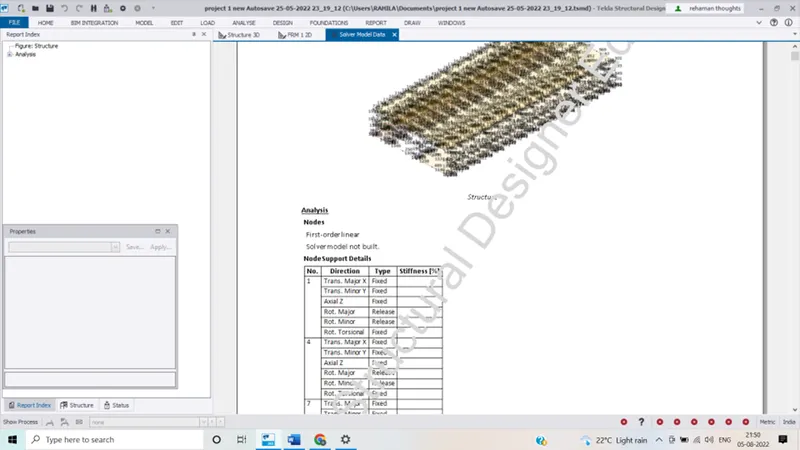
- Now go to report option from the ribbon and select model report
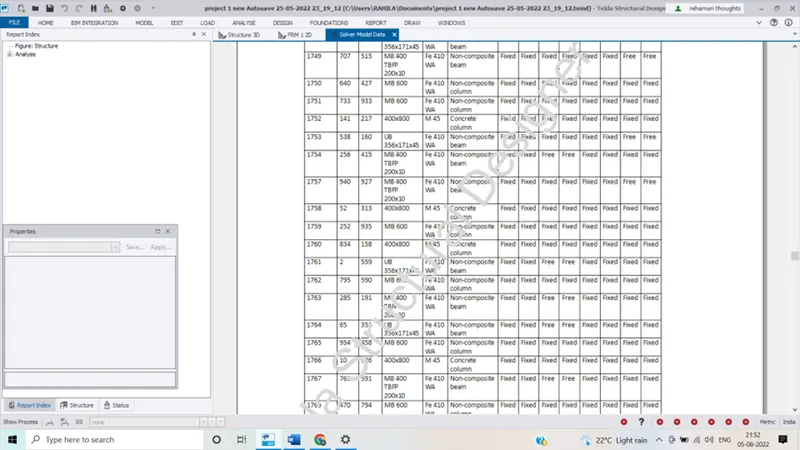
- Now select the load cases and combinations summary to obtain report
- Click on the show report to obtain report
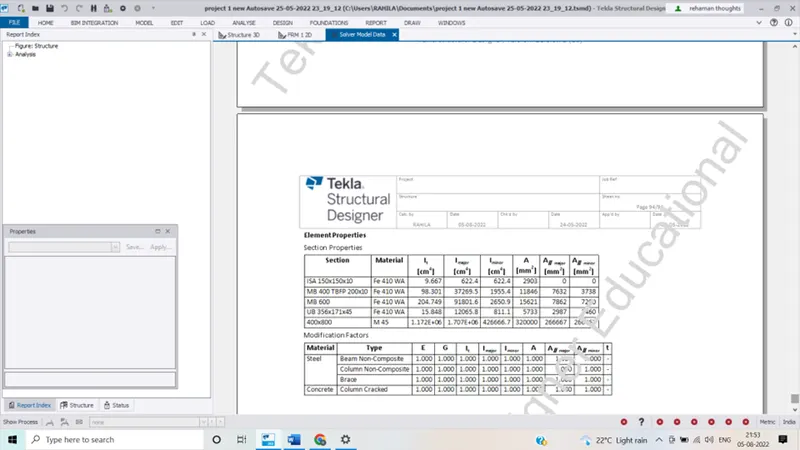 We can change the project name , address etc with the help of edit header option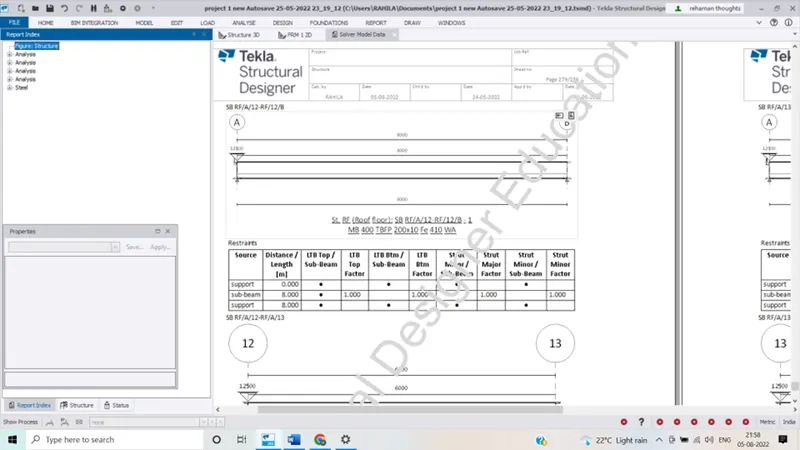
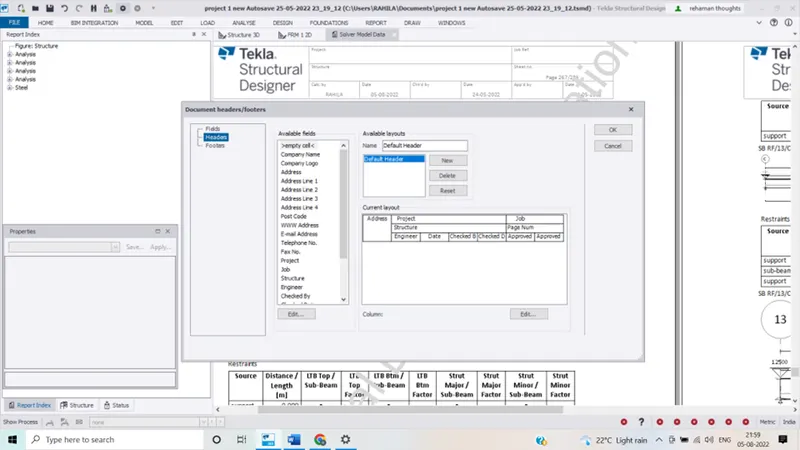
- We can change the project name , address etc with the help of edit header option under report option.
Ans 2:- Aim :- to generate the report for Rc structure along with the loading summary
Procedure:-
- Open the previously created saved Tekla model
- Open the Tekla model
- Now go to report option from the ribbon and select model report
- Now select the load cases and combinations summary to obtain report
- Click on the show report to obtain report
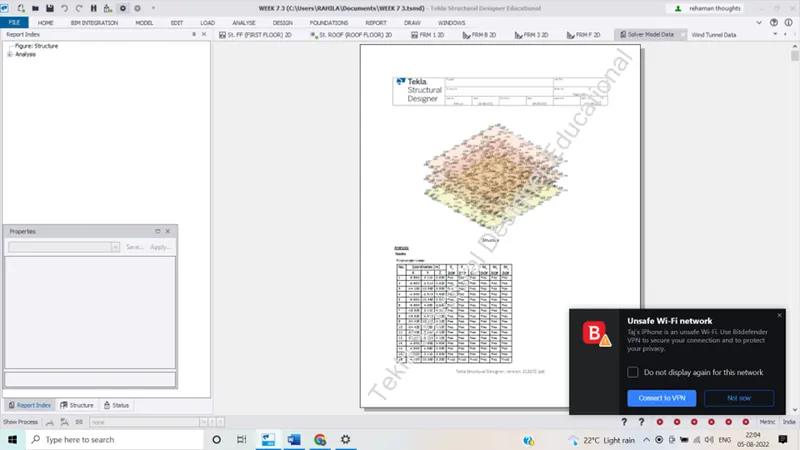
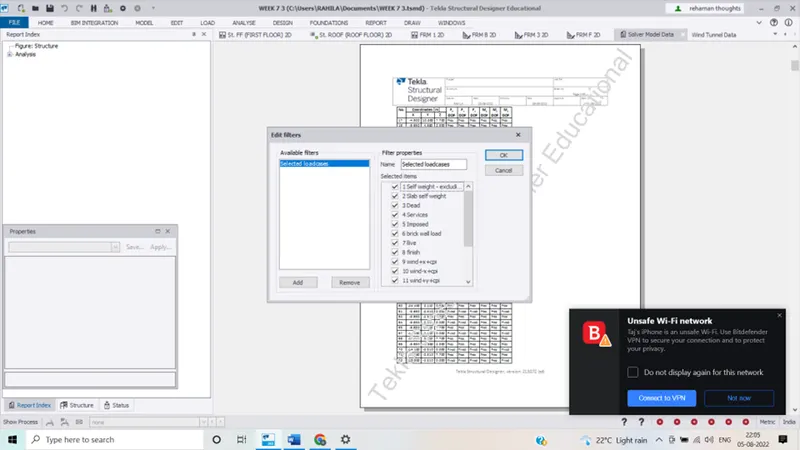
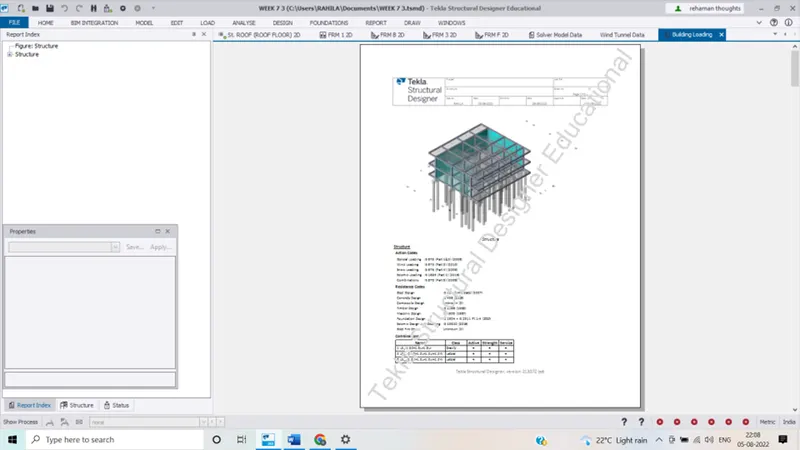
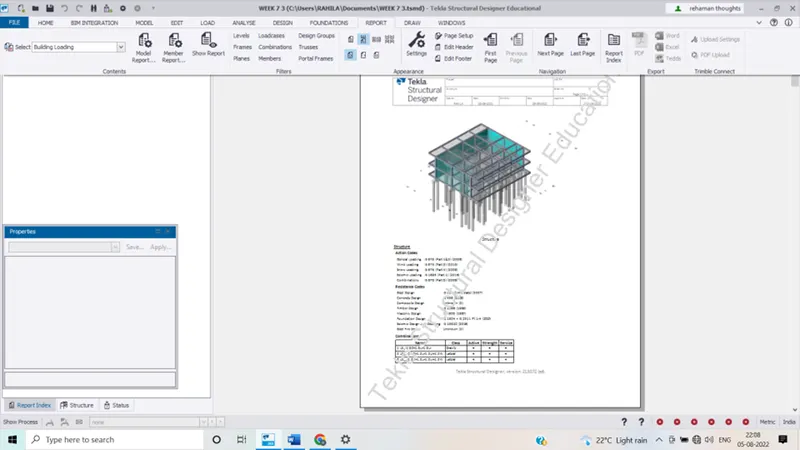
- We can change the project name, address etc
- We can also convert this report in PDF,word etc.
3.
Aim:- to update the layers setting in the model and generate plan drawings and details from the model
Procedure:-
go to setting option from the ribbon under home tab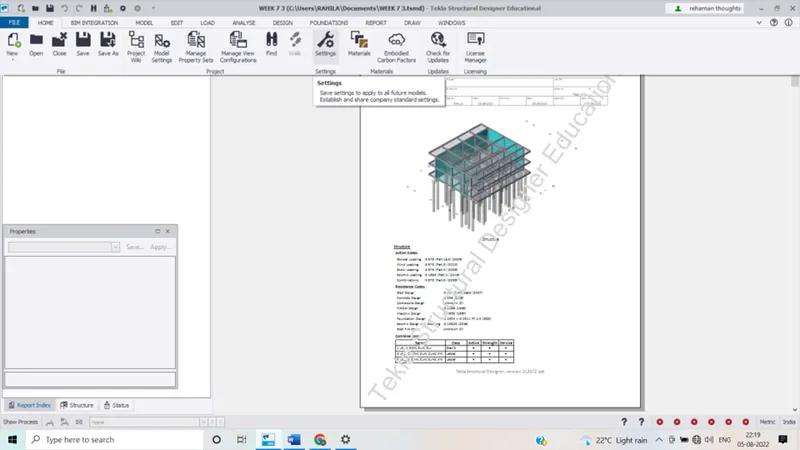 now select the drawing option and adjust the scale and sub layer configuration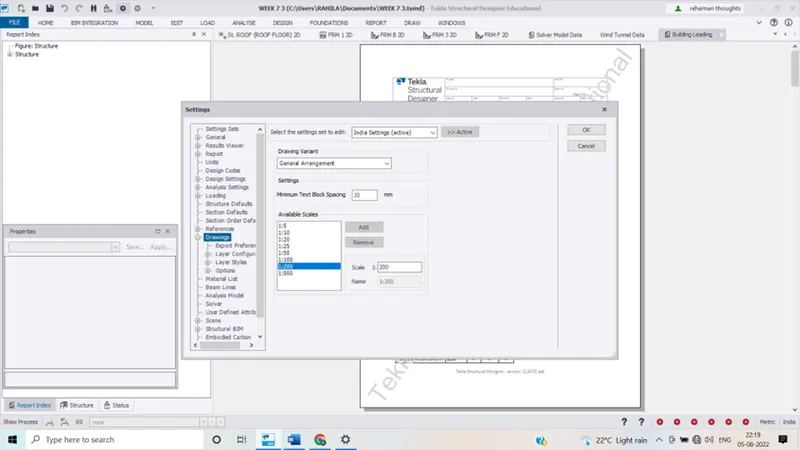
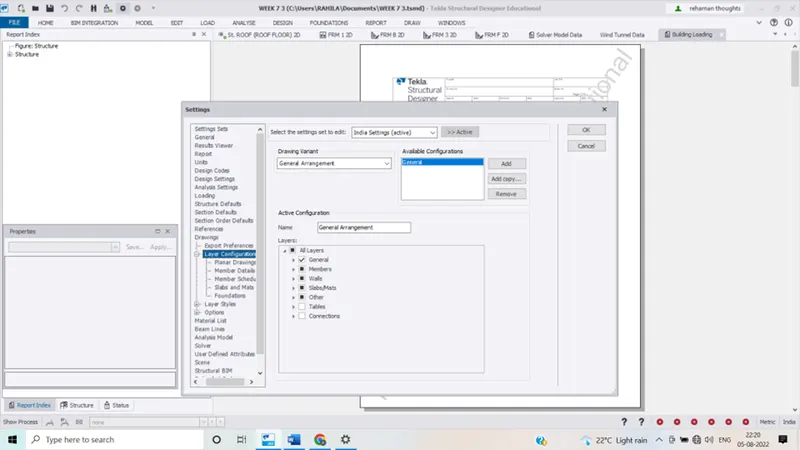 now we have to select the layer style and we will get the list of colours add different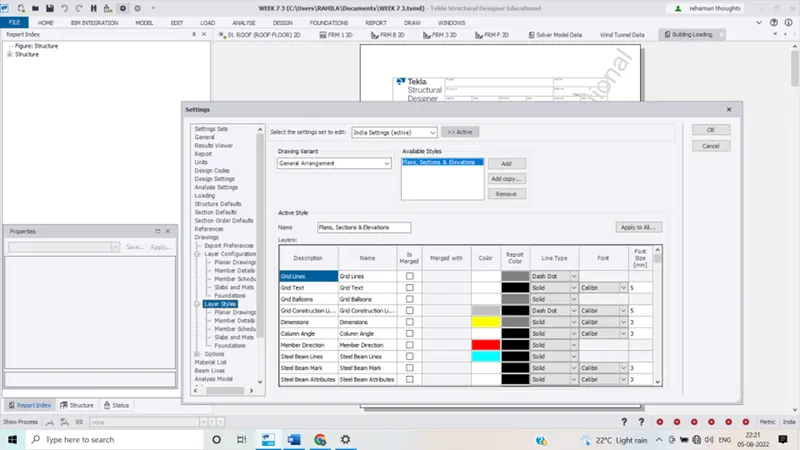
- members which is of our choice
- click on colour and then select the desired colour for our desired member
- hence we can make changes in the layer settings