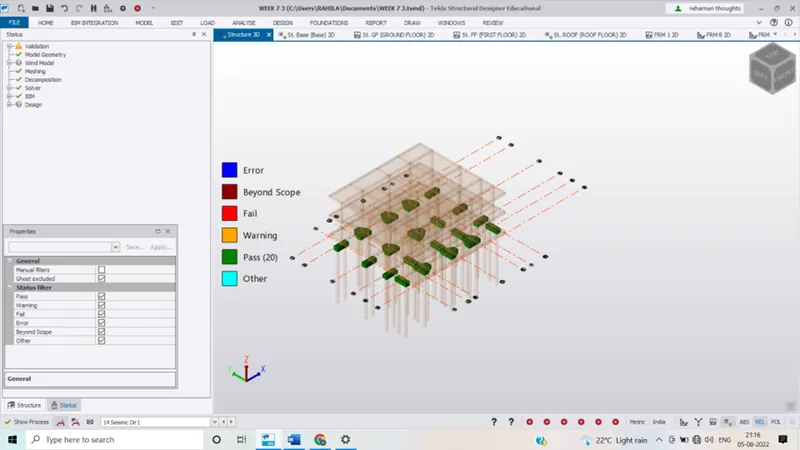
To Design slab and foundation for an RC residential building using TSD
Ans 1:-
Aim:- To design the slab and foundation of the model
Tools used:- 1st order analysis, Analysis all( static), status, check panel, properties window etc.
Procedure:-
- Open the file modeled in Tekla structural design and open 3D view
- Click on first order analysis and perform analysis
Click on the status in the results view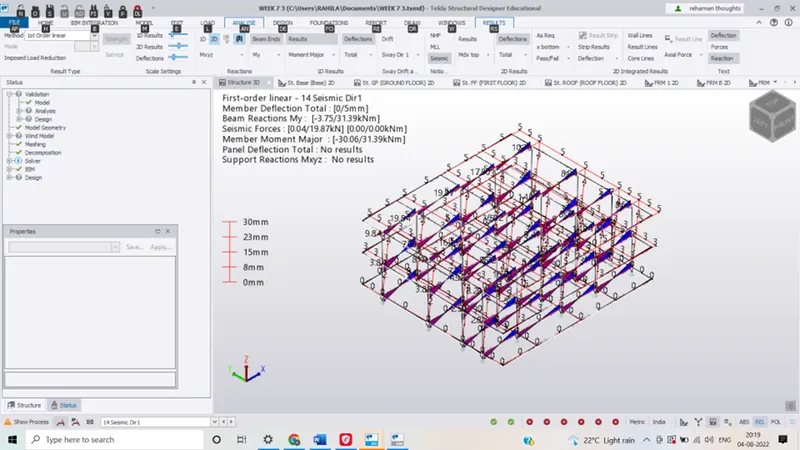 Select one tab and right click and choose check panel and see the errors that arise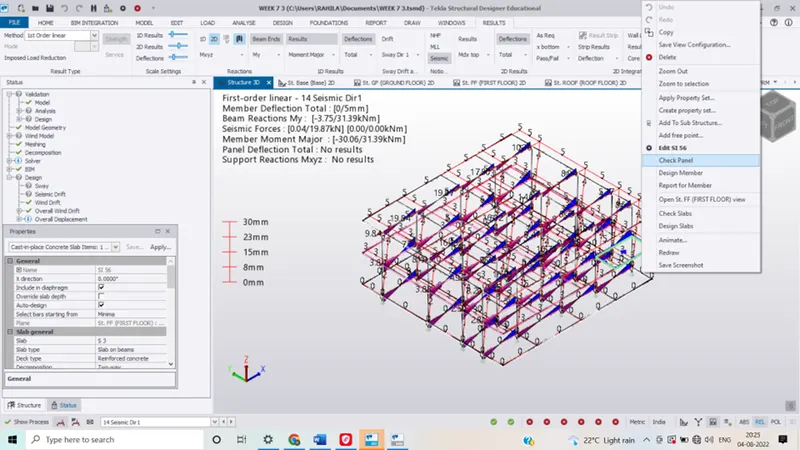
- Solve the errors carefully by observing the error by changing properties of slab and Reinforcement details such as bottom and Top bars spacing between them
After making the necessary changes , again check the panel if there are errors, if the errors are still exixteing again edit the properties and check till slab is passed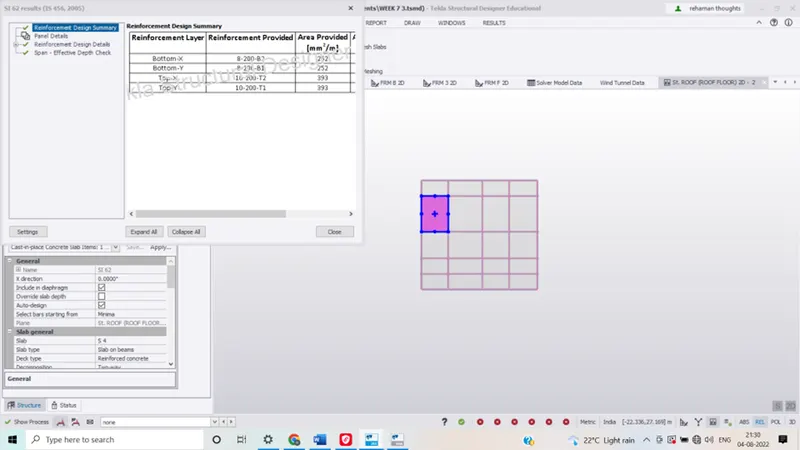 Continue the process for all the slabs of structure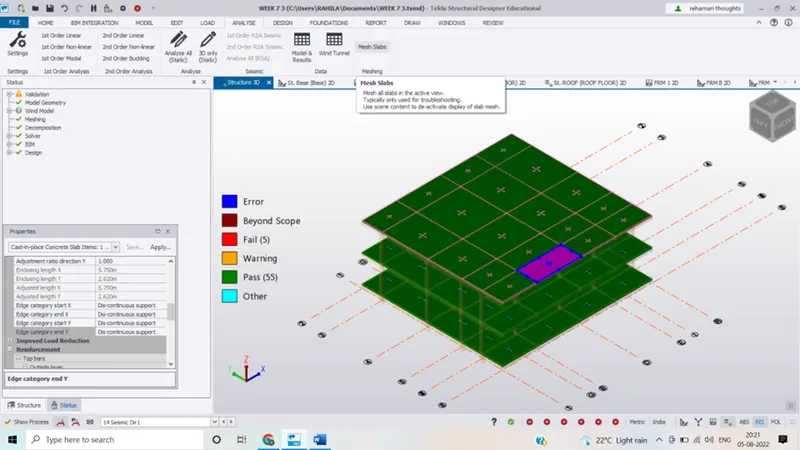
- Click o mesh button under analyse tab in order to create the meshes
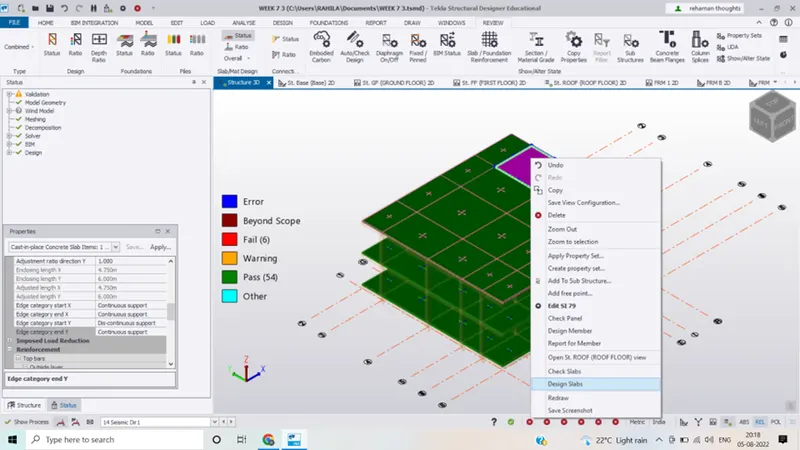
- Hence we can see that all the slabs wer e passed
Designing a foundation:-
- We are using pile foundation
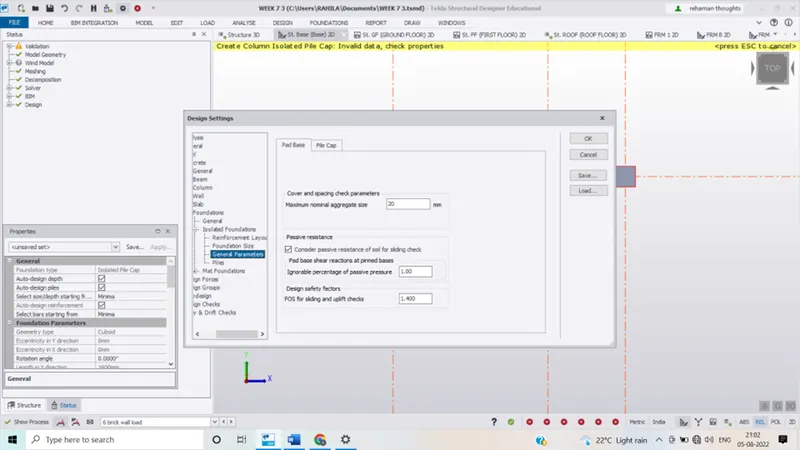
- Go to setting and make changes in the settings for foundation like reinforcement details etc.
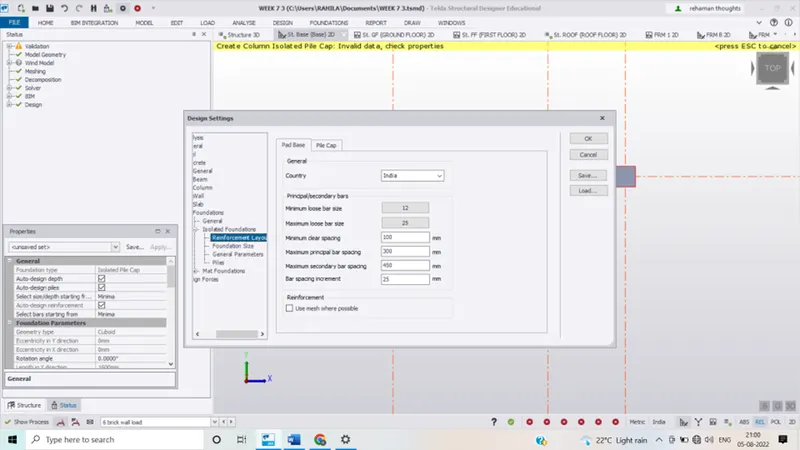
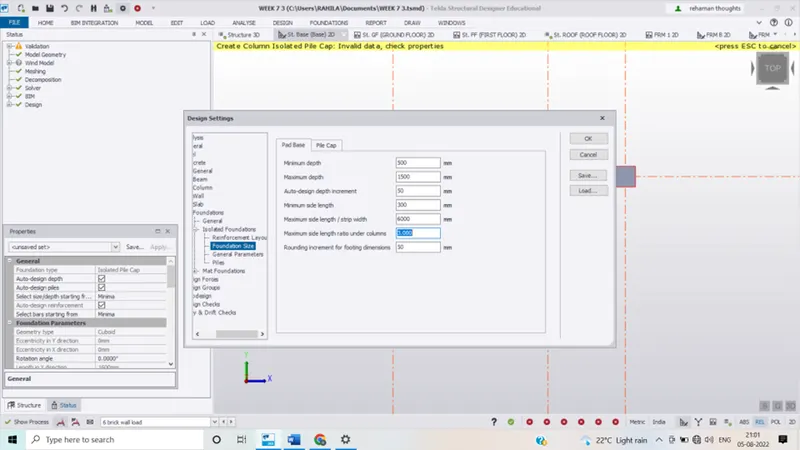
 Click on catalogue in foundation tab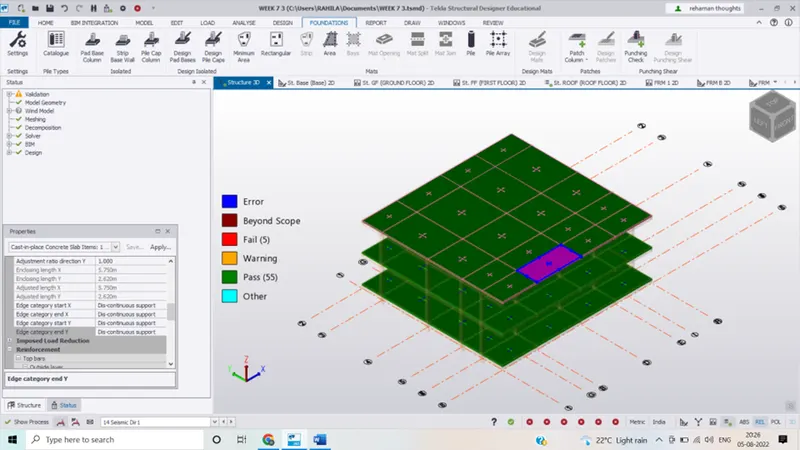
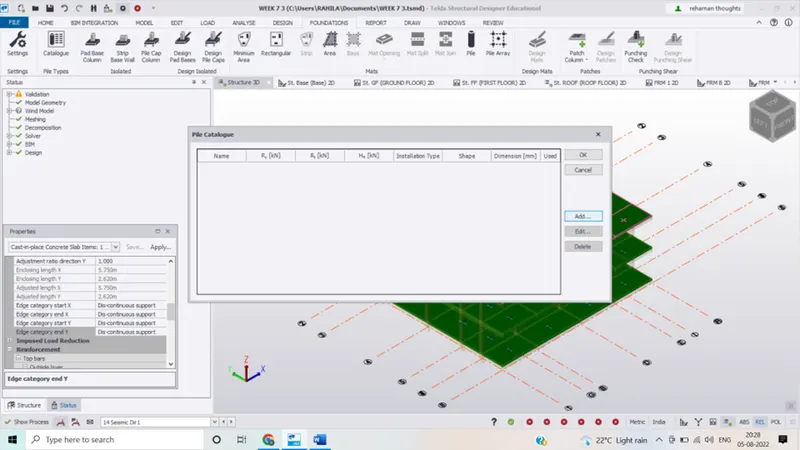
 Click on add the dialogue box that appears
 Set the properties of pile cap as shown in the picture below and press ok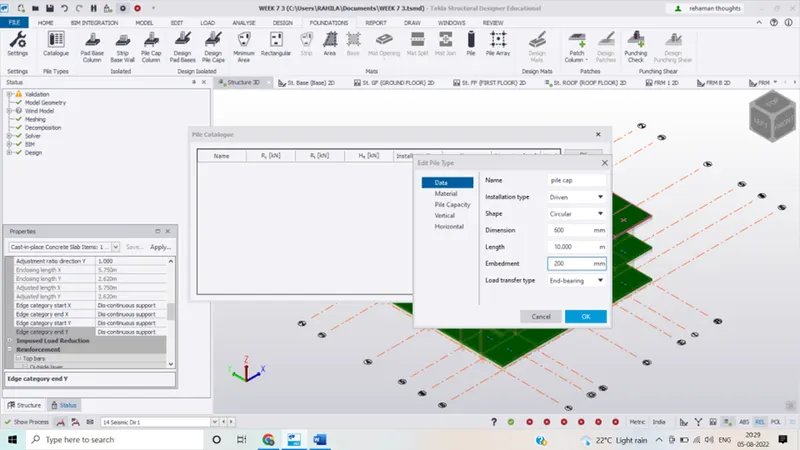
- Again click ok
- Now we have to edit pile type, shape type and load transfer type
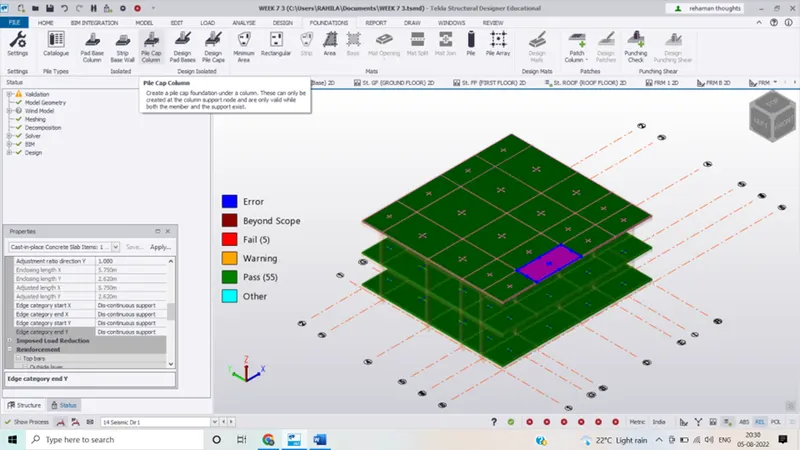
- Now click on pile cap column in the foundation tab
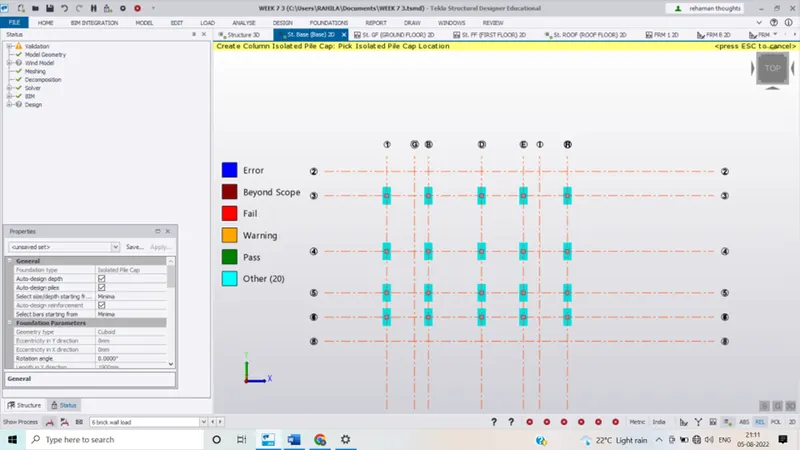
- Click on column location to create pile caps under columns
- Select the piles right click on the column and select design member.
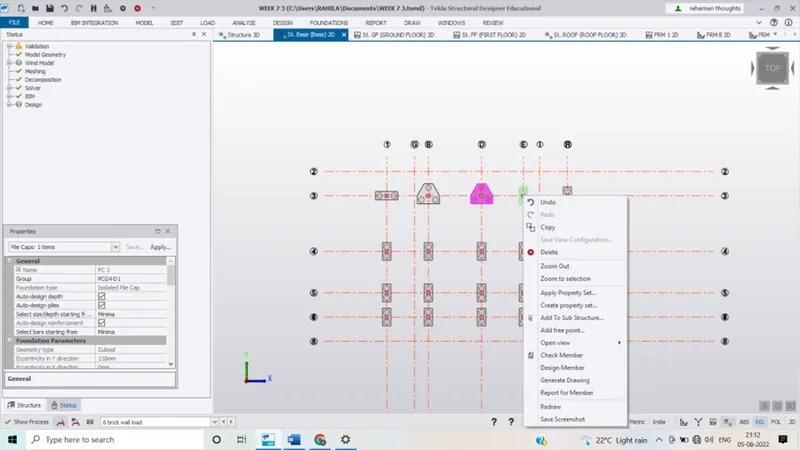
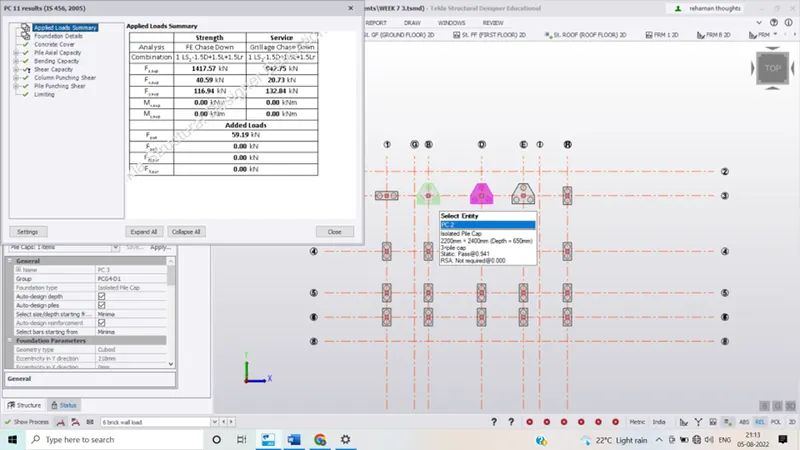
- Click on validate the model tab and check the errors if any.
- Result:
- The slabs are designed so as to sustain against the loads