Tetra Meshing
Objective:
1.To perform 3d meshing on the given models.
Elements sizes: Min- 2mm, Target- 5mm, Max- 7mm
Tet collapse: 0.15
2.To perform 3D tetra mesh with 6mm element size.
3.For model-3, the target element size is 3mm.
Procedure:
- Methods:
- Perform 2d shell elements and convert them into 3d tetra mesh.
- Directly perform 3d tetra mesh on the given models.
Method 1:
- The model is imported using the import option.
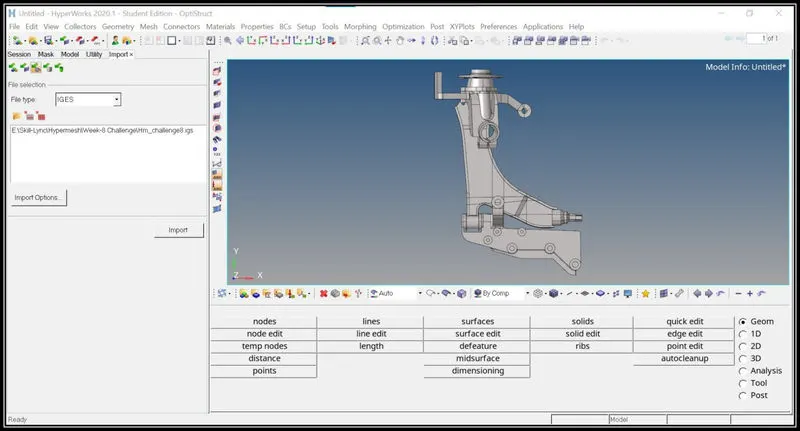
- The next step is to rearrange the construction lines which will fail for minimum element length.
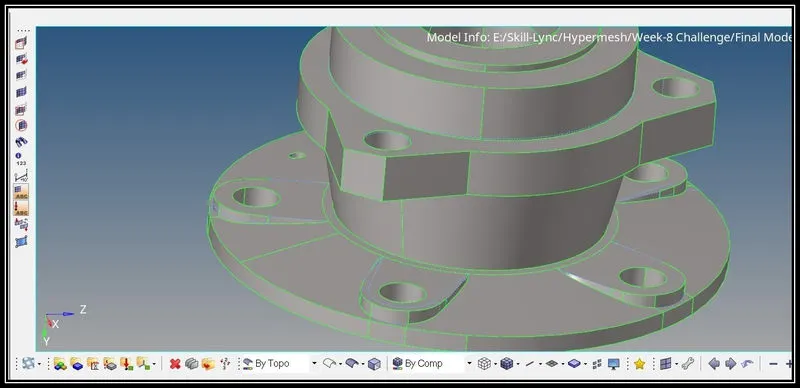
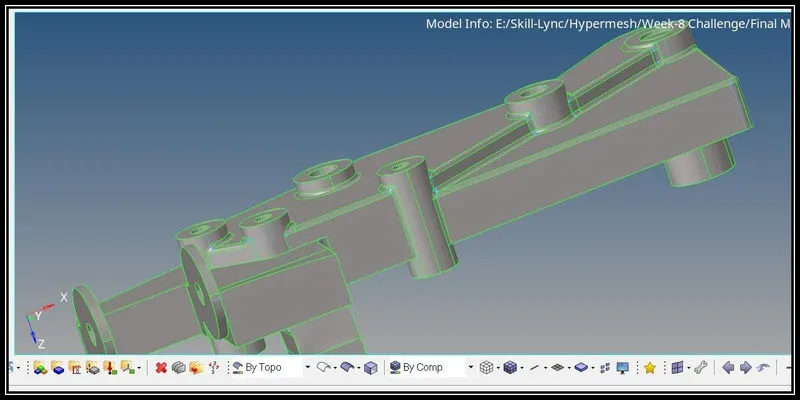
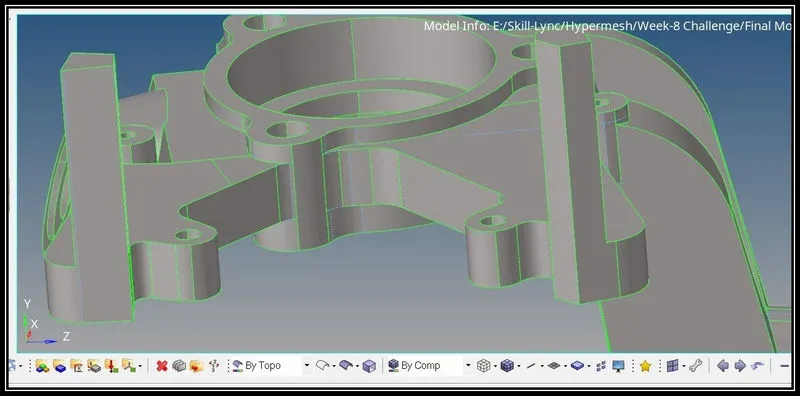
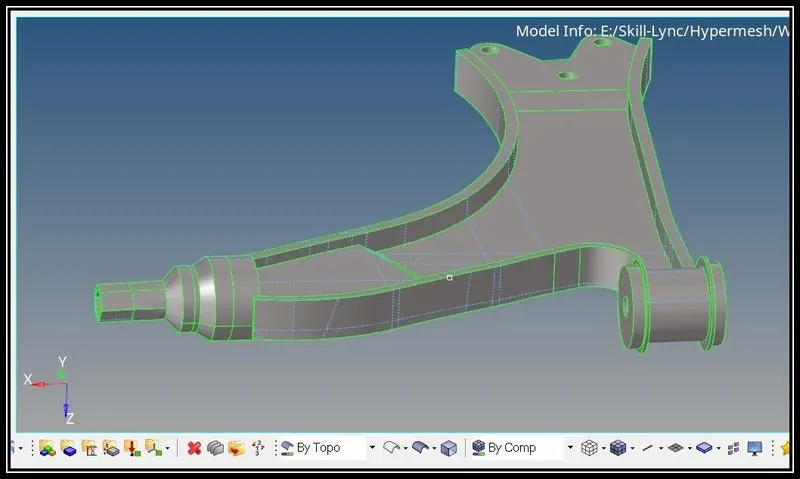
- After rearranging the construction lines the 2d mesh is performed using only trias.
- The elements which will fail for quality issues are reconstructed and proper mesh is achieved.
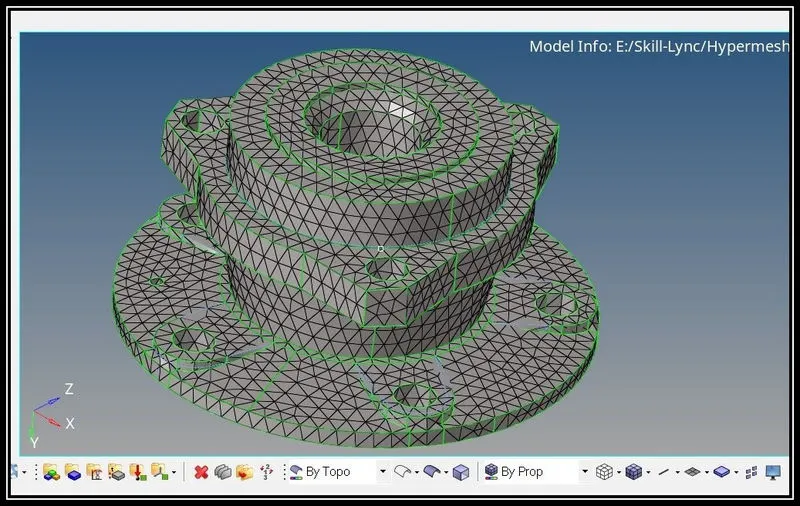
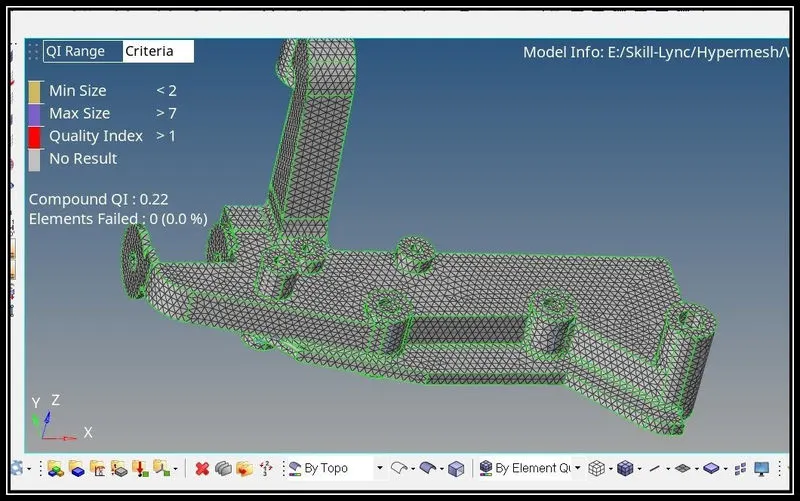
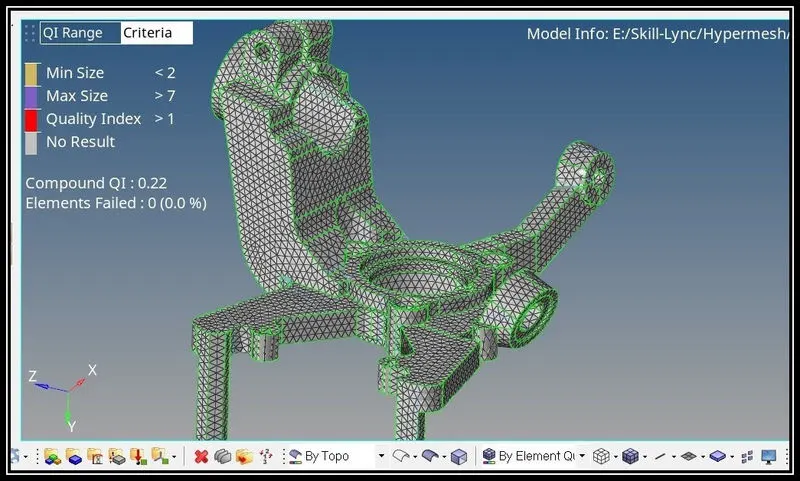
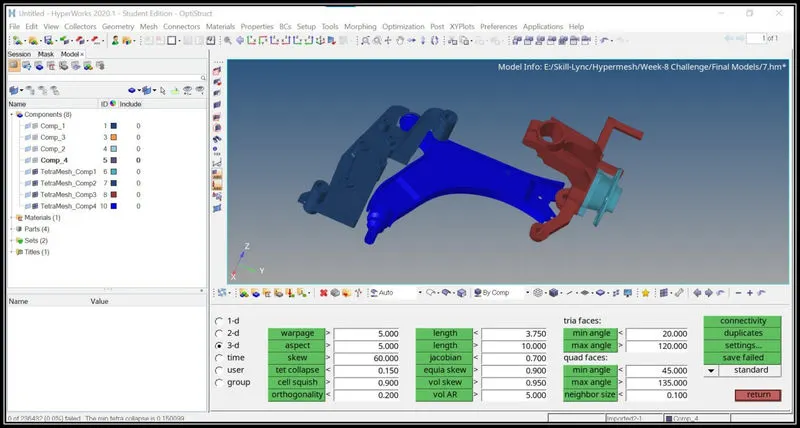
- Then Using tertamesh option in the 3d tool menu, the tetra mesh is created by selecting the 2d shell elements.
- Then the tet collapse quality is checked and using tetra-remesh option the quality issues are fixed.
- Then using organize option the tetra mesh are moved into a separate collector for convenience.
Conclusion:
- Understand how to create 2d shell elements according to the quality criteria.
- Understands how to convert 2d shell elements into tetra-mesh elements.
Method 2:
- The model is imported using the import option.
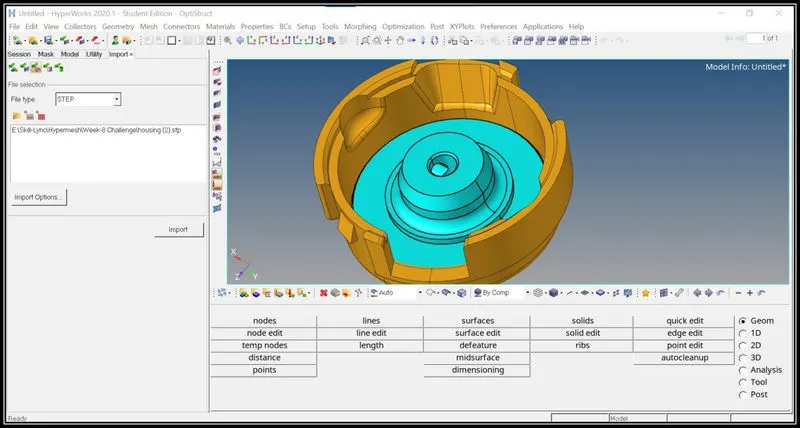
- Then in the view tab, click on browsers> hypermesh> utility.
- Then in the utility menu option click on geo/mesh option.
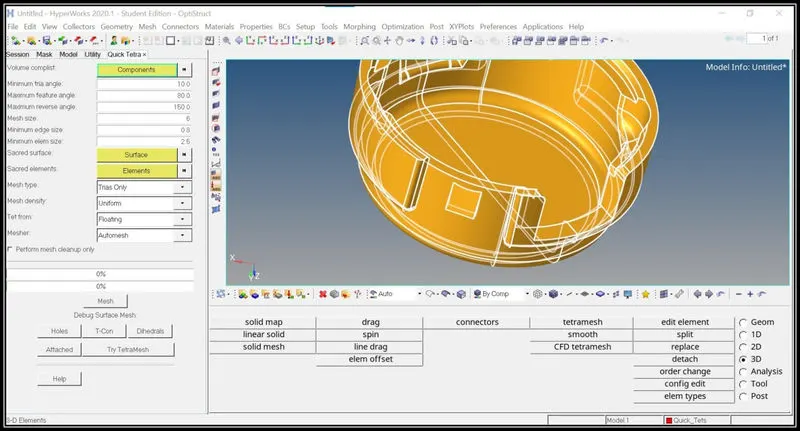
- Then in the utility dialogue box select element size and mesh type and select the component and click on mesh option.
- The 2d mesh and 3d tetra mesh is automatically performed by the Hypermesh software.
- The tetra mesh will be saved in the separate collector automatically and it can be renamed as per our requirement.
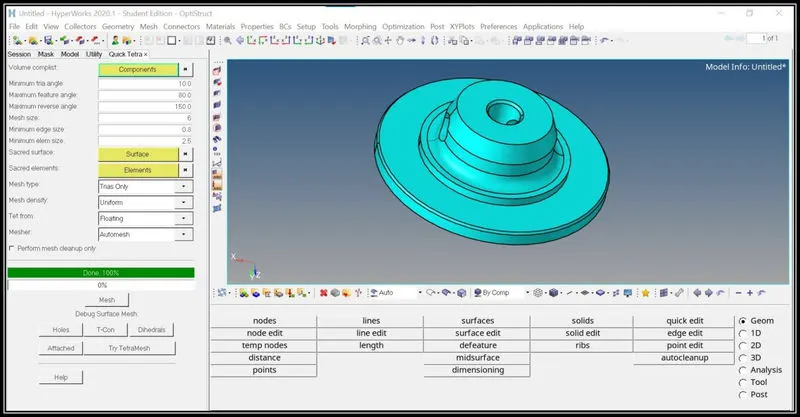
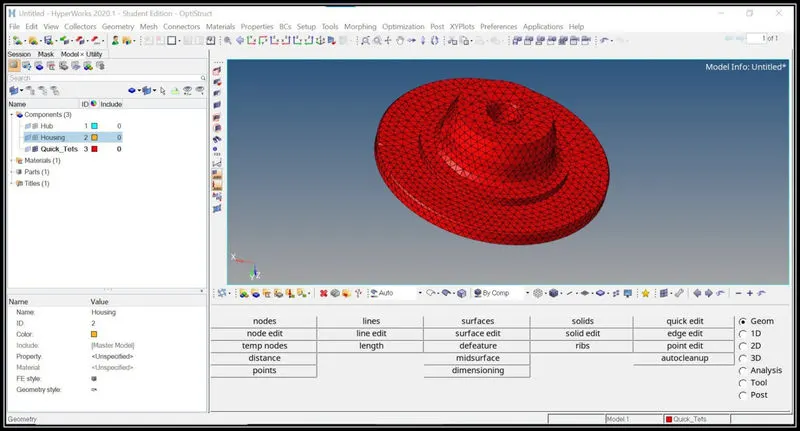
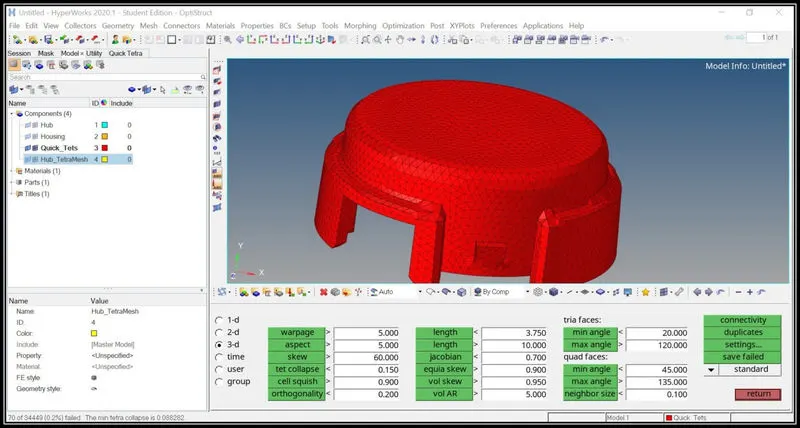
- Then the 3d tetra mesh elements are checked for tet collapse quality issue and it is rectified by using the tetra remesh option in the 3d menu option.
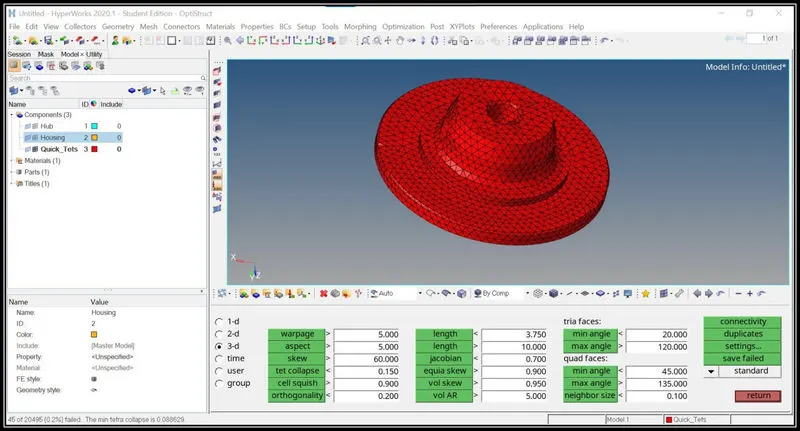
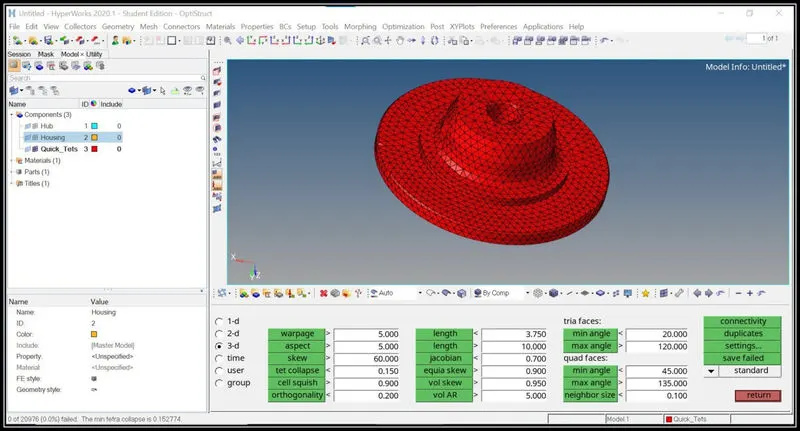
- The same procedure is followed for the housing part also to create the tetra mesh.
- Set the parameters in the utility option to create the automatic tetra mesh.
- The 3d tetra mesh elements are checked for the tet-collapse quality issue and it is cleared by tetra-remesh option.
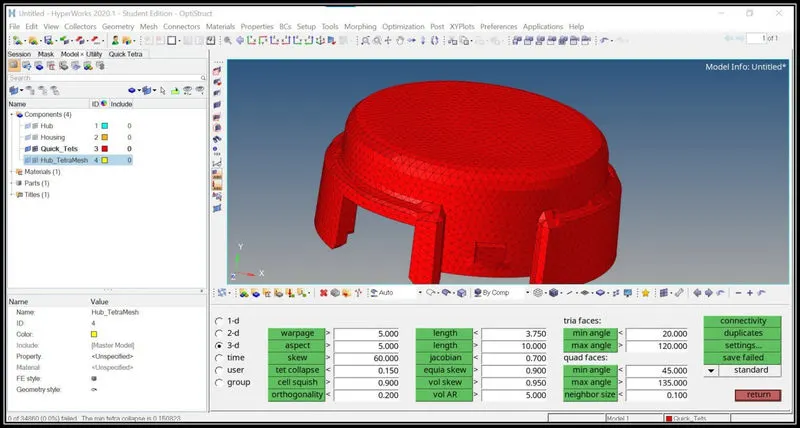
Conclusion:
- Thus 3d tetra mesh is performed automatically using the above procedure.
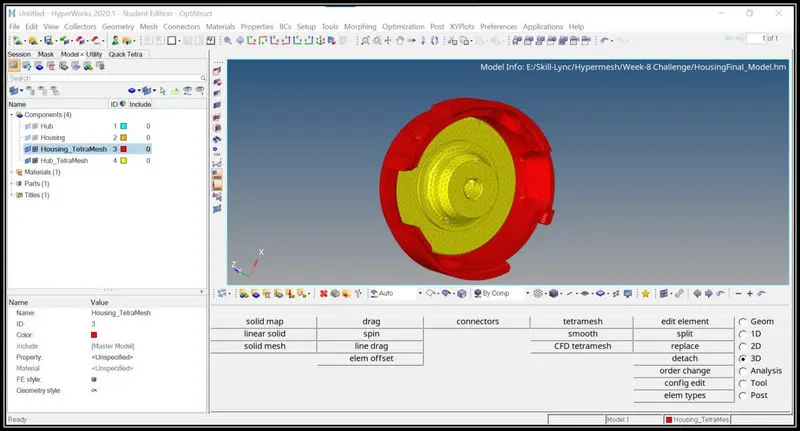
Model 3:
Quality criteria: Target Element size:3, Tet Collapse:0.15
Procedure:
- Import the model.
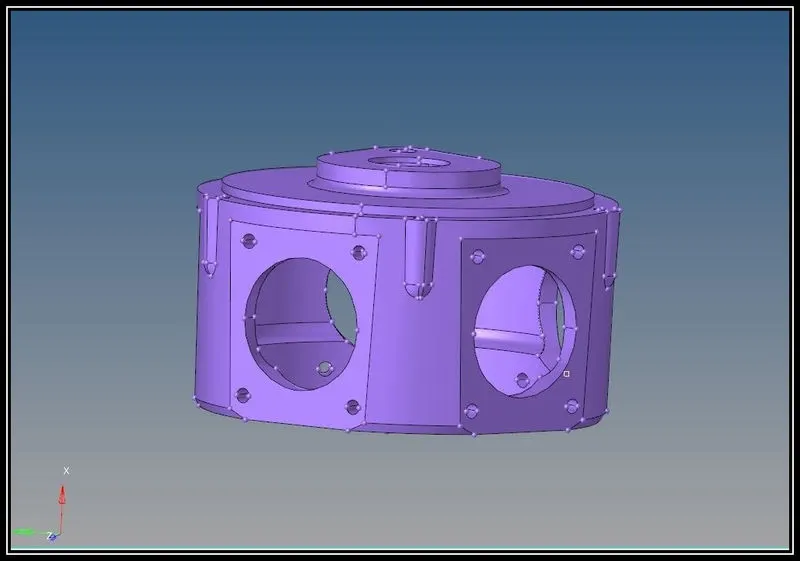
- Then in the view tab, click on browsers> hypermesh> utility.
- Then in the utility menu option click on geo/mesh option.
- Then in the utility dialogue box select element size and mesh type and select the component and click on mesh option.
- The 2d mesh and 3d tetra mesh is automatically performed by the Hypermesh software.
- The tetra mesh will be saved in the separate collector automatically and it can be renamed as per our requirement.
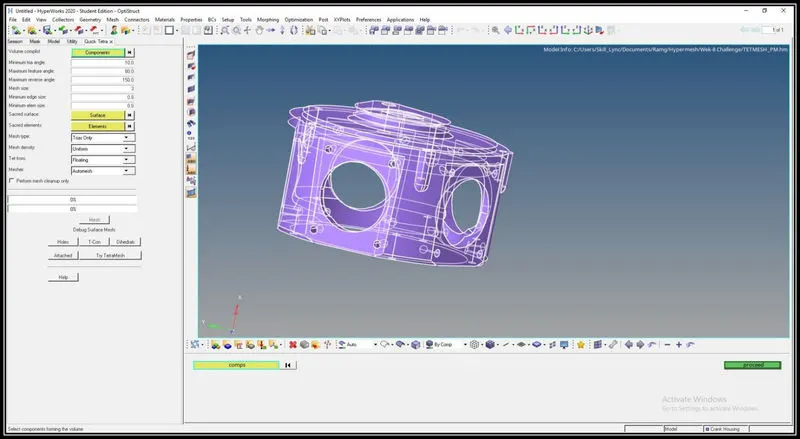
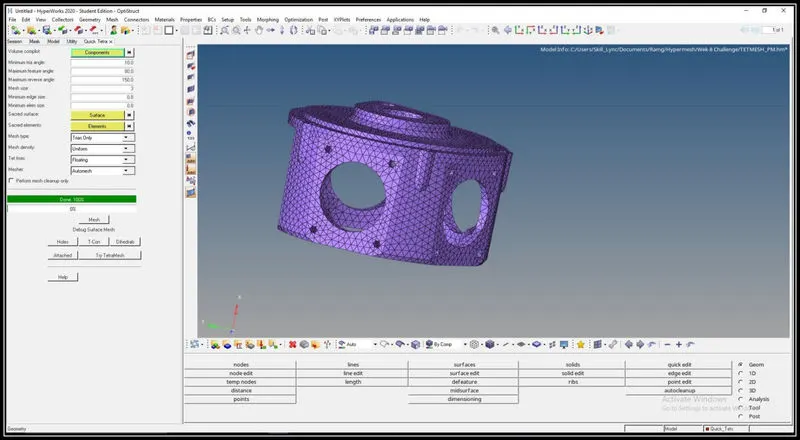
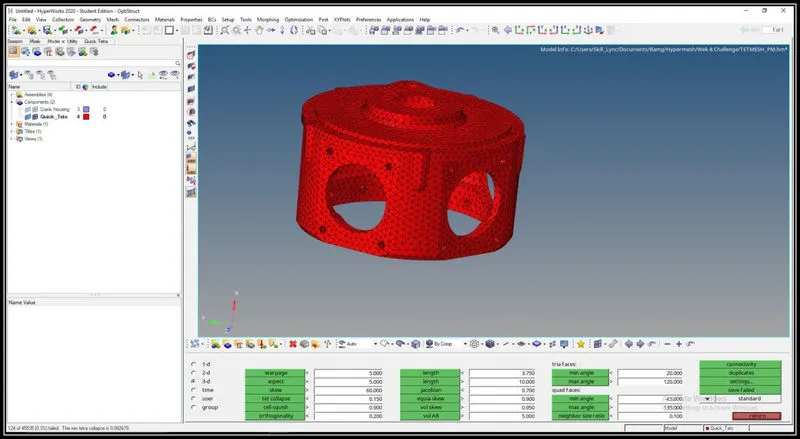
- The tet collapse quality criteria are checked and it is to be remeshed.
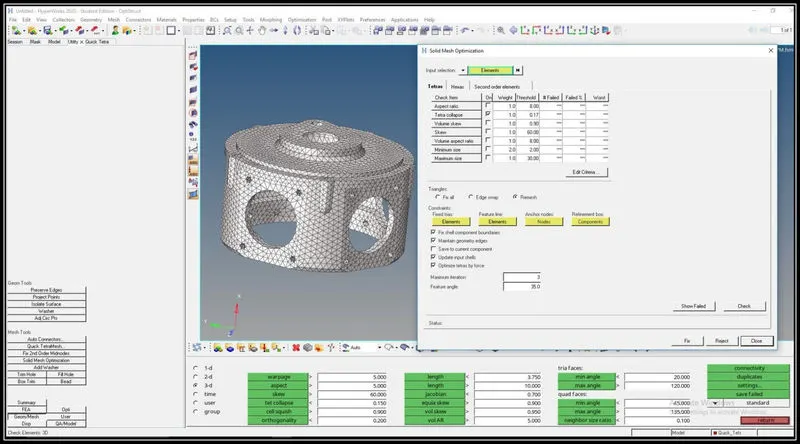
- Using the solid optimization in the utility tab the elements are remeshed.
- By increasing the tet collapse value to 0.17, the tetra elements are remeshed.
- After remeshing, the tetra elements are again checked for tet collapse quality issue.
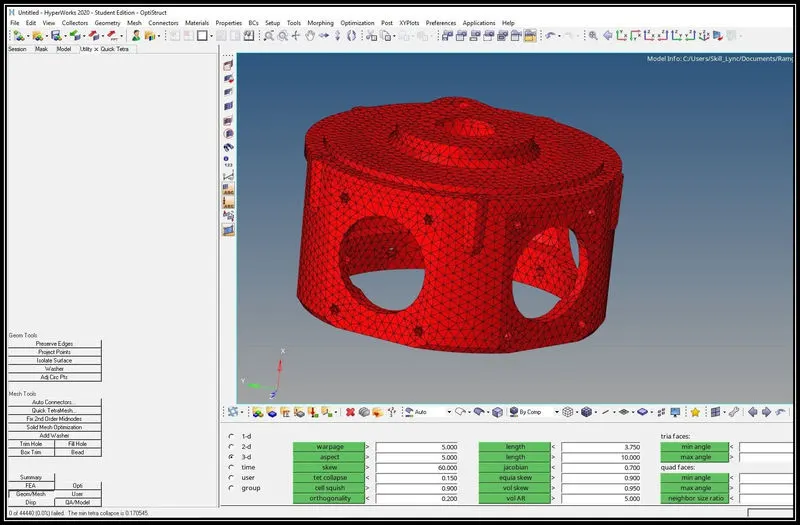
Conclusion:
- Understand how to generate automatic 3d tetra mesh elements according to the given quality criteria.