Roof Design
Aim:
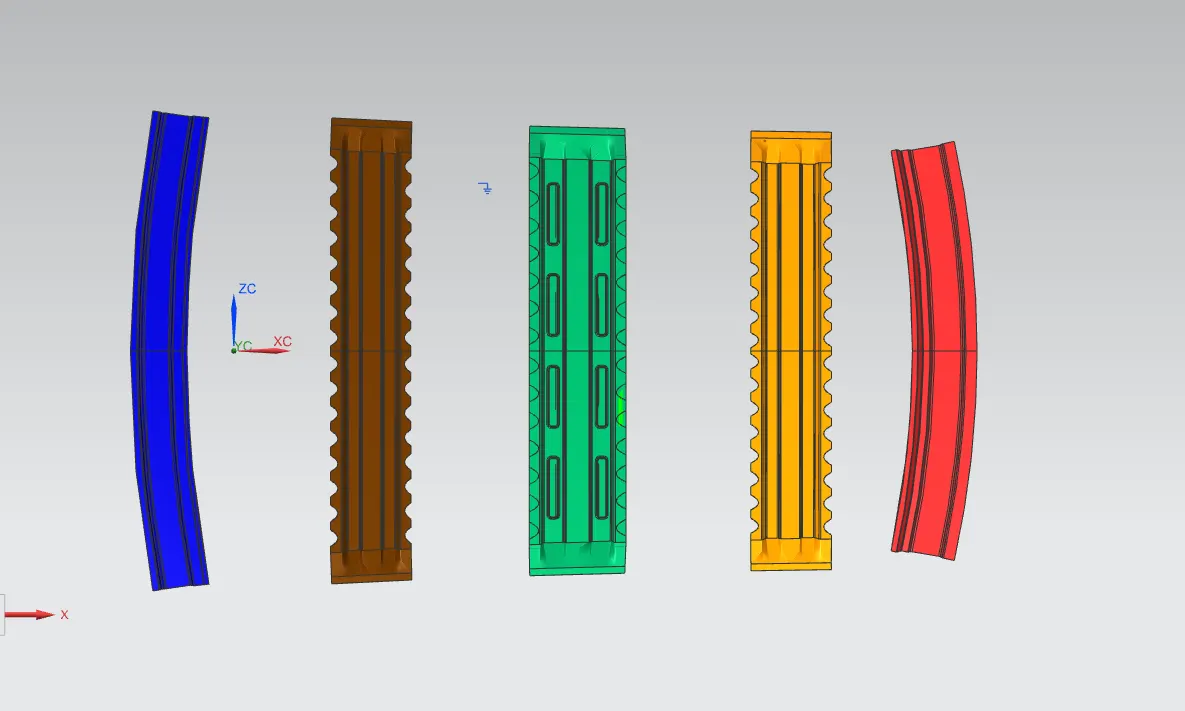
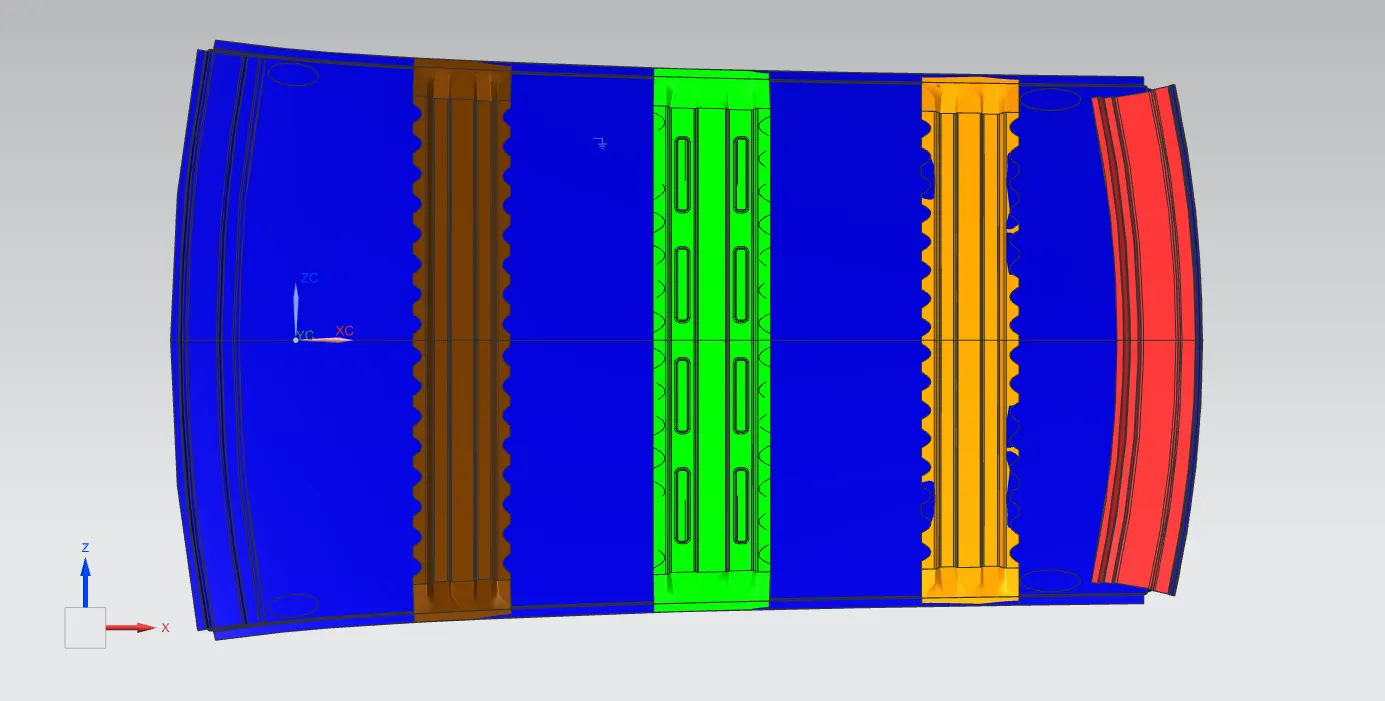
To design various sections of a Car Roof based on the given inputs, such as roof styling, design parameters & standards and to do a curvature study on the roof and perform calculations to validate and determine the position of the Bow-roofs using NX CAD.
Introduction:
A car roof or car top is the portion of a car that sits above the passenger compartment, protecting the vehicle occupants from sun, wind, rain, and other external elements.The external sheet metal part is called roof panel which is mounted on and supported by roof bows.
In this project, we will be focusing on designing the roof rails & bow-roofs, as well as the roof ditch area by developing necessary flanges & reinforcements and doing draft analysis of individual roof rails, analysing the curvature of the roofs by performing calculations, to obtain the right positioning of the bow roofs.
Roof Design & Assembly:
The roof is an assembly of roof rails such as front roof rail, rear roof rail, reinforcement centre & bow roofs. The number of bow roofs is directly proportional to the length of the roof. The bow roofs are usually positioned where the roof curvature is considerably flat. The ultimate purpose of placing the roof rails & bow roofs is to support the roof & to add strength to it.
The roof rails, bow roofs and the roof ditch area were predominantly designed using the following commands
- Offset Surface : This command is used to create a surface or a body by offsetting a set of faces.
- Offset Curve in Face : Offsets curves along the faces on which they lie.
- Trim Sheet : Trims off a portion of a sheet body.
- Extend Sheet : Extends a sheet body by distance or to the intersection with another body.
- Trim Body : This command is used to trim a portion of a body along a plane or a face.
- Through Curves : Creates a body through multiple sections where the shape changes to pass through each section.
- Law Extension : Creates a law-controlled extension from base sheet, dynamically or based on laws for distance and angle.
- Face Blend : Adds tangent blend faces between selected set of faces based on the radius specified.
- Edge Blend : Rounds sharp edges between faces based on the radius specified.
- Projected Curve : Projects curves, edges, or points onto faces or planes.
- Emboss : Modifies a body with faces made by projecting a section along a vector, with options for end cap location and shape.
- Curve on Surface : Creates a surface spline feature directly on a face.
- Mirror Geometry : Copies geometries and mirrors them across a plane.
- Sew : Combines sheet bodies by sewing common edges together, or combines solid bodies by sewing common faces.
- Thicken : Creates a solid body by adding thickness to a set of faces.