Radar Mast & Final Assembly of Yacht
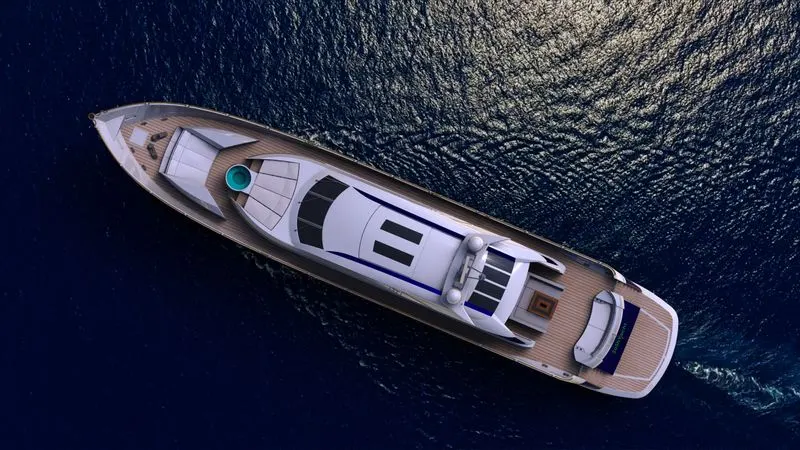
TITLE: - DESIGN OF SUNSEEKER PREDATOR YACHT WITH PHOTO REALISTIC RENDERING USING SOLIDWORKS
OBJECTIVE:
- To design individual parts of the yacht
- To assemble all the individual parts of the yacht model
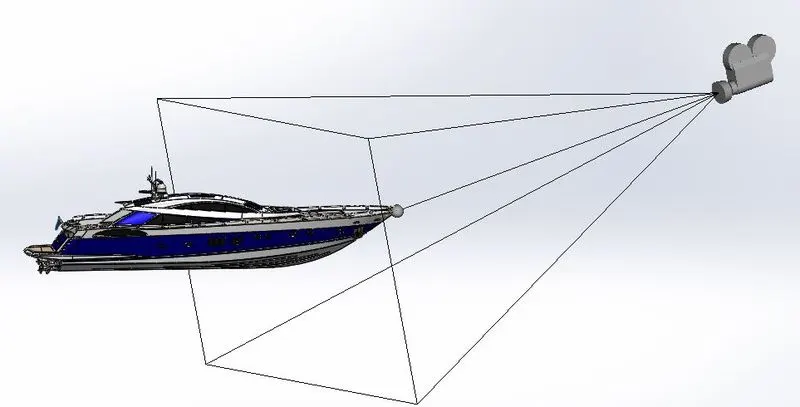
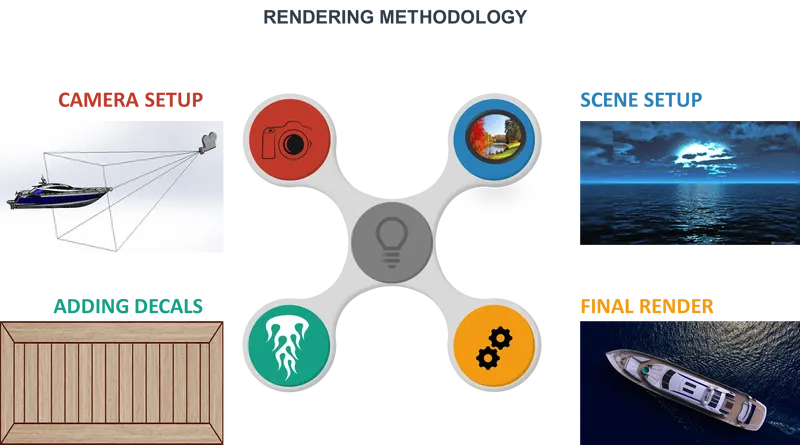
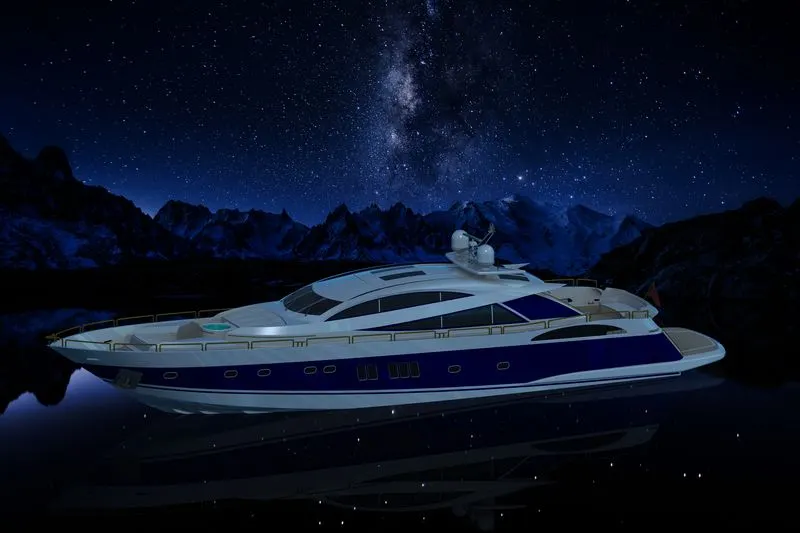
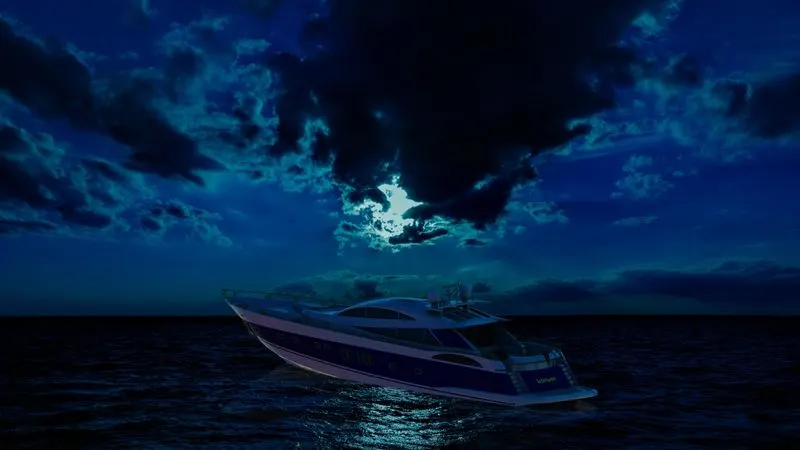
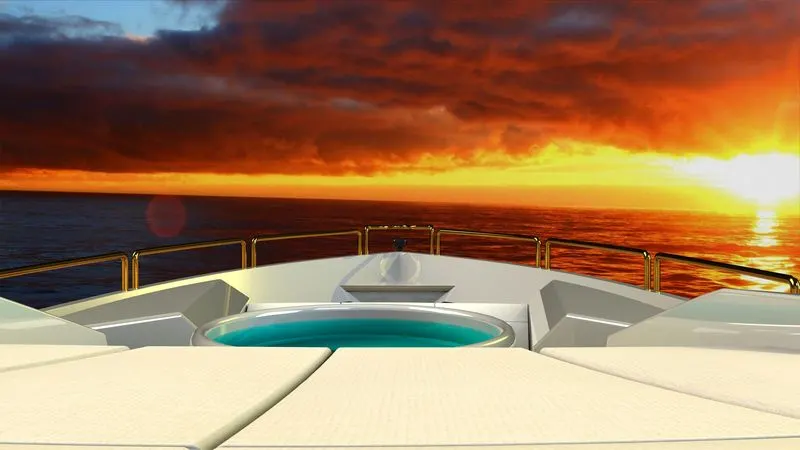
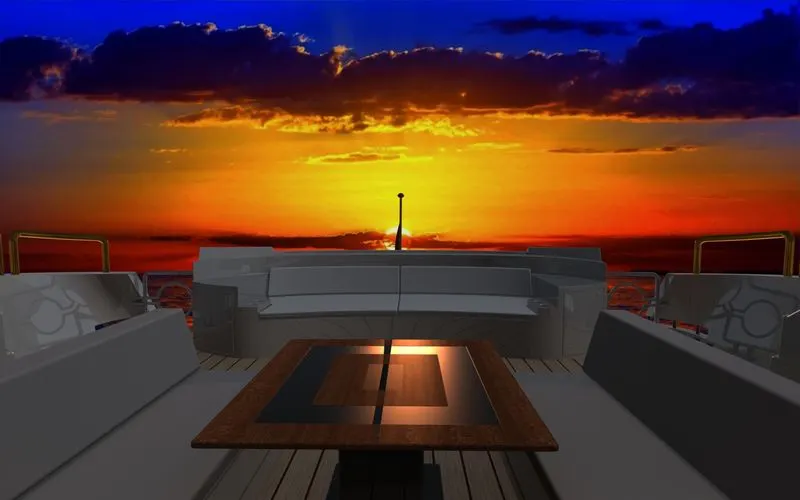
- To render the yacht model by adding appearances, decals, lights, cameras, and background scene
INTRODUCTION:
A yacht is a sailor power vessel used for pleasure, cruising, or racing.
Sunseeker International is a British luxury performance motor yacht brand. Originally named Poole Power Boats, the company was founded by brothers Robert and John Braithwaite in 1969. The company changed its name to Sunseeker International in 1985 and has since become a global icon. Its headquarters and main assembly facility is in Poole Harbour, at Poole in Dorset, England. Chinese conglomerate Dalian Wanda Group has owned the company since 2013. It is the largest UK-based luxury yacht maker measured by 2012 revenues.
SOFTWARE USED:
- SOLIDWORKS 2017
- PHOTOVIEW 360
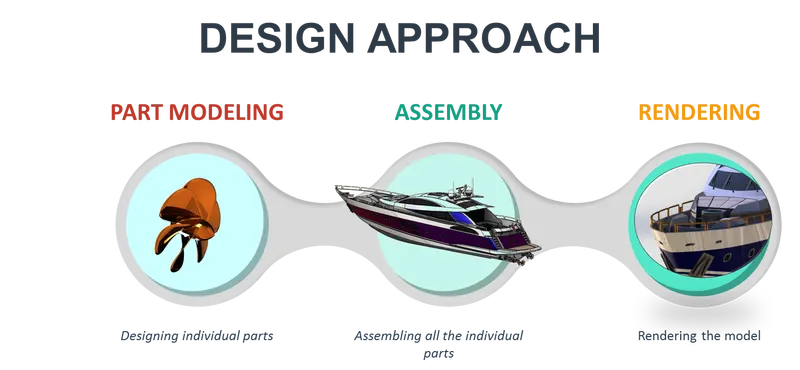
PART MODELLING
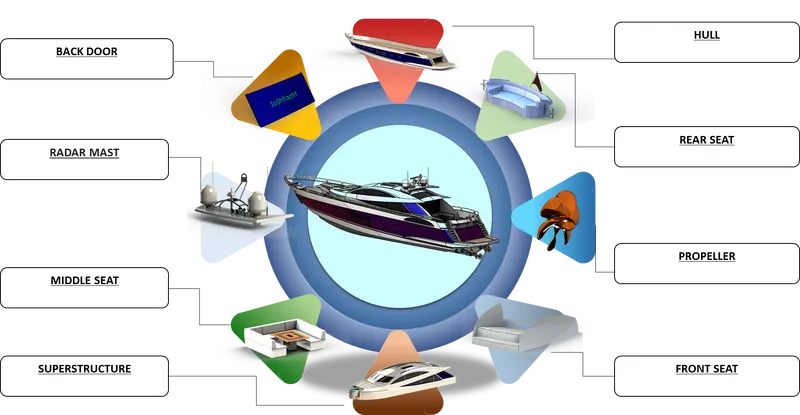
FEATURES USED WHILE MODELLING:
- SKETCH: Sketch is a 2D representation of the model. Some of the sketch commands are
- Line- In sketch line is created by choosing different types like centerline, midpoint line, and construction line
- Arc- It is a three-pointed arc that can be created on basis of positioning points.
- Smart Dimensions- The dimensions of any sketches can be changed easily in required situations by using this command.
- Sketch picture - This command is useful in inserting required pictures for the modeling part.
- Offset- It Offsets one or more sketch entities or selected model edges
- Mirror- It used to create a duplicate curve about the required curve or plane
- Spline- It is used to create irregular curves
- Trim – it is used to trimming curves.
- Extend - It can extend the entities to nearby geometry
- EXTRUDE BOSS/BASE- It is used to create 3d objects from reference sketches.
- REVOLVE BOSS/BASE- It is used to create a solid feature by revolving a sketch about an axis
- SWEEP- It is a tool in which a 2D cross-section is moved along a pre-set path to creating a 3D object.
- LOFT- Loft is almost the same as sweep, but it requires more than 1 cross-section
- PROJECT CURVE- It is a tool used to form 3D curves from two 2D curves from two different planes
- EXTRUDE CUT- it is used to remove material from a 3d object by using a reference sketch.
- REVOLVE CUT- It is used to cut a solid feature by revolving a sketch about an axis.
- FILLET- It creates a rounded internal or external face on the part
- CHAMFER- It creates a straight line which bevels the edges of objects
- DRAFT- Draft tapers faces using a specified angle by selecting faces in the model
- DOME- It creates a dome to the selected planar and non-planar faces
- SHELL- The shell tool hollows out a part, leaves open the faces that are selected.
- LINEAR PATTERN- It is used to create multiple instances of one or more features along one or two linear paths
- CIRCULAR PATTERN- It is used to create multiple instances of one or more features about an axis
- SWEEP SURFACE- It is a tool in which a 2D cross-section is moved along a pre-set path to creating a surface
- KNIT SURFACE- The Knit Surface tool is used to combine two or more surface
- TRIM SURFACE- It is used to trim surfaces by using curves, sketches, or surface as a trim tool
- FILLED SURFACE- Constructs a surface patch within a boundary defined by existing model edges, sketches, or curves.
- 3D SKETCH- Creates a new sketch in 3D space.
- Ruled Surface- Inserts ruled surfaces from edges.
- THICKEN- Creates a solid feature by thickening one or more adjacent surfaces which are already knit.
- Delete Face- Deletes faces from solid bodies to create surfaces or deletes faces from surface bodies.
- Extend Surface- Extends the edge, multiple edges, or the face on a surface, based on end conditions and extension type.
RADAR
It is a system for detecting the presence, direction, distance, and speed of the yacht, by sending out pulses of radio waves which are reflected off the object back to the source.
Features used:
- Sketch
- Extrude boss/base
- Fillet
- Extrude cut
- Sketch driven pattern
- Mirror
- Split Line
- Appearance
PROPELLER
It is a mechanical device for propelling a boat or aircraft
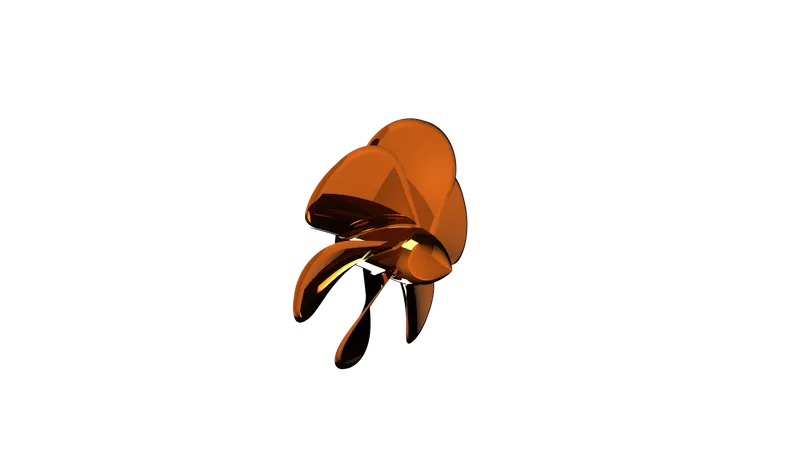
Features used:
- Sketch
- Fillet
- Extrude cut
- Circular pattern
- Lofted Surface
- Appearance
FRONT SEAT
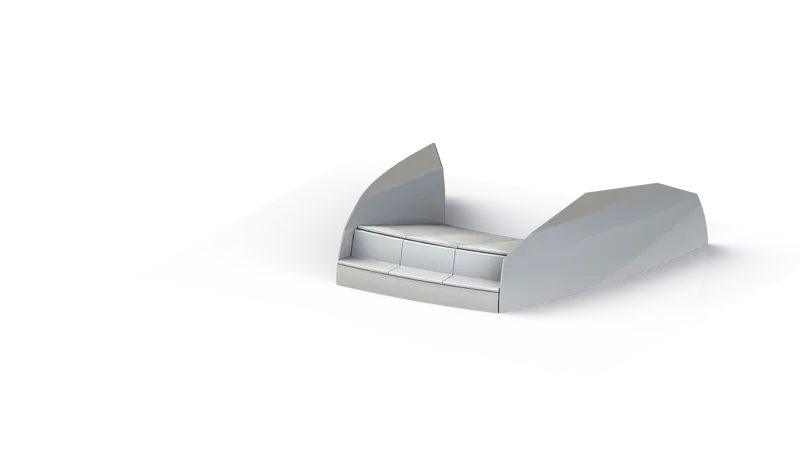
Features used:
- Sketch
- Extrude boss/base
- Extrude cut
- Sweep surface
- Ruled surface
- Lofted surface
- Knit Surface
- Mirror
- Fillet
- Chamfer
- Dome
- Appearance
MIDDLE SEAT
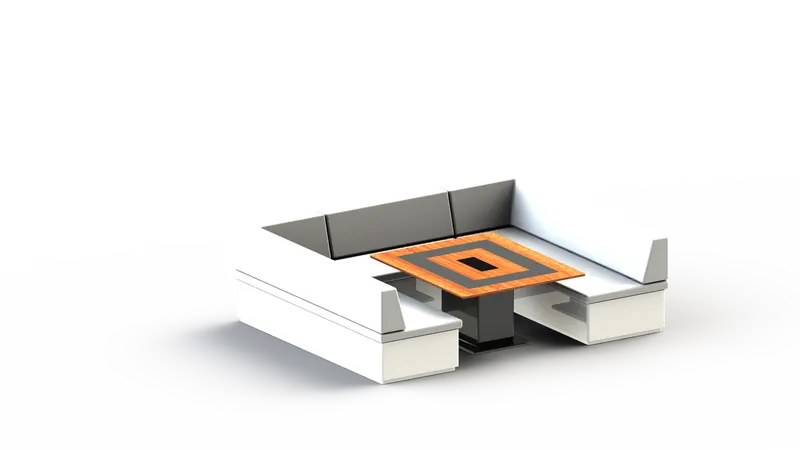
Features used:
- Sketch
- Extrude boss/base
- Mirror
- Fillet
- Chamfer
- Appearance
REAR SEAT
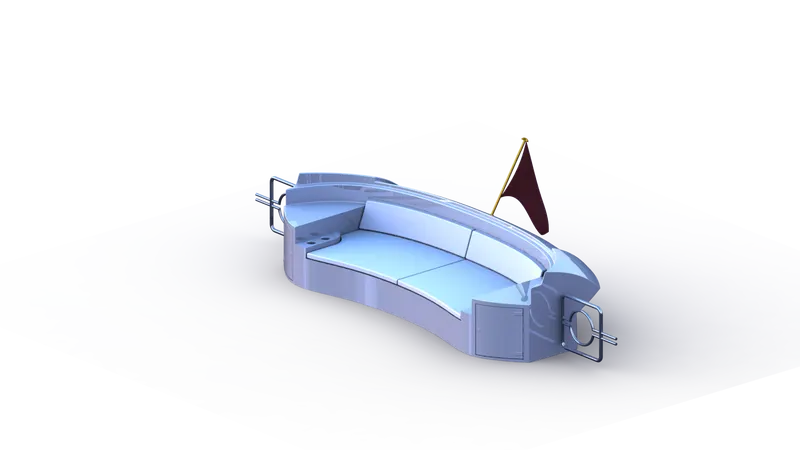
features used:
- Sketch
- Extrude boss/base
- Extrude cut
- Sweep surface
- Ruled surface
- Lofted surface
- Knit Surface
- Mirror
- Fillet
- Chamfer
- Dome
- Extend surface
- Combine
- Appearance
RADAR MAST
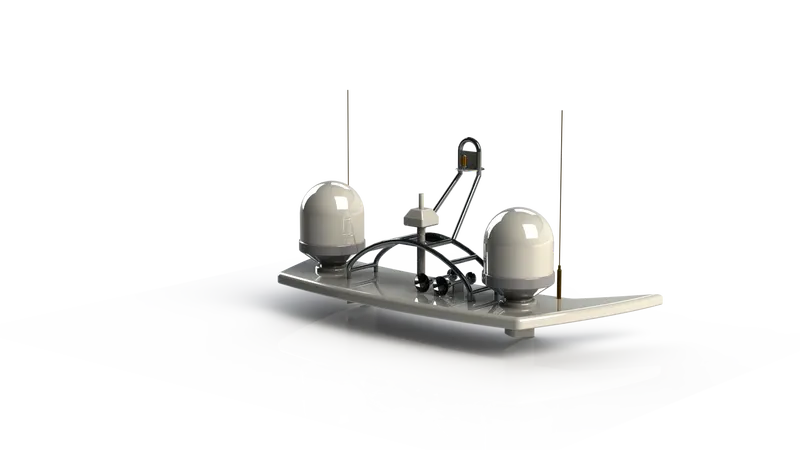
Features used:
- Sketch
- Extrude boss/base
- Extrude cut
- Knit Surface
- Mirror
- Fillet
- Chamfer
- Dome
- Extend surface
- Combine
- project curve
- Appearance
GARAGE DOOR
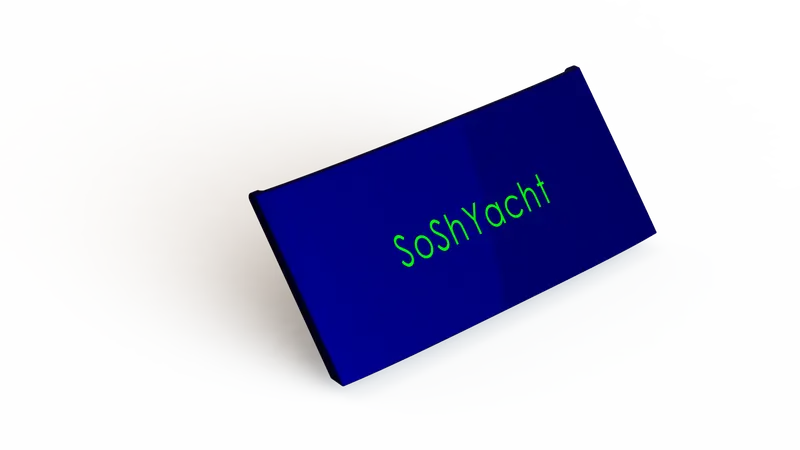
Features used:
- Sketch
- Extrude boss/base
- Mirror
- Fillet
- Chamfer
- Appearance
HULL
The hull of a ship is the most notable structural entity of the ship. To define the hull, it can be said that it is the watertight enclosure of the ship, which protects the cargo, machinery, and accommodation spaces of the ship from weather, flooding, and structural damage.
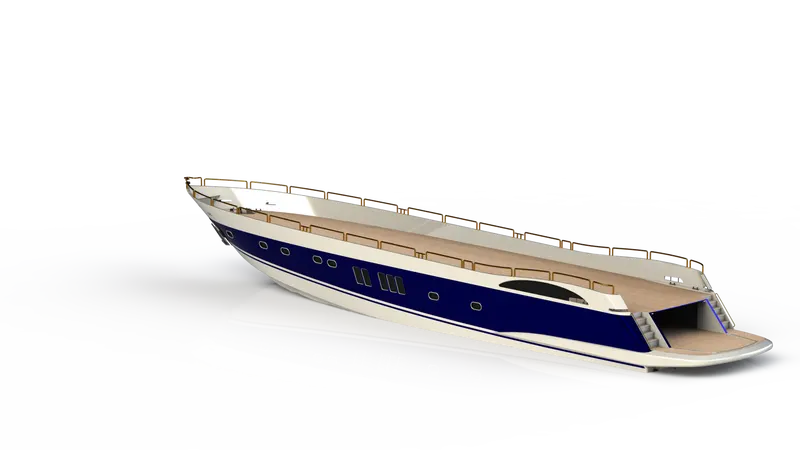
Features used:
- Sketch
- Projected Curve
- Lofted Surface
- Trim Surface
- Extruded Surface
- Knit Surface
- Filled Surface
- Shell
- Extruded Boss/Base
- Extruded Cut
- Fillet
- Chamfer
- Swept Boss/Base
- Revolved Boss/Base
- Dome
- Helix and Spiral
- Linear Pattern
- 3D Sketch
- Mirror
- Split Line
- Appearance
SUPERSTRUCTURE
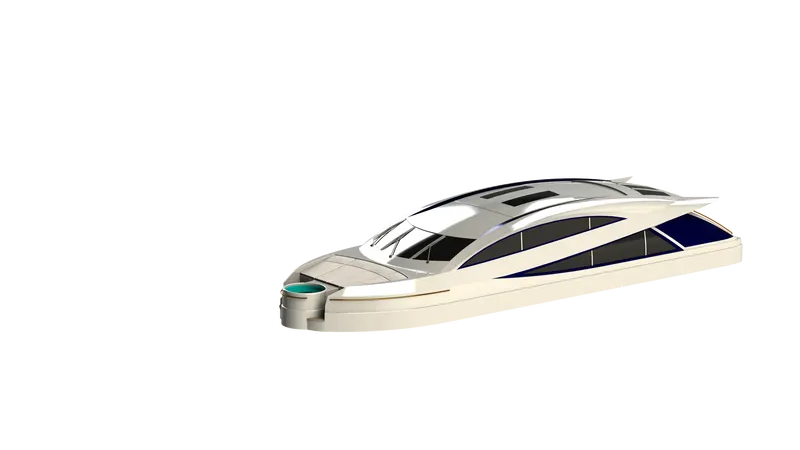
Features used:
- Sketch
- Projected Curve
- Lofted Surface
- Trim Surface
- Extruded Surface
- Knit Surface
- Filled Surface
- Shell
- Extruded Boss/Base
- Extruded Cut
- Fillet
- Chamfer
- Swept Boss/Base
- Revolved Boss/Base
- Dome
- Helix and Spiral
- Linear Pattern
- 3D Sketch
- Mirror
- Split Line
- delete face
- Appearance
ASSEMBLY
COMMANDS USED:
- Insert component
- Mates
MATES USED:
- Coincident
- Concentric
SNAPSHOTS
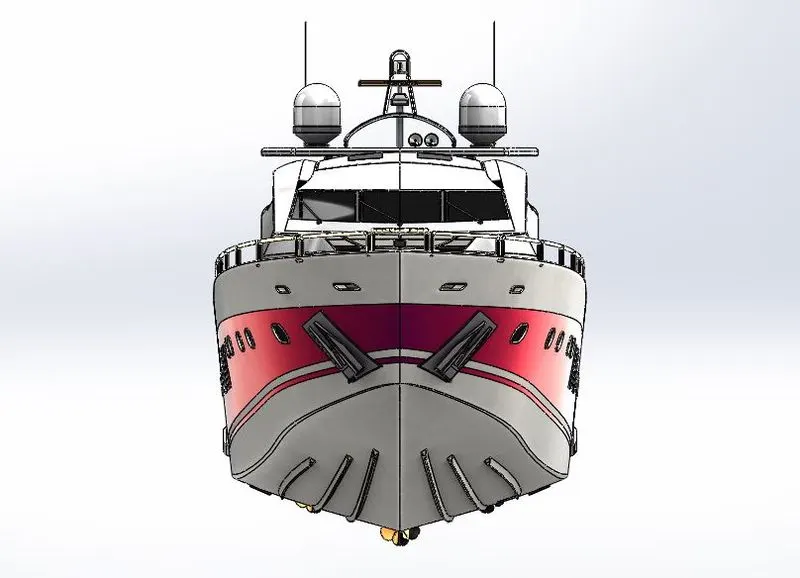
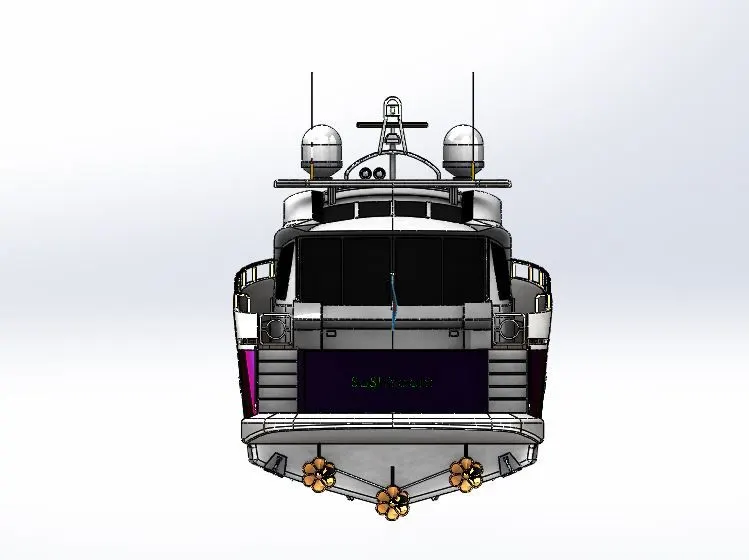
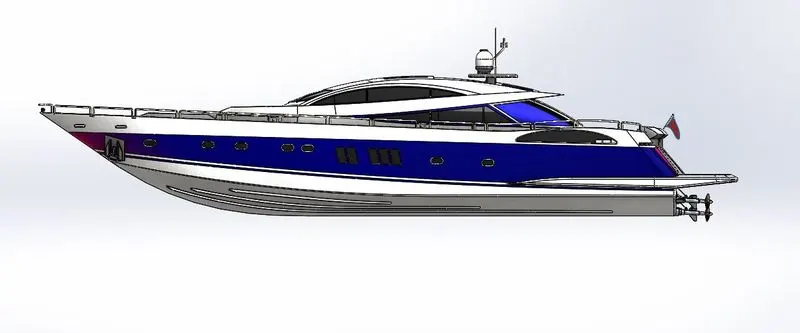
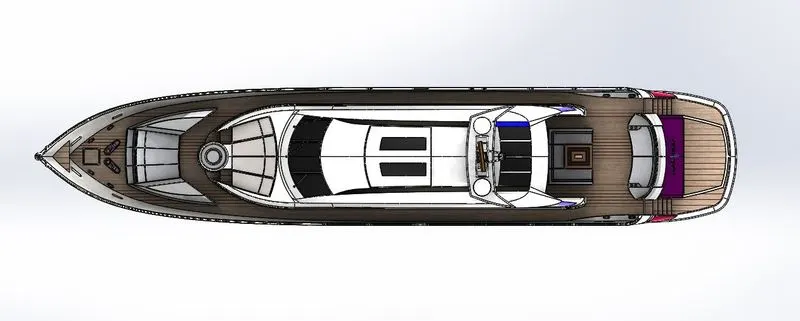
RENDERING
FINAL RENDER IMAGES
CONCLUSION
By doing this project I get to learn the concept of solid modeling, assembly, and rendering of a model using Solidworks and photoview 360