Radar Mast & Final Assembly of Yacht
Radar Mast:
Assembly:
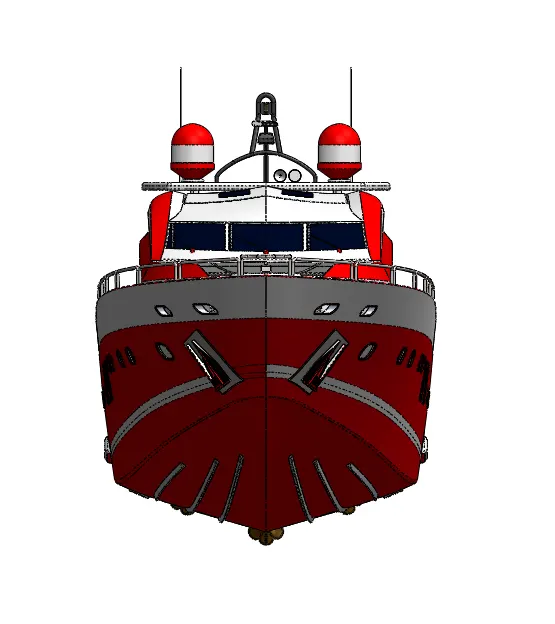
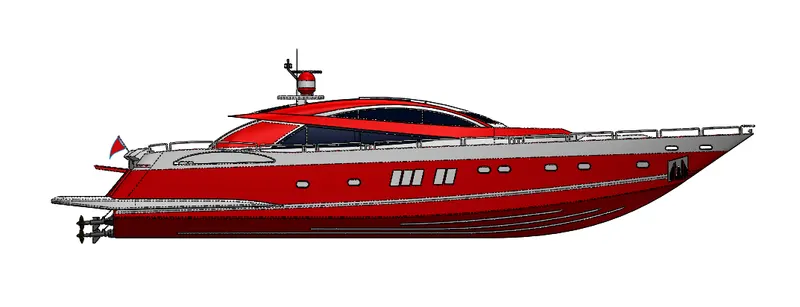
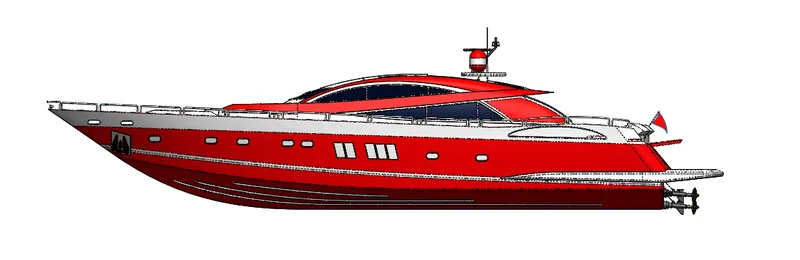
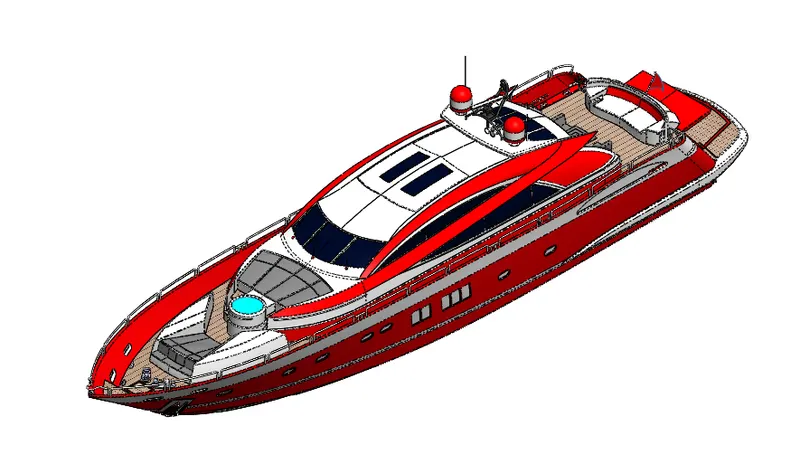
Modelling and Rendering of A Sunseeker Yatch
Objective:
- To model A Sunseeker Yatch part by part using Solidworks.
- Assemble the different parts together.
- To render it using Photoview 360 and Solidworks Visualize.
Design Methodology:
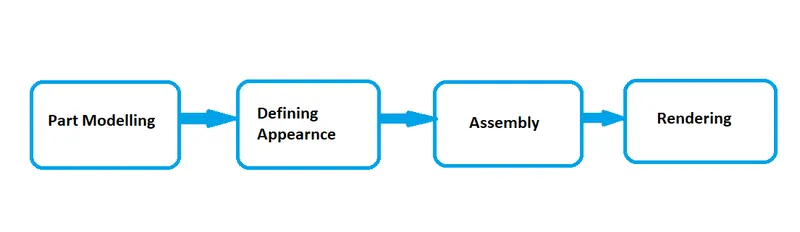
I will be modelling an American Chopper part by part and then assembling it. Rendering will be performed using Solidworks Visualise and Photoview 360.
Features Description:
There were n numbers of feratures used to model and assemble the Sunseeker Yatch and render it.They all are as mentioned,
Solid Bodies:
Sketch:
- Sketch feature allows to sketch the model in 2D using various shapes such as Line, Rectangle, Circle, Arc, Ellipse, Spline, Point etc. These are also called as entities and are the base to your 3D model.
Convert Entities:
- Convert Entities is an option which allows to convert a pre sketched entity in a different sketch or plane and this converted entity can be used as a reference to the new sketch.
Offset Entity:
- Offset feature helps in offseting an existing entity in a new sketch.
Extrude Boss/Base:
- It converts a 2D sketch into a solid body by generating a block of the 2D sketch entities.
Lofted Bose/Base:
- Loft helps in making a solid model of 2 different shapes.
Swept Boss/Base:
- Swept is a feature which helps in sweeping a 2D sketch along a defined path creating a solid model.
Extruded Cut:
- Extruded cut helps in making a cut(hole) in a Solid body.
Revolved Boss/Base:
- Revolved feature helps in revolving a 2D sketch along an axis making a Solid body.
Fillet/Chamfer:
- Fillet/Chamfer helps in creating the respective feature along the corners or edges of the 2D sketch or solid body.
Pattern:
- This fetaure helps in creating a linear or circular pattern of a 2D sketch or a solid body.
Mirror:
- This feature helps in creating a mirrored sketch/body along a mirror plane.
Projected Curves:
- This feature helps in creating a curve which has its refernce from 2 different plane,There are 3 conditions for a projected curve to exist,
- The 2 different curves should be in 2 different planes.
- The sketch curves should start and end at the same point.
Reference Geometry:
- This feature helps in creating a plane with reference to any sketch point/entity/plane.
Combine:
- This feature helps in combining/deleting or keeping the common part of the selected solid bodies and convert it into a single solid body.
Split:
- This feature is similar to the combine feature but it is different in a way that instead of solid bodies,an edge is used.
Surfaces:
Extruded Surface:
- This feature helps in extruding 2D sketches as Surfaces as per the provided criterion.
Swept Surface:
- Swept surface feature helps in creating a surface along a desired path provided by the user.
Lofted Surface:
- Lofted surface feature helps in joining two surfaces of different shapes.
Filled Surface and Boundary Surface:
- These features are pretty much similar as they are used to close an open 3D body. The difference is that boundary surface makes a surface between two different profiles or edges, whereas the filled surface just fills the boundary irrespective of profile.
Trim Surface:
- This feature helps in trimming the surface that are not required and make a tailor fit surface.
Extended Surface:
- This feature helps in extending a surface either ways.
Knitted Surface:
- This is one of the most important feature of surfaces,which knits all the selected surfaces and has an option to convert it onto a solid body.
Parts Modelled for Yatch:
- Propeller
- Radar
- Hull
- Superstructure
- Radarmast
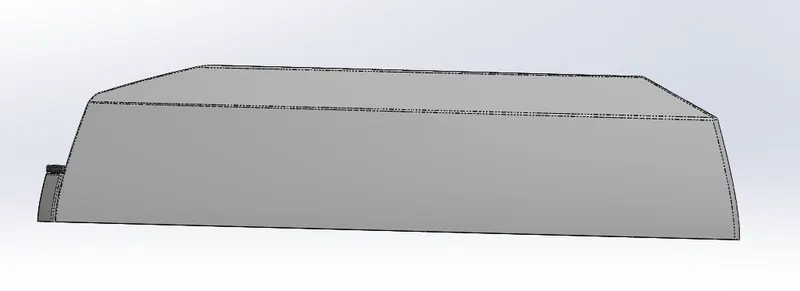
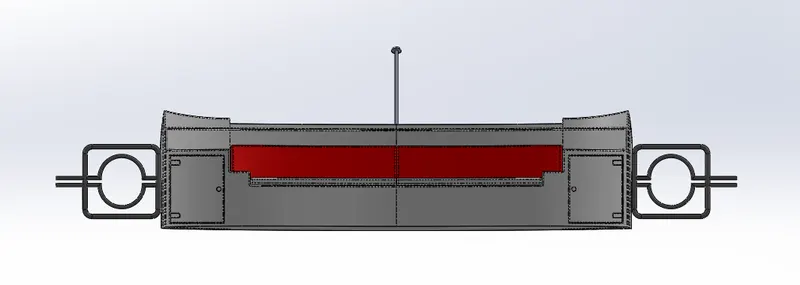
- Front,Middle and Rear Seats
Part Description and Feature used:
Propeller:
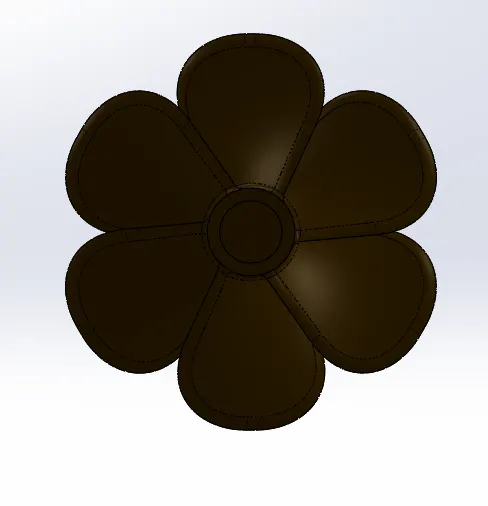
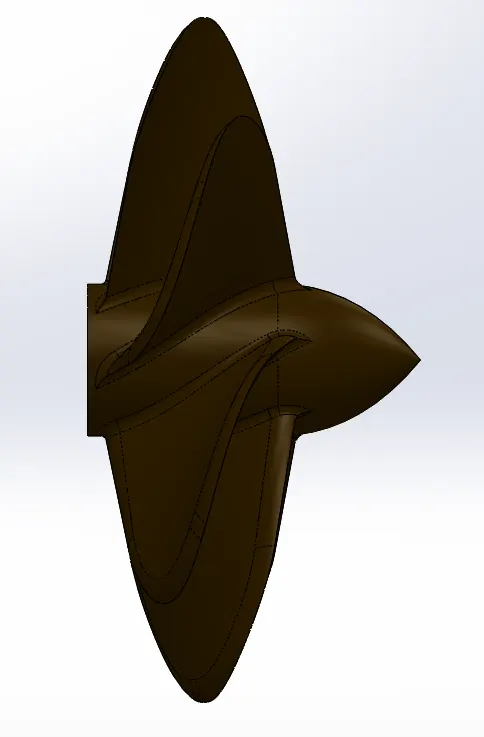
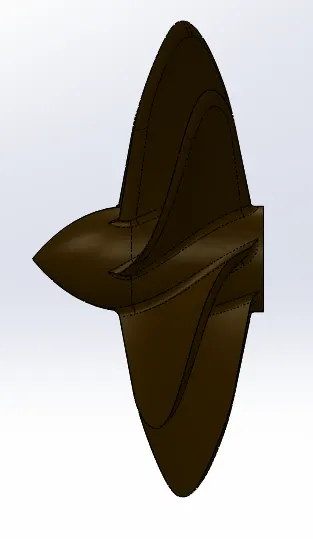
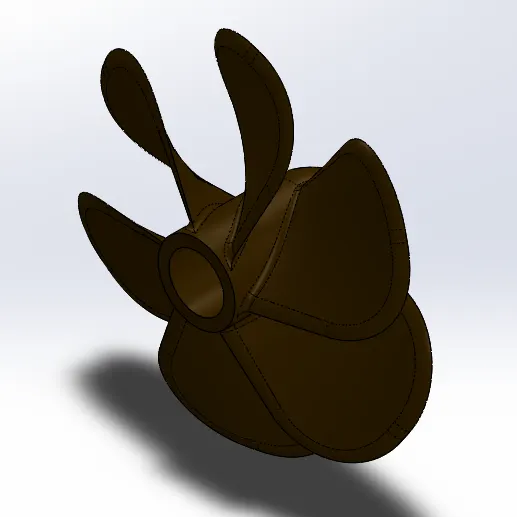
Propeller is that part of the yatch which stays immersed in the water and propells the motions of the yatch.The features used to model this were Revovlve Boss/Base,Loft Boss/Base,Extrude Cut,Fillet,Circualr pattern.
Radar:
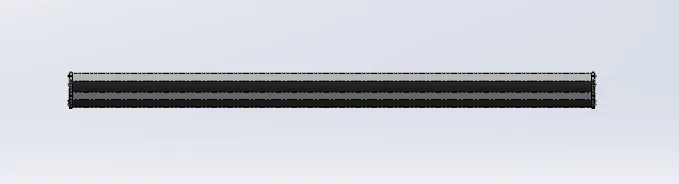
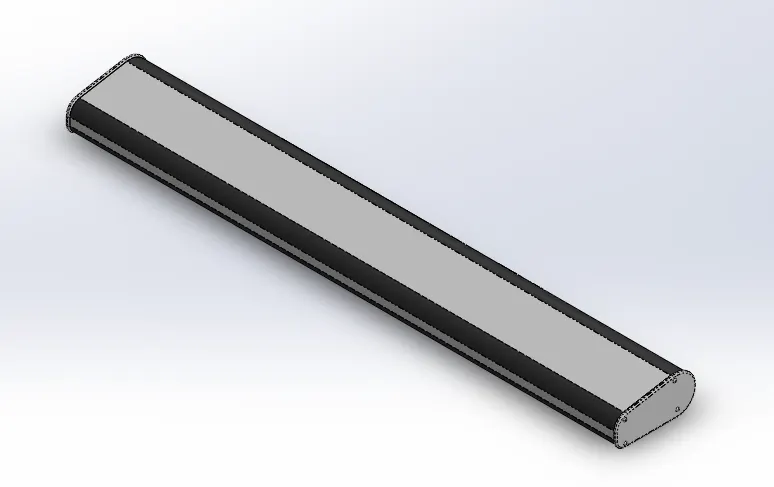
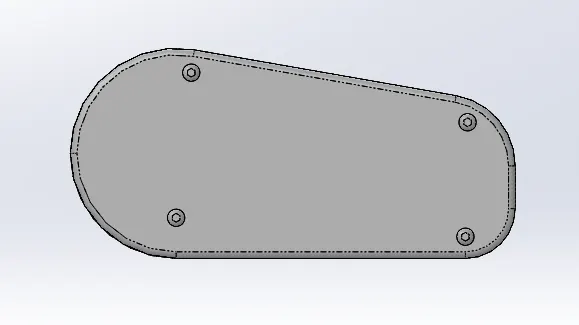
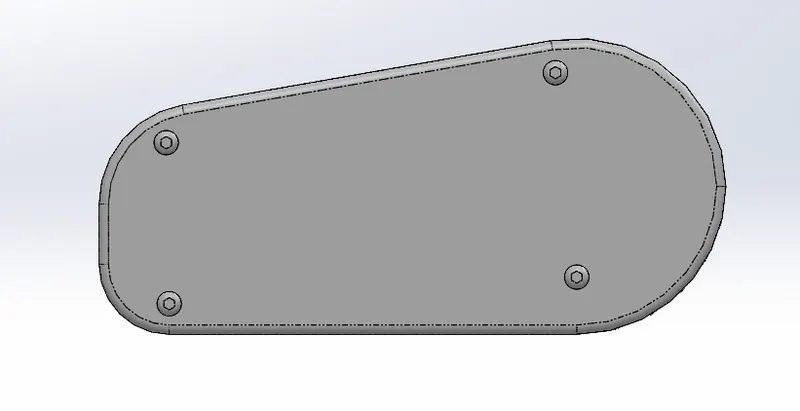
Radar is responsible for receiving and transmitting Radio signals for communication.The features used to model this were Extrude Boss/Base,Extrude Cut,Fillet,Sketch pattern.
Hull:
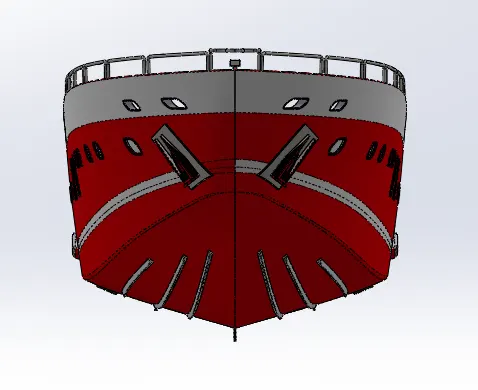
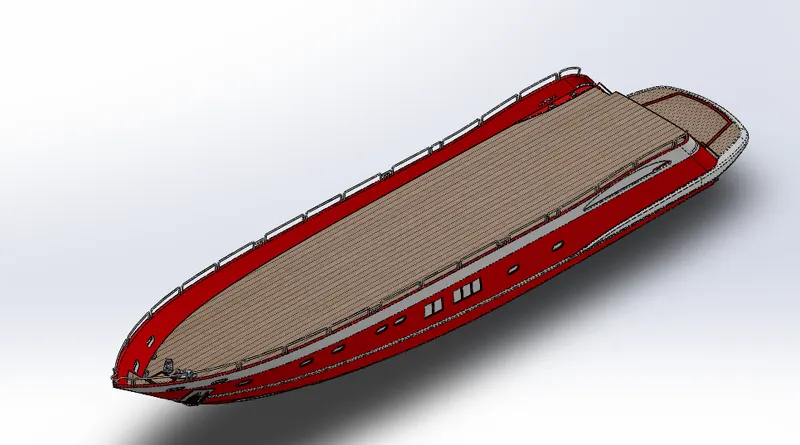
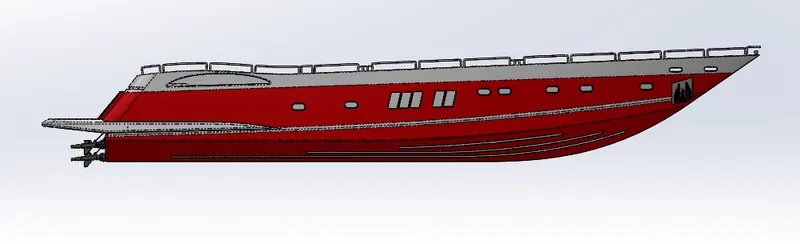
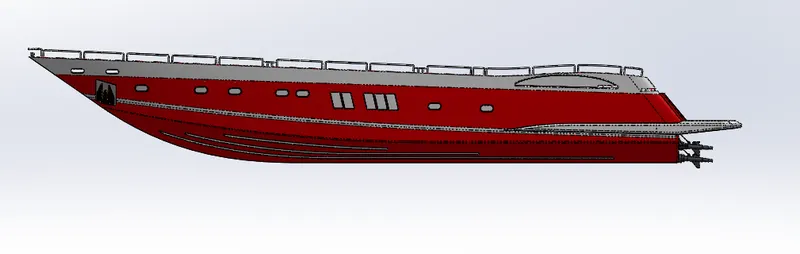
Hull is the main body of the yatch to which everything is assembled.The features used to model this were Extrude Boss/Base,Extrude Cut,Fillet, Surface loft, Surface trim, Convert Entities, Offset Entities,Surface Knit,Chamfer, Sweep, Pattren, Helix/Spiral, PRojected Curve, Reference Geometry, Mirror, Split.
Superstructure:
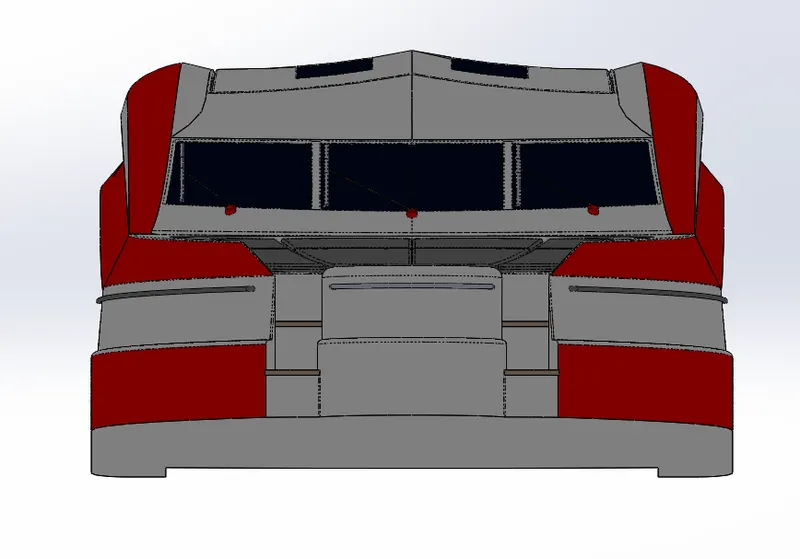
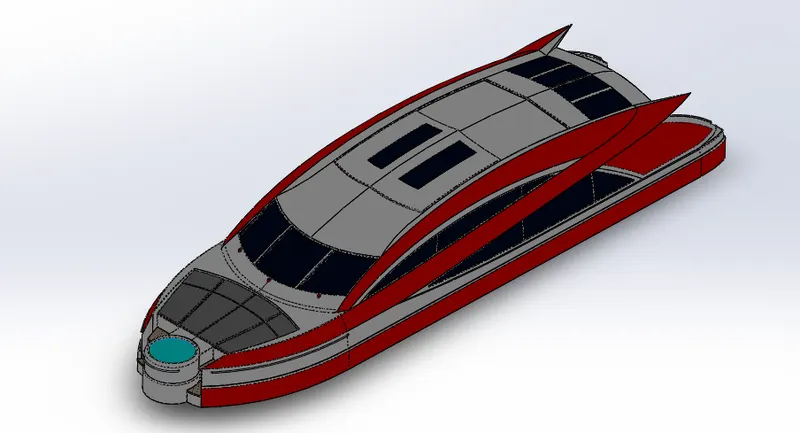
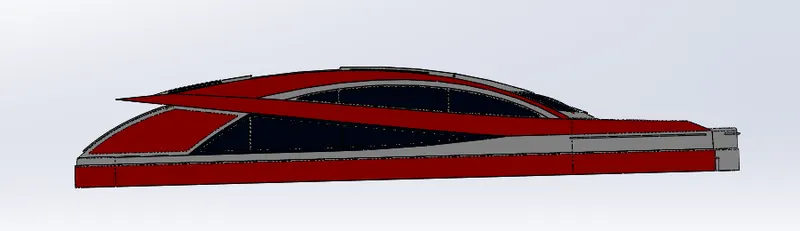
Superstructure is the part which acts as the cabin for driving the Yatch and apart friom that all other amenities are installed to the Hull and Superstructure.The features used to model this were Extrude Boss/Base,Extrude Cut,Fillet, Surface loft, Surface trim, Convert Entities, Offset Entities,Surface Knit,Chamfer, Sweep, Pattren, Helix/Spiral, PRojected Curve, Reference Geometry, Mirror, Split.
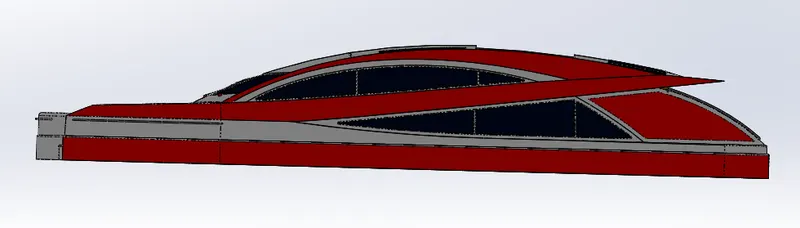
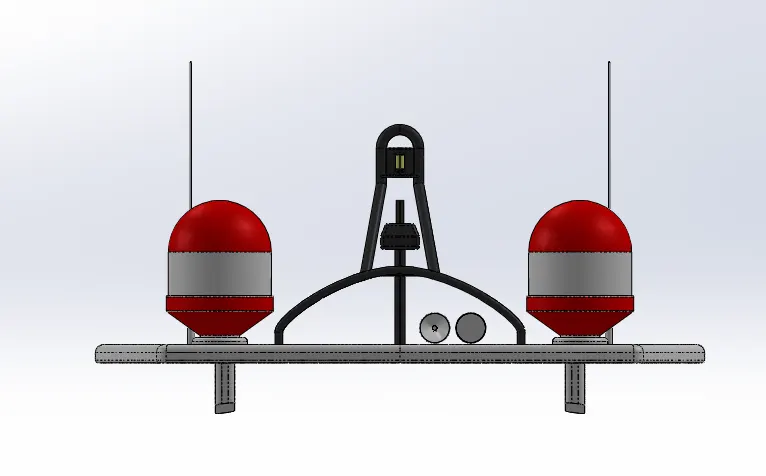
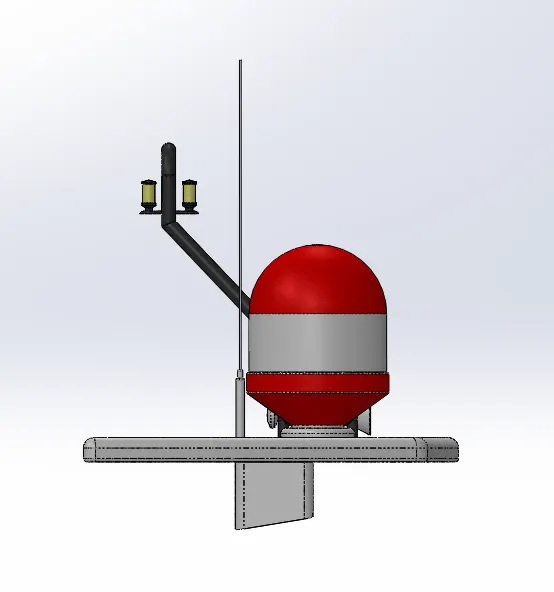
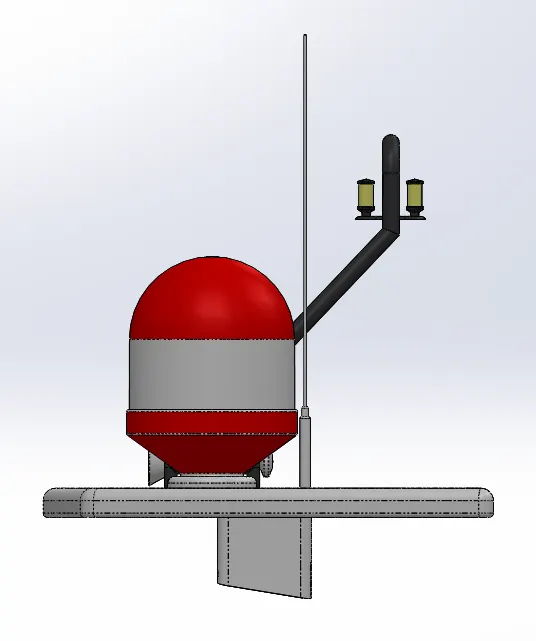
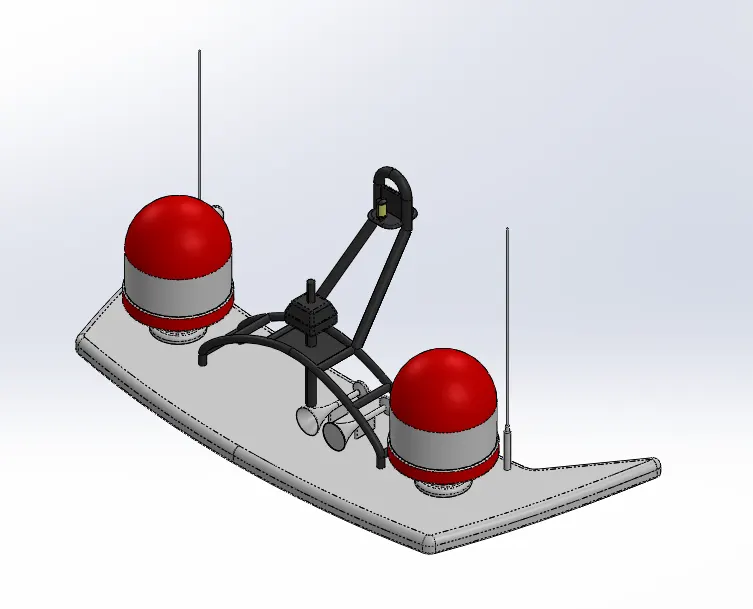
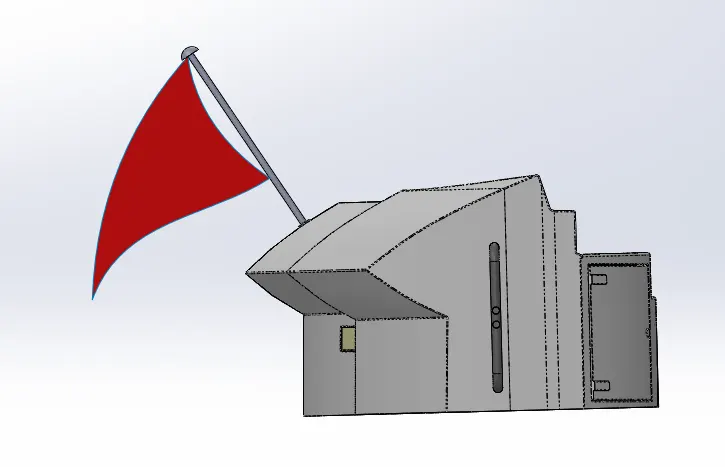
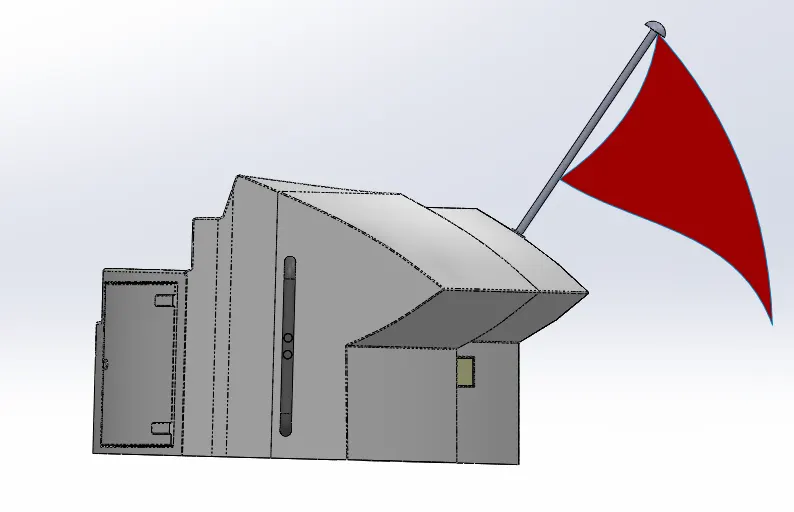
Radar Mast:
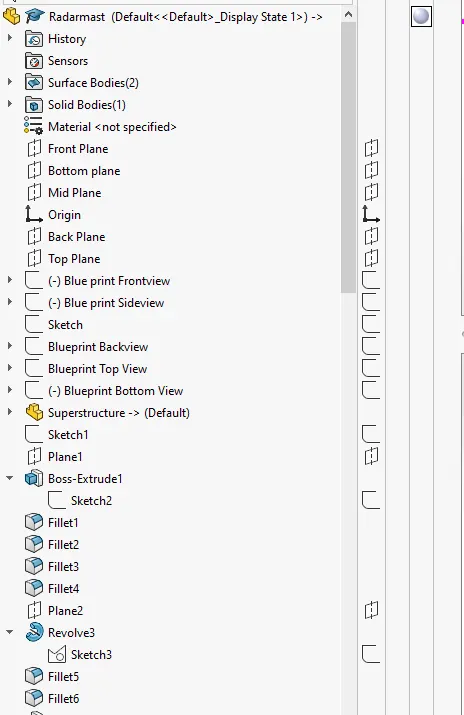
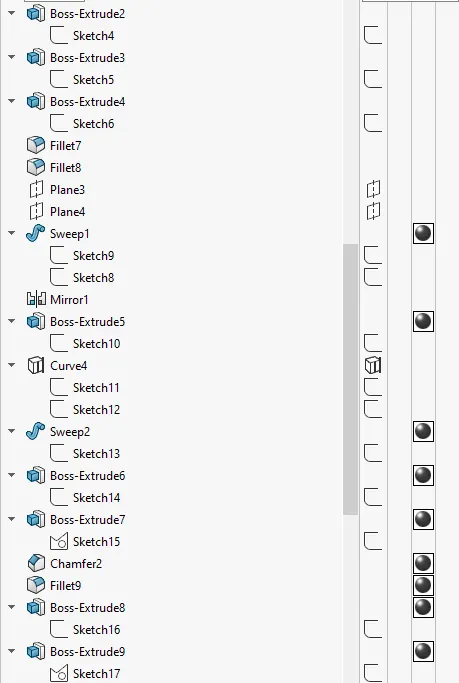
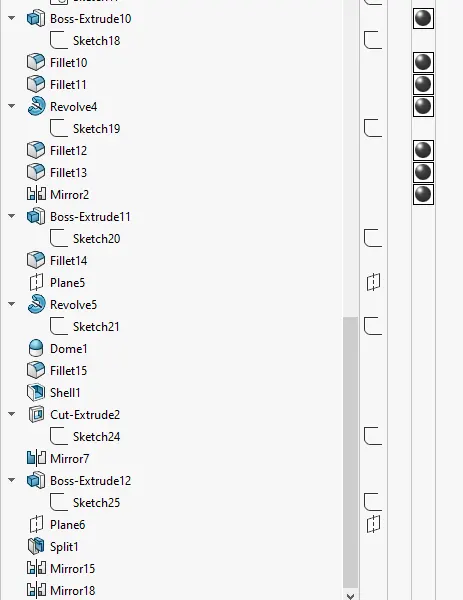
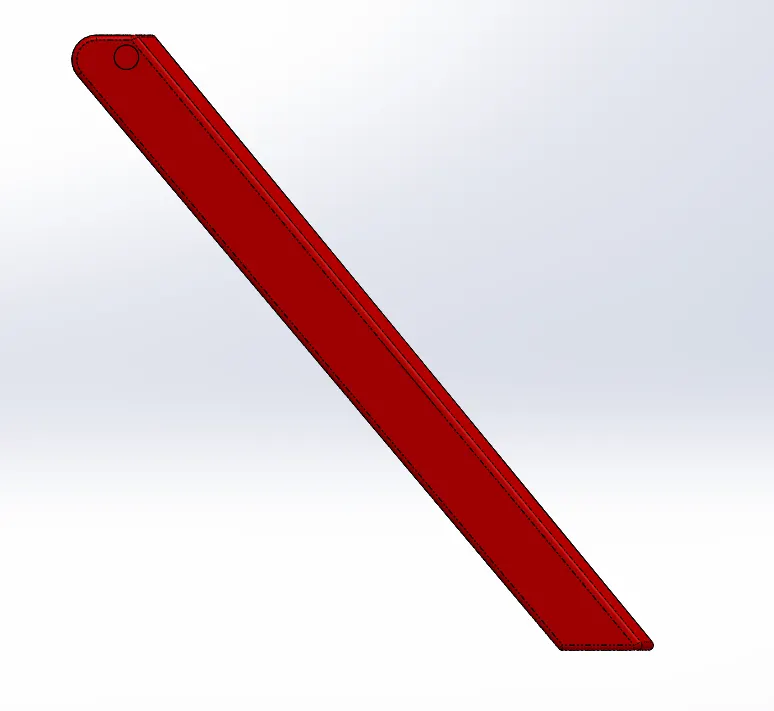
Radar mast is that part to which the Radar is attached and is the setup of communication device.The features used to model this were Extrude Boss/Base,Fillet,Convert Entities, Offset Entities,Chamfer, Revolve , Sweep, Pattren, Projected Curve, Reference geometry, Mirror, Split.
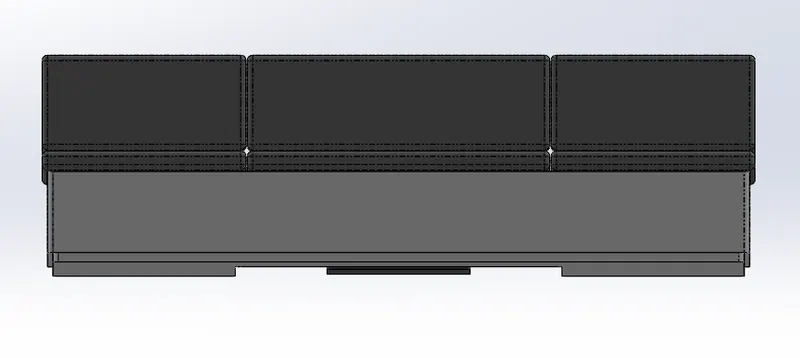
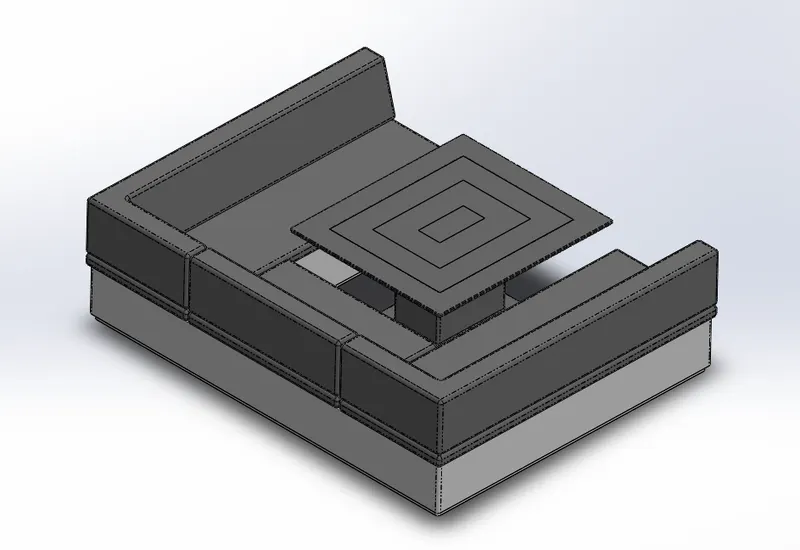
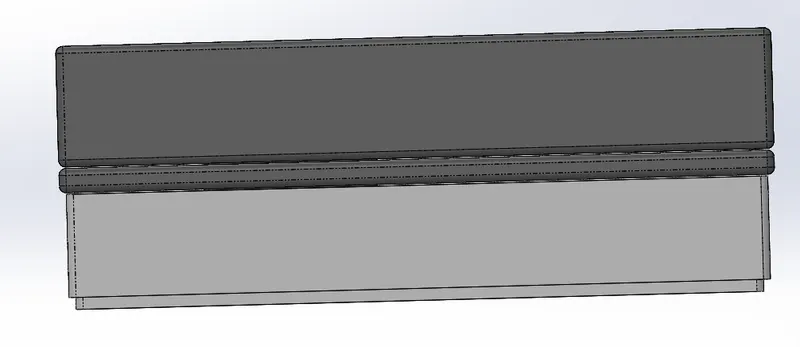
Front,Middle and Rear Seat:
Front, Middle and Rear seat are placed in position with respect to their names on the deck. The features used to model this were Surface Extrude,Surafce Loft, Fillet,Convert Entities, Offset Entities,Chamfer, Revolve , Sweep, Pattern, Reference geometry, Mirror.
Front Seat:
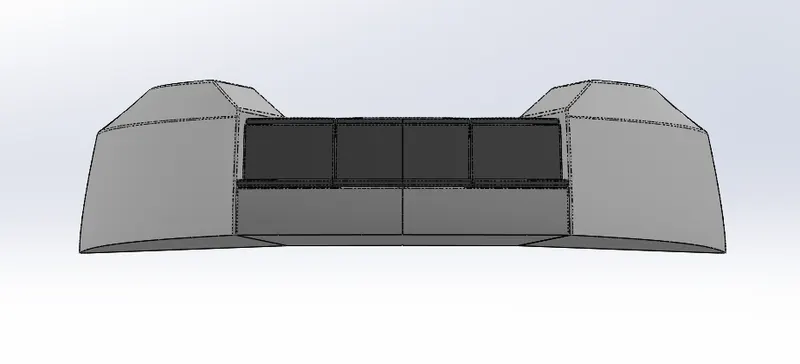
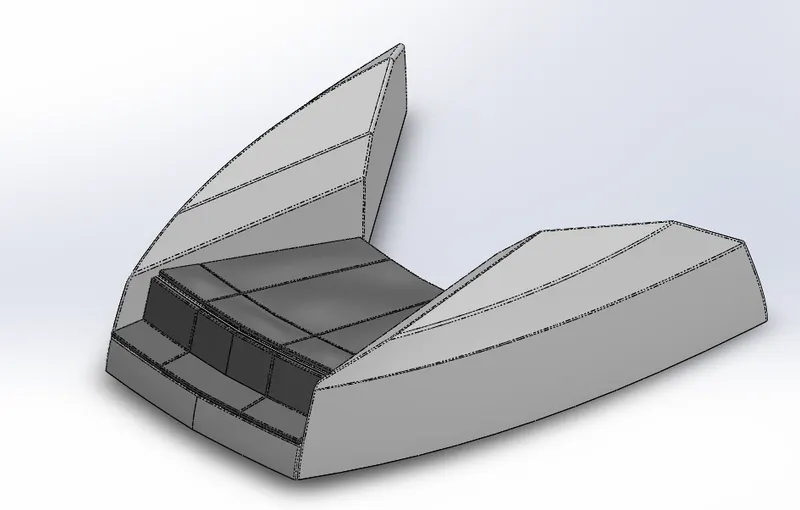
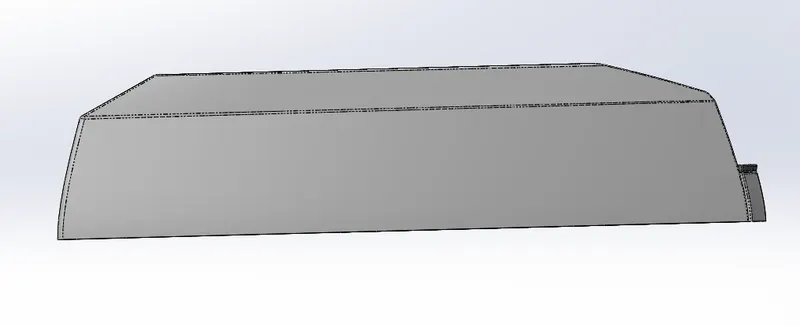
Rear Seat:
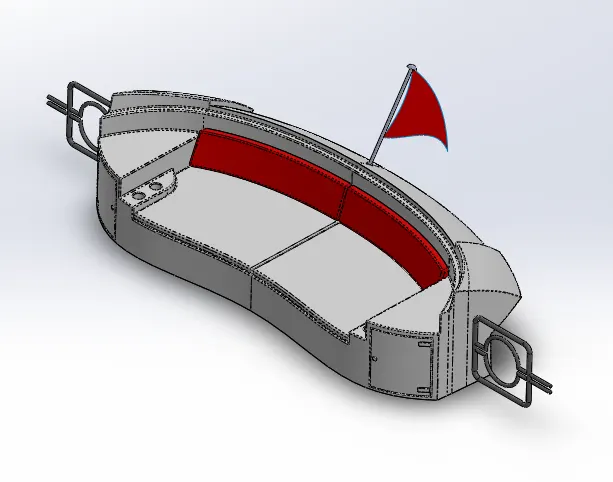
Middle Seat:
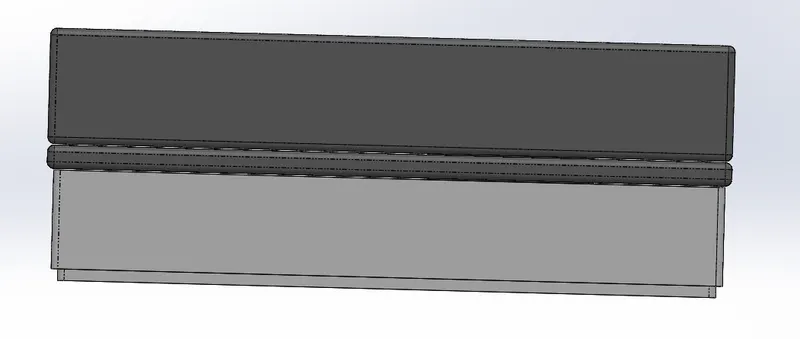
Garage Door:
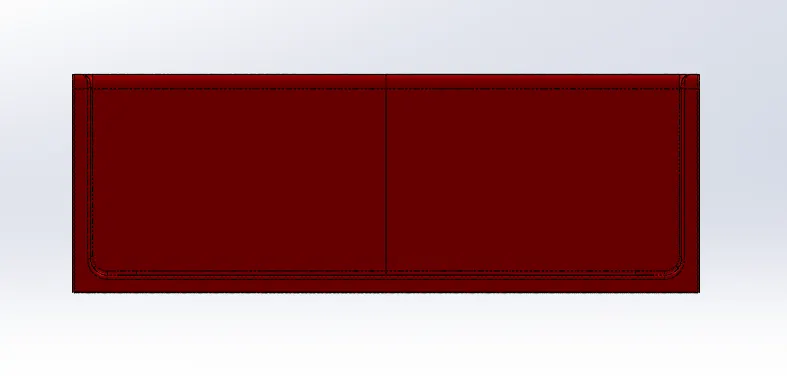
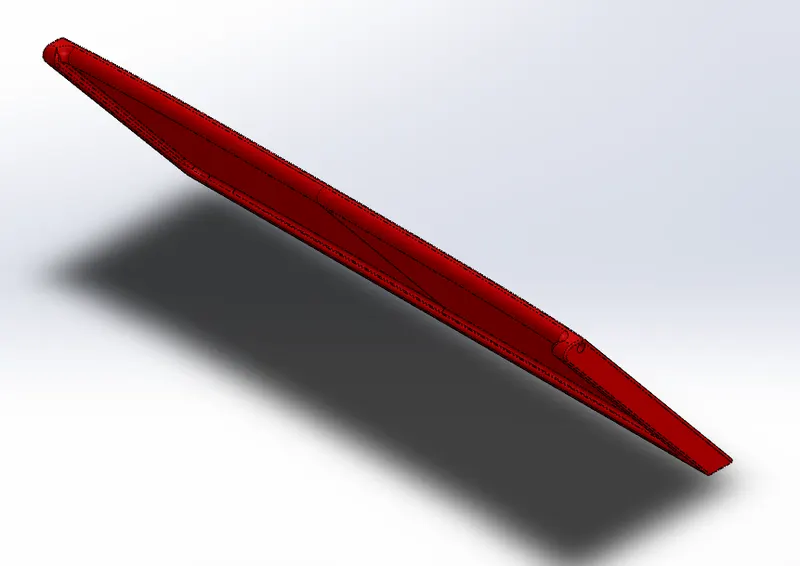
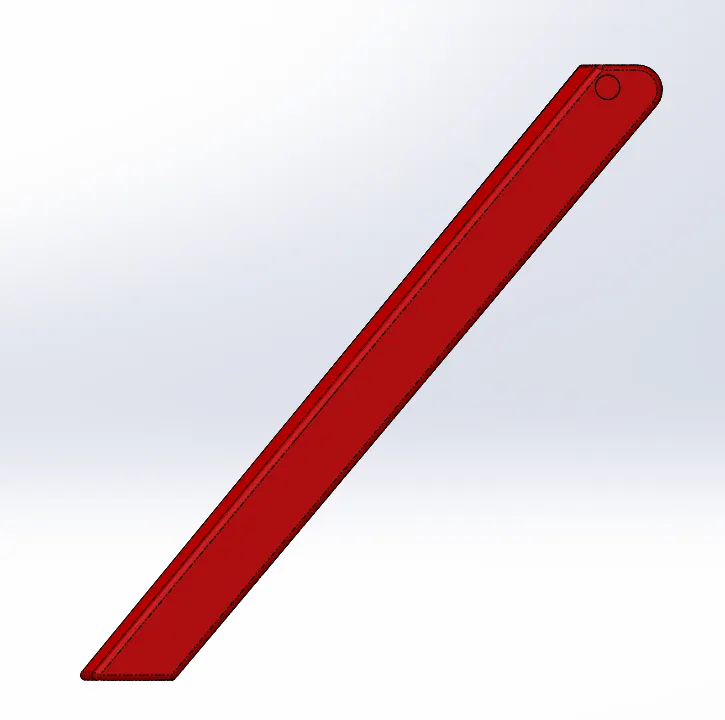
This is the door of thr garage where the car will be parked.The features used to model this were Extruded Cut,Fillet,Shell,Convert Entities,Offset Entities,Mirror.
Assembly:
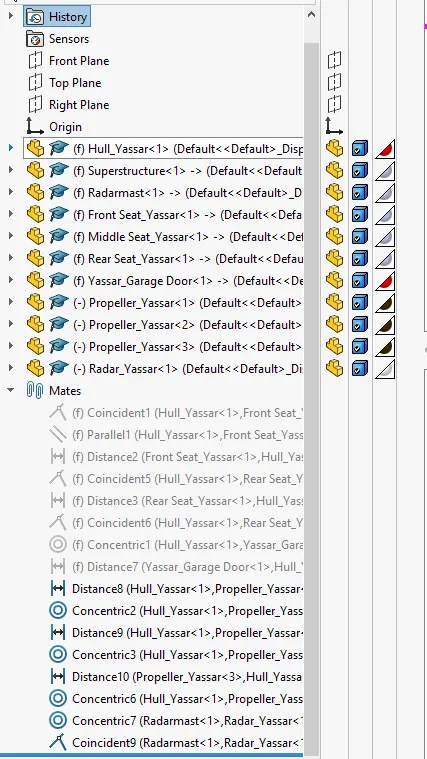
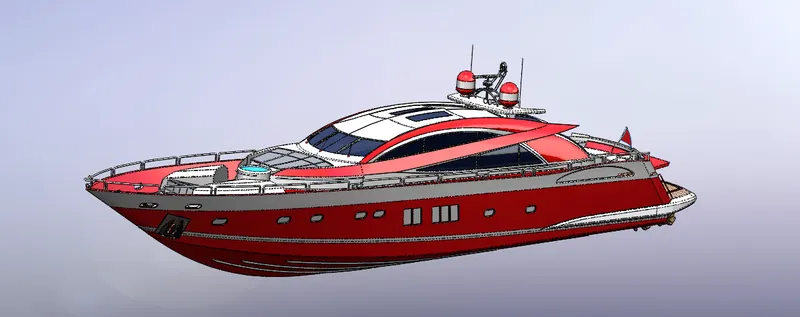
The parts are brought in one by one starting from chasis and are assembles using the "Mates" feature.
Features Used:
Mates:
This feature helps in creating realations between Edges,surface and planes to get a final assembly with ease.
Rendering:
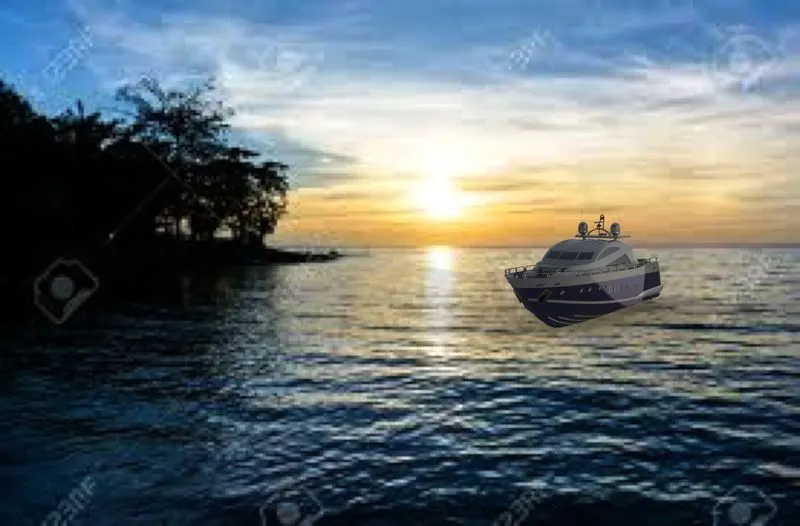
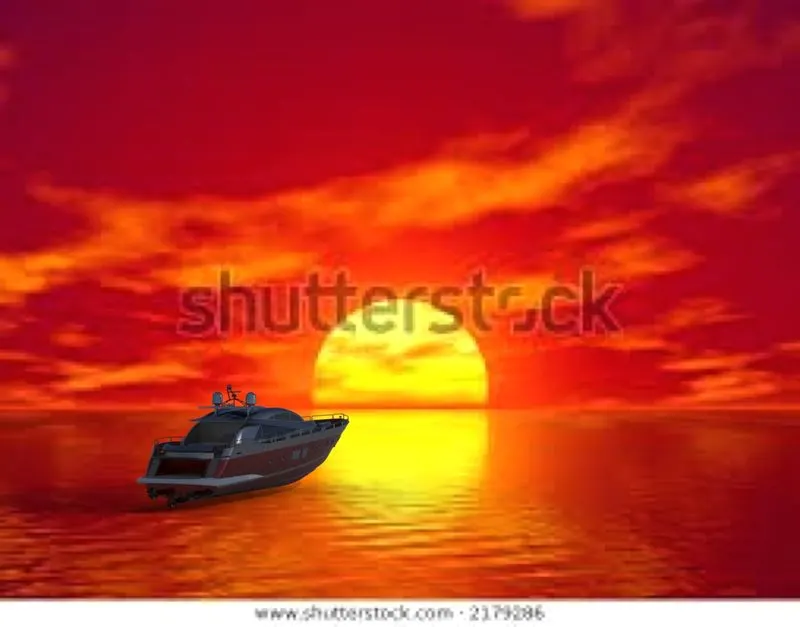
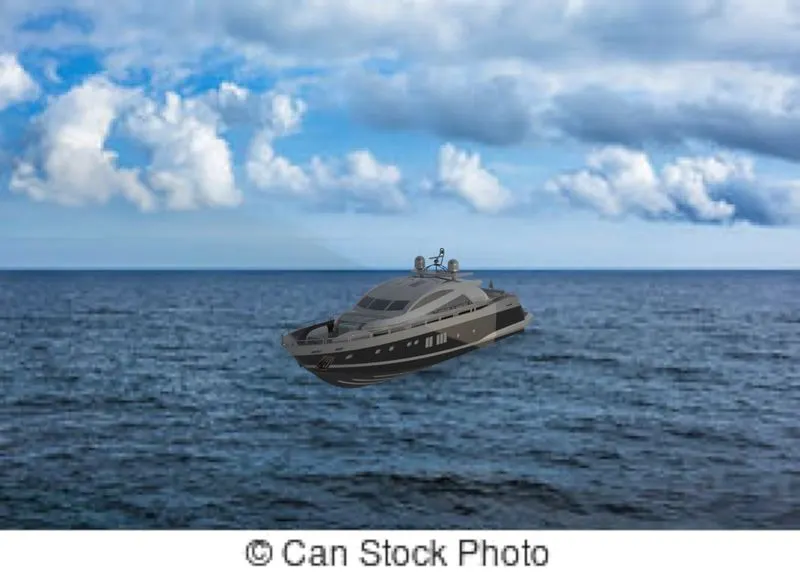
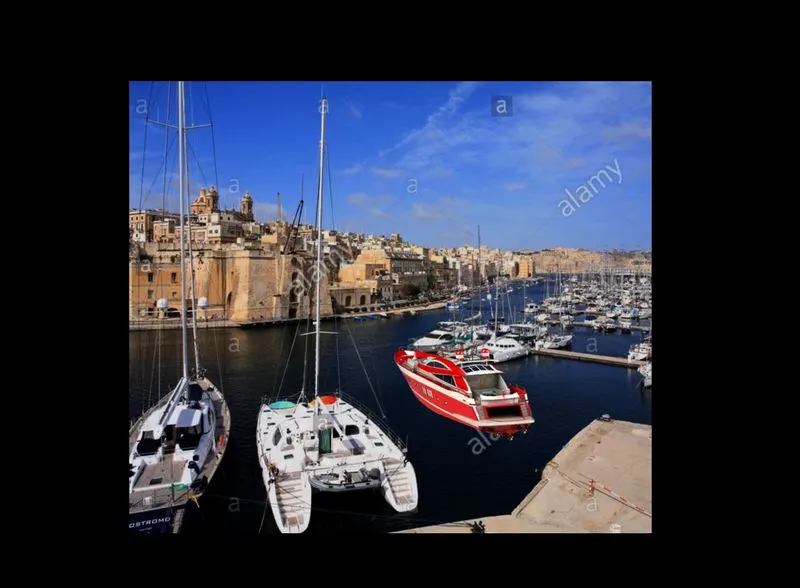
Real view rendering is done using Photoview 360 and Solidworks Visualize by setting up variou parameter like Camera angle, Backgrounds, Environment Luminous intensity, Vehicle appearnces and materials etc.
Conclusion:
- The different parts of the Yatch are modelled.
- They are assembled together by creating mates.
- The Yatch is rendered using Solidworks Visualize and Photoview 360