Radar Mast & Final Assembly of Yacht
Design, Assembly and Rendering of yacht using SolidWorks and SolidWorks Visualize
Objective:
Design parts of a yacht.
Assemble parts in solidworks assembly.
Render a high quality image using photoview 360 and SolidWorks Visualize.
Software Used:
SolidWorks 2020 Edition.
SolidWorks is a parametric modeling software used for making/Designing models in industries such as automobile, aerospace, etc. The software is parametric, which means the model can be altered or modified at any given time. The design of the model changes with the alterations made in the part while modeling.
Introduction:
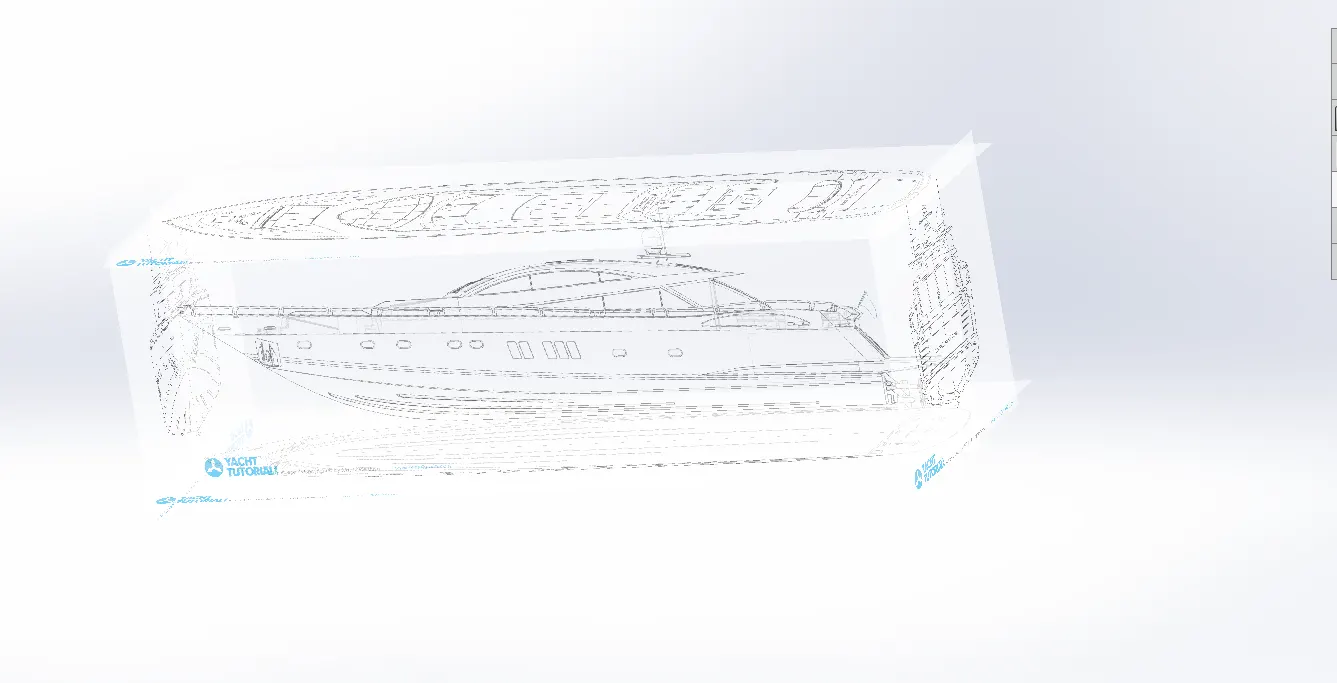
Being a design fan i made a project on a luxury yacht .In this project i made a luxury yacht using blueprint of yacht and various solidworks tools and features.
Design methodology:
Tools and features used while designing:
Sketch: This allows us to create a sketch on a plane or a flat body.
Line: This allows to create lines
Circle: This allows to create circles
Rectangle: This allows us to create a rectangle.
3d Sketch: This allows us to create sketches without selecting a plane or a surface.
Extrude Bose: This is used for extrude material in linear direction.
Extrude Cut: This is used for making holes or cuts in the solid body in linear direction.
Swept Bose: This is used for flow material along with path..
make pierce: This is used to put a center of the sketch on the end of a curve or a line.
Plane: This feature allows us to create a geometric plane with reference to a surface or other plane.
Curve: This is used for making curves with reference to the lines and splines.
Filet: This is used for making the corner edges round.
Chamfer: This isn't used for making the flat surface at edges.
Trim: This feature allows to remove the unwanted sketch
Extend Entities: This feature allows us to extend a line
Convert Entities: This is used to convert a edge or a face into a sketch
Shell: This feature allows us to create hollow components.
Surface Features used:
Surface Loft: This feature is used for flow material between different entities
Surface Fill: This feature is used for filling an open surface.
Surface Boundary: This is used for making a surface using a different direction.
Surface Extrude: This is used to extrude a surface using a line.
Surface Trim: This is used for removing extra surfaces.
Knit Surfaces: This is used for joining two or more surfaces and joining them to form a solid body.
Parts modeled:
1. Blueprint:
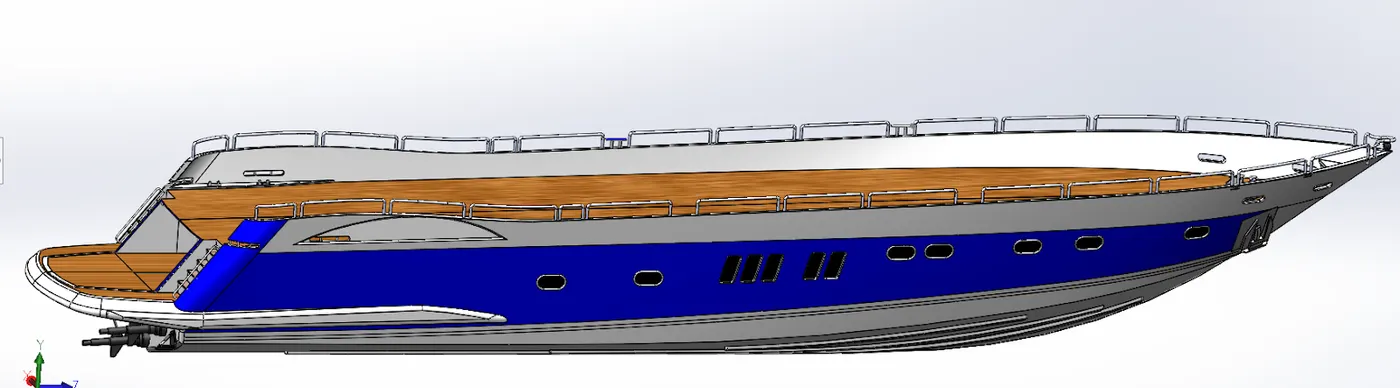
2.Hull
Tools and Features Used:
Line
Spline
Circle
Shell
Projected Curves
Planes
Revolve
Surface Trim
Composite curve
Surface sweep
Surface offset
Surface fill
Part images:
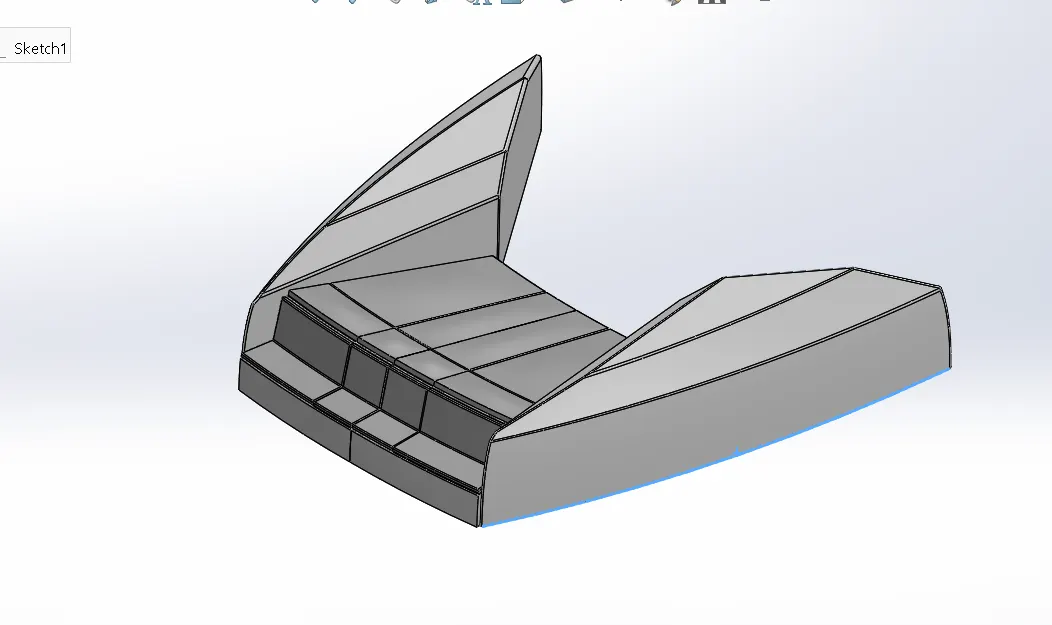
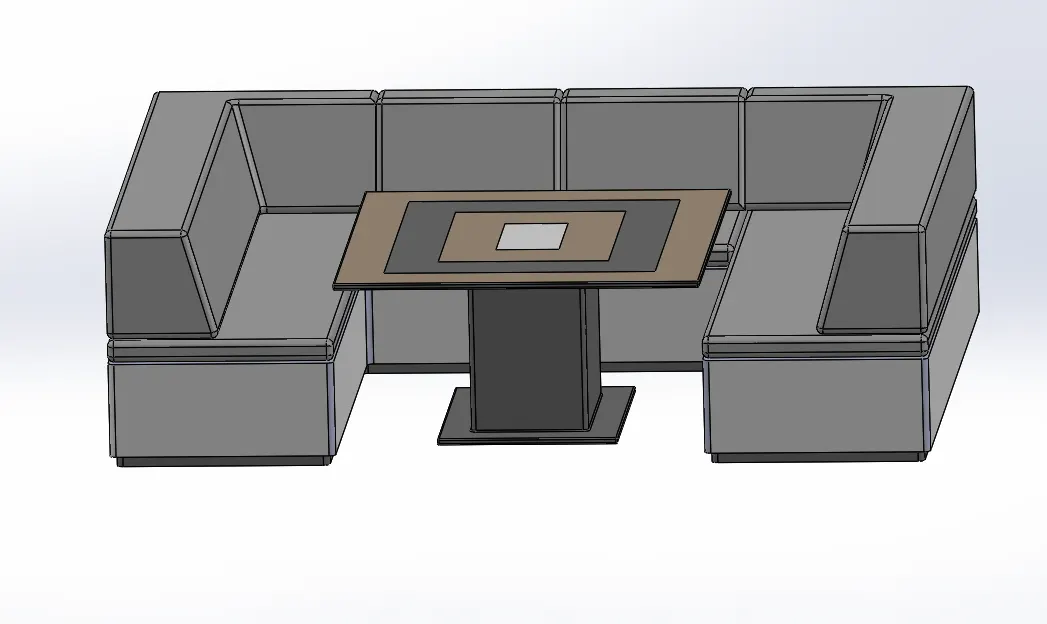
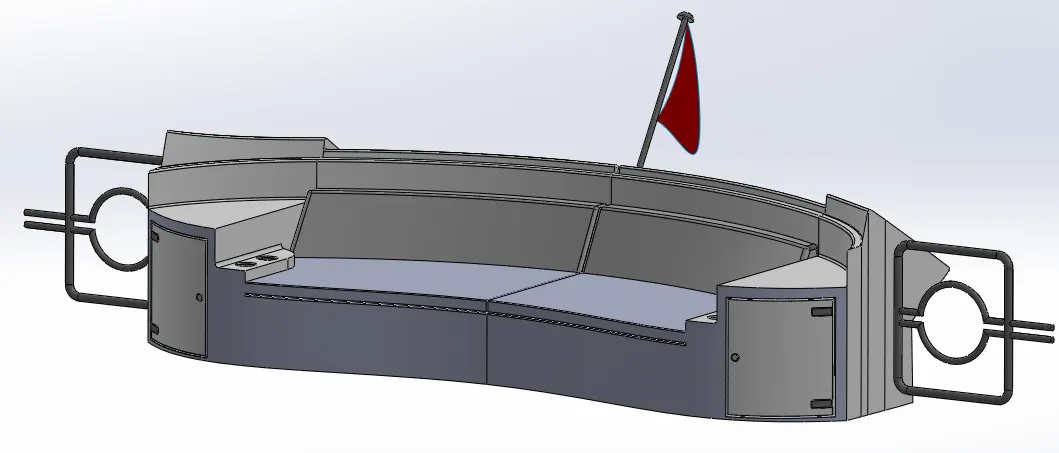
3. Front, Middle and Rear seat:
Tools and features used:
Lines
Surface loft
Fillet
Surface trim
Plane
Surface fill
Surface offset
Surface sweep
Surface knit
Part Images:
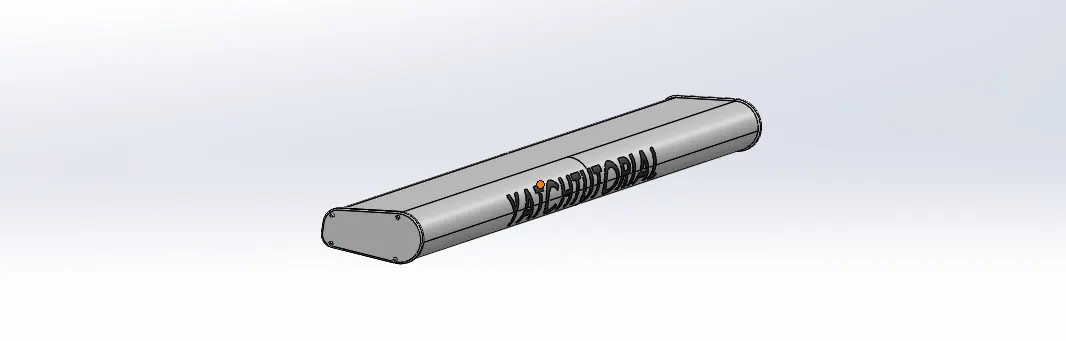
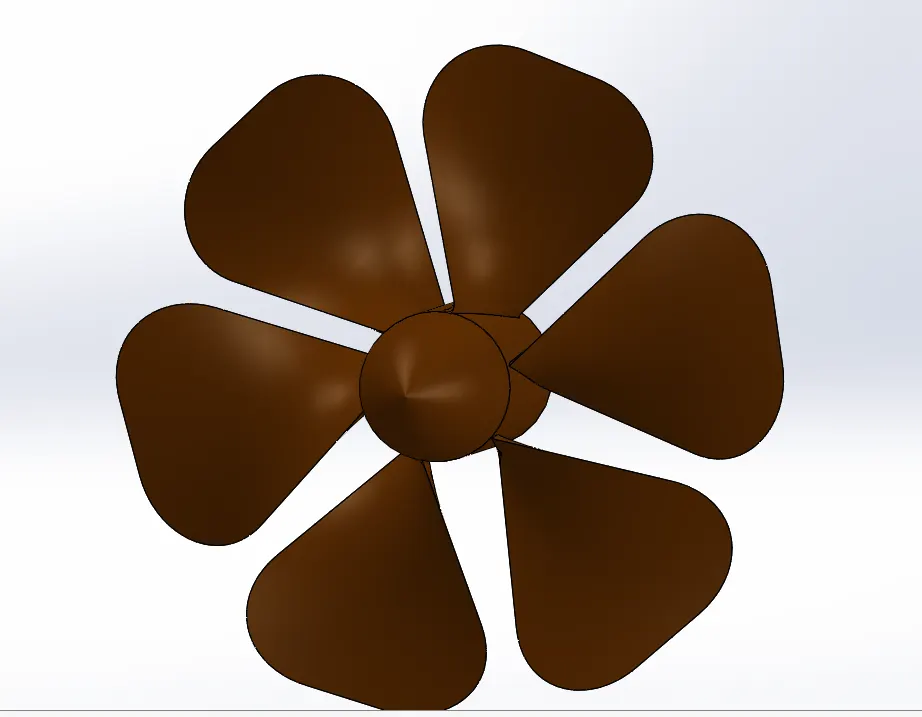
4.Propeller and Radar:
This is the part which carries the load of the bike and provides smooth riding.
Tools and Features used:
Revolve
Loft
Extrude cut
Circular pattern
Boss extrude
Sketch pattern
Mirror
Splite
Part Images:
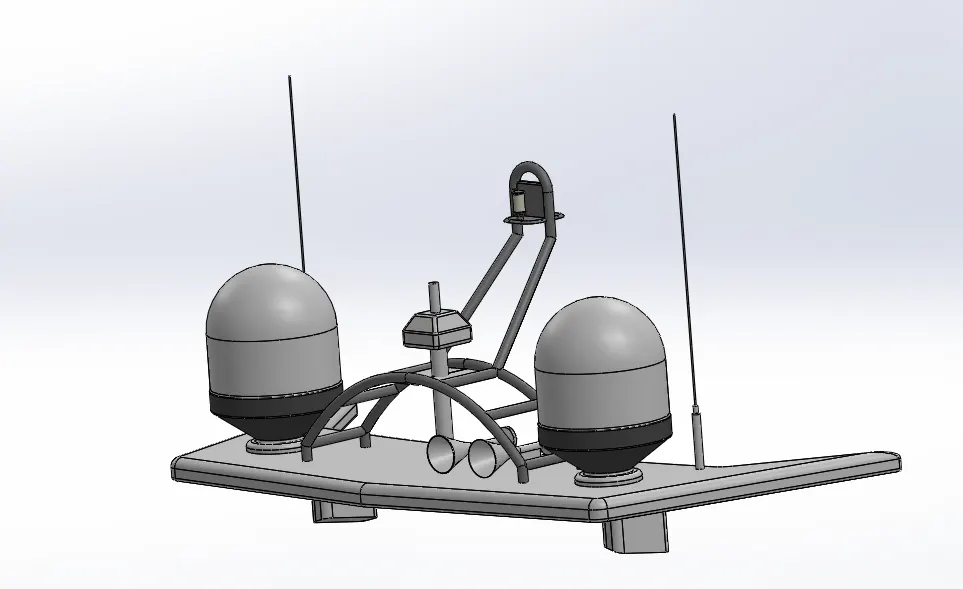
5.RadarMast:
Tools and features used:
Revolve
mirror
Chamfer, fillet
Dome, shell
Part image:
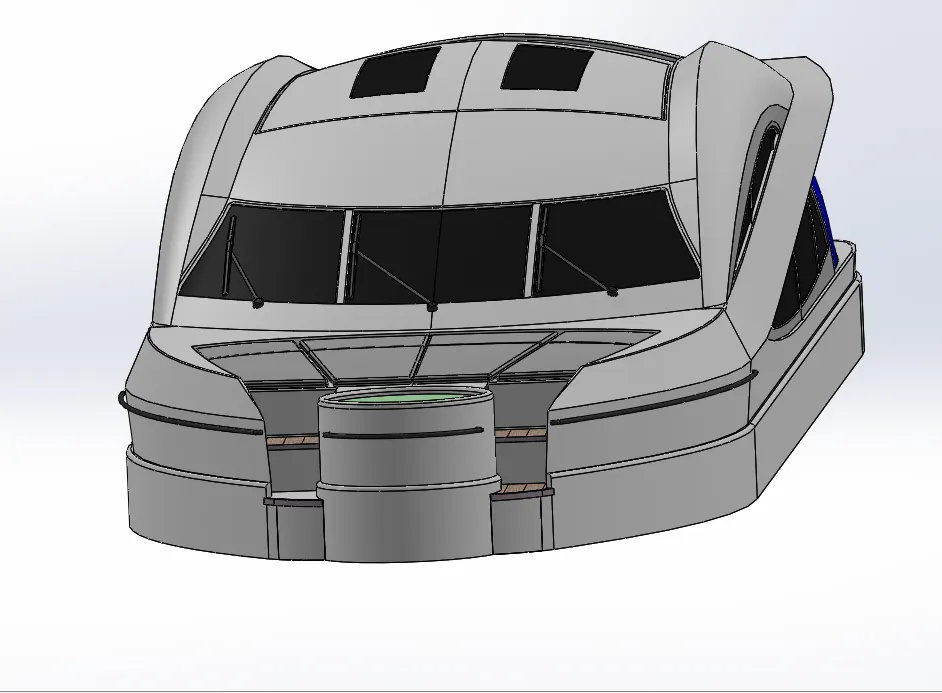
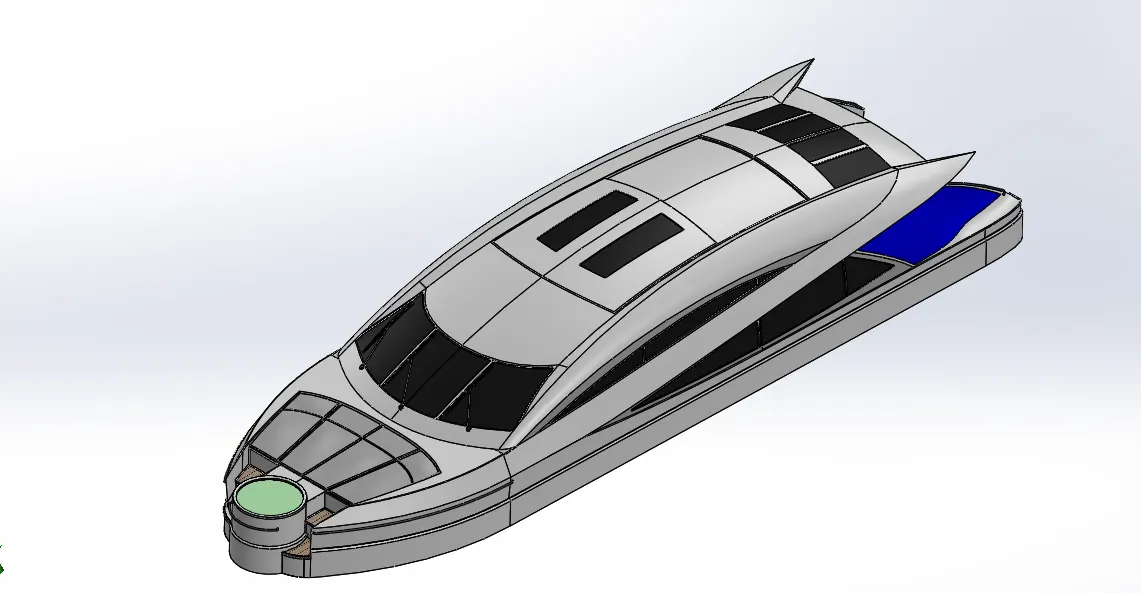
5. Superstructure:
Tools and features used:
Lines
Thicken
Surface extend
Surface trim
5. Surface fill
6. Mirror
7. Surface sweep
8. Surface knit
9. Project curve
10. Surface loft
Part Images:
Assembly of yacht:
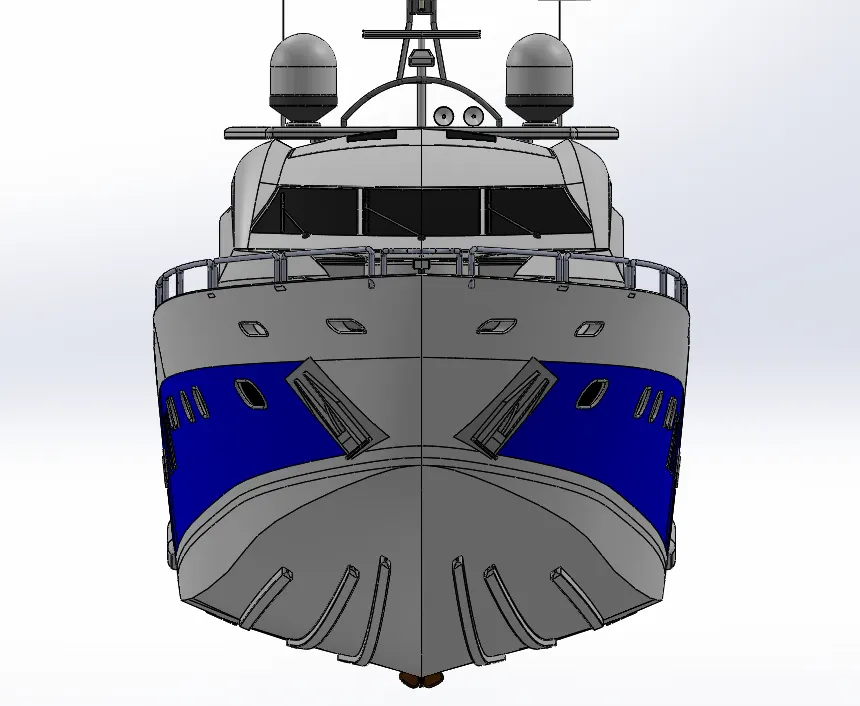
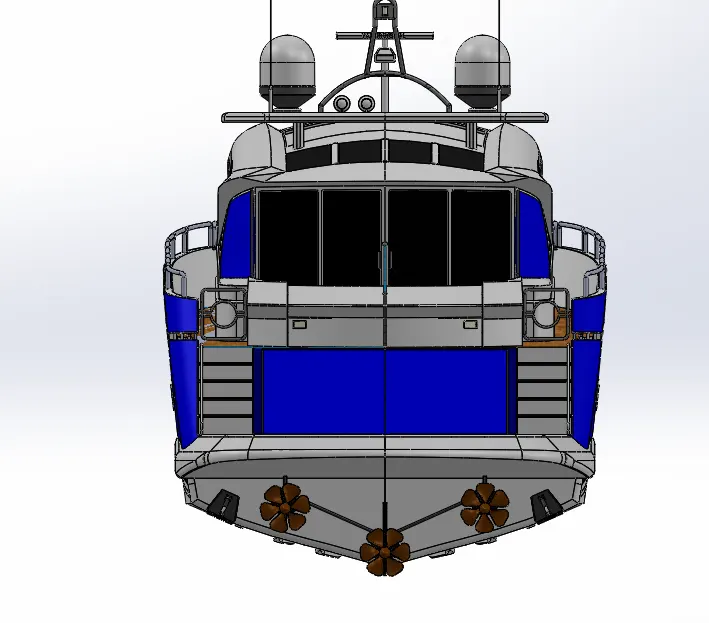
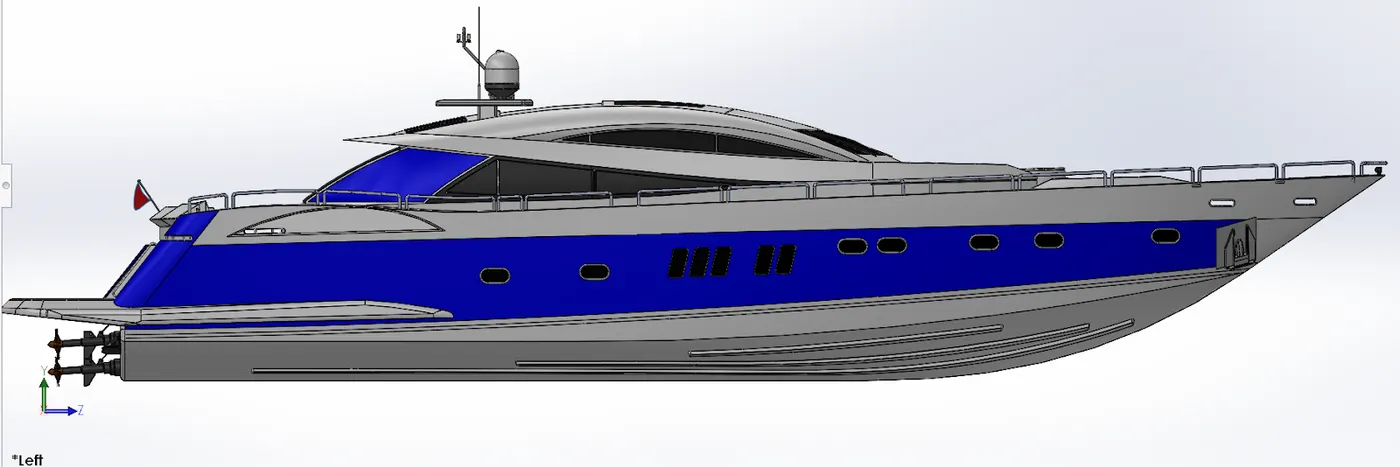
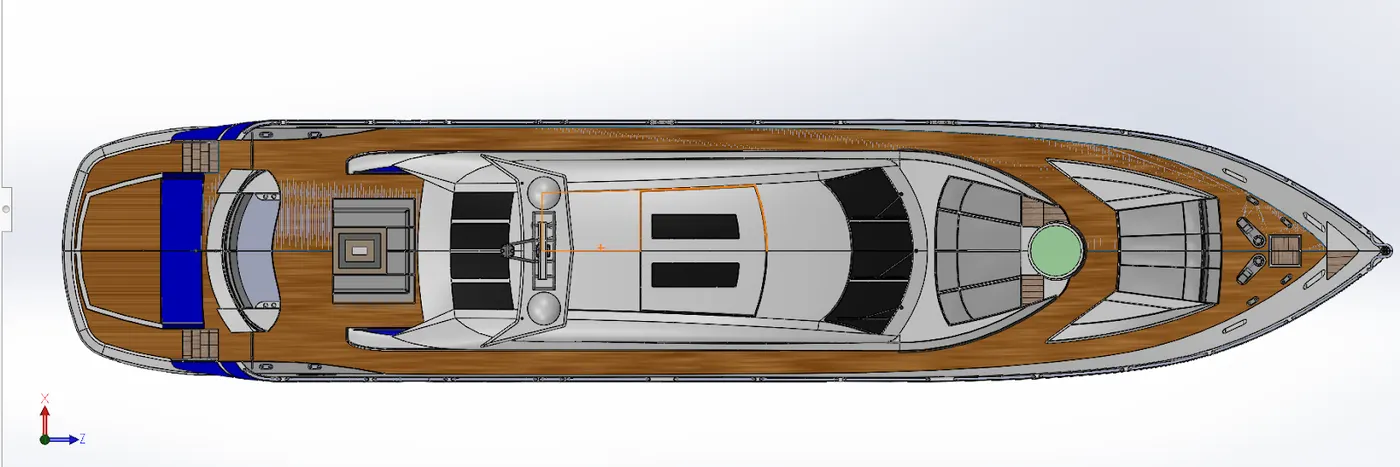
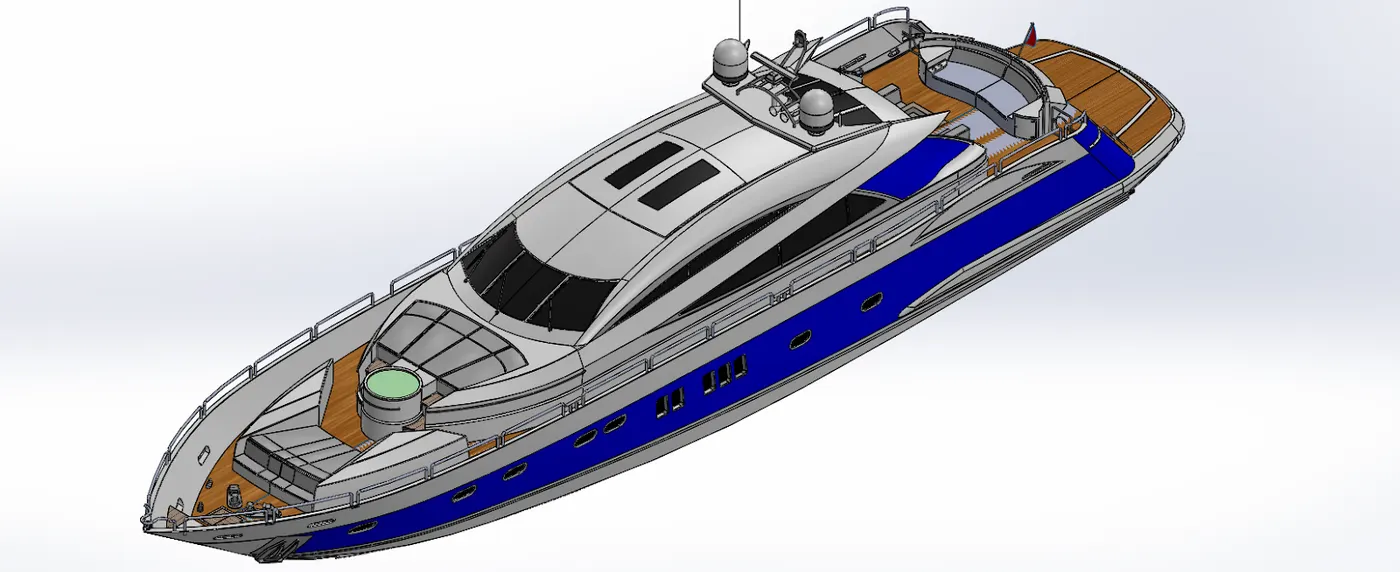
The yacht is assembled in the solidworks assembly. Various mates are used to construct the yacht.
Mates Used:
Concentric
Width
Distance
Distance Limit
Angle Limit
Coincident
Parallel
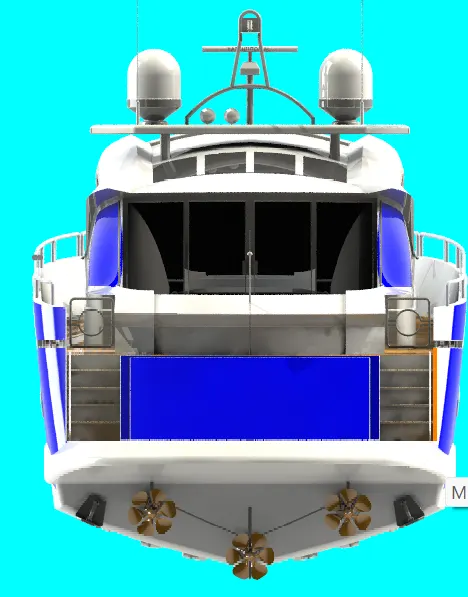
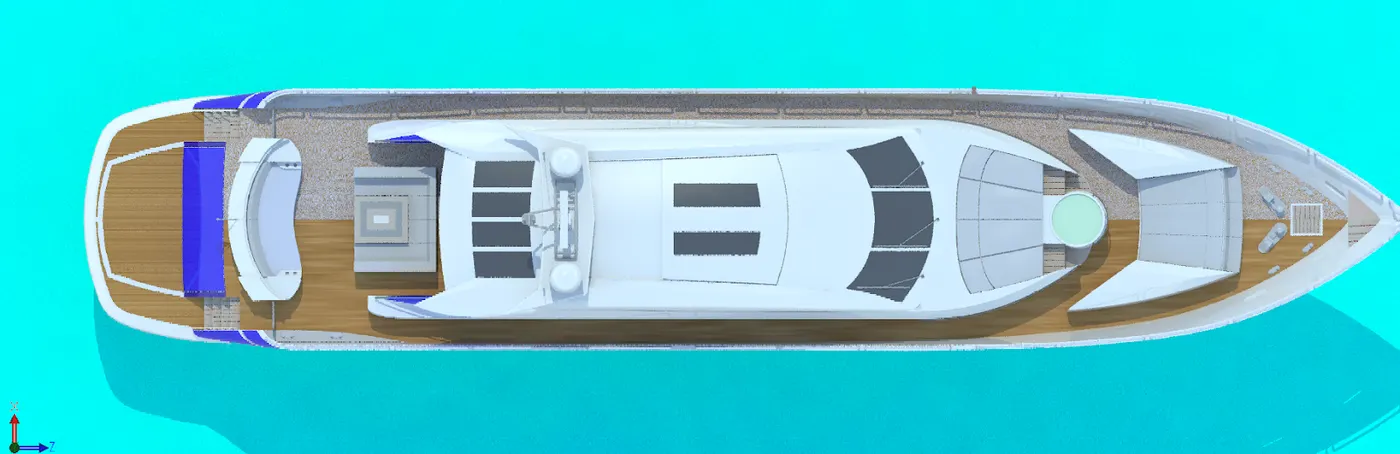
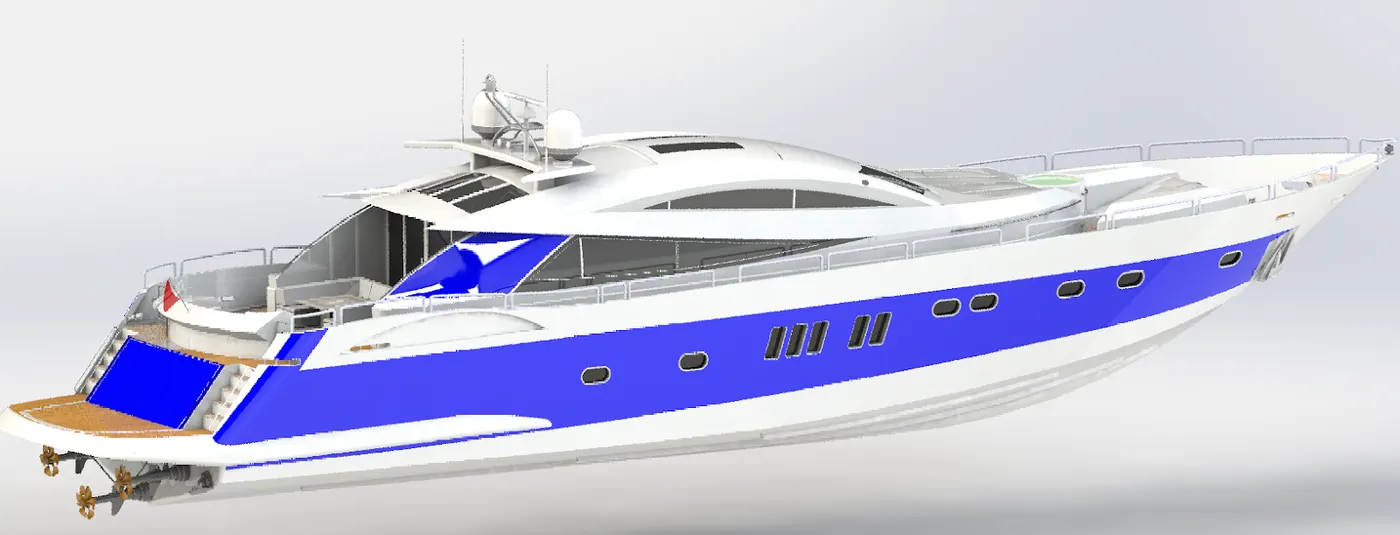
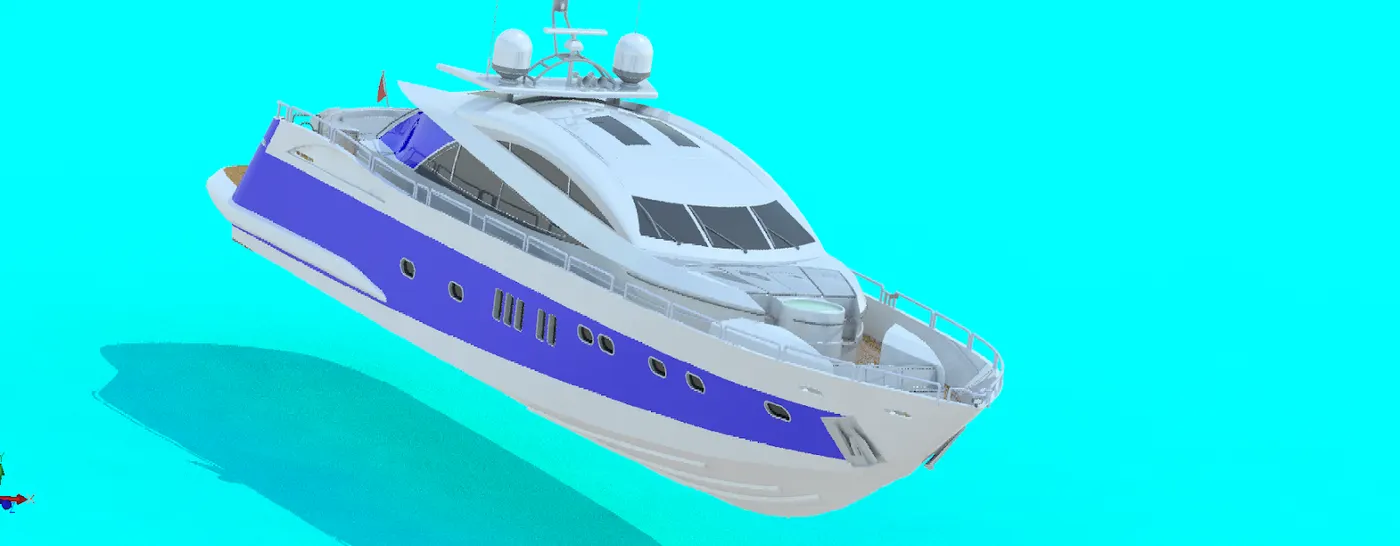
Images of the Assembly:
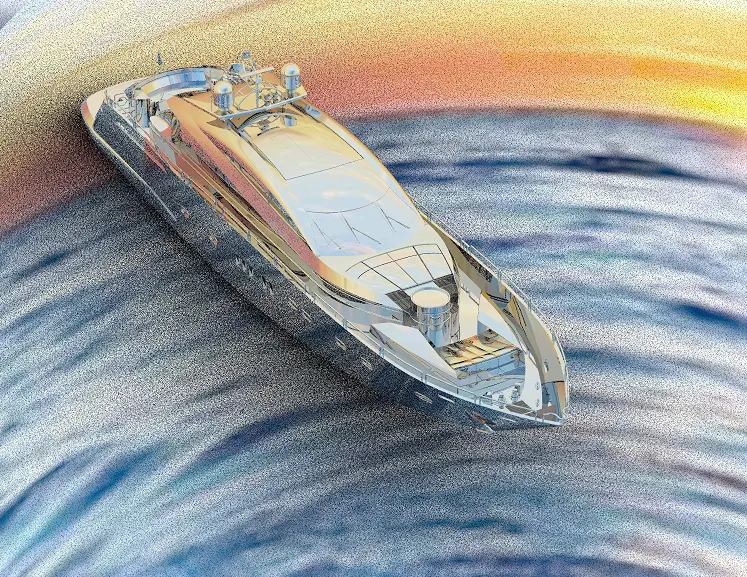
Rendering using PhotoView 360:
PhotoView 360 is rendering software which is used to convert digital models into realistic images and is available as an add - in the solidworks.
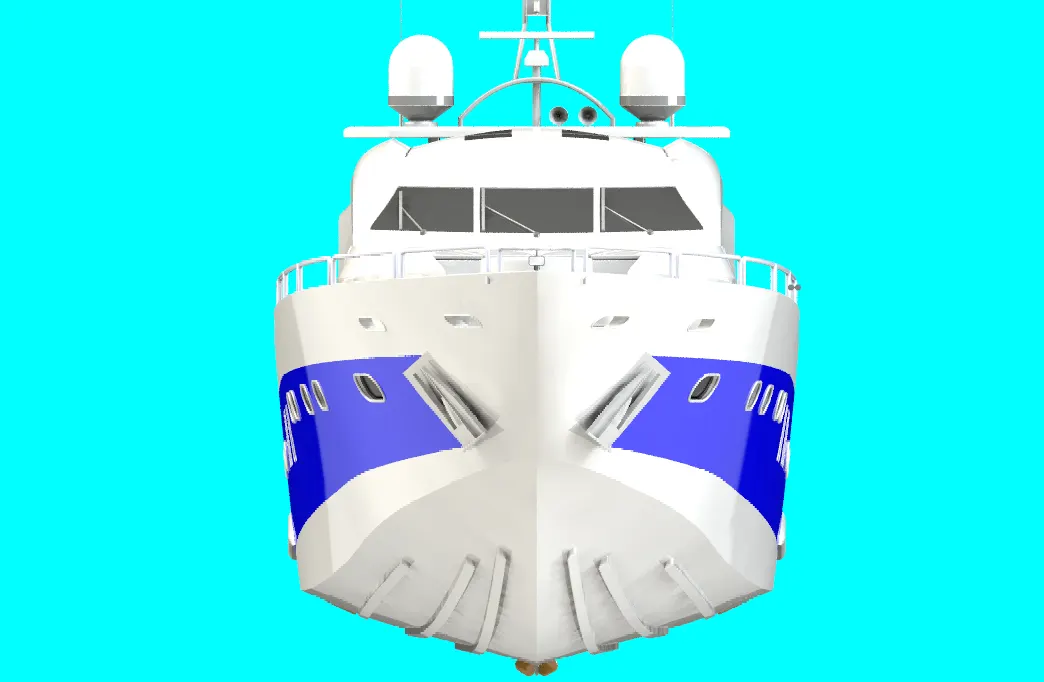
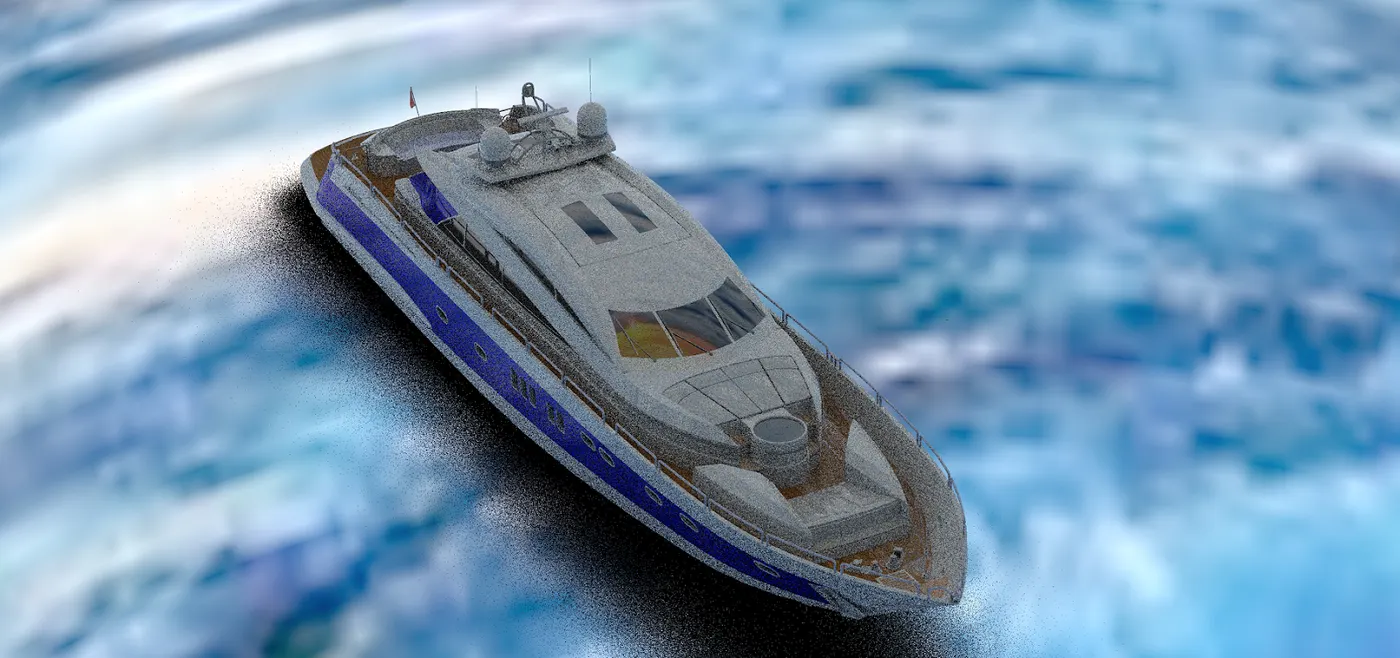
Rendering using SolidWorks Visualize
SolidWorks Visualize is an extensively high rendering tool.
Conclusion:
All the parts are designed in solidworks software.
The parts are assembled in the solidworks assembly
The assembled bike was rendered using Photoview 360 as well as SolidWorks Visualise.