Radar Mast & Final Assembly of Yacht
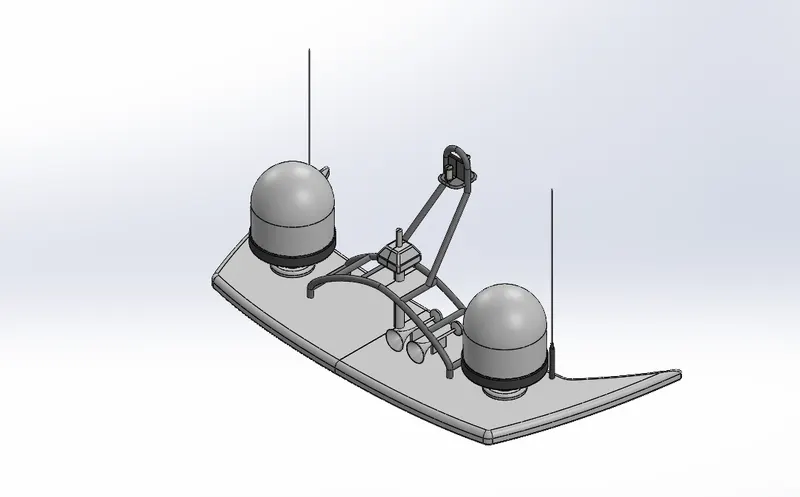
RadarMast
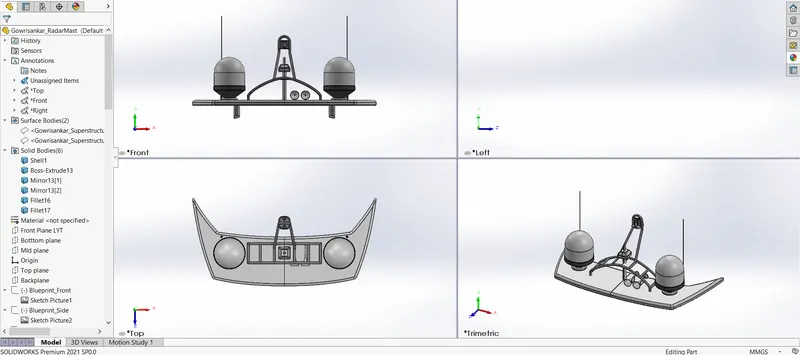
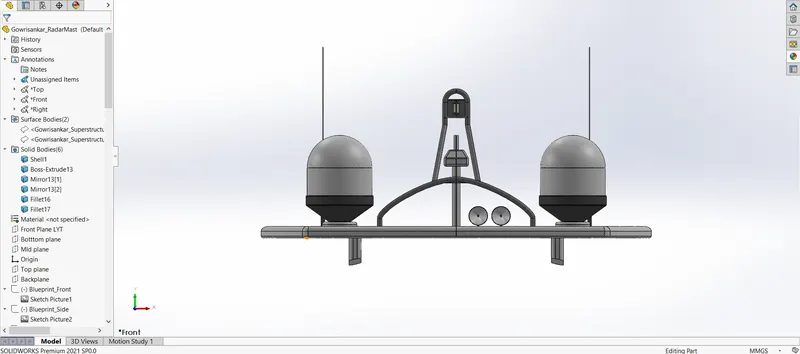
RadarMast Front
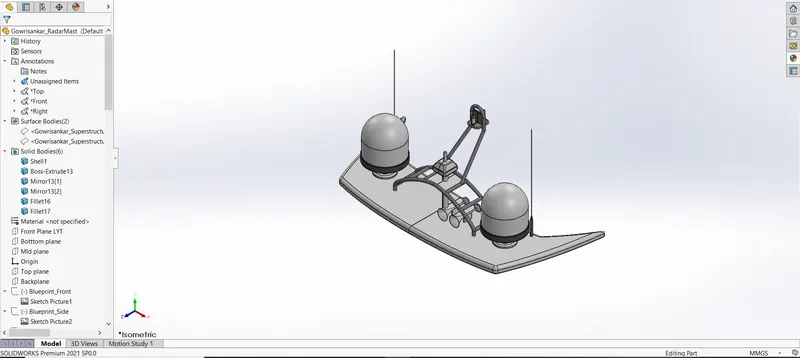
RadarMast Isometric
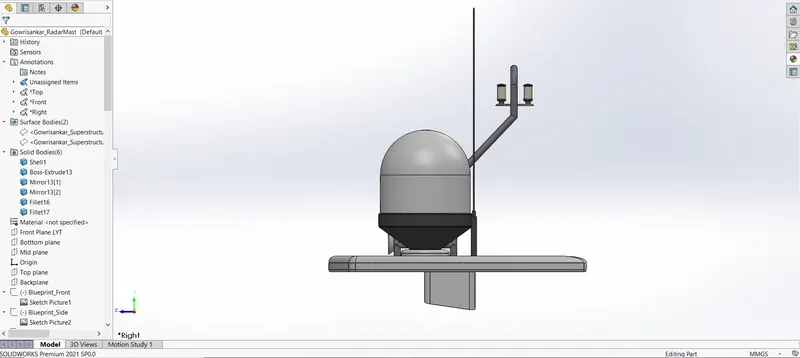
RadarMast Right
RadarMast Top
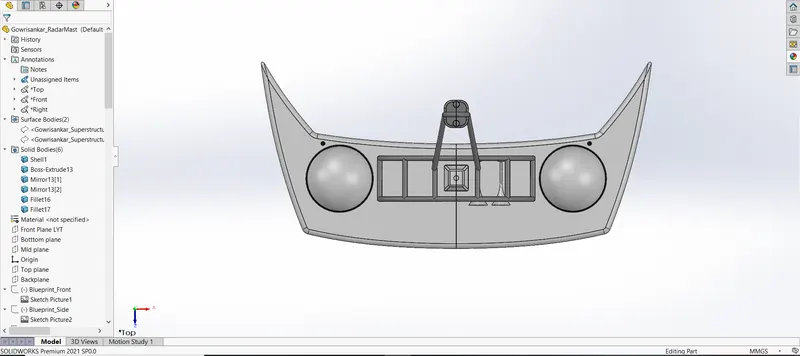
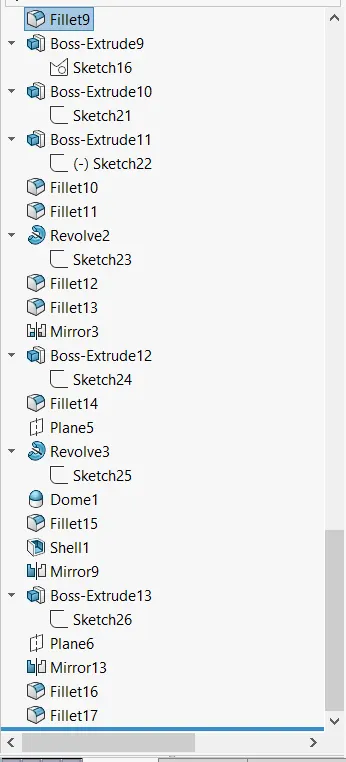
RadarMast tree 1
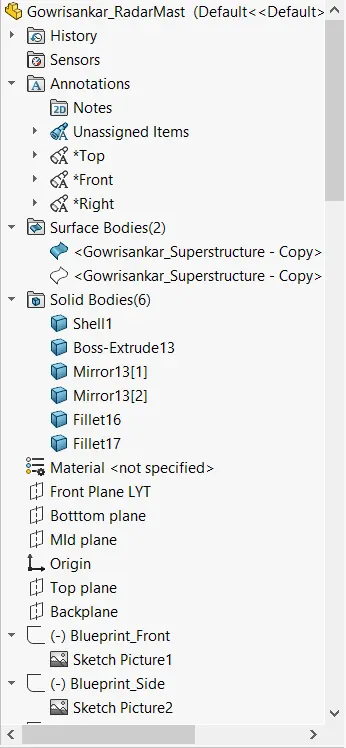
RadarMast tree 2
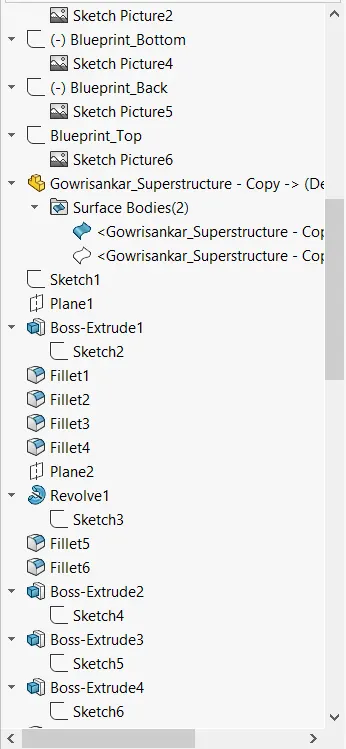
RadarMast tree 3
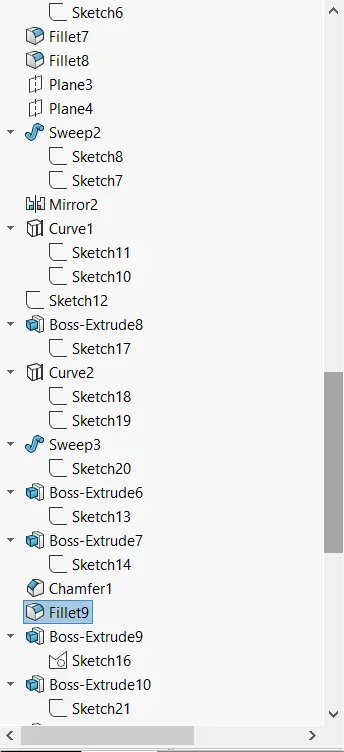
RadarMast tree 4
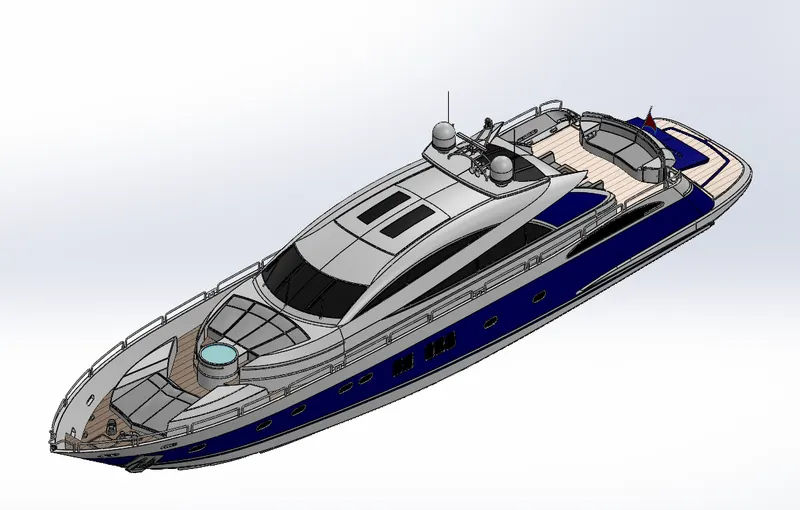
Yacht
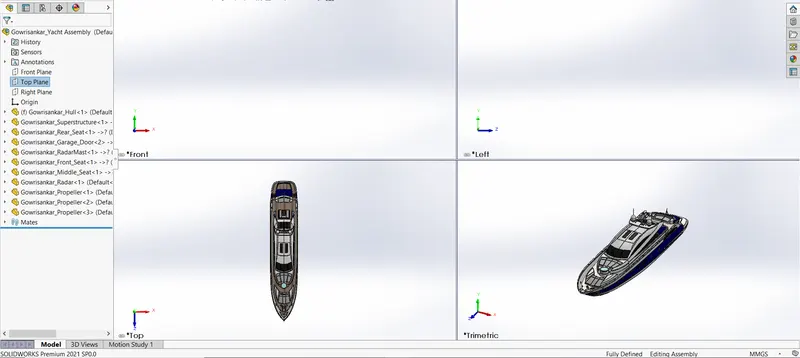
Yacht Front
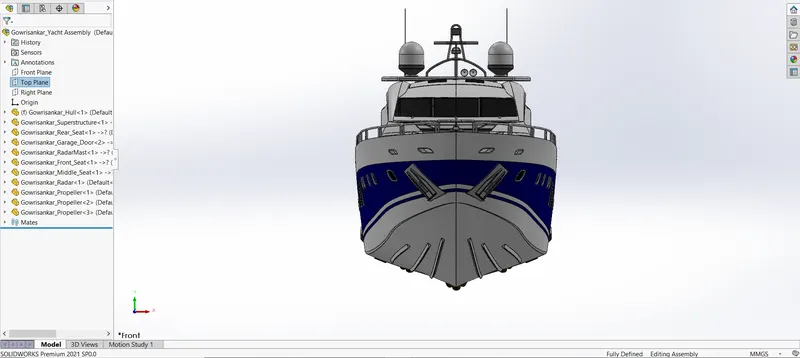
Yacht Isometric
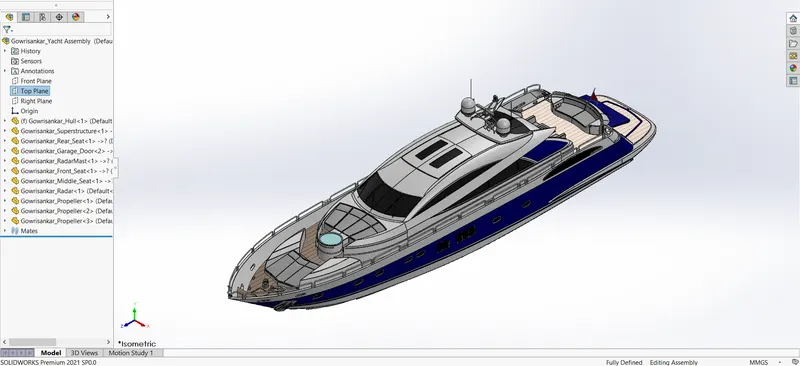
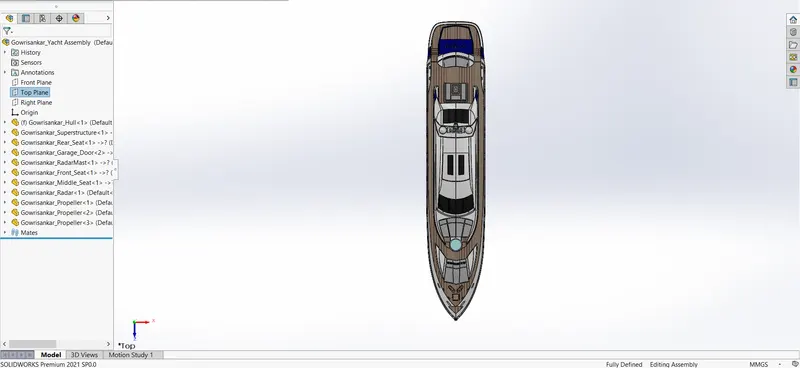
Yacht Top
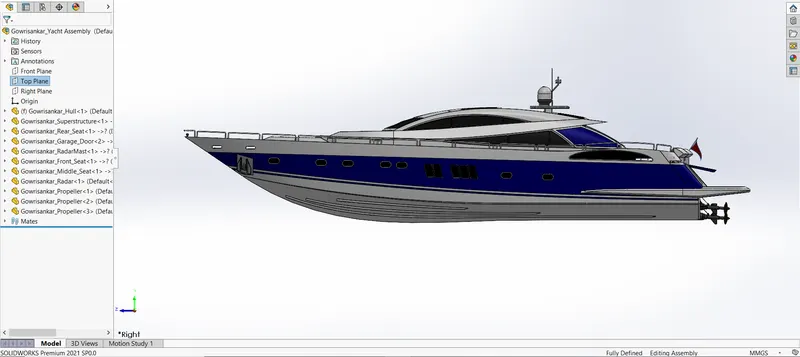
Yacht Right
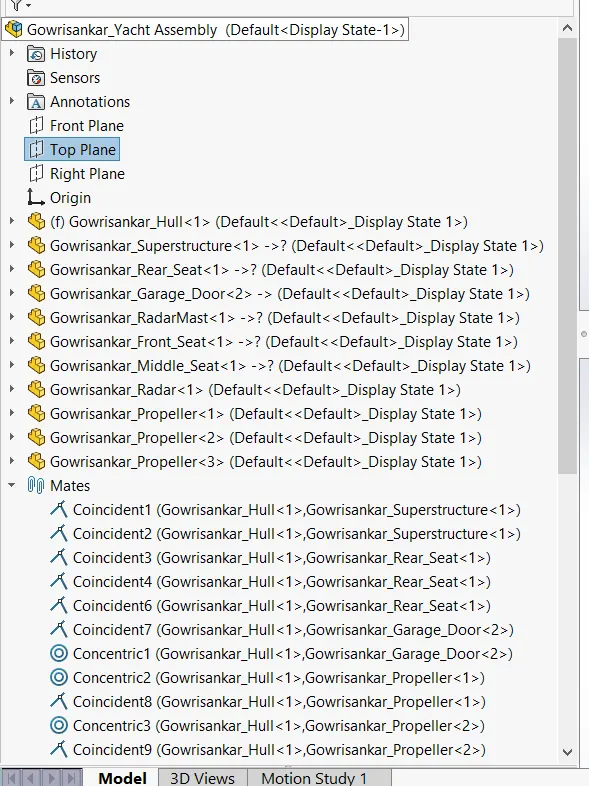
Yacht Tree 1
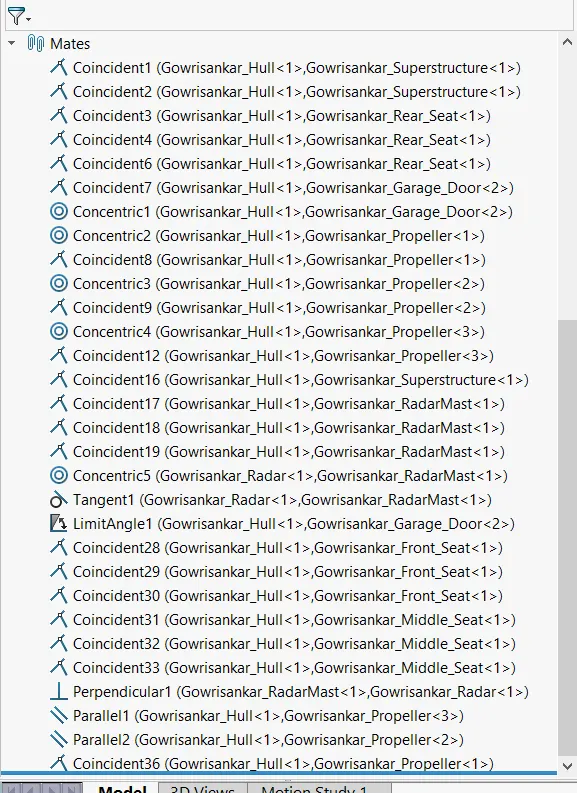
Yacht Tree 2
Modelling of Sunseeker Predator Yacht.
Aim.
The Aim of the Project to Design a Part Model,Assembly & Rendering the Sunseeker Predator Yacht using Solidworks & SOLIDWORKSVisualize.
Introduction.
In this project we will Design Sunseeker Predator Yacht using solidworks,use the various Tool like Sketch,Feature,Surface etc using this create a part Model,Once every part Model created use the Mate relation to Assemble the part,After assembly add Decals,Scene(Background or Environment),Camera,using different types of Light like(Directional light,Spot light,Point light,Sunlight)get better Realistic image in Photoview360,then using SOLIDWORKSVisualize to get better Rendering image Sunseeker Predator Yacht.
Objectives:
- To sketch the part of yacht using the Solidworks.
- To Assemble the all part using Mate relation in Solidworks.
- To Add the Decals,Scene,Camera,Light for Realistic view of our model in Photoview360.
- To Render the model in Solidworks Visualize.
Design methodology.
Creating 2D Sketch:2D sketch is created in the different plane as per our requirement used to Convet a 3D part.
Convert entities:This Feature is used to create a replica of sketch entity.
Circular pattern:To create multiple instances of two or more features in created circular path.
Curve-driven pattern:To create multiple instances of two or more features in created curve path.
Extruded Boss/Bass:Using this Feature we can create a solid part.
Cut-Extrude:This Feature remove material from the part in sketch boundary
Revolved Boss/Bass:Using this Feature create a soild model around a respective axis,like Circular shape model etc.
Sweep Boss/Bass:Curve or an edge as this origin Trajectory for the sweep,like Pipe,Rod shape etc.
Loft:It creates a shape by making transitions between multiple profiles and guide curves.
Fillet:This Feature is used to create smooth edges.
Chamfer:This Feature is used to create slanted edges.
Draft:This Feature used to provide taper on specified angles using a Neutral plane or Parting line.
Shell:This Feature is used to create a Hollow shapes.
Split:This Feature is used to Split the part in respective sketch boundary.
Combine:This Feature used to combine add or subtract or common the two or more object.
Mirror:This feature is used to copy features with respective Plane or Face and Merge solids or Knit surfaces or Propagate Visual Properties.
Reference plane:This Feature is used to create Plane on respective axis,any point etc.
Surface-Extrude:Using this Surface Feature any 2D sketch can Extrude to create a surface.
Extend Surface:Using the Surface Feature we can Extend Surface depend on Distance or up to surface or up to point.
Surface-Knit:Using this Surface Feature tool two or more than surface will be joined,Gap Control,Merge entities & create Solid.
Surface-Trim:Using the Surface Feature we can remove unwanted surface or split all the surface.
Filled Surface:Patches the surface within the boundary.
Delete Face:This Surface Feature used to delete the Face.
Offset Surface:The Offset Surface tool creates a new surface from an existing set of faces.
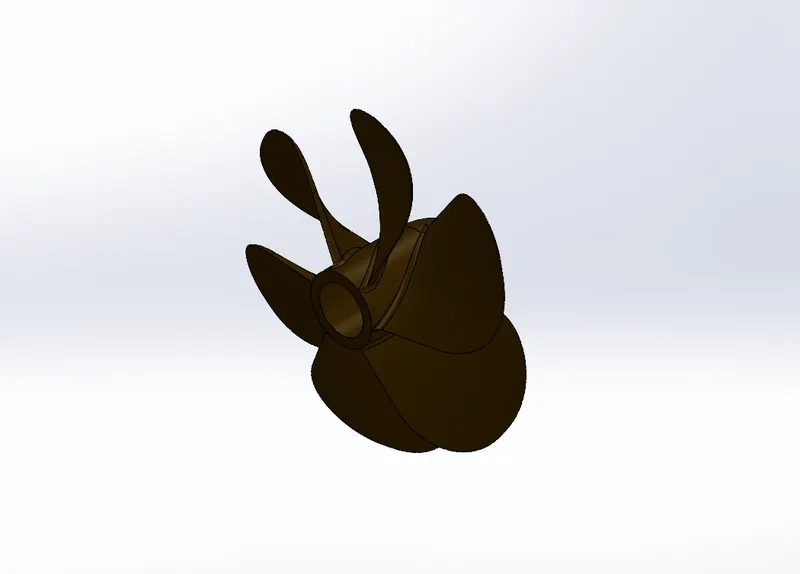
Propeller.
- The Propeller is used at the end of the shaft that comes form Engine and Gearbox,it provide the thrust to move the Ship forward or backward.
- Features like Revolve,Loft,Cut Extrude,Fillet & Circular pattern.
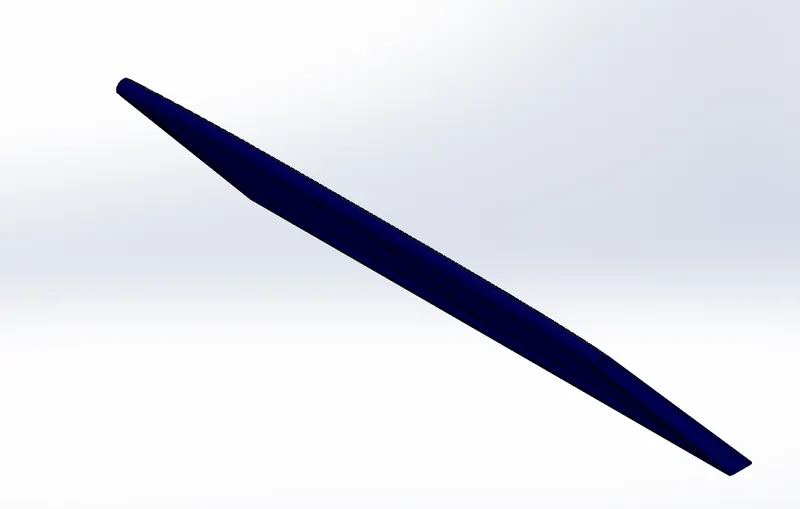
Radar.
- Radar is work basis of detecting Echo of Radiowaves transmitted by earth station & signal from transponders onboard the Aircraft.
- Features like Boss Extrude,Loft,Cut Extrude,Fillet,Sketch pattern,Mirror & Split to insert the text in this part.
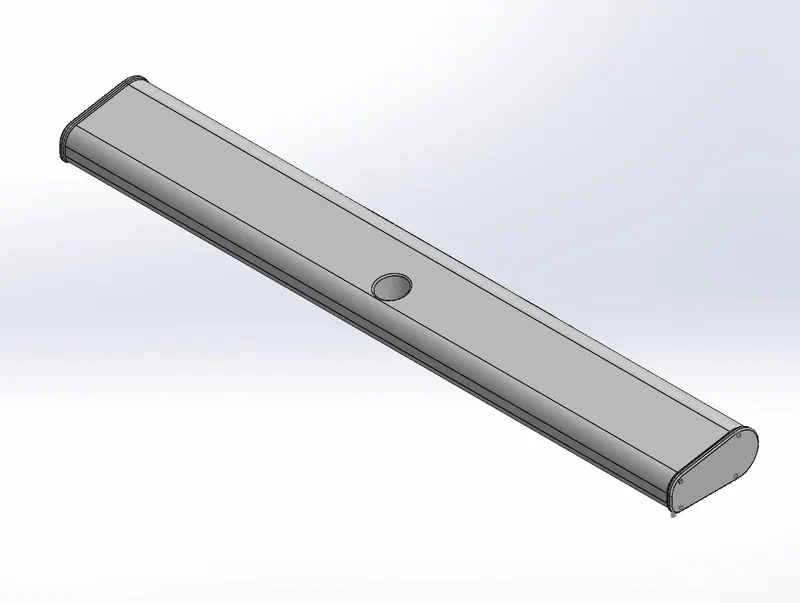
Garage Door.
- It is used to opening through all type of Vehicale leaves the garage of the yacht.
- Features like Cut Extrude,shell,Fillet,Mirror & Split to insert the text in this part.
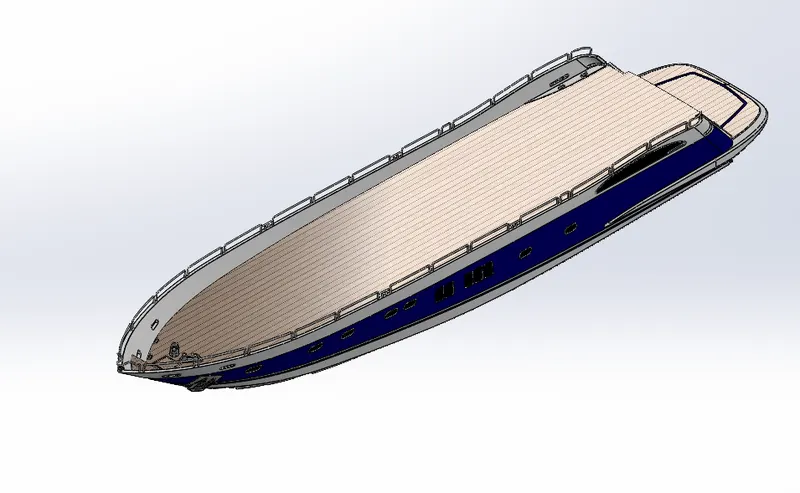
Hull.
- Hull is the main body of the ship which carries the Cargo in various compartment.it also contains the engine room of the ship which house the propulsion Machine stores steering compartment.
- Features like Boss Extrude,Loft,Helix/spiral,Cut-Extrude,Fillet,Mirror,Surface-Trim,Surface-Extrude,Surface-Knit,Cut-Extrude Thin,Sweep,Linear Pattern,Split,Combine.
Front seat.
- Front Seat is a passenger seat it is palaced in front of the Hull.
- Features like Surface Loft,Surface Sweep,Surface-Extrude,Surface Fill,Surface Trim,Boss Extrude,Revolve,Chamber,Fillet,Dome & Mirror.
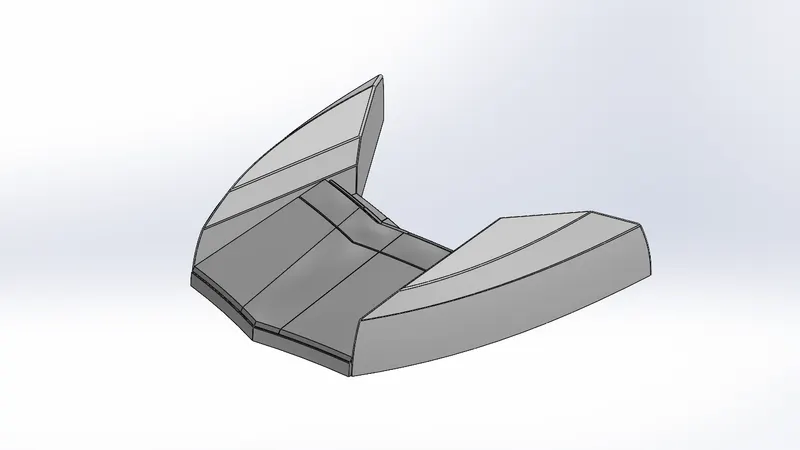
Middle seat.
- Middel seat is also used as a passenger seat it is located in just behind the Superstructure.
- Features like Boss Extrude,Cut Extrude,Chamber,Fillet & Mirror.
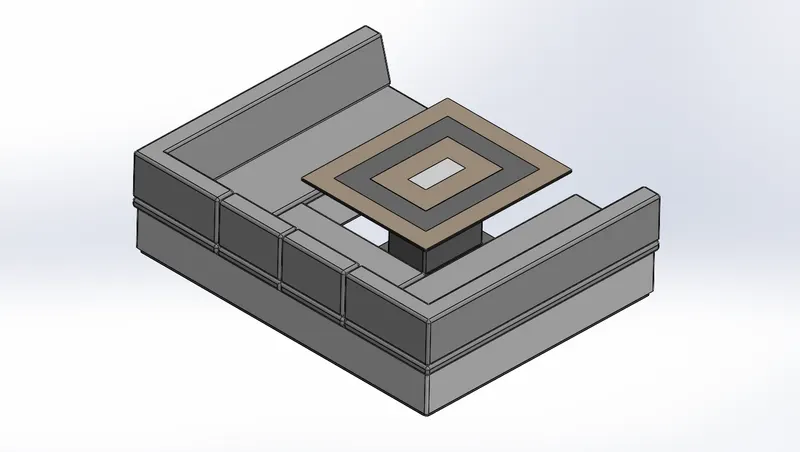
Rear seat.
- Rear seat is also used as a passenger seat it is located in behind the superstructure.
- Features like Surface Loft,Surface Sweep,Sweep,Ruled Surface,Surface Fill,Surface Trim,Knit Surface,Surface offset,Boss Extrude,Revolve,Chamber,Fillet,Dome & Mirror.
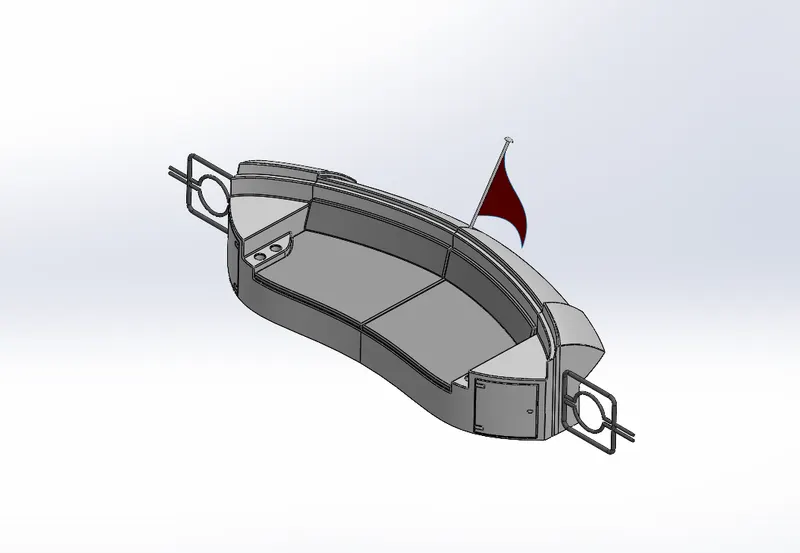
Superstructure.
- Superstructure is a decked structure on the freeboard deck,extending from side to side of the ship it contain Roof,stairs,beam etc.
- Features like Loft,Loft Surface,Surface Fill,Ruled Surface,Extrude Surface,Extend Surface,Surface Trim,Knit Surface, Offset Surface, Chamber, Fillet, Dome,Mirror,Boss Extrude,Sweep,DeleteFace & Split Line.
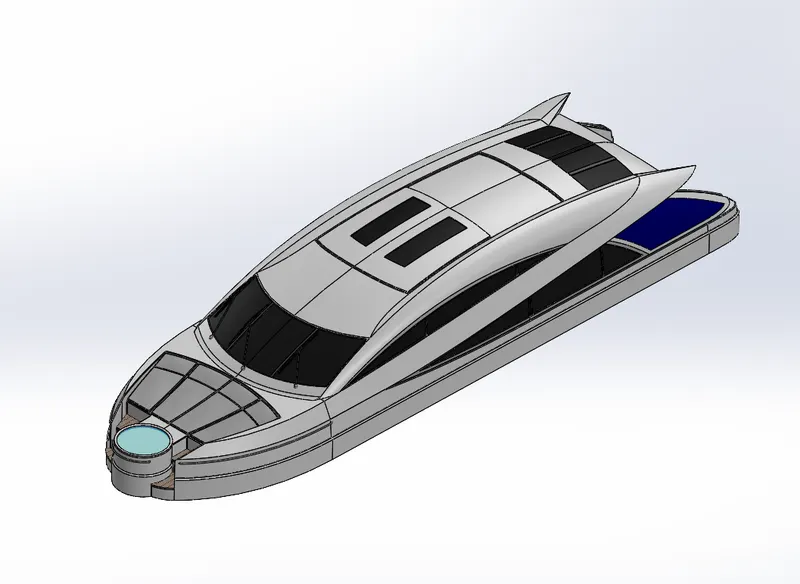
Radar Mast.
- Its the Electronic Navigation Instruments that use a rotating Antenna it contain Navigation light,look-out position,signal lamp etc.
- Features like Surface Sweep,Boss Extrude,Cut Extrude,Revolve,Chamber,Fillet,Dome & Mirror.
Assembly.
- Finally all the part were assembled by using the suitable mate in solidworks.
- Using Mate Inserting each part.
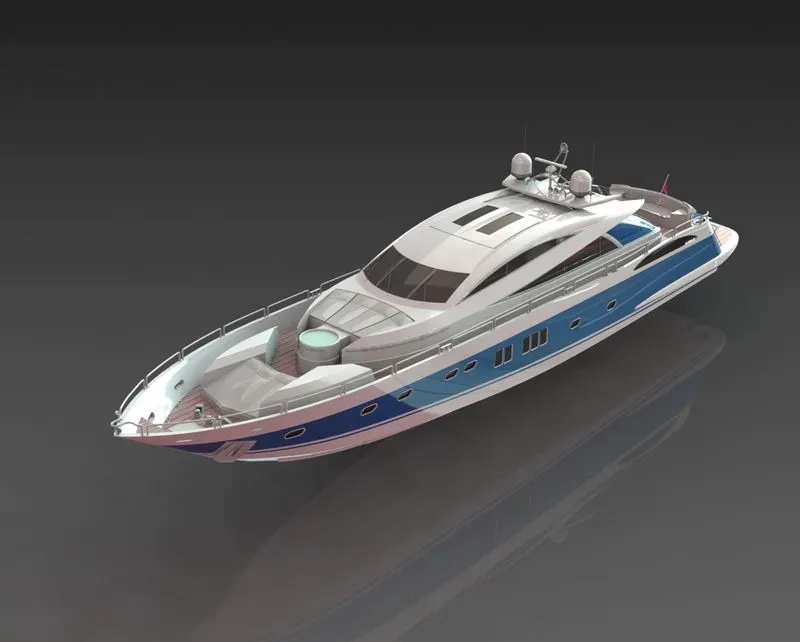
Rendering Image of Yacht.
Photoview360:
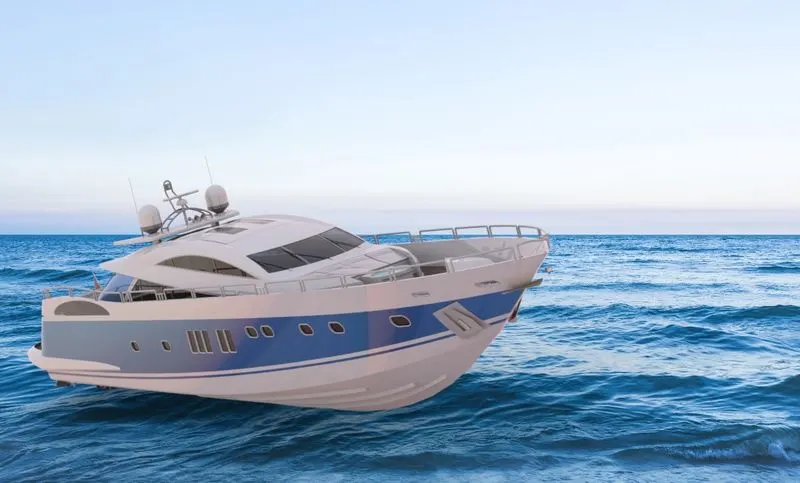
SOLIDWORKSVisualize:
Conclusion.
The different part yacht created were Assembled and Rendered to given a realistic view using Solidworks & SOLIDWORKSVisualize.