Photo Realistic Rendering
Harley Davidson Chopper Bike.
Objective:
The objective of the project is to desing chopper bike,By using the solidworks.
Introduction:
In the project,I Design a Chopper Bike with the help of Blueprint,I learend a lot of feature like sketch,modelling,surface modelling,Assembly,photoview 360,Rendering Etc,I desgin 3D part and finally assembled it and render a model for Realistic.
Design methodology/approach.
Part:
- Sketch used to create a 2D with respective to blueprint.
- Feature tools is used to conveted 2D to 3D by using Fillet,Extrude,Revolve,Circular pattern,Cut revolve etc.
- projection curve is used to combine a two 2D curve into one 3D projetion curve.
Assembly:
- In assembly insert a part,by using Mates fix a part in proper alignment.
Render:
- Create a camera for rendering view and adjust the perspective feature for our requirement for best render.
- Edit the effects like light,view rendering properties,environment,scenes this feature helps us to better realistic image.
Description.
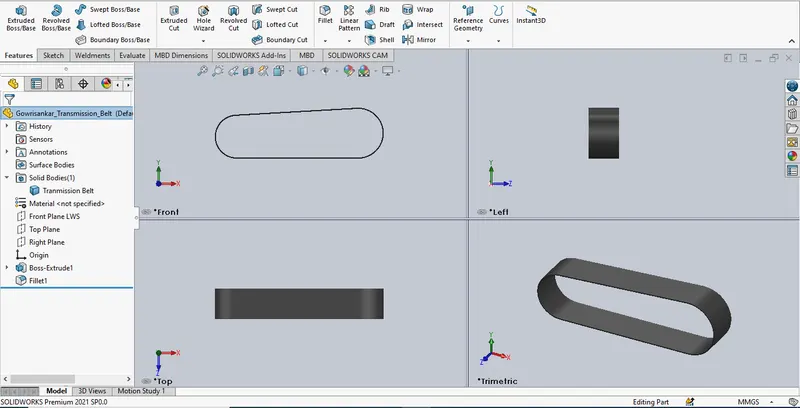
Line: used to draw a line.
Arc:used to Create Arc.(by using Acr and line tool)
Offset:its used to create a offset.
Extrude:its used to Converte 2D to 3D.
Fillet:its used to convet a Sharp to Round Edge.
Relation:Geometric relation and Dimension relations.(By using this I can easly define a sketch)
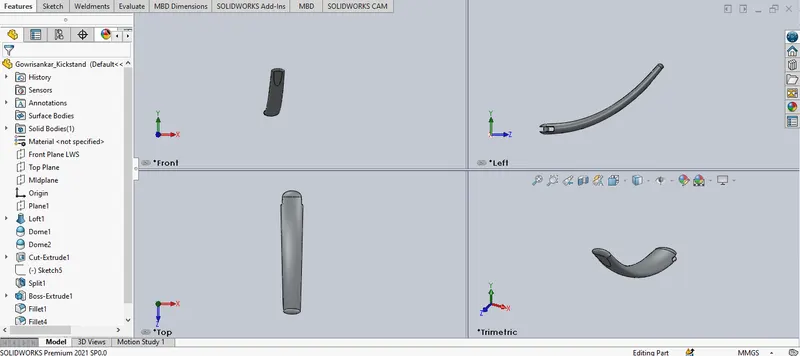
Eclipse:used to Draw eclipse on both end.
Slpine:used for continous curve that control by point.(its define by angle & weight)
Loft:Create a Feature between two point.
Dome:Create a dome Shape on Eclipse.
Cut Extrude:Cut unwanted part in our part.
Split:used to cut a part.
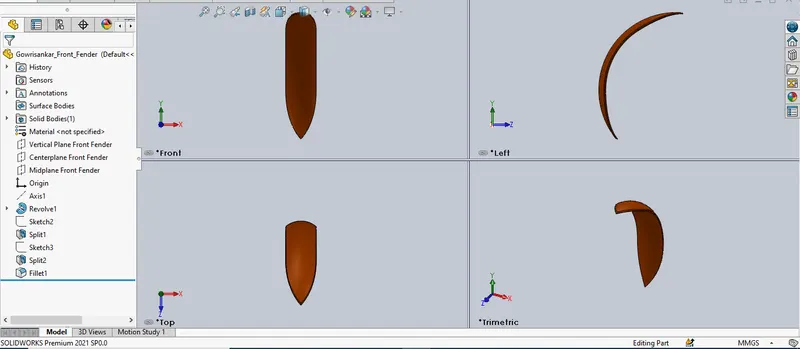
Similar tools are used in this part:
Line,Arc,Split,Fillet.
Revolve:Create 2D Sketch and Click the Center Axis around the feature is revolve.
Trim:Cut a excess of sketch.
Trim Extend:extend a sketch.
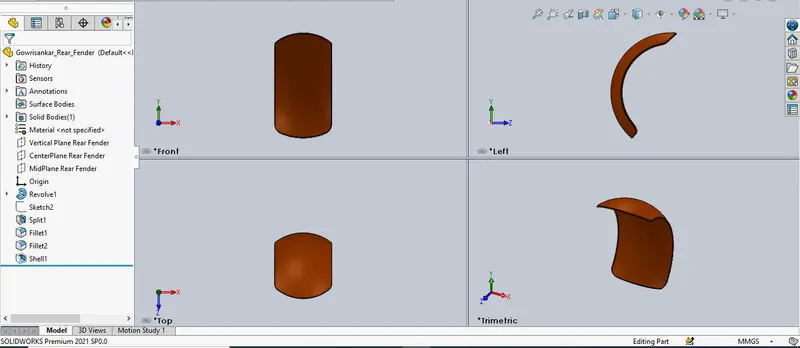
Similar tools are used in this part:
Line,Arc,Split,Revolve.
Shell:used to Create a hallow Shape.
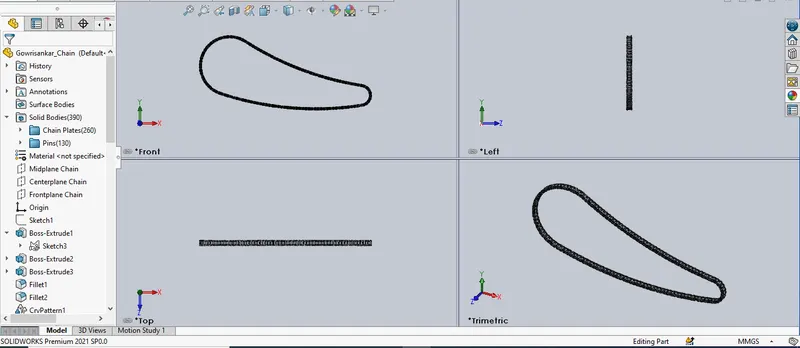
Similar tools are used in this part:
Arc,Extrude,Fillet.
Curve Driven:used to create a cured pattern.
Mirror:mirror a part in respective plane.
Block:used to create 2D and save a Block,For using multi times.
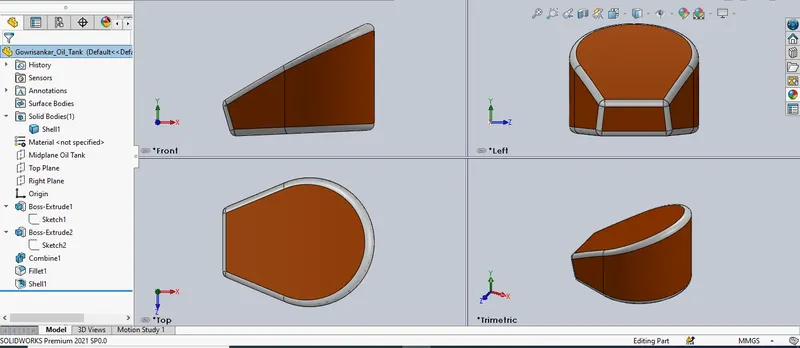
Similar tools are used in this part:
Line,Spline,Fillet,Shell,Extrude.
Combine:Combaine part.(Add,Sub,Intersect)
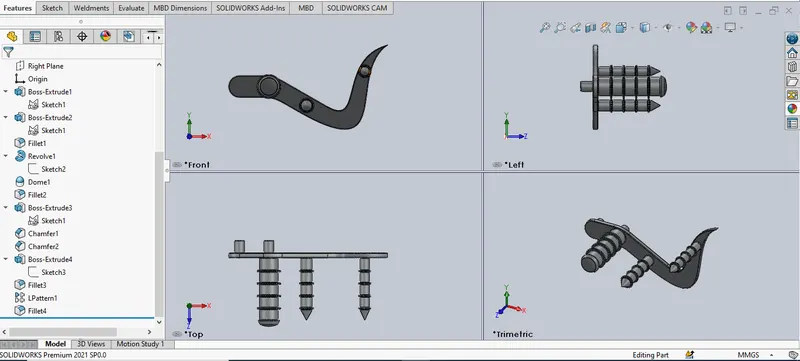
Similar tools are used in this part:
Line,Fillet,Extrude,Dome.
Chamfer:used to create chamfer on Edges.
Linear pattern:Copy a feature and pattern its as per the requirement.
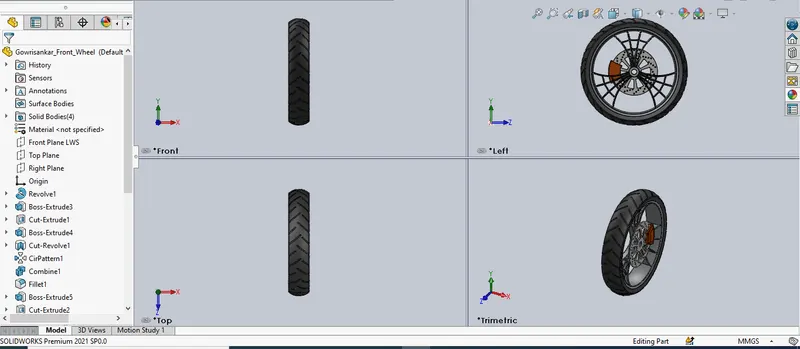
Similar tools are used in this part:
Line,Spline,Fillet,Extrude,Revolve.
Circular pattern:used to pattern a Feature in circular path.
Cut revolve:similar to remove Boss-Extrude but it remove in circule path.
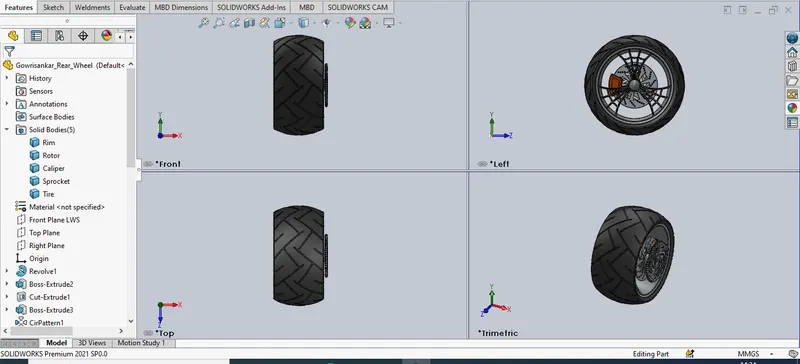
Similar tools are used in this part:
Line,Spline,Fillet,Extrude,Revolve,Circular pattern,Cut revolve.
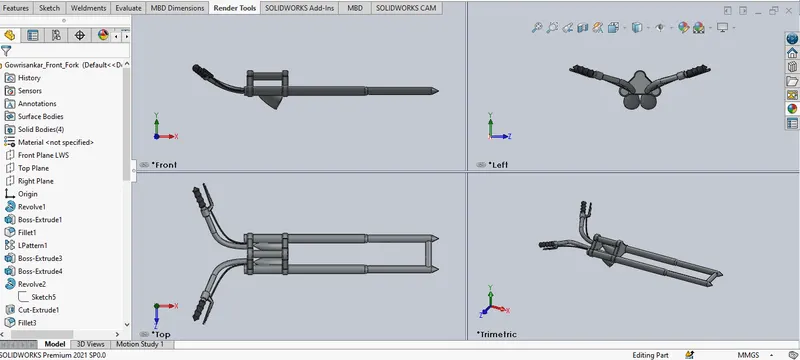
Similar tools are used in this part:
Line,Spline,Fillet,Extrude,Cut-Extrude,Mirror,Trim,Revolve.
Move/Copy:used to move/copy and paste the part with given alignment.
Projection Curve:used to create 3D cuver by combining two different 2D curve.
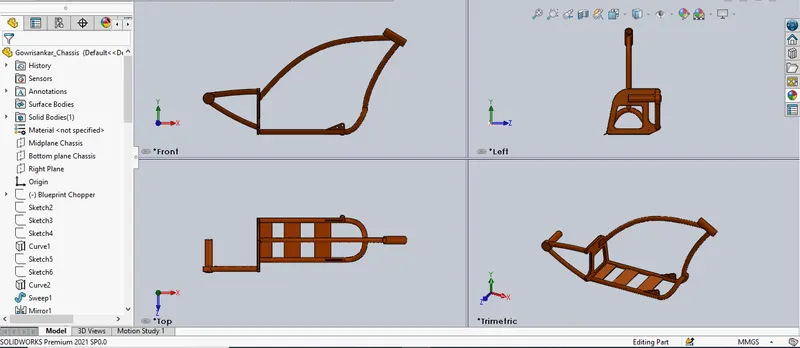
Similar tools are used in this part:
Line,Spline,Fillet,Extrude,Cut-Extrude,Mirror,Trim,Revolve,Projection Curve.
Sweep:create a 3D model along with the selected path.
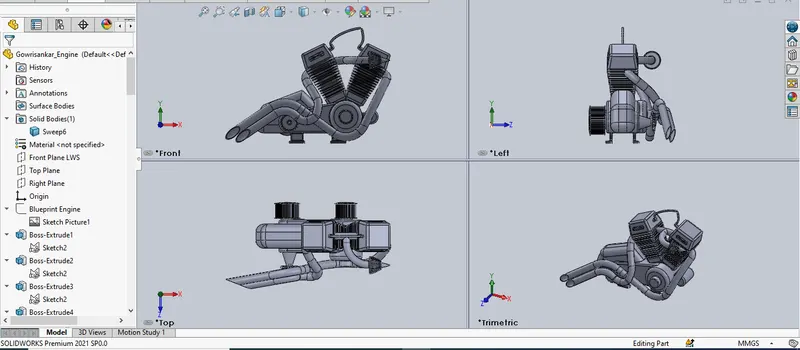
Similar tools are used in this part:
Line,Spline,Split,Fillet,Extrude,Cut-Extrude,Mirror,Trim,Revolve,Projection Curve,Sweep.
Composite Curve:used to join the two projection curves.
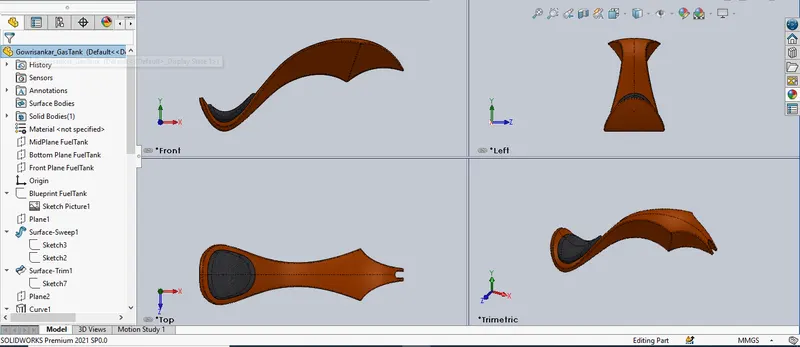
Similar tools are used in this part:
Line,Spline,Split,Fillet,Extrude,Mirror,Projection Curve,Sweep,Loft.
Assembly.
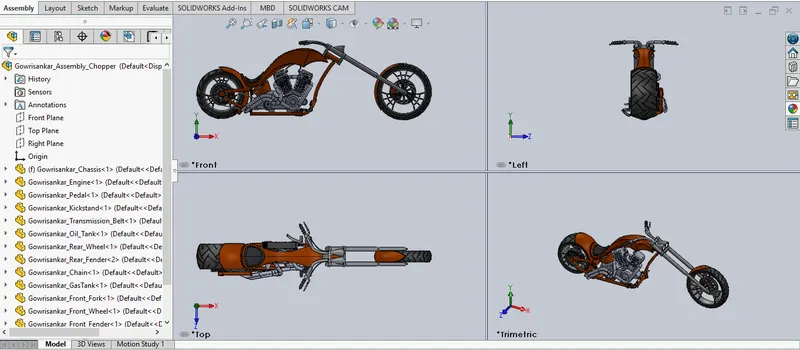
In Assembly by using the mates fix the parts as per the respective positions.
Assembly Model Render.
Chopper Decals,Color & Editing Material.
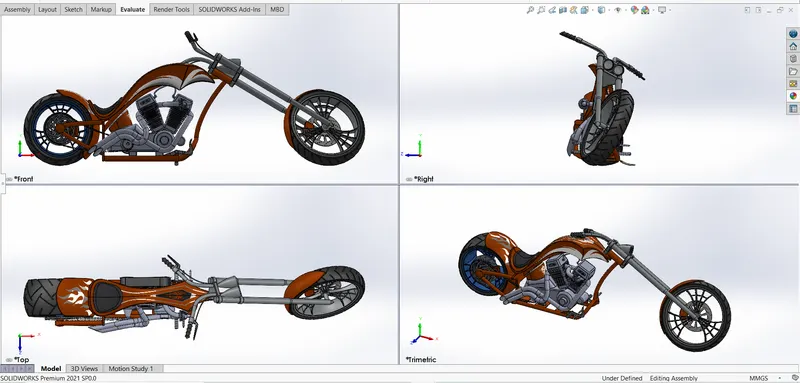
Chopper Front of the Choper View:
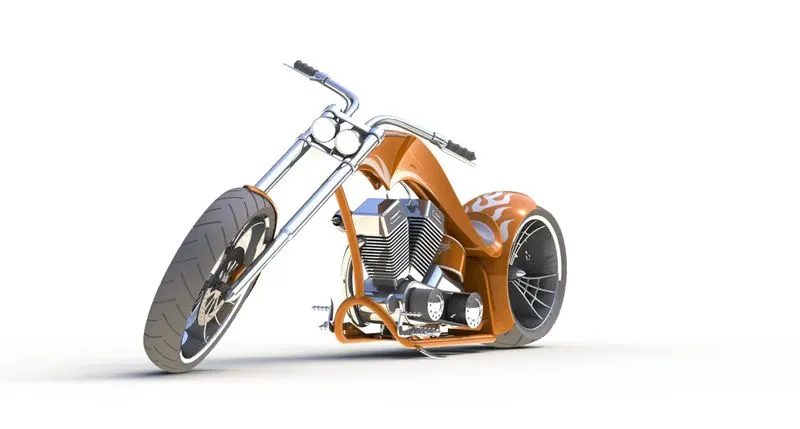
Chopper Camera:
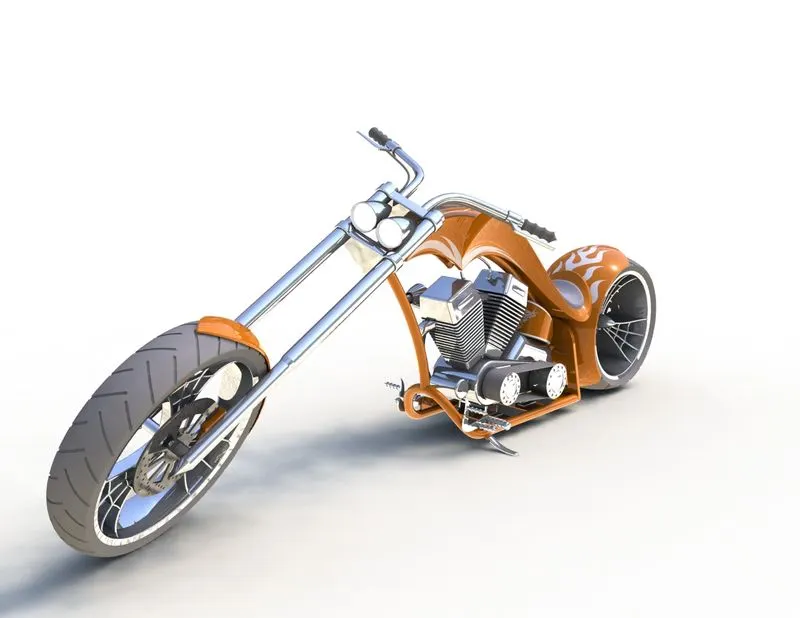
Chopper Front:
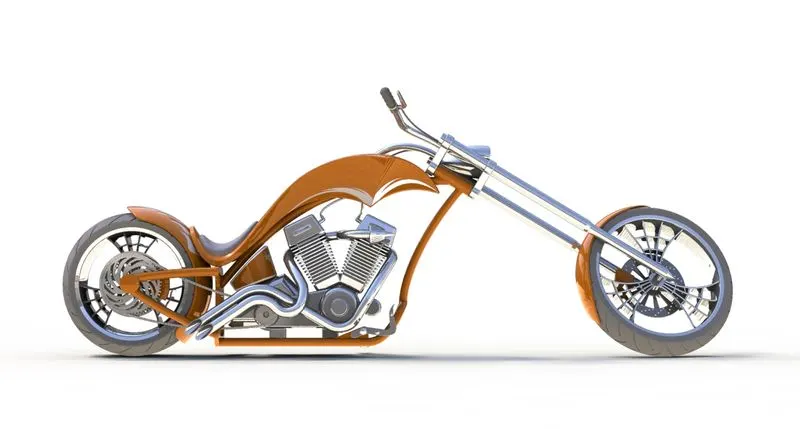
Chopper Isometric:
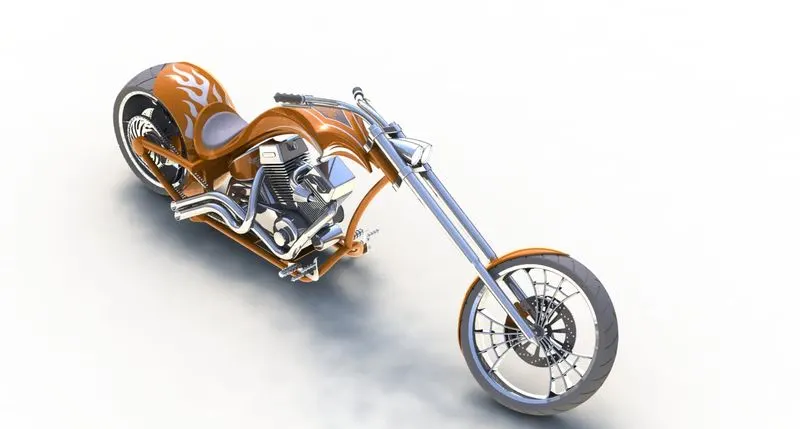
Chopper Right:
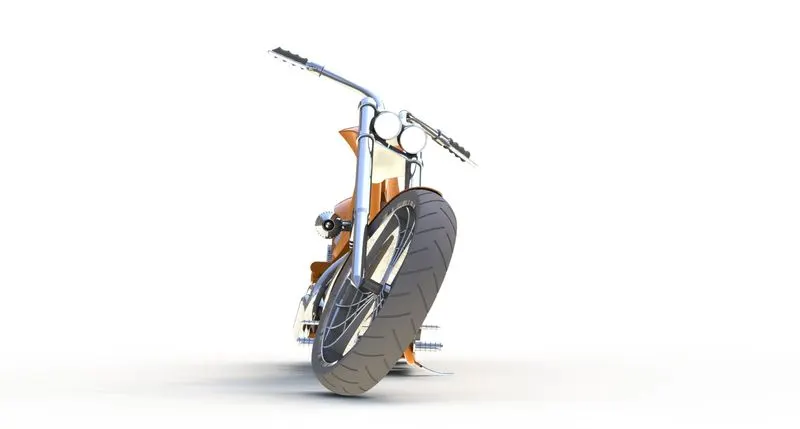
Chopper Right:
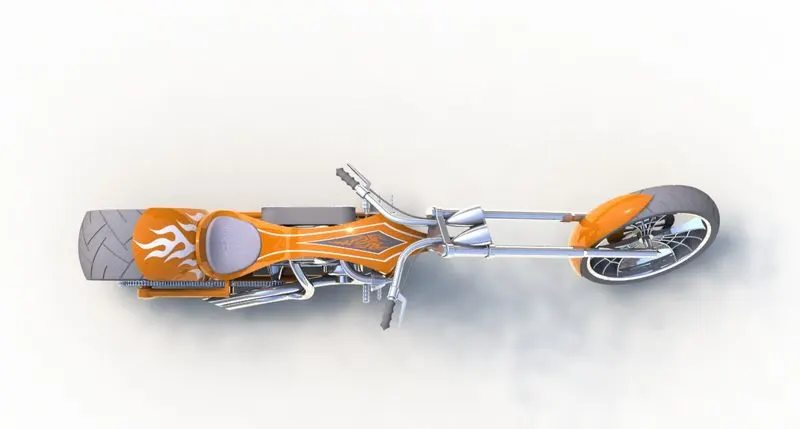
Rendering Visualize
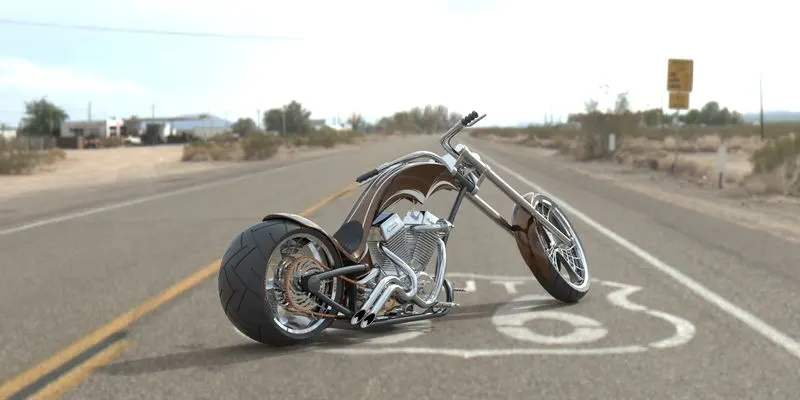
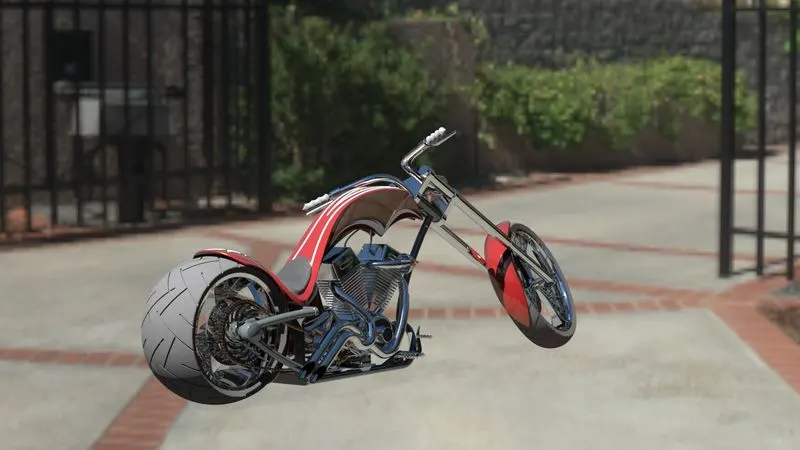
Conclusion.
In this final stage of the Series,I created the realistic model of chopper bike.