Radar Mast & Final Assembly of Yacht
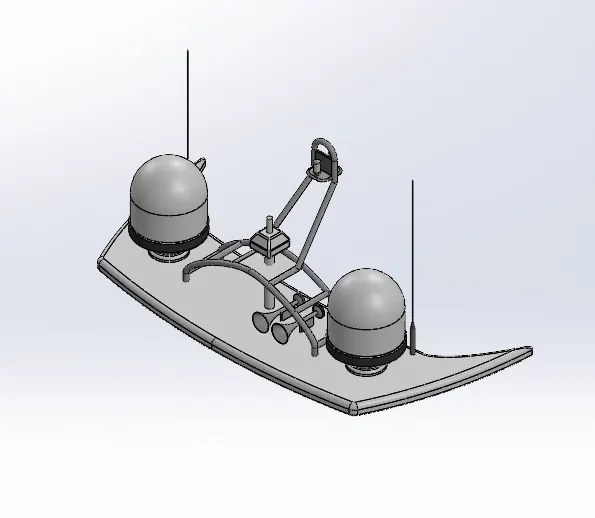
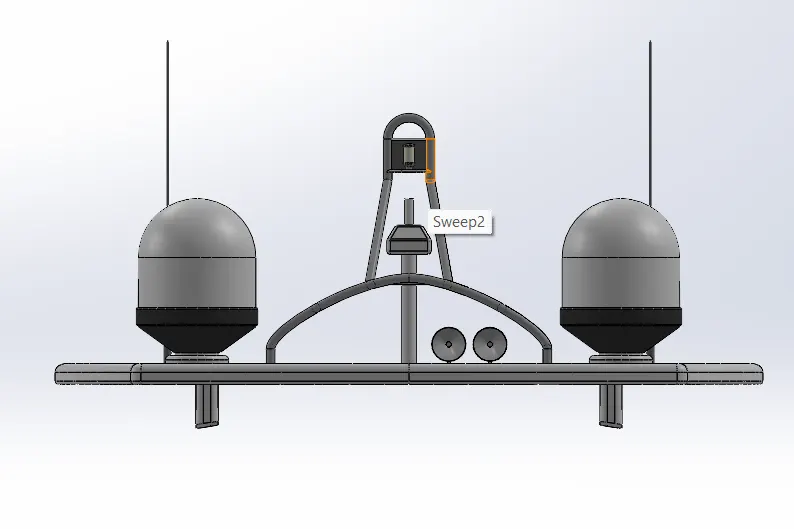
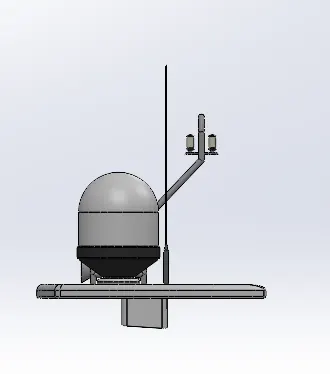
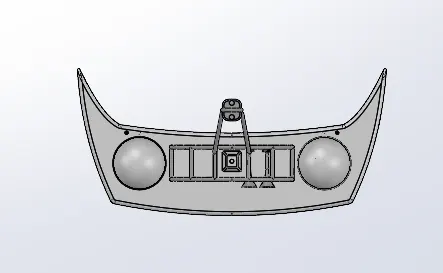
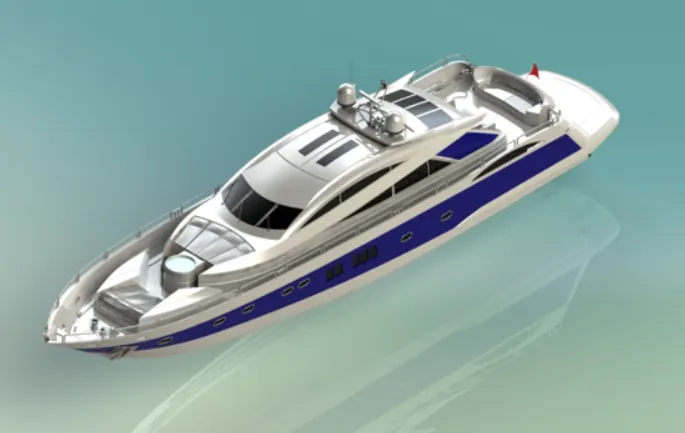
CAD Model
of
yatch
Objective
- To model the Yacht in the SolidWorks software.
- To learn different commands for creating complex surface geometry..
- To apply the various material and texture to the model created in the software.
- To render the model in the solidWorks Visualize software with the aim of learning the same.
Introduction
Surface modeling is an alternative to solid body modeling. Essentially, it's just another tab at the top of the SOLIDWORKS User Interface. Surface modeling is an important tool to have in your box because it not only makes modeling easier, it sometimes makes modeling possibleSurface Modeling is the method of showing or presenting solid objects. The process requires you to convert between different 3D modeling types, such as converting the 3D object to show procedural surfaces, validate imperfections, and apply smoothness.
Modeling with surfaces can be a bit more tedious since you are working on one face at a time rather than several at once like with solids. However, it may be difficult or even impossible to create some 3D models using only solid modeling techniques. However, Advantages of Surface Models. Surface modeling also provides advantages for data visualization. The surface format may be triangulated and rendered graphically or even animated.
Design Approach
Design approach for creating a surface starts with a sketch which should be non-intersecting,single contour and closed one. There are four core surfaces which are ruled surface, surface of revolution and sculptured surface.
For combining the different surfaces with each other, a tool in solidworks named knit surface is used. Though in the end, all the surface merge to form a solid part on which different features can be used.
Part models
Propeller
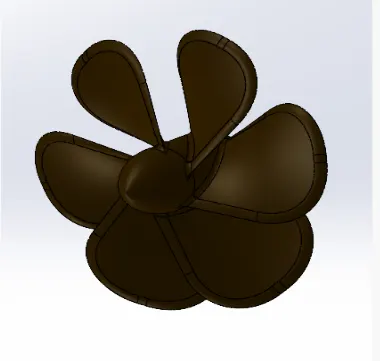
Features Command used:
- Revolve
- Extrude Cut
- Fillet
- chamfer
Radar
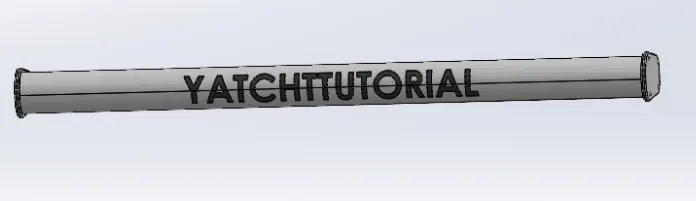
Features Command used:
- Extrude
- Extrude Cut
- Split
- Mirror
- Pattern
- Fillet
- Chamfer
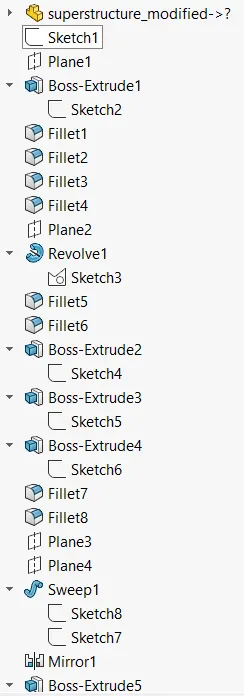
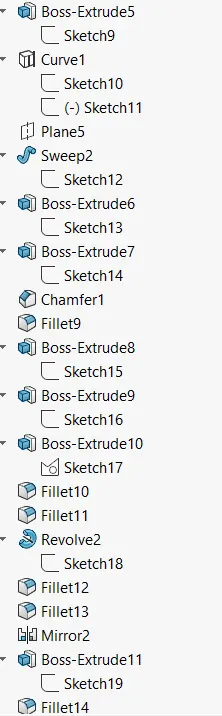
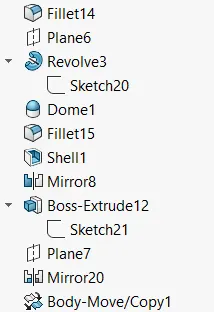
Superstructure
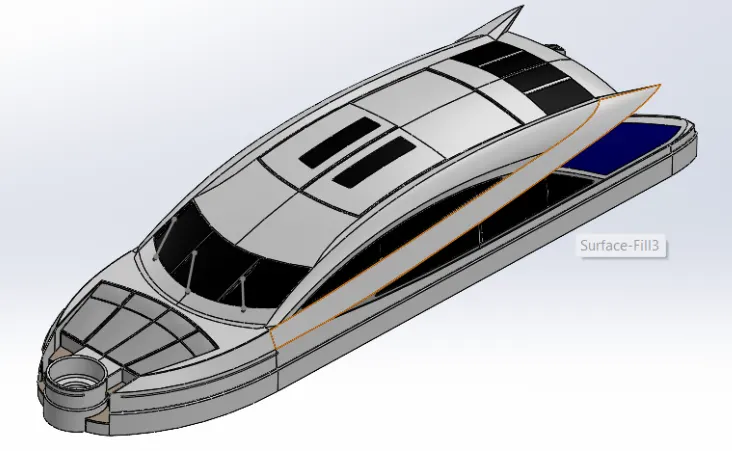
Features Command used:
- Surface Extrude
- Ruled Surface
- Surface knit
- Loft surface
- Surface sweep
- Surface trim
- Extend Surface
- Fill Boundary
- Split
- Mirror
- Pattern
- Fillet
- Chamfer
Hull
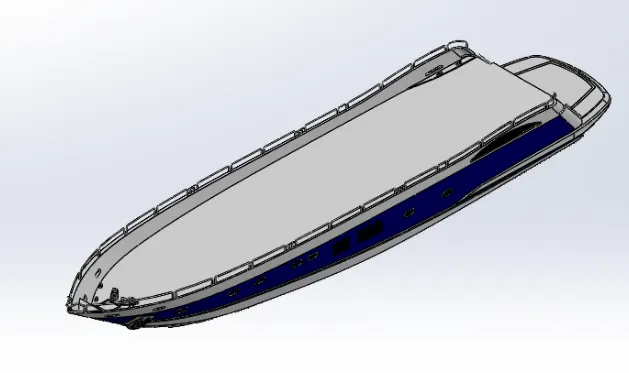
Features Command used:
- Surface Extrude
- Ruled Surface
- Project Curve
- Loft Surface
- Surface knit
- Surface trim
- Surface sweep
- Extend Surface
- Fill Boundary
- Split
- Mirror
- Pattern
- Fillet
- Chamfer
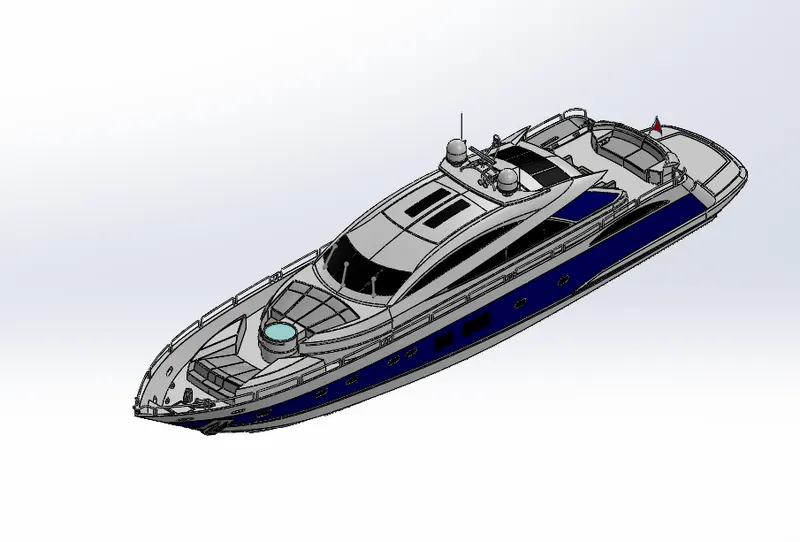
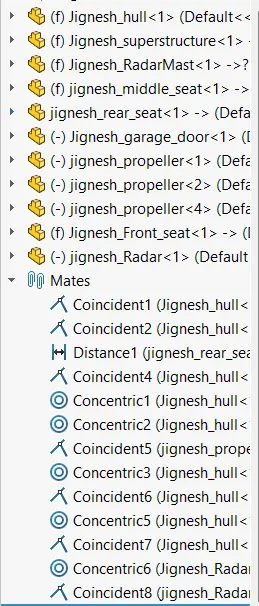
Assembled Model
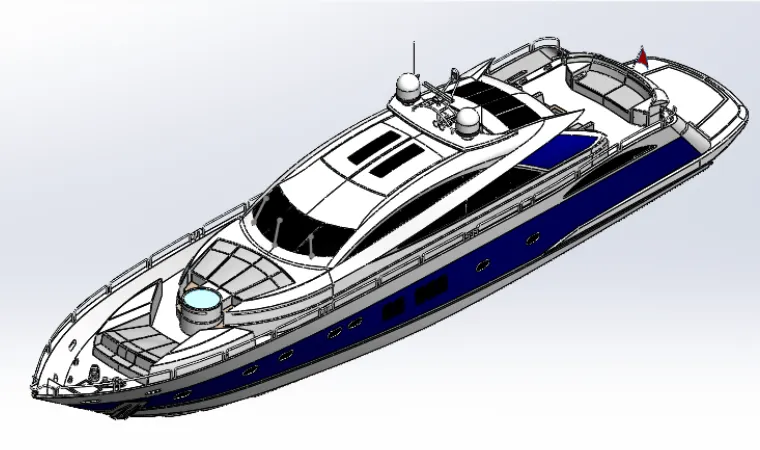
Isometric View
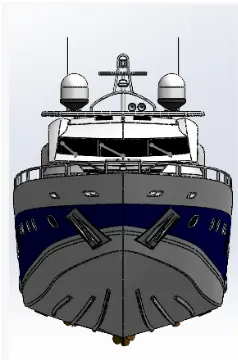
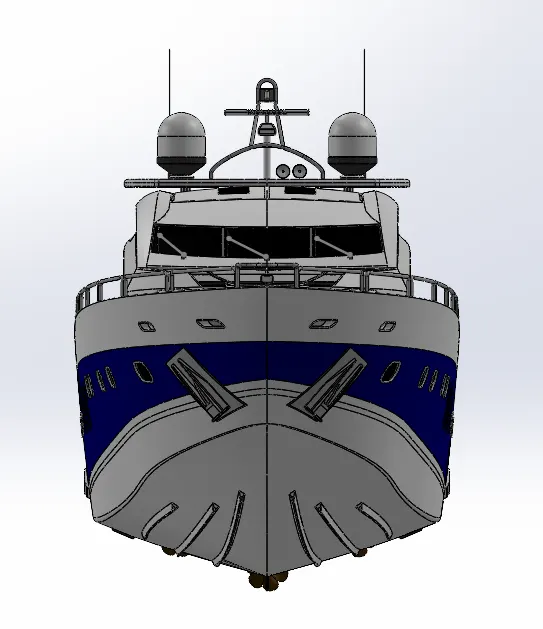
Front View
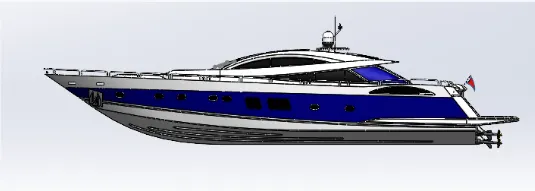
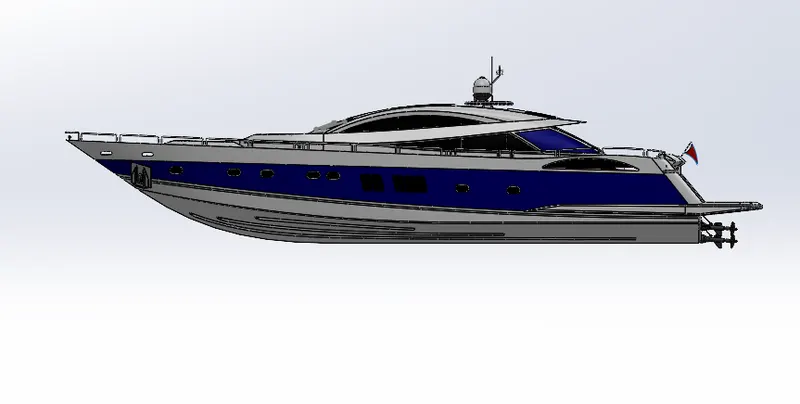
Right Side view
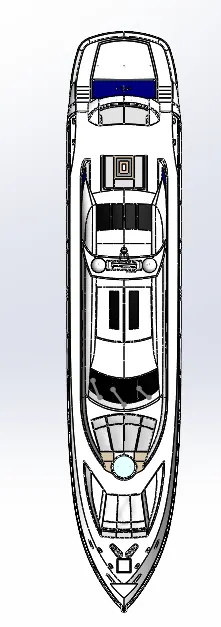
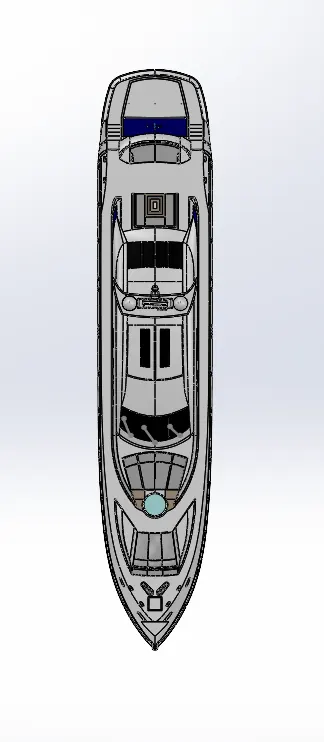
Top view
Rendered Model
Rendered image of the model in the photoview 360
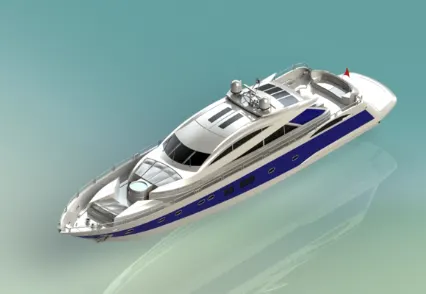
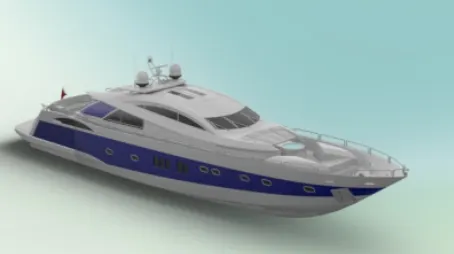
Rendered image by the SolidWorks Visualize
Conclusion
To summarize, Using Surface Modeling we can create geometry which is not possible by solid Modeling approach. Using Surface Modeling is difficult as knitting the surface is not done properly, it may not merge into solid and Creating surface may seem tedious as you will be working on only one surface rather than multiple surfaces as in solid Modeling.
Though, knowing surface Modeling will easy in creating different innovative and difficult geometry in SolidWorks.