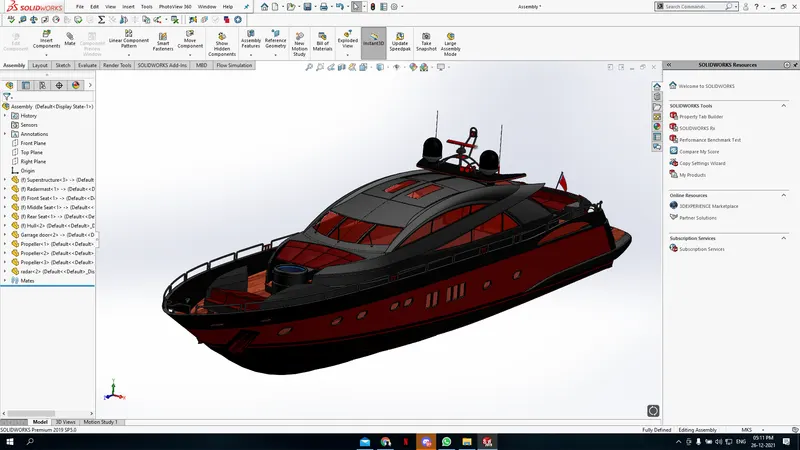
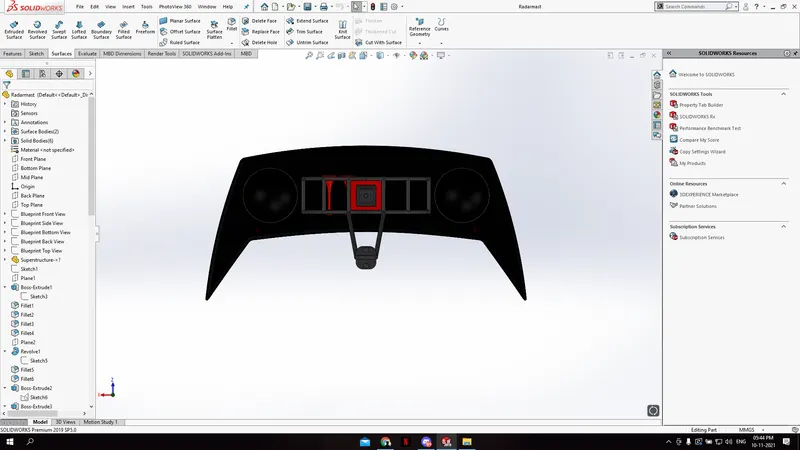
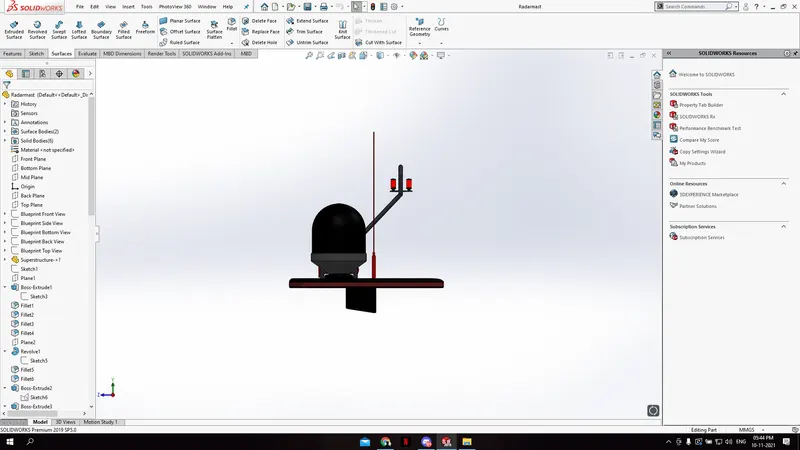
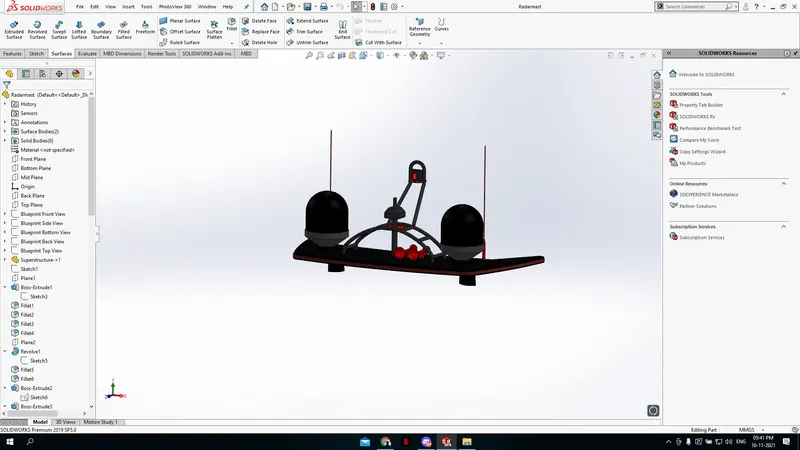
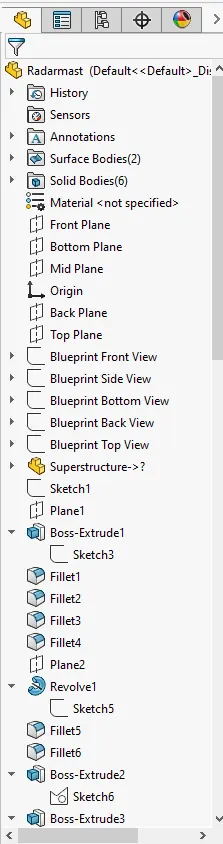
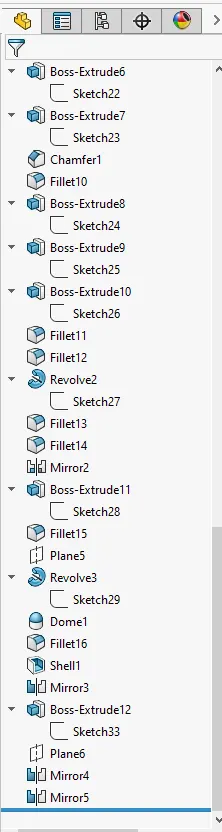
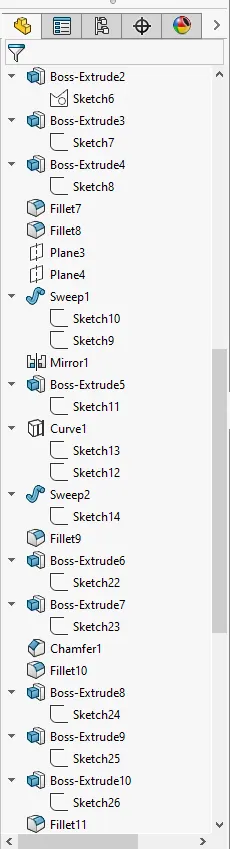
Radar Mast & Final Assembly of Yacht
Modeling of YACHT
AIM
- To apply different tools of surfacing in
Solidworks.
- Make a model of the yacht using
Solidworks.
- Do Assembly and rendering using
Solidworks
INTRODUCTION
Solidworks is a mechanical 3D CAD
Software used to create 2D & 3D models. It
helps to design products better, faster and
more cost- effectively.
Yacht modelling completely depends on
surfacing modelling. In this modelling the
most important part to set up the blueprint.
Then as per requirement of parts in
blueprint do the process to get the desired
part.
TOOLS USED DURING MODELING OF YACHT
PLANE - Here the section view the model is
to be sketched.
SKETCH - it gives work base to create 2D &
3Dsketches,
SMART DIMENSION - By using this easy to
provide the dimension value to sketch to
get the desired shape.
FILLET - It provides sloping edges at
comers,
EXTRUDE SURFACE - Used to get surface
from the sketch.
REVOLVE SURFACE - Used to revolve the
sketch with the reference of axis or lines in
the surface form.
SWEFT SURFACE - It proved a surface by
closed profile along an open and closed
path.
OFFSET SURFACE - Used to get pre
surface on another plane.
KNIT SURFACE - Used to provide
appropriate tolerance.
EXTEND SURFACE - Used for extension of
surface.
CONVERT ENTITIES - Using this easy to get
sketched into the other plane or same
plane with the same dimension value.
OFFSET - It Adds 3D sketches on faces.
EXTRUDE BOSS/BASE - Used to get a solid
body in one or two directions.
REVOLVE BOSS/BASE - Used to get a solid
body in one or two directions,
EXTRUDE CUT - Used to remove materials
from the solid body.
SWEPT BOSS/BASE - It provides a solid
body by closed profile along an open and
closed path.
PATTERN - It featured the object in
particular direction or path,
PROJECTED CURVE - It combines two 2D
continuous curves into a 3D curve.
TRIM - It is used to cut the extra line of the
surface.
APPEARANCE - Using this can get a
different look & apply different materials.
SHELL - The shell tools hollows out a part.
DECALS - Using this tools painted stickers
to be applied.
DOME - Makes selected face surmounted.
SHELL - Makes the selected surface hollow
according to the sketch.
DELETE FACE - Deletes the extra material
that is occurred during Boss Extrude,
MIRROR - Its used to replicate the selected
extrude or surface bodies of the model.
VIEWS (HEADS - UP)
- Zoom to Fit.
- Zoom to Area.
- Previously View.
- Section View.
- View Orientation.
- Display Style.
- Hide Item.
COMPONENT OF YACHT
- Blueprint Setup.
- Propeller.
- Radar.
- Hull,
- Garage Door.
- Rear seat.
- Front Seat,
- Middle Seat.
- Superstructure.
- Radar Mast,
RESULT
The Air of the project is completed successfully.