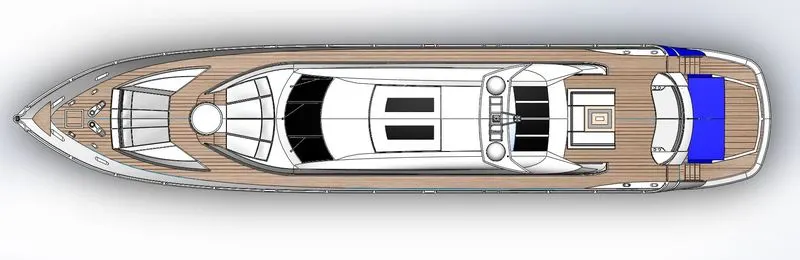
Radar Mast & Final Assembly of Yacht
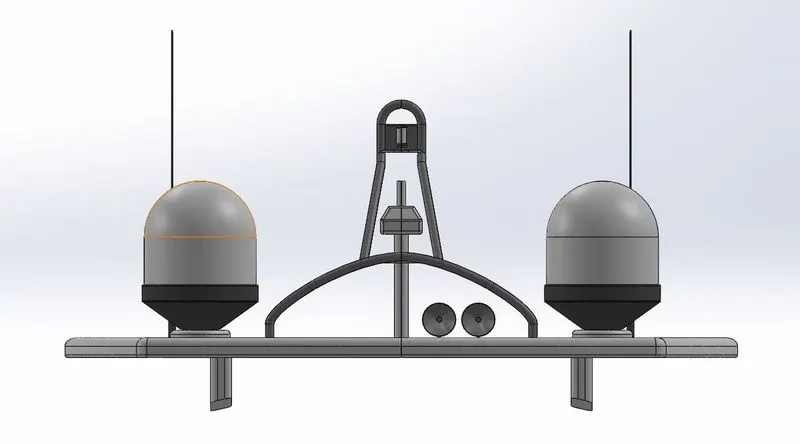
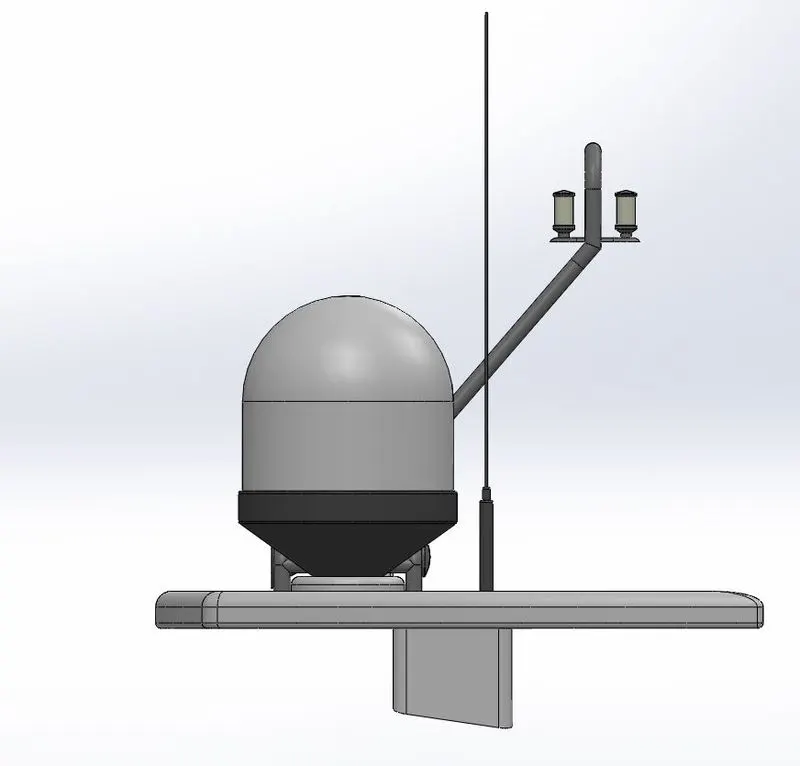
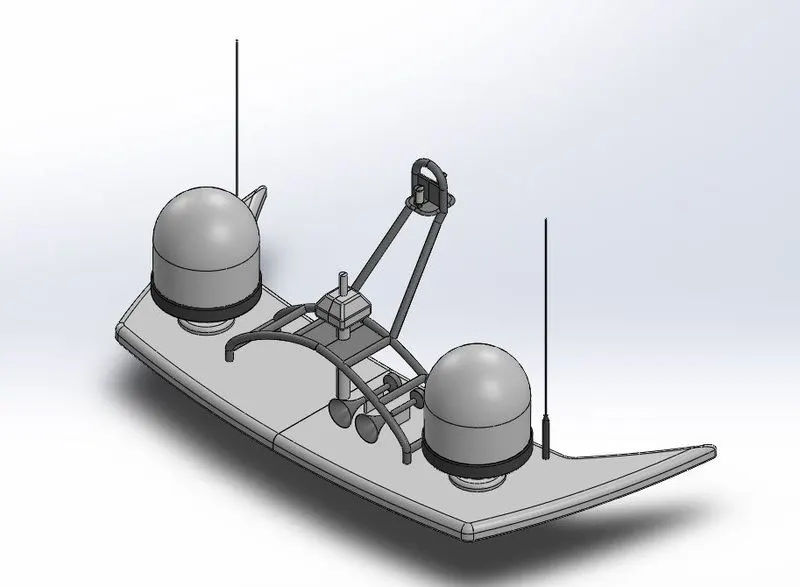
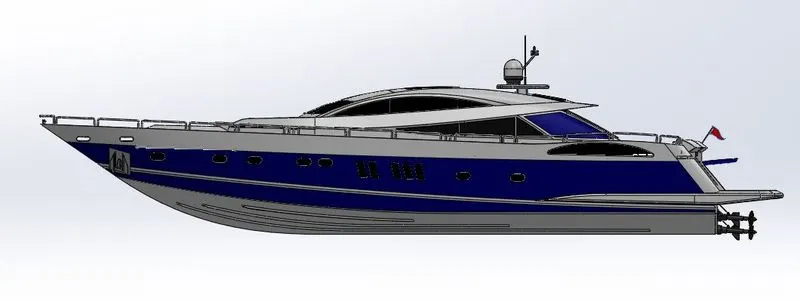
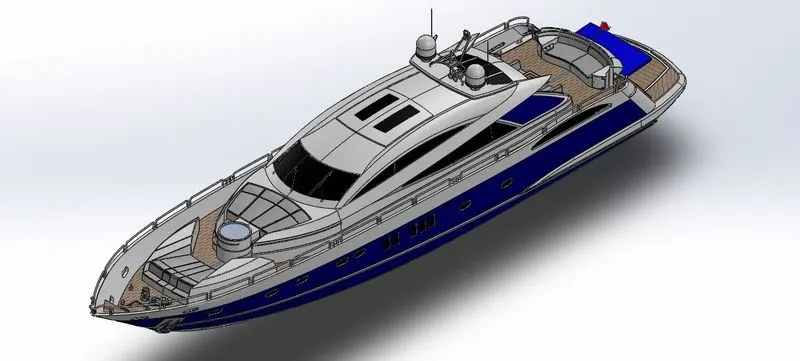
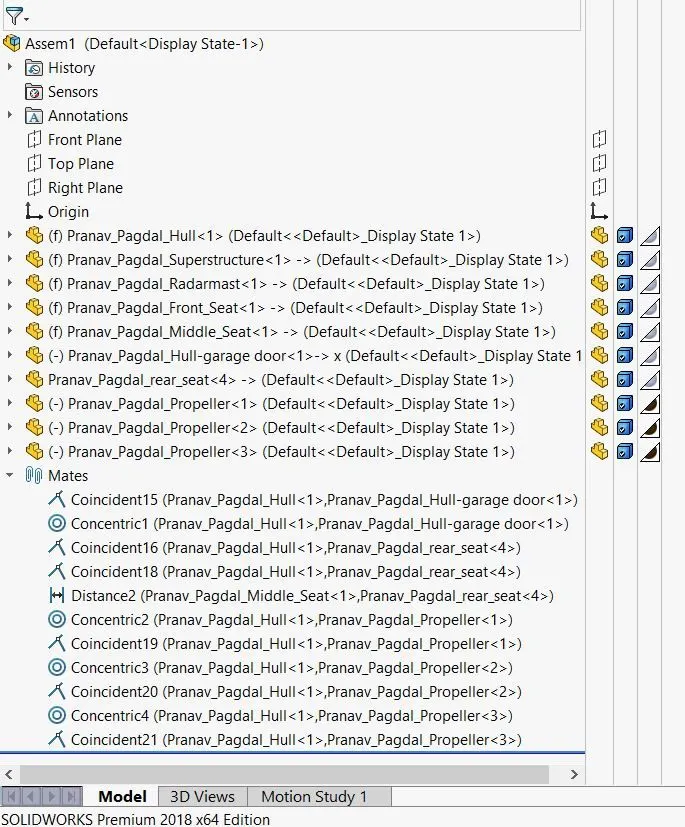
MODELLING AND RENDERING OF YACHT
OBJECTIVE:-
- The main objective is to understand all the tools and features of Solidworks and Photoview 360.
- Design and development of individual 3D parts of the Yacht.
- Integration of individual 3D parts to develop an assembly of the Yacht.
- High-quality renderings of assembly and 3D parts.
INTRODUCTION:-
Solidworks is one of the most widely used software in the industry for the design and development of products. Solidworks performs a very important role in the Design Engineering cycle of the product where it gives basic visualization of a product by developing 2D sketches and 3D models. In this project, we’ve taken care of all the features and tools of Solidworks 2018 to develop a Yacht.
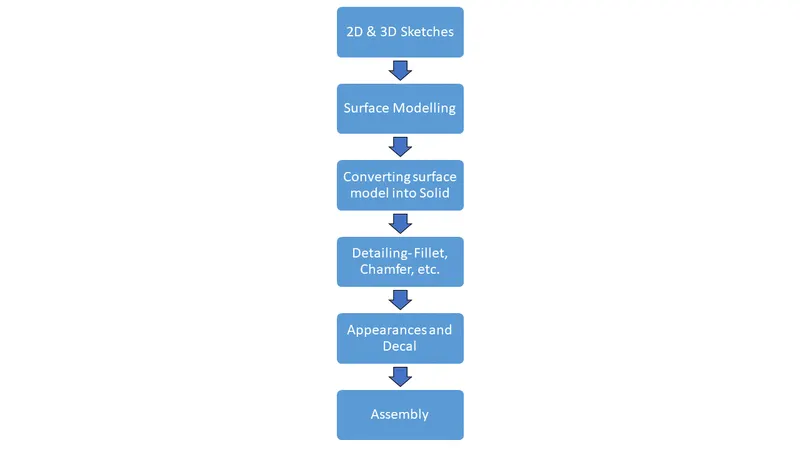
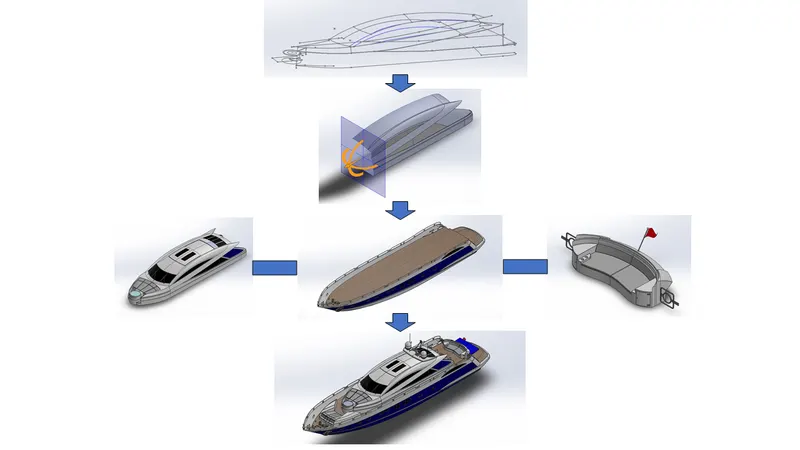
DESIGN METHODOLOGY:- Design methodology is explained considering the design approach for superstructure.
___________________________________________________________________________________________________
- PROPELLER:-
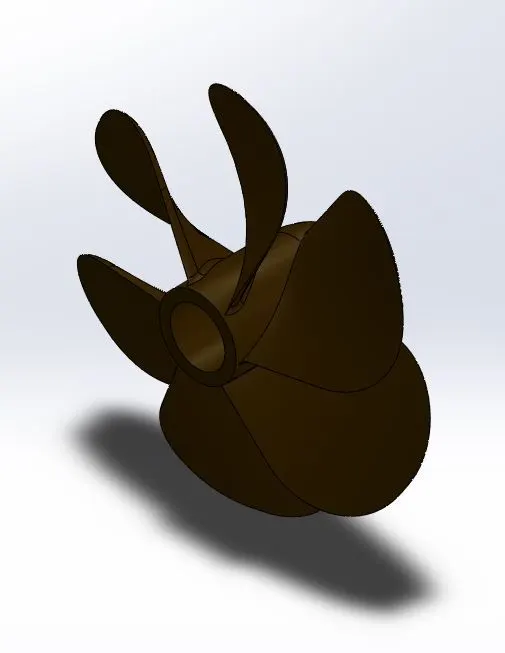
TOOLS USED:-
- SKETCH:-
The sketch is a two-dimensional representation of the product. These 2D sketches can be used to develop 3D part models.
- REVOLVED BOSS/BASE:-
This tool is used to extrude a 2D sketch into a 3D part along the circular path around the axis.
- LOFT BOSS/BASE:-
Adds material between two or more profiles to create solid.
- EXTRUDE CUT:-
This tool is used to remove the unwanted material in the part model.
- FILLET:-
This tool is used to get rid of sharp edges in the 3D model which creates curvature on the edges. The selection of lines and faces is available in various options. Sometimes this feature can also enhance the structural performance of the part.
- RADAR:-
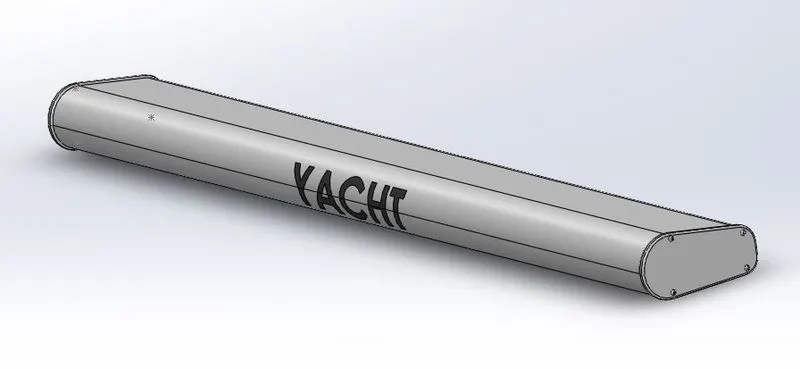
TOOLS USED:-
- SKETCH:-
The sketch is a two-dimensional representation of the product. These 2D sketches can be used to develop 3D part models.
- EXTRUDE BOSS/BASE:-
The tool is used to convert fully defined and closed 2D sketches into 3D solid models. Extrude boss/base has various options and can be used according to the requirement.
- EXTRUDE CUT:-
This tool is used to remove the unwanted material in the part model.
- FILLET:-
This tool is used to get rid of sharp edges in the 3D model which creates curvature on the edges. The selection of lines and faces is available in various options. Sometimes this feature can also enhance the structural performance of the part.
- LINEAR PATTERN:-
This tool is used to pattern surfaces or bodies into one or two linear directions.
- SEATS:-
- FRONT SEAT:-
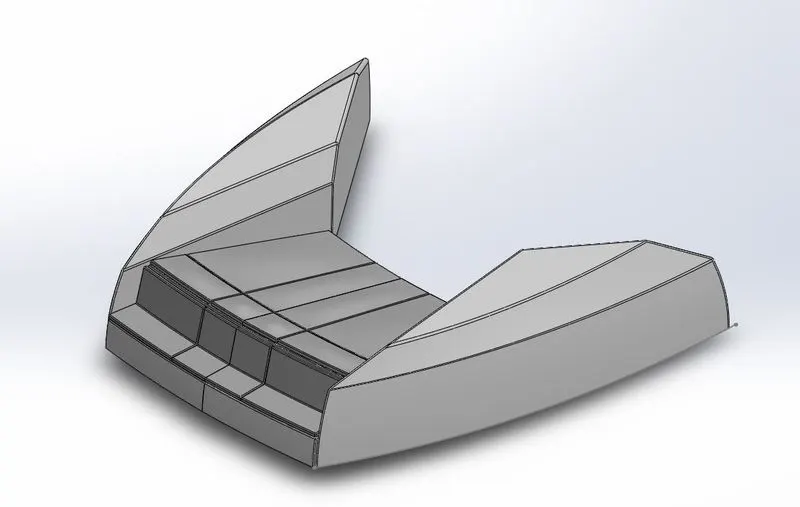
- MIDDLE SEAT:-
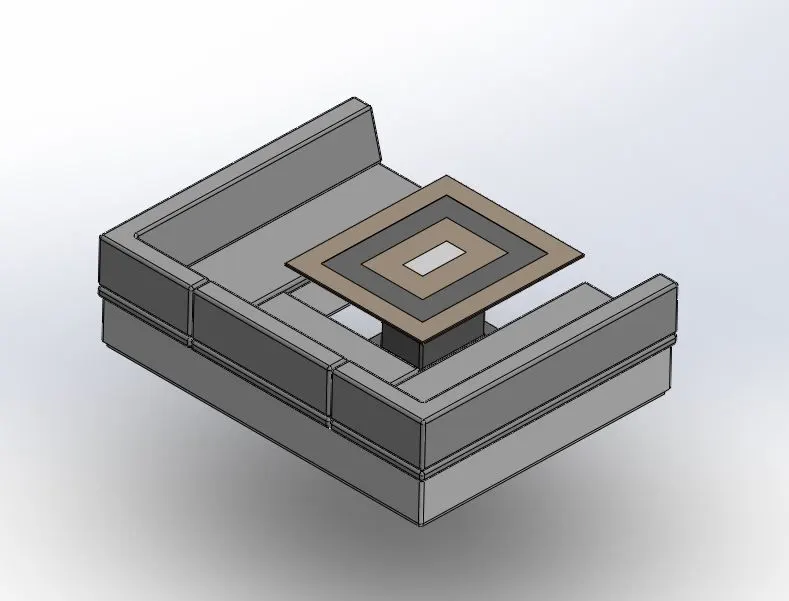
- REAR SEAT:-
TOOLS USED:-
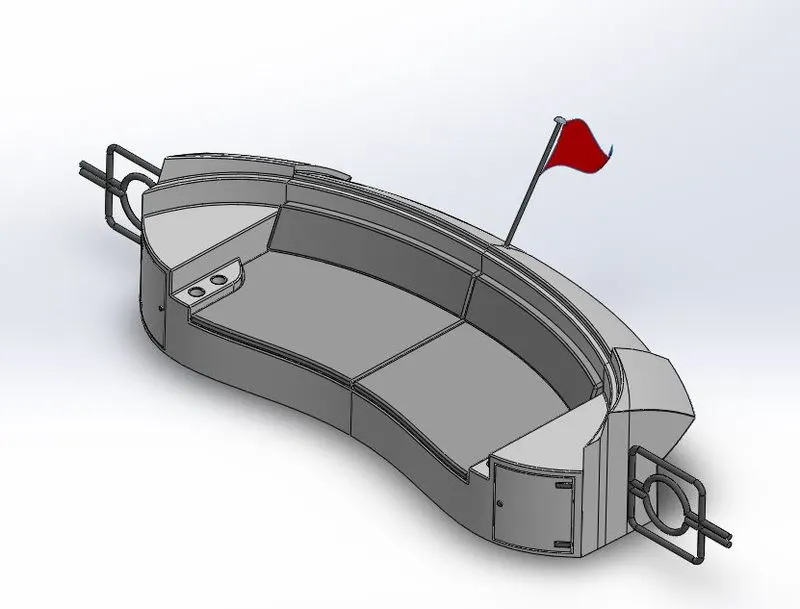
- SKETCH:-
The sketch is a two-dimensional representation of the product. These 2D sketches can be used to develop 3D part models.
- SWEPT SURFACE:-
Creates a surface feature by sweeping an open or closed sketch along an open or closed path.
- OFFSET SURFACE:-
Creates offset surface using one or more contiguous surfaces.
- RULED SURFACE:-
Inserts ruled surfaces from edges.
- KNIT SURFACE:-
Combines two or more adjacent, non-intersecting surfaces together.
- TRIM SURFACE:-
Trims a surface where it intersects another surface, a sketch or a plane.
- SURFACE EXTRUDE:-
Creates an extruded surface using sketches.
- LOFTED SURFACE:-
Creates a lofted surface between two or more profiles.
- EXTEND SURFACE:-
Extends edge, multiple edges, the face of the surface depending upon the end conditions extend conditions.
- HULL:-
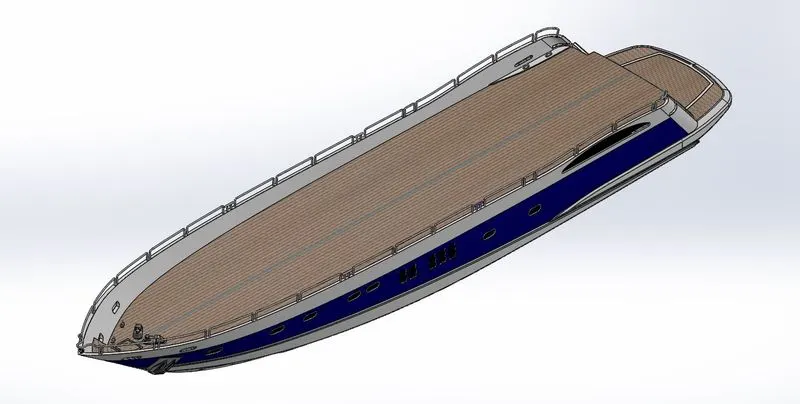
TOOLS USED:-
- SKETCH :-
The sketch is a two-dimensional representation of the product. These 2D sketches can be used to develop 3D part models.
- SWEPT SURFACE:-
Creates a surface feature by sweeping an open or closed sketch along open or closed path.
- OFFSET SURFACE:-
Creates offset surface using one or more contiguous surface.
- RULED SURFACE:-
Inserts ruled surfaces from edges.
- KNIT SURFACE:-
Combines two or more adjacent, non-intersecting surfaces together.
- TRIM SURFACE:-
Trims a surface where it intersects another surface, a sketch or a plane.
- SURFACE EXTRUDE:-
Creates an extruded surface using sketches.
- LOFTED SURFACE:-
Creates a lofted surface between two or more profiles.
- EXTEND SURFACE:-
Extends edge, multiple edges, face of the surface depending upon the end conditions extend conditions.
- HELIX/SPIRAL CURVE:-
Adds a spiral or helix curve from sketched circle.
- SPLIT LINE:-
Projects a sketch to curved or planer surface, creating multiple edges or multiple surfaces.
- EXTRUDE BOSS/BASE:-
The tool is used to convert fully defined and closed 2D sketches into 3D solid models. Extrude boss/base has various options and can be used according to the requirement.
- EXTRUDE CUT:-
This tool is used to remove the unwanted material in the part model.
- FILLET:-
This tool is used to get rid of sharp edges in the 3D model which creates curvature on the edges. The selection of lines and faces is available in various options. Sometimes this feature can also enhance the structural.
- DOME:-
The tool provides a smooth curve on the face of the profile.
- LINEAR PATTERN:-
This tool is used to pattern surfaces or bodies into one or two linear directions.
- CHAMFER:-
Creates a bevel feature along an edge, a chain of tangent edges, or vertex.
- SUPERSTRUCTURE:-
TOOLS USED:-
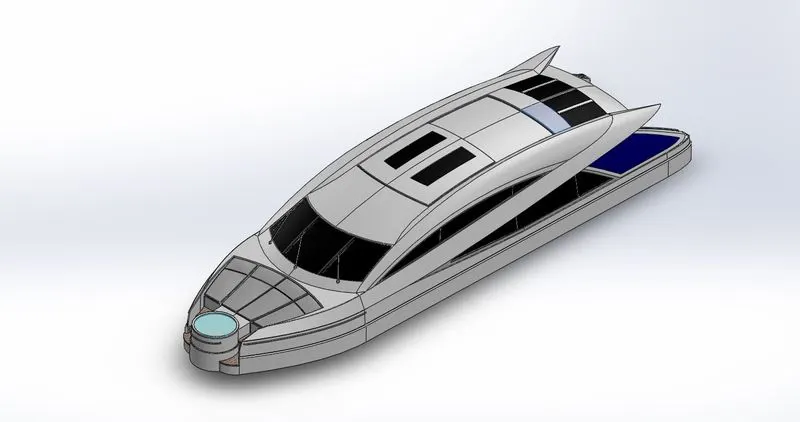
- SKETCH :-
The sketch is a two-dimensional representation of the product. These 2D sketches can be used to develop 3D part models.
- SWEPT SURFACE:-
Creates a surface feature by sweeping an open or closed sketch along open or closed path.
- OFFSET SURFACE:-
Creates offset surface using one or more contiguous surface.
- RULED SURFACE:-
Inserts ruled surfaces from edges.
- KNIT SURFACE:-
Combines two or more adjacent, non-intersecting surfaces together.
- TRIM SURFACE:-
Trims a surface where it intersects another surface, a sketch or a plane.
- SURFACE EXTRUDE:-
Creates an extruded surface using sketches.
- LOFTED SURFACE:-
Creates a lofted surface between two or more profiles.
- EXTEND SURFACE:-
Extends edge, multiple edges, face of the surface depending upon the end conditions extend conditions.
- HELIX/SPIRAL CURVE:-
Adds a spiral or helix curve from sketched circle.
- SPLIT LINE:-
Projects a sketch to curved or planer surface, creating multiple edges or multiple surfaces.
- EXTRUDE BOSS/BASE:-
The tool is used to convert fully defined and closed 2D sketches into 3D solid models. Extrude boss/base has various options and can be used according to the requirement.
- EXTRUDE CUT:-
This tool is used to remove the unwanted material in the part model.
- FILLET:-
This tool is used to get rid of sharp edges in the 3D model which creates curvature on the edges. The selection of lines and faces is available in various options. Sometimes this feature can also enhance the structural.
- DOME:-
The tool provides a smooth curve on the face of the profile.
- LINEAR PATTERN:-
This tool is used to pattern surfaces or bodies into one or two linear directions.
- CHAMFER:-
Creates a bevel feature along an edge, a chain of tangent edges, or vertex.
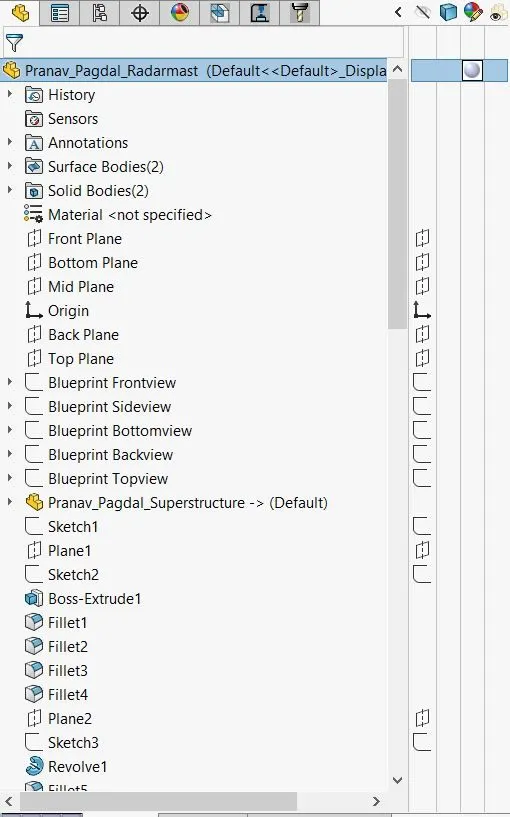
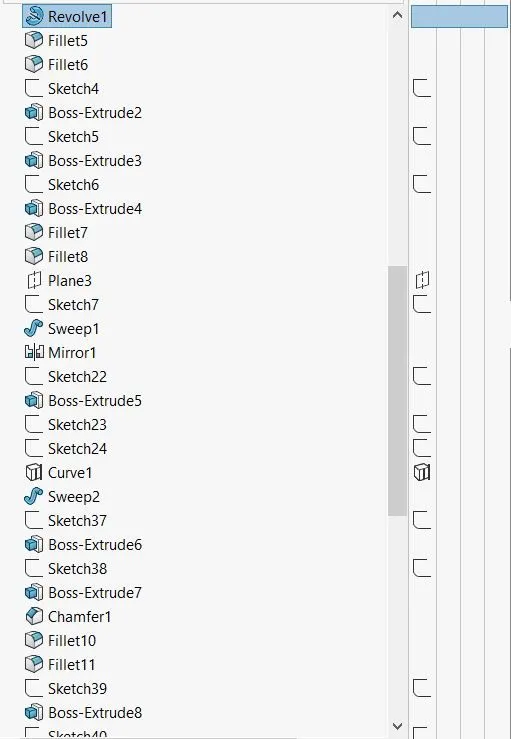
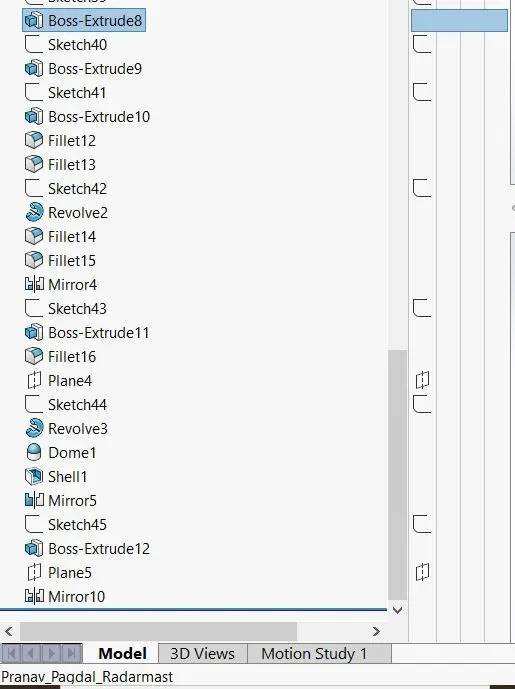
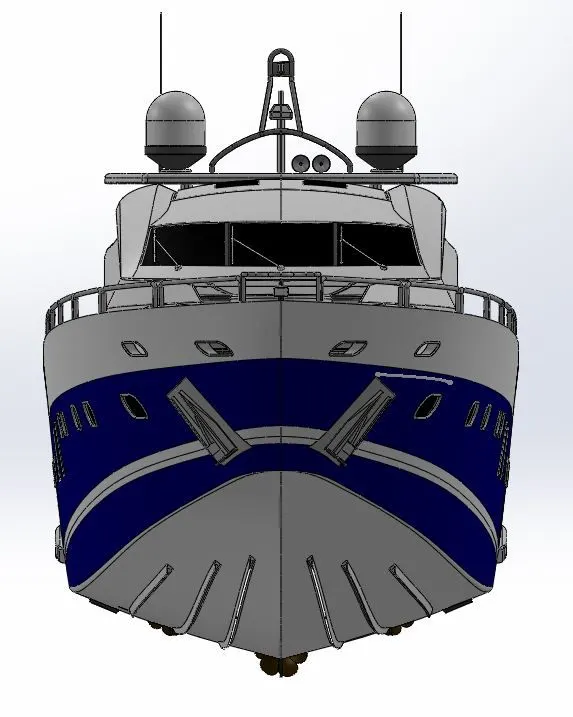
- RADARMAST:-
TOOLS USED:-
- SKETCH :-
The sketch is a two-dimensional representation of the product. These 2D sketches can be used to develop 3D part models.
- EXTRUDE BOSS/BASE:-
The tool is used to convert fully defined and closed 2D sketches into 3D solid models. Extrude boss/base has various options and can be used according to the requirement.
- EXTRUDE CUT:-
This tool is used to remove the unwanted material in the part model.
- FILLET:-
This tool is used to get rid of sharp edges in the 3D model which creates curvature on the edges. The selection of lines and faces is available in various options. Sometimes this feature can also enhance the structural performance of the part.
- CHAMFER:-
Creates a bevel feature along an edge, a chain of tangent edges, or vertex.
- MIRROR:-
Mirrors features, faces, planes about a face or plane.
- RENDER SETUP:-
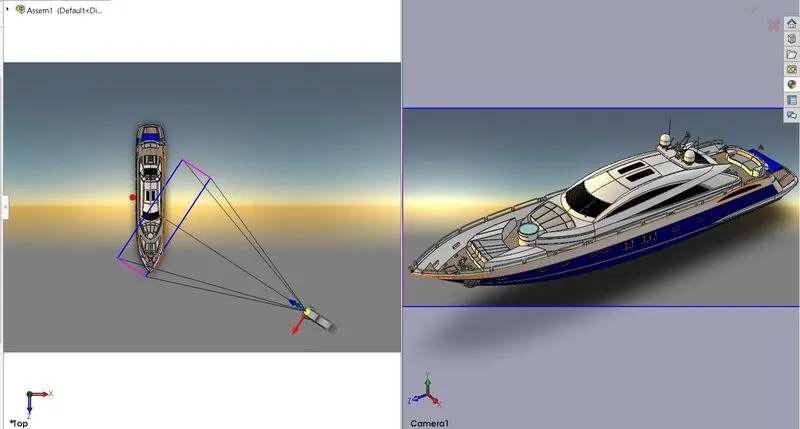
- Camera Setup:-
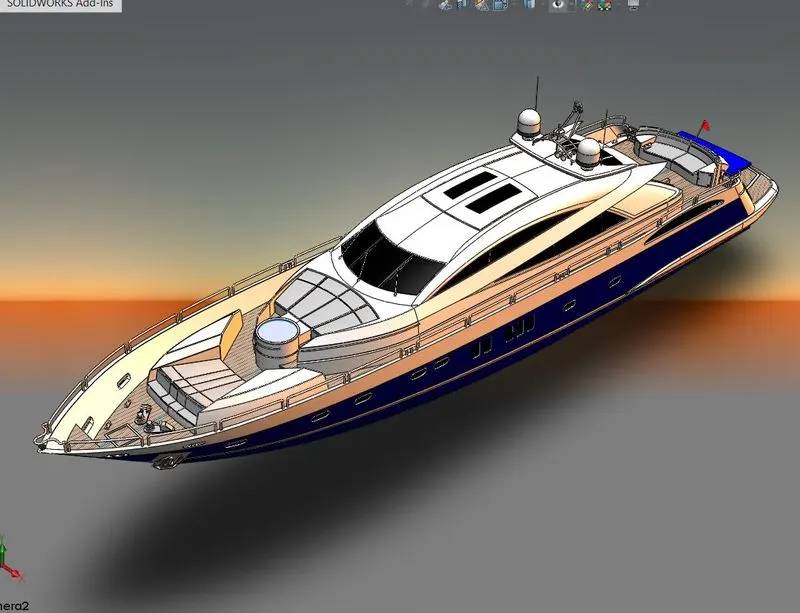
- SUNLIGHT:-
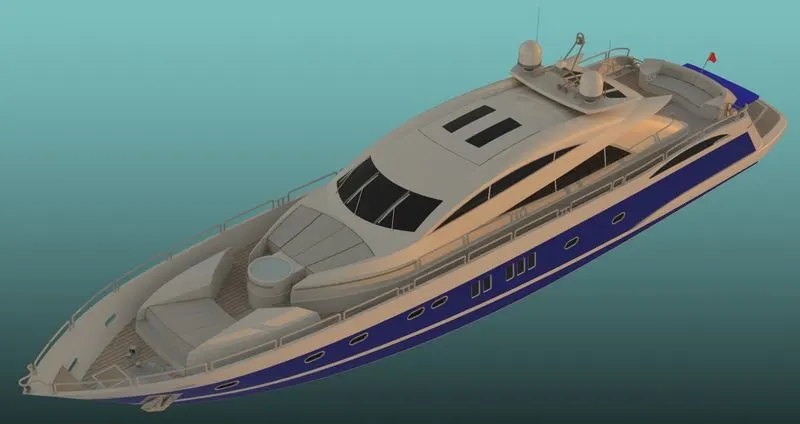
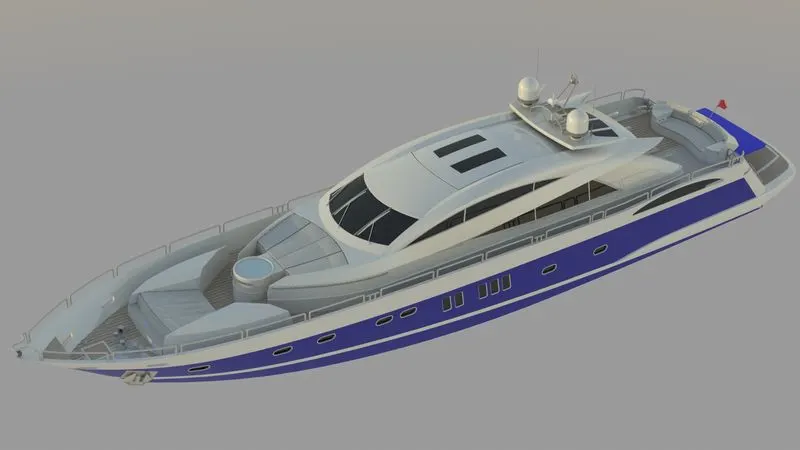
- RENDER:-
- SCREENSHOTS:-