Radar Mast & Final Assembly of Yacht
Radar Mast :
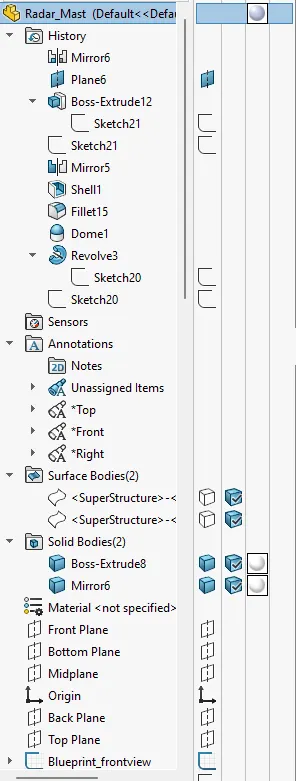
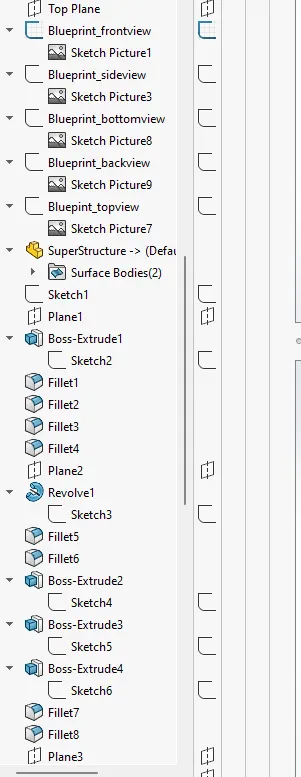
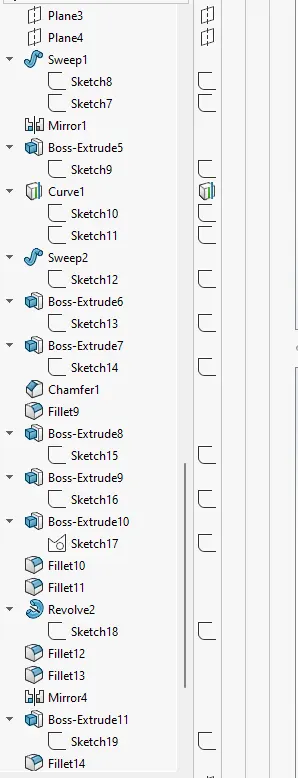
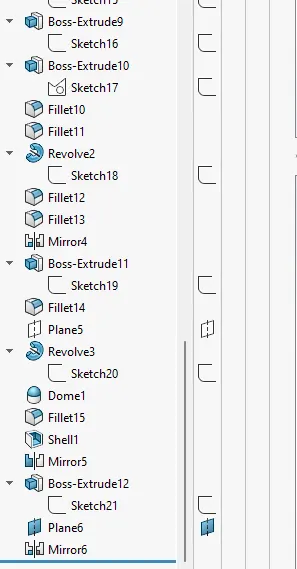
Feature Tree :
Different Views :
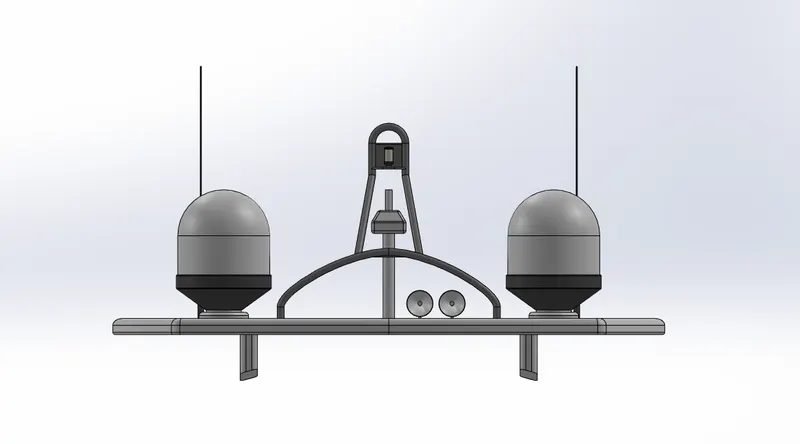
Front View :
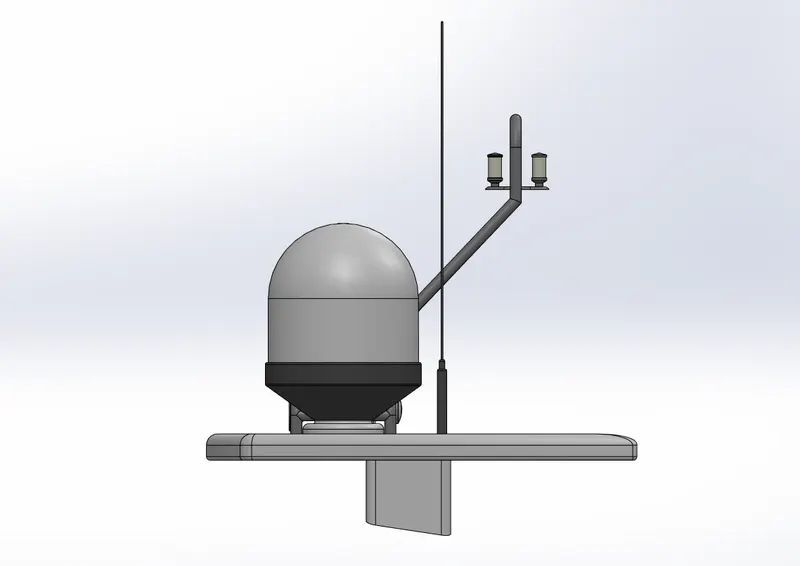
Side View :
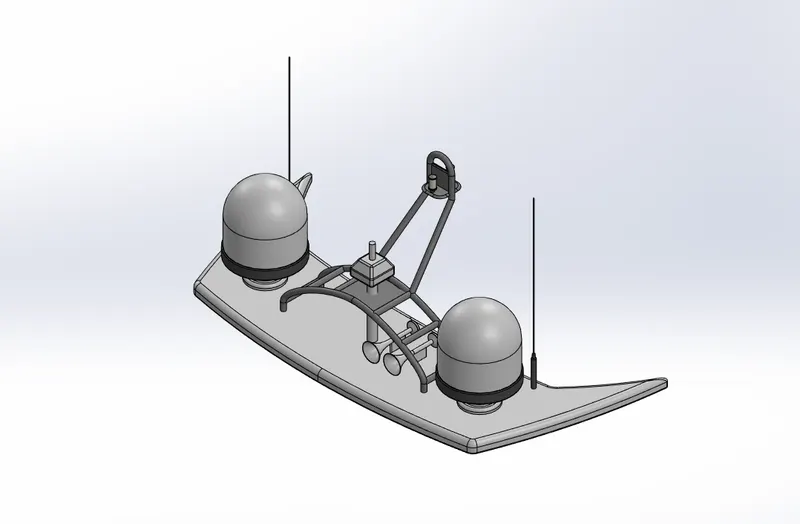
Isometric View :
REPORT :
PROJECT : " YACHT "
Objective :
To create and assemble the different parts of the yacht using SolidWorks and rendered it via Solidworks Visualize. Also add lights and decals using SolidWorks .
Introduction :
This project is all about " YACHT ". The steps followed from creation of parts to the assemble into single body and to create realistic rendering of it using different operation.
Design Methodology :
- Create all the Parts
- Apply Decals
- Assemble the Parts using mates into single body
- Apply Scenes, Light , Camera Position
- Rendered the images
Parts :
- Hull
- Superstructure
- Radar_Mast
- Front Seat
- Middle Seat
- Rear Seat
- Garage Door
- Radar
- Propeller
Hull
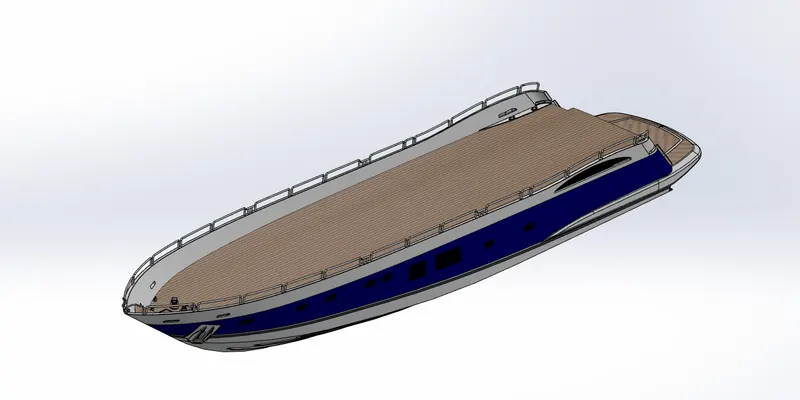
Superstructure :
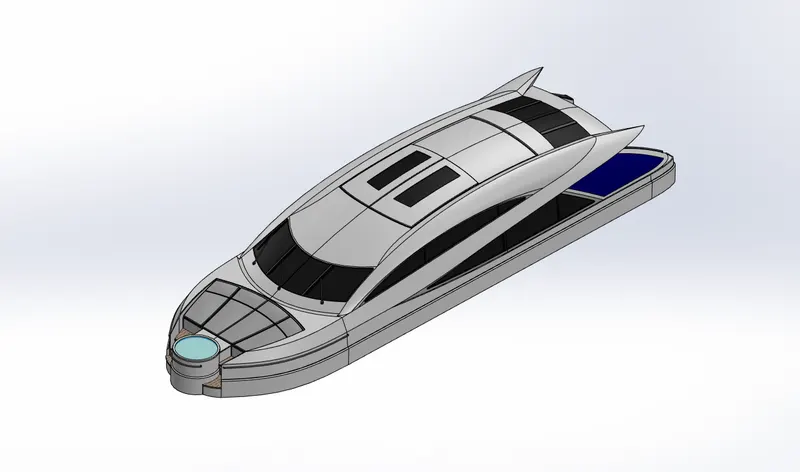
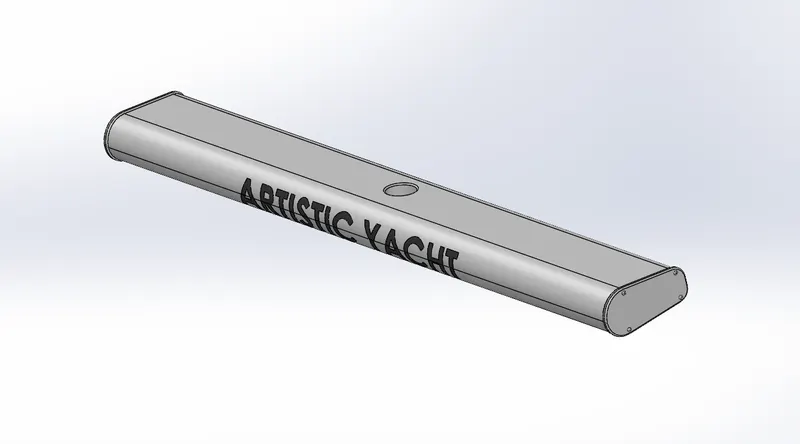
Radar_Mast :
Front Seat :
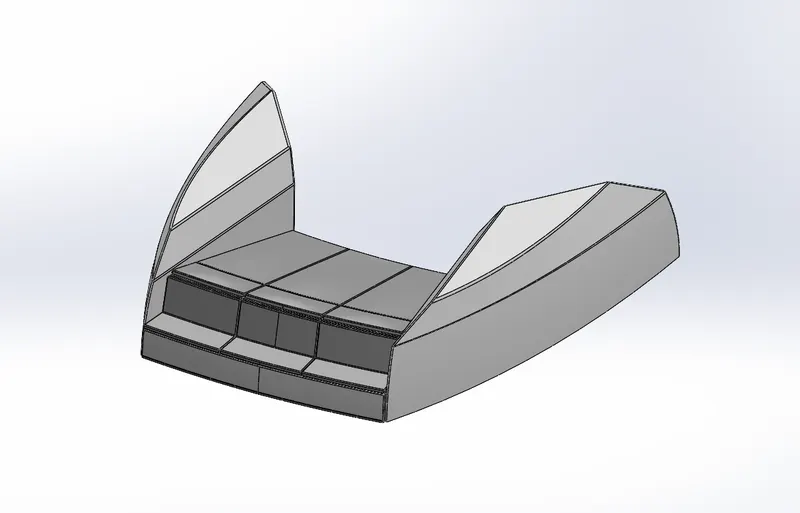
Middle Seat :
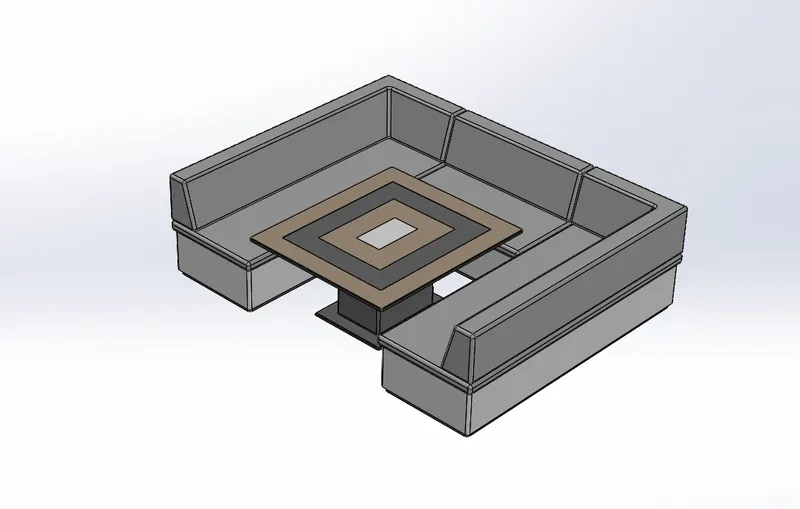
Rear Seat :
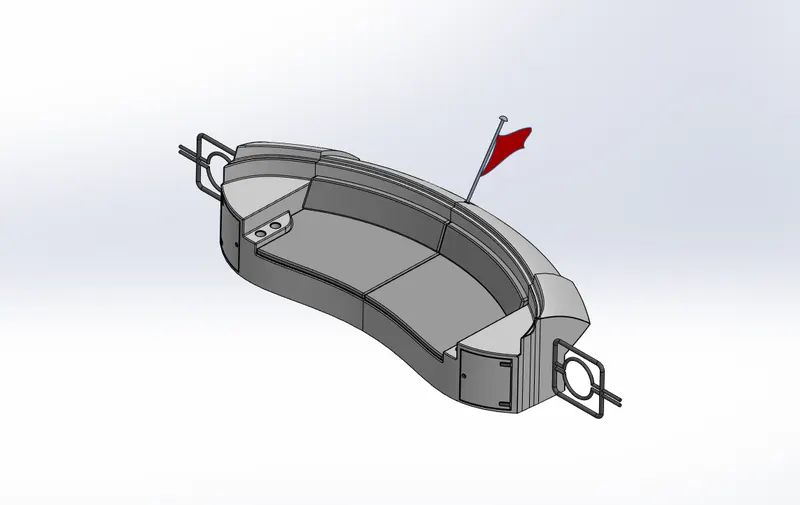
Radar :
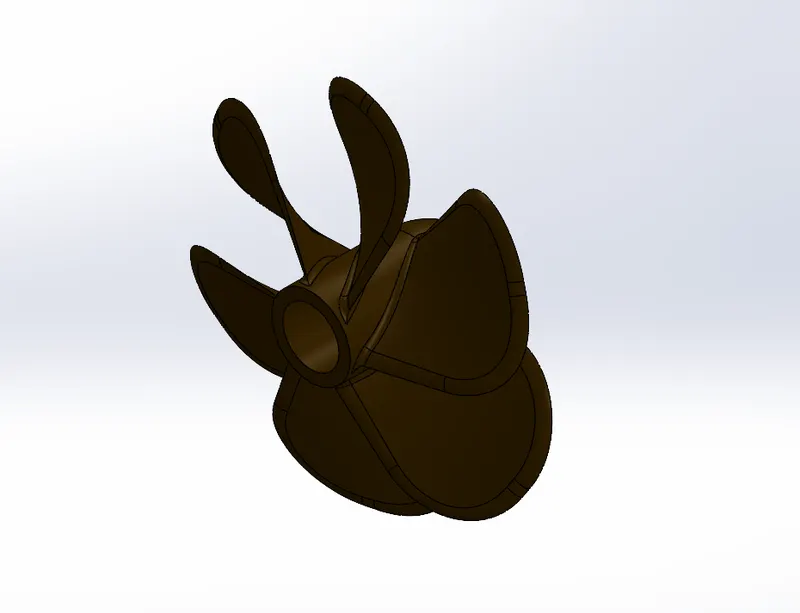
Propeller :
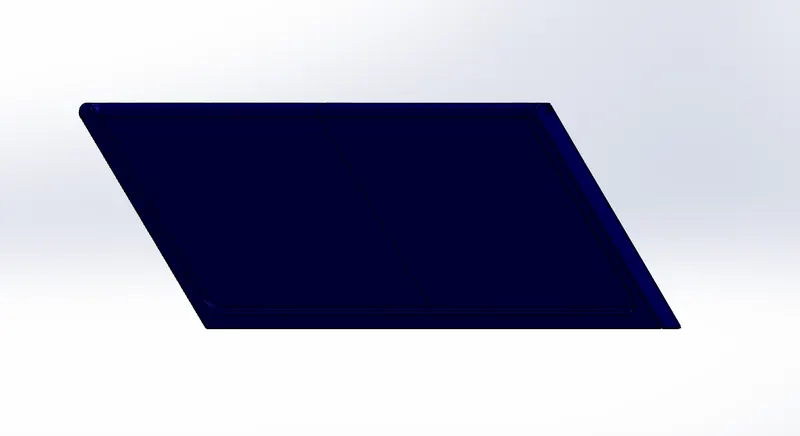
Garage Door :
Tools / Feature Used :
Surface Loft :
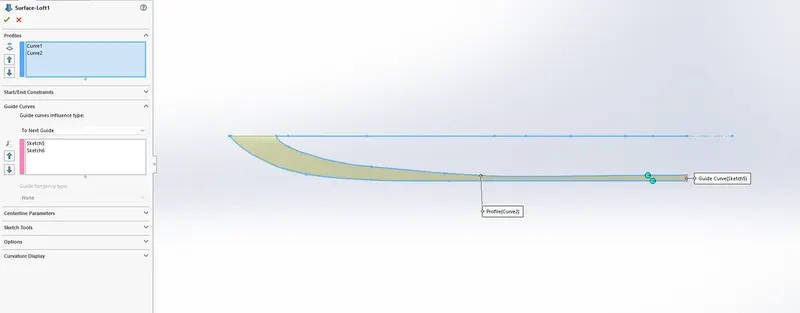
To create surface using curves and sketches we use surface loft . where curves are profile and guiding curve are the sketches . We even uses other parameter as per situations. Here is not such requirement of other parameters.
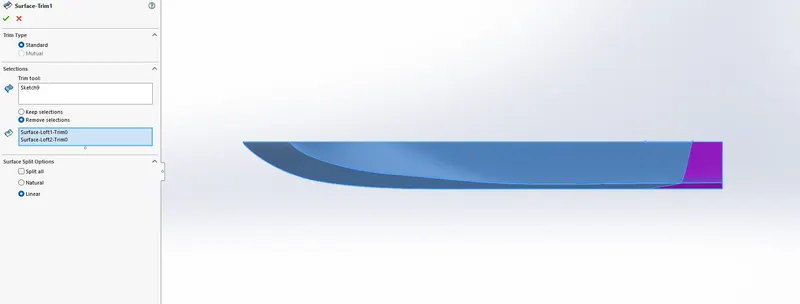
Surface Trim :
This is used to trim the surface by creating sketch . As shown in fig. , we have option which surface is to keep or delete accordingly .
Surface Knit :
It is used to knit the surfaces two or more together. And also to merge the surfaces together.
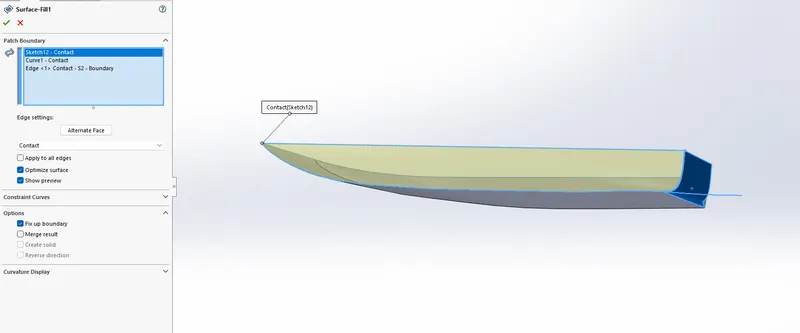
Surface Fill :
It is used to fill the surface and for that we have to select the edge setting as per requirement. Also have few options , constrain curves ,fix up boundry , merge entity etc.
There are many Features which are used in creating different parts :
Extrude , Revolve , Shell , Fillet , Dome , Chamfer , Cut , Sweep , Mirror , Pattern , Surface knit, fill , extend and many more .
Images :
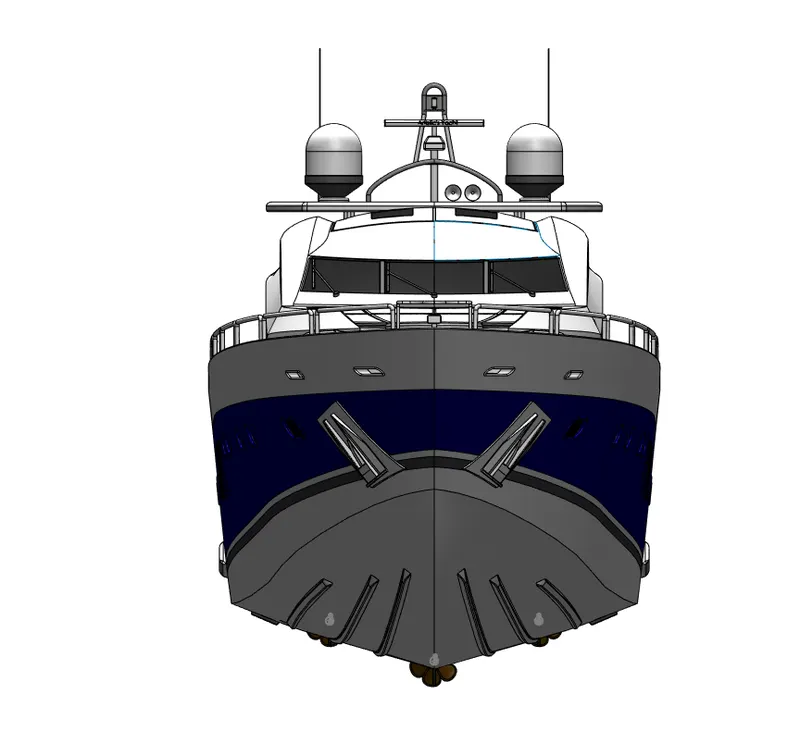
Front View :
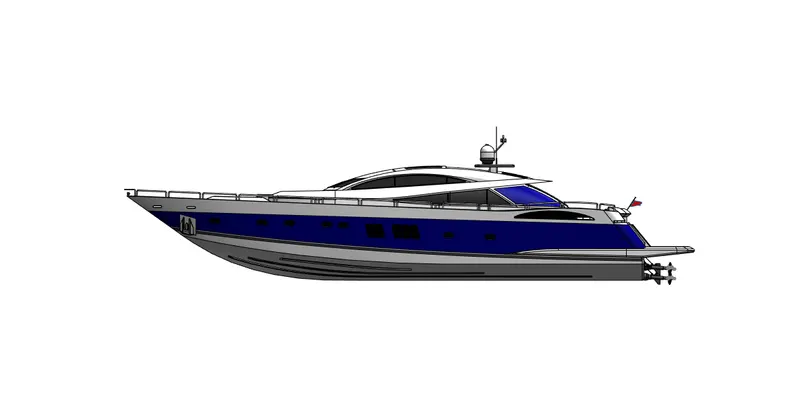
Side View :
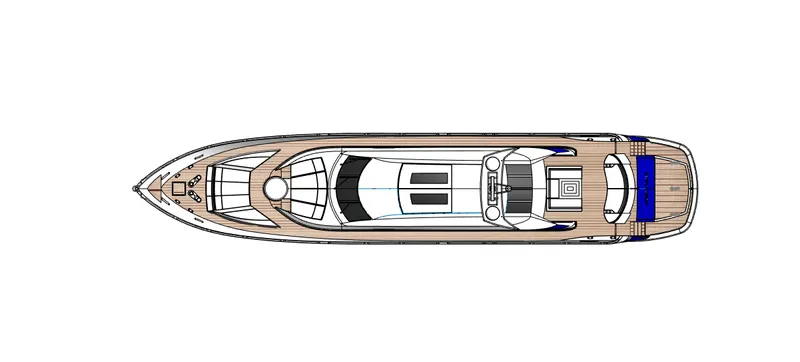
Top View :
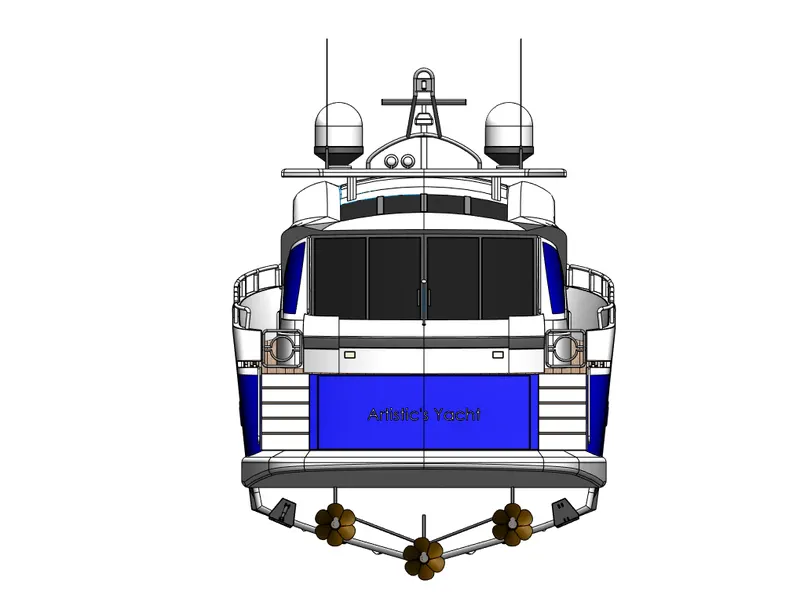
Back View :
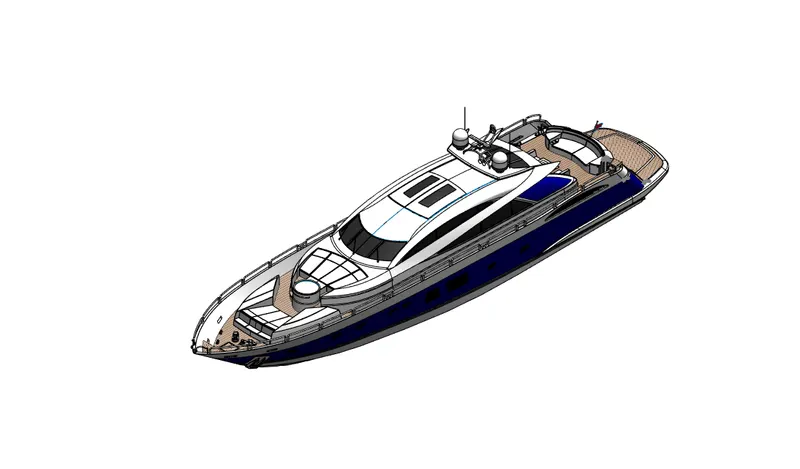
Isometric View :
Light And Camera Position Images :
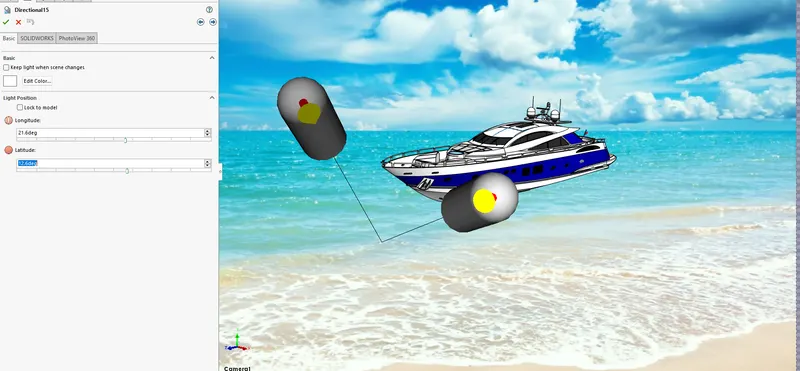
Set up the light position as per your requirement.
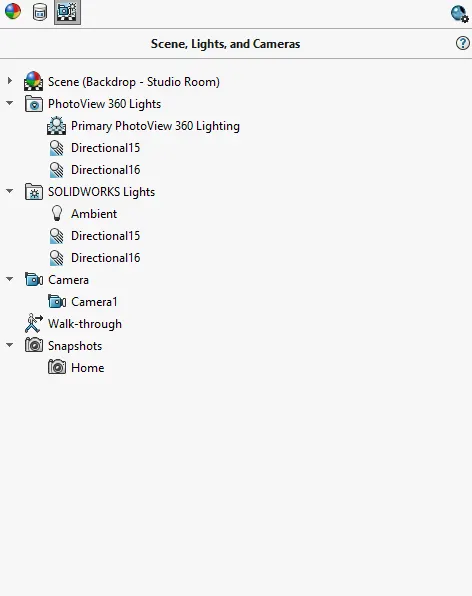
From Here , we can edit light and camera position and also the ambient of light , different camera prospective .
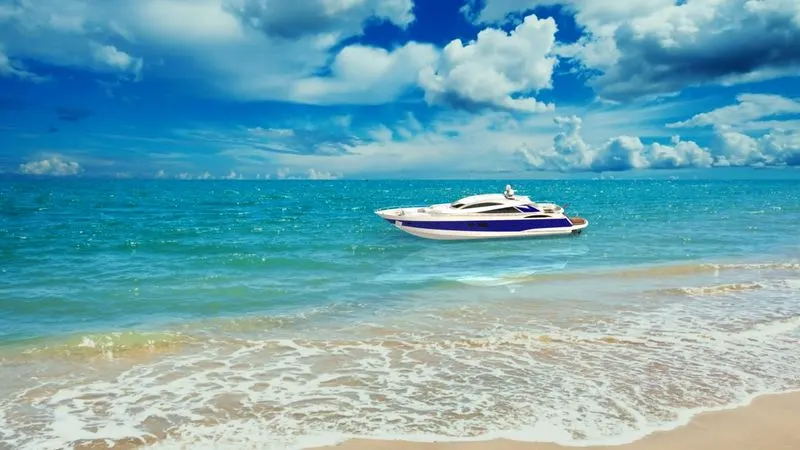
Rendered Images :
Conclusion :
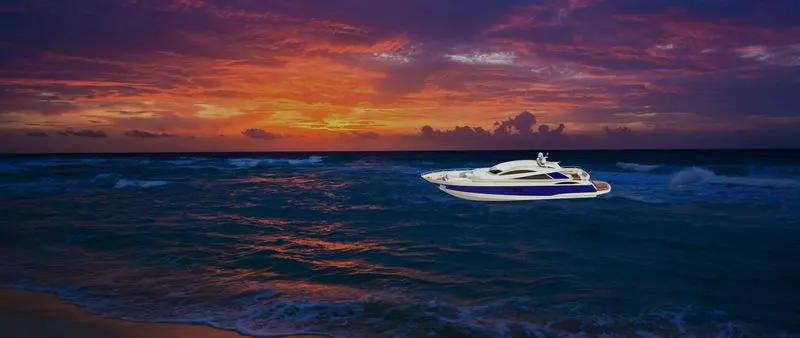
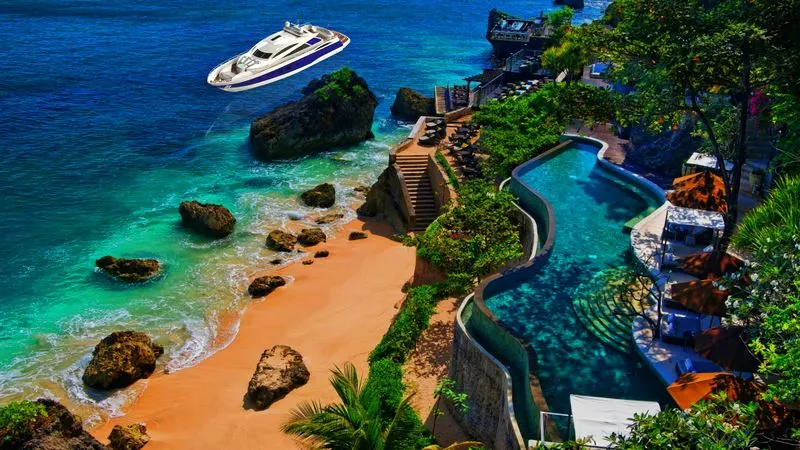
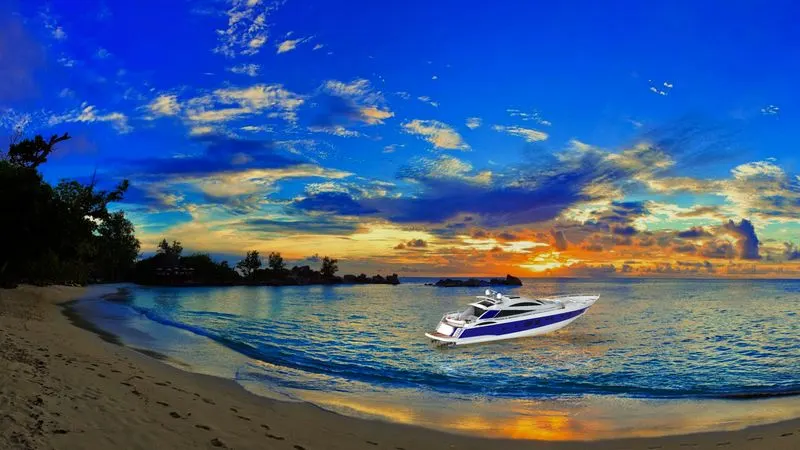
Using Solidworks , we can design almost everything with proper knowledge of all the commands and feature provided within the software . Also , for rendering we can use visualize for the better and also compare the different rendered images too.