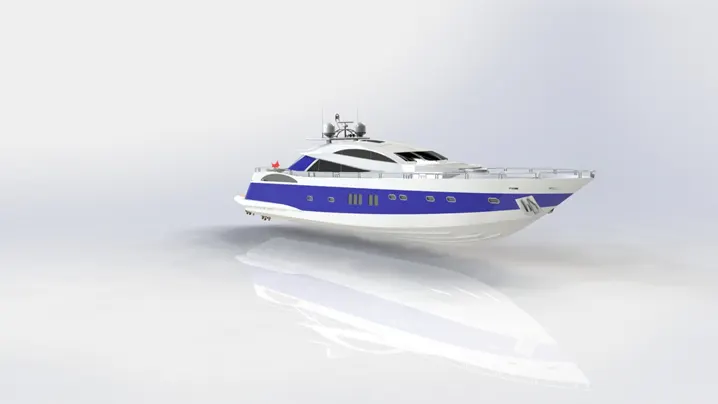
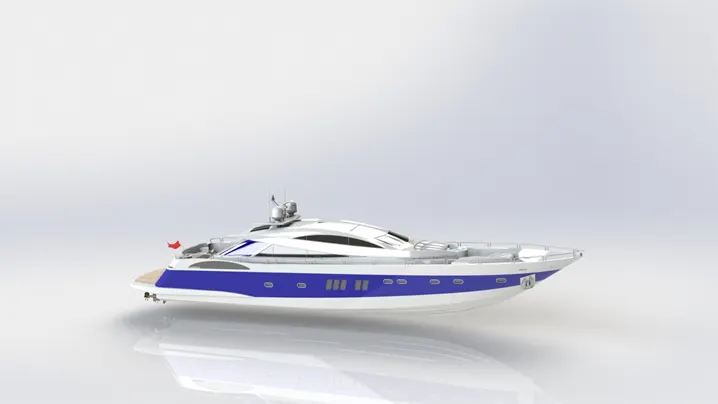
Radar Mast & Final Assembly of Yacht
SKILL LYNC
PROJECT REPORT
MODELLING OF YACHT TUTORIAL ON SOLIDWORKS
By D.Dinakar Babu
INTRODUCTION
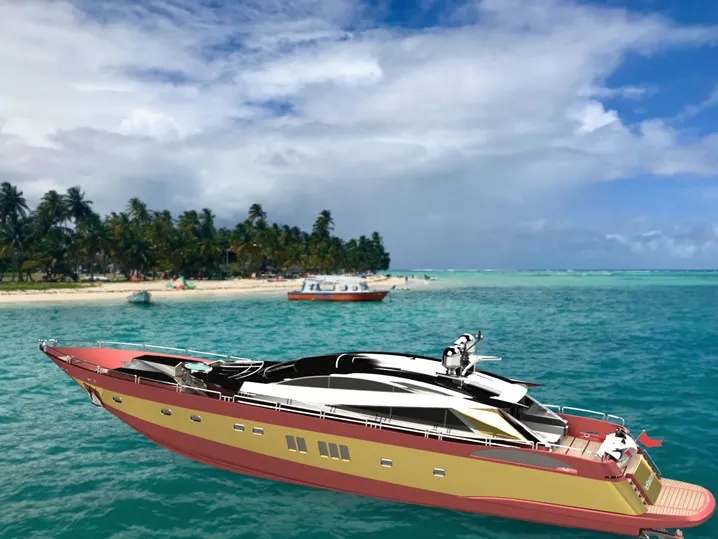
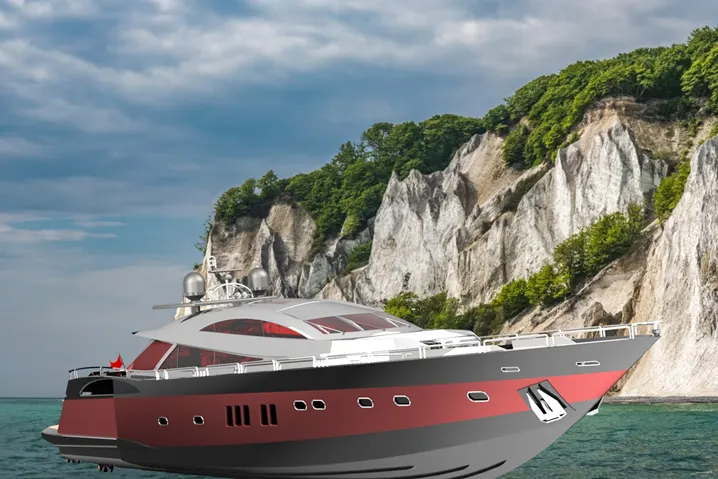
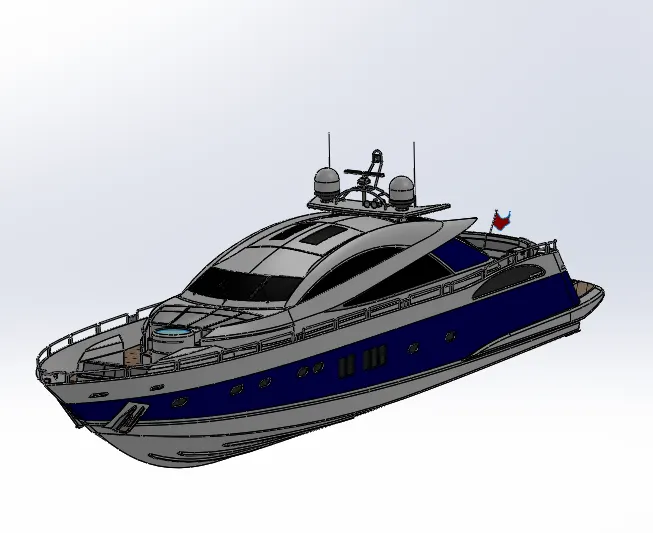
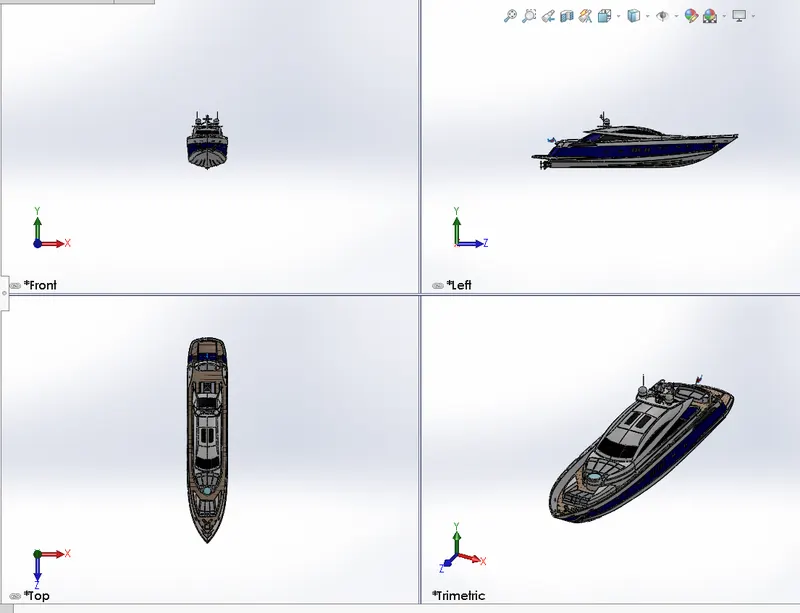
This project explains about the designing of different parts and surfaces of yacht and assembling them to get a complete model of the yacht using Solidworks. It also tells about the rendering of the model using Solidworks Visualize or Photoview360 to make the yacht more natural and realistic.
MODELLING & ASSEMBLING FEATURES
The various modelling features used for modelling the Yacht Tutorial are discussed as follows:
· EXTRUDE:
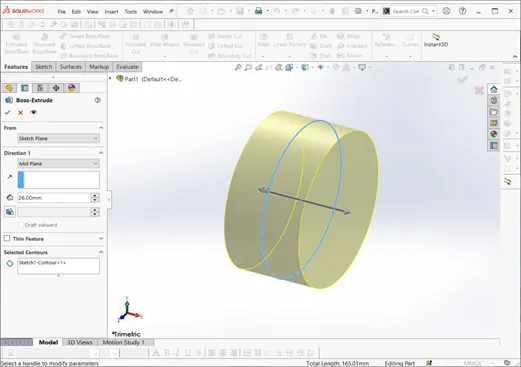
It is a basic tool in Solidworks which converts a 2D sketch in to a 3D model with respect to its geometry in normal direction. First we have to draw a fully closed 2D sketch. we have to select the contours and direction of the boss extrude and then extrude it by defining its starting point and ending point.
· REVOLVE:
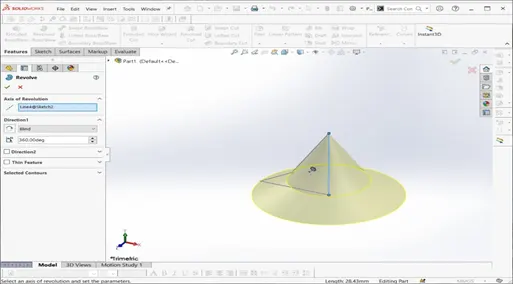
The revolve feature is used to revolve a 2D sketch along an axis or centerline and makes it a 3D model. You can create revolved boss/bases, revolved cuts, or revolved surfaces. The revolved feature can be a solid, a thin feature, or a surface. A 2D sketch is drawn and revolved by selecting a line as a reference for axis of rotation and defining the angle of rotation.
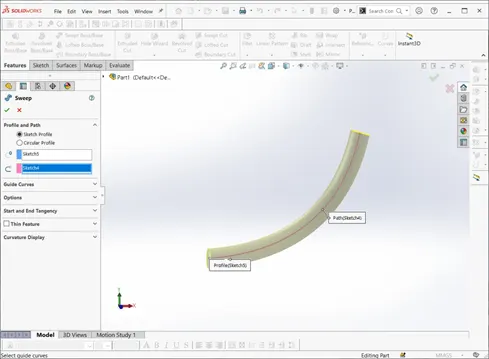
· SWEEP:
A sweep tool is used to sweep a closed 2D sketch along an open or closed path. This tool is generally used for making tubes and bars. A closed loop and a path to sweep are required. The profile can contain one or more closed contours.
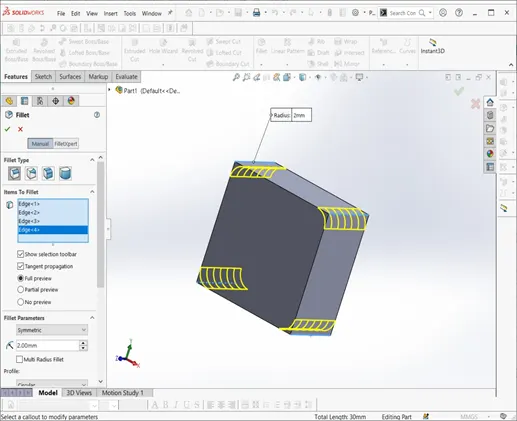
· FILLET:
A fillet is a tool used to round an edge, vertex or face on both inside and outside of a 2D or 3D model. You can fillet all edges of a face, selected sets of faces, selected edges, or edge loops. The fillet type, location and radius of the fillet are defined.
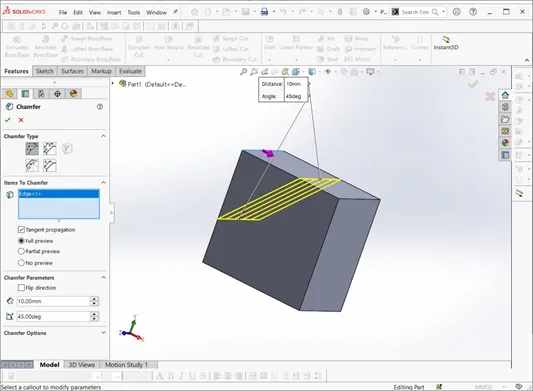
· CHAMFER:
A chamfer tool creates a beveled feature on selected edges, faces, or a vertex. Distance and angle of the chamfer are defined.
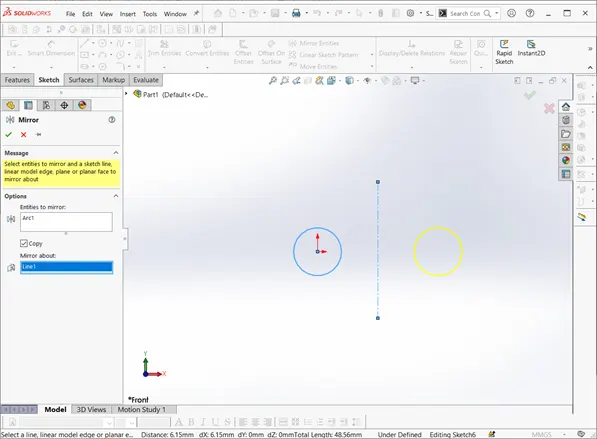
· MIRROR:
Mirror tool in solid works is used to copy a 2D or 3D object about a reference line or plane. You can select the feature or You can select the faces that comprise the feature. We can have either only the mirrored object or both the original and mirrored objects.
- SHEEL:
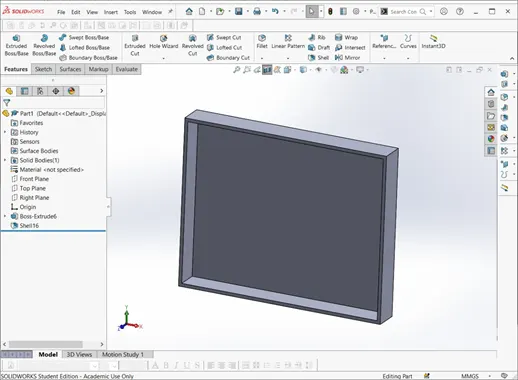
The shell tool hollows out a part, leaves open the faces you select, and creates thin-walled features on the remaining faces. If you do not select any face on the model, you can shell a solid part, creating a closed, hollow model. You can also shell a model using multiple thicknesses. The thickness of the shell is defined.
- LINEAR & CIRCULAR PATTERN:
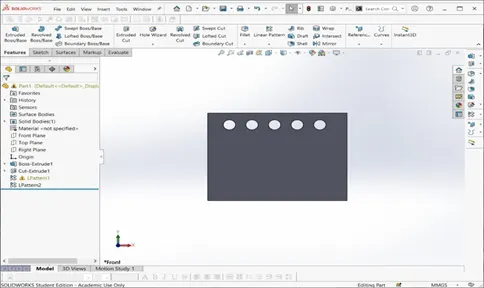
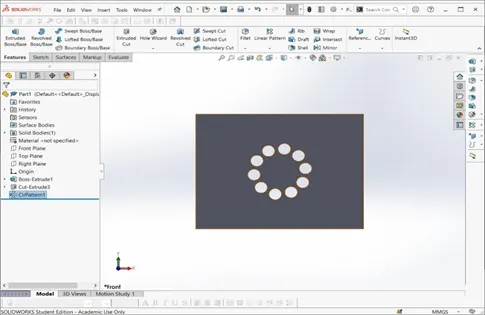
The Linear Pattern Command is used to drive features, faces, or bodies in a linear direction that you can space uniformly along one or two linear paths. The Circular Pattern Command is an excellent tool used to replicate features, faces, or bodies in a rotational manner and you can space uniformly about an axis.
· PROJECTED CURVES:
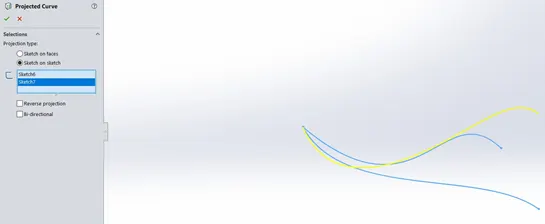
A projected curve is a 3D curve that represents the intersection of two extruded surfaces of two sketches on intersecting planes you can also use 3D sketches as input for the projected curve tool.
· MATES:
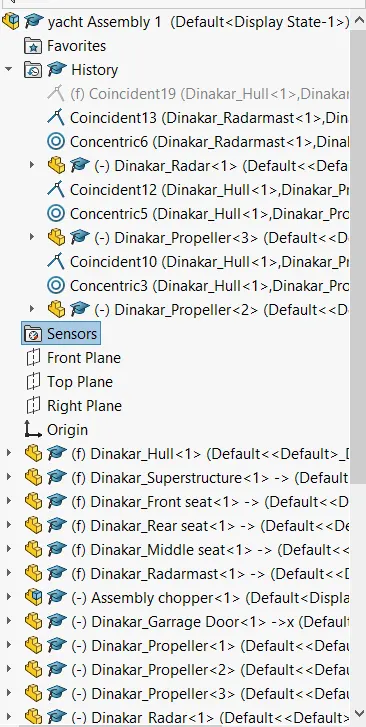
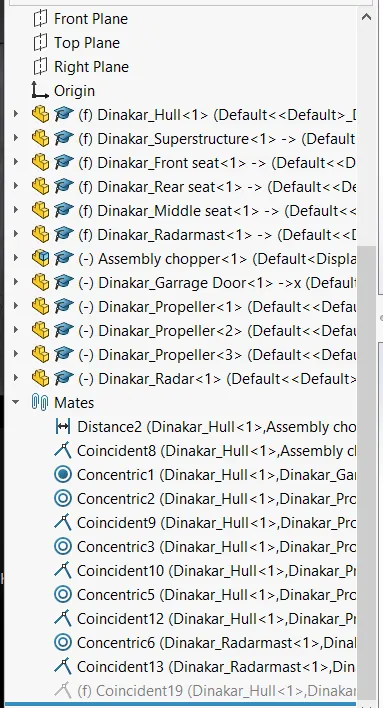
Mate operation is the basic tool for assembling the parts. There are various mate operations such as coincident, parallel, perpendicular, tangent, concentric, lock, etc. We can mate two faces by defining distance or angle between them.
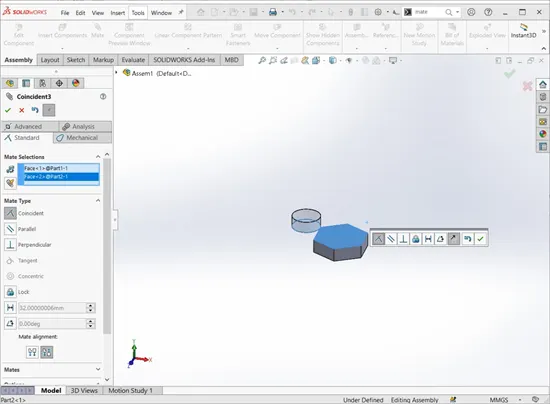
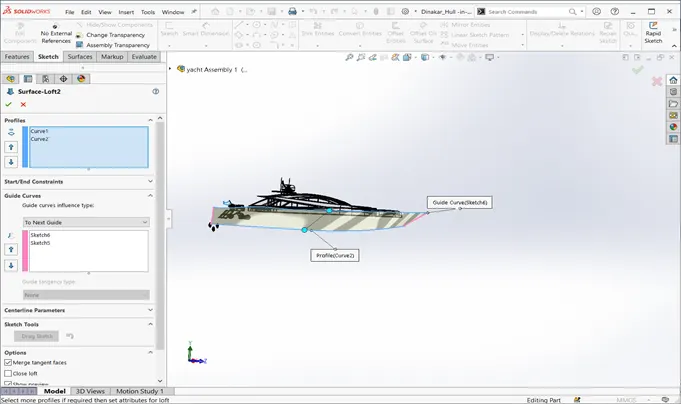
- SURFACE LOFT:
The loft feature is an important tool for (surface) modeling in SolidWorks. The loft feature creates a shape by making transitions between multiple profiles and guide curves. This tool is very valuable for modeling complex surfaces. You can do some really cool stuff when you use this feature properly.
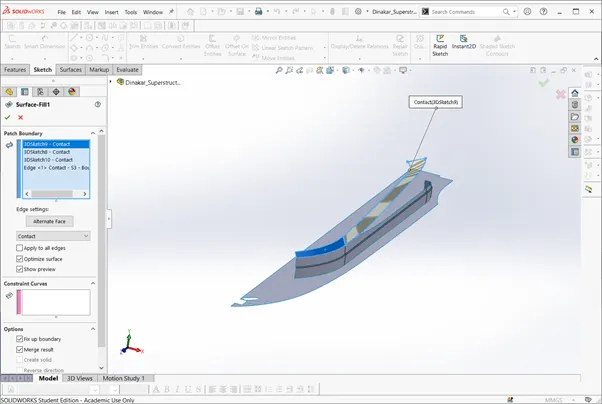
- SURFACE FILL:
Fill can patch holes including holes with more than four edges, as well as gaps with irregular shapes. The Fill surface is usually bounded by edges, but you can also use sketches and internal constraint curves.
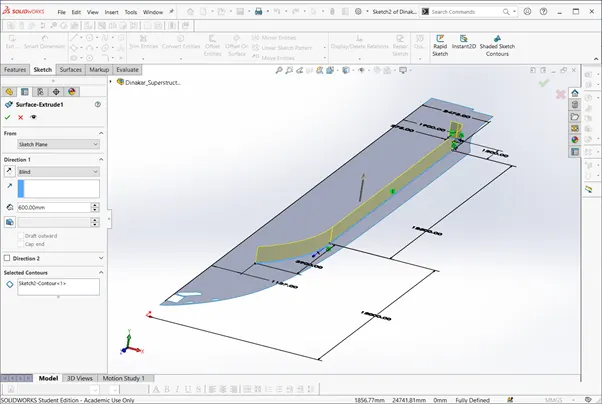
- SURFACE EXTRUDE:
Extruding Surfaces from a 2D or 3D Face.You can create extruded surfaces from models that include 2D or 3D faces and knit the extruded surfaces to surrounding features.
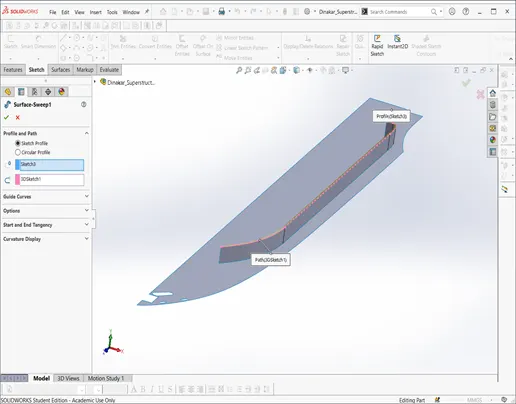
- SURFACE SWEEP:
Sweep creates a base, boss, cut, or surface by moving a profile (section) along a path, according to these rules: The profile must be closed for a base or boss sweep feature; the profile may be open or closed for a surface sweep feature. The path may be open or closed.
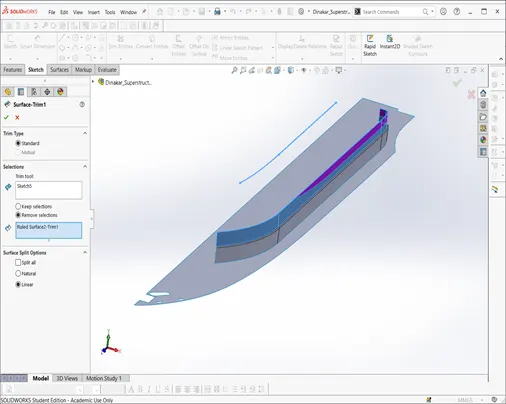
- SURFACE TRIM:
This Tool is used to cut away material from a surface, and provides two modes: Standard and Mutual. In Standard mode, a single selection is defined as a Trim Tool, and target surfaces are trimmed accordingly. In Mutual mode, multiple surfaces are trimmed with respect to each other.
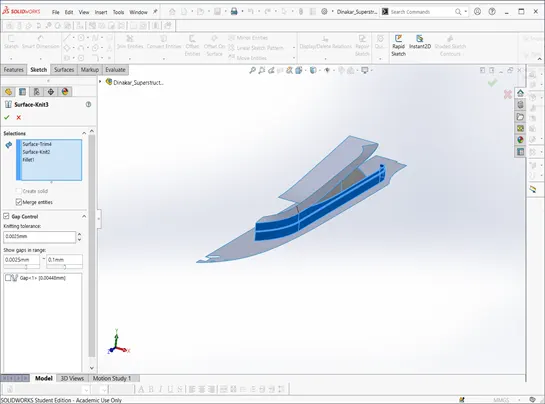
- SURFACE KNIT:
Knit Surface tool to combine two or more faces and surfaces into one.
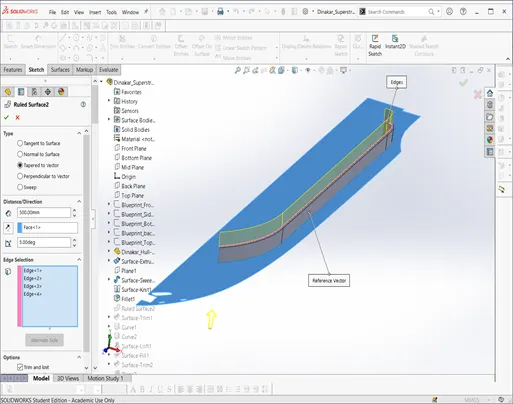
- RULED SURFACE:
The Ruled Surface command creates surfaces that extend out in a specified direction from selected edges.
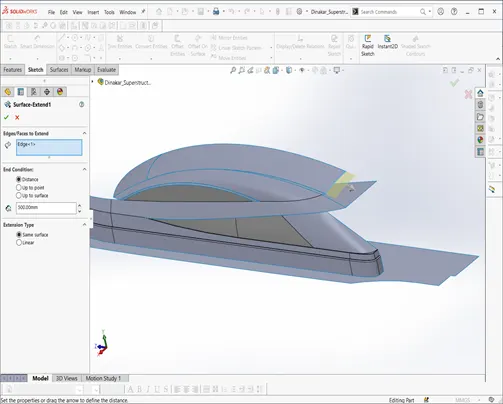
- SURFACE EXTEND:
You can extend a surface by selecting an edge, multiple edges, or a face.
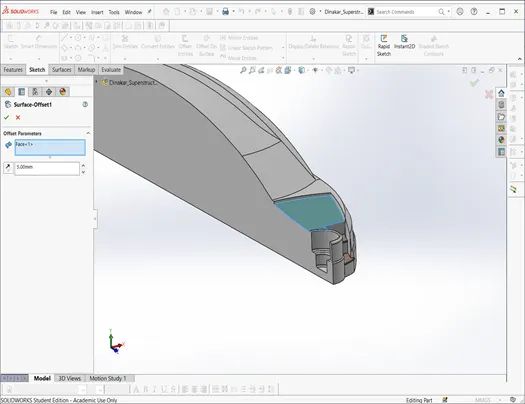
- SURFACE OFFSET:
Surface offset tool is used to create the offset surface with the required distance we need.
DESIGN OF APPROACH
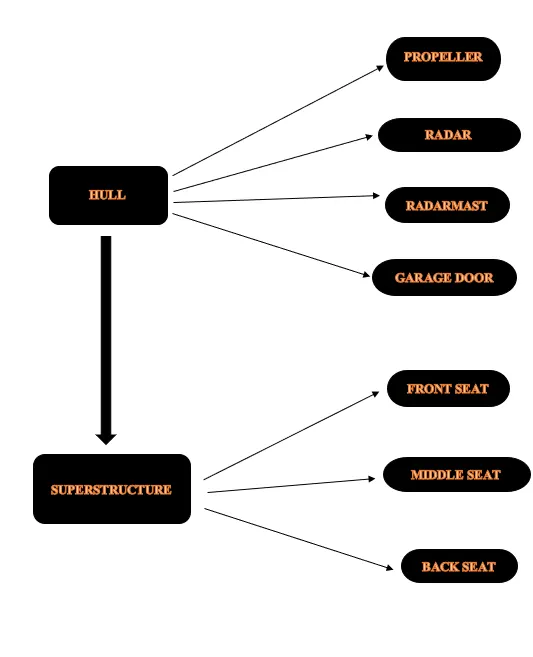
- HULL:
The hull of a boat or a ship is its outer body. A boat's hull can be made of wood, metal, or fiberglass ,it gives a boat or ship its shape and keeps water out. The hull of a ship is the most notable structural entity of the ship. To define the hull, it can be said that it is the watertight enclosure of the ship, which protects the cargo, machinery, and accommodation spaces of the ship from the weather, flooding, and structural damage.
- SUPERSTRUCTURE:
Superstructure means to add a construction to an already existing structure. It is the top of the ship. It consists of different parts and other parts are constructed above the superstructure .Example like vessels
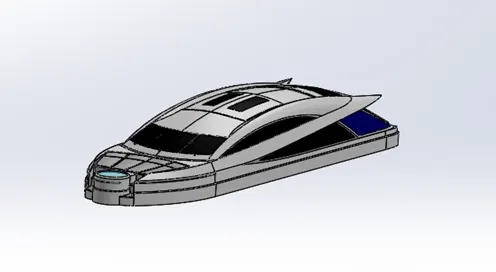
- FRONT SEAT:
It is the front seat of Yacht . Located in the front portion of the yacht. It was modelled by using the tools like extrude, fillet, trim etc.
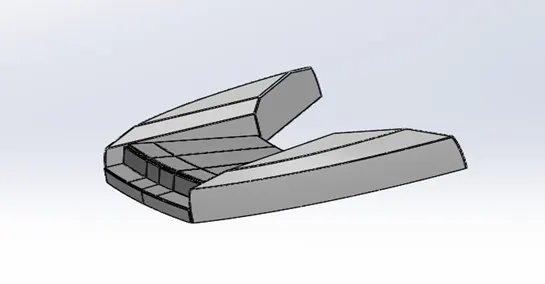
- REAR SEAT:
It is the back most seat in the yacht. In the below design we can observe the gates attached to rear seat. And we can observe the seating space of which is provided. It is modelled by using extrude, fillet, surface loft and mirror.
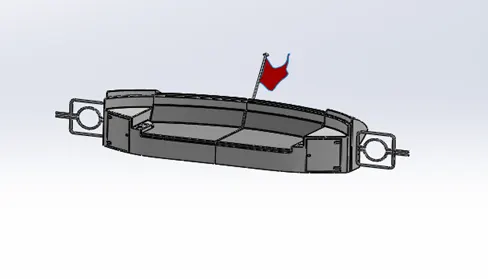
- MIDDLE SEAT:
It is the middle seat of the yacht located exactly back of superstructure. It is modelled by using tools extrude and fillets.
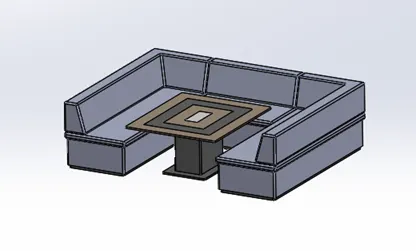
- RADAR & RADARMAST:
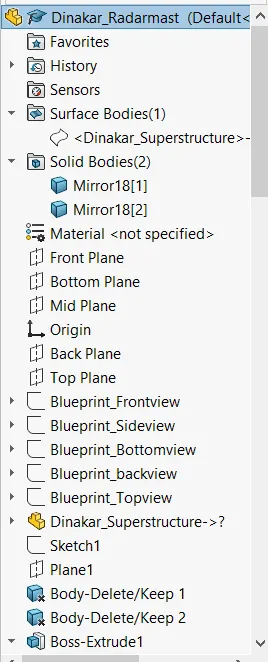
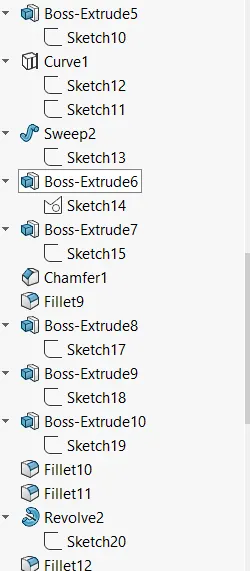
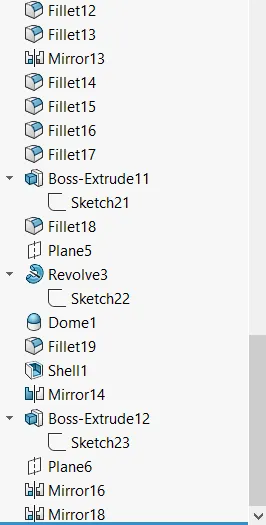
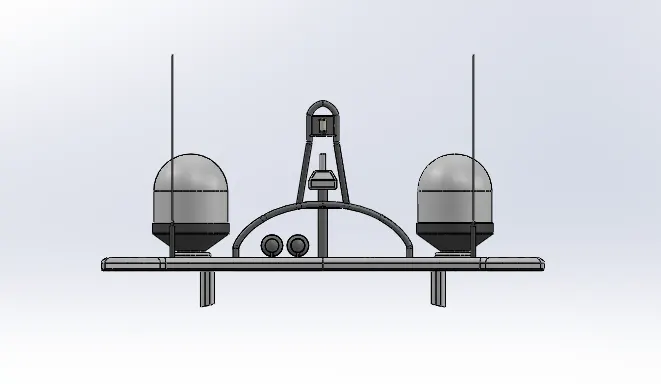
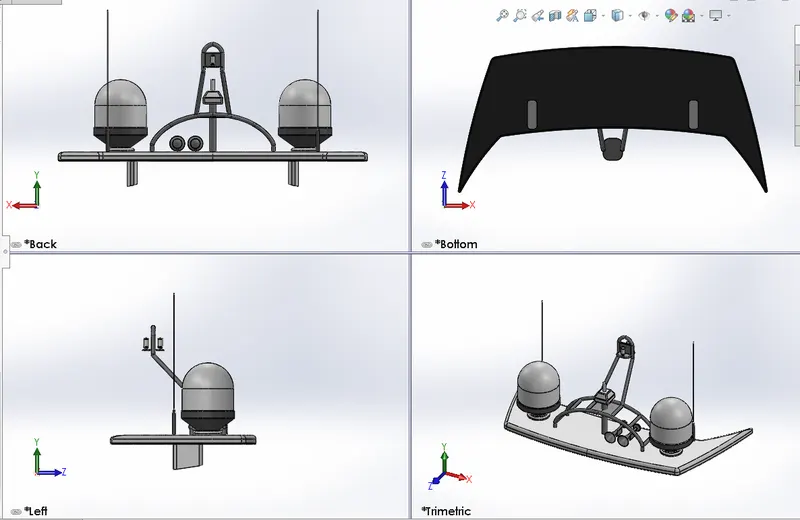
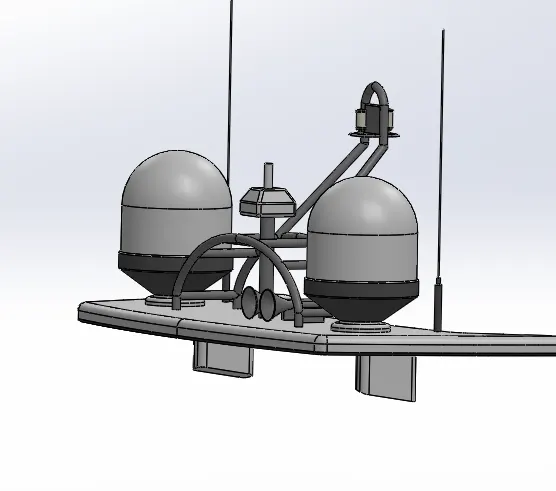
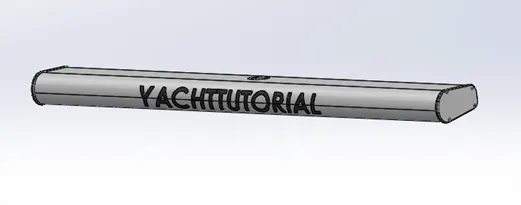
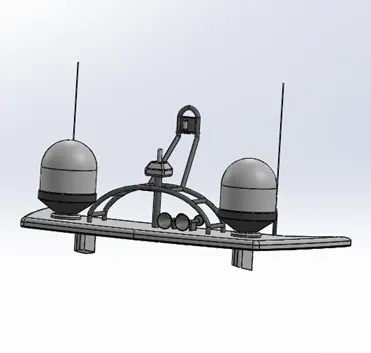
It is used to detect other ships and land obstacles, to provide bearing and distance for collision avoidance and navigation at sea. They are electronic navigation instruments that use a rotating antenna to sweep a narrow beam of microwaves around the water surface surrounding the ship to the horizon, detecting targets by microwaves reflected from them, generating a picture of the ship's surroundings on a display screen. Radar is a vital navigation component for safety at sea and near the shore.
- GARAGE DOOR:
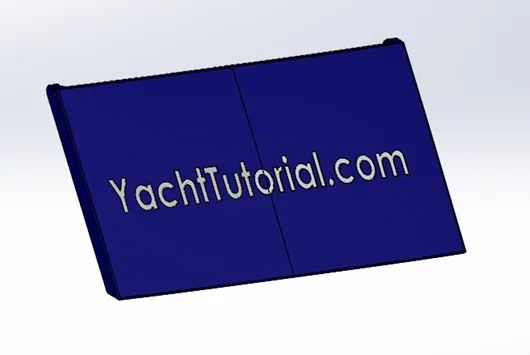
This is part is used to close the parking space of yacht. The garage door is designed by using extrude, fillet and split .
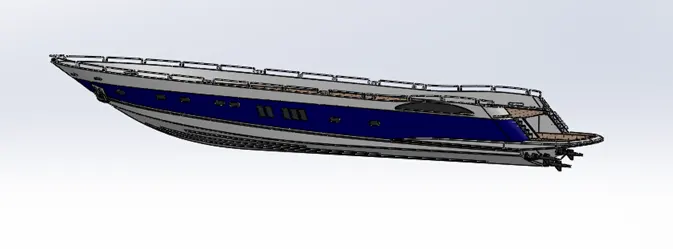
- RENEDERED IMAGES: