Project 3
Model Creation in Alias
Abstract: To create a Model of SUV (Sport Utility Vehicle) in Alias 3D workbench.
Approach:
- To create the sketches in paper or in autodesk sketchbook then creating technical drawing with proper proportions.
- importing the images into workbench, with proper alignment start working on building the wireframe.
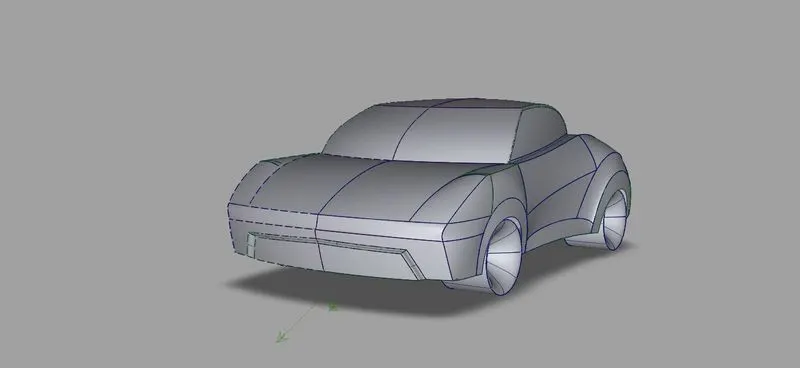
- creating the surfaces along with curves and by checking for continuity (G0, G1, G2, G3).
- completing the model.
Tools used in interface:
- CV curve
- Blend curve
- Keypoint Curve.
- Extend
- Align
- Query edit
Surface Creation tools:
- Skin
- Rail (mono, binary)
- Square
- Surface fillet
- Freeform Blend
- Multisurface Draft
Surface Edit tools:
- Project
- Intersect
- Trim
- Untrim
- Trim convert
images:
To create the sketches in paper or in autodesk sketchbook then creating technical drawing with proper proportions.
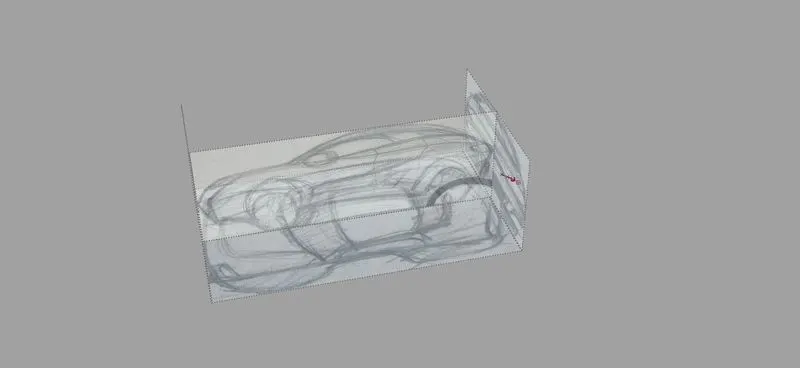
importing the images into workbench, with proper alignment start working on building the wireframe.
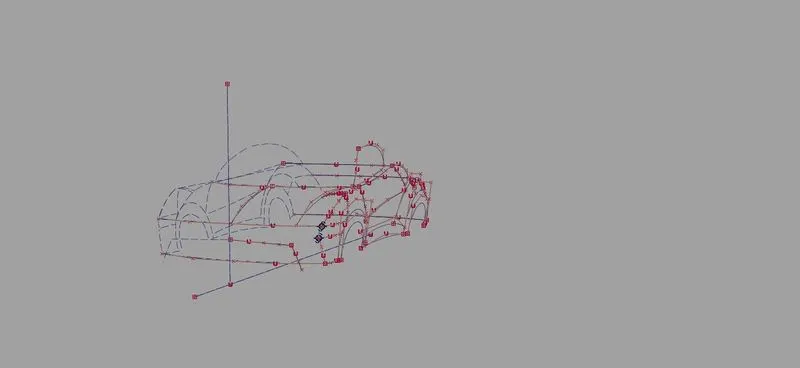
creating the surfaces along with curves and by checking for continuity (G0, G1, G2, G3).
Exterior
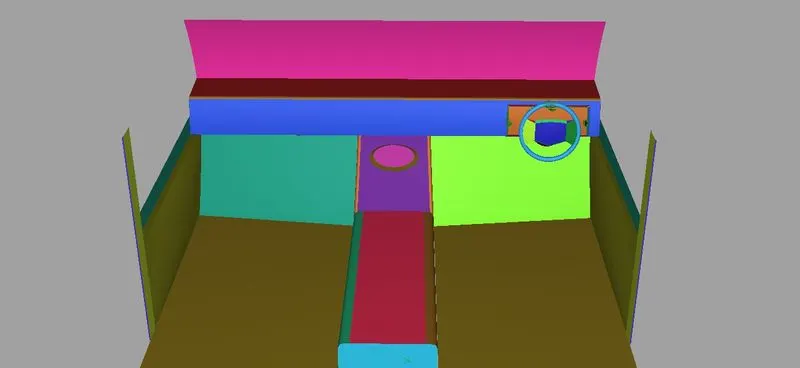
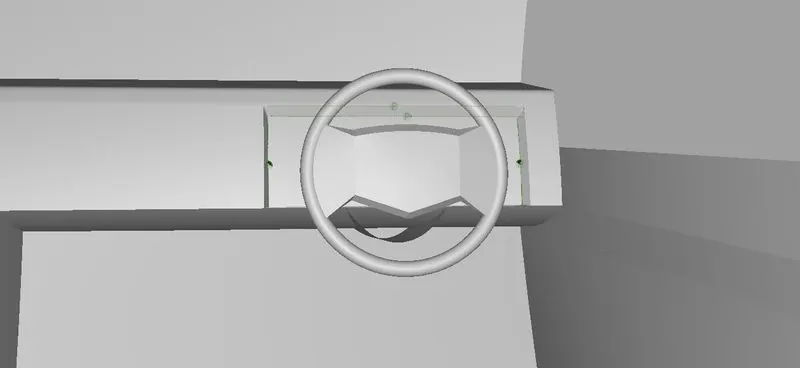
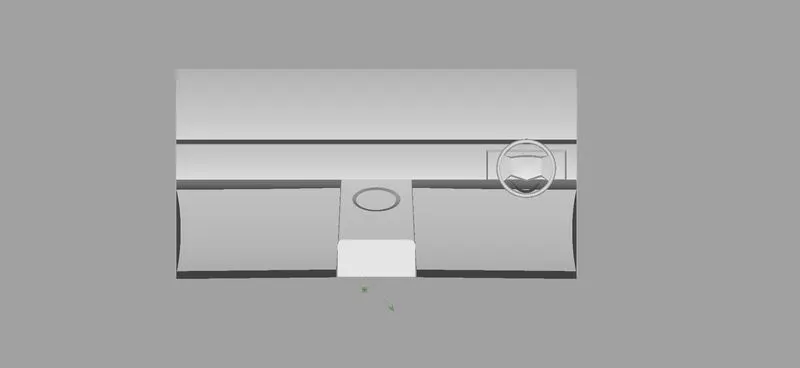
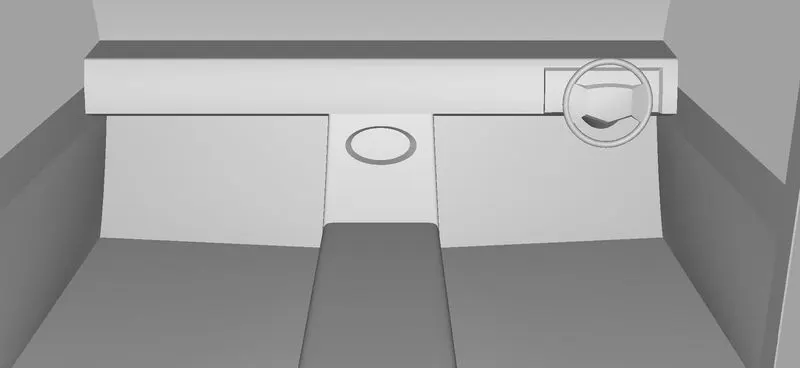
Interior
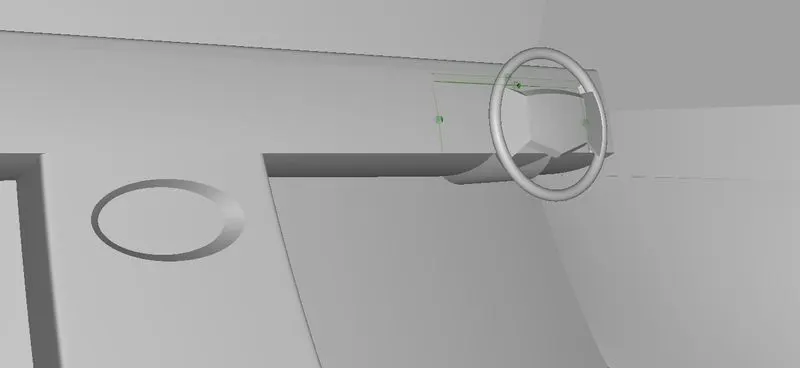
completing the model.
Final Images for interior and exterior.
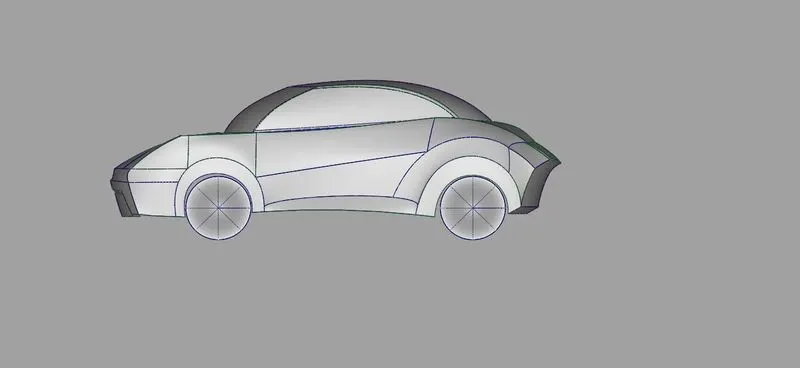
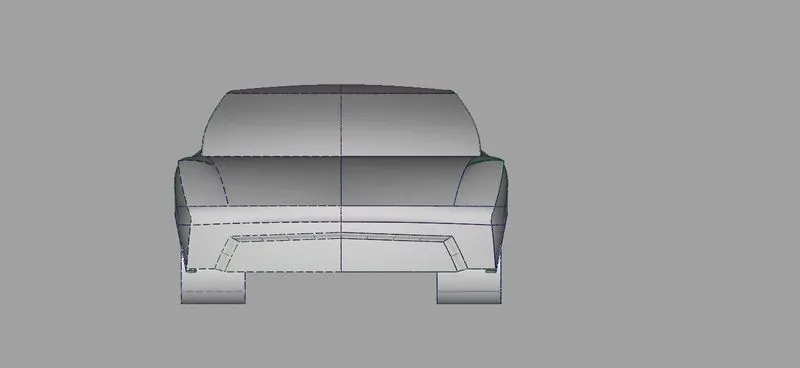
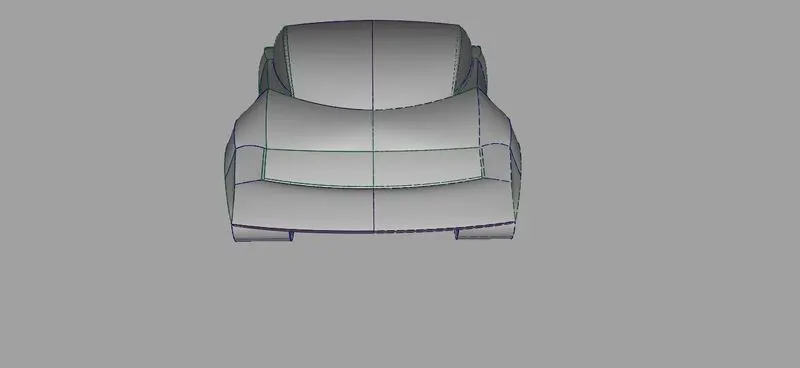
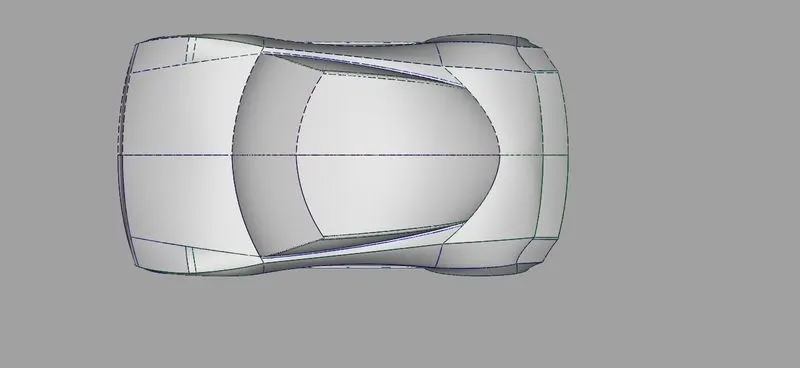
Continuity Horver
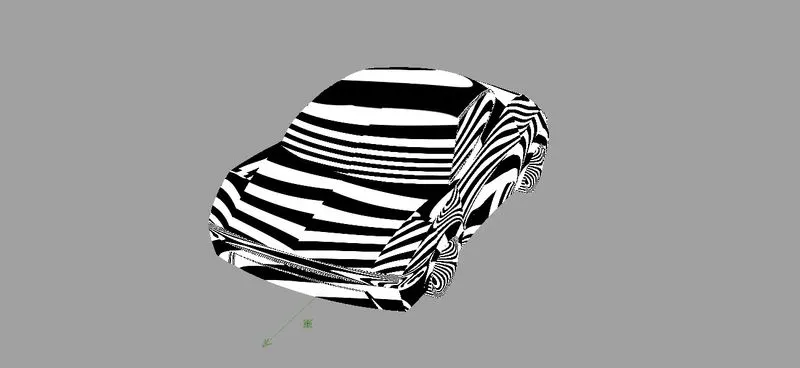
Perspective
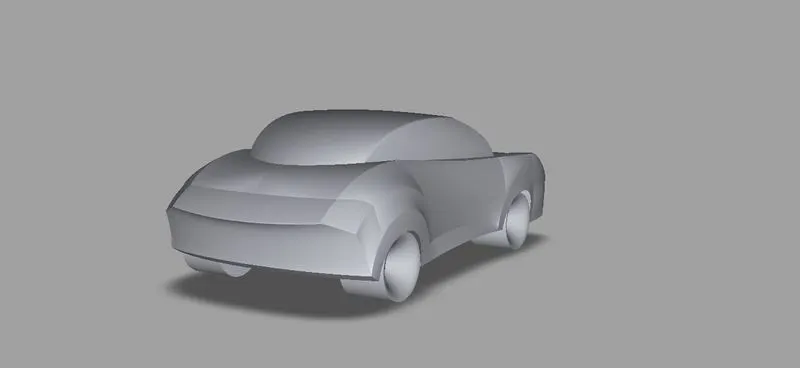
Interior
Patch