Project 2 - V&V SW Analysis II
1.
AIM:
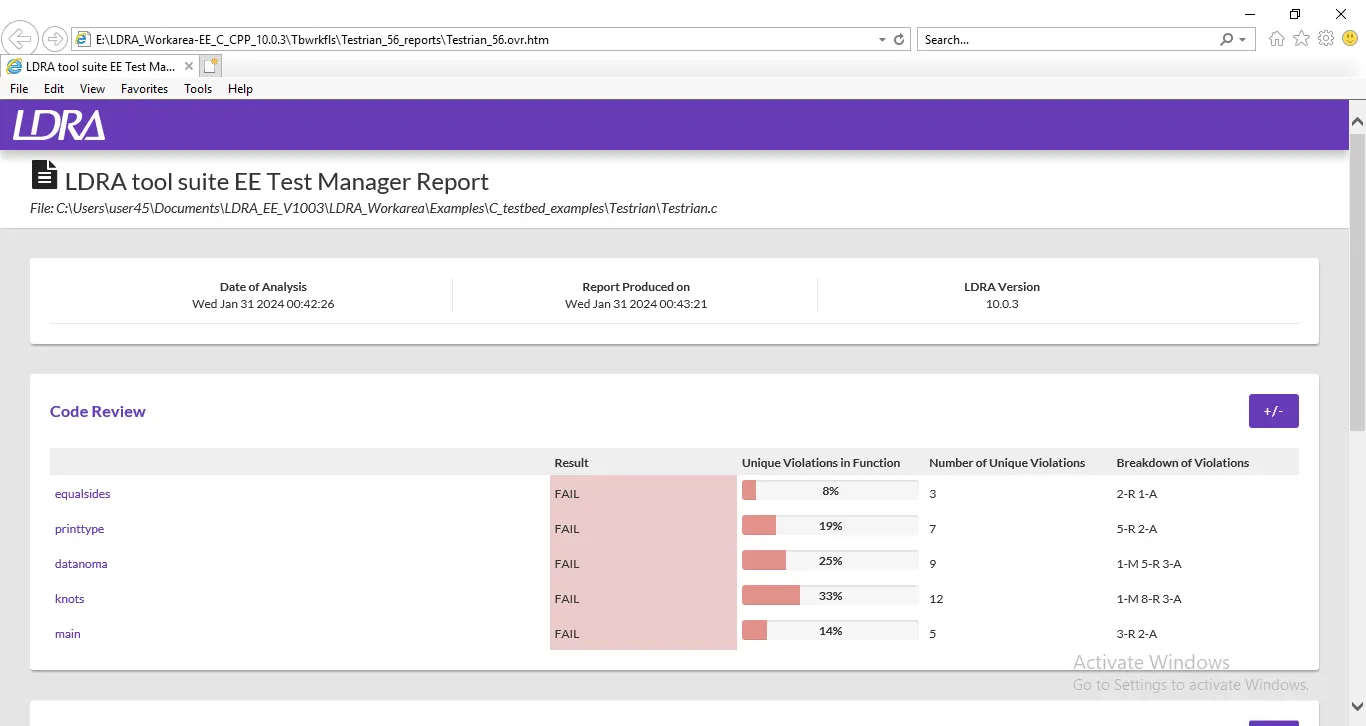
To Perform Static Code Review Analysis for “C:\**\LDRA_workarea\Examples\C_Testbed_examples\Testrain\Testrain.c” Generate Code review report and upload them.
Procedure:
Step1:Select the Testrian.c file ,open it and Run Static code Analysis
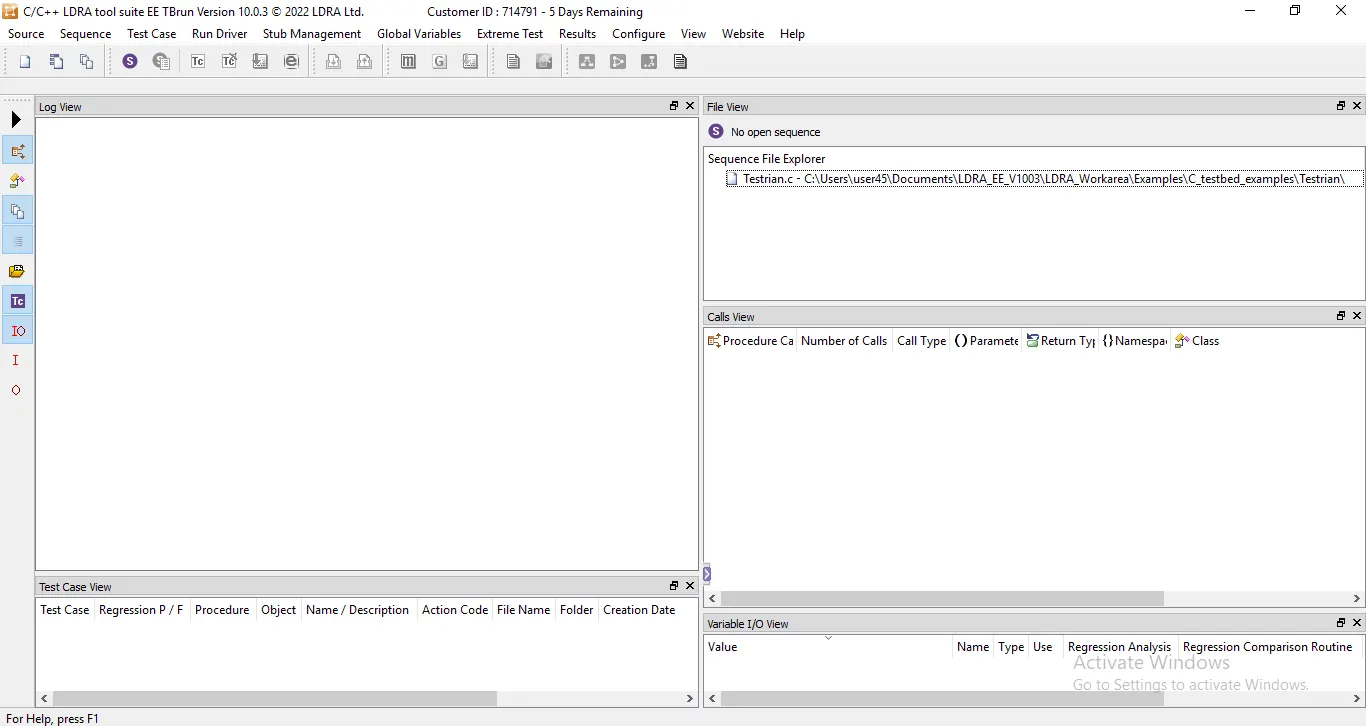
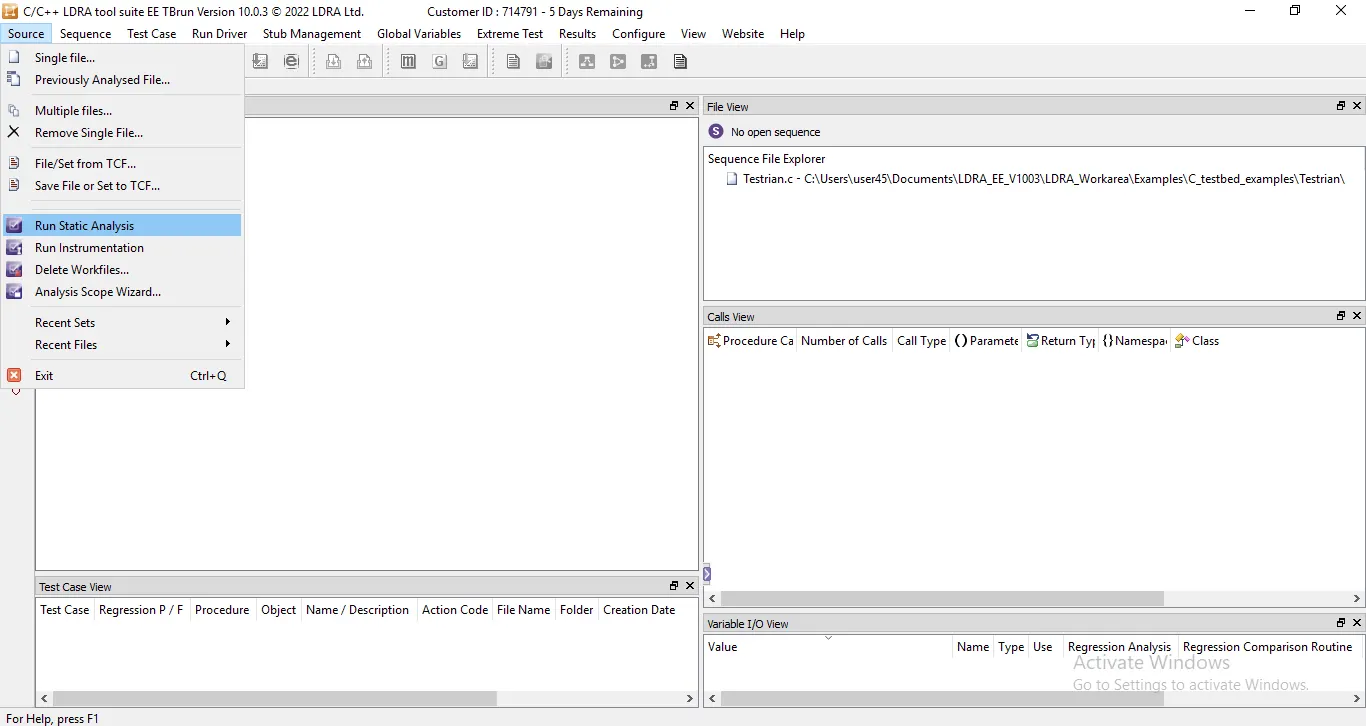
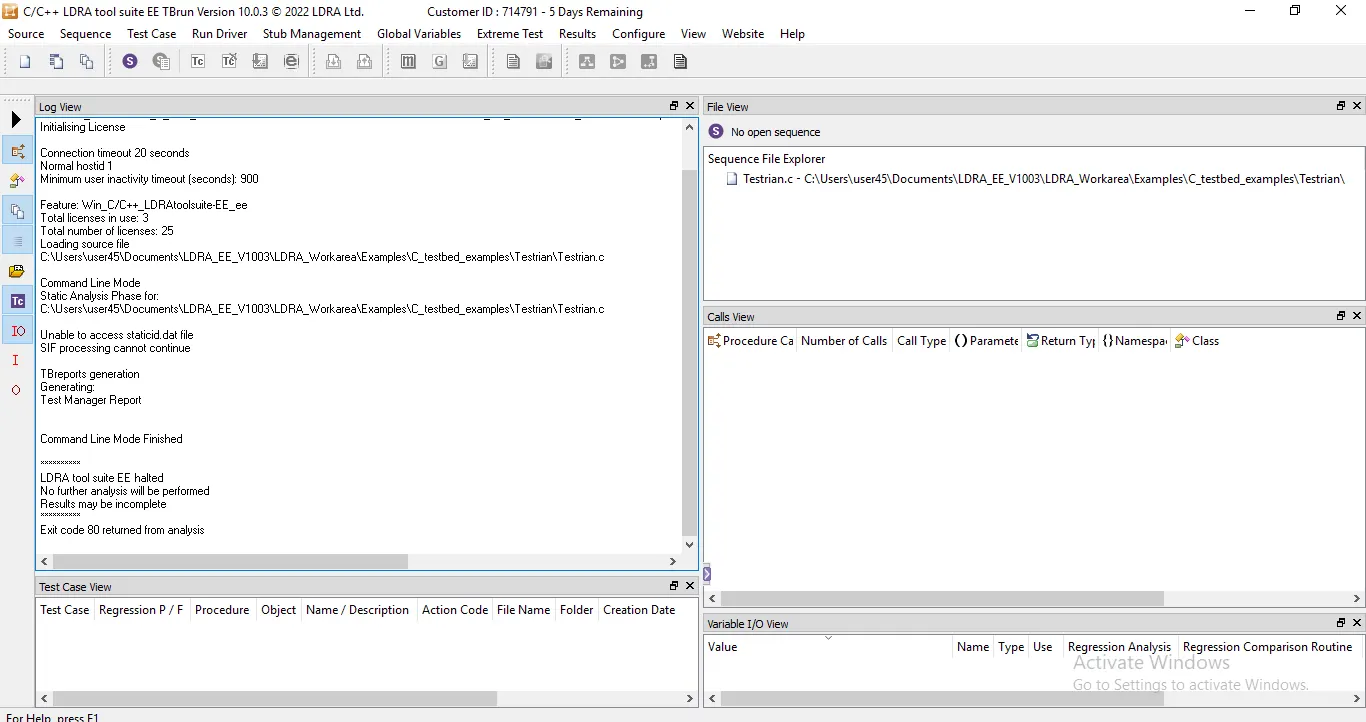
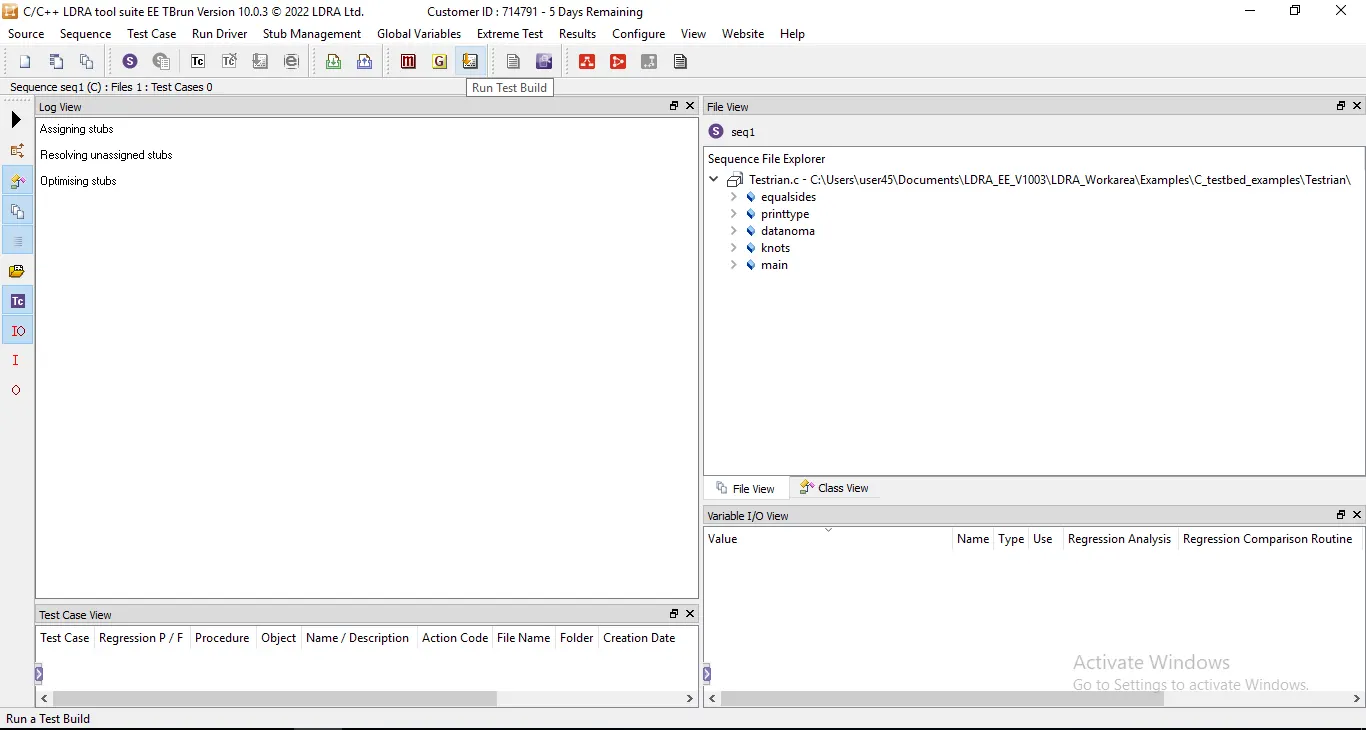
Step2:Create the sequence and Run the Test Build
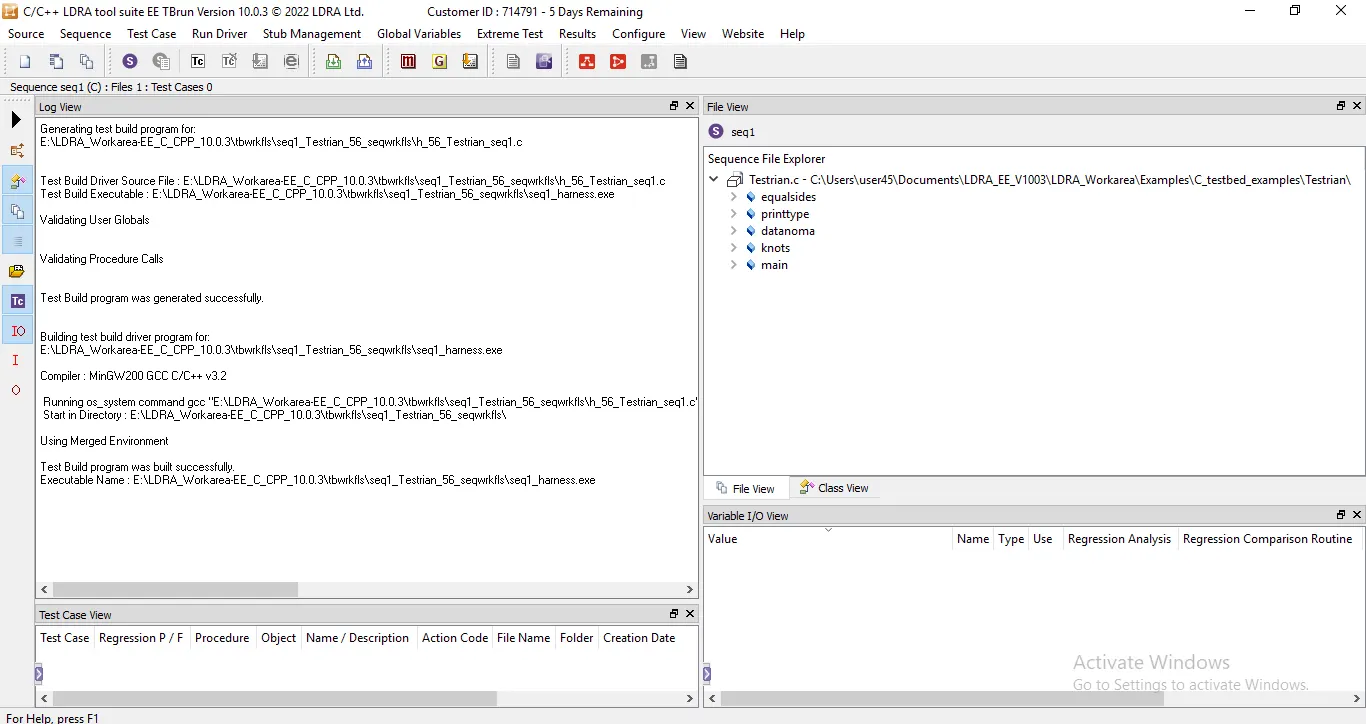
Step3:Select the Result and click the Test Manager Report
2.
AIM:
TO Perform Integration testing by including all the .C files available in the folder location C:\**\LDRA_workarea\Examples\Toolsuite\Cashregister_6.0\ **
Procedure:
(Since the LDRA TOOL is not working, so I wiil submit as the Document format)
A)Create the test cases manually as well as automatically using TBExtreme and upload the reports.
step1:Open the TBrun software
Step2:click the source and select the multiple file
Step3:create the set "molde" and select the new set property as "system" for analysing togather.
Step4:Add the file it the file set and not perform the static analysis as normal, click configure and select LDRA Testbed configuration Options ,choose static Options click macro and create sysppvar it.
Step5:Click source and Run LDRA Testbed Static Analysis,after finishing the analysis click source select save file or set to TCF, and create model.tcf and click save.
Step6:After finishing all the settings save the file or file/set from tcf and click cashregister as default in the folder and run the static analysis.
Step7:Create new sequence as "Integration_test" and select code coverage option.
Step8:Then click the test build button to build all the files.Then click the call diagram button for the flow chart representation to see how the function are called by other function.
Step9:Create test case for userinterface_parse five times of changing the value according to the call graph diagram.
Step10:Click the Result and open the dynamic coverage analysis report.
B)store the test cases as .tcf file. Upload the location image where the .tcf file is stored.
Step1:In continuous of integration testing the tcf file location is identified.
Step2:In sequence file Explorer right click the cashregister folder and click the Explore source file Directory.
Step3:The folder of the tcf file is open in the same folder of source file.