Project 2 - V&V SW Analysis II
Qn1.ans-
Step 1: Source ----single file
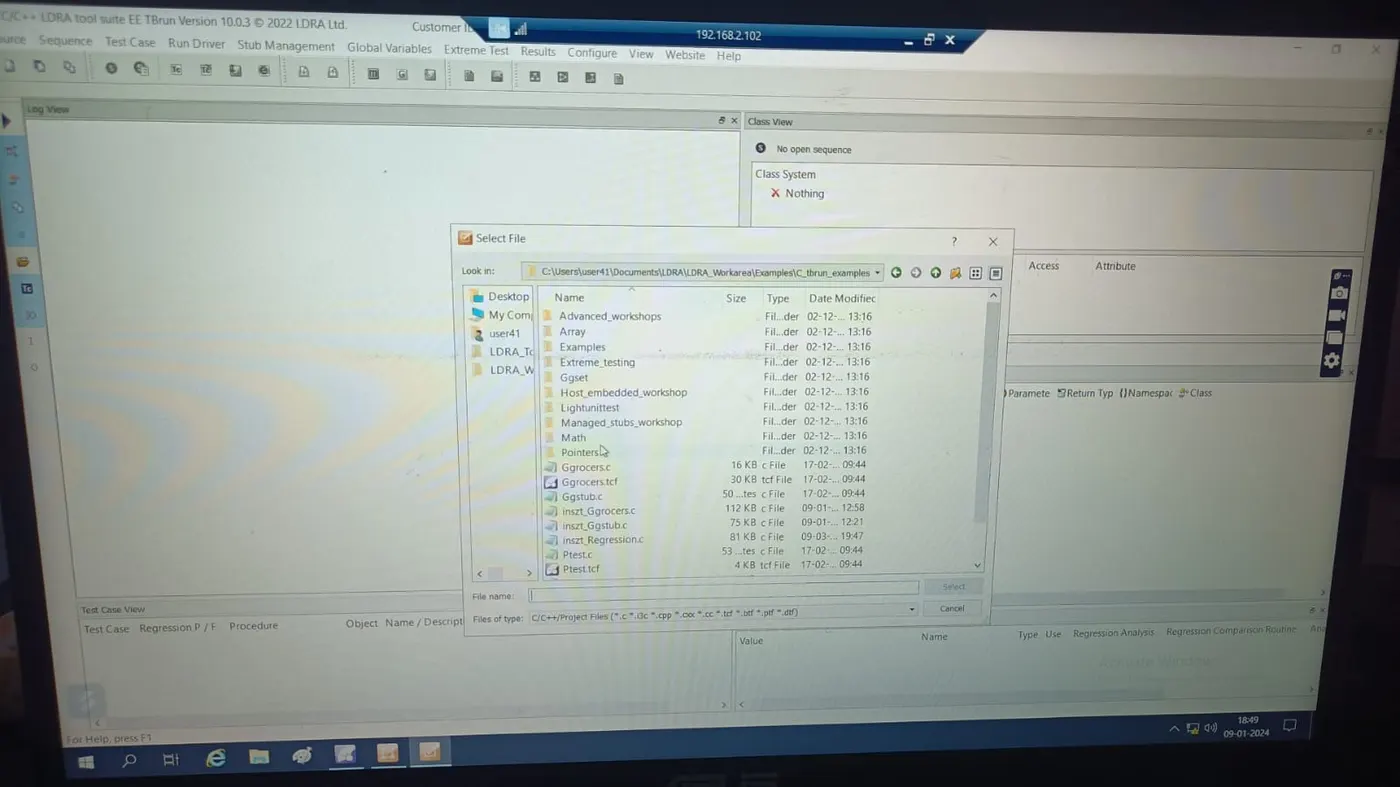
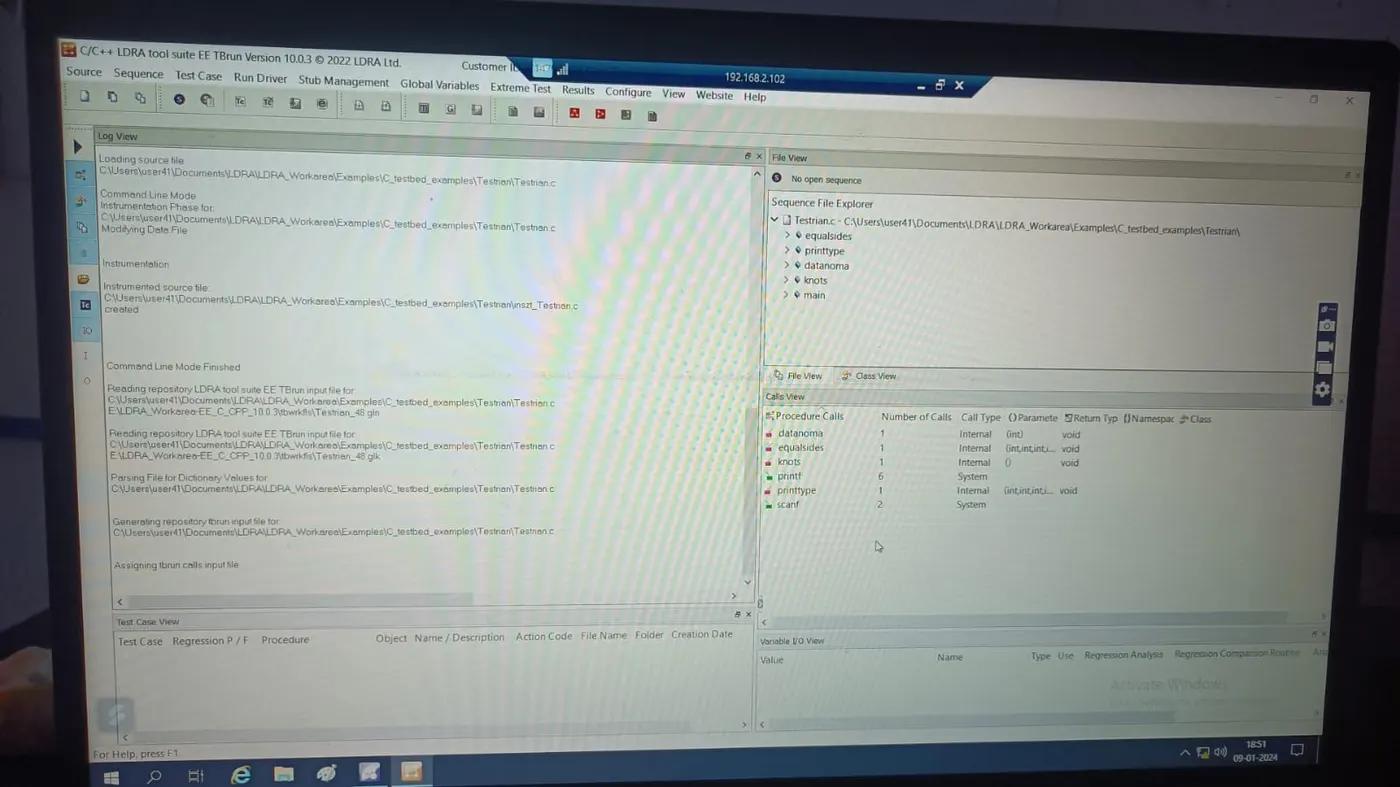
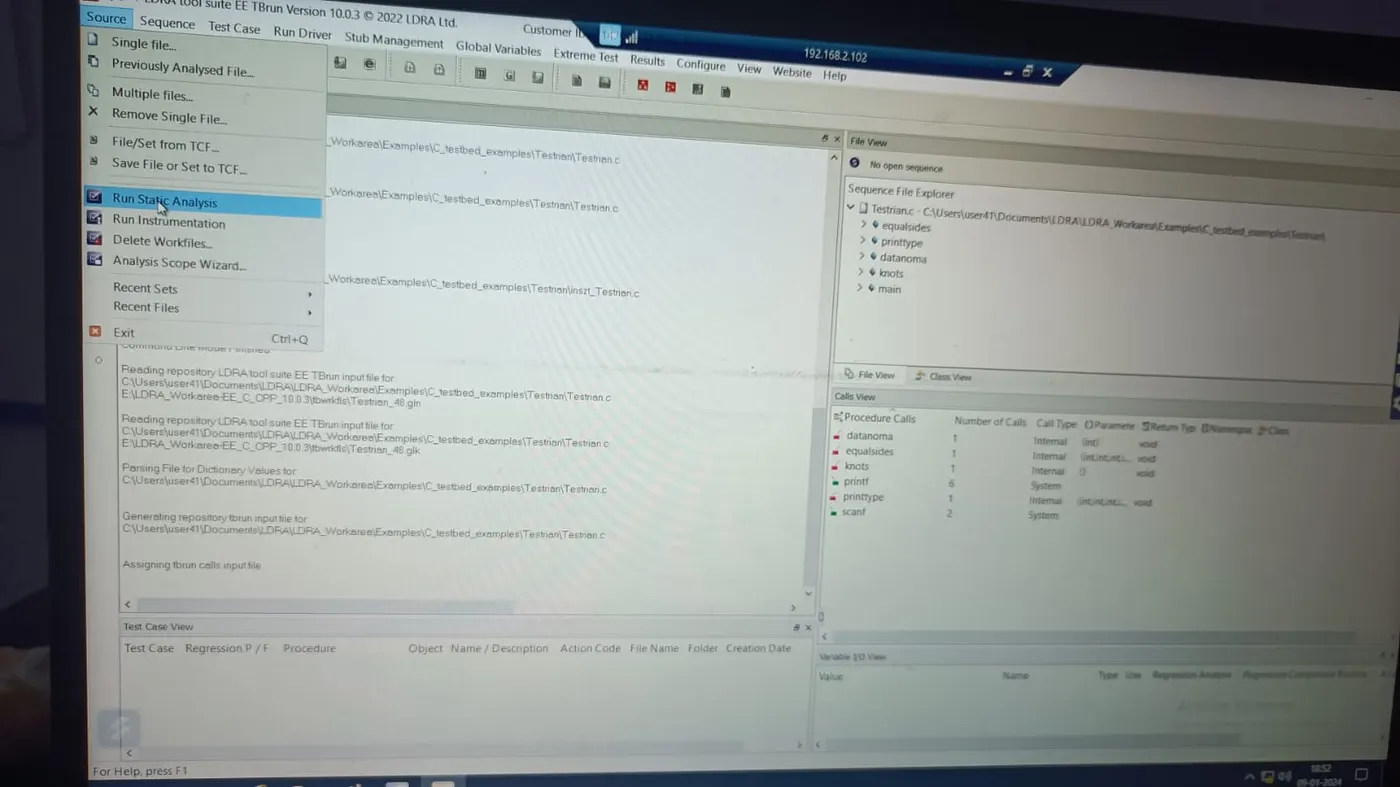
Step 2: Select / Create Set ---name ---- system ---- Add -----Choose .c(testrain.c) file -----Add ----Choose .c file
Step 3: LDRA tool bed Analysis ---- Yes
Step 4: Configuration -----LDRA test configuration -----Static options -----Give path for the .dat
file
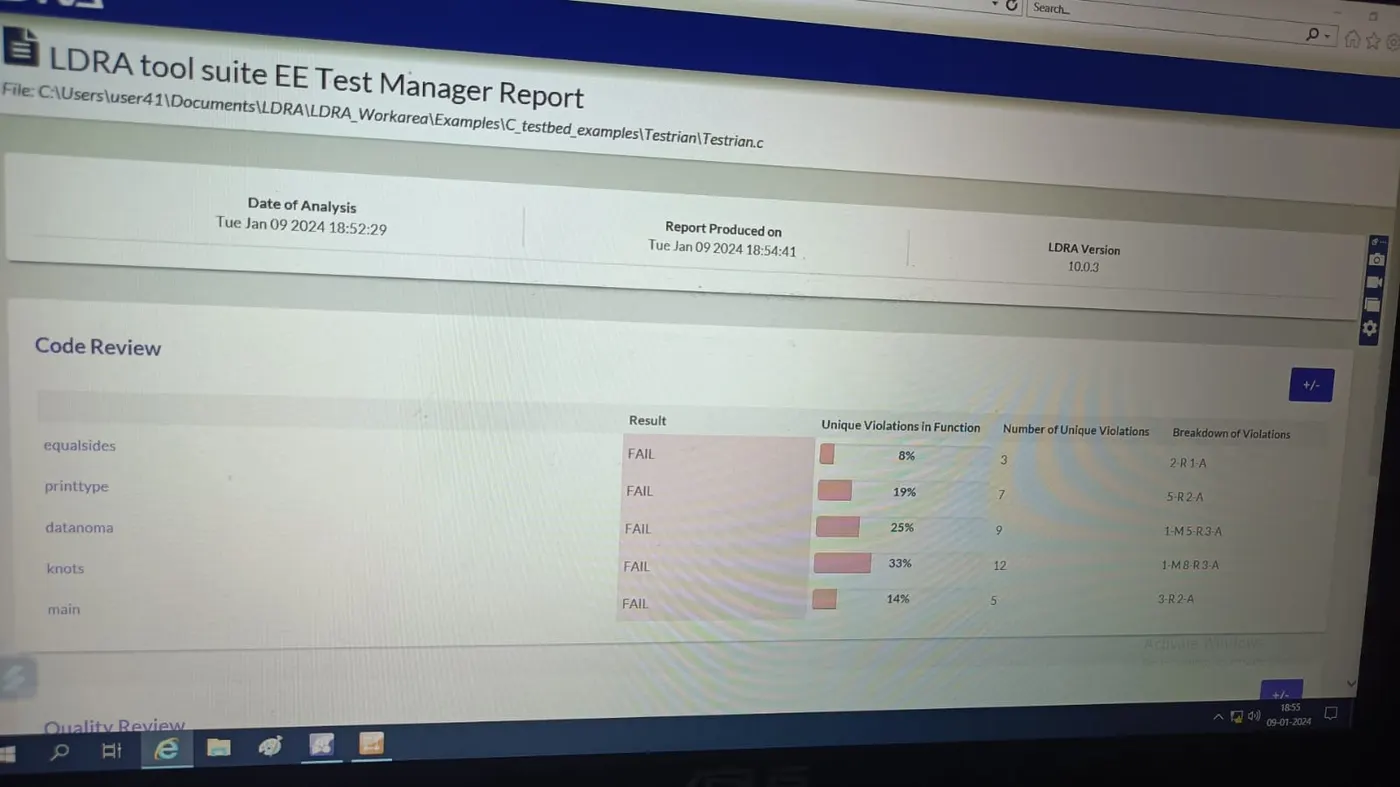
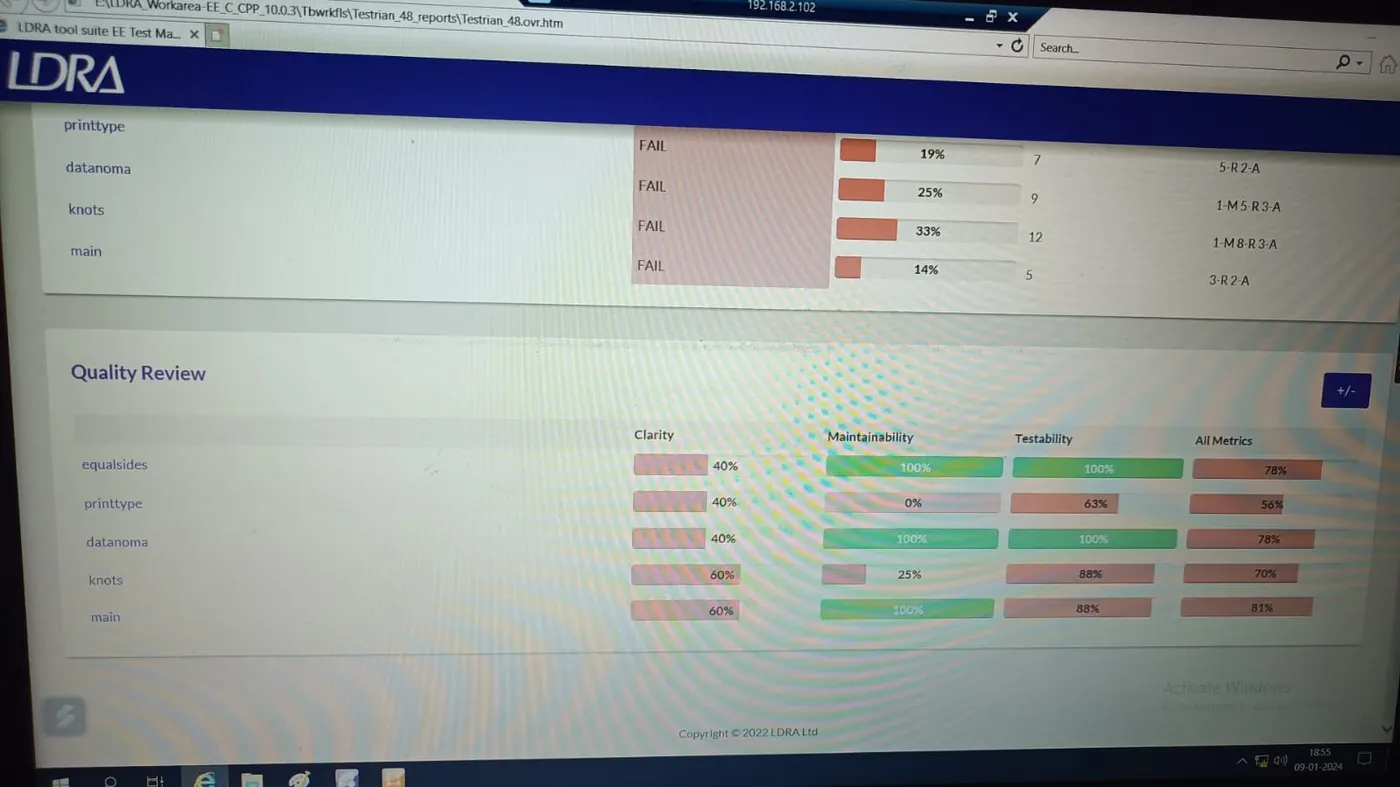
Step 5: Source ---- Static Analysis
Step 6: Results ---- Test Manager Reports
qn 2.-ans- PROJECT 2
A)
INTEGRATION TEST:
Following Steps are hre -
Step1: TB run
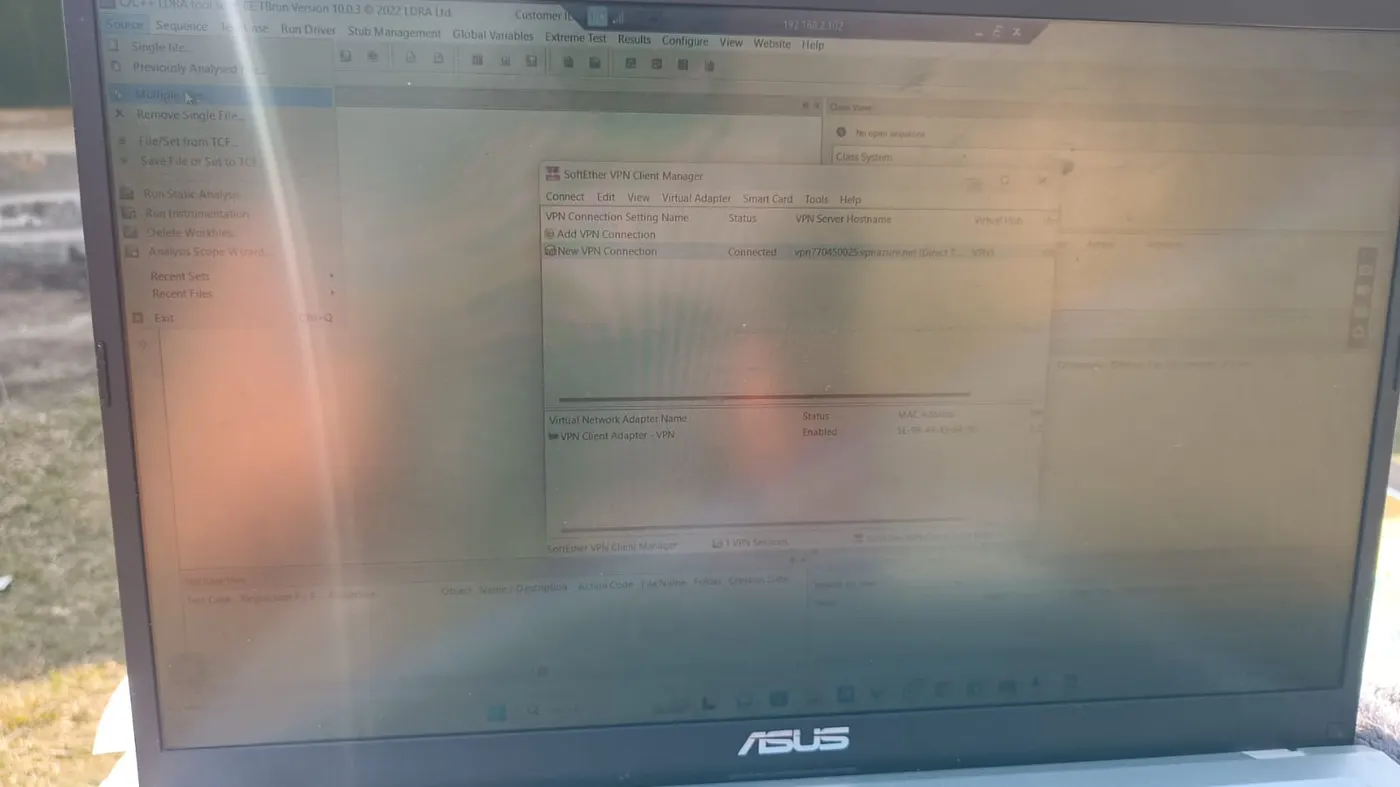
Step 1: Source --- Multiple files
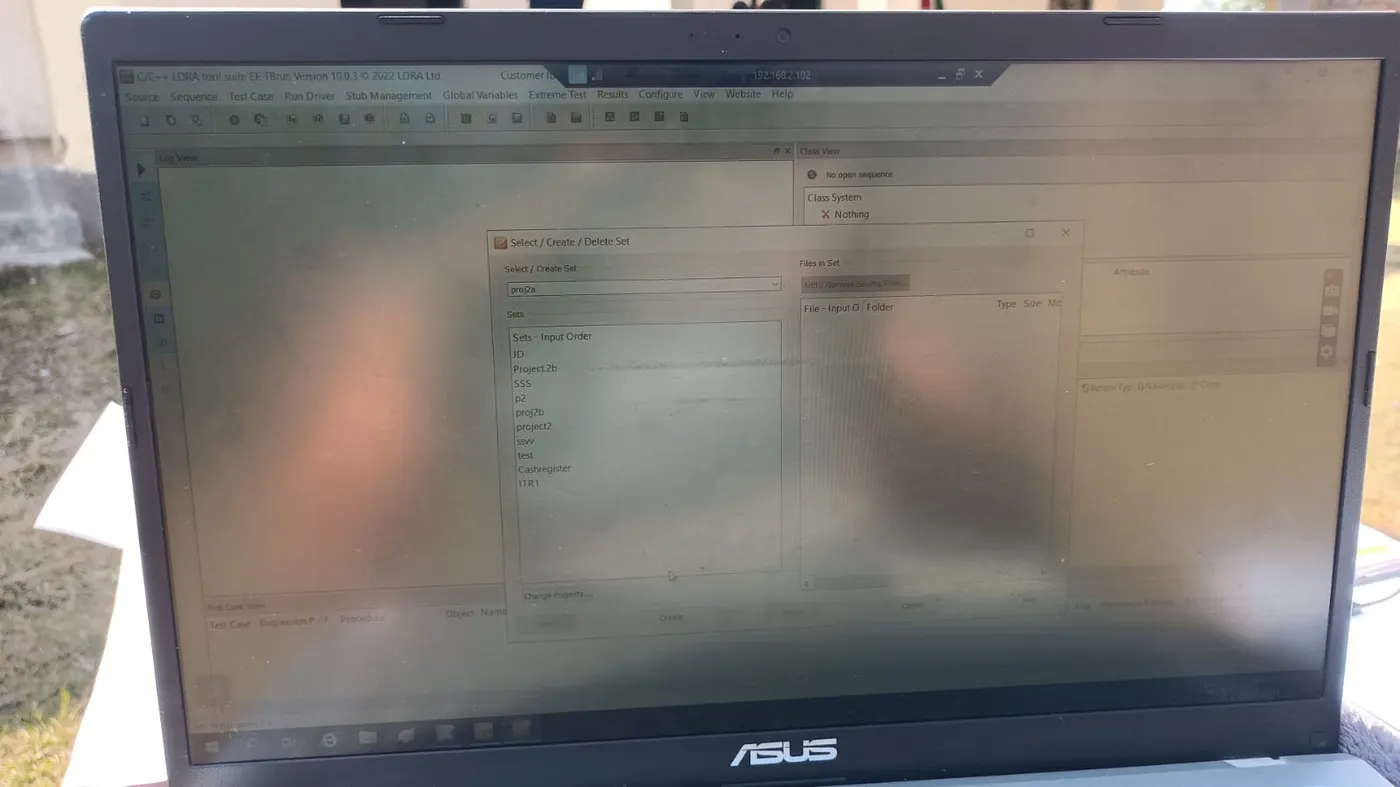
Step 2: Select / Create Set---- -name--create -- system ---Add ---- Choose .c file ----Add -----Choose .c file
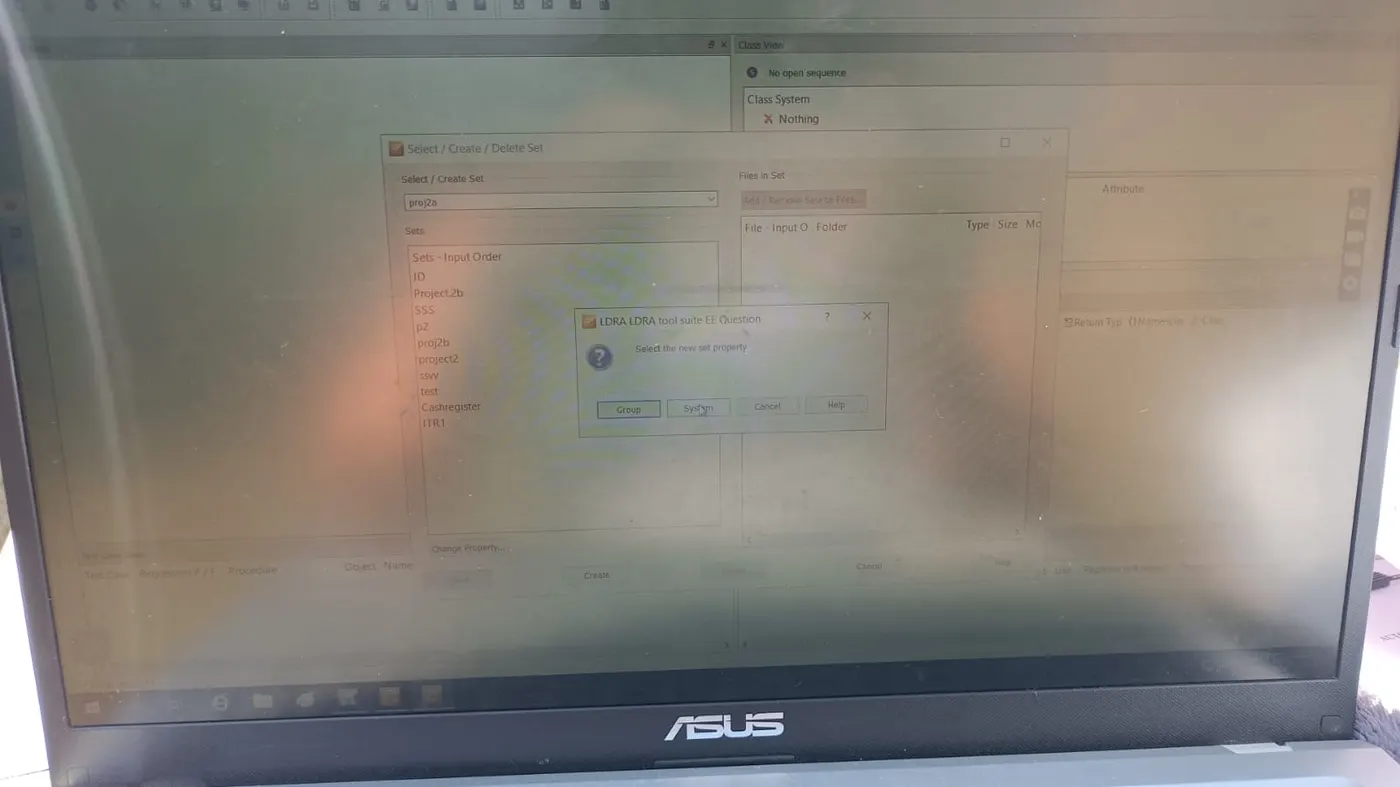
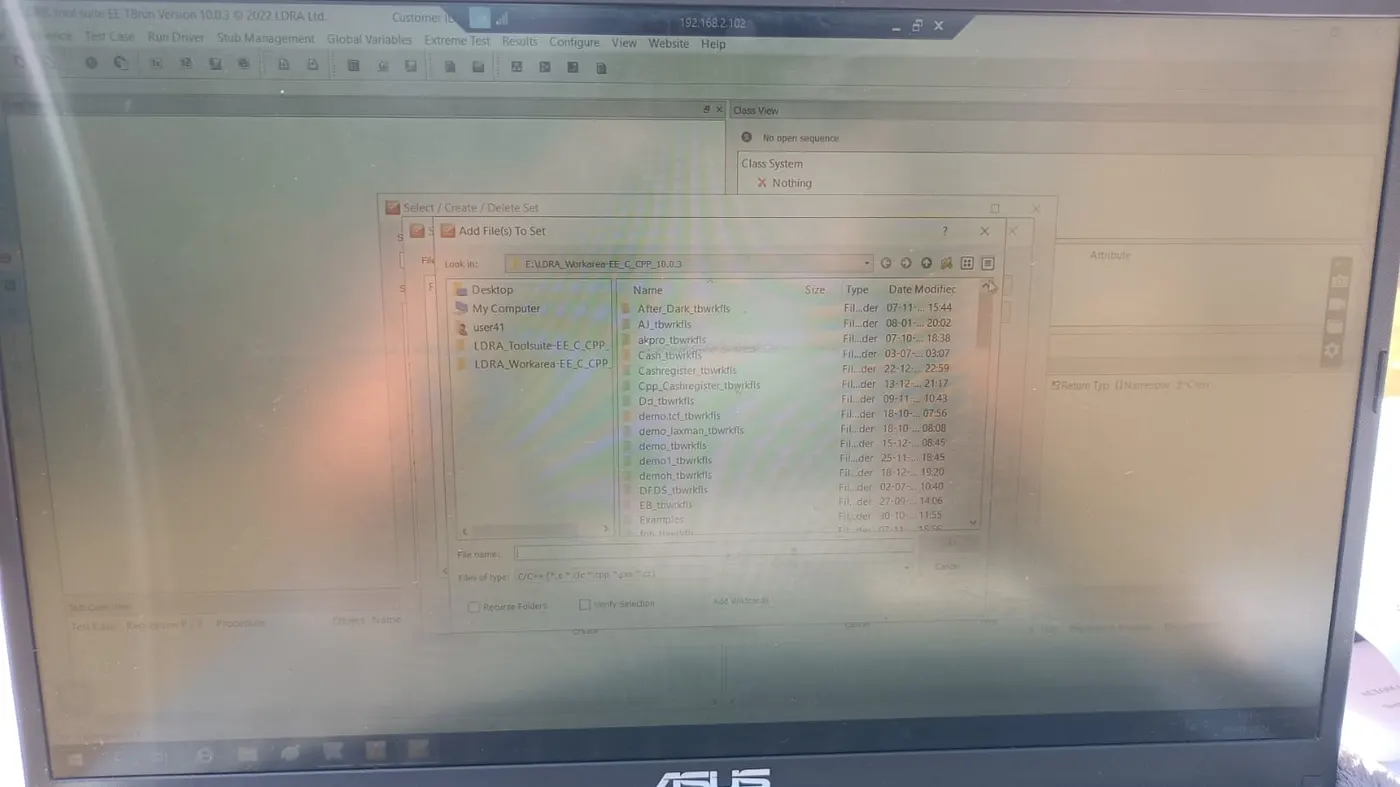
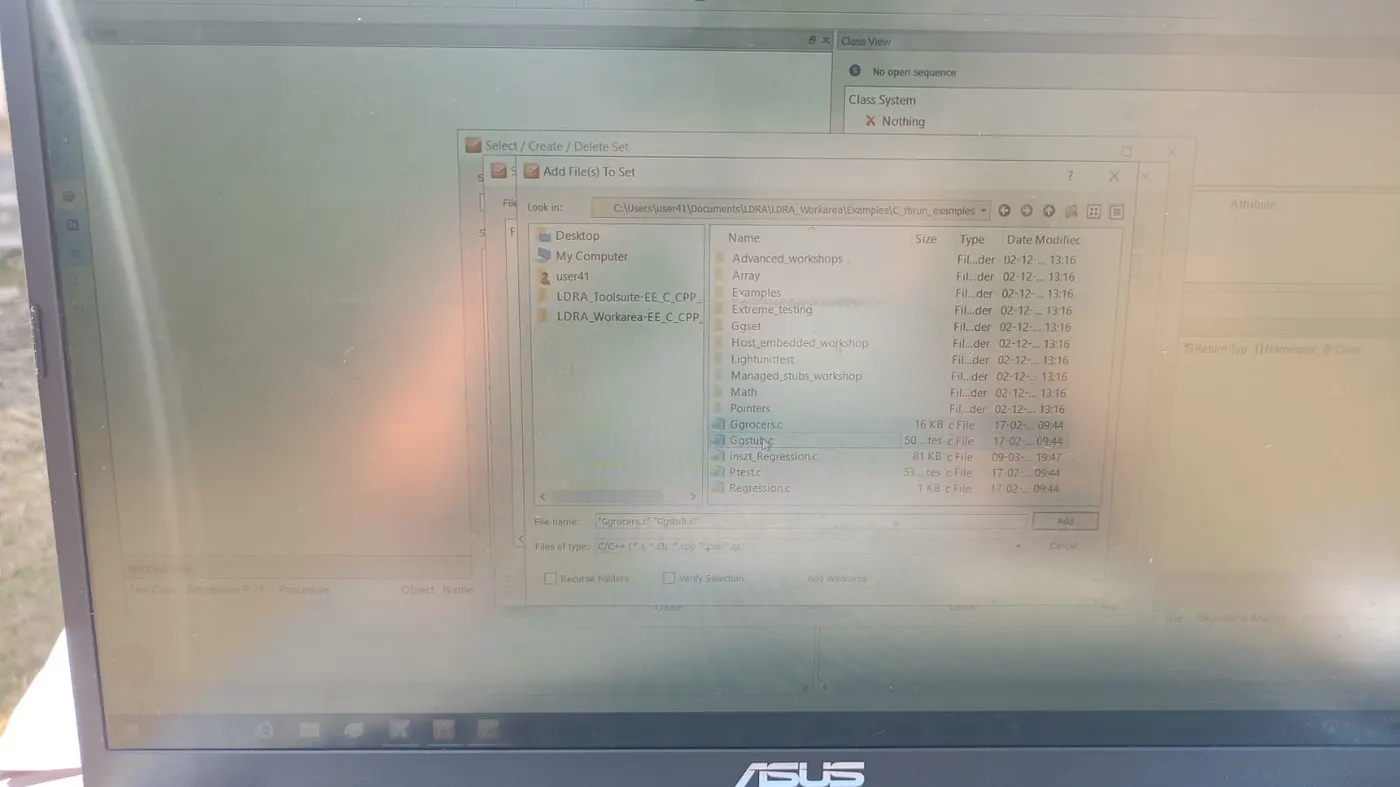
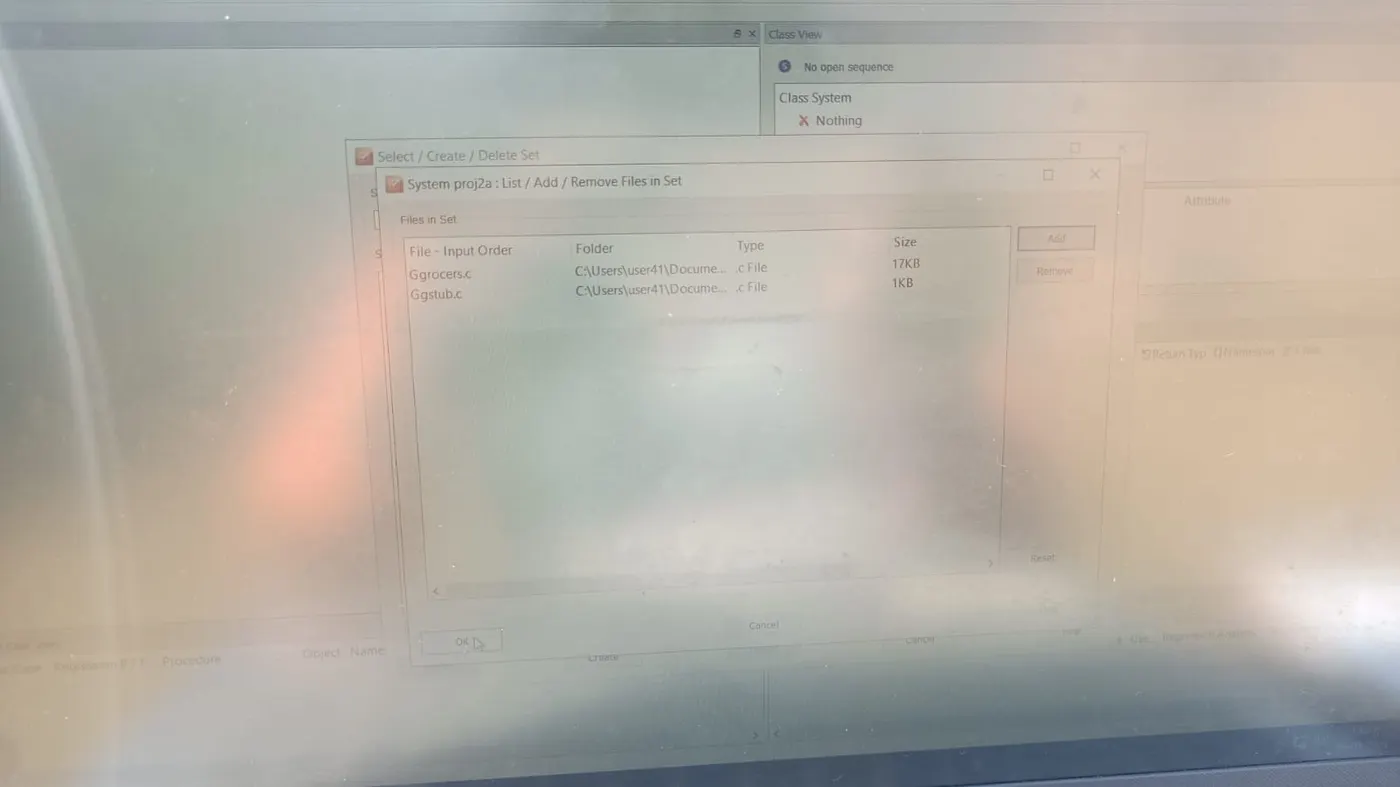
Step 3: LDRA tool bed Analysis -----Yes
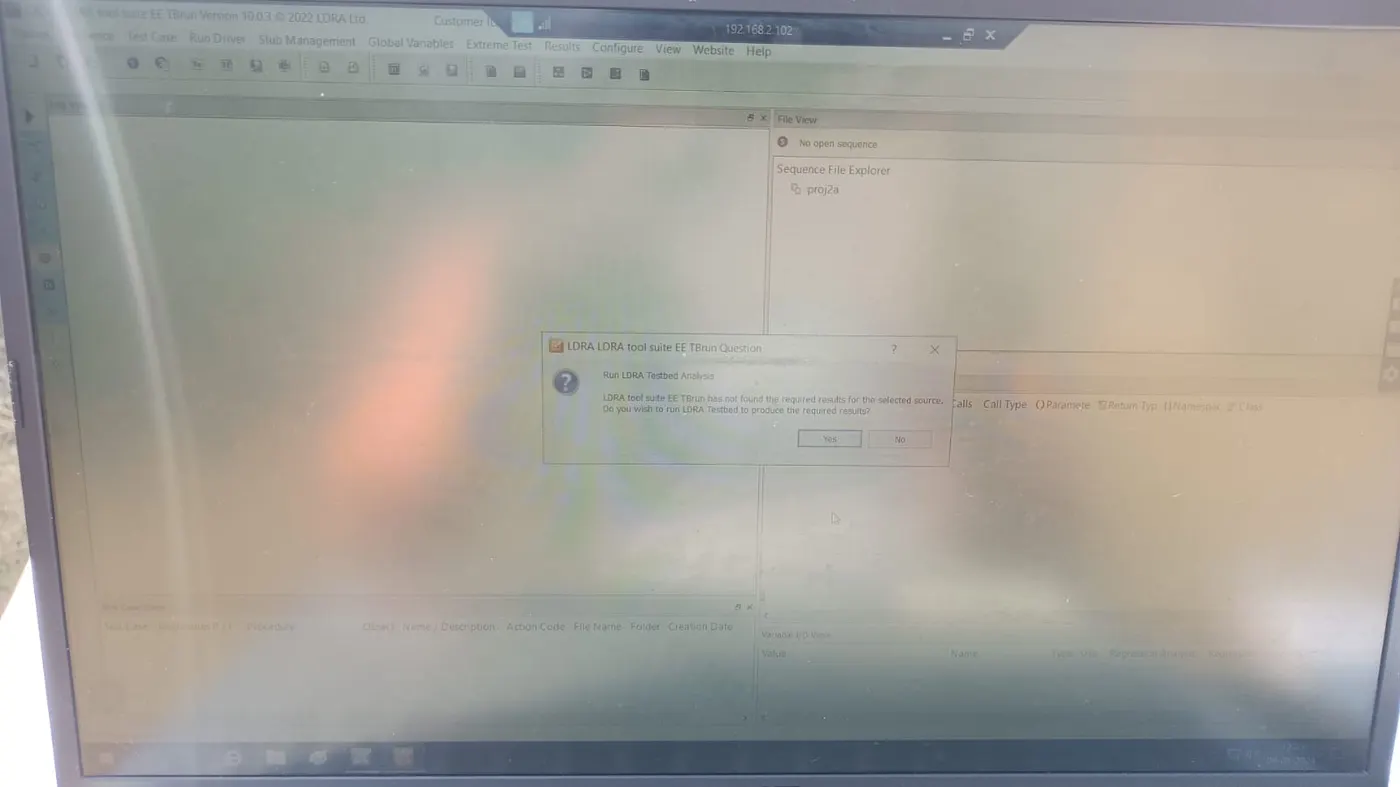
Step 4: Configuration ----LDRA test configuration -----Static options ------Give path for the .dat
file
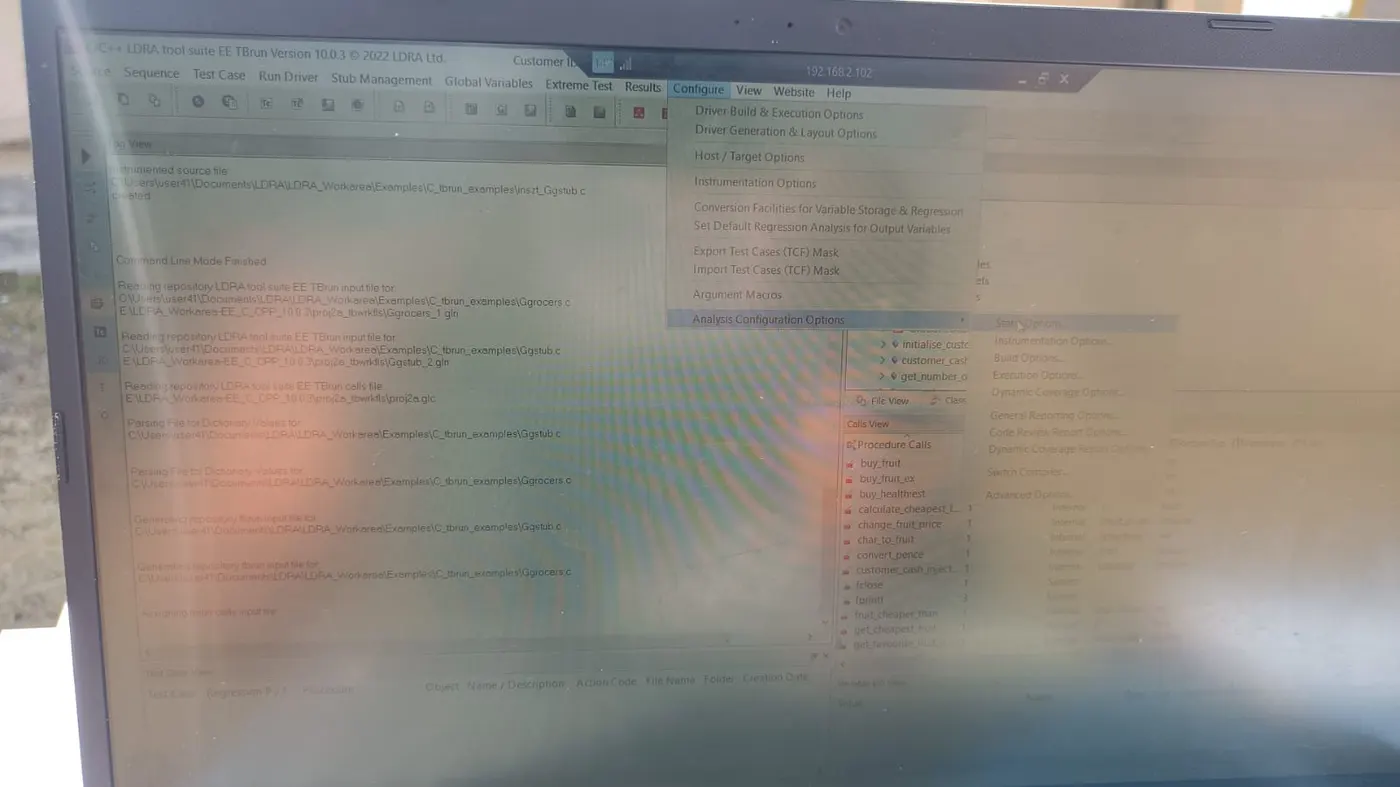
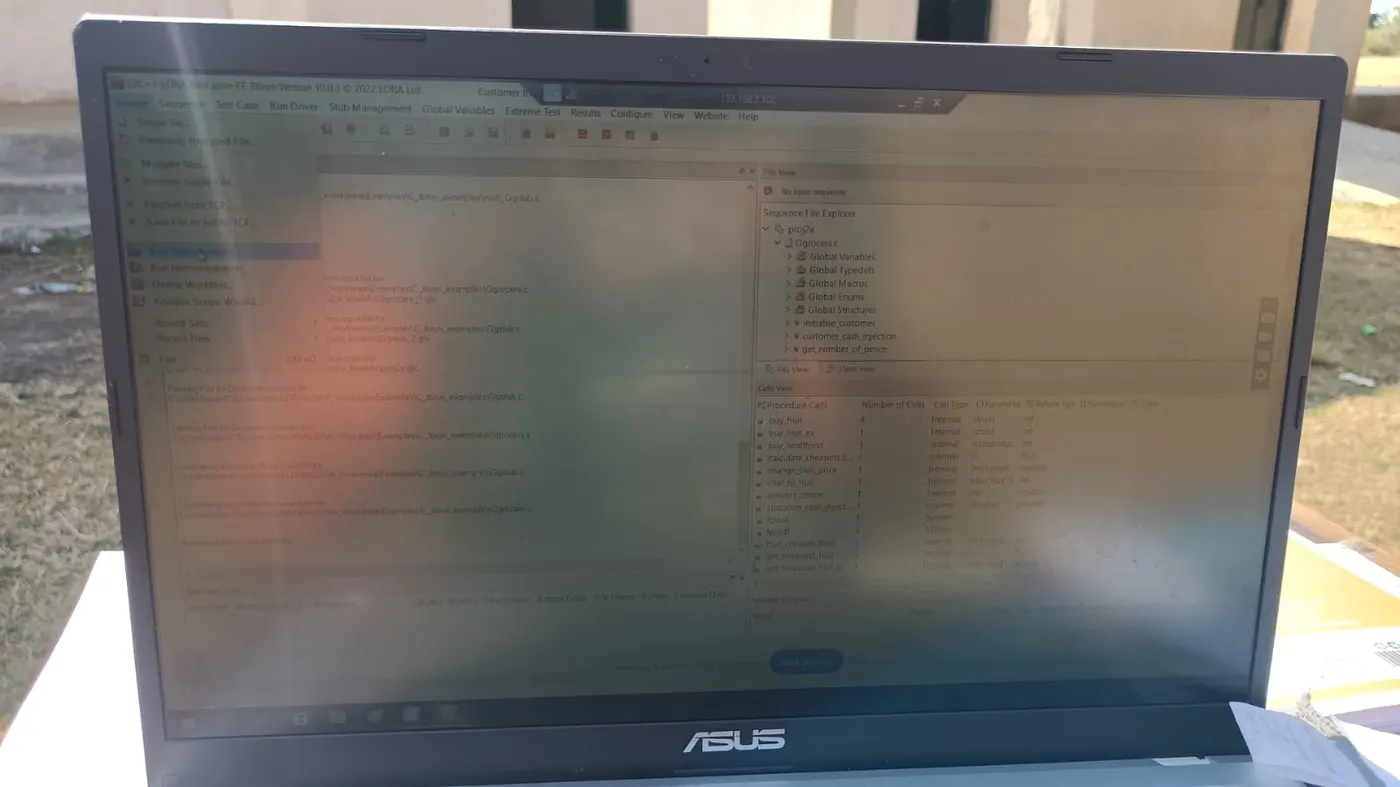
Step 5: Source ----Static Analysis
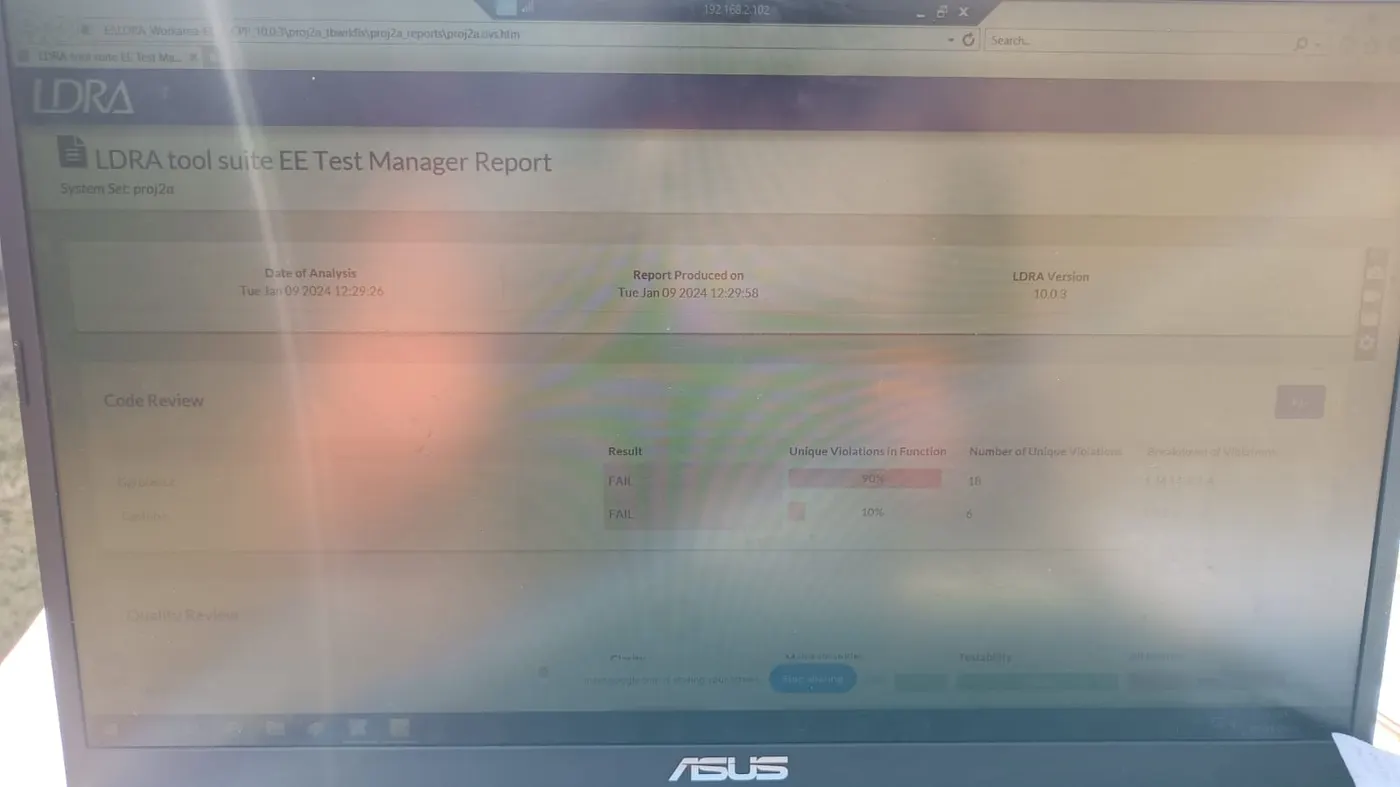
Step 6: Results -----Test Manager Reports
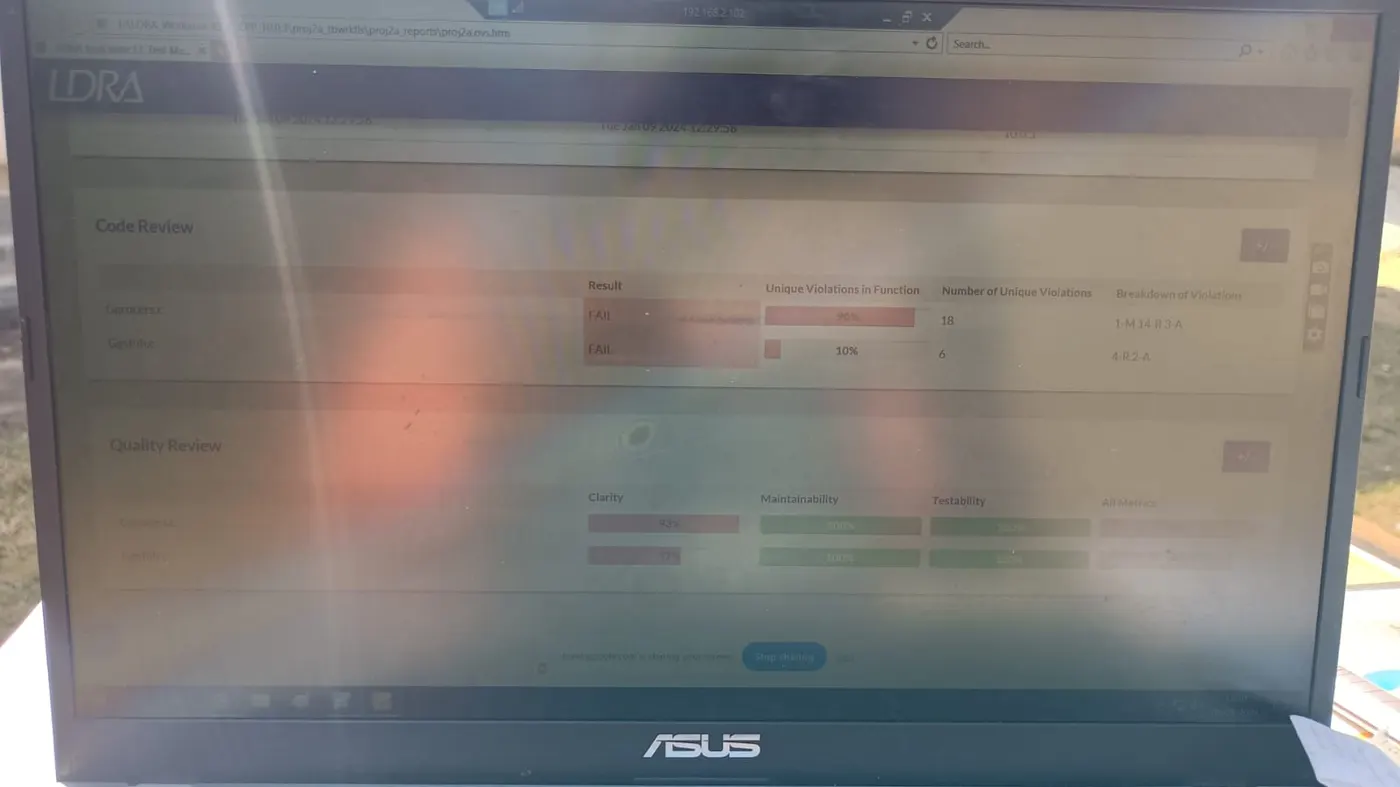
CREATION OF TEST CASE AND SAVING WITH .tcf:
Step 1: Source ----Single File
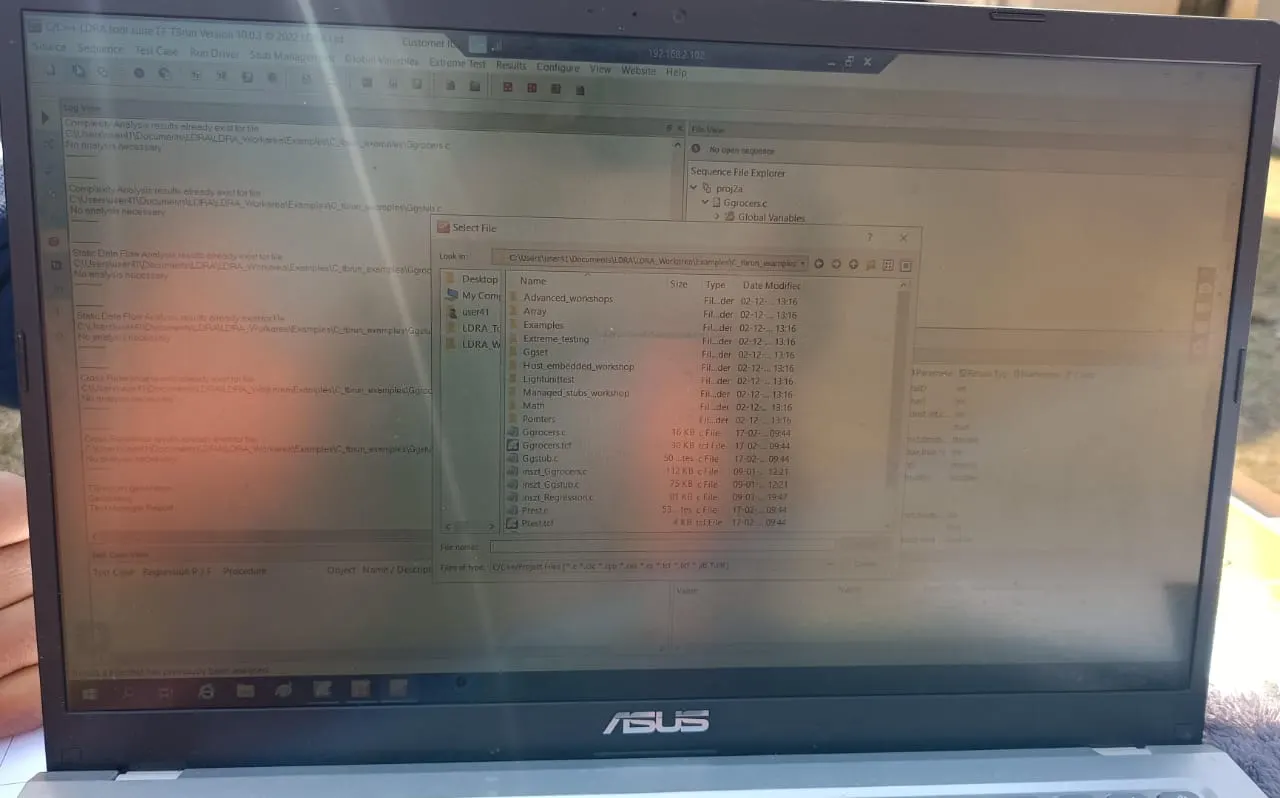
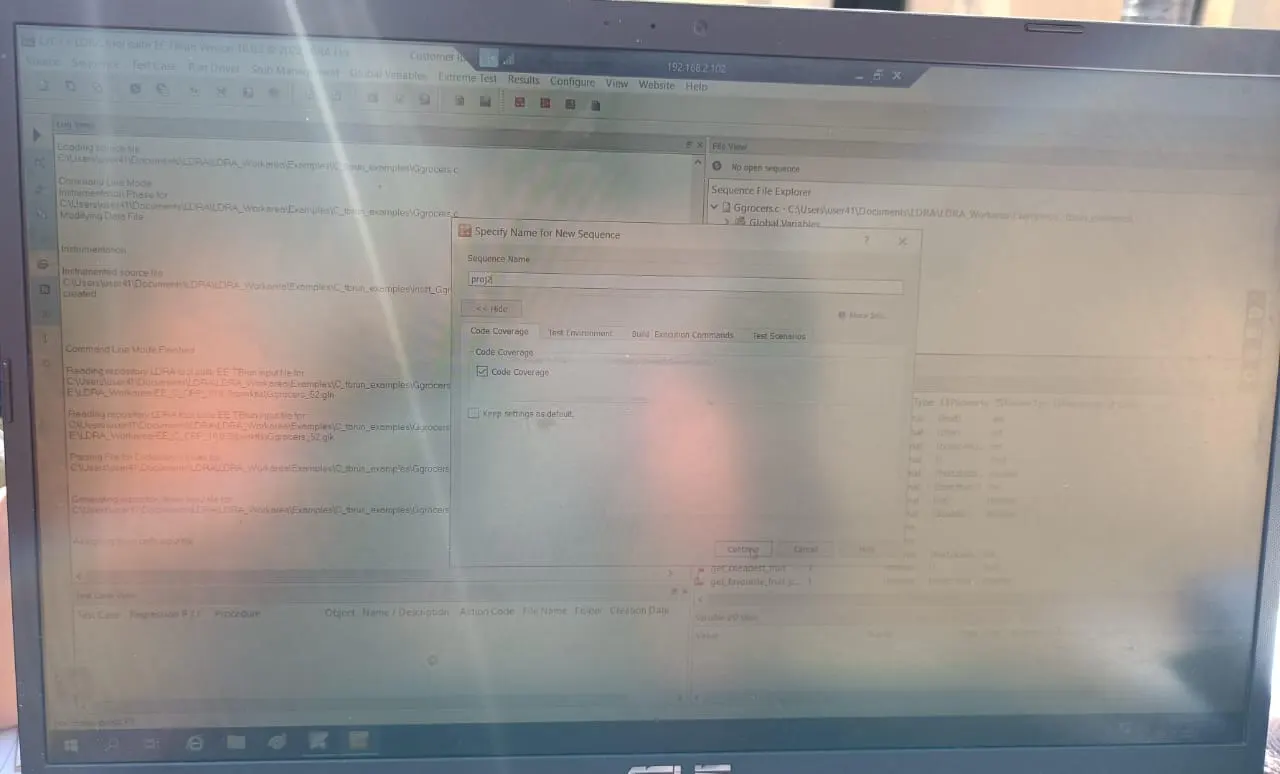
Step 2: Sequence ----New Sequence ----Name ----Code Coverage ----- Continue
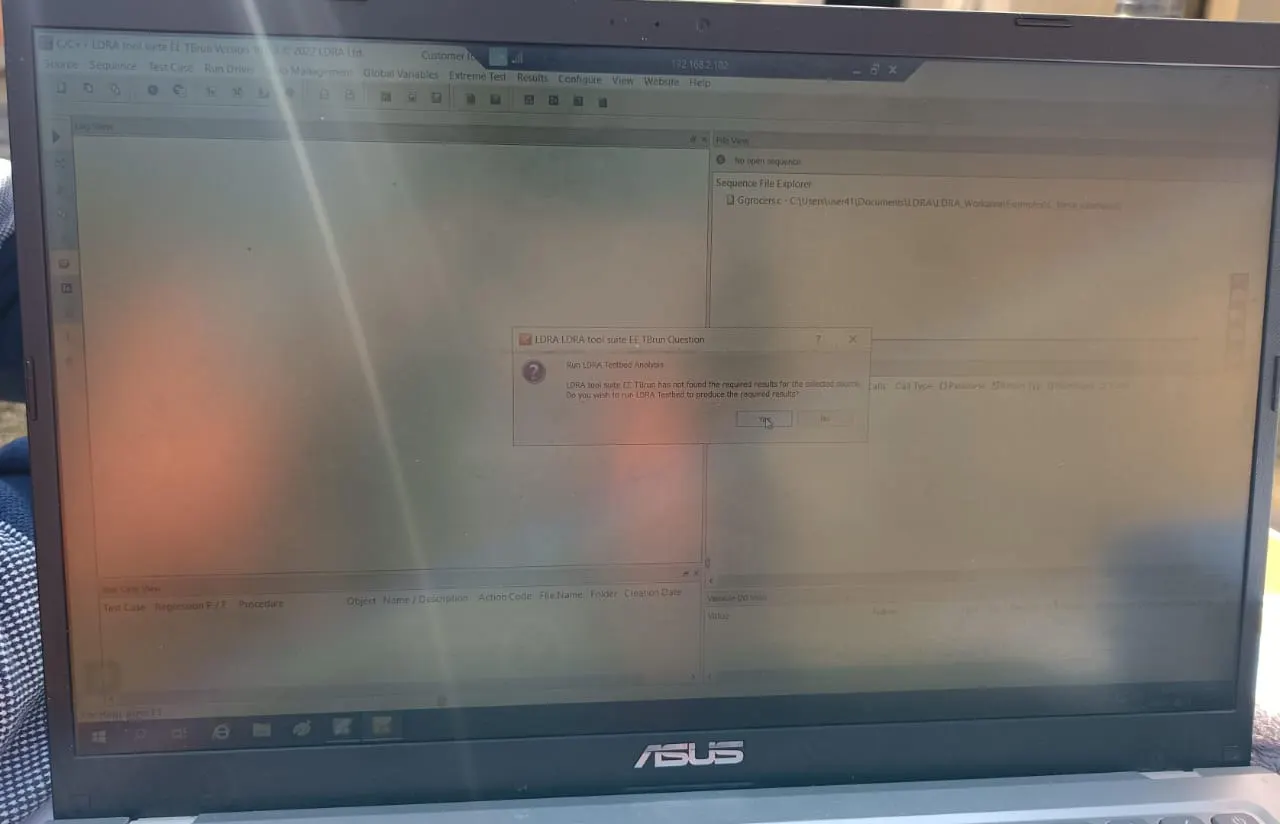
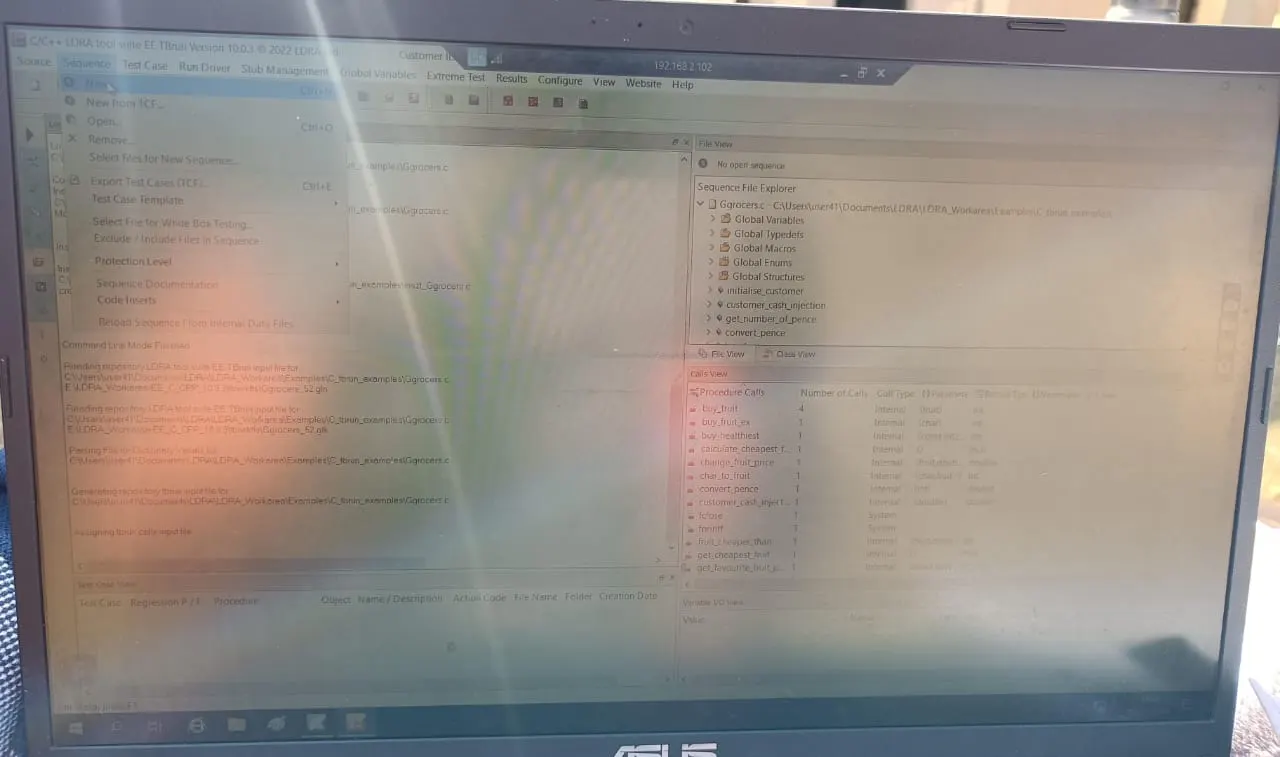
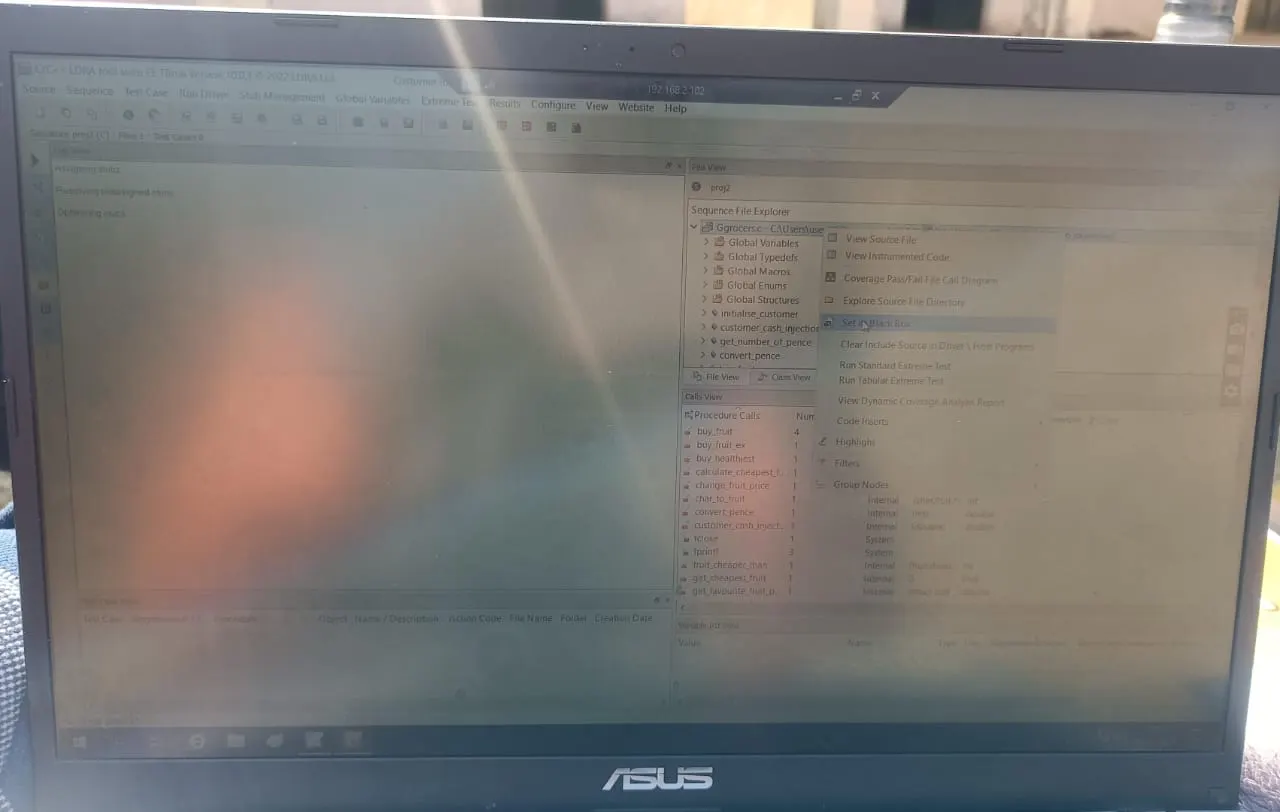
Step 3: File View ----Click on .c File ----Set as Black Box
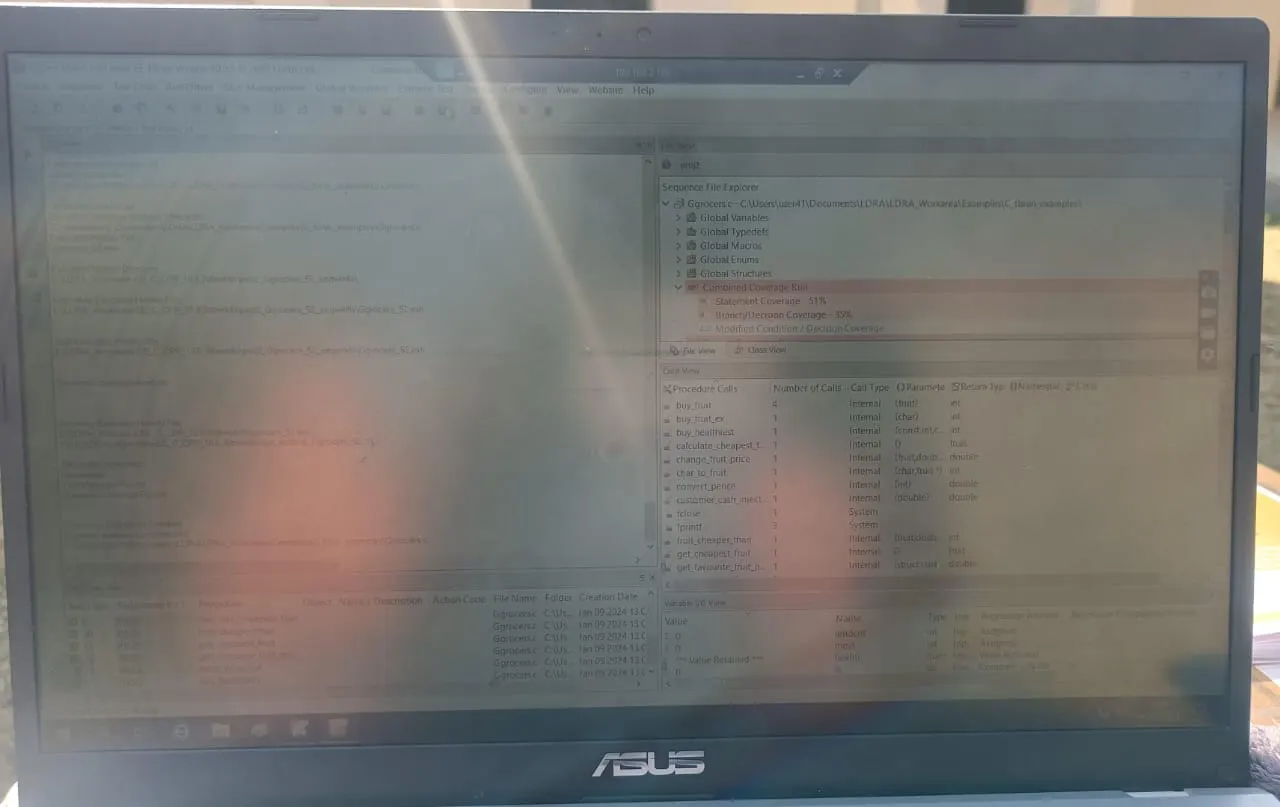
Step 4: Extreme Test ---Run Extreme Test
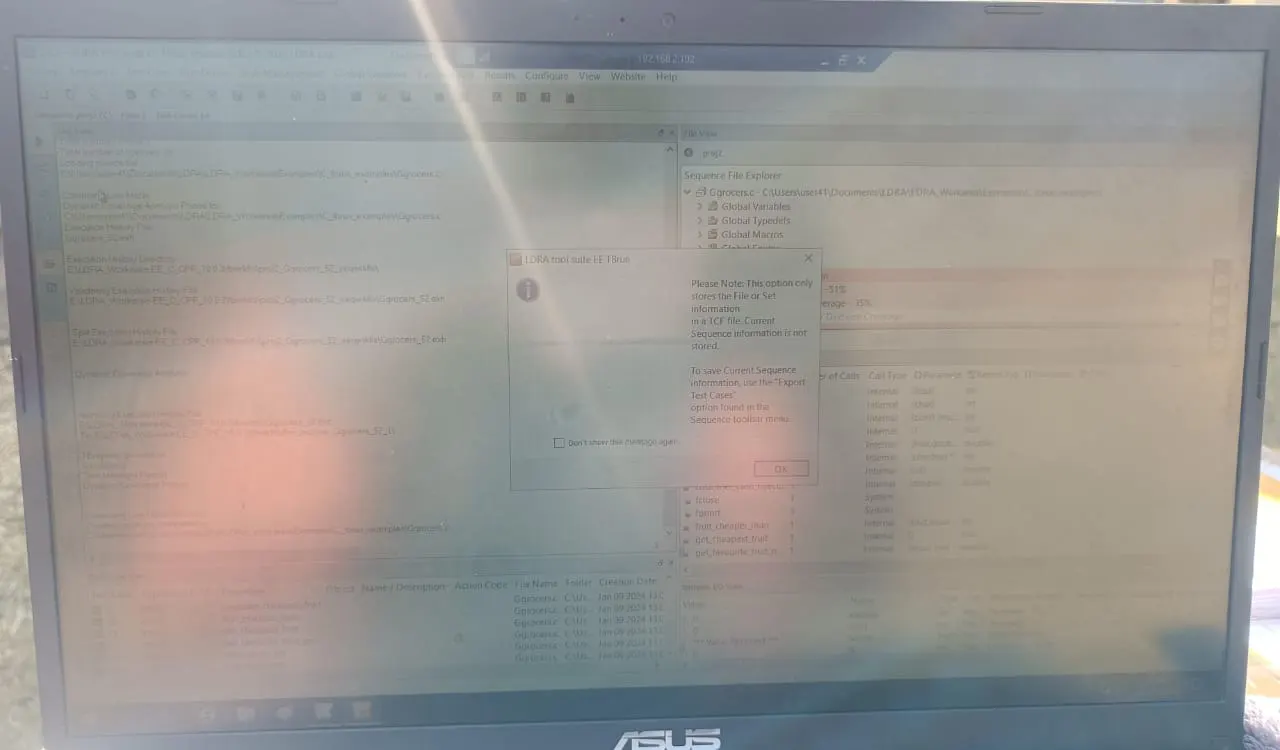
Step 5: Source ----Save file or set as TCF.