Project 2 - V&V SW Analysis II
========================= QUESTION-1=============================
STATIC CODE REVIEW ANALYSIS :-
- load the source file using sourse option in LDRA.
- then right click on sourse and go to run static analysis.
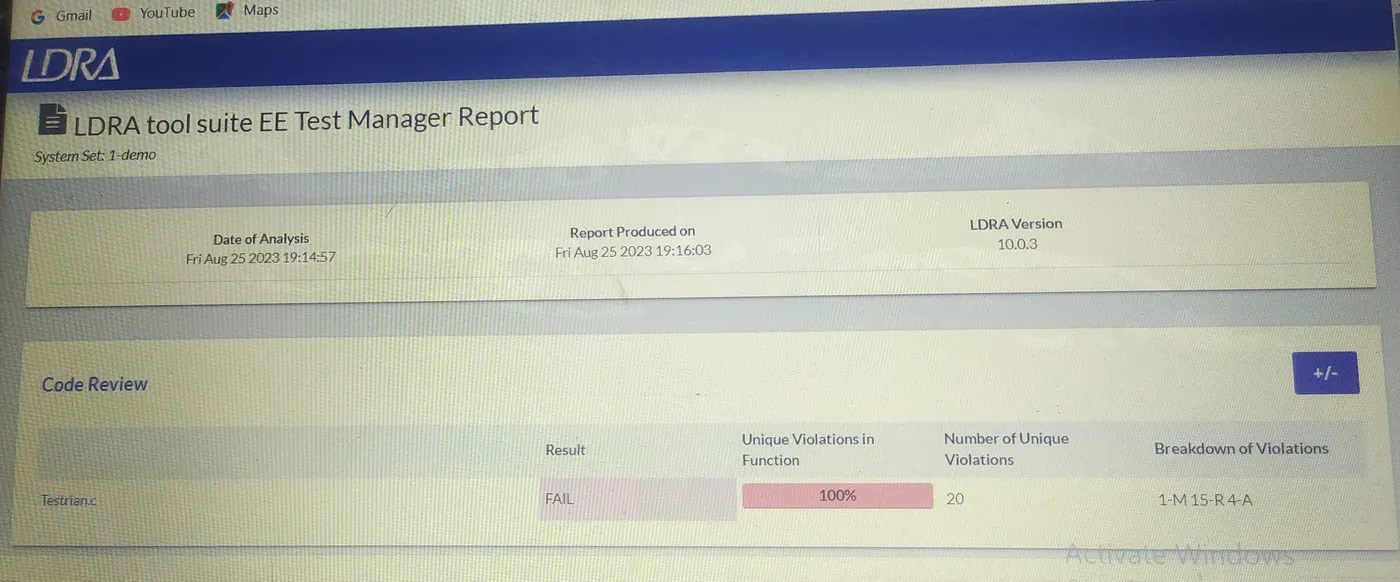
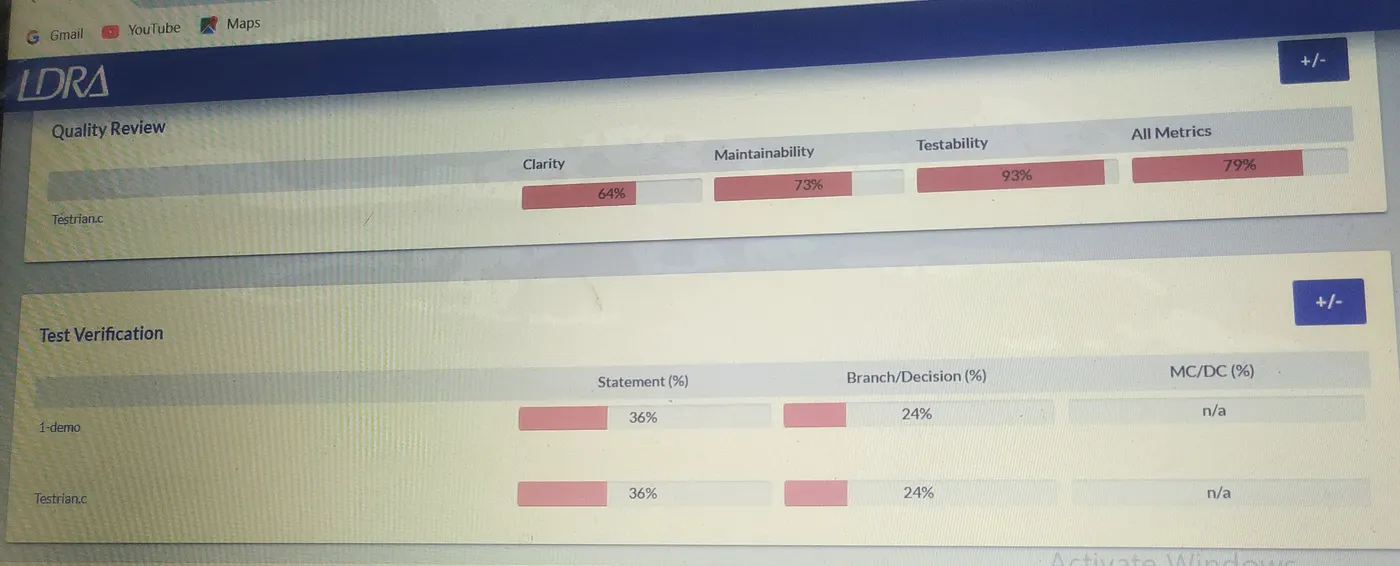
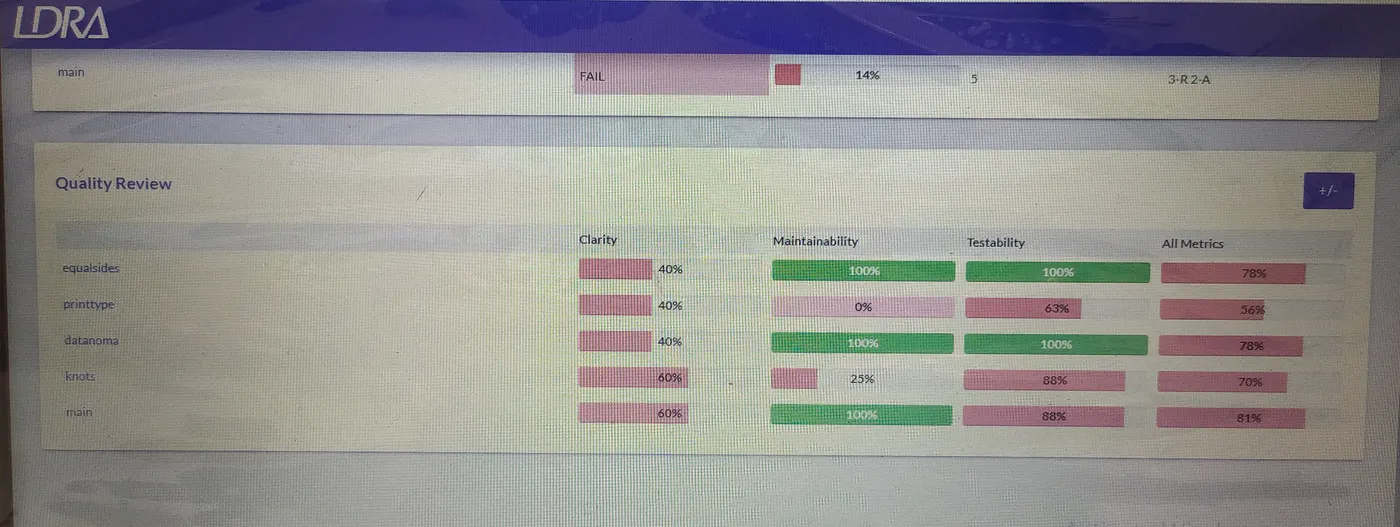
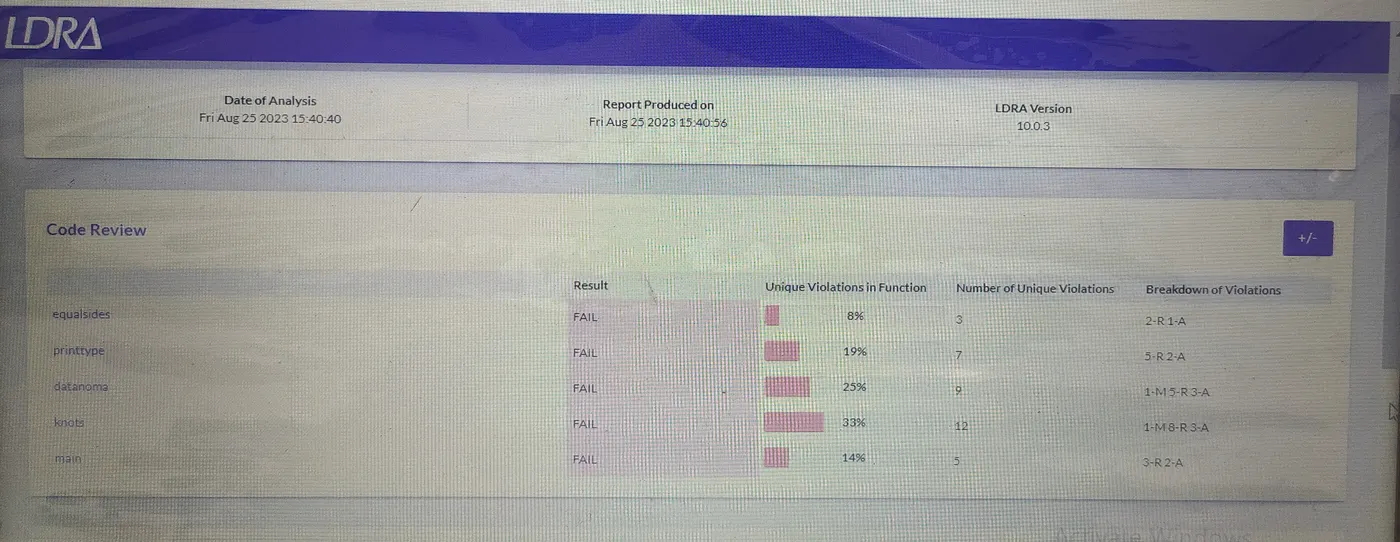
- once static analysis complete go to result and click on manager report.
REPORT :-
========================= QUESTION-2=============================
Integration testing :-
- for Integration testing go to source and and select multiple file.
- then create file give any name like demo.
- then give system for dependancy in file.
- then go to add give respected .c file. and add it.
- then go to configure and set up properly.
- then go to source and go to run static analysis.
manual test:-
- for manual testing select function which we want to test.
- then create sequence.
- give proper test value.
- then go to run driver.
- then create report.
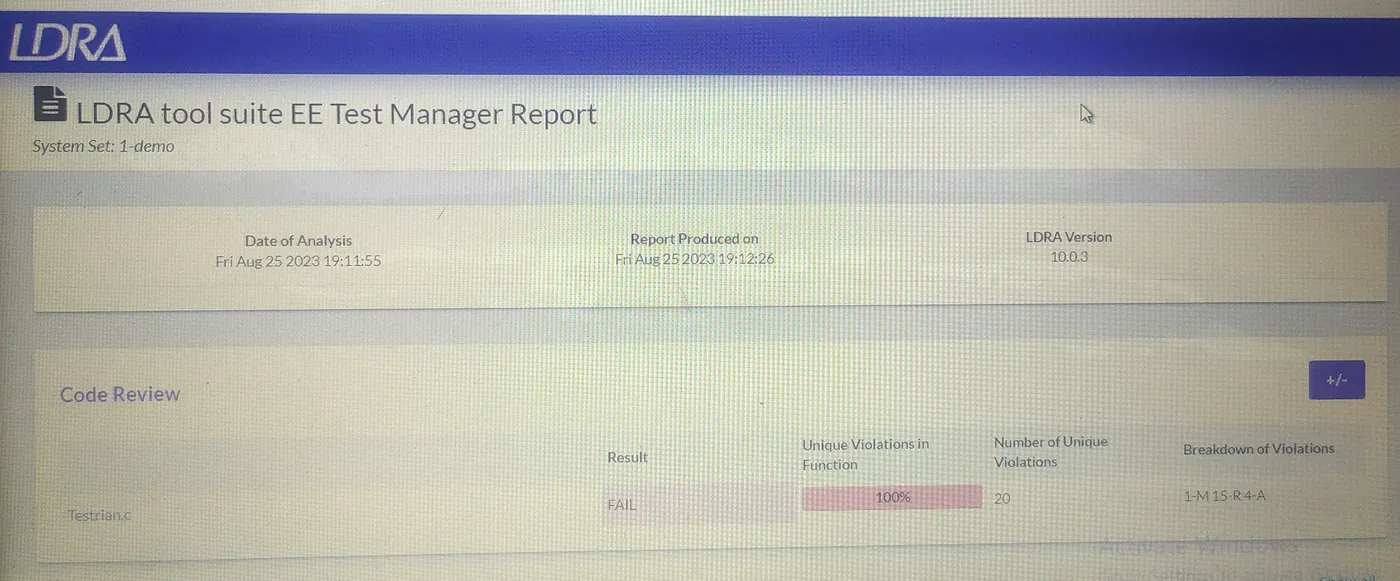
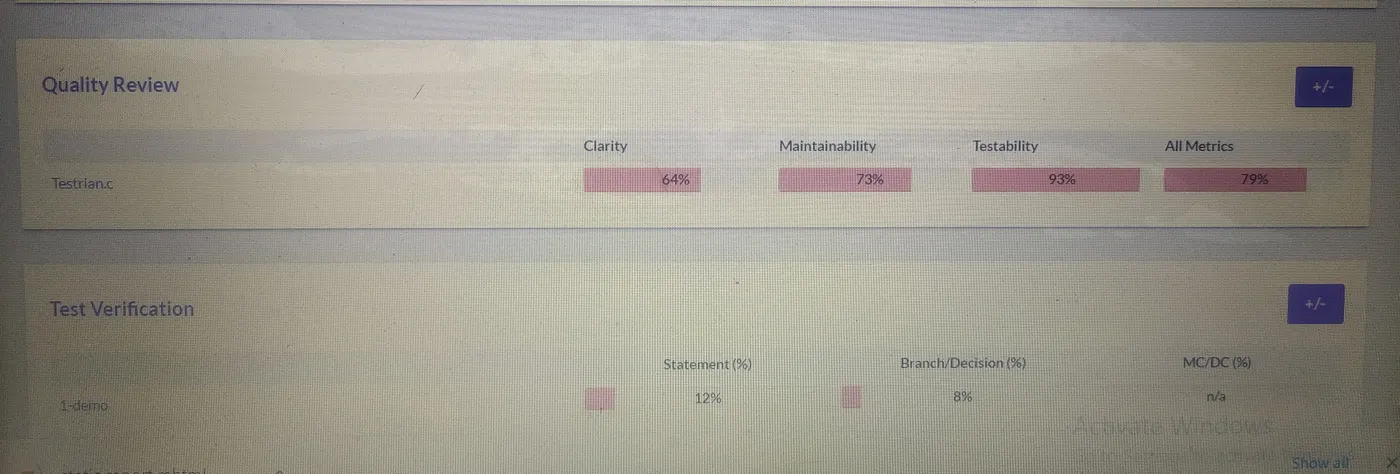
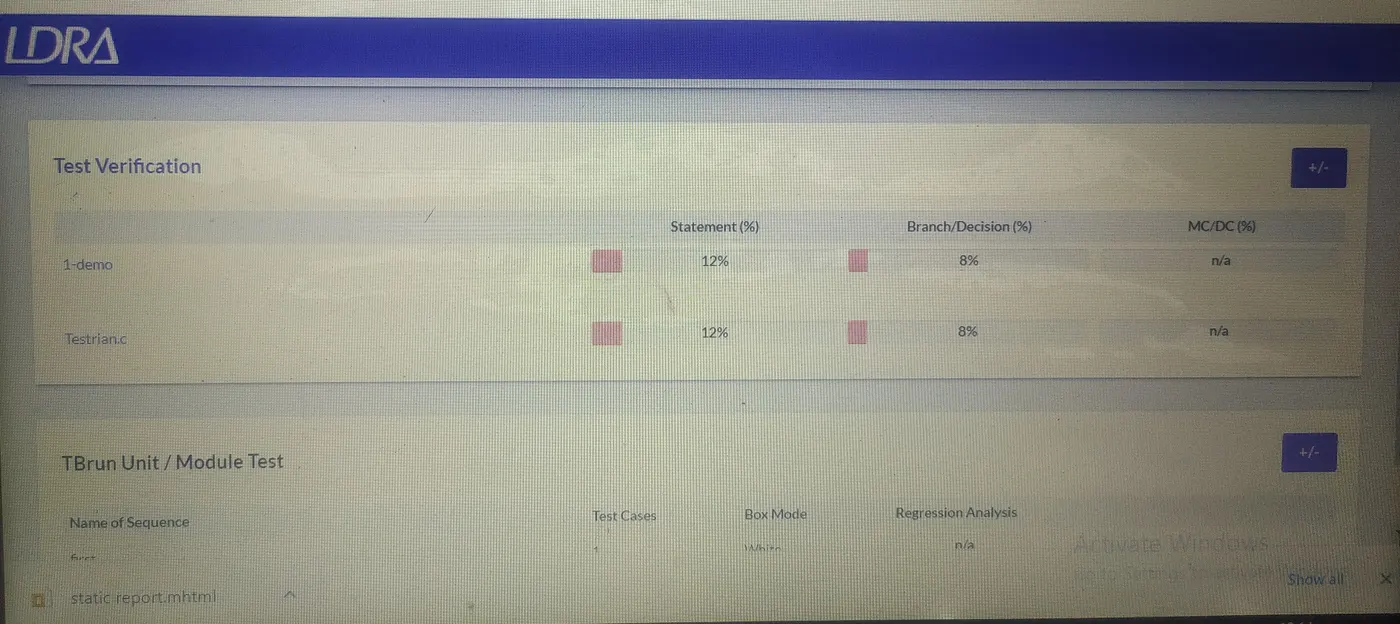
report :-
automatic test :-
- for automatic testing process is same as the manually testing but here after generating sequence directly go to extream test
report :-