Project 2 - V&V SW Analysis II
1.“C:\**\LDRA_workarea\Examples\C_Testbed_examples\Testrain\Testrain.c”
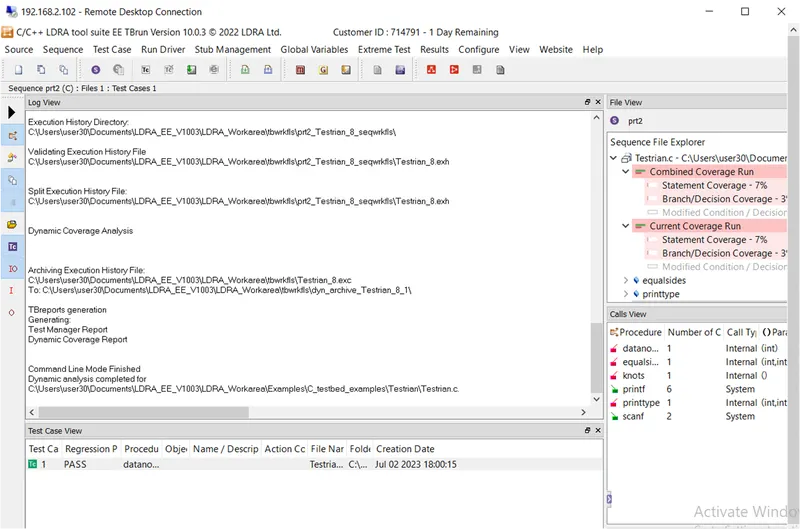
manual testcase
new sequence- prt2
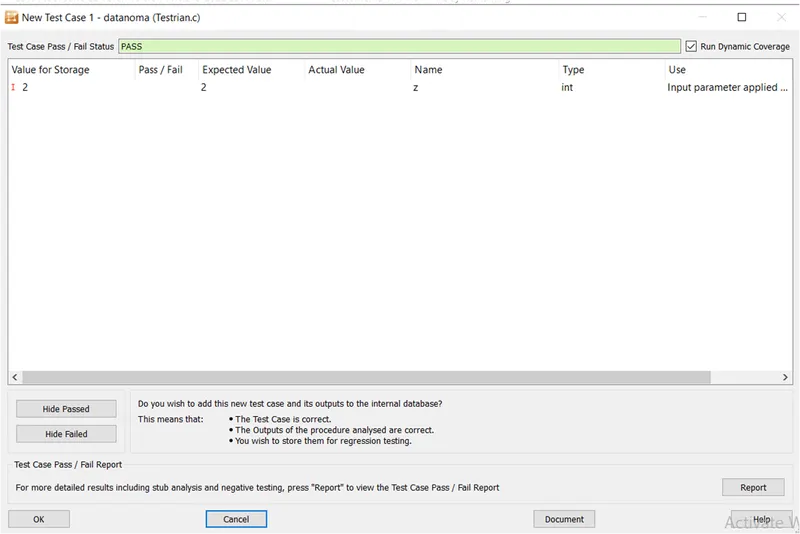
create new test case-datanoma
input given as 2
output- passed
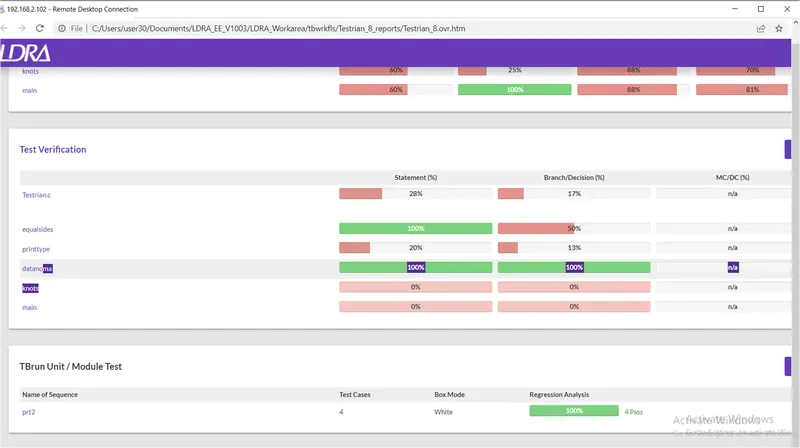
report
2.
- Perform Integration testing by including all the .C files available in the folder location C:\**\LDRA_workarea\Examples\Toolsuite\Cashregister_6.0\ ** A)Create the test cases manually as well as automatically using TBExtreme and upload the reports. B)store the test cases as .tcf file. Upload the location image where the .tcf file is stored.
I have tried for 3 day i could not import the files,contact with metor mam ,she asked to submit the procedure.
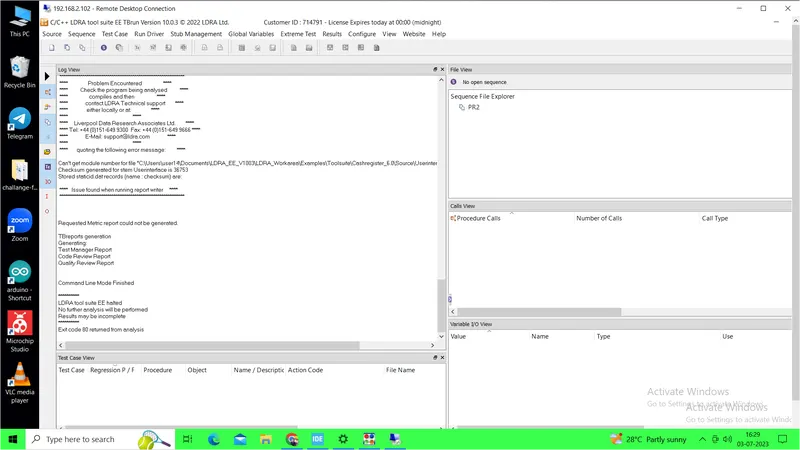
Procedure:
source->multiple files->create set-filename-cashregister
create->select system->add files from ->C:\**\LDRA_workarea\Examples\Toolsuite\Cashregister_6.0\
then ok ,it will run and give the files.
Manual test case:
create a sequence name- project2
from the sequence select a file and create a test case.
give the input output and run the file it will show the pass or fail operation.
Automatic test case
go to extreme test->run standard extreme test
It automaticaly run all test case.
In result->test manager report we get the test case report.
TCF file
source->select save file or set to tcf ->create a file name and selact the location where u gone asave it,
it will be save as.tcf file.