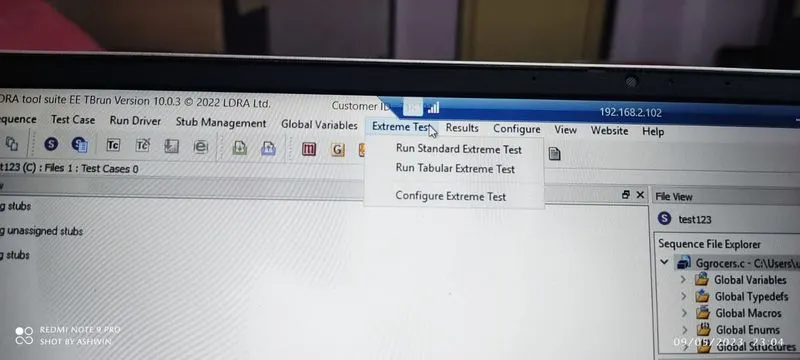
Project 2 - V&V SW Analysis II
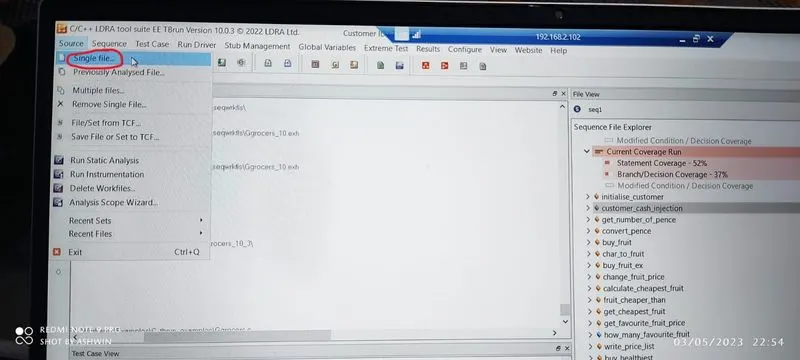
1. Go to source --> single file
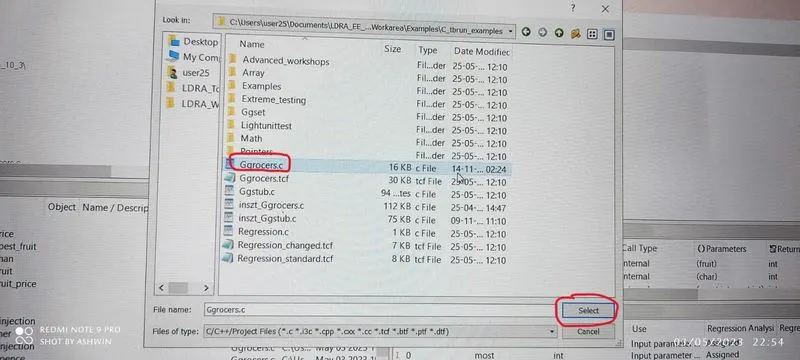
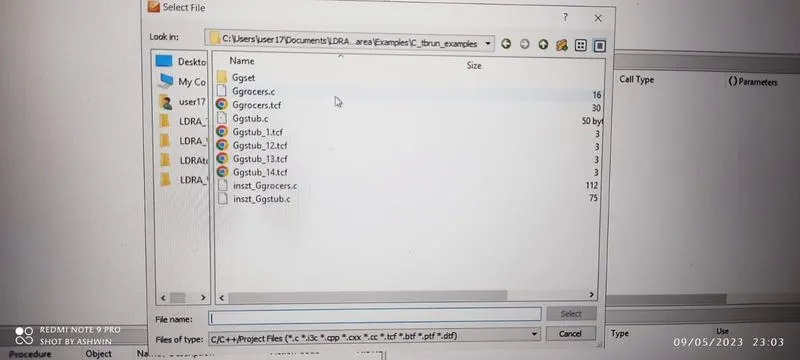
2.Select single file after the below table pop ups select the file as shown in image.
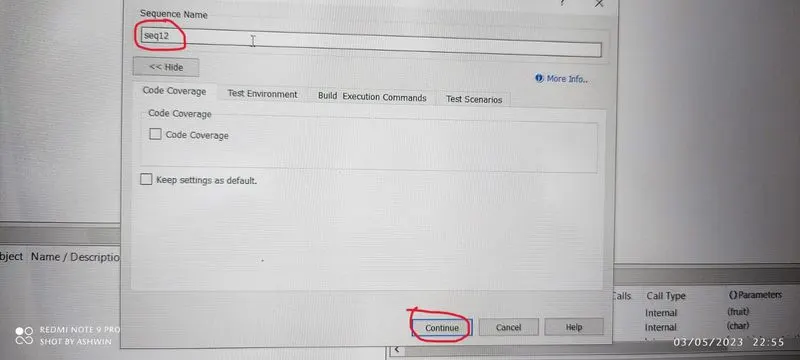
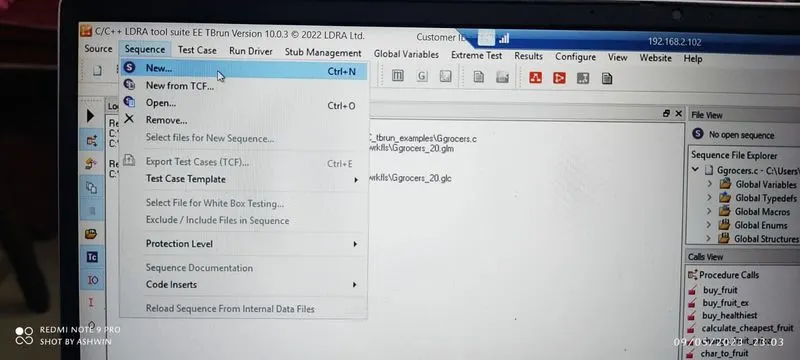
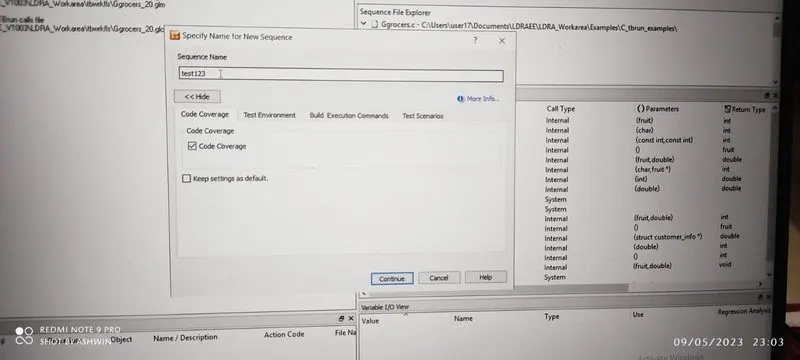
3.Sequence-->create new sequence-->give the name-->code coverage-->continue
4.File view-->right click on file --> select black box testing
Right click on which we to test --> procedure code
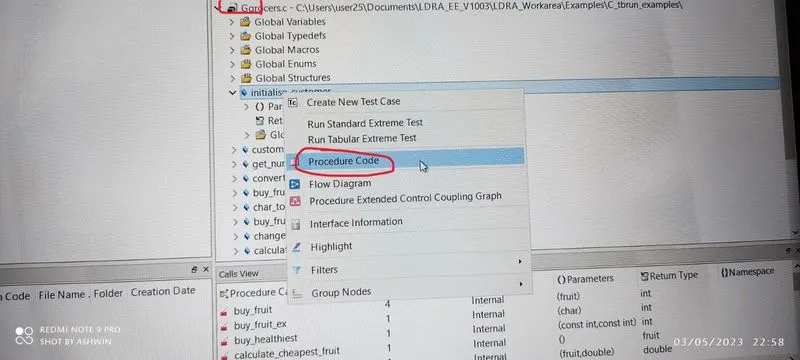
5.The code appears as shown in image analyse the code.
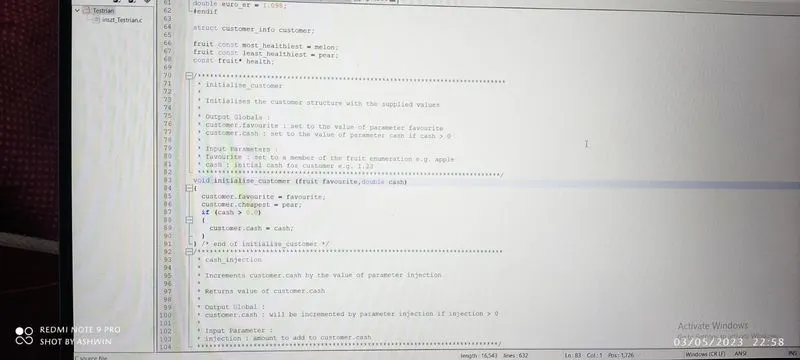
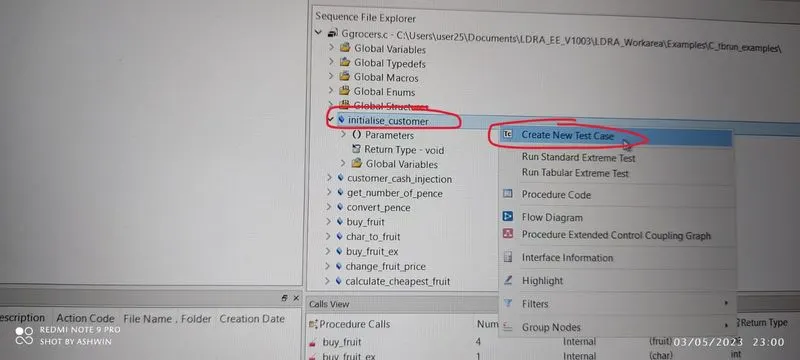
6.to test
right click on the file which we want to test select create New test case
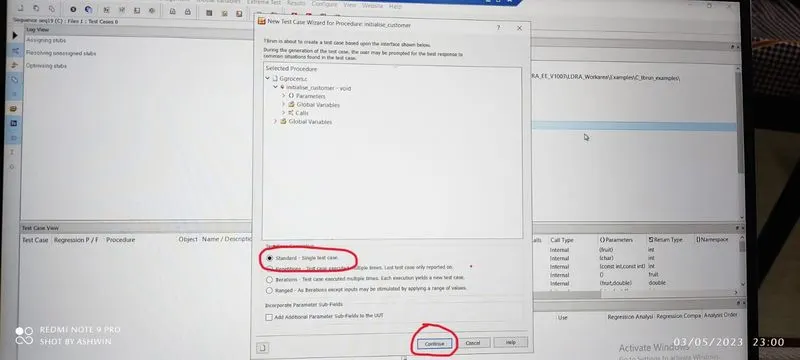
7.next it will open a dailoge box in that select standard and click on continue
8.in the varaible I/O view enter the values as shown in image
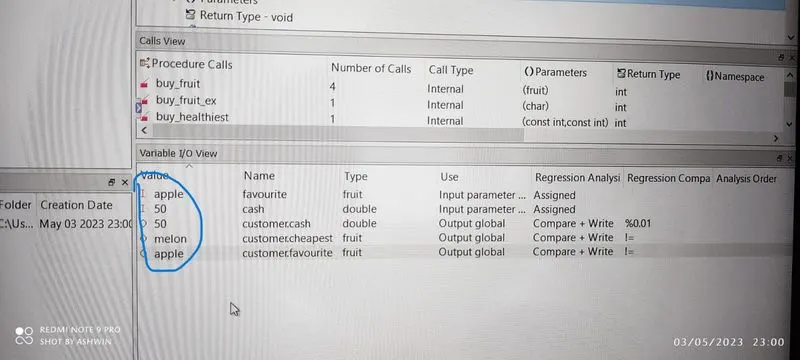
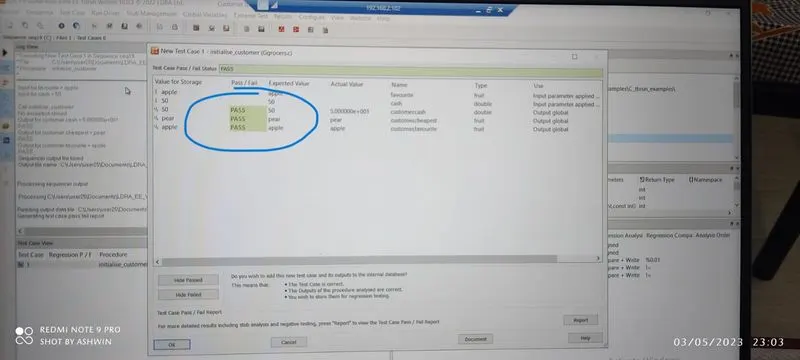
9.after entering correct values we will get status as passed.
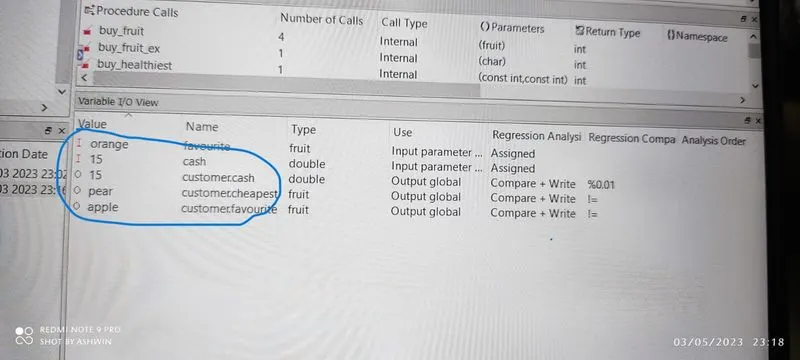
10.tried with wrong values.
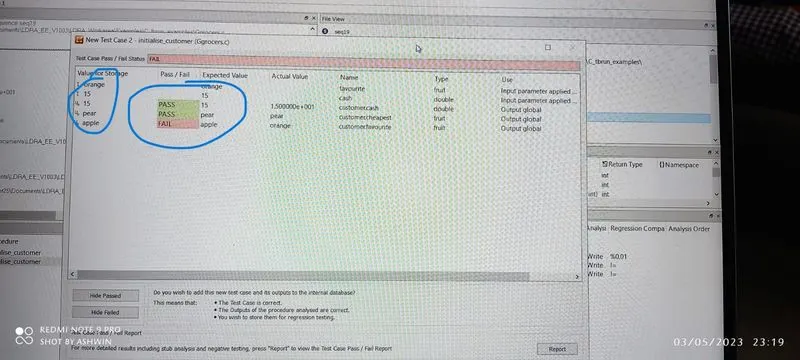
11.for wrong values we will get status as failed.
Using TBExtreme:
1.Go to source --> single file
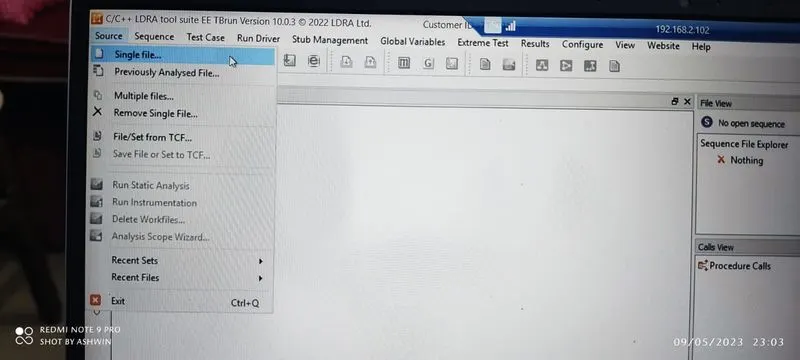
2.Select single file after the below table pop ups select the file as shown in image.
3.Sequence-->New
4.Enter the sequence name-->continue
5.Set it black box texting
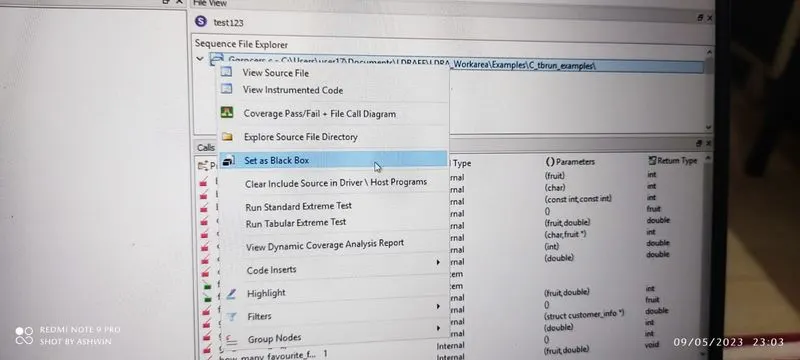
6.Extreme test--> run Tabular extreme test