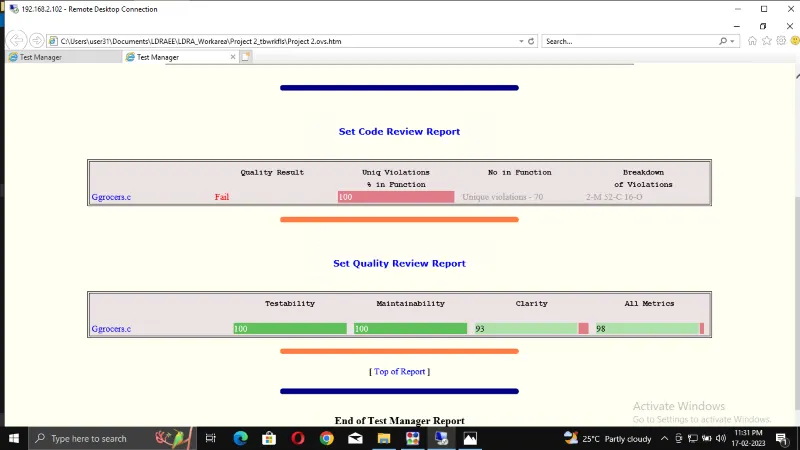
Project 2 - V&V SW Analysis II
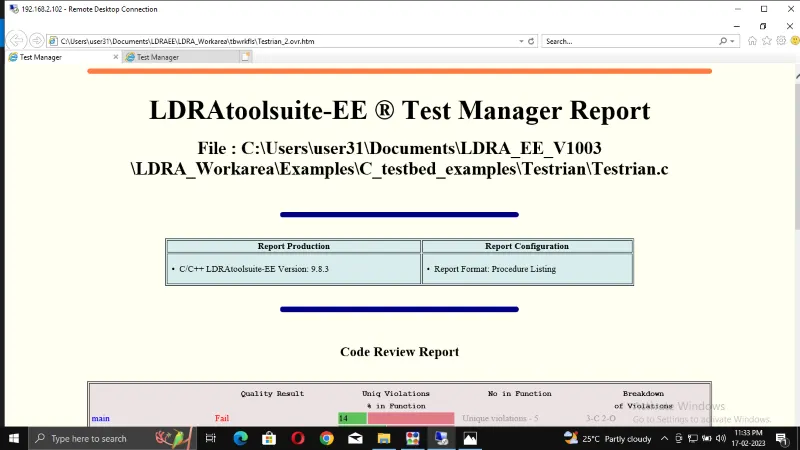
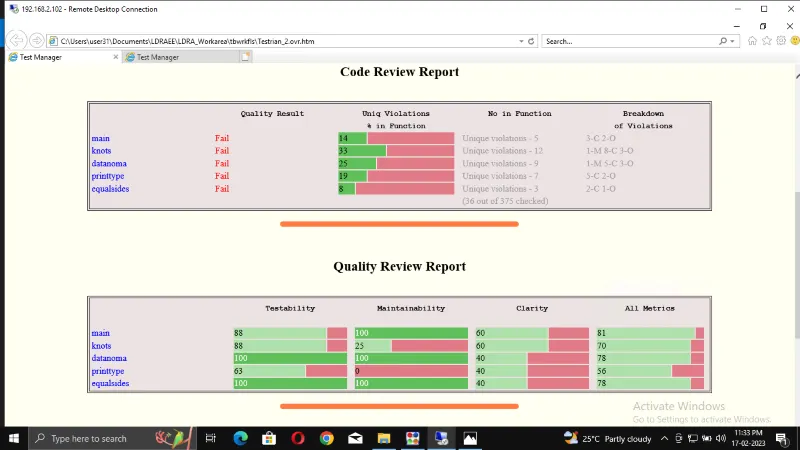
1. Perform Static Code Review Analysis for “C:\**\LDRA_workarea\Examples\C_Testbed_examples\Testrain\Testrain.c” Generate Code review report and upload them.
Step 1: Open the LDRA TBrun.
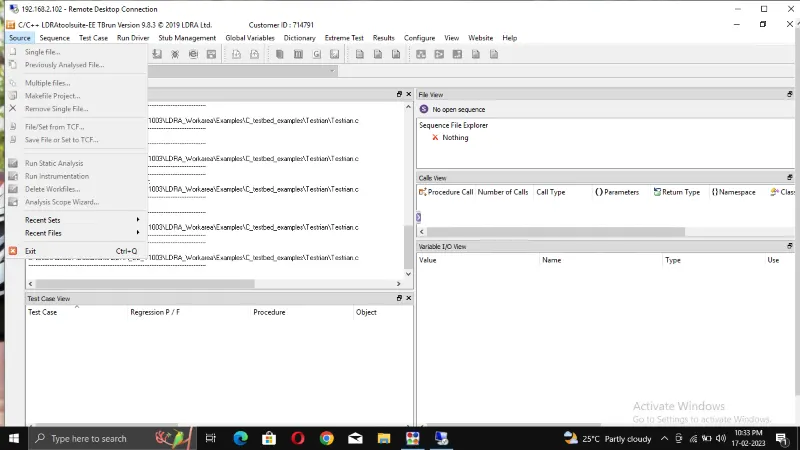
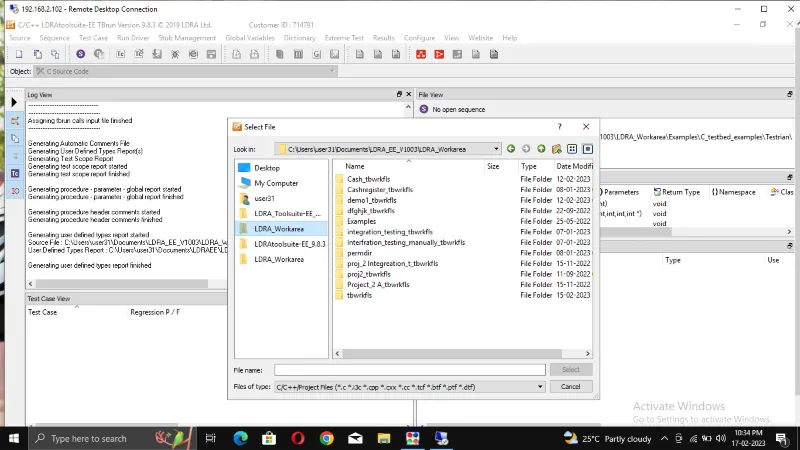
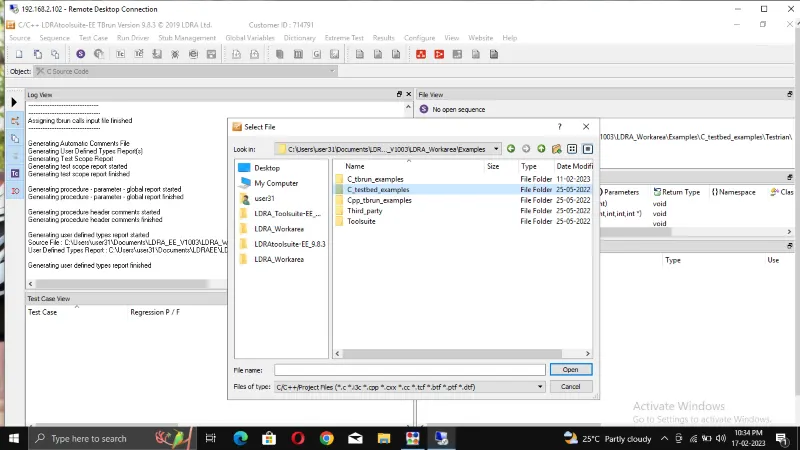
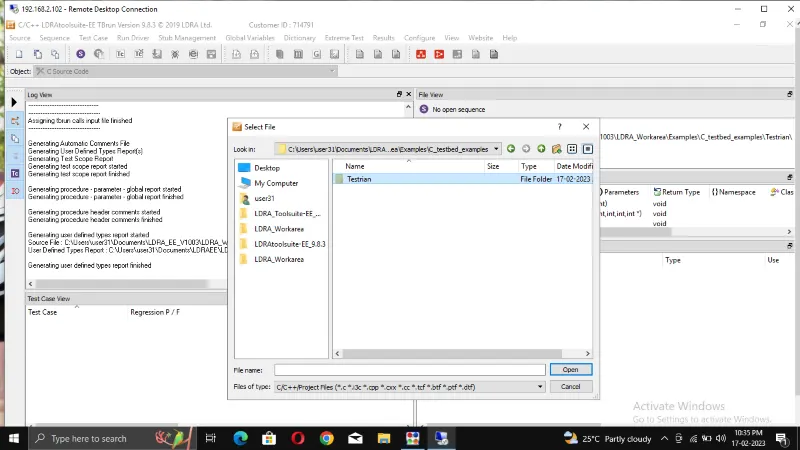
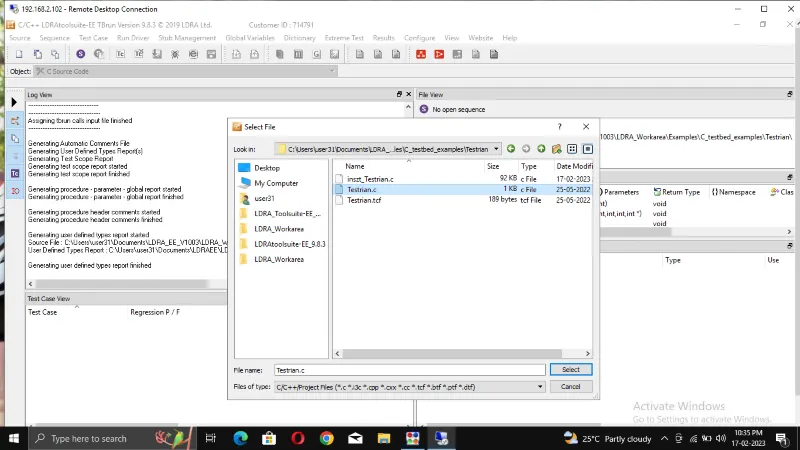
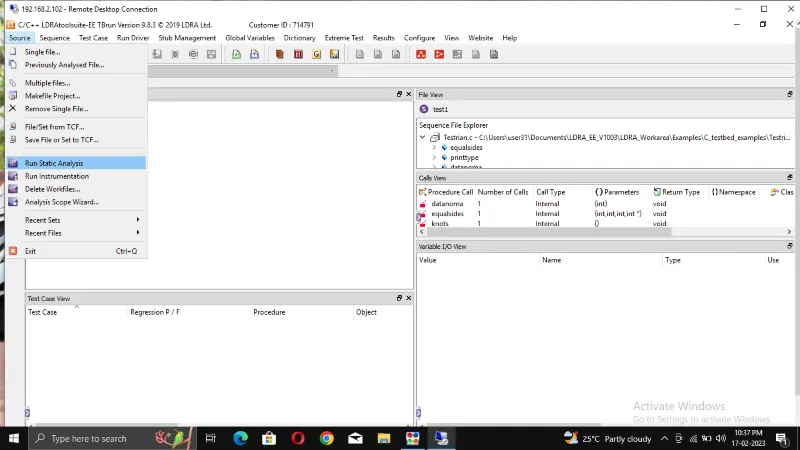
Step 2: From the page select source -> single file->LDRA_workarea->examples->C_Tested_examples->Testrain->Testrain.c->open. To completed all the file.
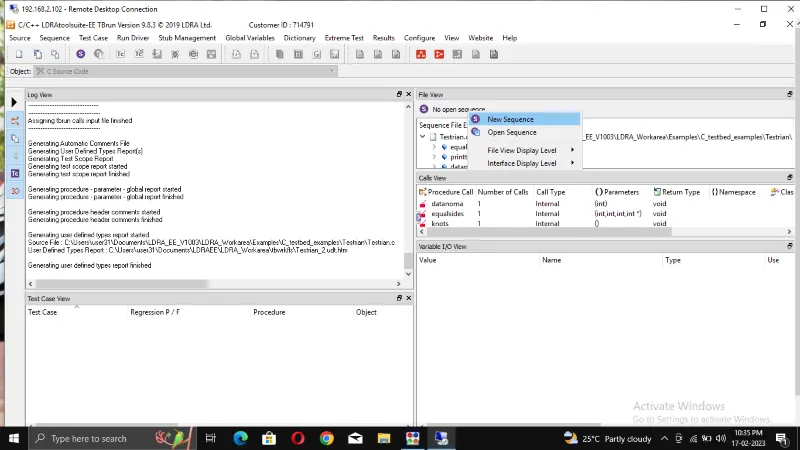
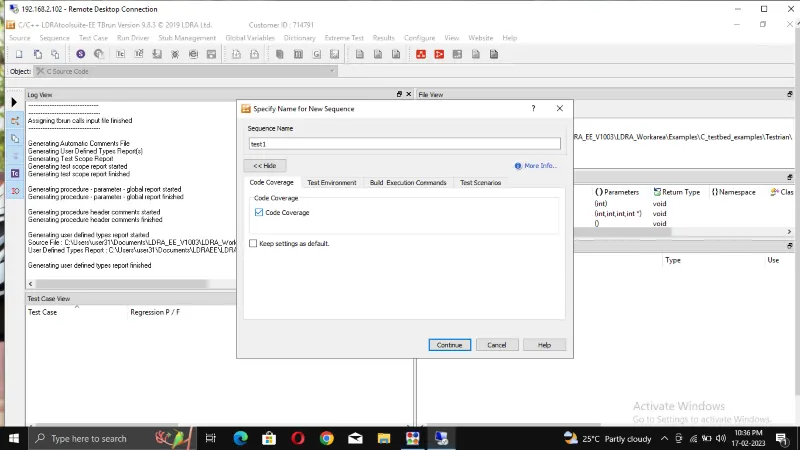
Step 3: Click Sequence-> new Sequence-> give a file name(test) and select code coverage-> Continue.
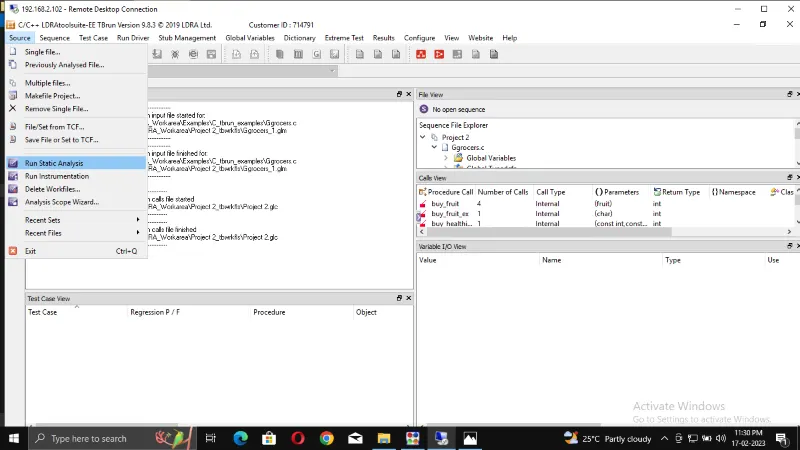
Step 4: Click Source-> run static analysis
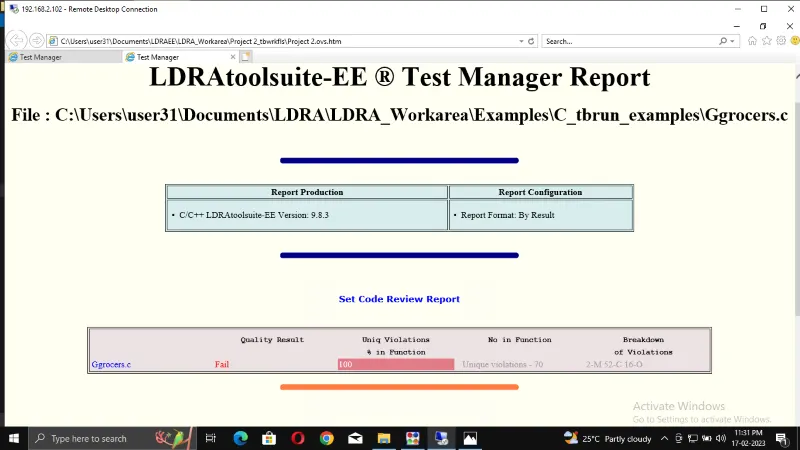
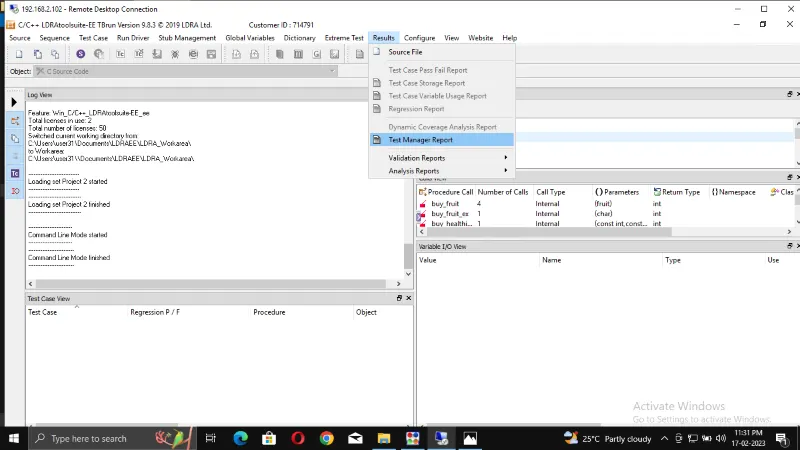
Step 5: Click results-> test manager report -> te report will open on PDF formet.
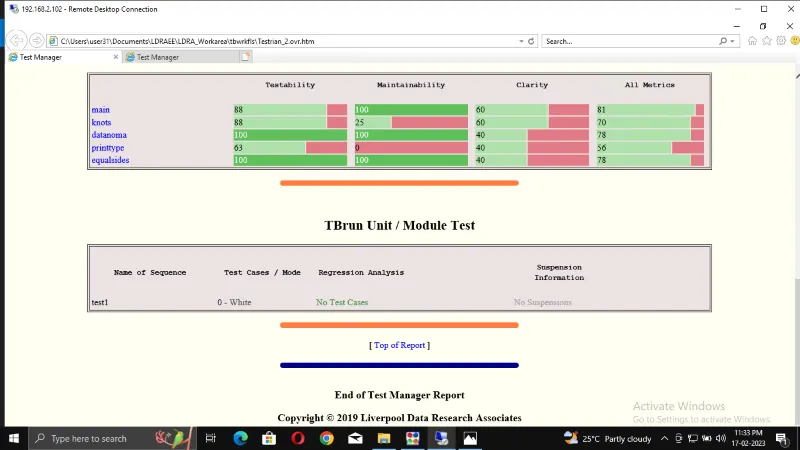
2. Perform Integration testing by including all the .C files available in the folder location C:\**\LDRA_workarea\Examples\Toolsuite\Cashregister_6.0\ **
A)Create the test cases manually as well as automatically using TBExtreme and upload the reports.
B)store the test cases as .tcf file. Upload the location image where the .tcf file is stored.
Step 1: Open the LDRA TBrun.
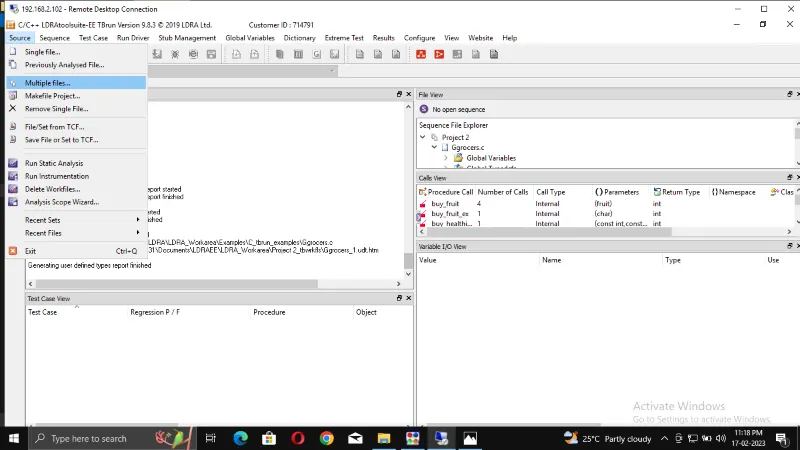
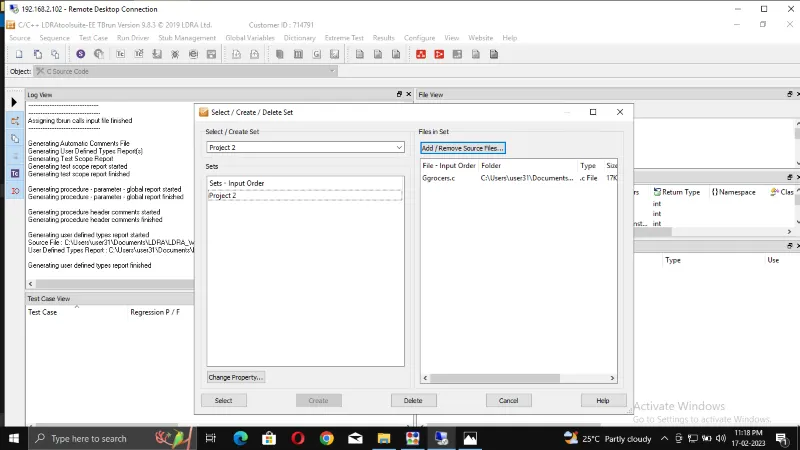
Step 2: From the LDRA page select source -> multiple file-> select/create set (create name)-> create->
syste->add the .c files -> click ok it ask rum tested analysis (NO)
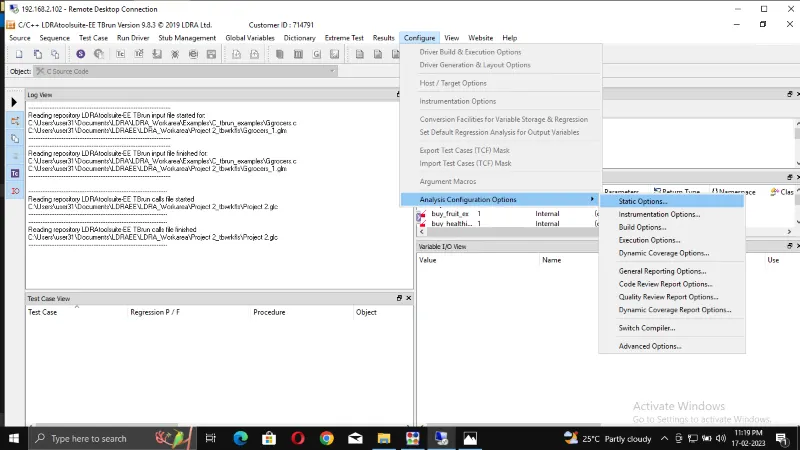
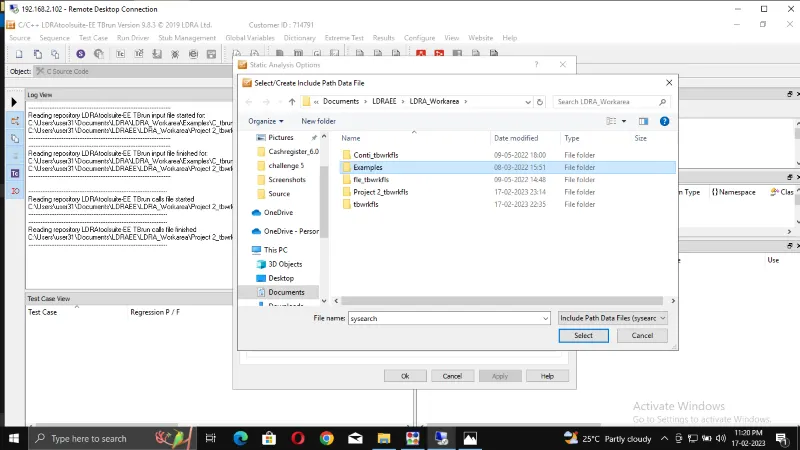
Step 3: configure-> analysis configuration options -> static options-> finc/create -> example ->.C files
-> select
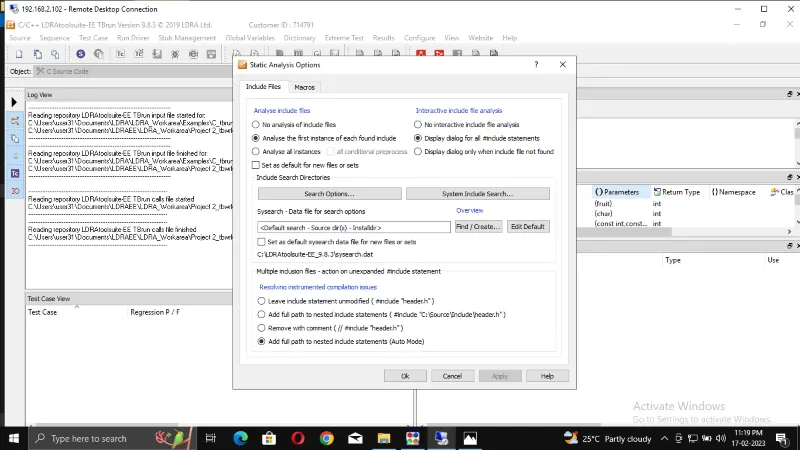
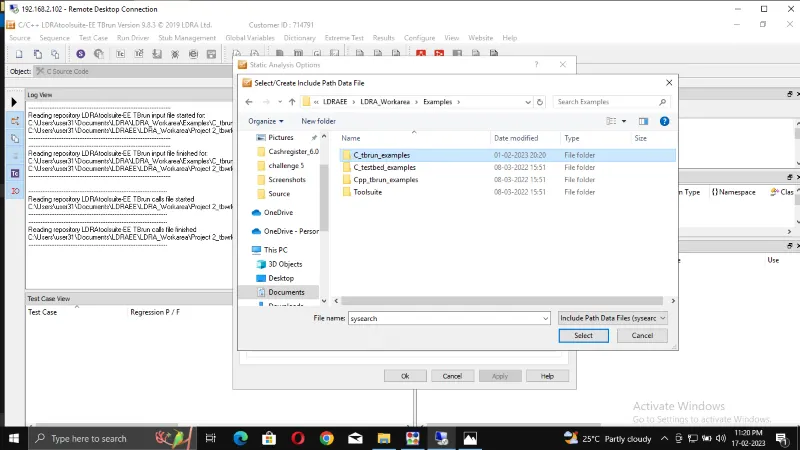
Step 4: macros-> find/create-> Exaples-> C_tbrun_examples-exaples->select.(finally give apply and OK)
Step 5: Source-> run static Analysis
Step 6: result-> test manager report(report will be opened in internet like a pdf)(there we can see our sequence name and what type of test we did)