Project 2 - V&V SW Analysis II
AIM 1
Perform Static Code Review Analysis for“C:\**\LDRA_workarea\Examples\C_Testbed_examples\Testrain\Testrain.c” Generate Code review report and upload them.
Static Code Analysis
Static Code Analysis is a technique in software verification and validation that involves the examination of source code without executing the code. The purpose of this review is to identify any potential bugs, security vulnerabilities, and to improve the overall quality of the code. This is typically done by a software developer or a dedicated code review team using automated tools and manual inspection. The code review process includes checking the code against a set of coding standards, best practices, and guidelines, and making recommendations for improvement. The goal is to improve the readability, maintainability, and efficiency of the code and to prevent errors that could lead to defects in the software.
Open LDRA tool and load the file Ggrocer.c through source-> single file.
Select the Ggrocers.c file and click ok.
Create a sequence and give a name for the sequence.
Enable code coverage for the sequence and click ok.
For static analysis, go to the source and select run static analysis.
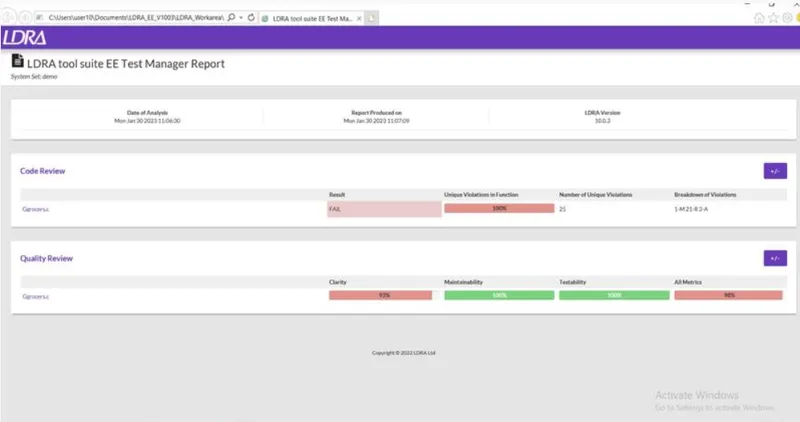
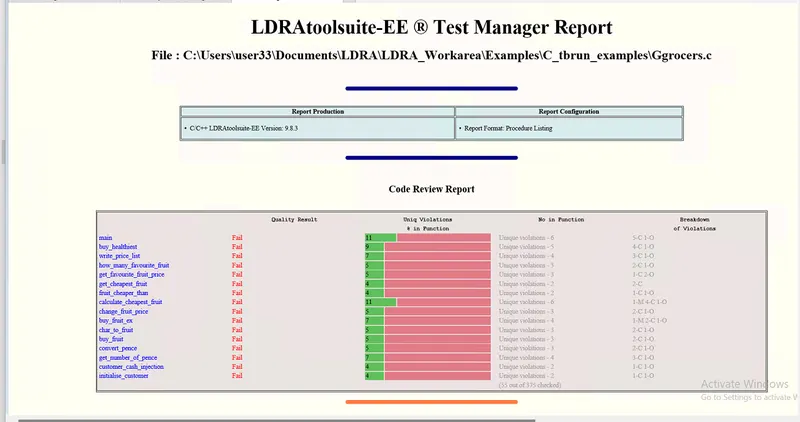
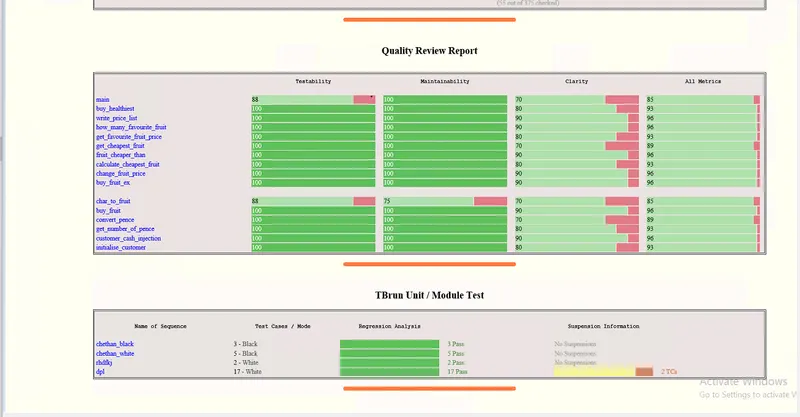
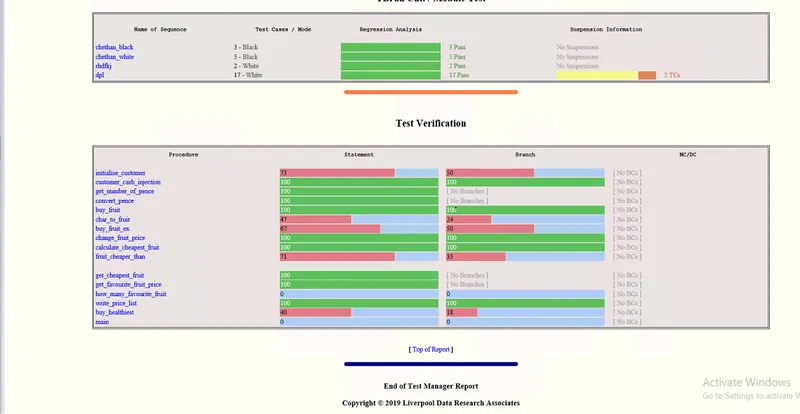
After completion of static analysis get the test manager report from Results.
AIM 2
Perform Integration testing by including all the .C files available in the folder location C:\**\LDRA_workarea\Examples\Toolsuite\Cashregister_6.0\ **
A)Create the test cases manually as well as automatically using TBExtreme and upload the reports. B)store the test cases as .tcf file. Upload the location image where the .tcf file is stored.
Integration testing
Integration testing is a type of software testing that aims to verify the interaction and interoperation of the different components or modules of a system. It focuses on testing the interfaces and communication between the components to ensure they work together as a cohesive unit. The goal of integration testing is to identify and fix any defects or discrepancies early in the development process, before they become more complex and harder to resolve. Integration testing is typically performed after unit testing, and before system testing.
2.A ..Open LDRA tool and choose source-> multiple files.
A window will pop-up and give a name and choose system.
Create a sequence and give a name for the sequence.
Enable code coverage and click OK.
Make the files as under black box testing.
Run static analysis.
After completion, now go to configure on menu bar and select analysis configure --> select static option.
In the new window, click on find/create and select the path of .dat file.
Under Macro, click on find/create and select the path for the file.
Click apply and then ok.
Run static analysis.
After completion get the test manager report from results.
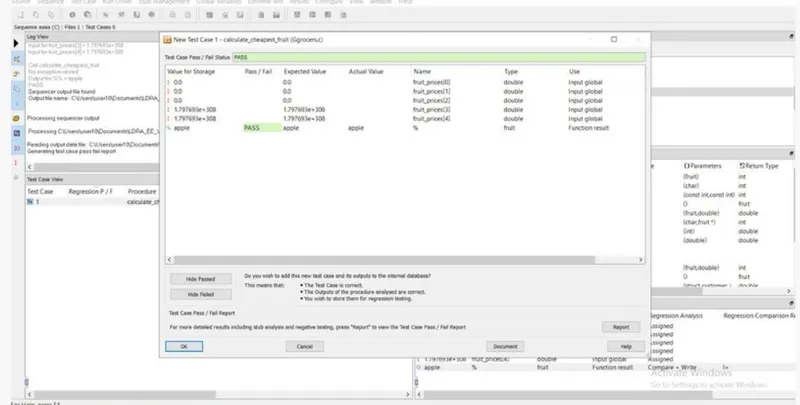
Manual Testing
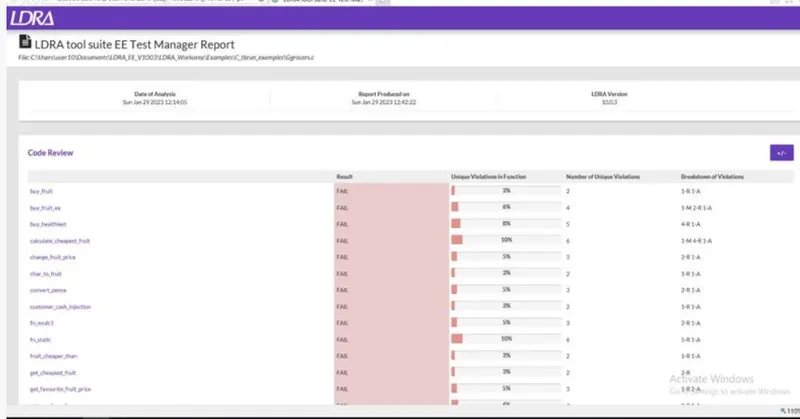
Test Manager Report
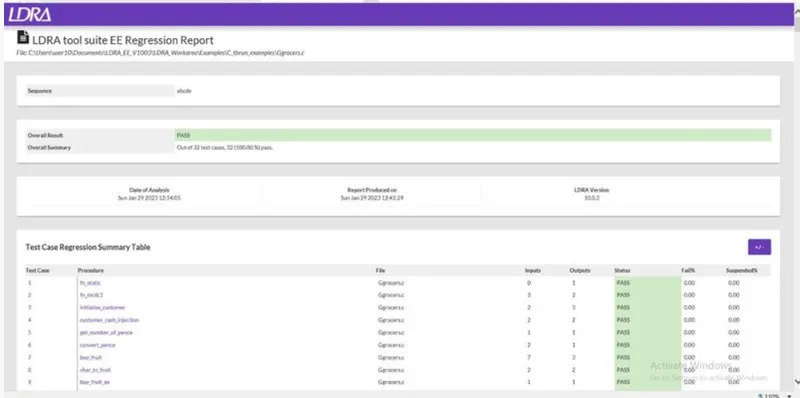
Regression Report
2.B
After performing automation test on Ggrocers.c
Go to source
Click on save as or set as tcf.
Select the path
click save.