Project 2 - V&V SW Analysis II
1] Testrain.c
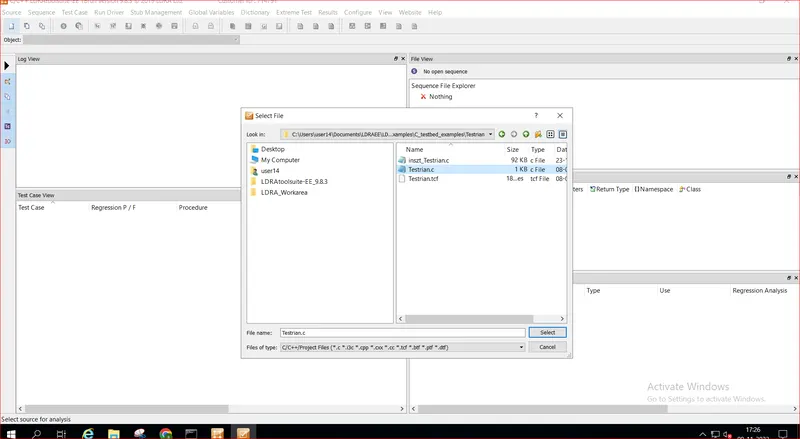
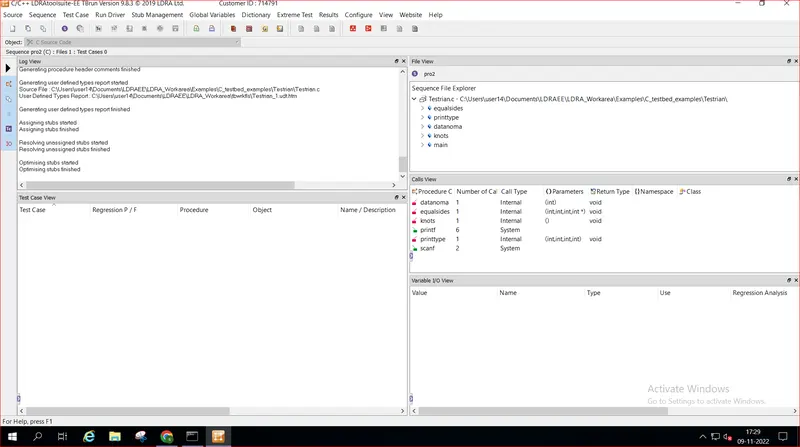
Step 1: start LDRA TBrun. From the LDRA page select source->single file->LDRA_workarea->examples->C_Testbed_examples->Testrain->Testrain.c->open.(in log view all the files will run)
Step 2: sequence->new->give any name (---)& select code coverage-> continue. Then, source->run static analysis.
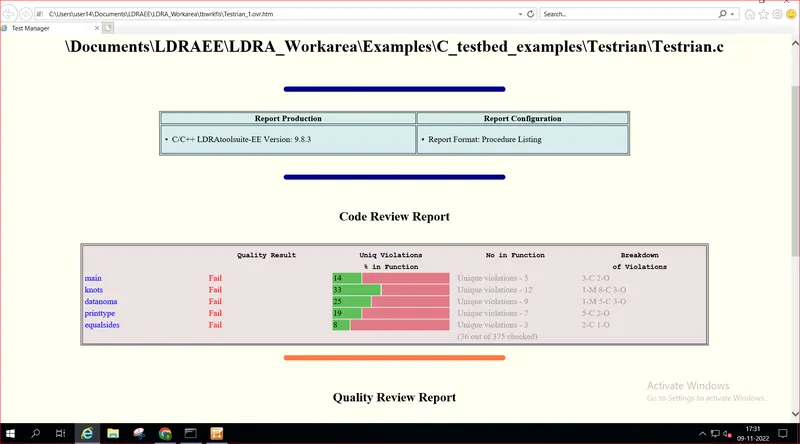
Step 3 : Results->test manager report(report will be opened in Internet like a pdf)(there we can see our sequence name and what type of test we did)
2] Cashregister_6.0
2a)
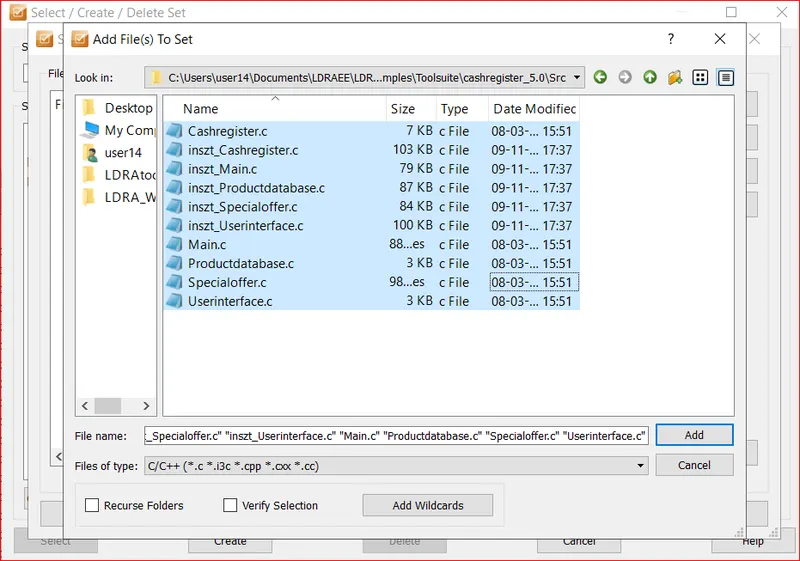
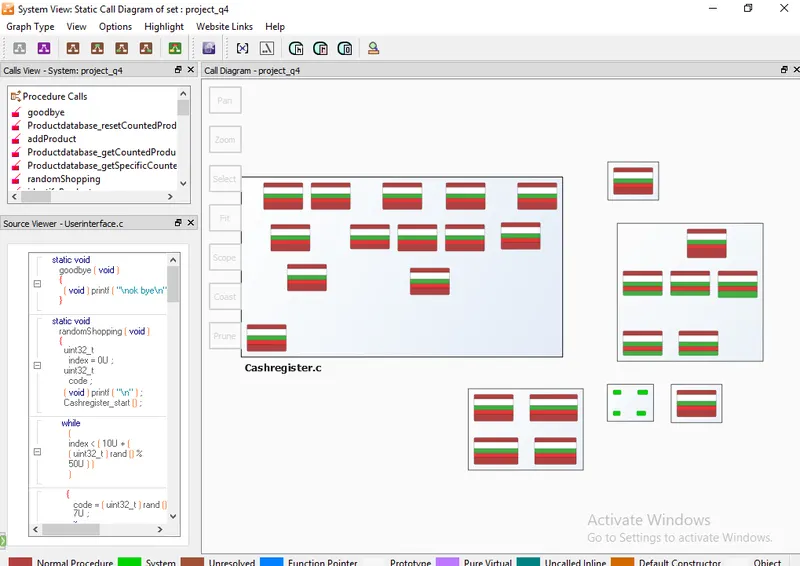
Step 1: start LDRA TBrun. Then, From the LDRA page select source->multiple file->select/create set (create a name)->create->system->add the .c files->click ok it ask run LDRA tested analysis (No)
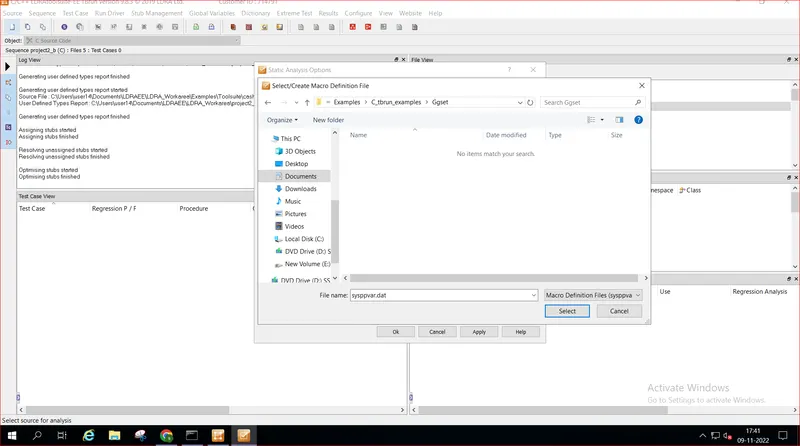
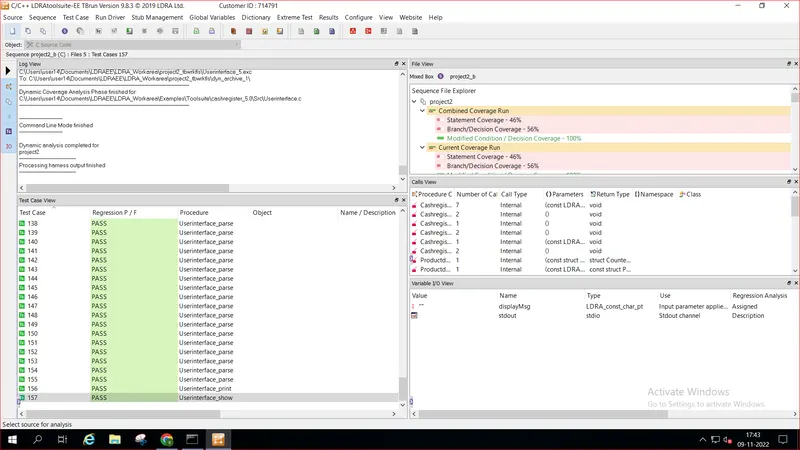
Step 2: configure->analysis configuration options->static options->finc/create->example->c_tbrun-examples->again examples->.c files->select
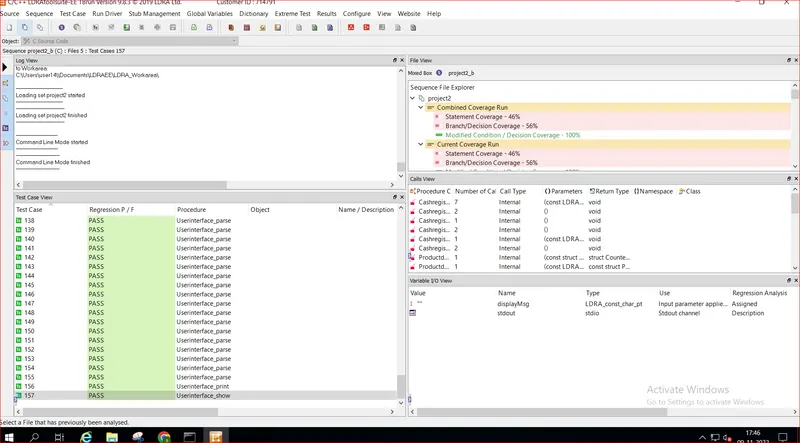
Step 3: macros->find/create->Examples->c_tbrun_examples-examples-> select.(finally give apply and OK). Then, source-> run static Analysis
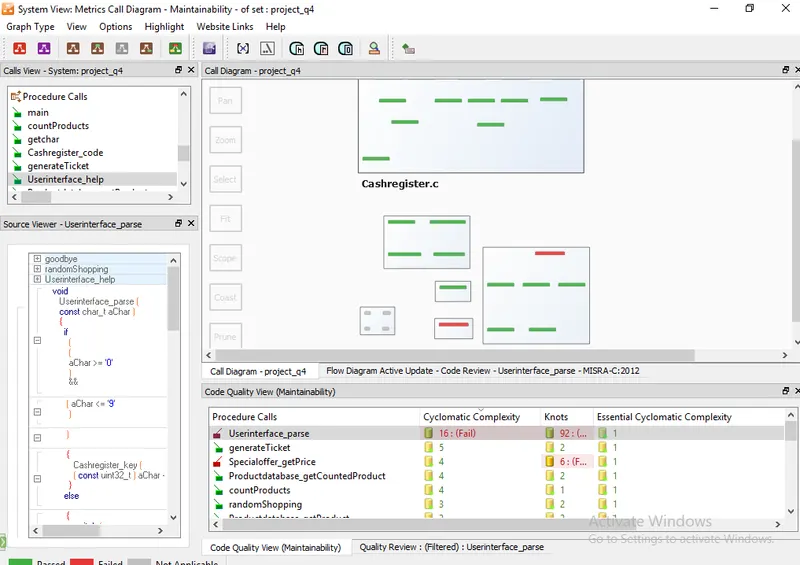
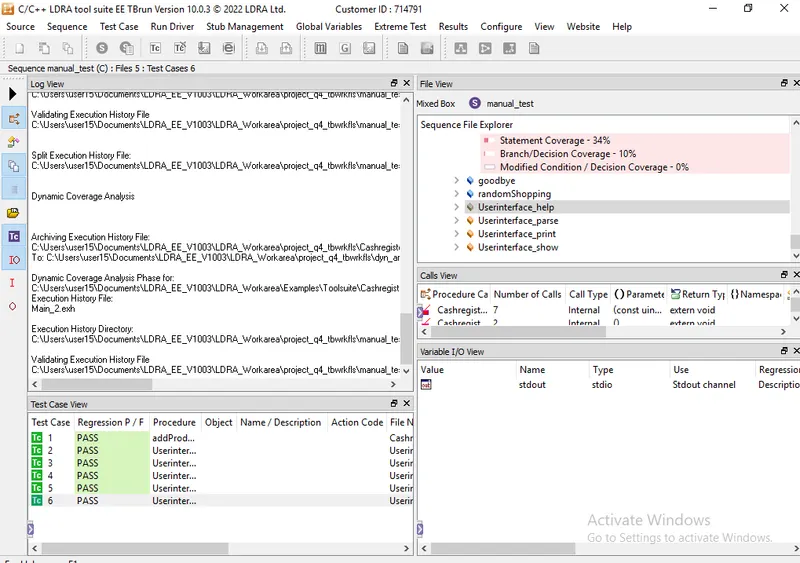
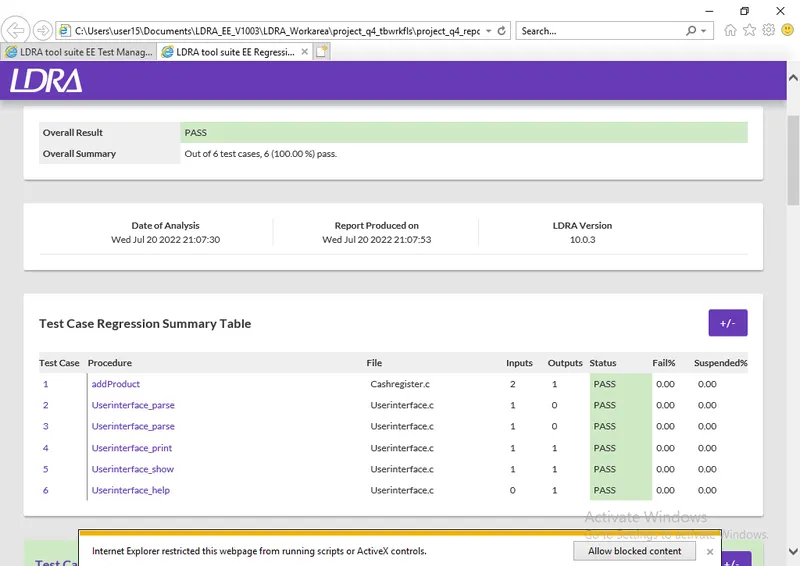
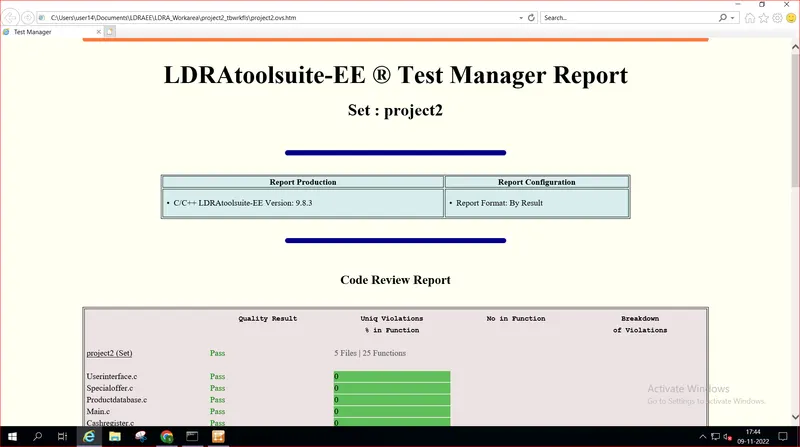
Step 4: result->test manager report(report will be opened in Internet like a pdf)(there we can see our sequence name and what type of test we did)
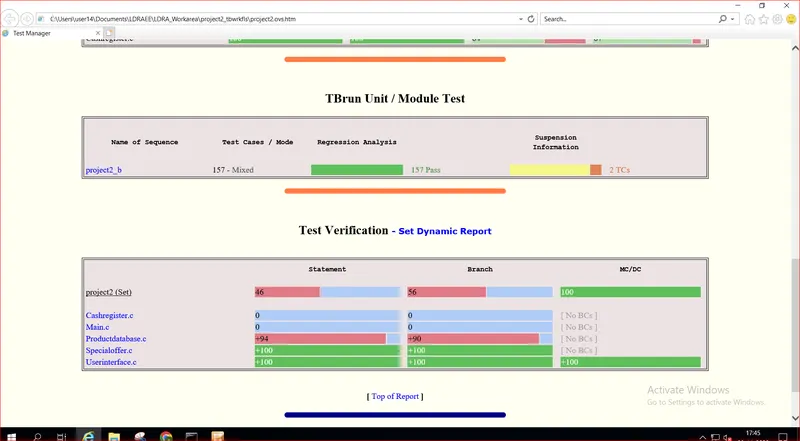
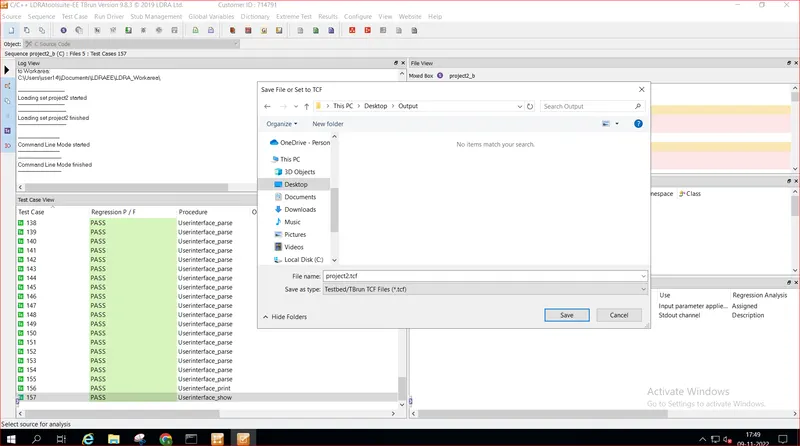
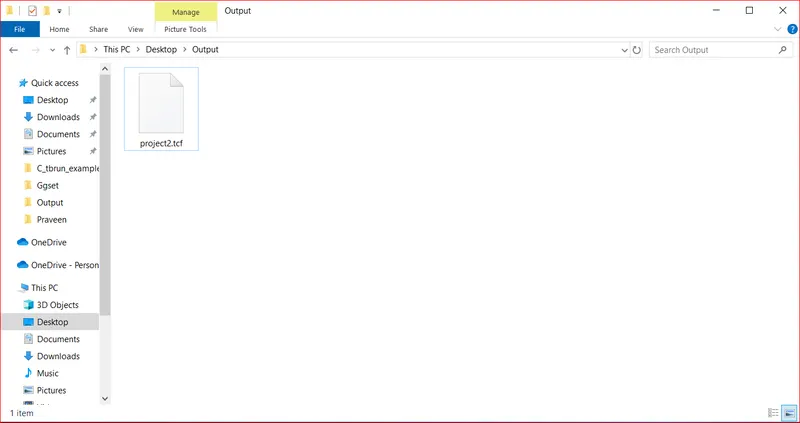
2b] Store the test cases as .tcf file