Project 2 - V&V SW Analysis II
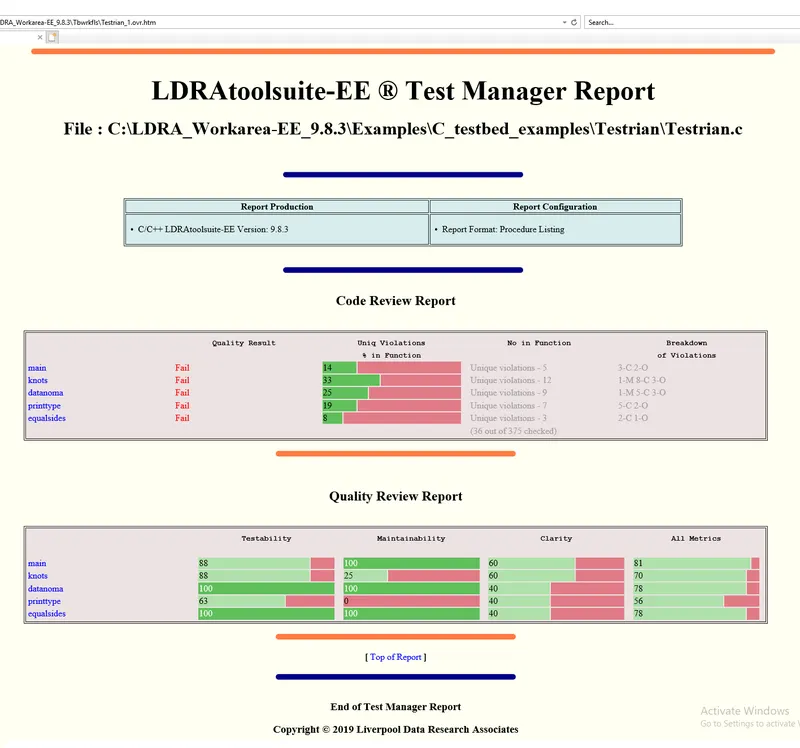
- Perform Static Code Review Analysis for “C:\**\LDRA_workarea\Examples\C_Testbed_examples\Testrain\Testrain.c” Generate Code review report and upload them.
static code analysis on =>"C:\**\LDRA_workarea\Examples\C_Testbed_examples\Testrain\Testrain.c”
steps :-
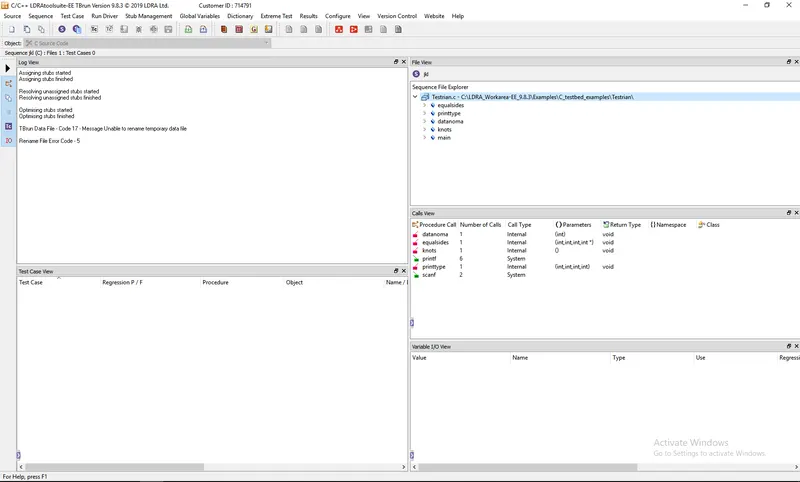
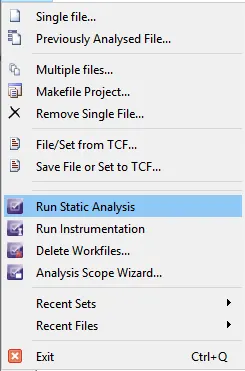
selected my single source file from source option after i given a sequence name to file view option sequence select new sequence option and sequence name.
Run Static Analysis => after i takes reports for results option and i got all my analysis reports
- Perform Integration testing by including all the .C files available in the folder location C:\**\LDRA_workarea\Examples\Toolsuite\Cashregister_6.0\ **
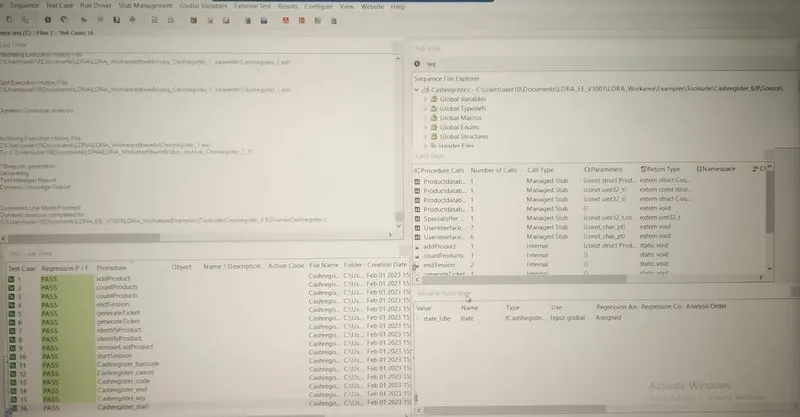
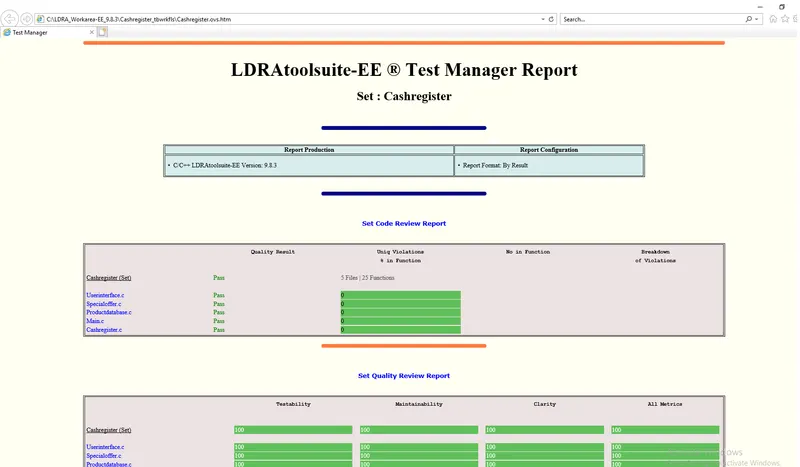
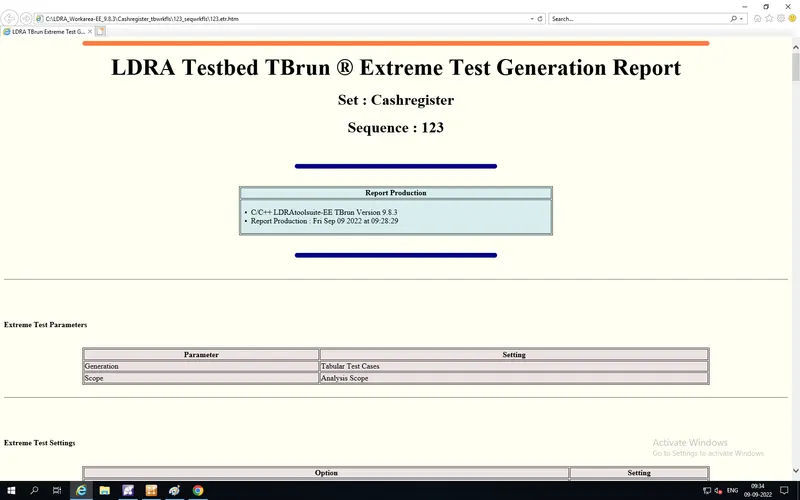
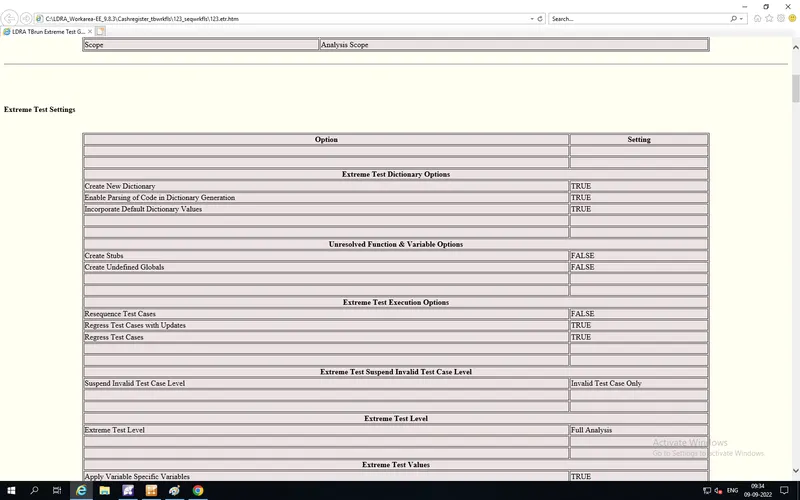
A)Create the test cases manually as well as automatically using TBExtreme and upload the reports.
selected my single source file from source option after i given a sequence name to file view option sequence select new sequence option and sequence name.
after i done my white box and black boxs test's => test cases manually as well as automatically
after compliance of all tests i got all my test report from results option:- like ANALYSIS REPORTS, TEST MANAGER REPORT, DYNAMIC COVERAGE ANALYSIS REPORT, REGRESSION REPORT.
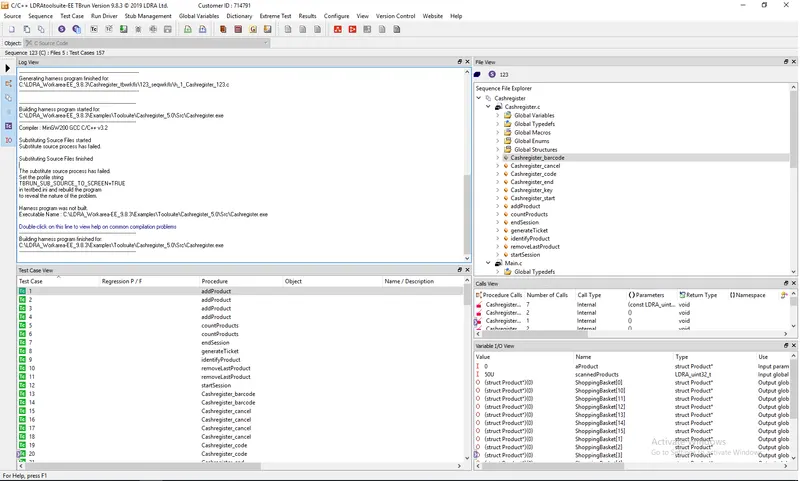
manual test cases :-
AUTOMATIC TEST CASE:
B)store the test cases as .tcf file. Upload the location image where the .tcf file is stored.
location of .tcf file => C:\LDRA_Workarea-EE_C_CPP_10.0.3\LDRA_workarea\Examples\Toolsuite\Cashregister_6.0\Cashregister.5tcf
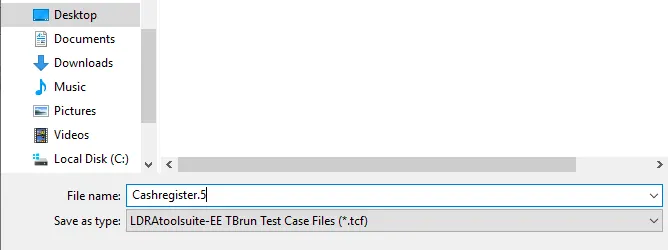
file created .tcf on system