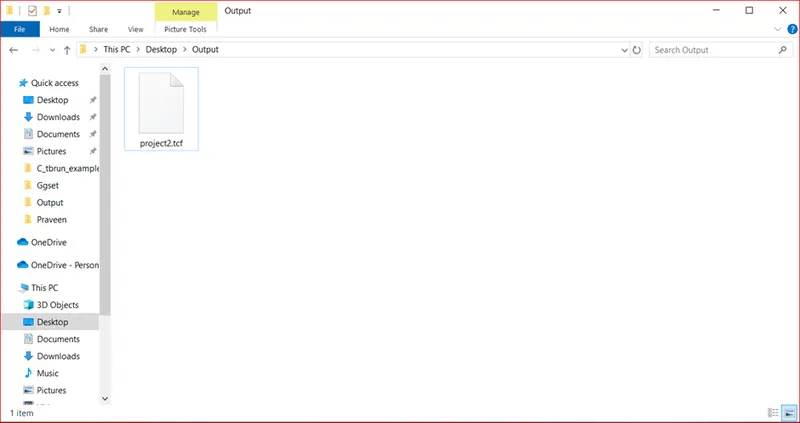
Project 2 - V&V SW Analysis II
1.Perform Static Code Review Analysis for “C:\**\LDRA_workarea\Examples\C_Testbed_examples\Testrain\Testrain.c” Generate Code review report and upload them.
Ans
Single file loaded (“Testrain.c”), Screeshot:
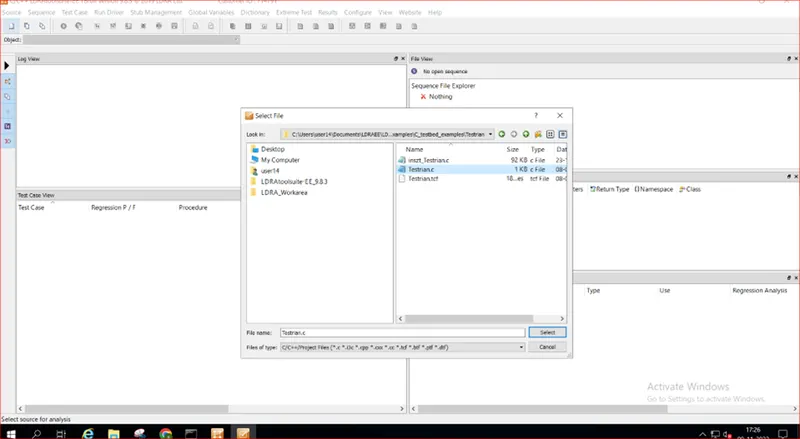
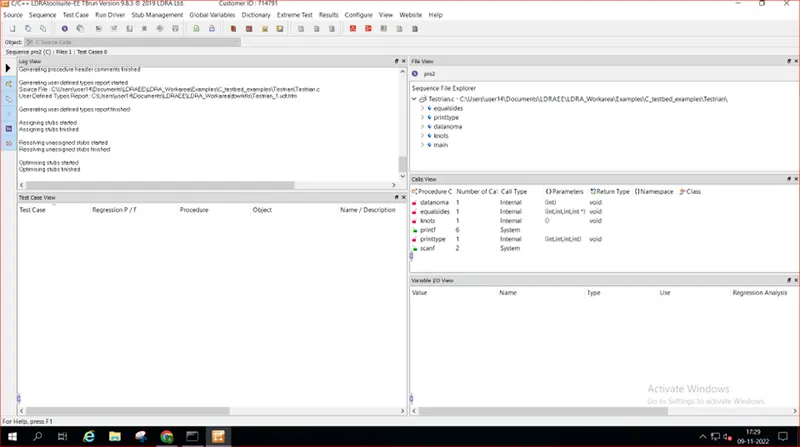
- after Run static Analysis(Screenshot):
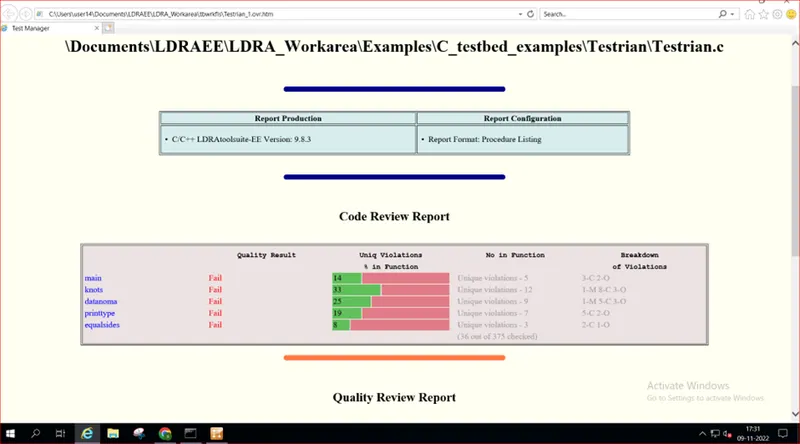
- Test Manager Report(Screenshot):
2.Perform Integration testing by including all the .C files available in the folder location C:\**\LDRA_workarea\Examples\Toolsuite\Cashregister_6.0\ **
A)Create the test cases manually as well as automatically using TBExtreme and upload the reports.
Ans:
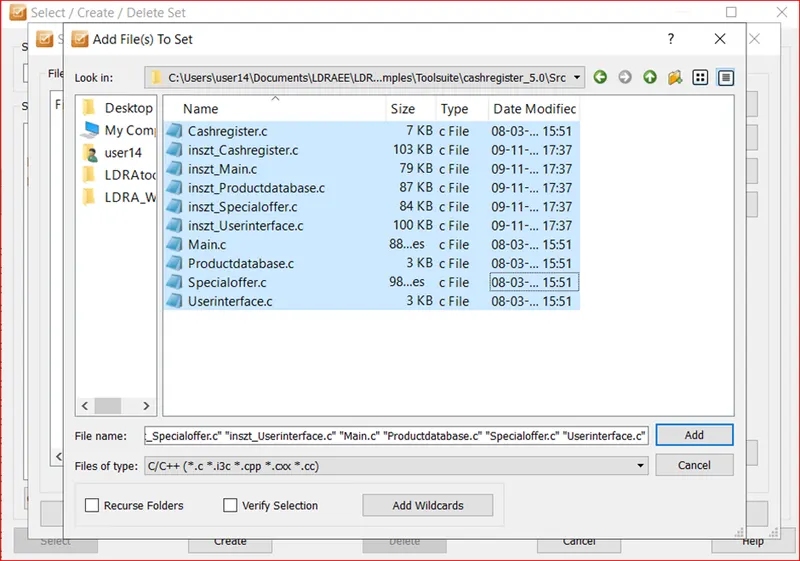
- Go to Source à Create Multiple file by selecting all files in given Screenshot:
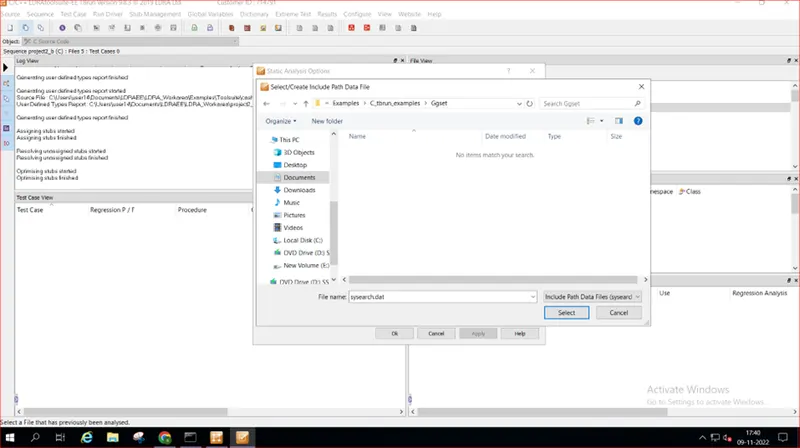
- Selecting “sysearch.dat” file in create data path:
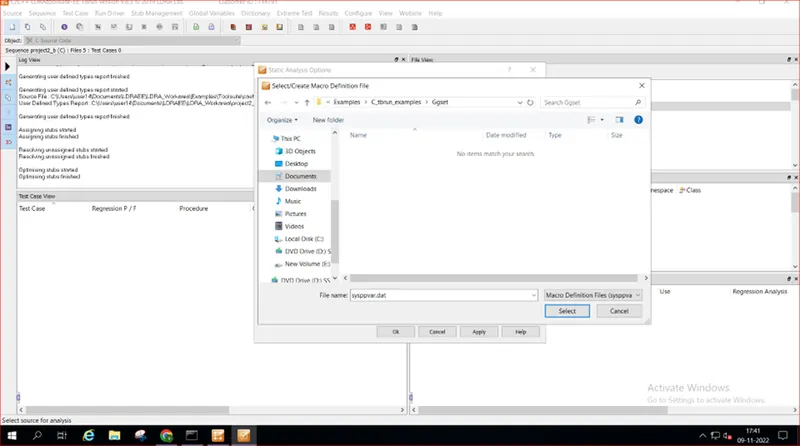
- Selecting “sysearch.dat” in Macro definition File:
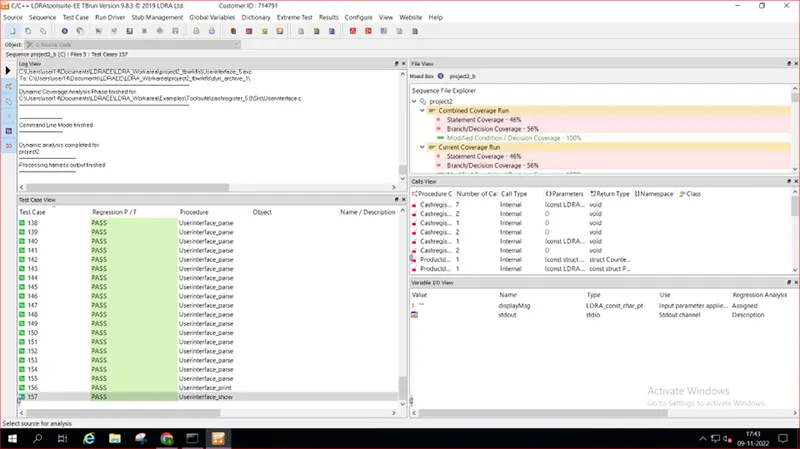
- After Automation Test:
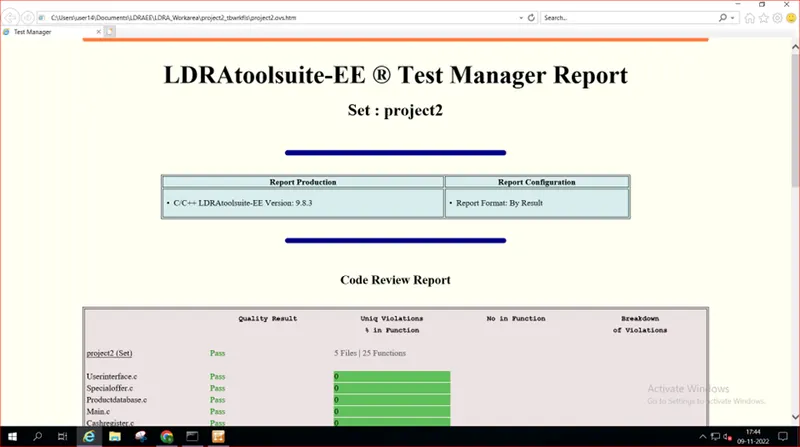
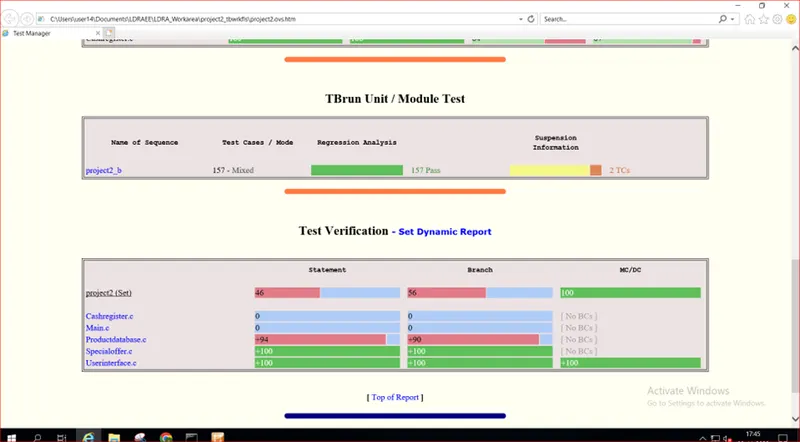
- Test Manager Report:
Continue…….
B)store the test cases as .tcf file. Upload the location image where the .tcf file is stored.
Ans:
- Save “.tcf” File in This PC - Desktop - Output àtcf
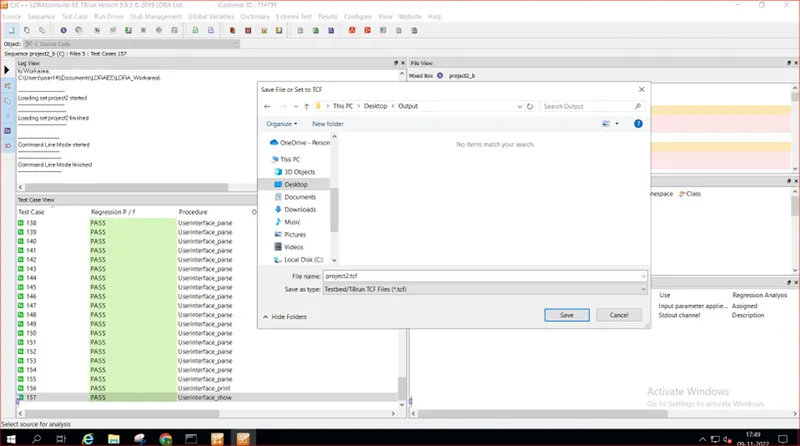
- Save file(Screeshot):