Project 2 - V&V SW Analysis II
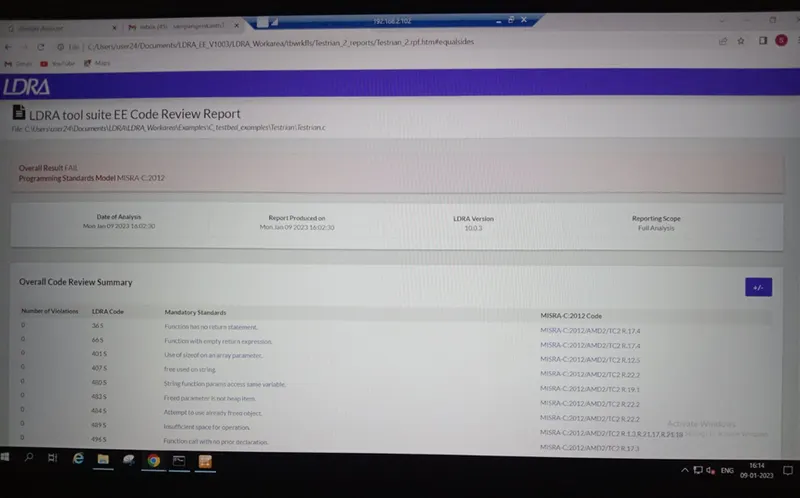
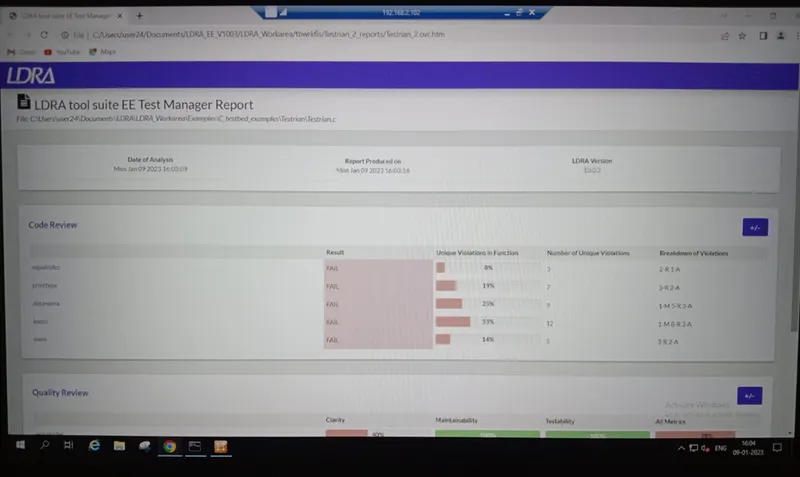
- Perform Static Code Review Analysis for “C:\**\LDRA_workarea\Examples\C_Testbed_examples\Testrain\Testrain.c” Generate Code review report and upload them.
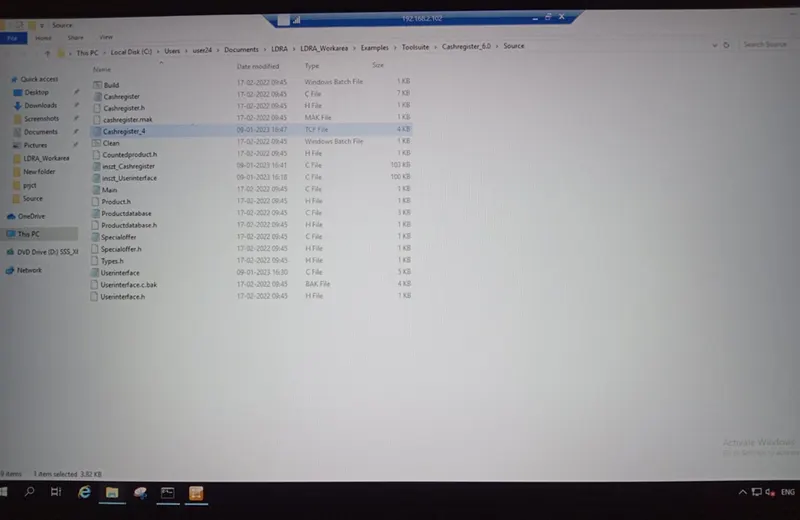
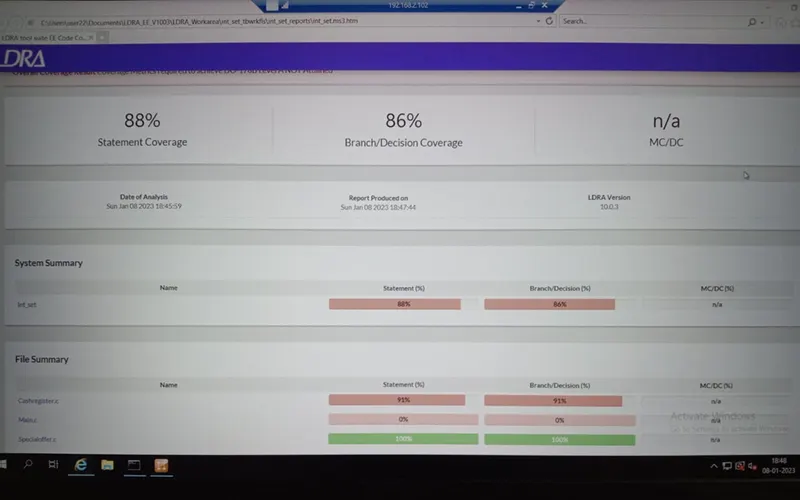
- Perform Integration testing by including all the .C files available in the folder location C:\**\LDRA_workarea\Examples\Toolsuite\Cashregister_6.0\ ** A)Create the test cases manually as well as automatically using TBExtreme and upload the reports. B)store the test cases as .tcf file. Upload the location image where the .tcf file is stored
1 Sol:
Static Code Review:
The General setting should be done before performing the test like
- Select the option source -> single file-> Testrain.c
- Sequence-> New …->check code coverage-> Continue
- ??? function are appeared at the call view they are function unresolved function it can resolved by ->Stub management option at top of display à select all unresolved function to stubs.
- Source -> run static Analysis
- Result -> Test manger report
2.SOL:
A) SOL:
Integration testing (Multiple files testing):
The General setting should be done before performing the test like
- Select the option source -> Multiple file-> create file name ->system->add files -> ok.
- Sequence-> New …->check code coverage-> Continue
- ??? function are appeared at the call view they are function unresolved function it can resolved by ->Stub management option at top of display à select all unresolved function to stubs.
- Source -> run static Analysis
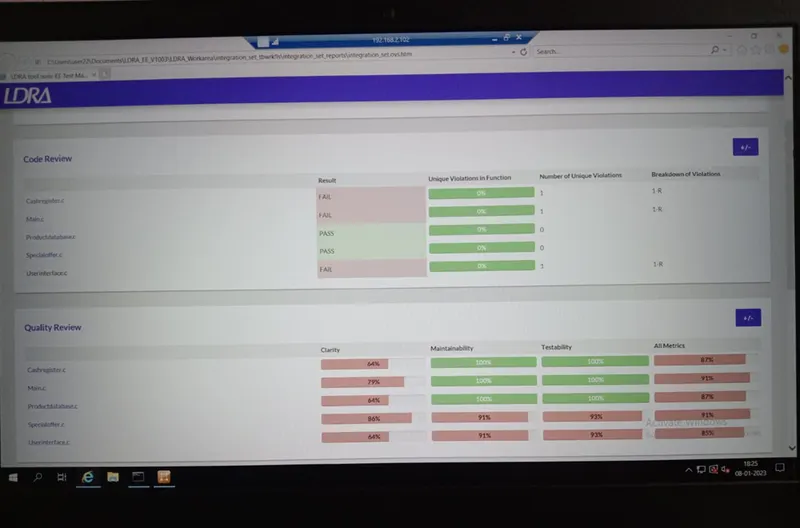
- Result -> Test manger report
The Test procedure for the White box test
- File view -> White box testing -> select function and look for procedure code to understand.
- Testcase -> create new test case.
Manual testing:
- In the variable I/O window we can manually enter the inputs and outputs.
- Run driver -> results
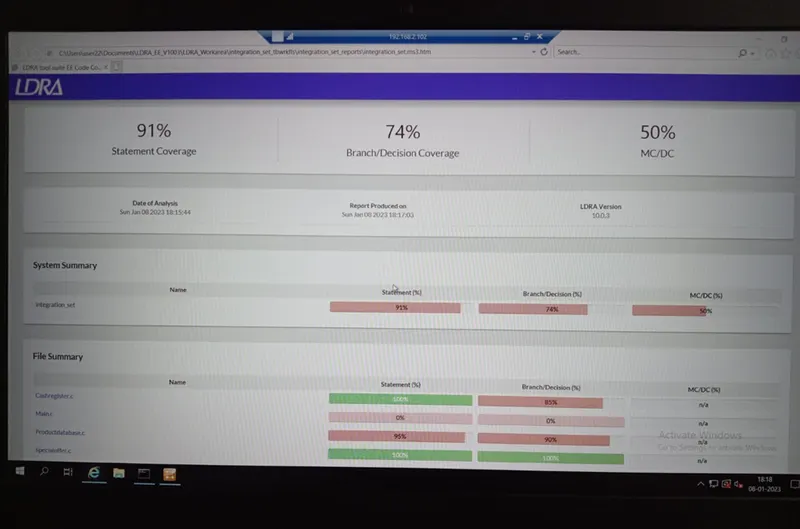
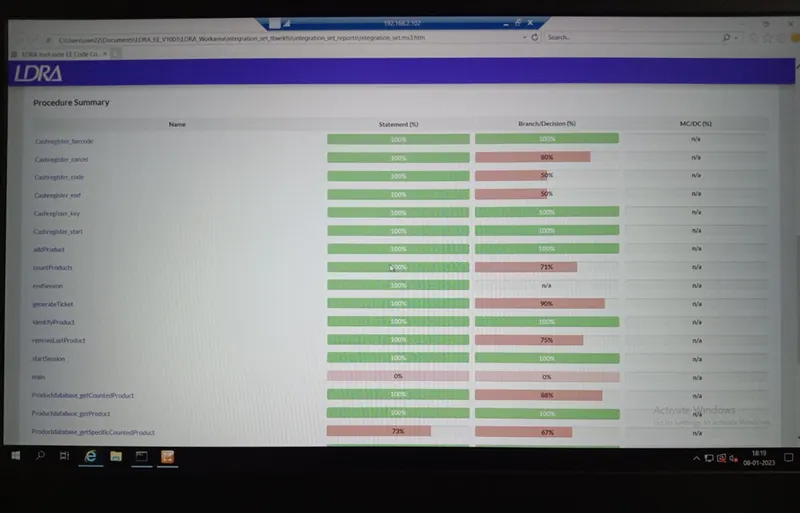
- Result -> we the reports of test cases (Test Manager report, Dynamical coverage report).
Automatically using TBExtreme:
- Extreme test -> Run tabular Extreme test (for the multiple cases).
- Extreme test -> Run standard Extreme test (for the single case).
- Extreme test-> Configure Extreme test (setting of the Extreme test).
2.B) SOL:
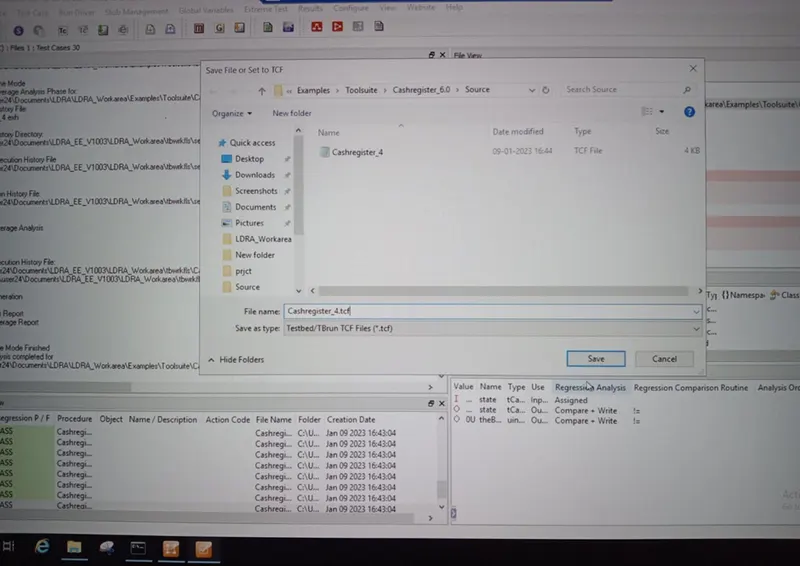
To create the test cases into .tcf file
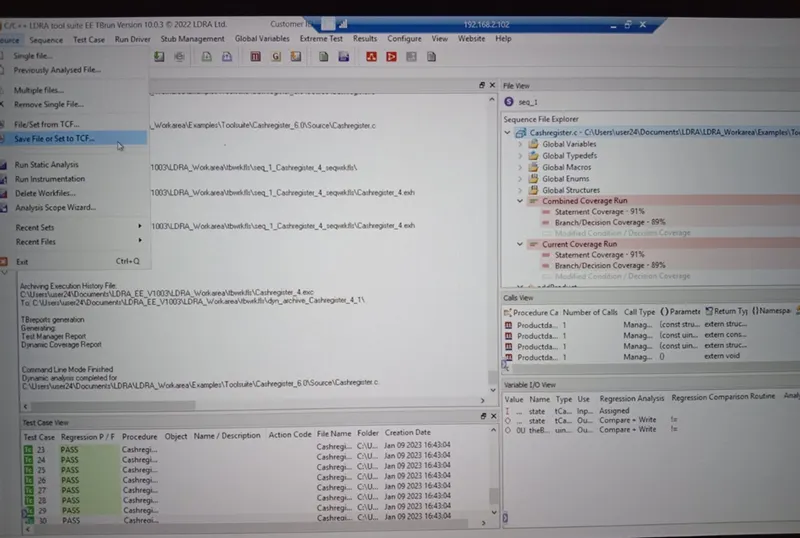
- Source -> Save File or set to TCF->create the file name with extension .tcf->save
- The tcf file can be see in the source-> File /set from Tcf…