Project 2 - V&V SW Analysis II
1)Answer:-
Performing Static Code Review Analysis for (“C:\**\LDRA_workarea\Examples\C_Testbed_examples\Testrain\Testrain.c”) reports are shown below.
Step-1
LDRA tool starting slide:-
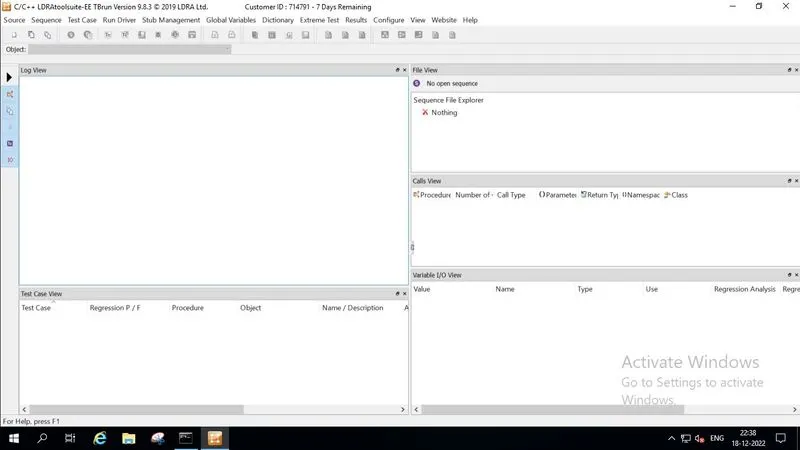
Step-2
Click on the source option for an opening single file
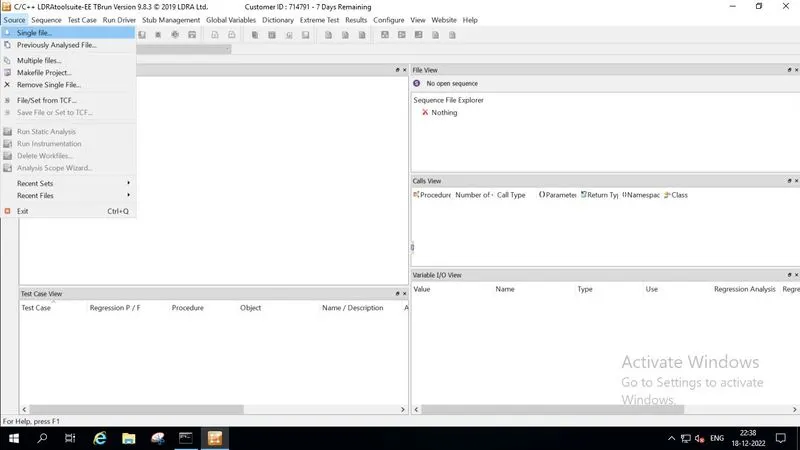
Step-3
then open the Ggrocers. c file from this file location(“C:\**\LDRA_workarea\Examples\C_Testbed_examples\Testrain\Testrain.c”)
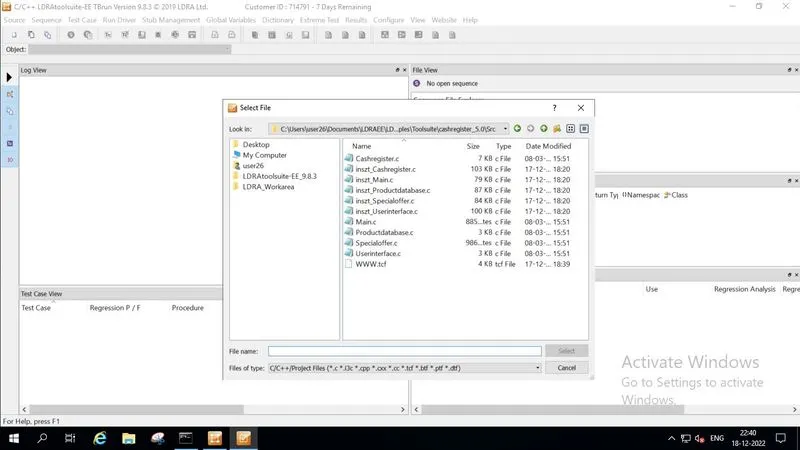
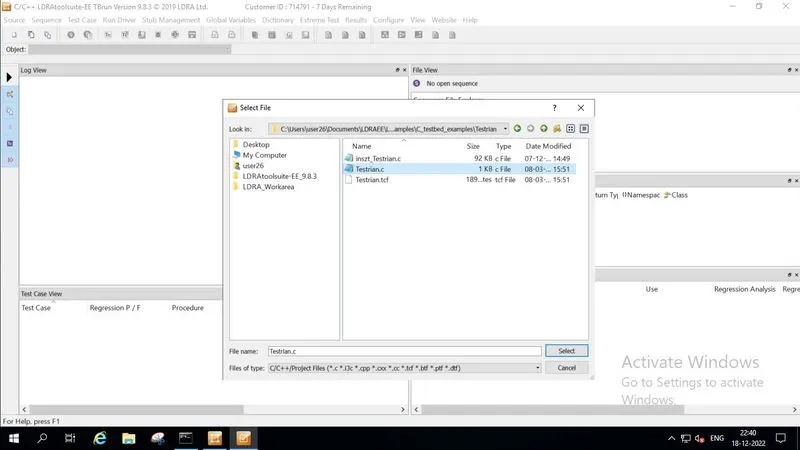
Step-4
Here is the given sequence name and I am using a White box only
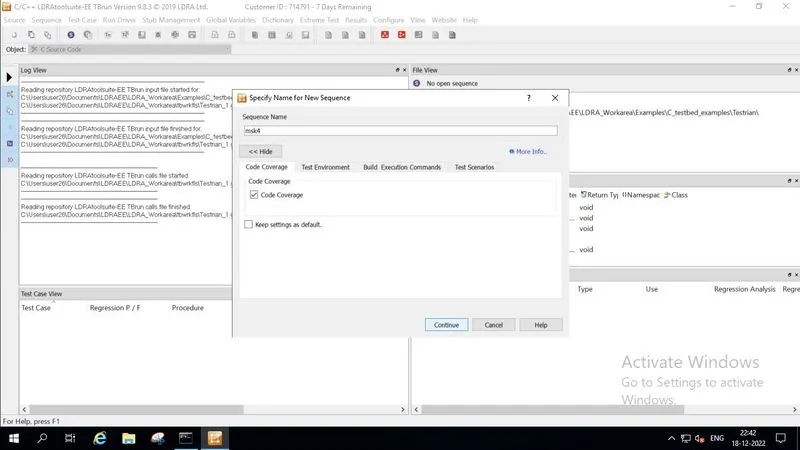
Step-5
Here I am using Static Code Review Analysis
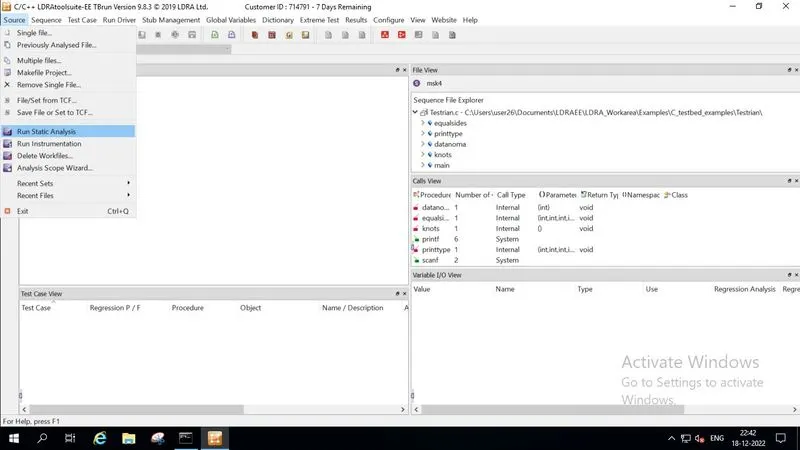
step-6
Results
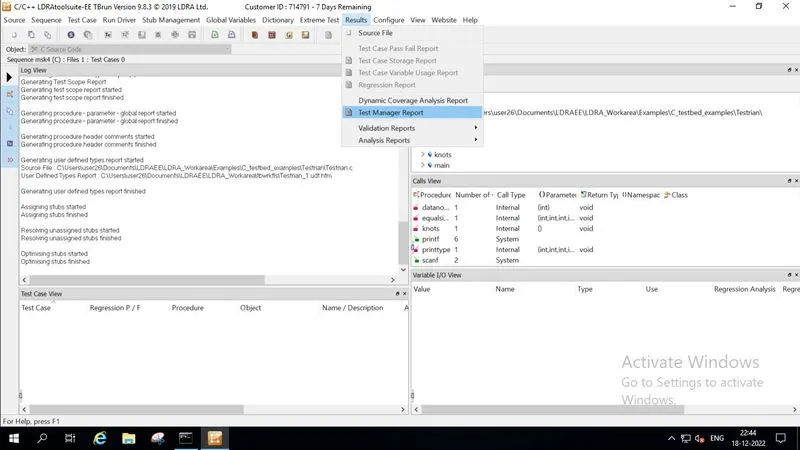
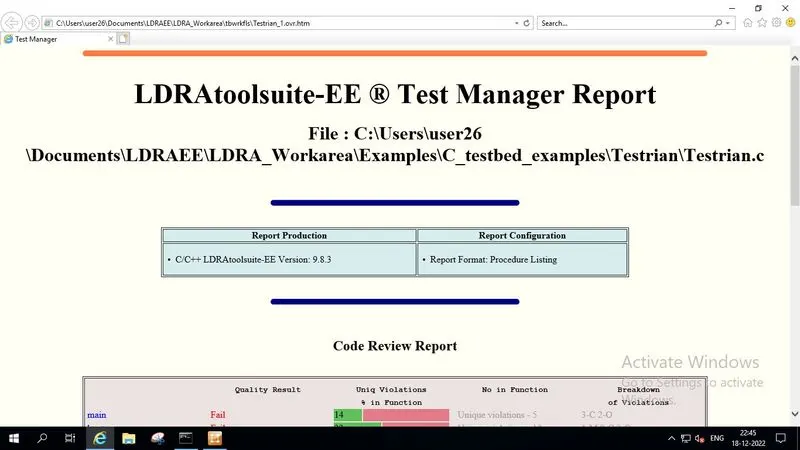
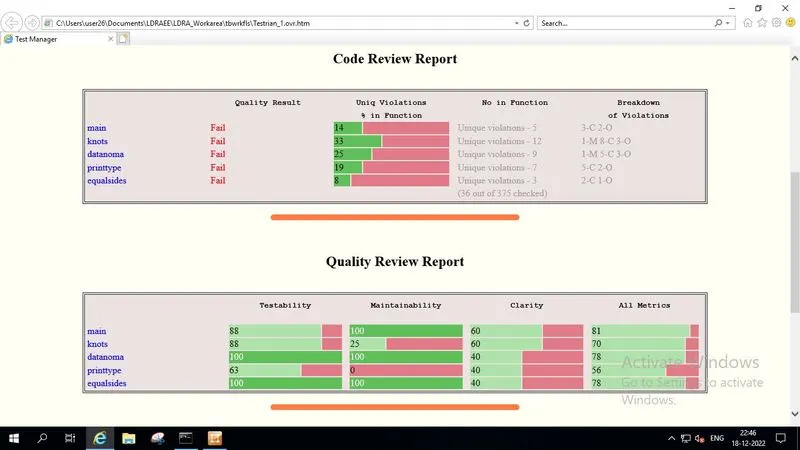
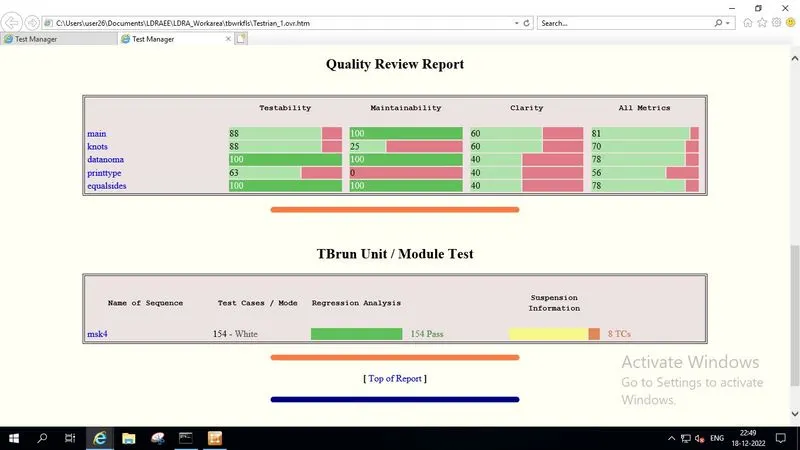
2)Answer:-
Performing Integration testing by including all the .C files available in the folder location C:\**\LDRA_workarea\Examples\Toolsuite\Cashregister_6.0\ **
A)Create the test cases manually as well as automatically using TBExtreme and the reports shown below.
Step-1
LDRA tool starting slide:-
Step-2
Click on the source option for an opening multiple files
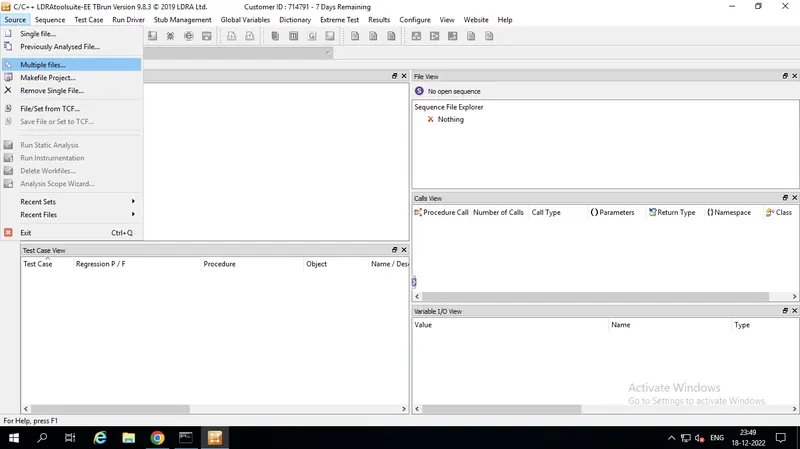
Step-3
Here we are creating test name and which is we want files are to be added
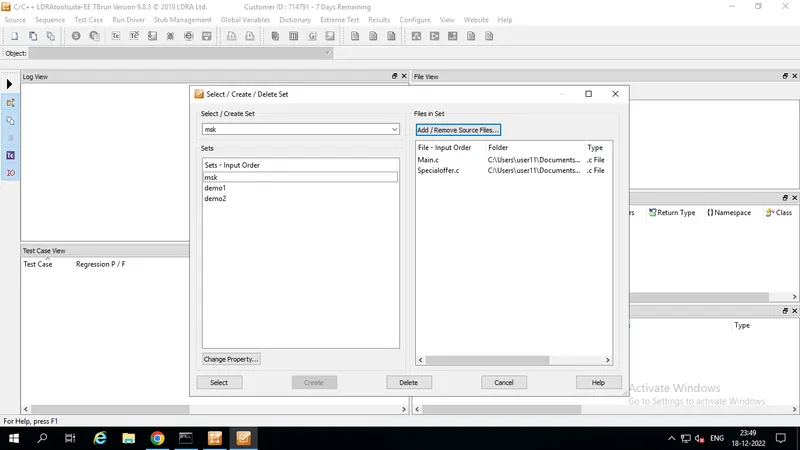
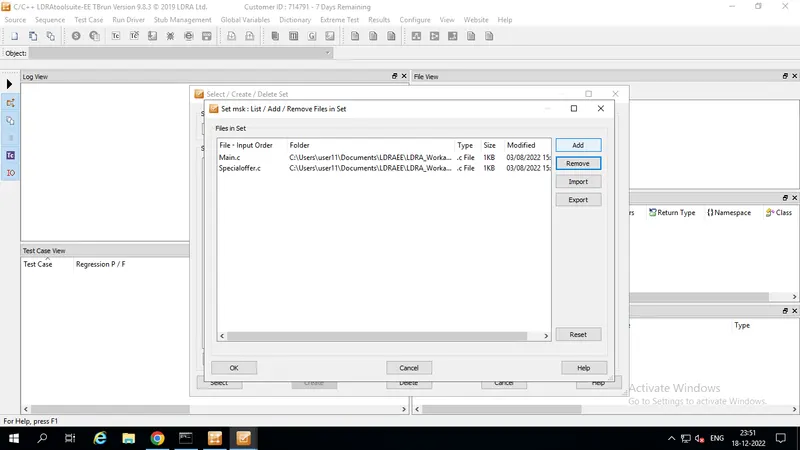
Step-4
Here I am using Static Code Review Analysis
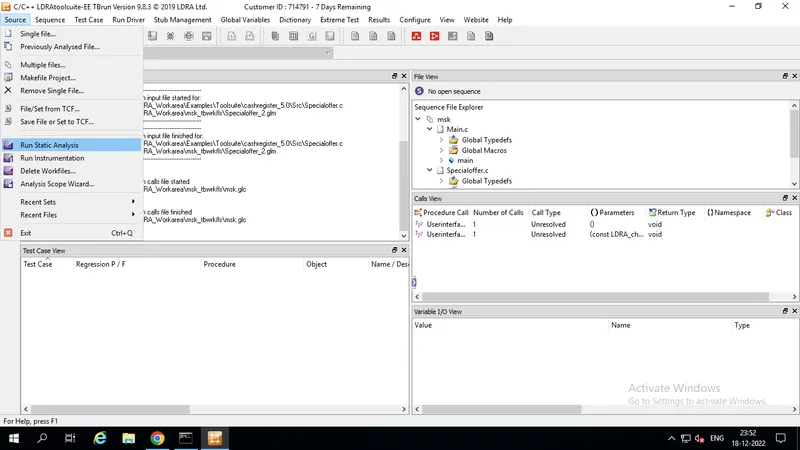
Step-5
Here I am creating manual test cases
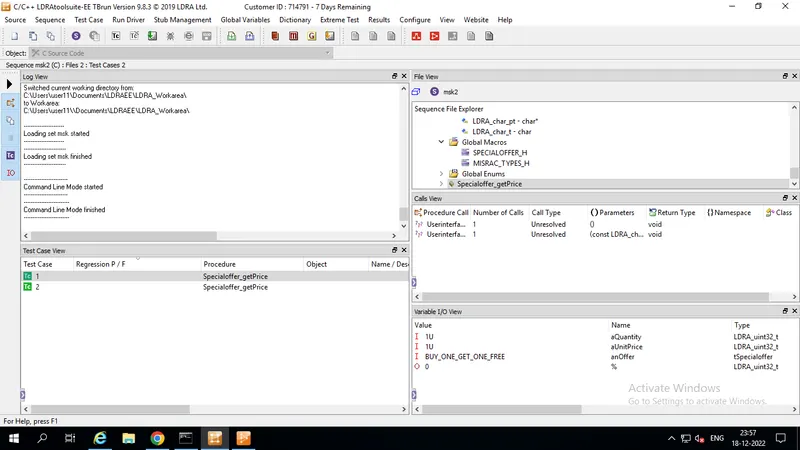
Step-6
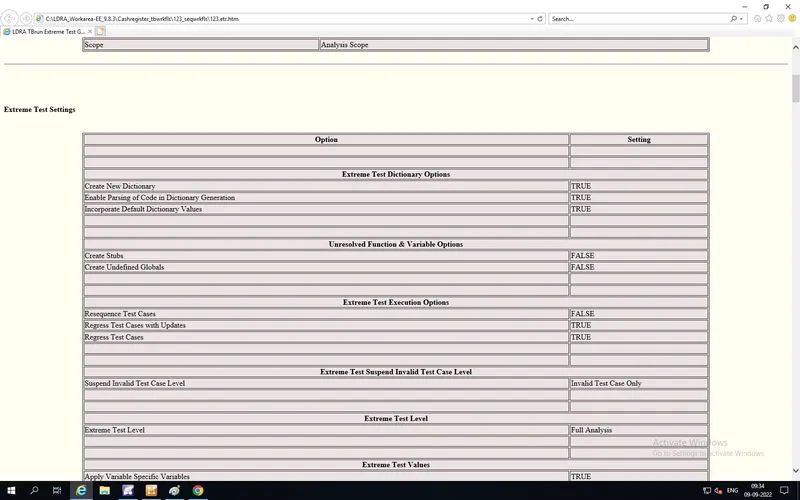
Here I am automatic test cases (run tabular extreme test option)
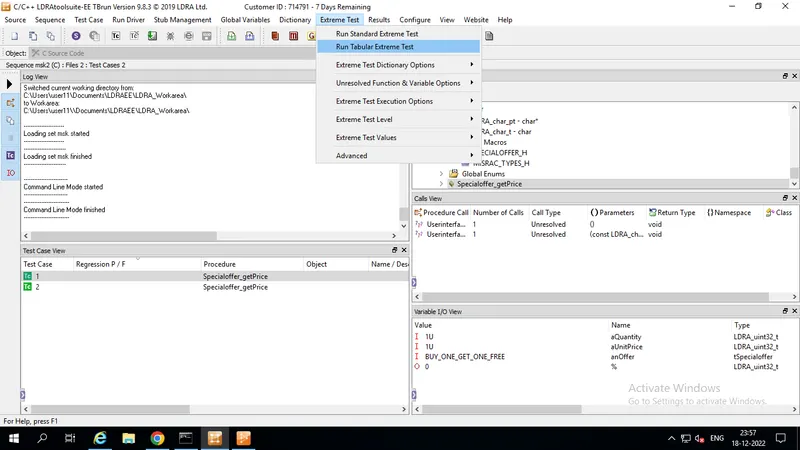
Step-7
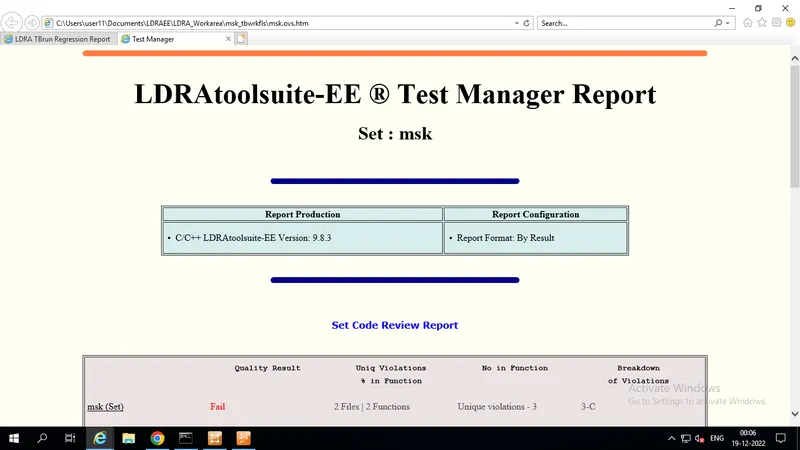
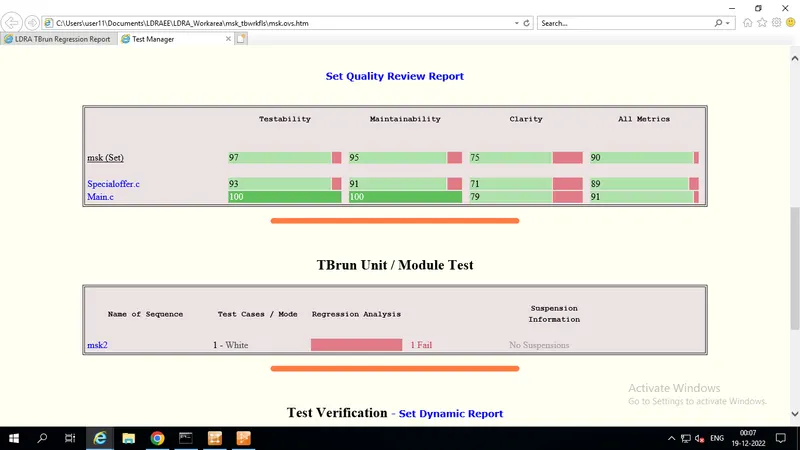
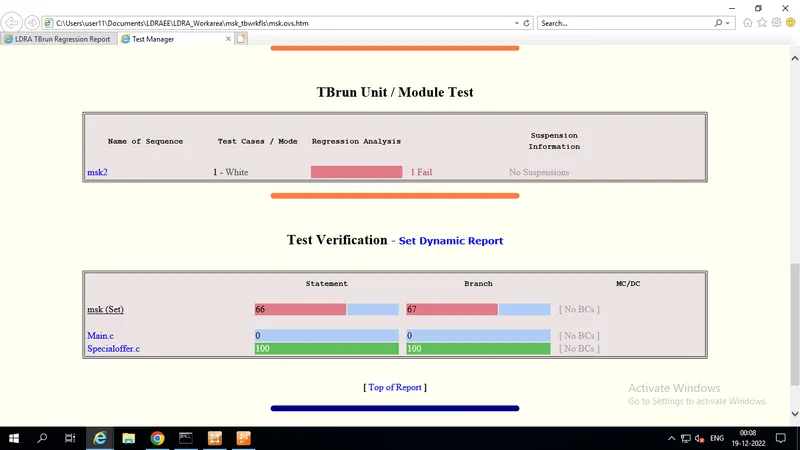
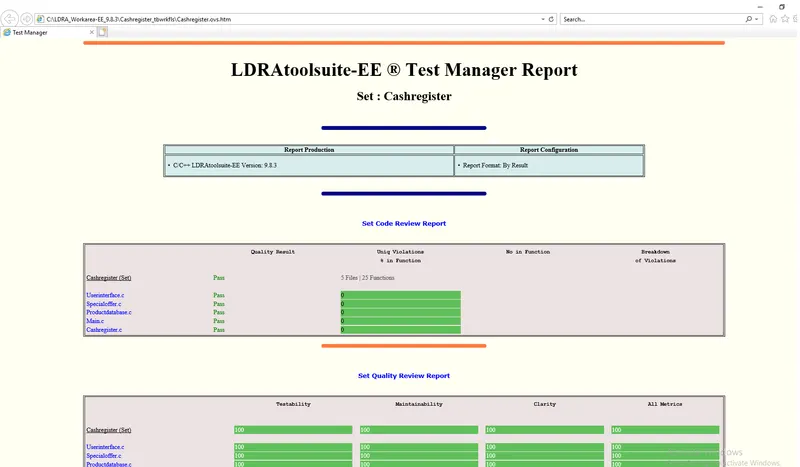
Results
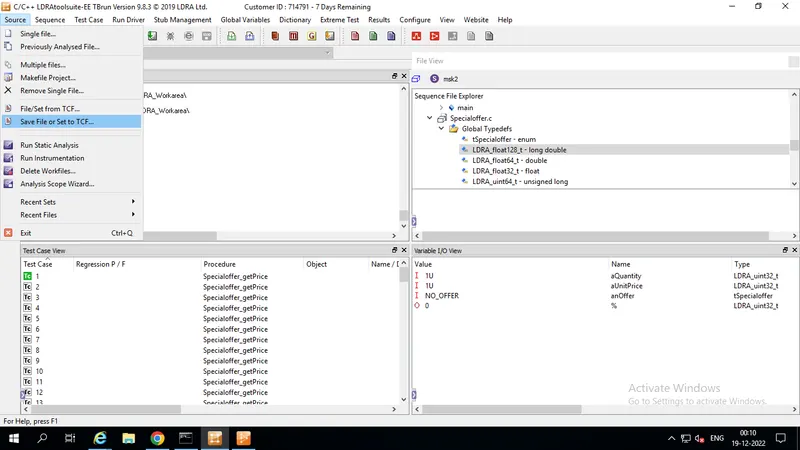
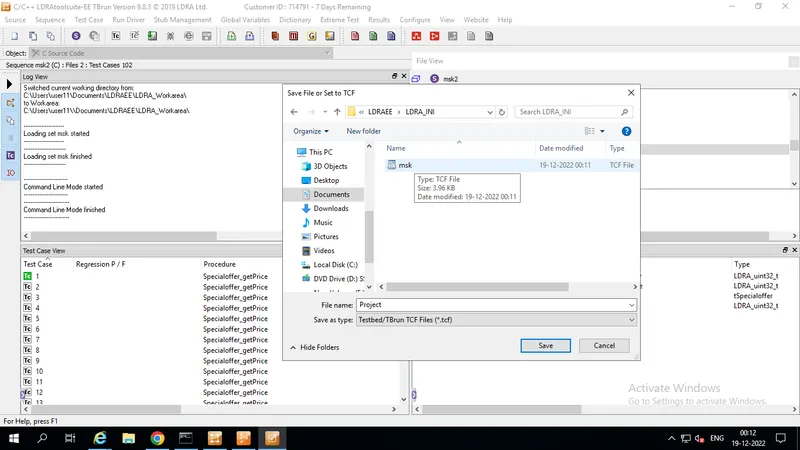
B)store the test cases as .tcf file. Upload the location image where the .tcf file is stored.