Project 2 - V&V SW Analysis II
step 1: start LDRA TBrun.
step 2: “C:\**\LDRA_workarea\Examples\C_Testbed_examples\Testrain\Testrain.c” Generate Code review report and upload them.
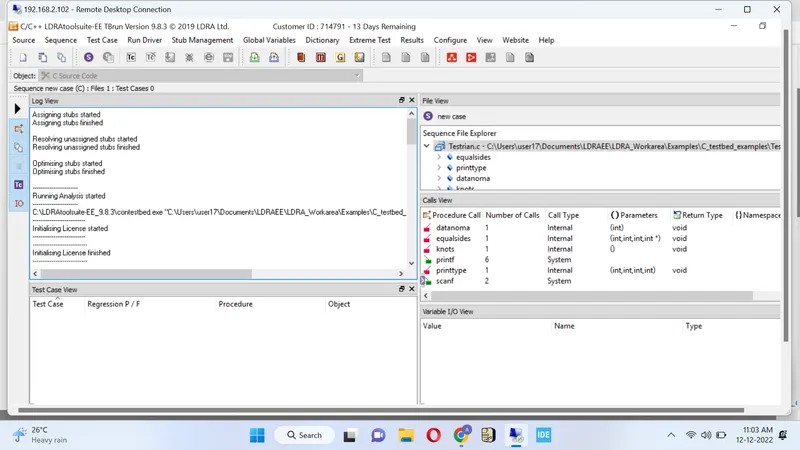
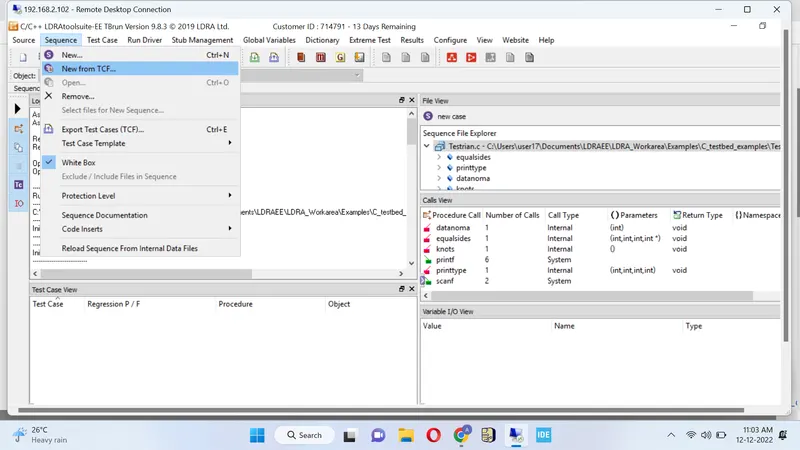
step 3: Select option sequence ----> new give any test case name & select code coverage---> continue.
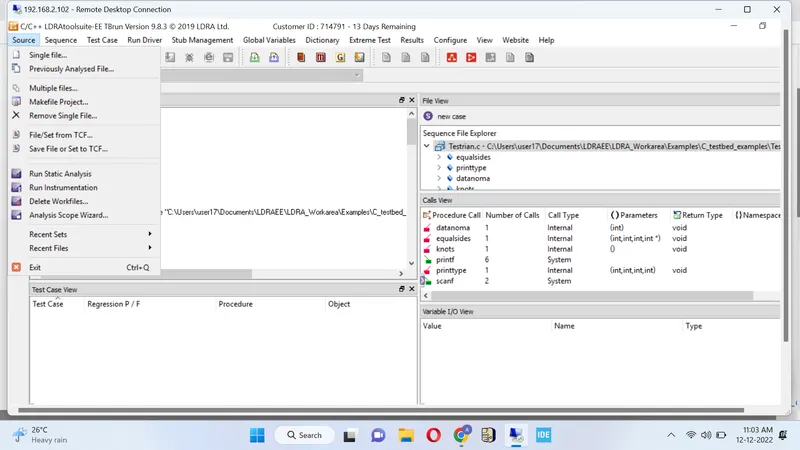
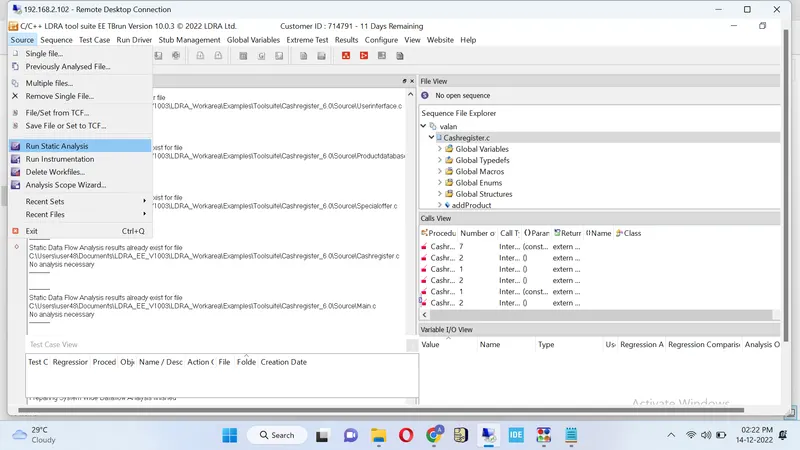
step 4: Source->Run static analysis
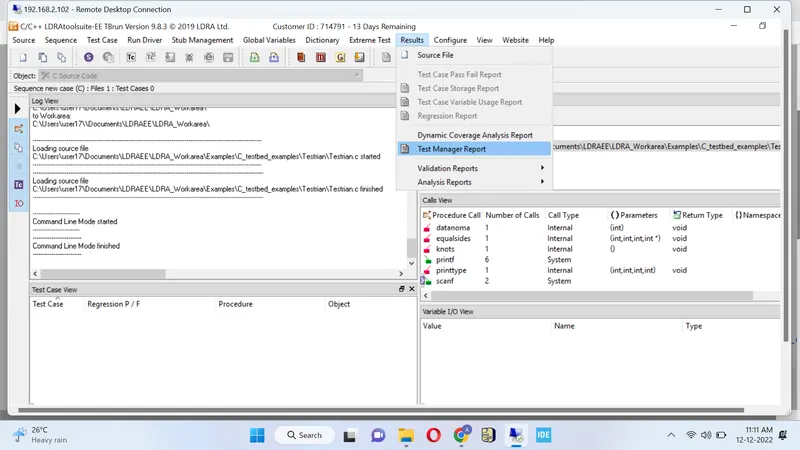
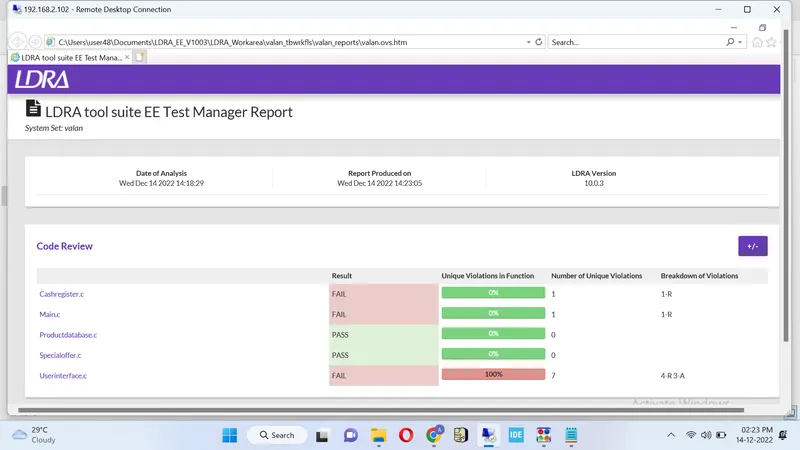
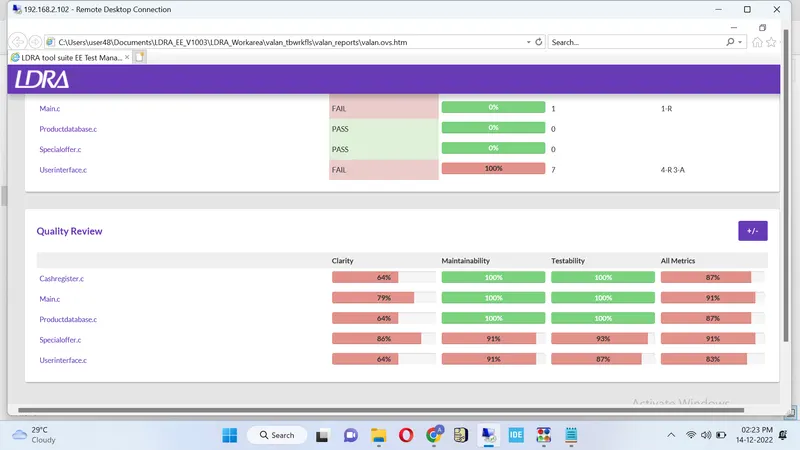
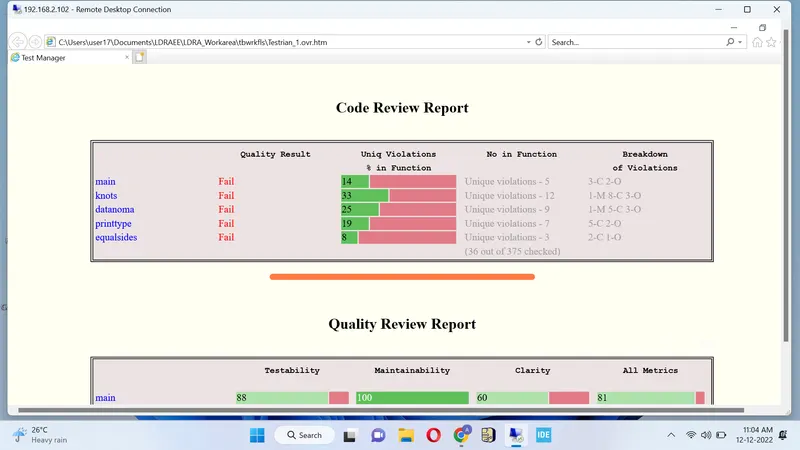
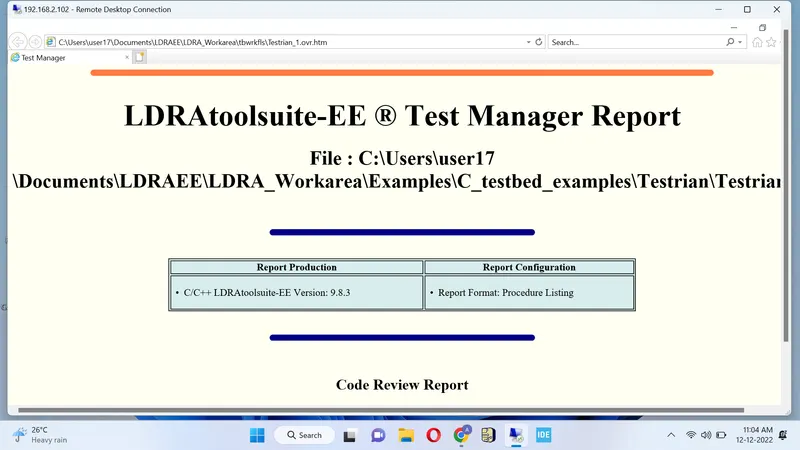
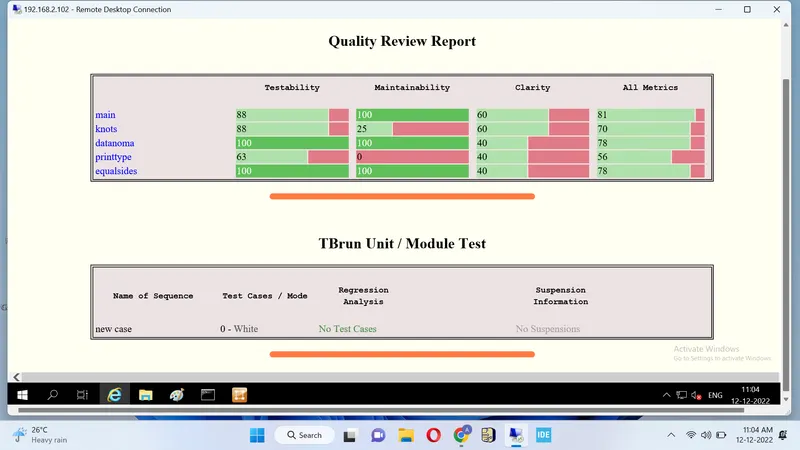
step 5 : result
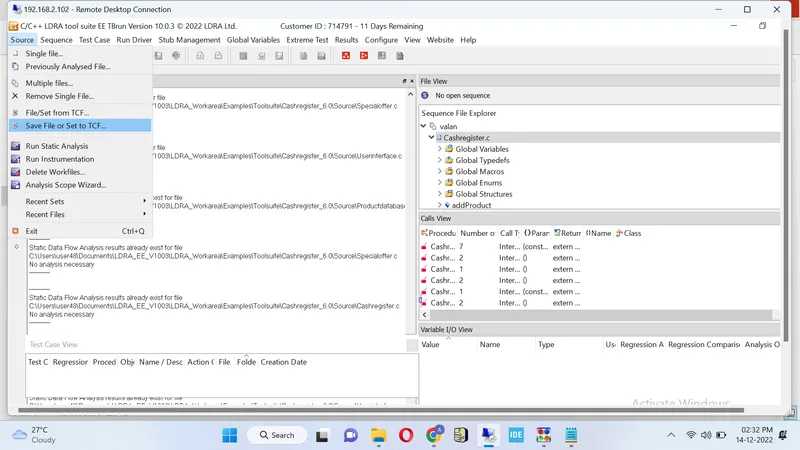
- Perform Integration testing by including all the .C files available in the folder location C:\**\LDRA_workarea\Examples\Toolsuite\Cashregister_6.0\ ** A)Create the test cases manually as well as automatically using TBExtreme and upload the reports. B)store the test cases as .tcf file. Upload the location image where the .tcf file is stored.
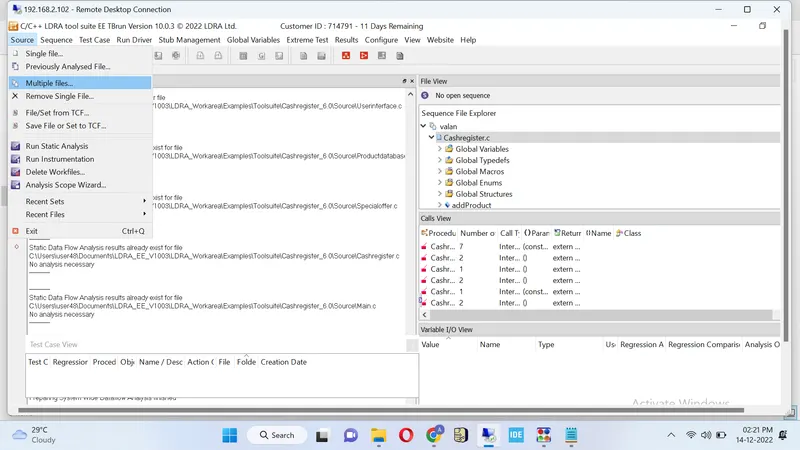
step 1: source / multiple files
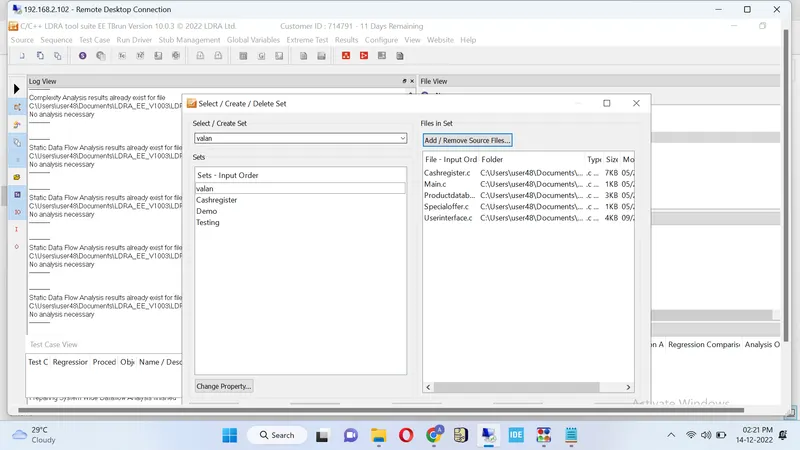
step 2: select /create set name / select system
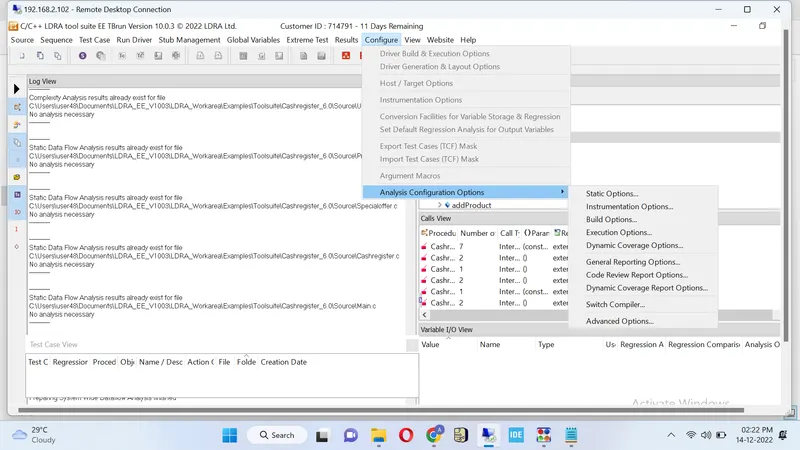
step3: analysis configration / static option
step4: find create location for INCLUDE FILES AND macros and file location
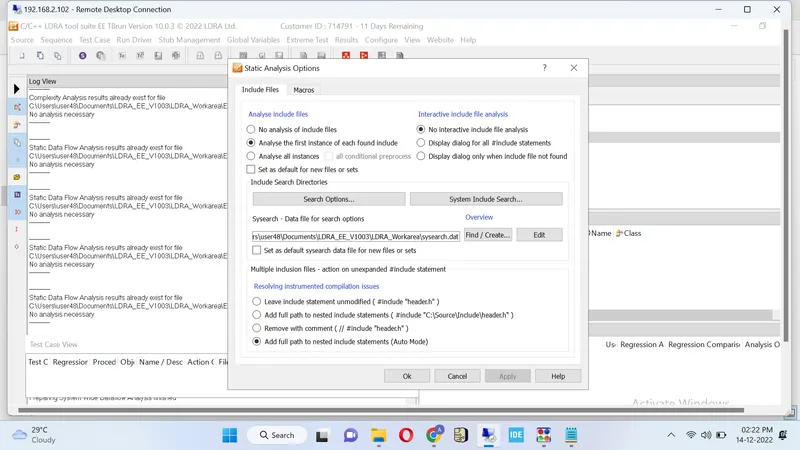
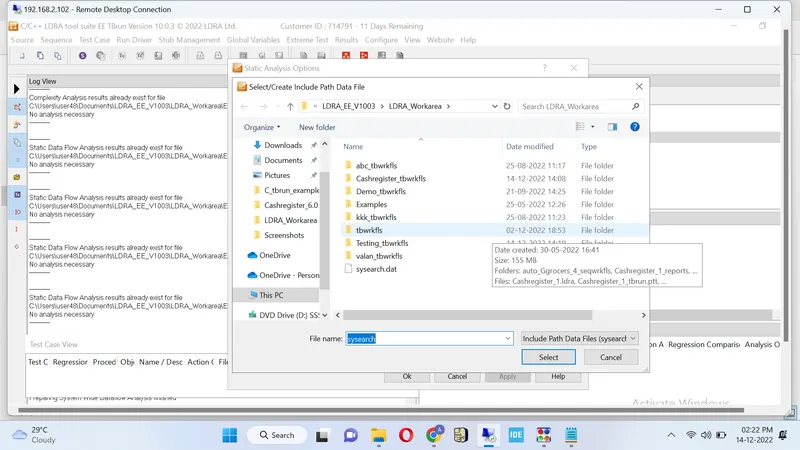
step 5: RUN STATIC ANALYSIS after compleating analysis select save file or set tcf and select file loaction
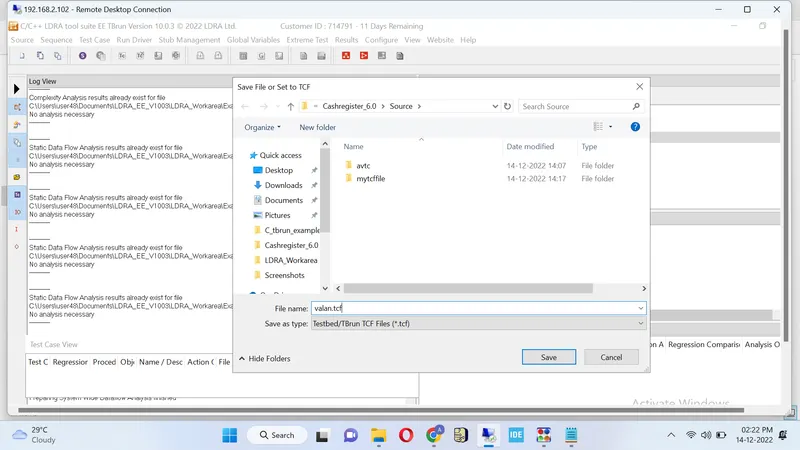
step6: RESULT / test manager report