Project 2 - V&V SW Analysis II
Q1)Perform Static Code Review Analysis for “C:\**\LDRA_workarea\Examples\C_Testbed_examples\Testrain\Testrain.c” Generate Code review report and upload them.
Answer:-
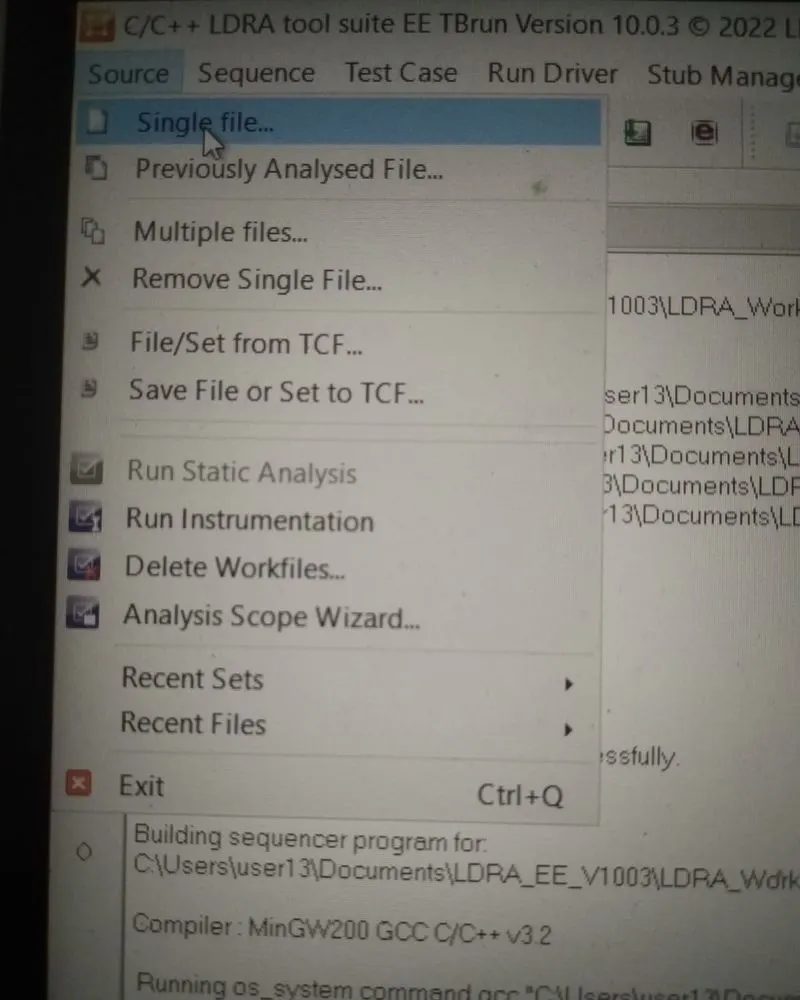
step 1:- open the Single file
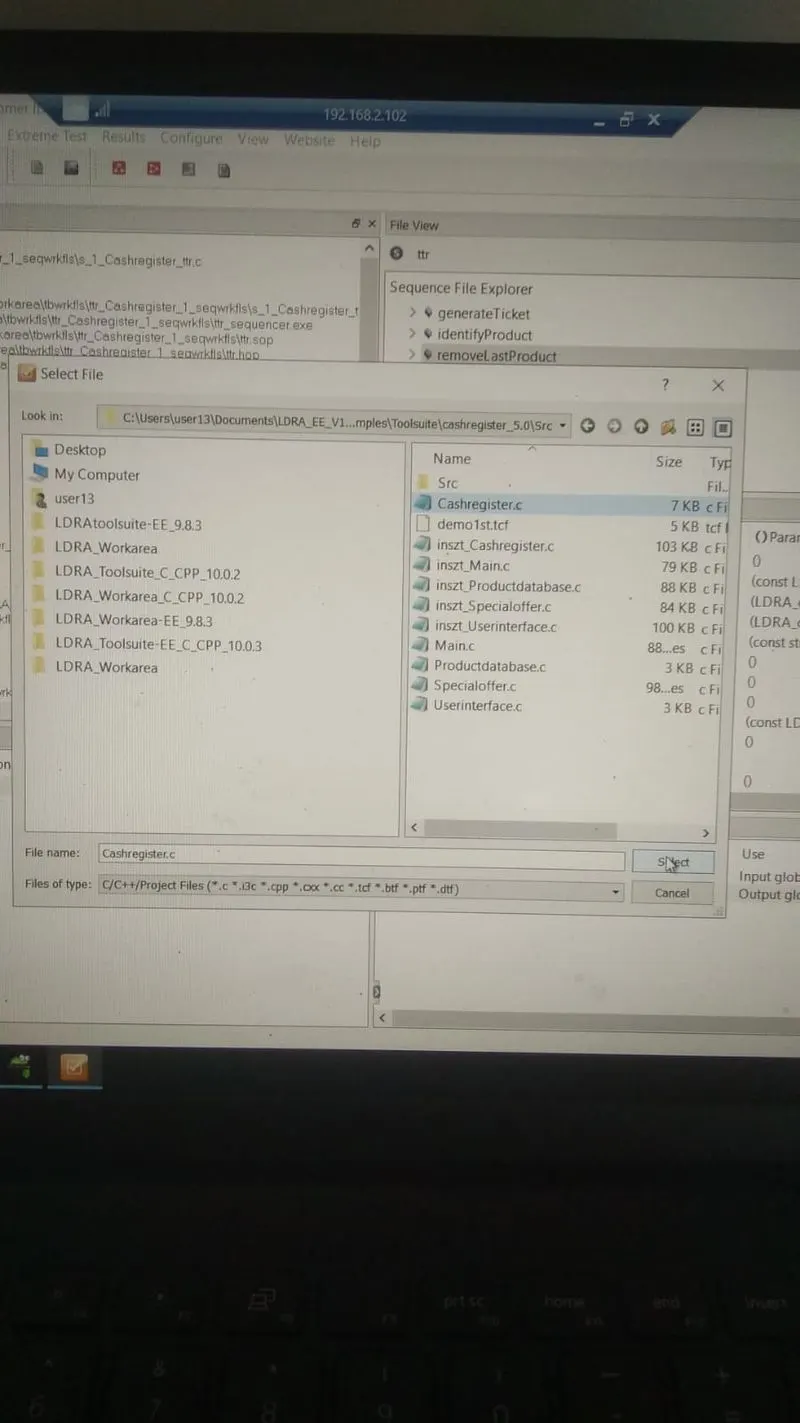
Select .c file
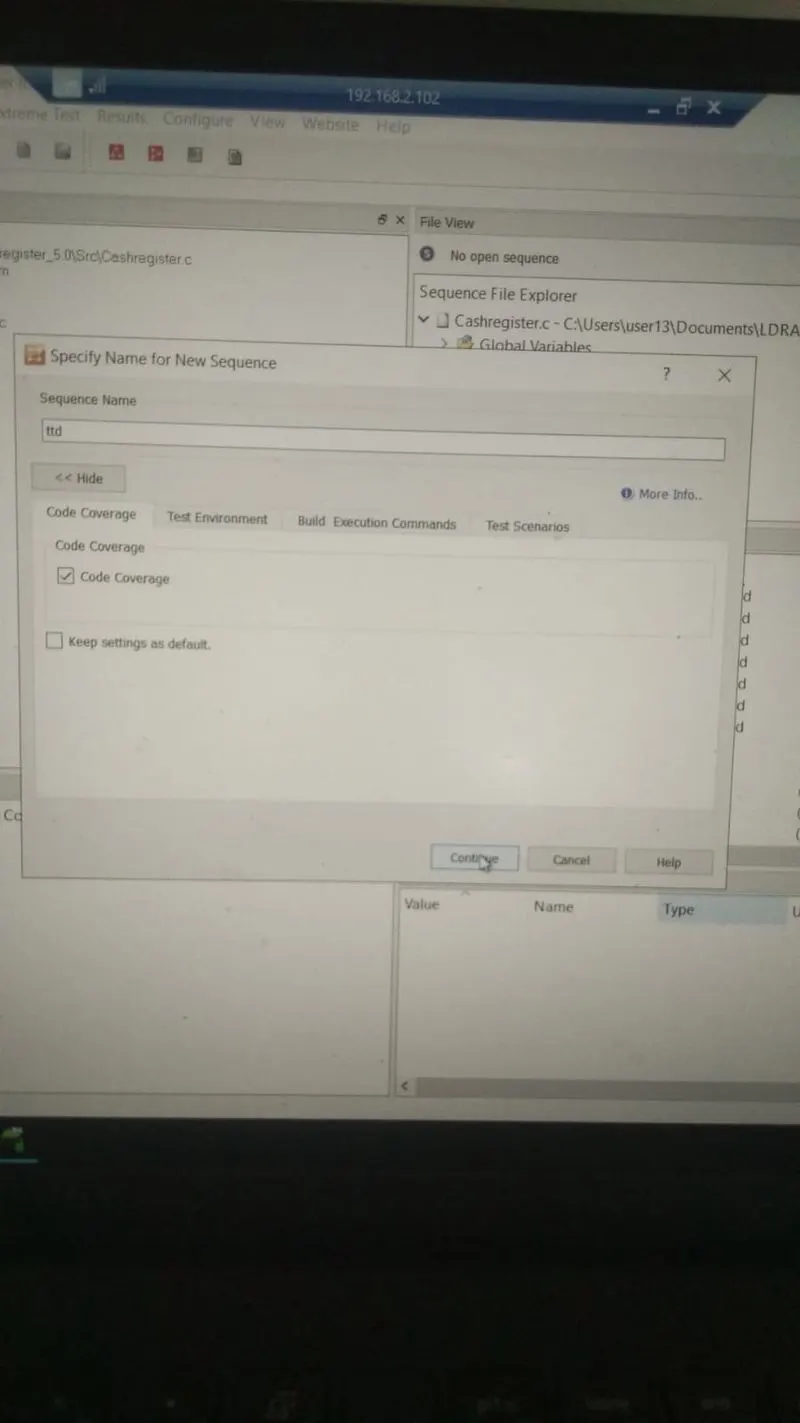
Sequence >>New and Code coverage
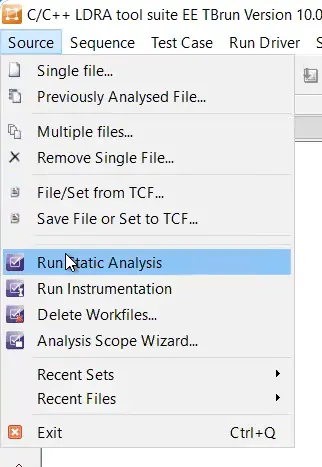
Source >> Run static Analysis
then All .c file Enable then genrate report
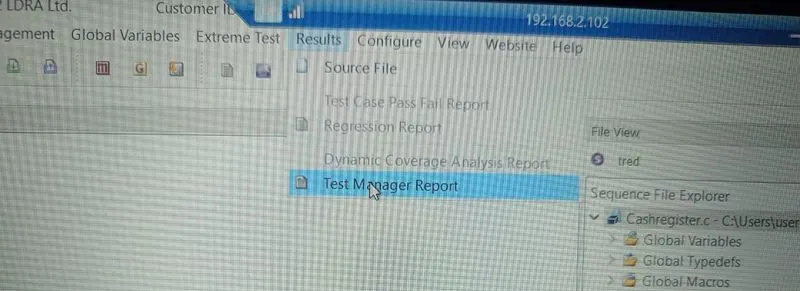
this is report
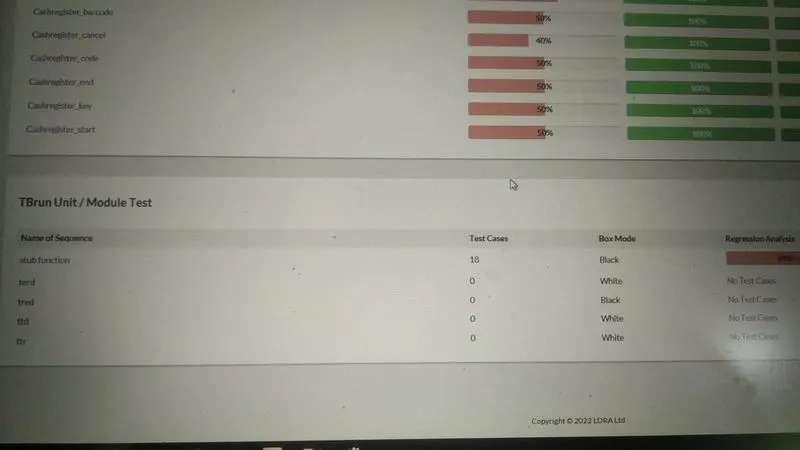
When we click on +/- symbole then showing HTML file
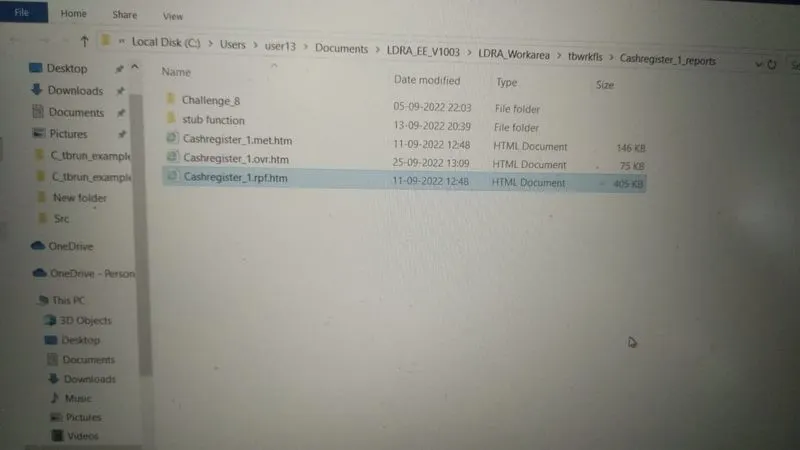
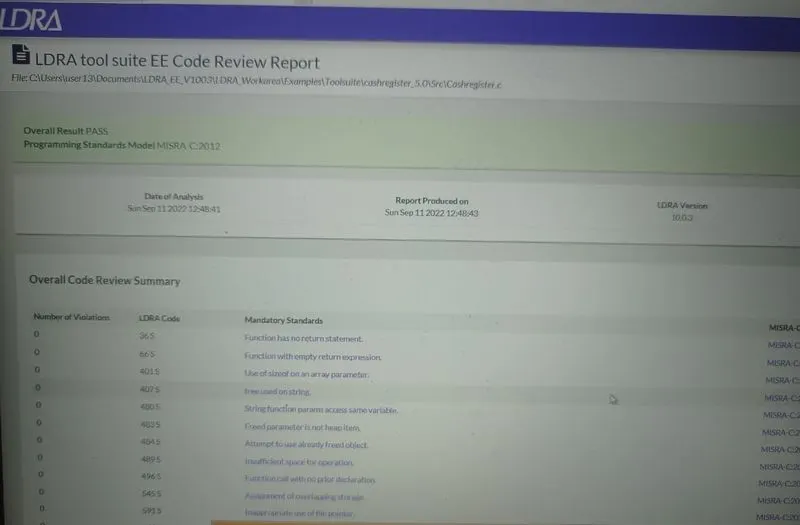
double click on file HTML file will be open in this report fully Analysis all test cases
Q2)Perform Integration testing by including all the .C files available in the folder location C:\**\LDRA_workarea\Examples\Toolsuite\Cashregister_6.0\ **
A)Create the test cases manually as well as automatically using TBExtreme and upload the reports.
B)store the test cases as .tcf file. Upload the location image where the .tcf file is stored.
Answer:-
Manually
step 1:- open the Single file
Select .c file
Sequence >>New and Code coverage
Source >> Run static Analysis
then All .c file Enable then genrate report
this is report
right click on file name and select black box
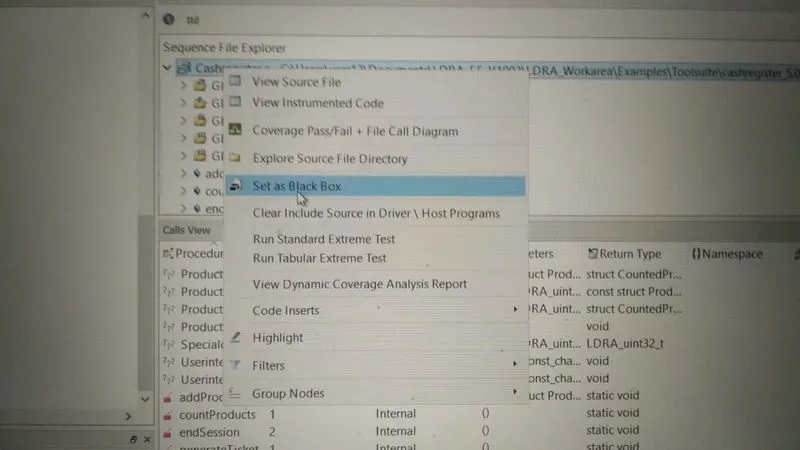
Source >> Run static Analysis
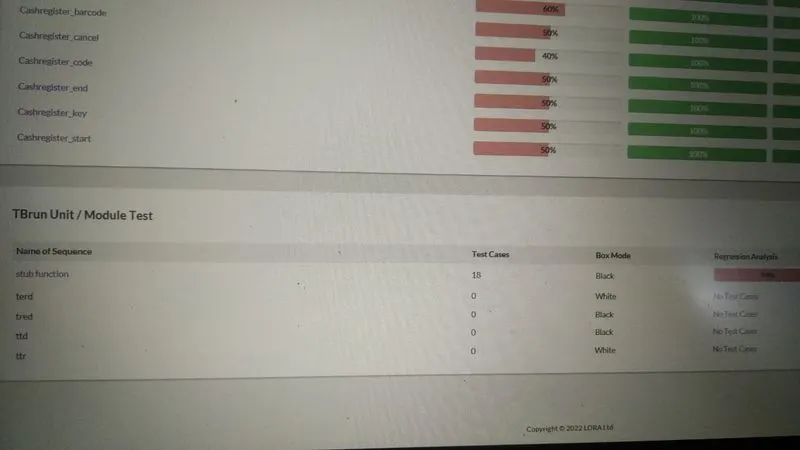
Result >> test manager report
then showing ttd are black
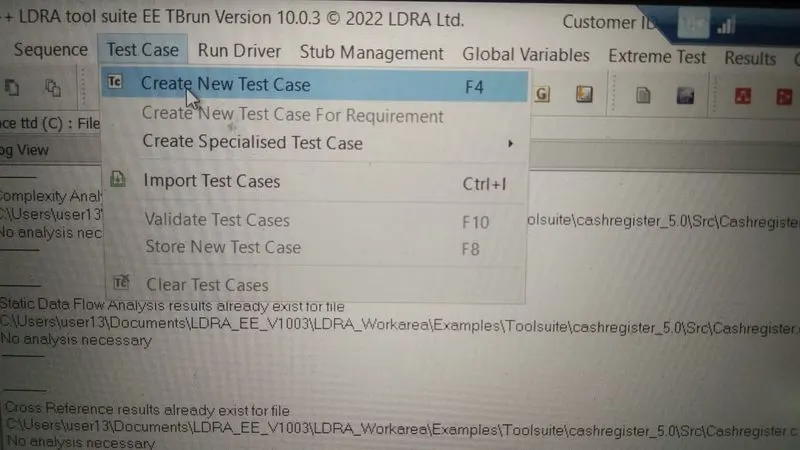
Create new test case
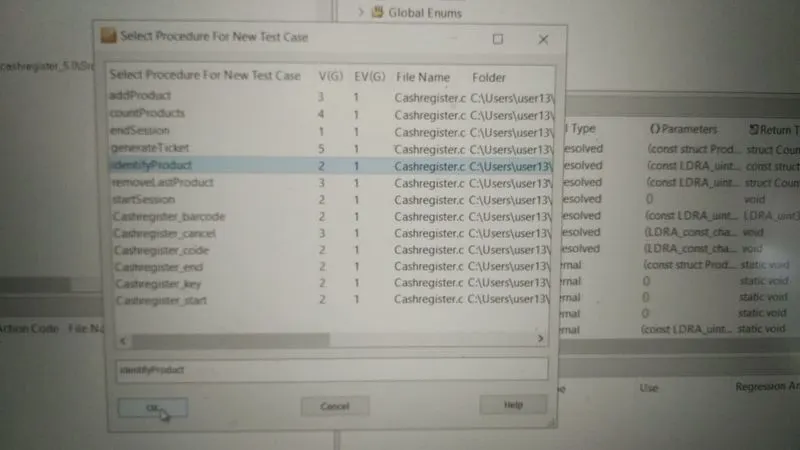
then select then function name
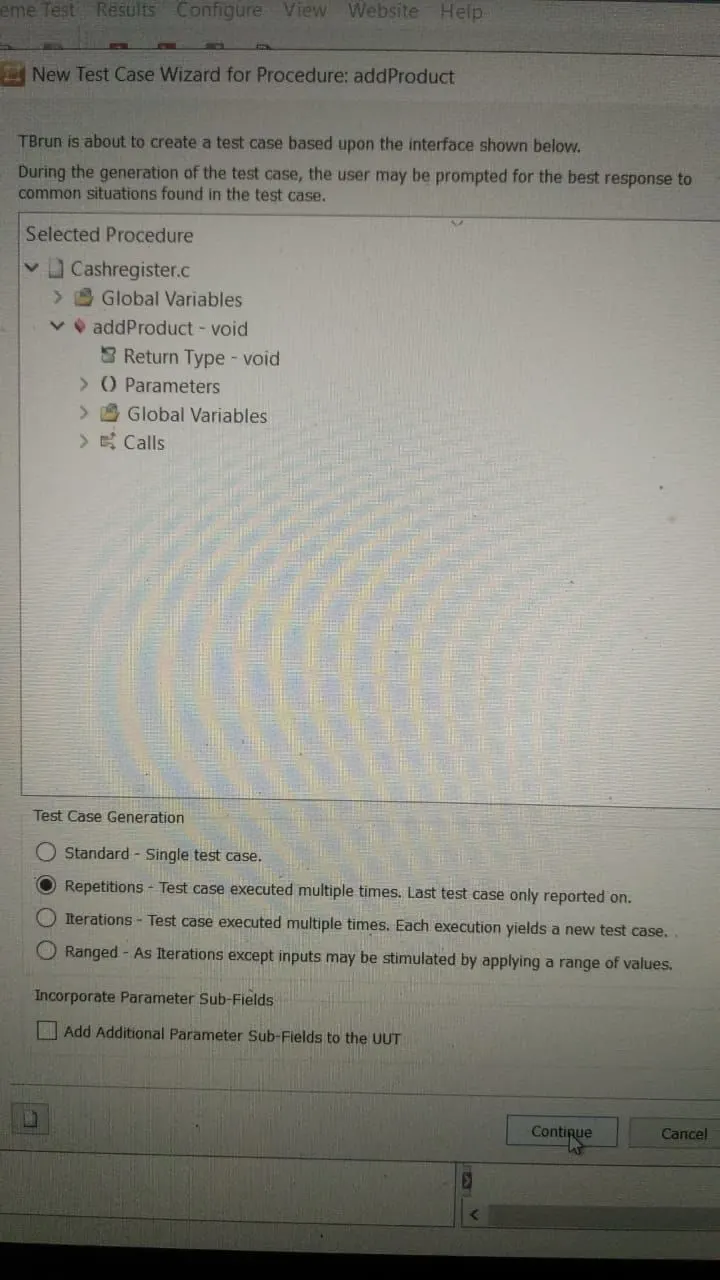
then change function box color in red color
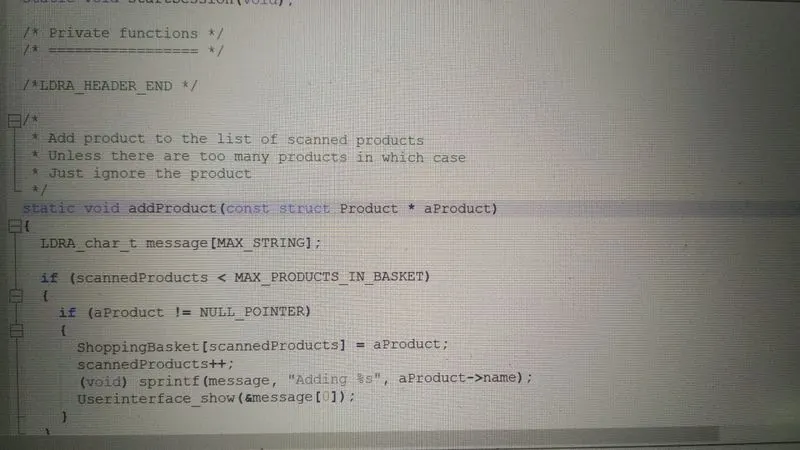
click on function >> procedure code
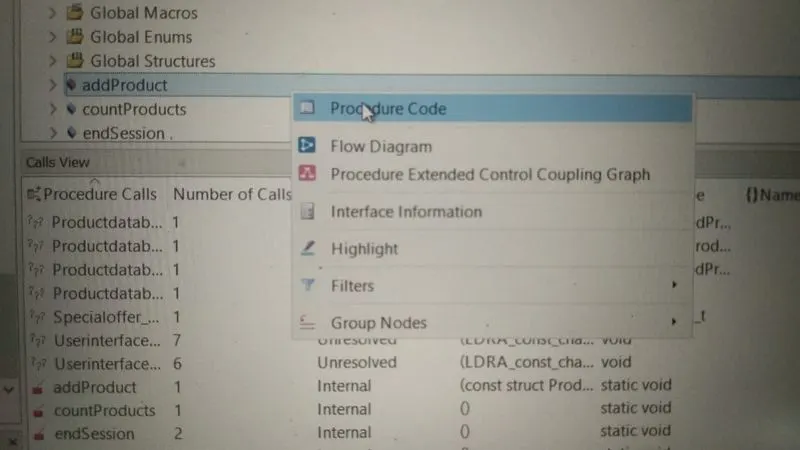
then open code
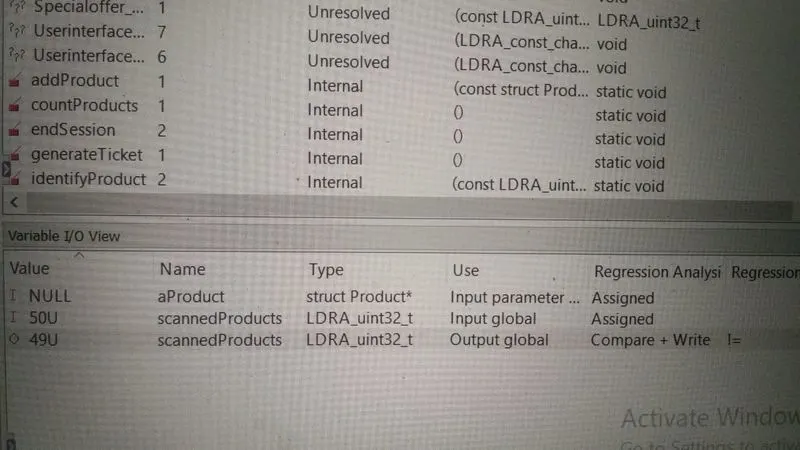
give input output value
Run >> Run Drive
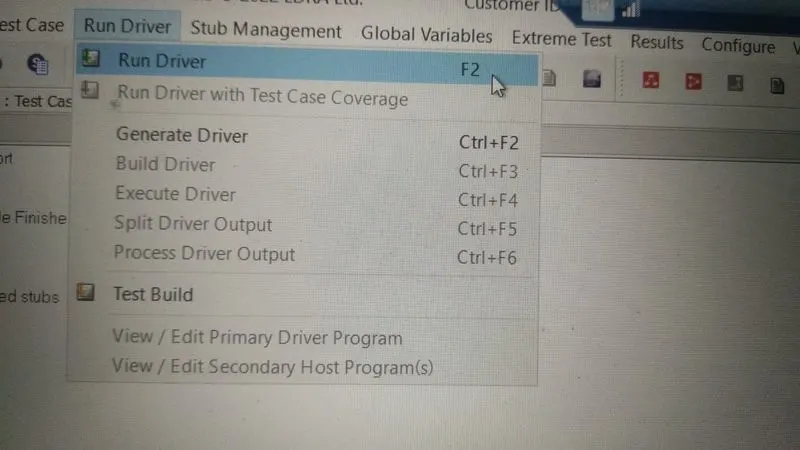
Final regression
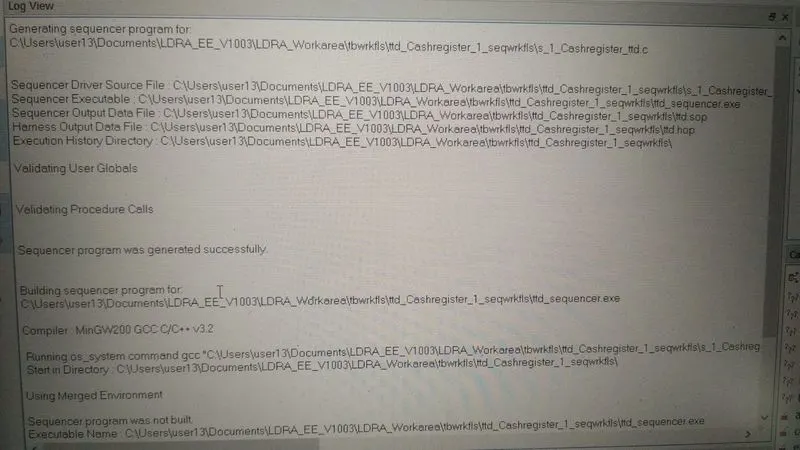
Automatically
step 1:- open the Single file
Select .c file
Sequence >>New and Code coverage
Source >> Run static Analysis
then All .c file Enable then genrate report
this is report
right click on file name and select black box
Source >> Run static Analysis
Result >> test manager report
then showing ttd are black
Create new test case
then select then function name
then change function box color in red color
click on function >> procedure code
then open code
Extreme test>>Run Tabular Test
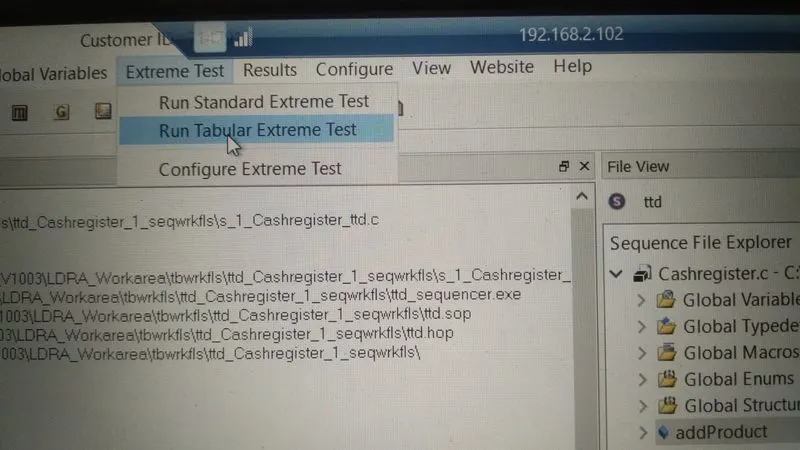
in this Autonamic testing not need write input and output value already take this testing
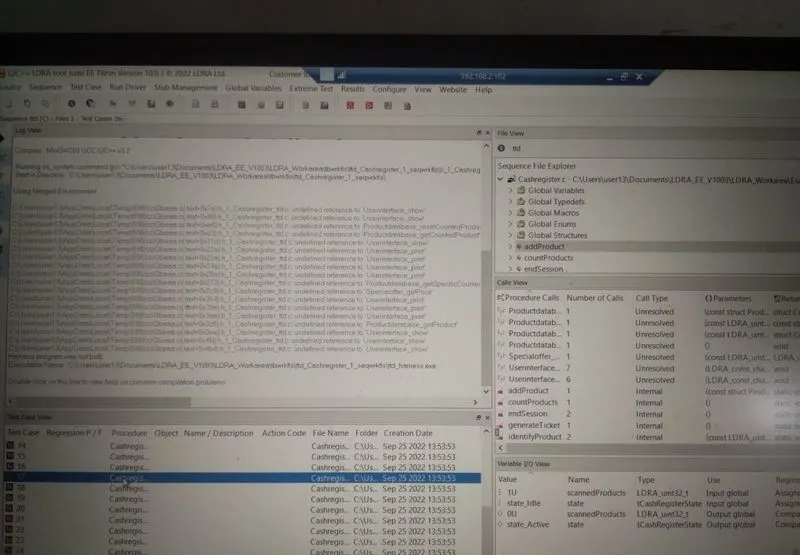
B)store the test cases as .tcf file. Upload the location image where the .tcf file is stored.
When Create regression scripts then this Test case file is genrated in regression folder