Project 2 - V&V SW Analysis II
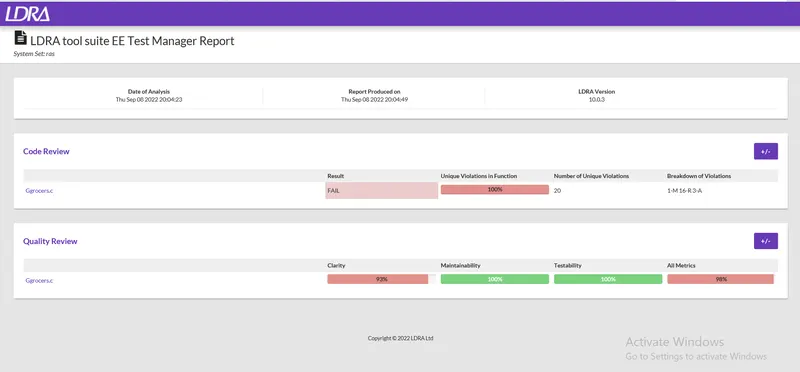
1) Perform Static Code Review Analysis for “C:\**\LDRA_workarea\Examples\C_Testbed_examples\Testrain\Testrain.c” Generate Code review report and upload them.
Answer:
Steps :
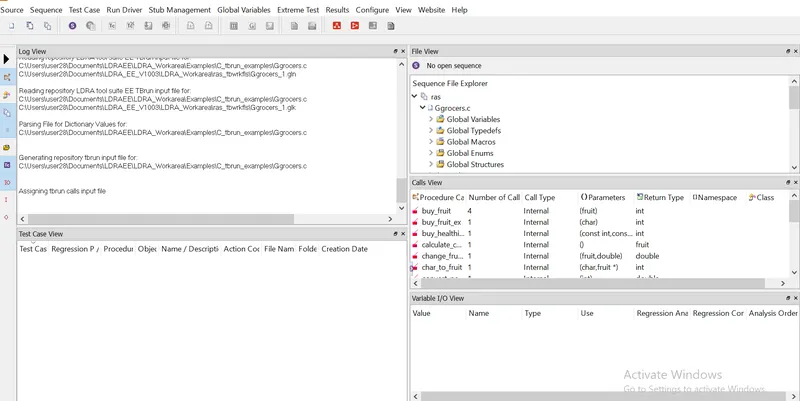
- Open LDRA tool
- Click on Source in that click on Single file
- Select the Ggrocer.c
- uploaded Ggrocer.c file in File view window
- Go to sequence give new file name in new then click on code coverage check box
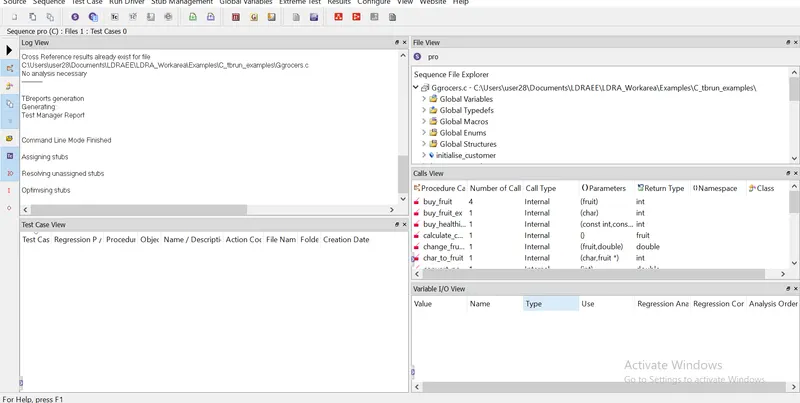
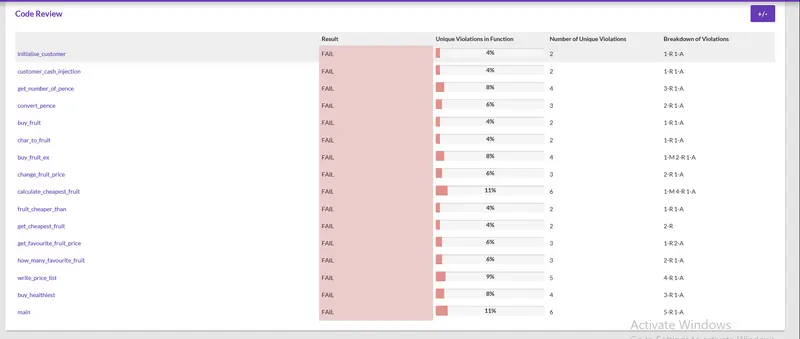
- Go to source and Run static analysis
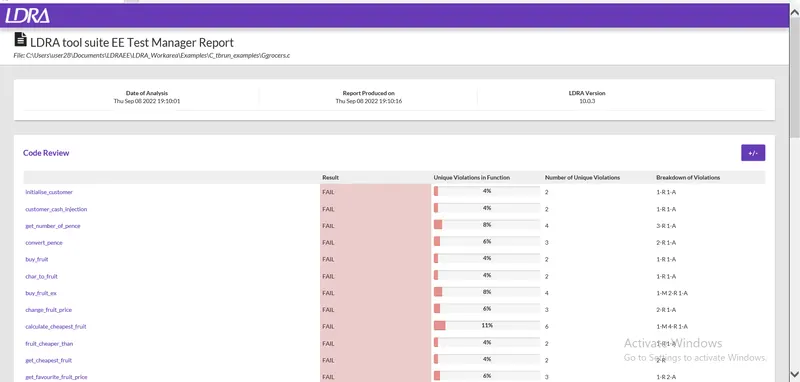
- Go to result and click on Test Manager report
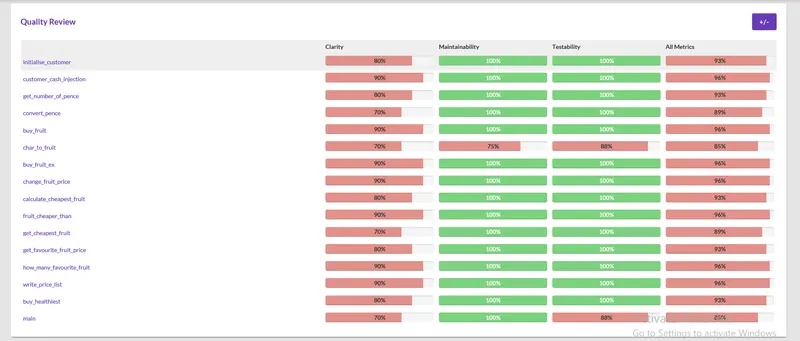
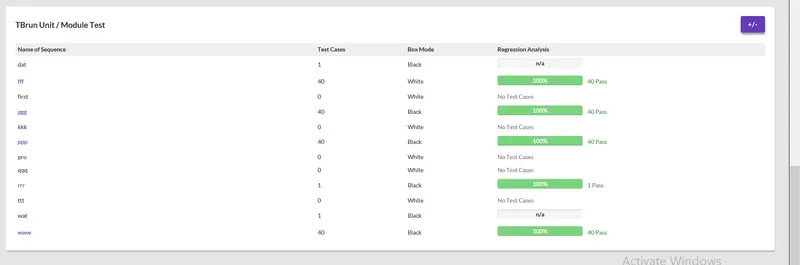
Output:
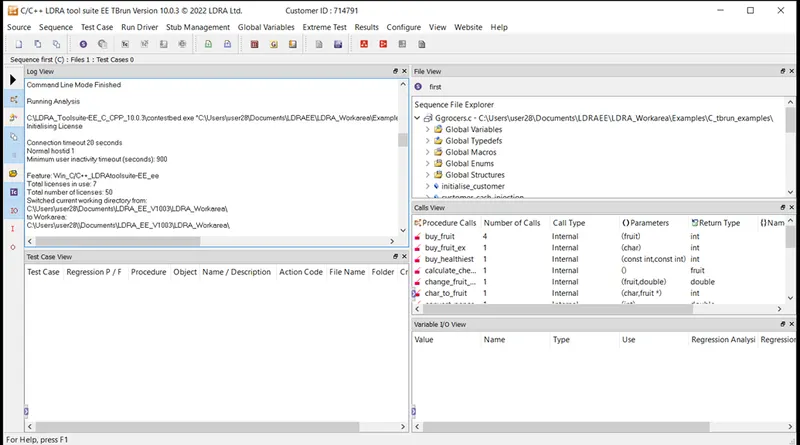
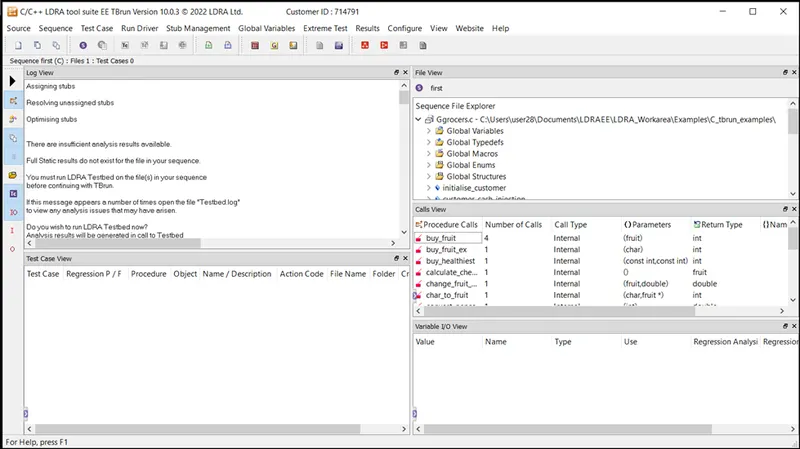
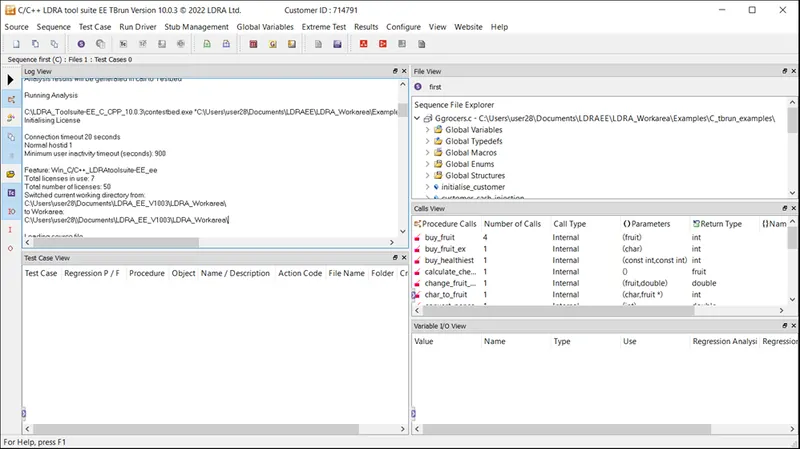
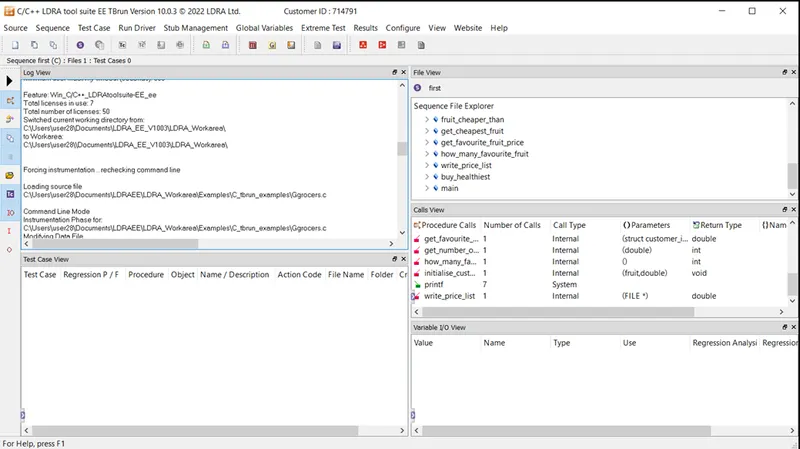
Q.2) Perform Integration testing by including all the .C files available in the folder location C:\**\LDRA_workarea\Examples\Toolsuite\Cashregister_6.0\ **
A)Create the test cases manually as well as automatically using TBExtreme and upload the reports.
B)store the test cases as .tcf file. Upload the location image where the .tcf file is stored.
Answer:
steps:
- Open LDRA tool
- Click on Source
- Click on Multiple file
- One window pop up
- Give any name click on create click on system then add
- Now Go to configure on menu bar then Analysis configure option
- Static option window opens
- Now click on Find/create buttion example TBrun_exampleàexampleàjus click on select
- Go to Macro
- click on Find/create buttion example TBrun_example
- Now click on Apply
- Go to sourceàRun static analysis
- Result the report
For storing .tcf file
same procedure as above only follow
- Right click on Ggrocer.c in file view window àset as black box testing
- Go to sourceàRun static analysis
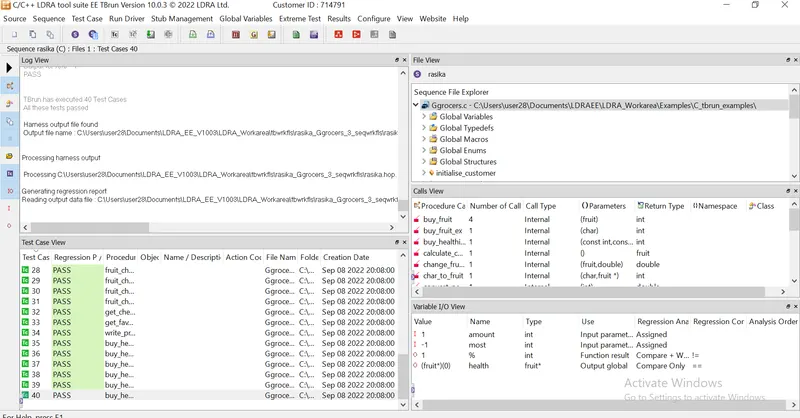
- Go to extreme test on menu bar
- Click on Run Tabular extreme test case ( all the test case pertaining to function in Ggrocery.c file have created)
- All test created (40).
- Go to source click on Save file or set to TCF