Project - 2 - Meshing on the suspension Assembly
Aim:-
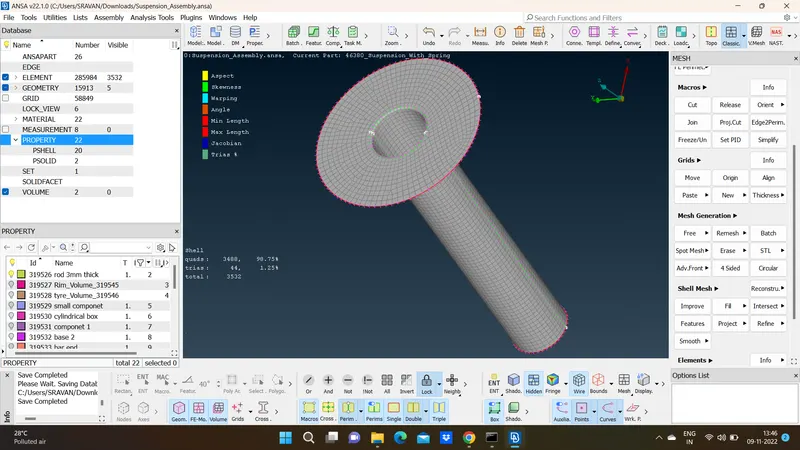
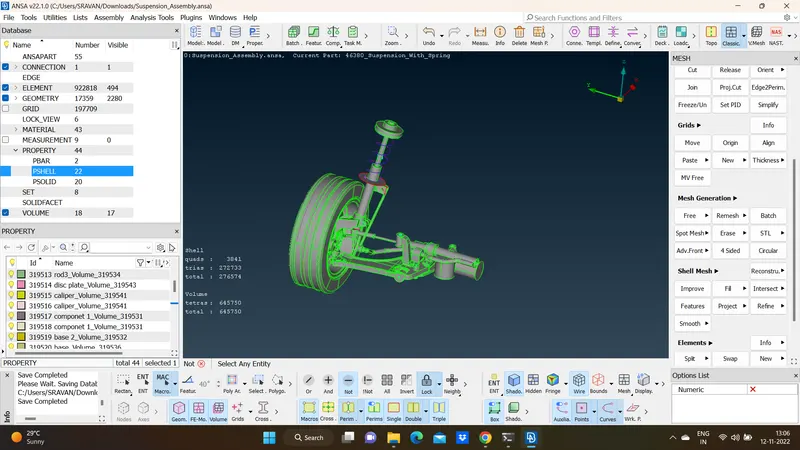
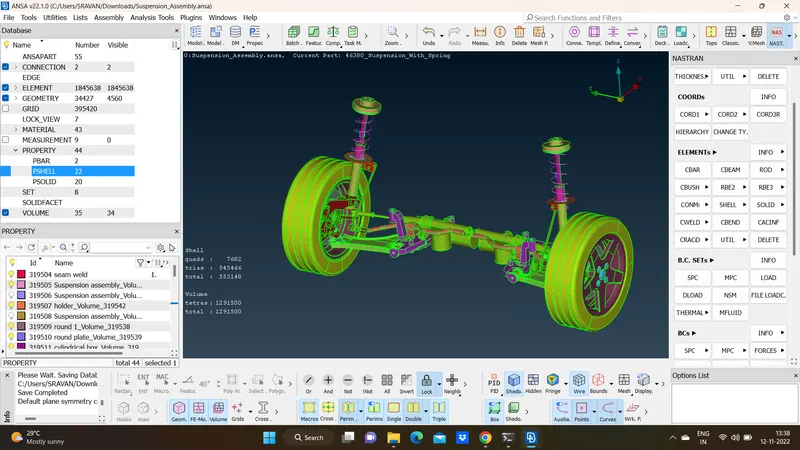
Mesh the given rear suspension accordingly with 2D & Volume meshing as per the given quality criteria. Connections to be deployed for the model. Replicate the model symmetrically after all the meshing and connections.
Steps Followed:-
- Geometry Clean-up.
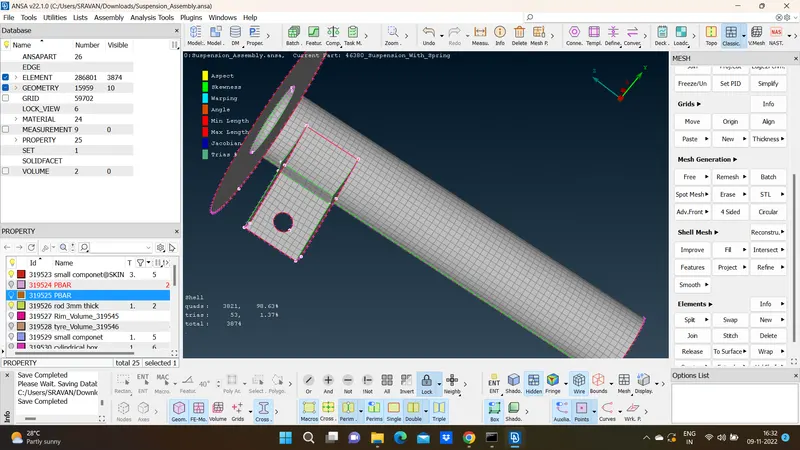
- Mid surface extraction & 2D meshing.
- Volume Meshing.
- Bolt & Seam Weld Connection.
- Symmetrical Replication.
Procedure:
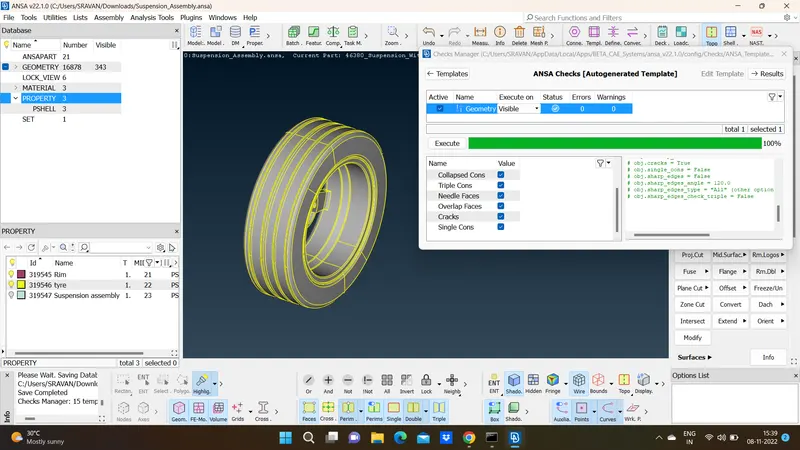
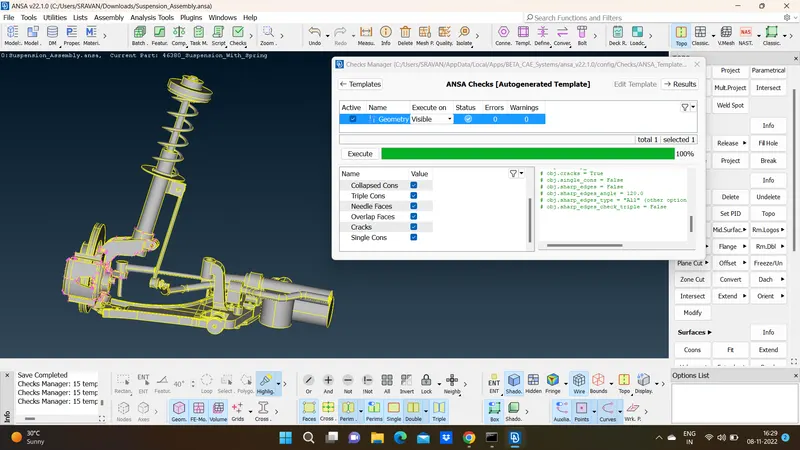
1. Import the given model to ANSA. Clean up the model and check for geometrical errors.
2. Once the geometry is clean, extract mid surface by Faces->Mid Surface->Skin method for parts which are having uniform thickness and Faces->Middle for non uniform thickness parts.
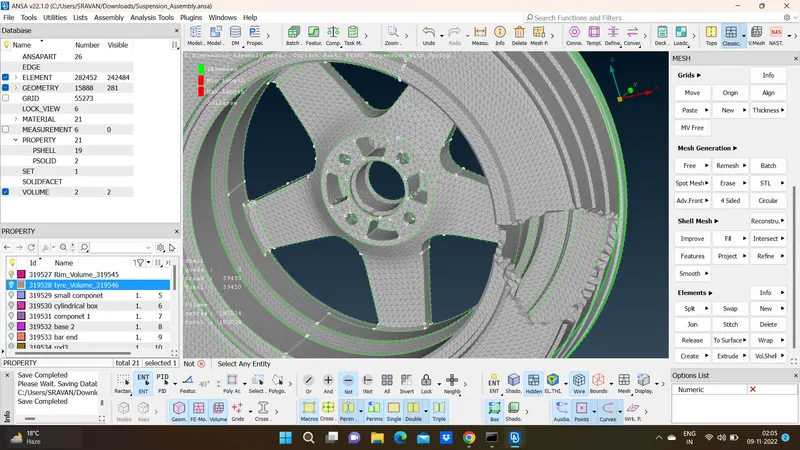
3. Complete the meshing of 2D elements by Mesh Generation->spot mesh in Mesh module, with appropriate quality criteria.
4. Similarly perform 2D meshing for the parts.
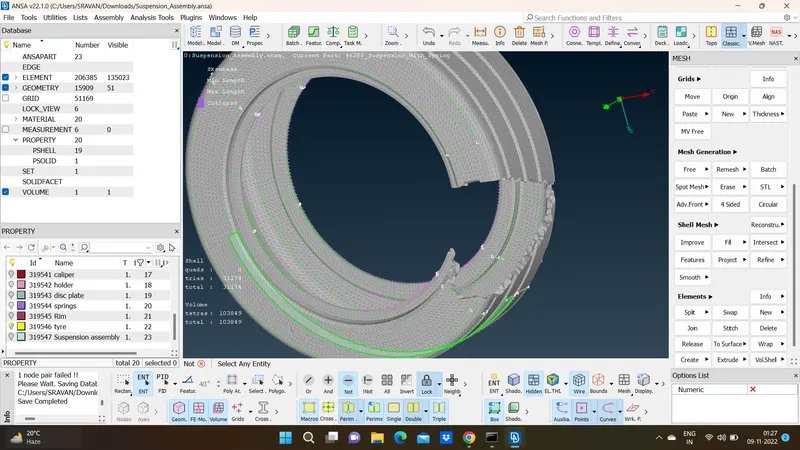
5. After 2D meshing is completed, perform Solid meshing by first having Spot mesh with ortho trias element using Mesh Generation->Spot Mesh and later proceed by using Volume->Define->Manual and select the component/region that covers a particular volume. Select Auto mode so that it detects the closed volume automatically
6. Similarly perform Solid meshing for tyre, disc, rod, support brackets, callipers
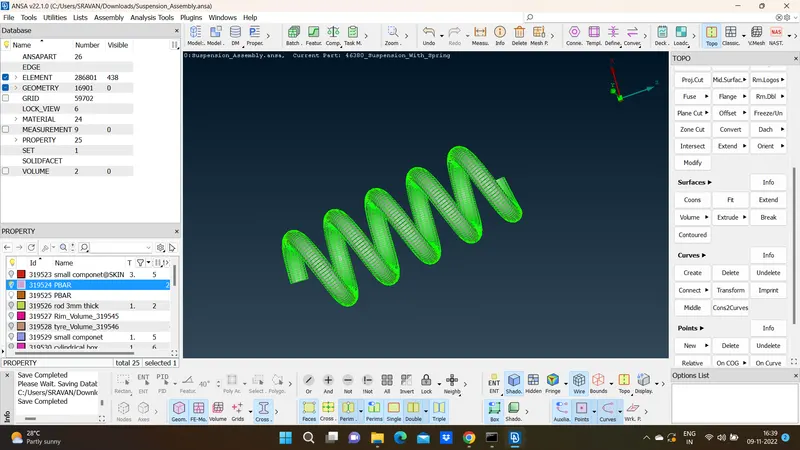
7. 1D meshing is to be performed in Spring. Generate middle curve running through the entire spring using Curves->Middle in Topo Module, Convert the curves to a single curve using Curves->Connect->Multi in Topo Module
8. Open NASTRAN deck to assign 1D mesh element. Select Elements->CBAR, check "Orientation with nodes" and pick "Curve (box)", select the spring curve and click on middle mouse click.
9. Once all the components are meshed, deploy connections accordingly.
Use RBE2 in NASTRAN deck. Create RBE2 component for each hole separately by Elements->RBE2->Many Nodes
10. Similarly, using Elements->RBE2->Two Nodes, connect the relative parts like a shaft or tie rod lowering in the Similarly, perform connection for all such condition
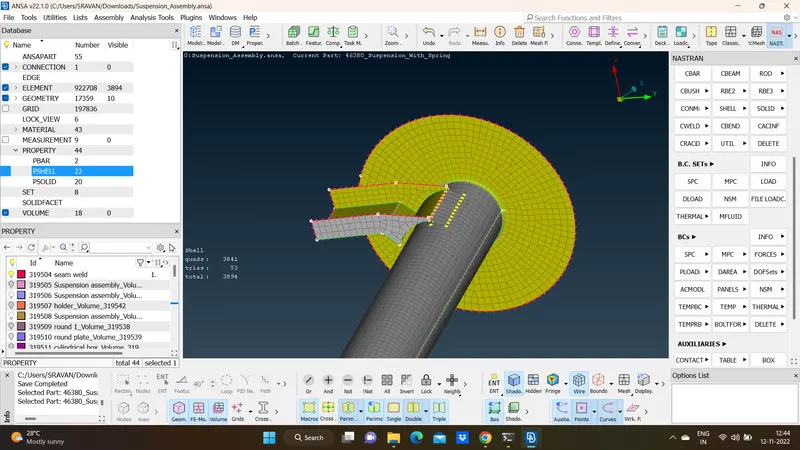
11. Deploy Seam weld connection for the rod and small componenet for over lap shall.
Select Curves->Cons2Curve in topo deck and create a curve along the weld surface. Convert the curve to seam line
12. Once the complete meshing and deploying connections, the model it to be symmetrically replicated.