Project-2-Meshing of Door Inner Panel Challenge
Aim
To mesh the given side door panel with the size of 4 Units following the quality criteria and to assign thickness using Hypermesh.
Procedure
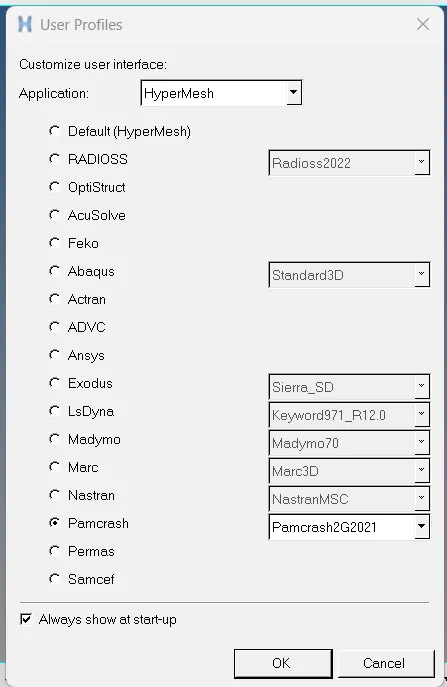
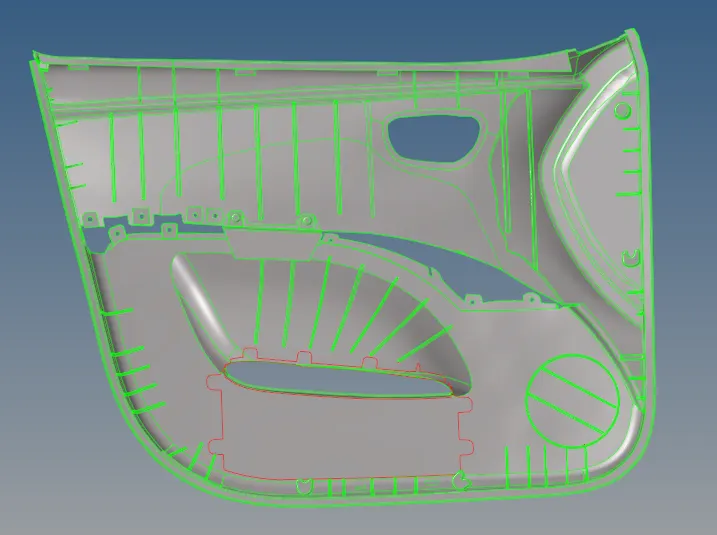
Imported the CAD geometry using the import geometry option on Hypermesh. As it supports the .igs file hence the challenge .iges file is successfully opened. Chose the pamcrash profile to carry out the preprocessing.
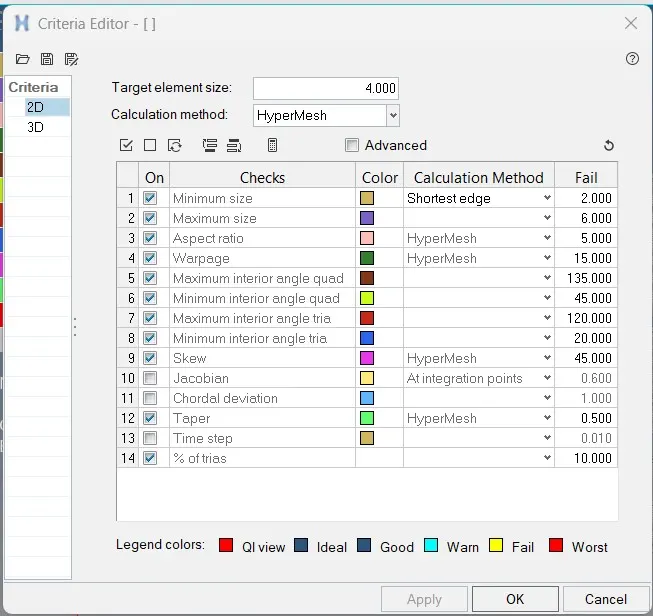
Now quality criteria is given in the question is as under:
| S.N | Quality Criteria | Value |
| 1 | Aspect Ratio | 5 |
| 2 | Skewness | 45 |
| 3 | Warping | 15 |
| 4 | Taper | 0.5 |
| 5 | Min. Length | 2 Units |
| 6 | Max. Length | 6 Units |
| 7 | Min angle Quad | 45 |
| 8 | Max angle Quad | 135 |
| 9 | Min angle Tria | 20 |
| 10 | Max angle Tria | 120 |
| 10 | Tria % | 10 |
Now quality criteria is provided for quality checks so that the component is devoid of quality issues so that boundary conditions and loads can be applied further.
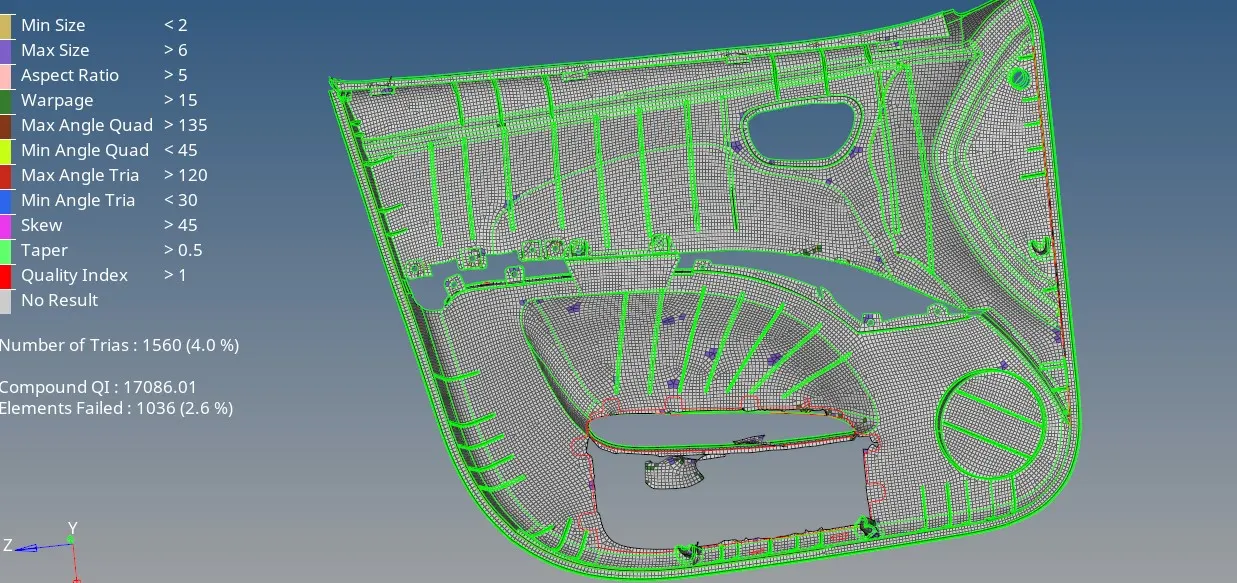
This time to know the hypermesh a lot better I used the midmesh option. The midmesh did not give good mesh flow and in some places the features and not even captured also there was over 1000 elements failing.
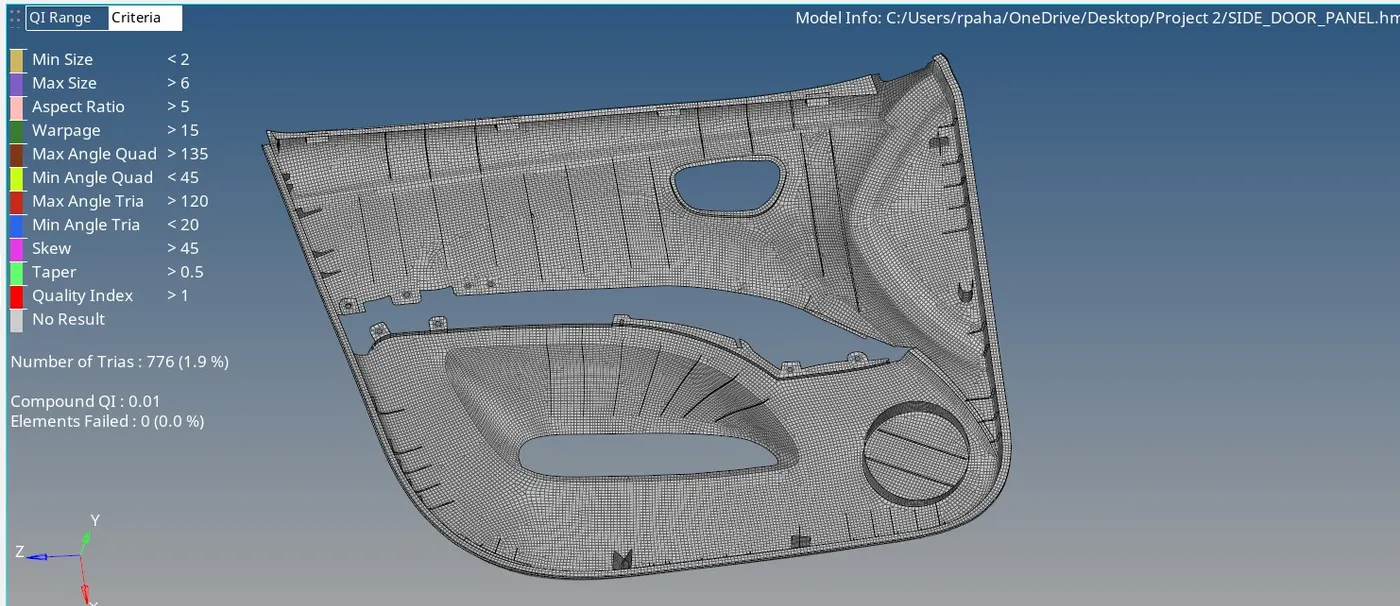
Then went to the 2D option and clicked on automesh. Given the element size as "4" units and selected areas with "mixed" mesh type, then meshed the component clicking on the mesh command. Used the automesh and split repeatedly to achieve better mesh flow, used qualityIndex>cleanuptools> drag tria element, Combine, Split, replace to remove trias at the edges and the boundaries and also used this to combine opposite trias using combine option in the element edit option. After all these, viewed the component "By Quality Criteria" and used the quality index with Fail as a threshold and cleared the failed element quality using the cleanup tools> Place node, Node optimize, Replace nodes etc. The mid mesh also removed the elements from their desired plane so used project>to plane to correct those. Used align nodes to straighten out the mesh wherever required and the smooth option with iteration "50" to improve the mesh flow. Also used the project>to line option in many places where the mesh got slided away from the feature lines.
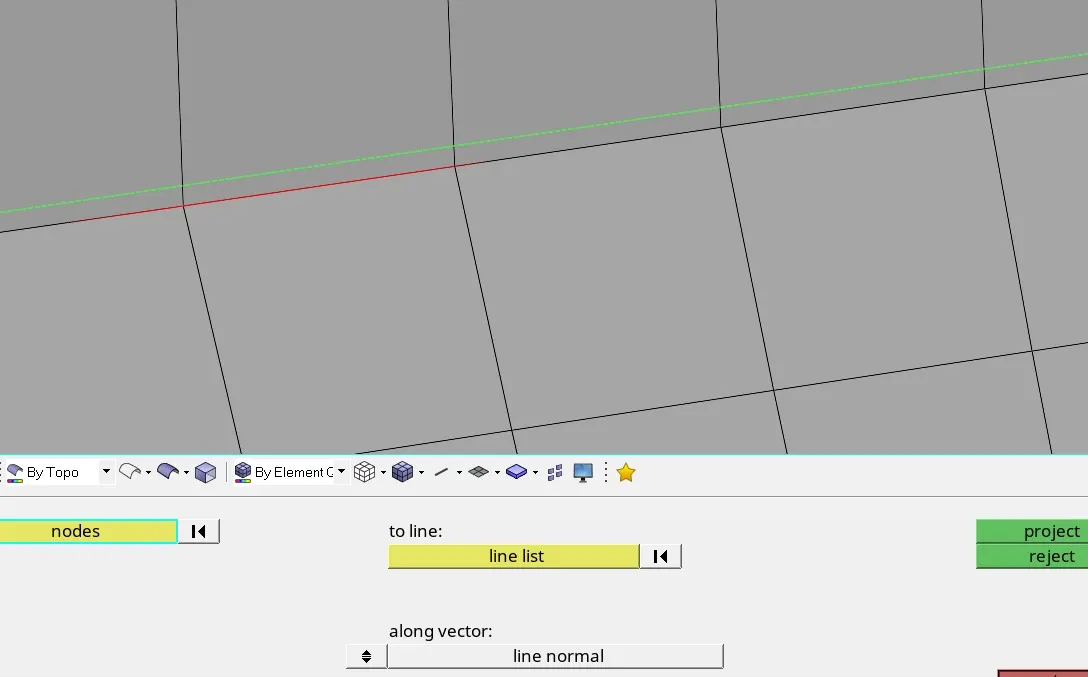
The features present were captured using the lines>midline, lines>manifold, trim with lines/surface edges.
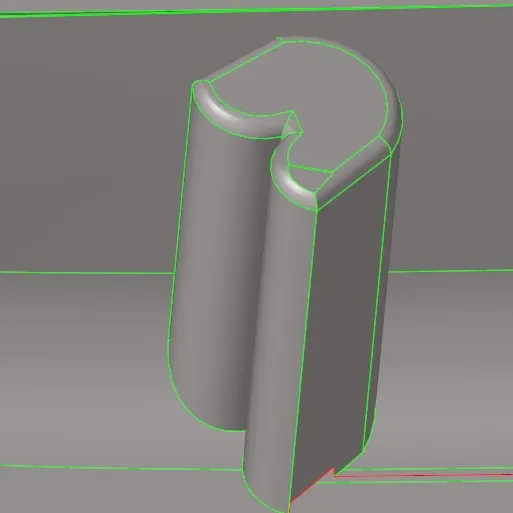
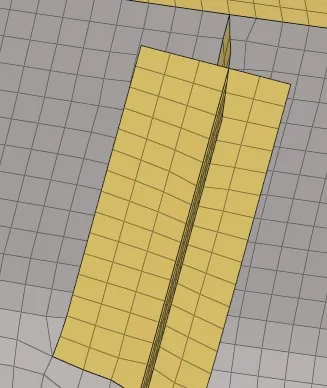
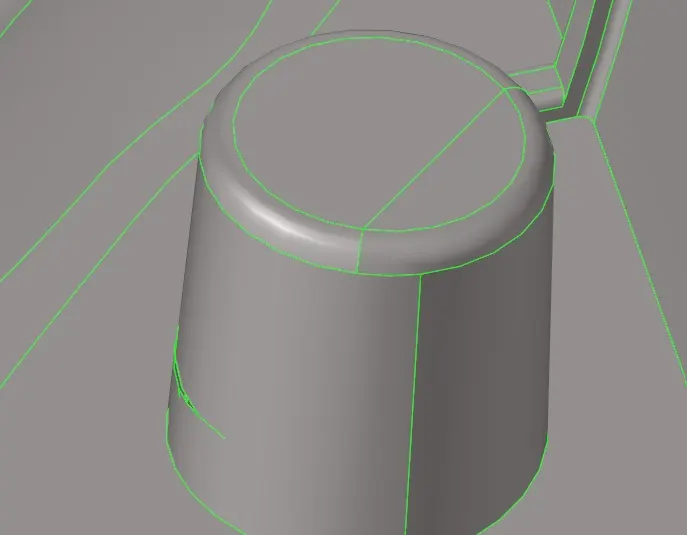
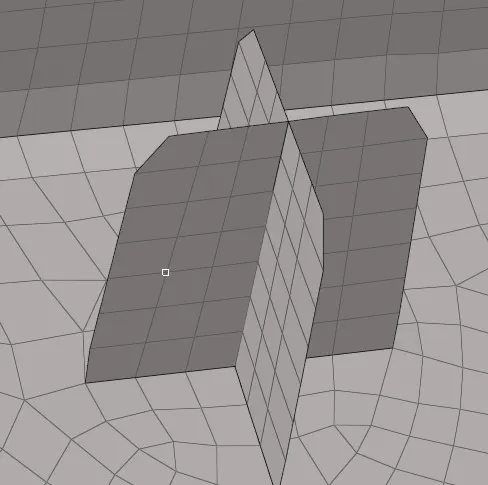
Holes are perfectly captured with 2.1mm washer.
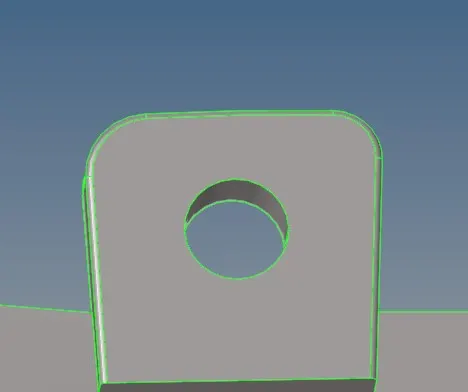
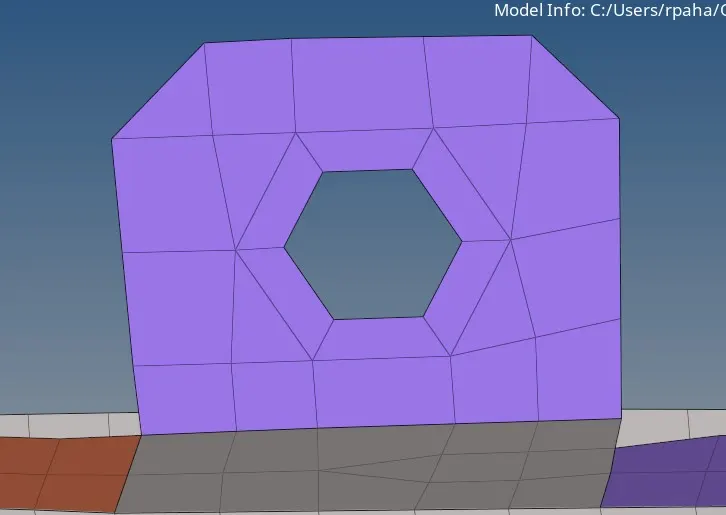
The snaps are captured like 4 with the upper surface elements offsetted by 0.5mm and given 1 mm thickness at last.
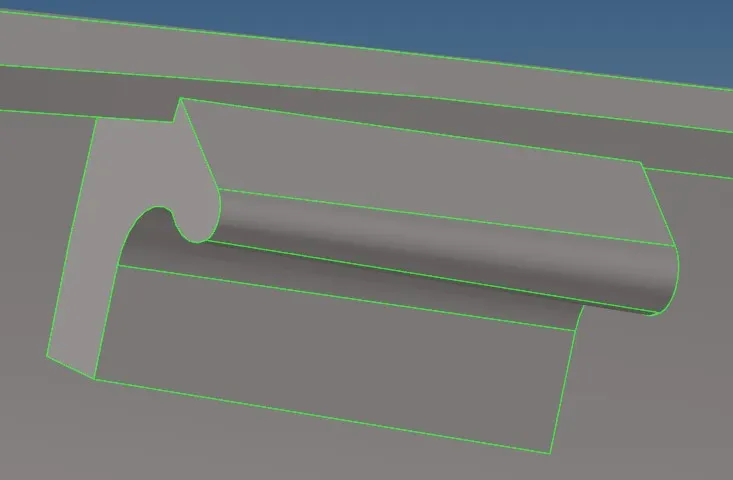
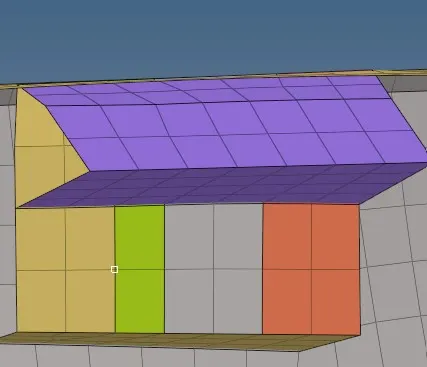
All the ribs are perfectly captured using midline option, automesh>lines option and 2D>ruled option with keep mesh delete surface turned on.
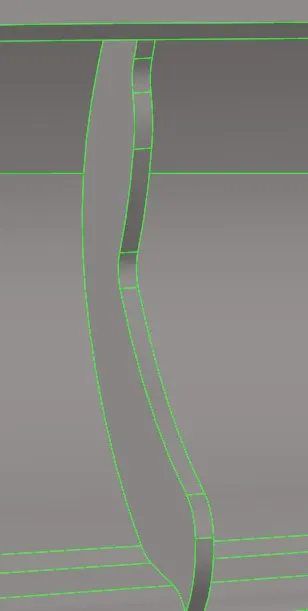
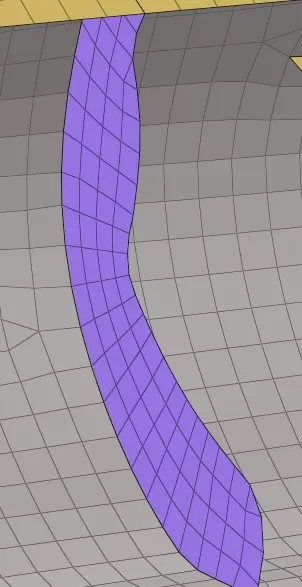
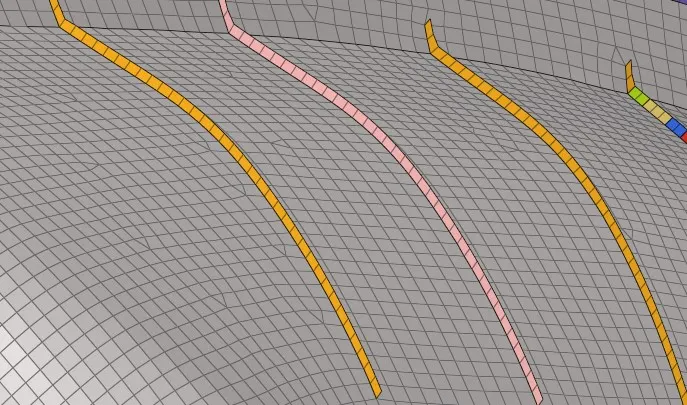
Also cleared the quality using the element cleanup tools>save failed>mask>selected retrieved elements>mask>reverse>added temp nodes (to identify them in the this big model when all the elements were unmasked).
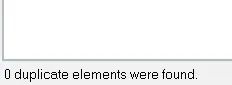
Checked for duplicates in the check elements>duplicates tab.
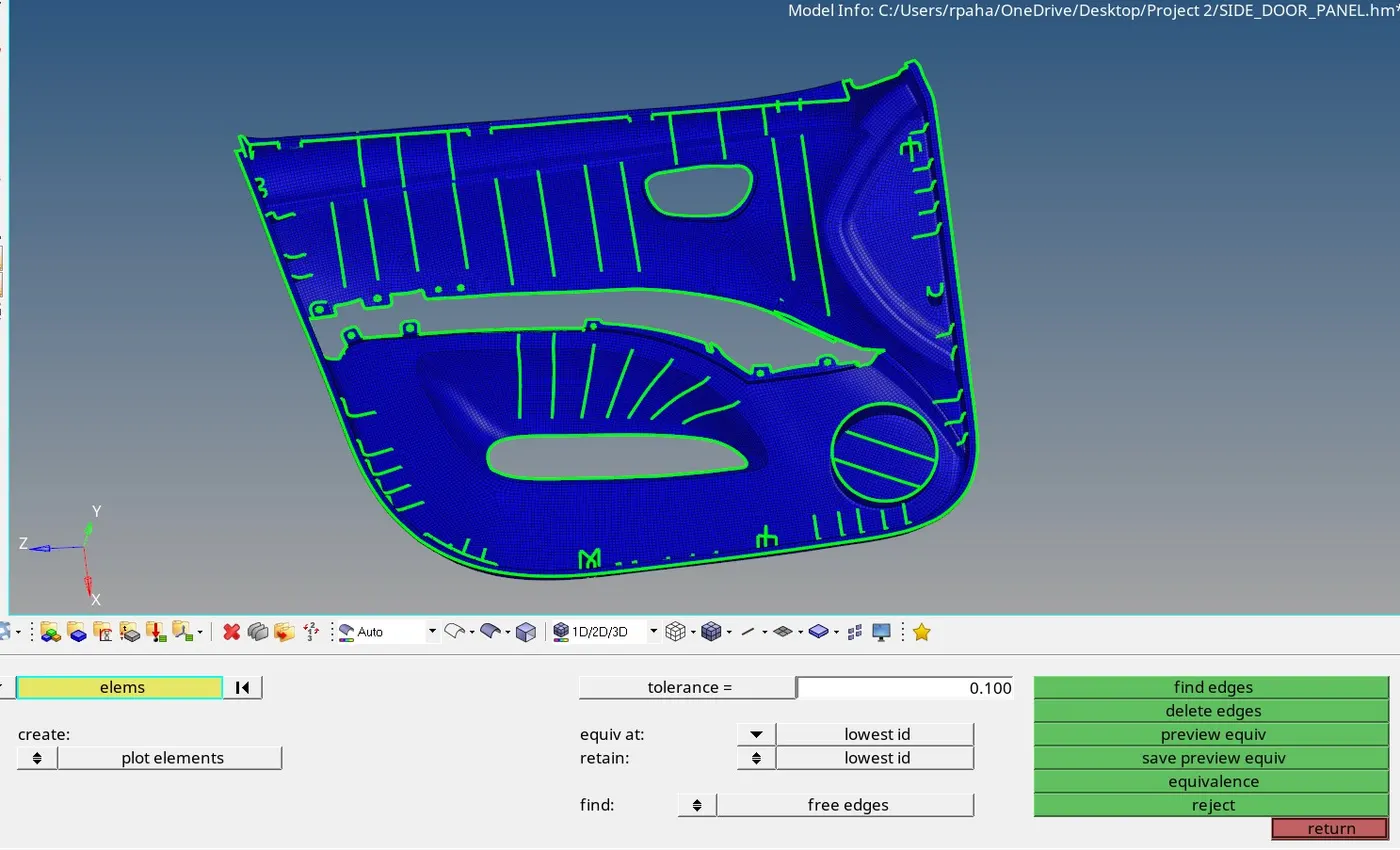
To verify the connection between elements and generate the connection found the free edges, previewed equivalence and finally provided equivalence between the nodes respectively by using the Tool>Edges>Elements>Find edges>Elements>Preview Equivalence>Equivalence(Tolerance value given 0.1). (Thick 1D elements are turned on from the option>graphics menu). No free edges found.
Viewed in 1D/2D/3D view.
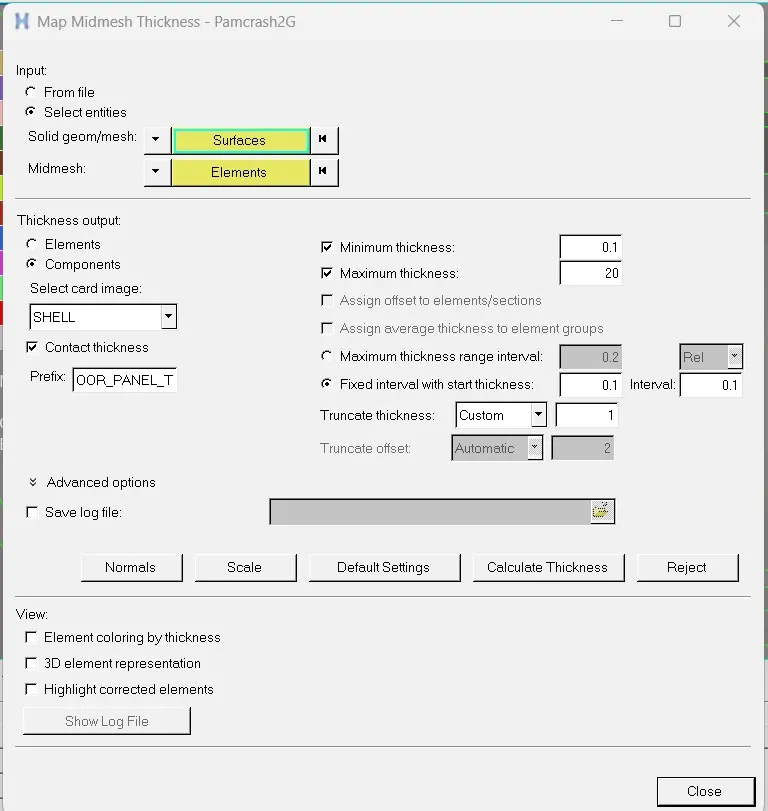
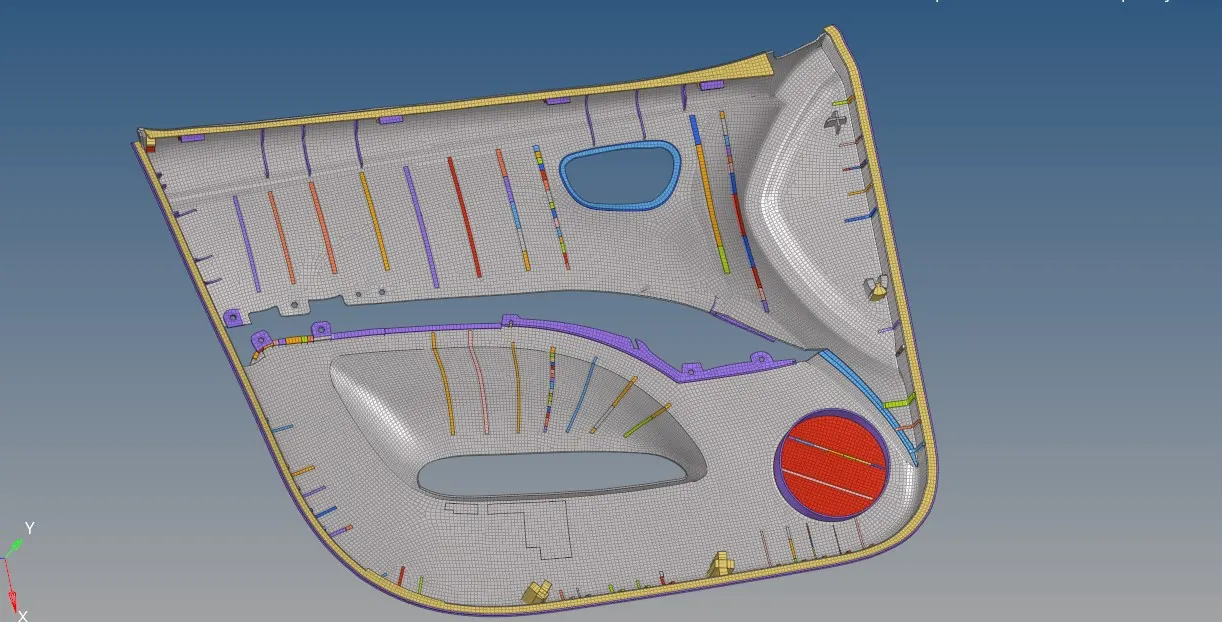
For thickness assignment used Mesh>Assign>Midmesh Thickness> Calculate Thickness option. As the solver profile selected is Pamcrash, property file will not be created. Only the components with respective thickeness is created. The settings used to calculate thickness is as under:
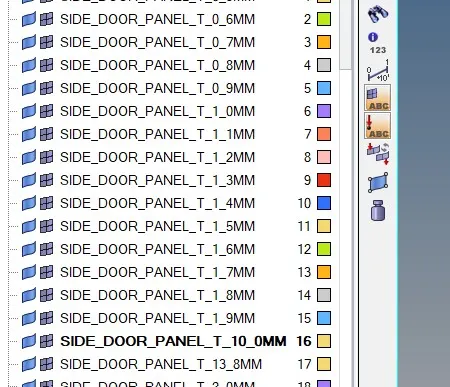
Viewed when Component view and "2D detailed element representation" option is turned on:
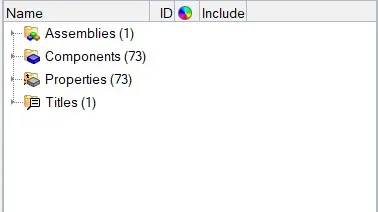
Before finalising all the components were renumbered, reordered, all the empty properties were deleted and an assembly is made for the whole model. Then converted the pamcrash file to LS-Dyna and hence separate property files are generated.
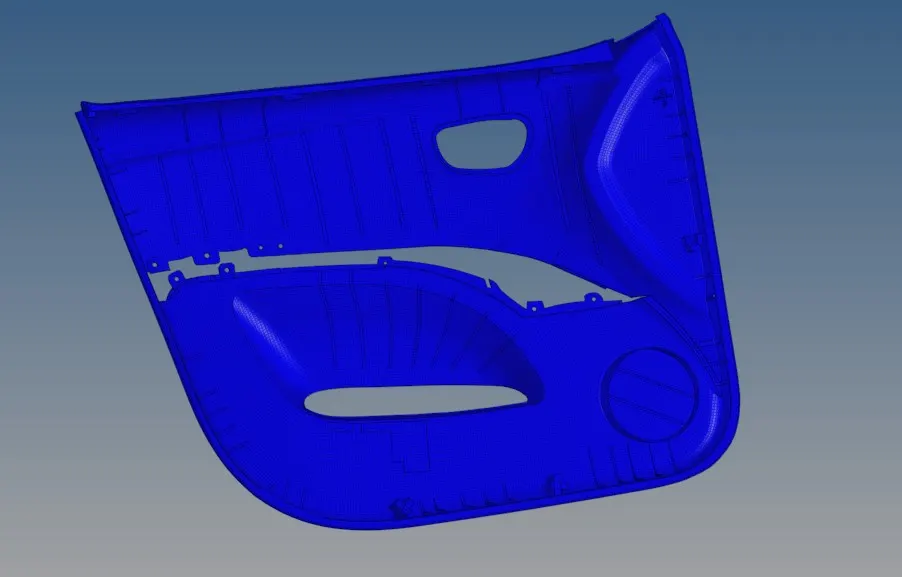
Viewed as a single assembly:
Learning Outcomes
At the end of this challenge I am more familiar with Hypermesh workflow, can generate mesh, work and repair it without generating a midsurface with the given quality criteria.
Conclusion
Hence, the side door panel is meshed with the size of 4 Units following the quality criteria and assigned thickness using Hypermesh.