Project-2-Meshing of Door Inner Panel Challenge
Aim :- Mesh a Door Inner Panel with mentioned quality criteria.
OBJECTIVE:
- Extract the mid surface
- Geometry cleanup
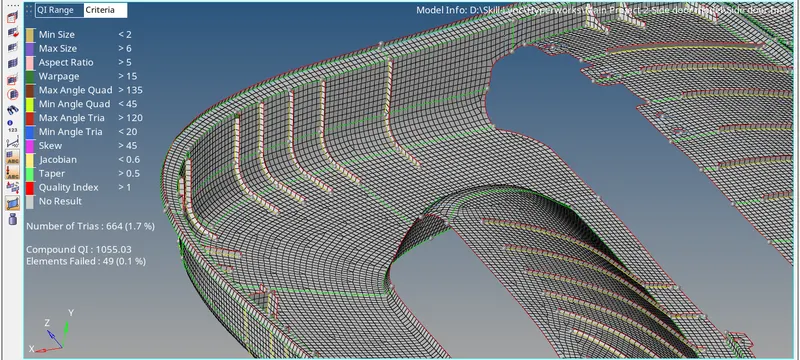
- Meshing given door model using the given quality criteria checks
- Good mesh flow.
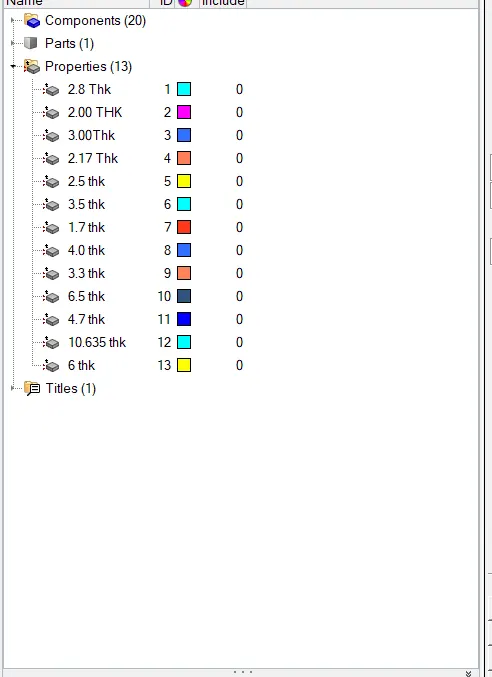
- Assign thickness
PROCEDURE :
- Import the component and click F to see the component in the GUI area as shown below.
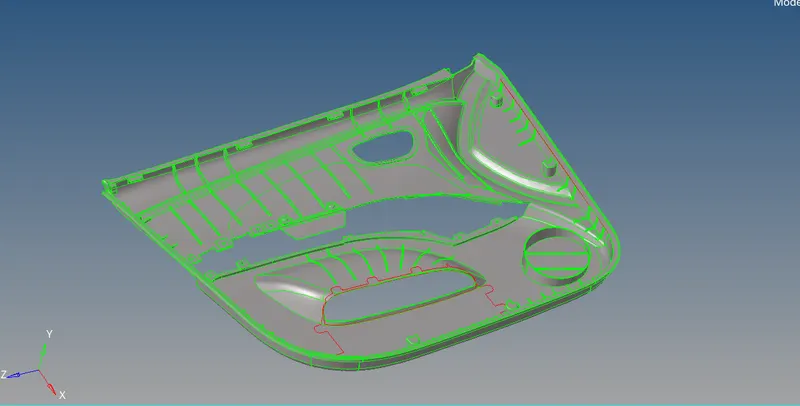
As door model has thickness less then 6 mm we can use 2D meshing.
- Next step to generate Mid-surface
As shown in Snap model has many damaged surface, so auto mid-surface will not giving good surface
Result of auto mid surface :-
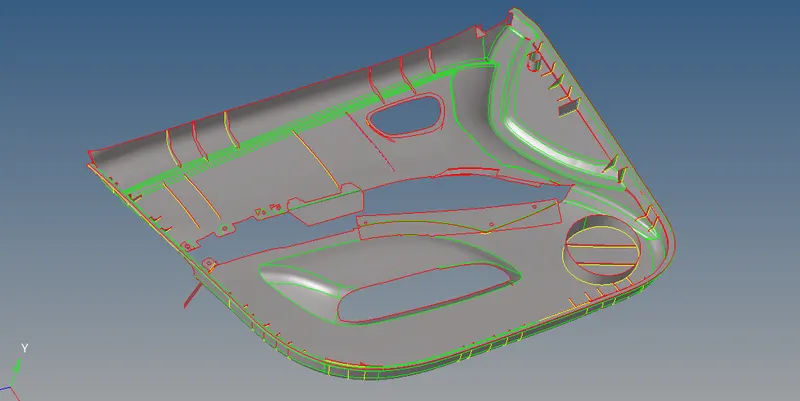
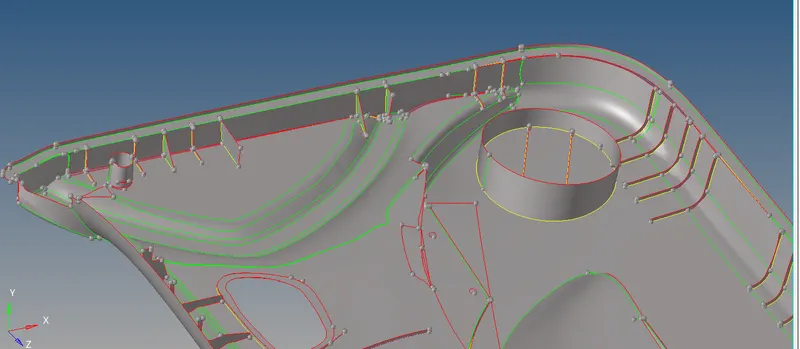
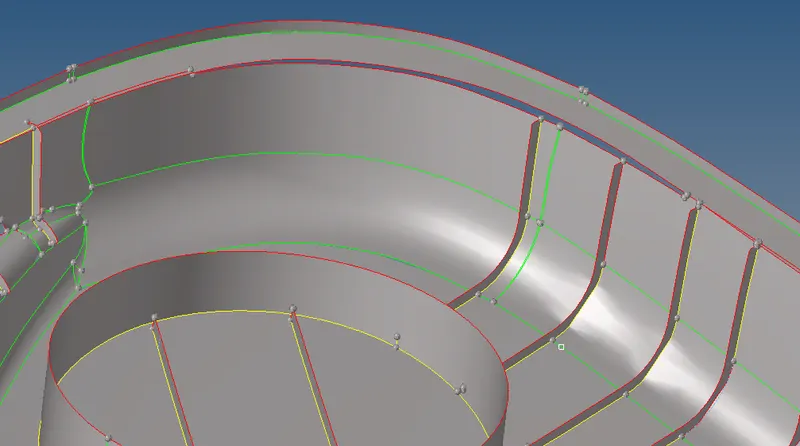
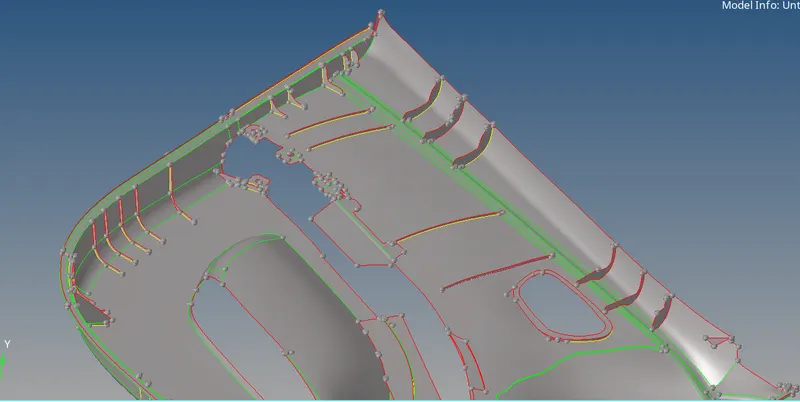
As automid not giving proper result we have to extract mid surface manually.
mid surface for main outer Panel :
Option used :-
Geom-surface edit-offset
i) Mask the outer surface
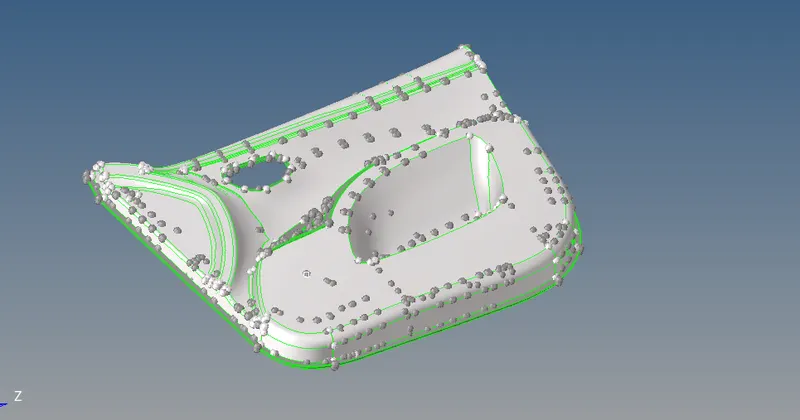
ii) Geom-surface edit-offset
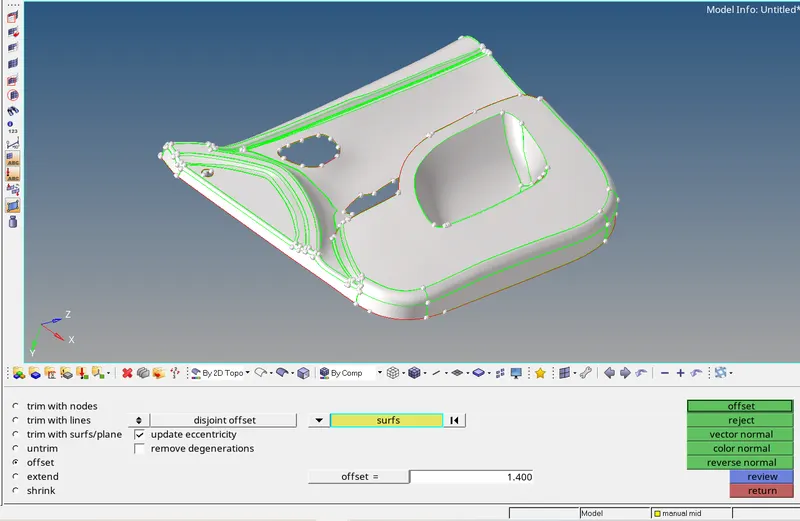
Result :
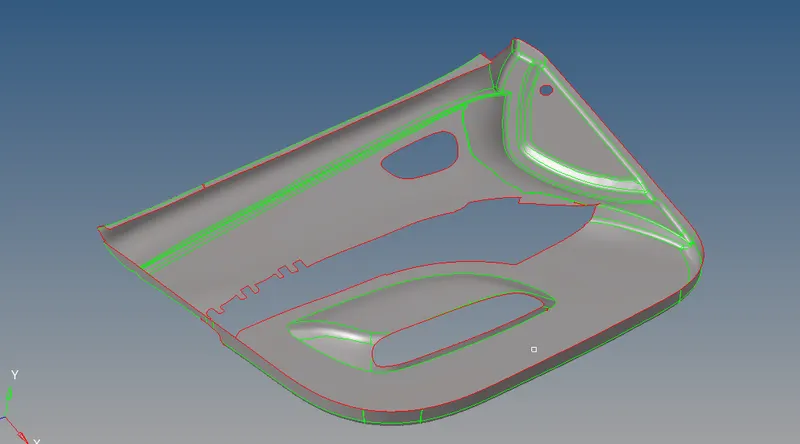
- next step is to generate mid surface for circular surface as shown in snap :-
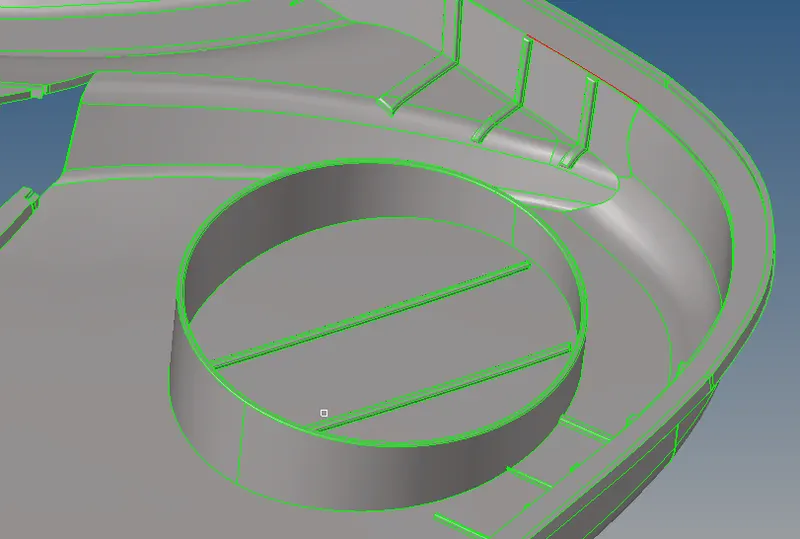
Defeature fillets for proper capture of geometry
Option used :-
Geom-defeature-surface fillets
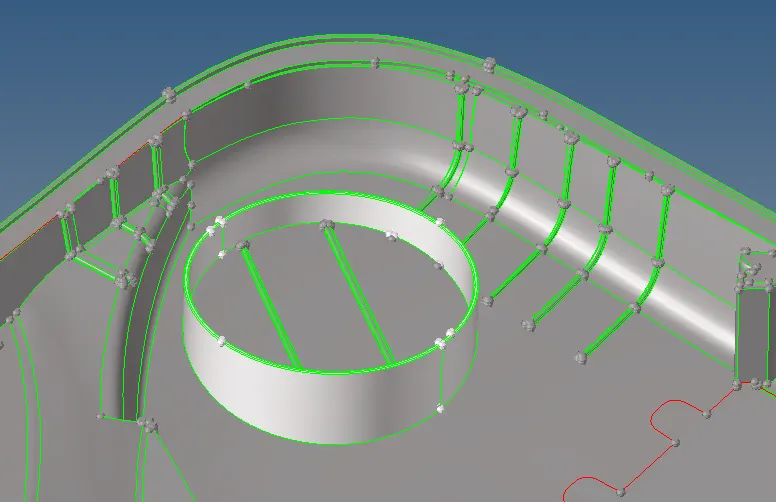
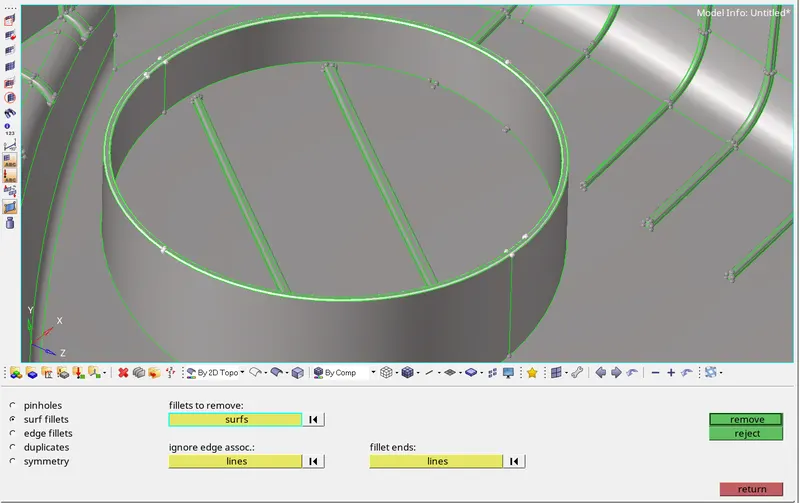
result :-
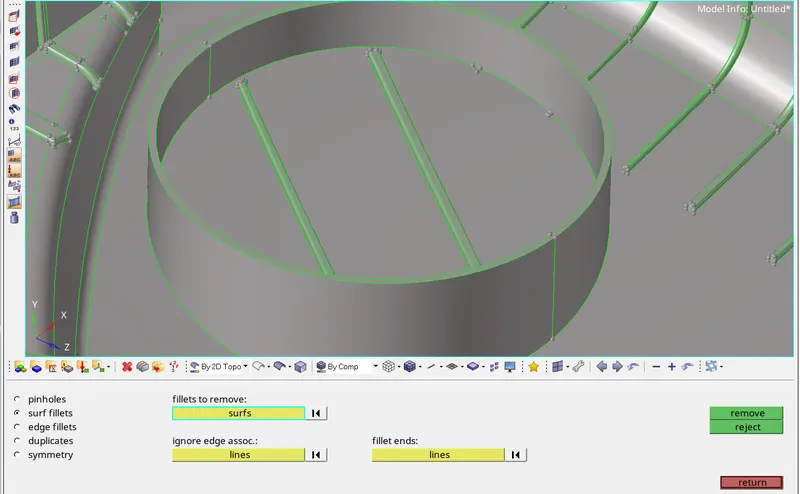
For Generate mid surface option used :-
Geom-Surface edit-Offset
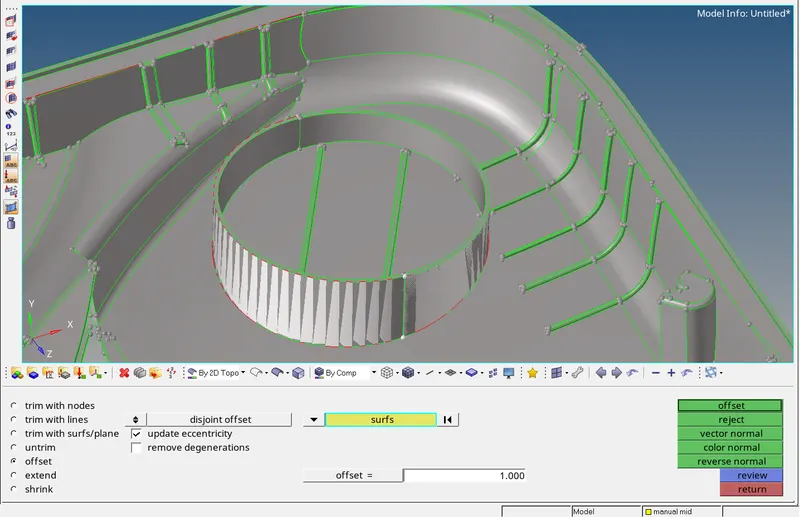
Result :
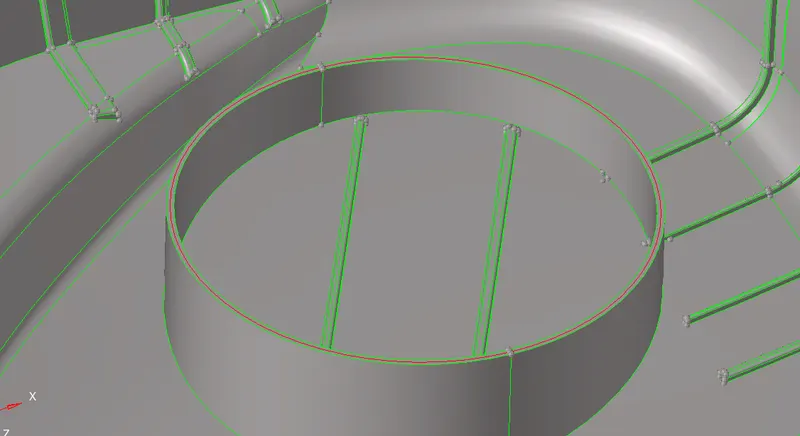
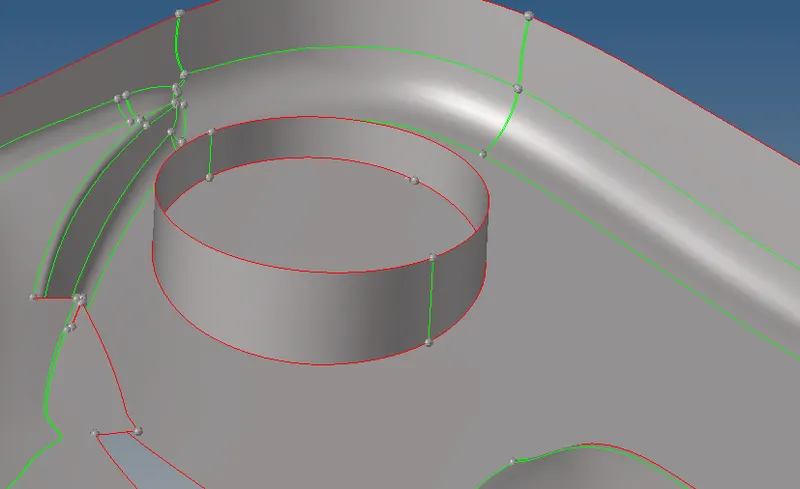
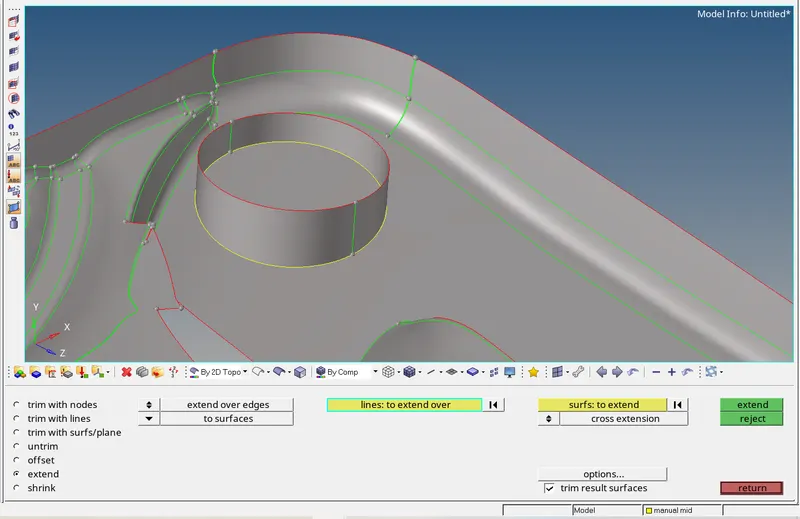
- Next step is to set extend circular surface upto main panel surface
Option used :-
Geom-surface edit-extend
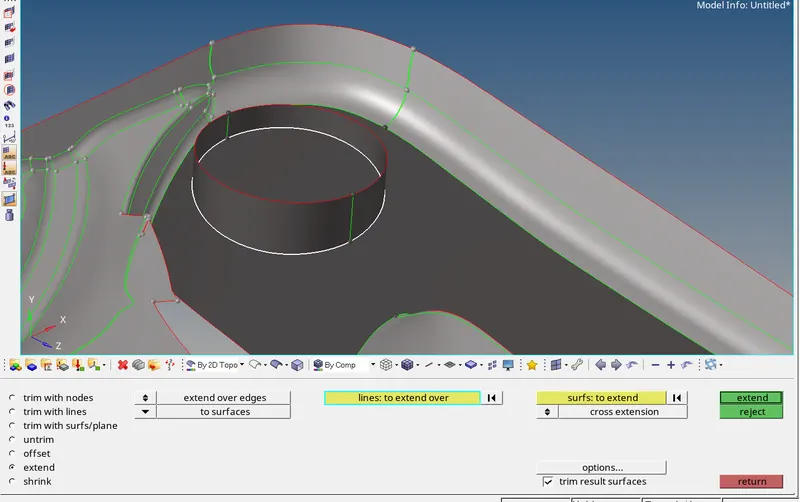
Result :
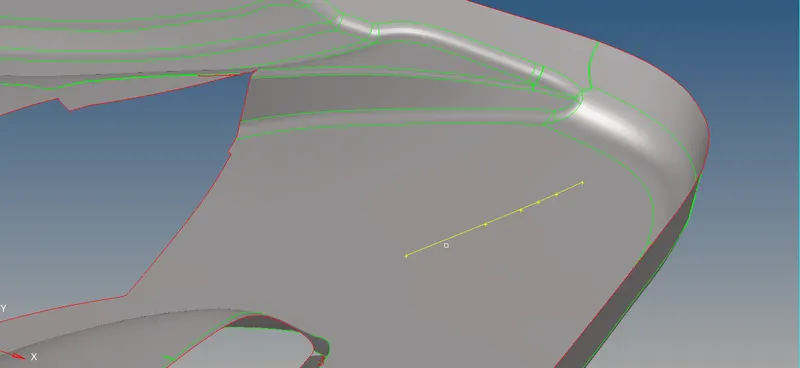
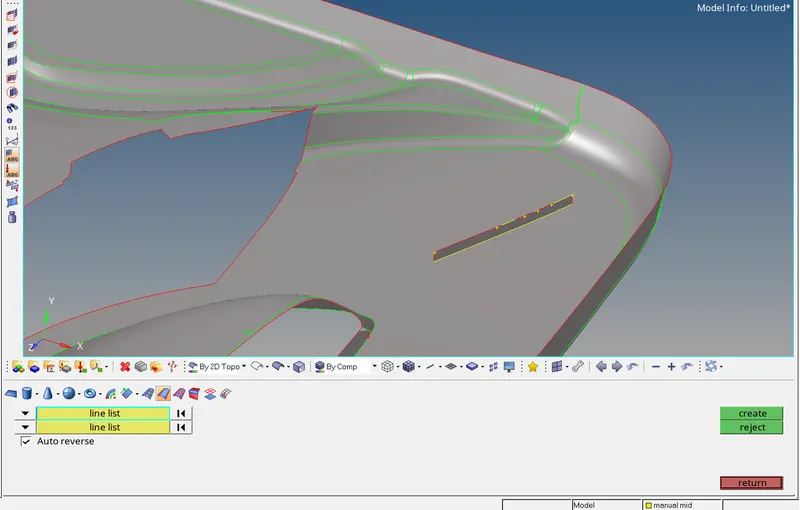
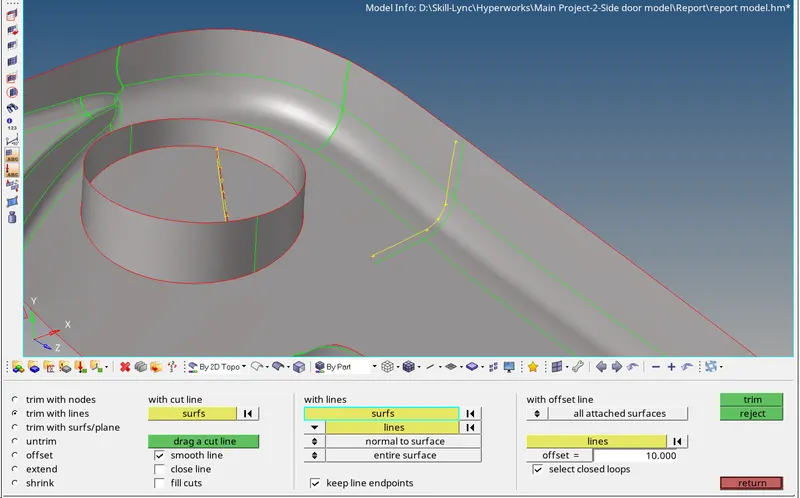
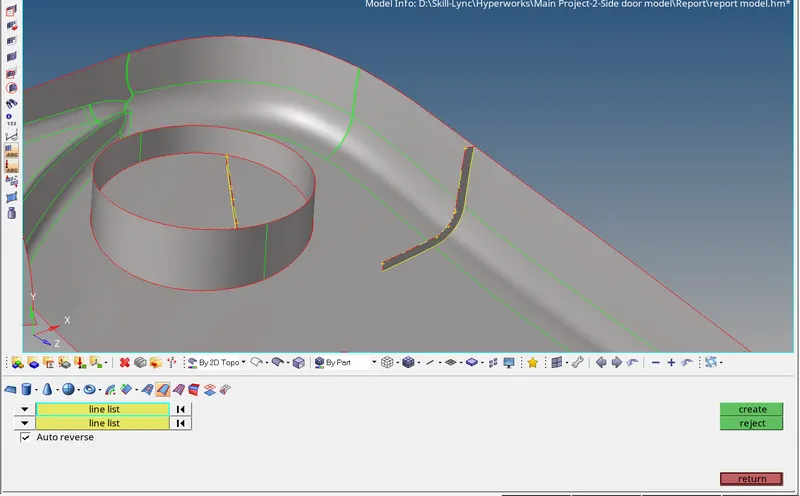
- TO extract mid surface ribs as shown in snap i used diff. option as shown in snap beolw :-
Option used
Geo-Lines-Midline
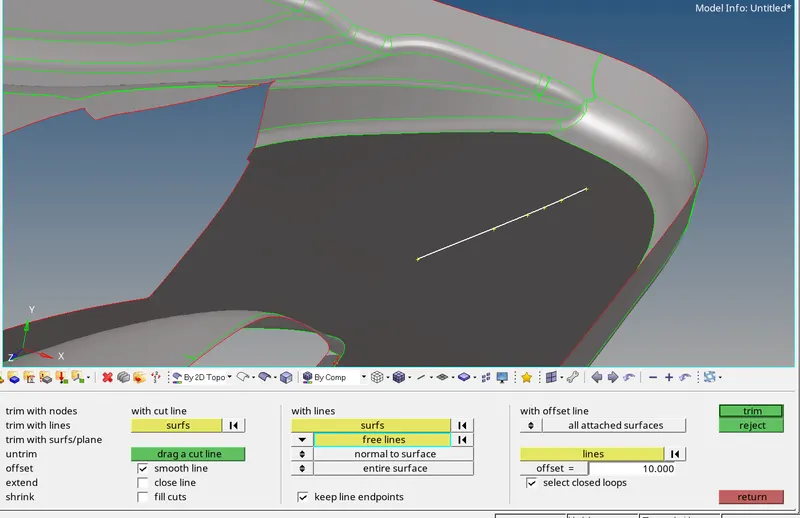
Geom-surface edit-trims with lines
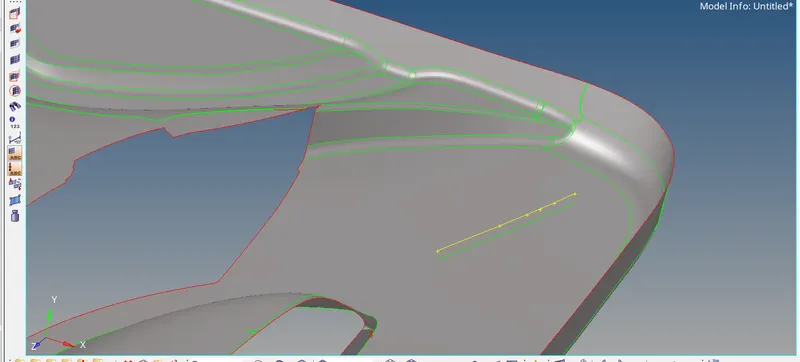
Geo-Surface-Ruled
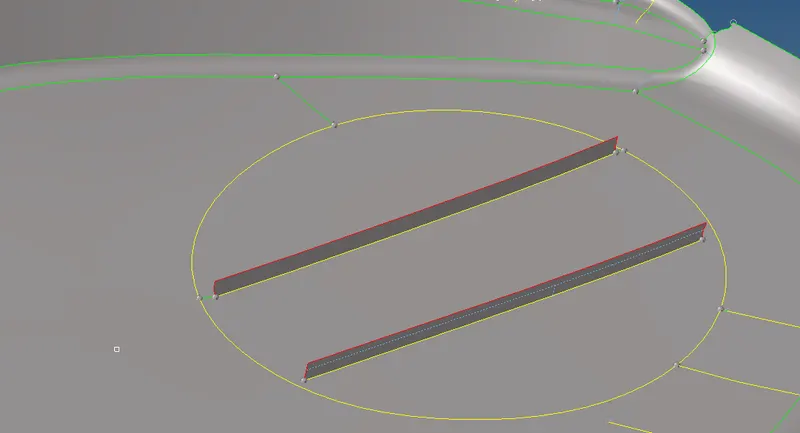
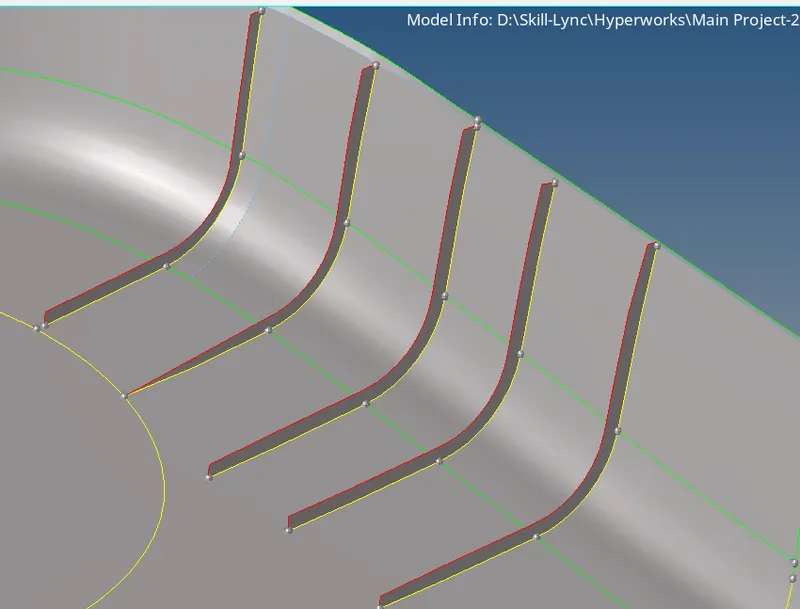
- Next step is to extract mid surface for all ribs on model
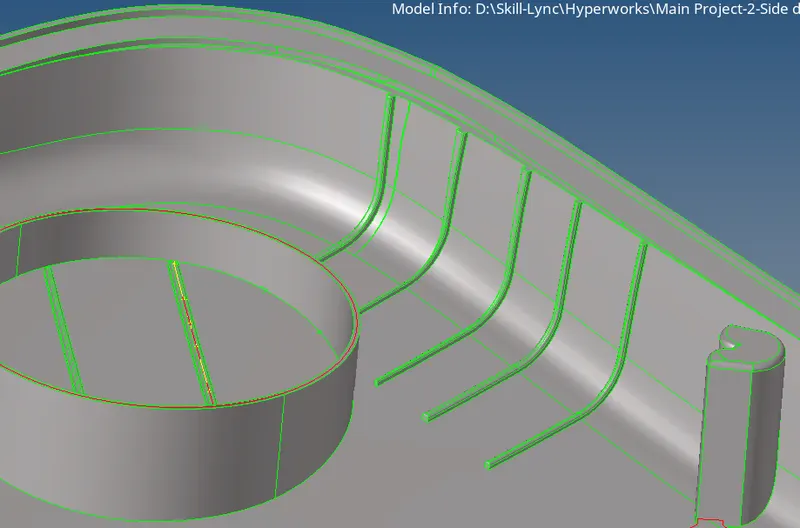
Option used :-
Geo-Lines-Midline
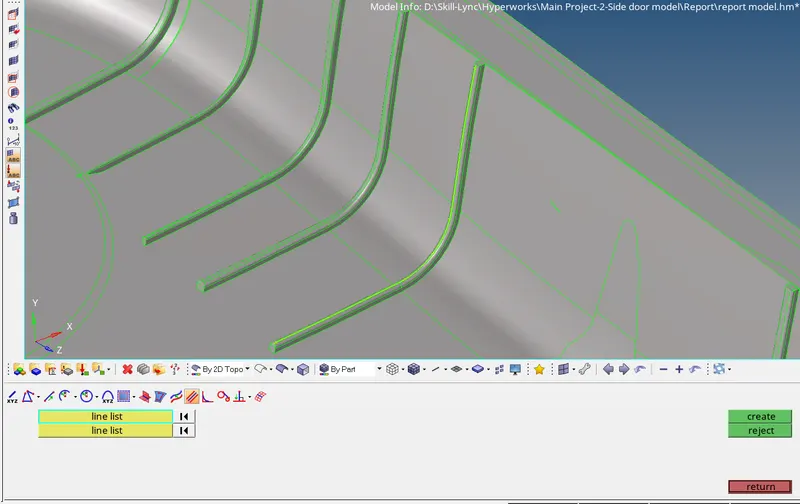
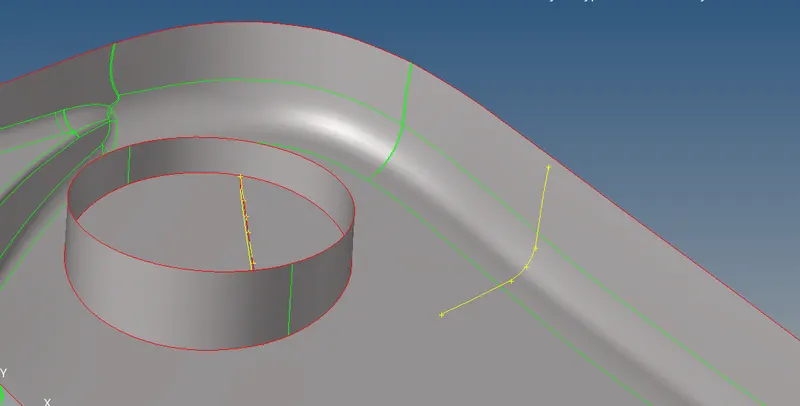
Geom-surface edit-trims with lines
Geo-Surface-Ruled
- For all ribs mid surface same method is used
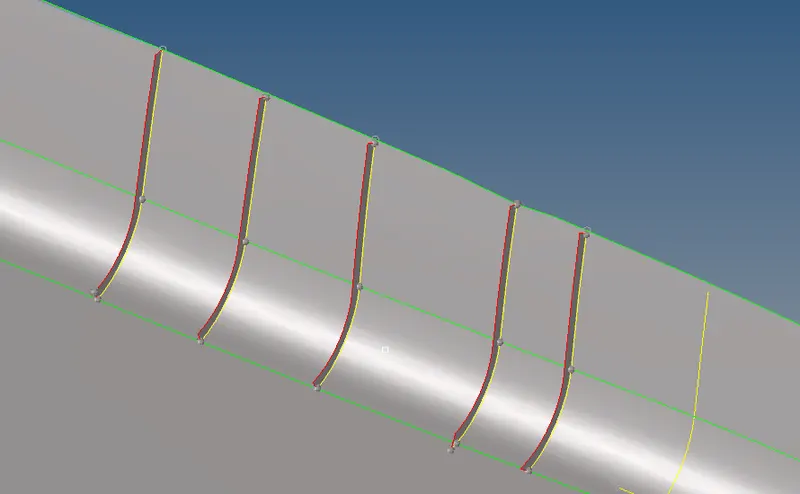
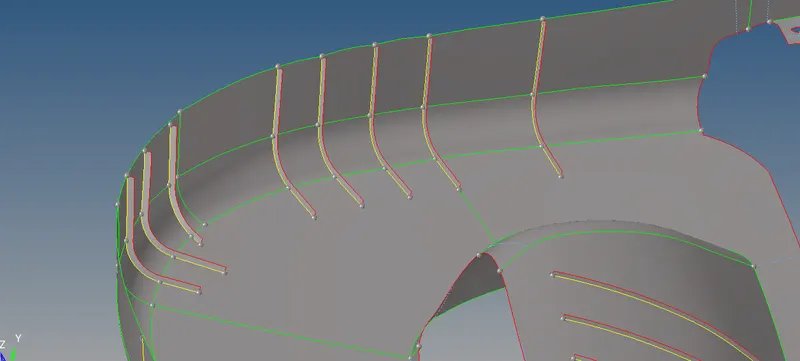
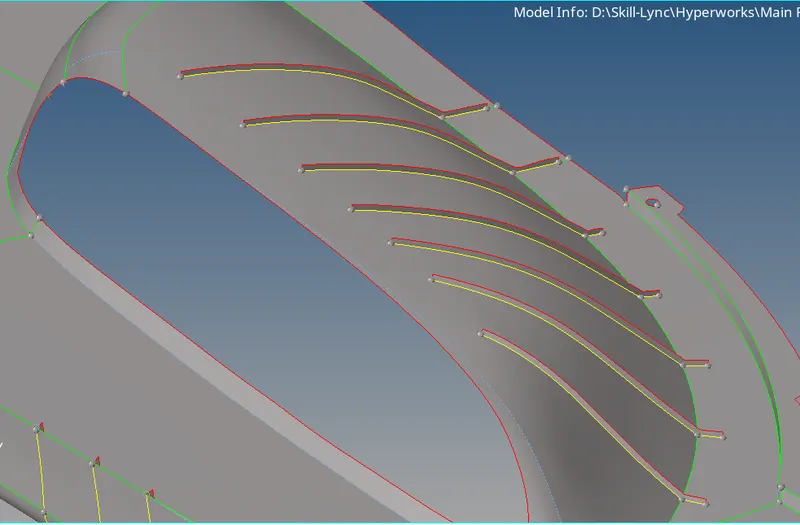
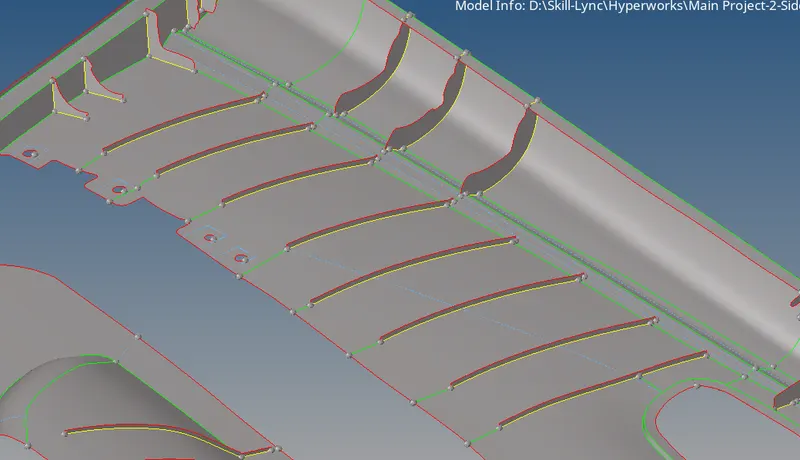
- Next geometry for mid surface as shown in snap(Slot)
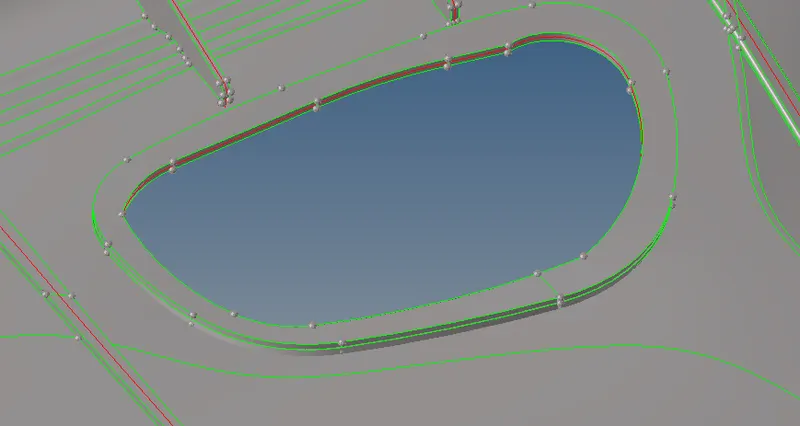
Option used
Geom-surface edit-offset
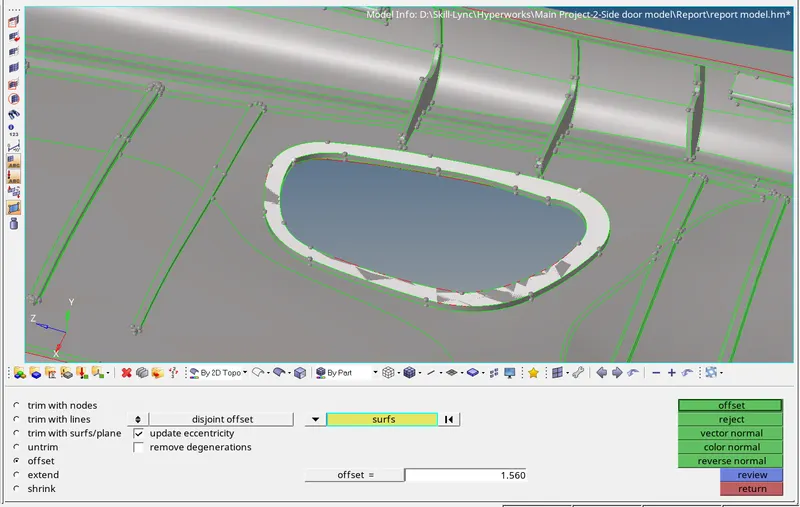
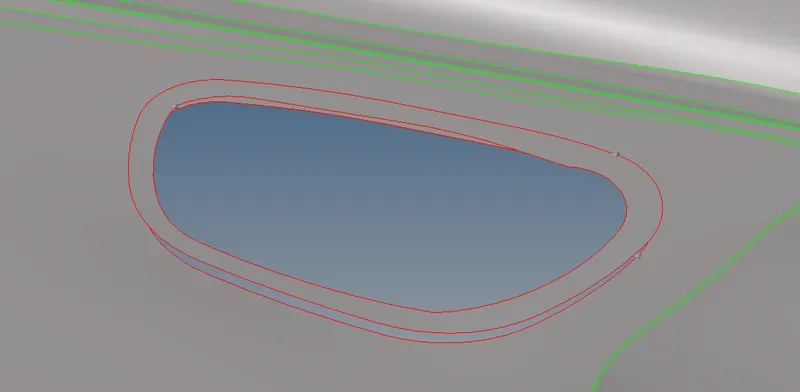
Geom-surface edit-trims with line
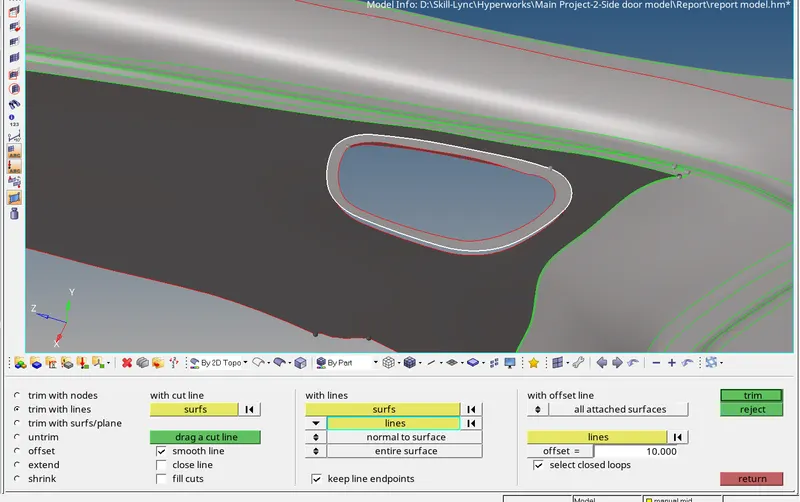
Geom-surface-ruled
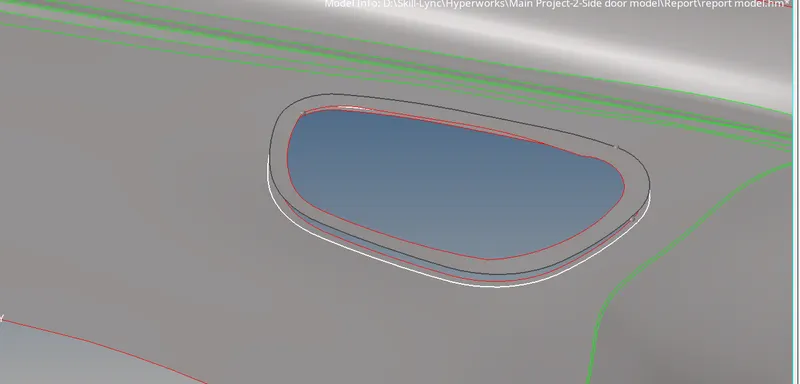
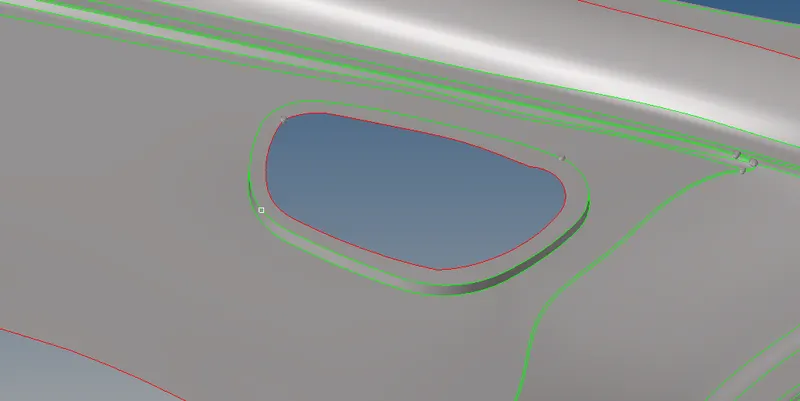
- Next geometry for mid surface as shown in snap(Slot)
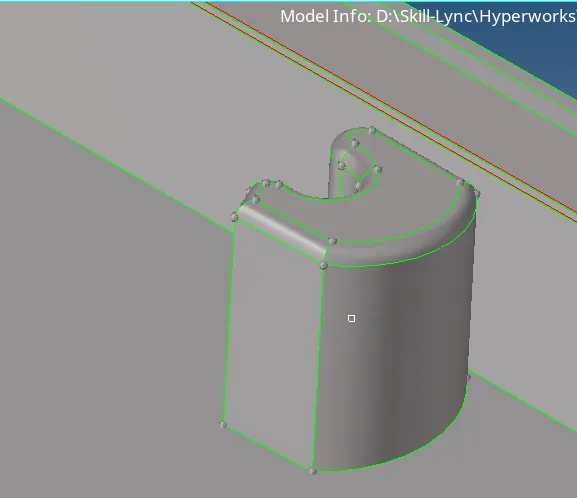
Option used
Geom-Lines-mid line
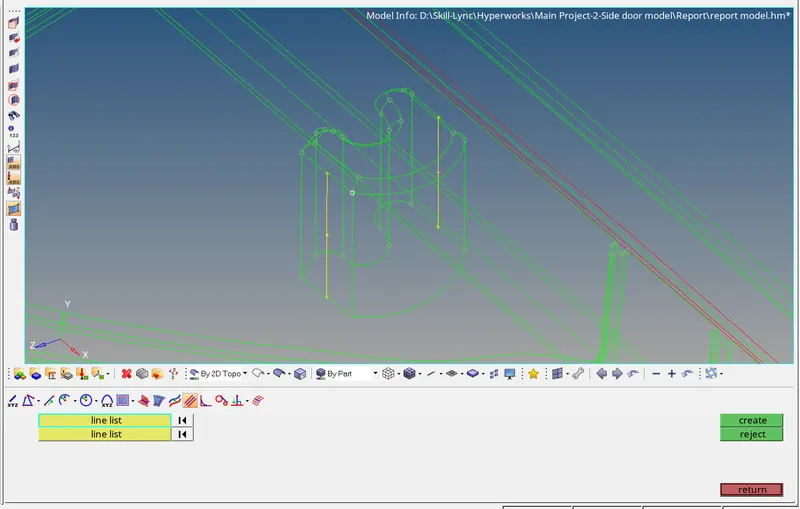
To create surface between two line ruled option is used
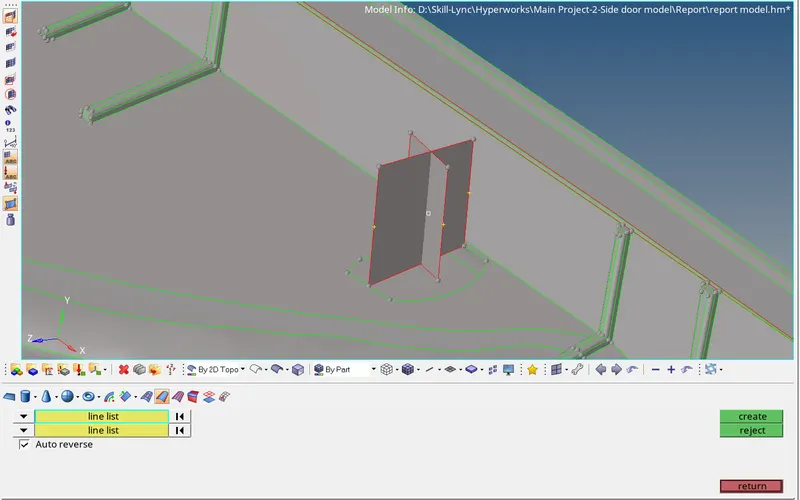
for trim both surface , surface trim option is used
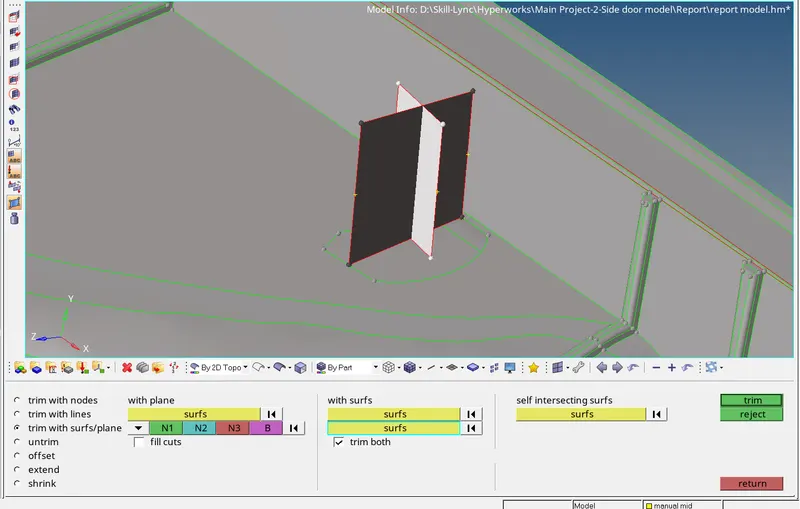
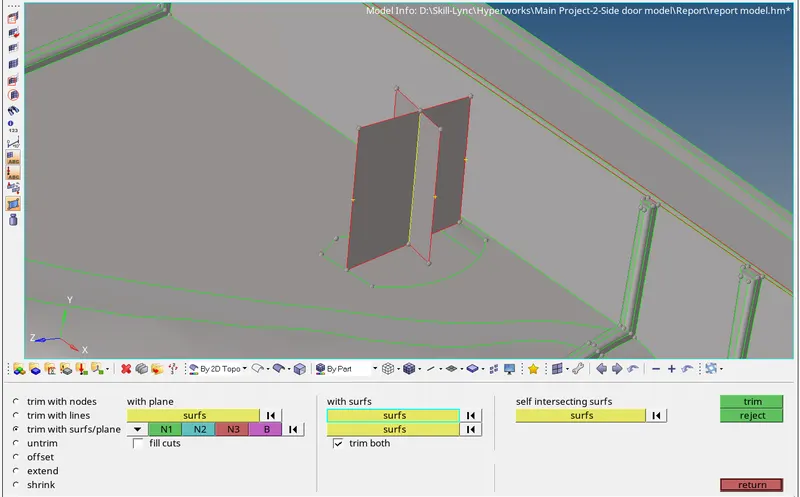
to extend upto base surface extend option is used
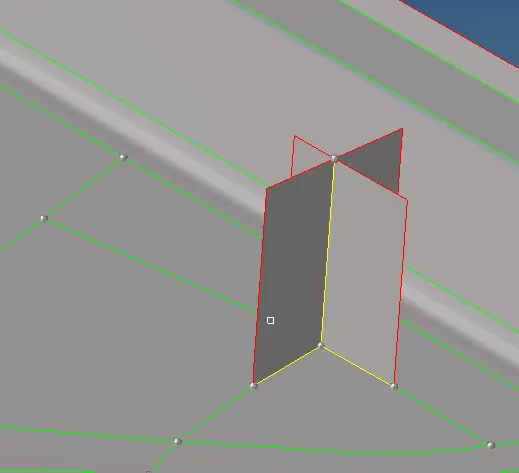
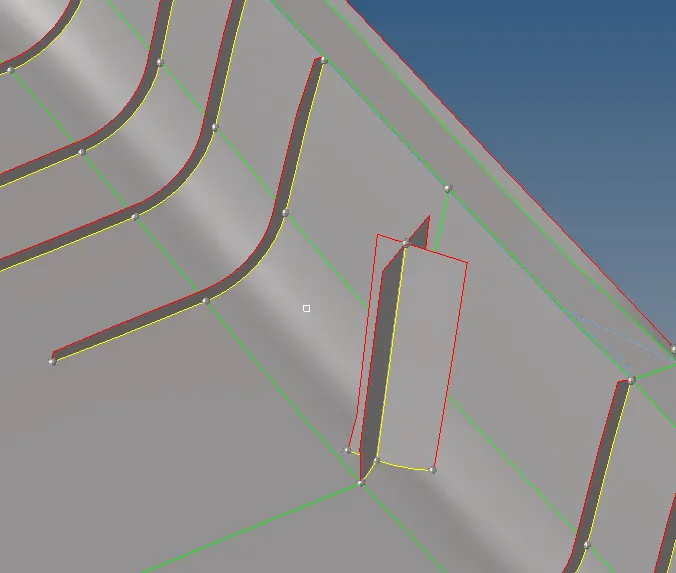
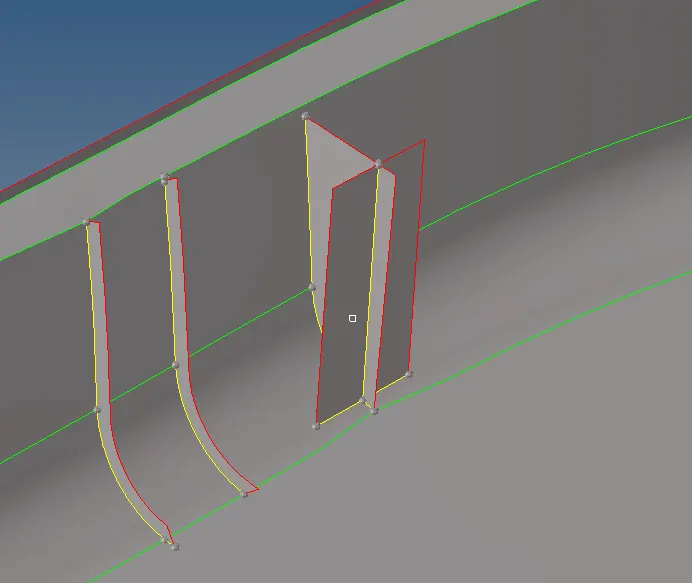
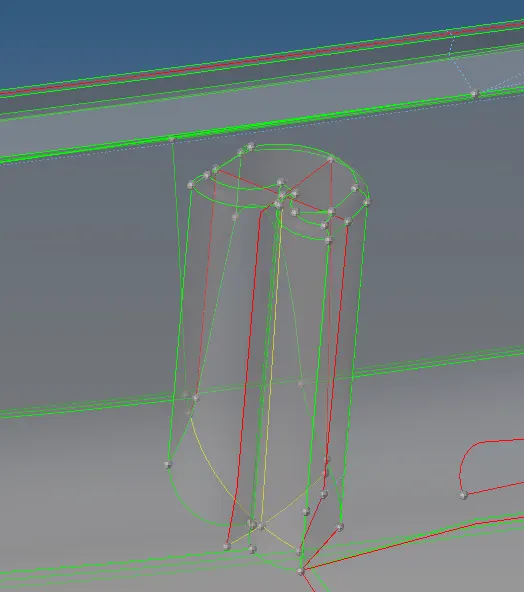
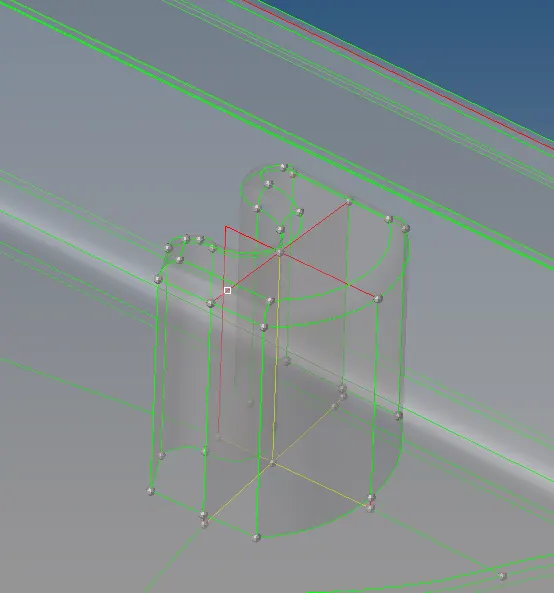
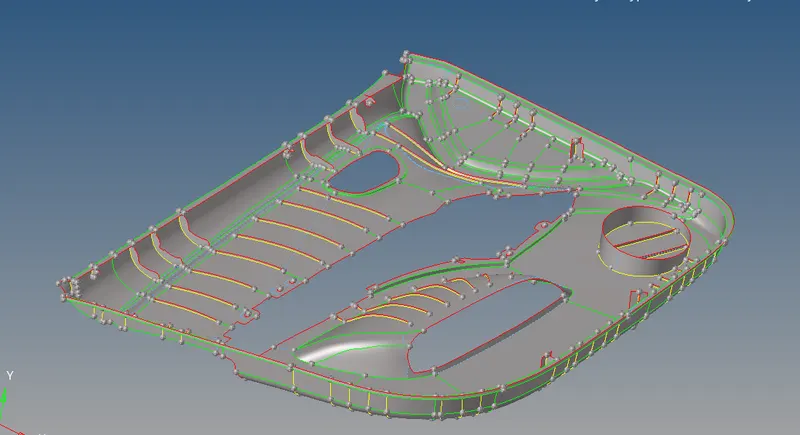
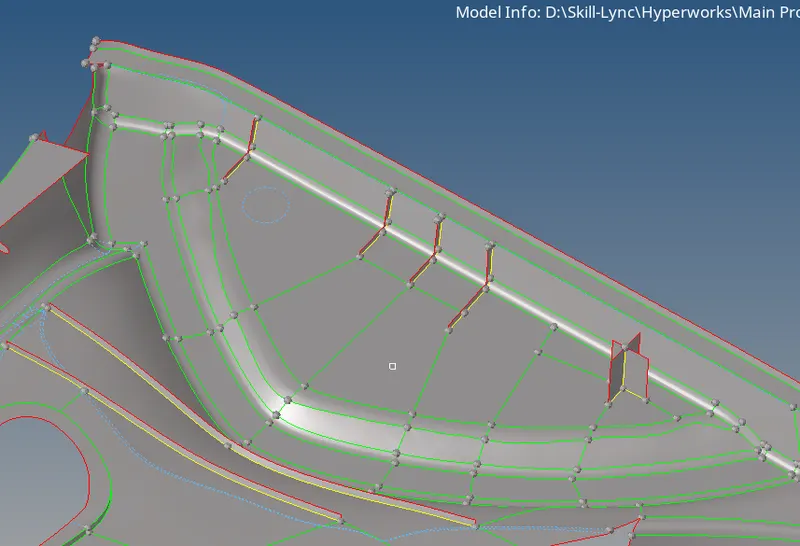
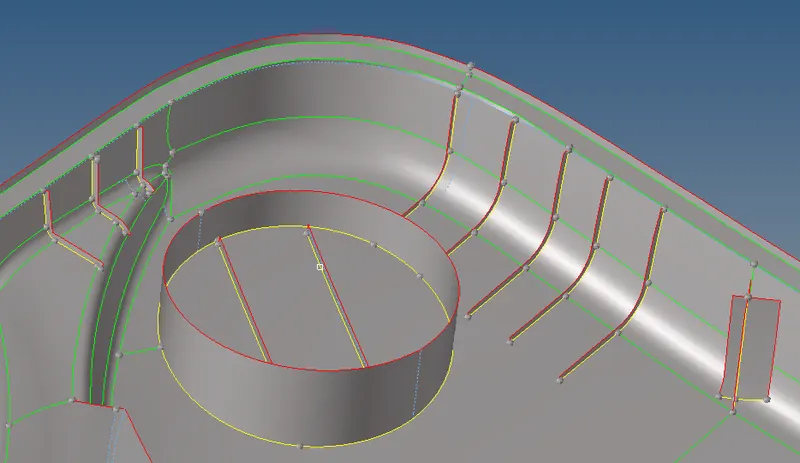
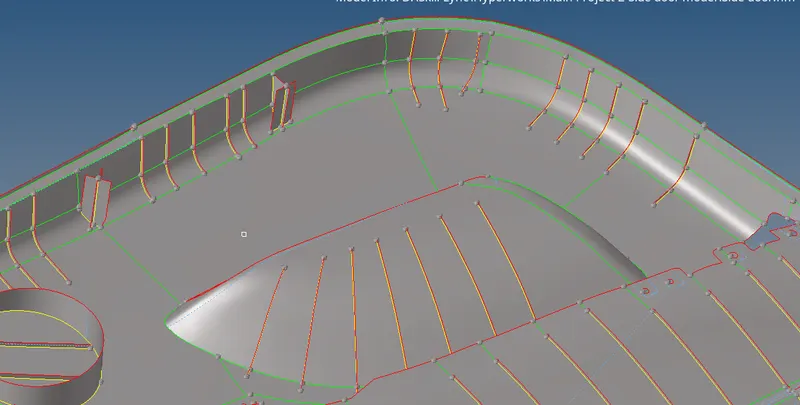
- All mid-surface are generated for all surface in model.
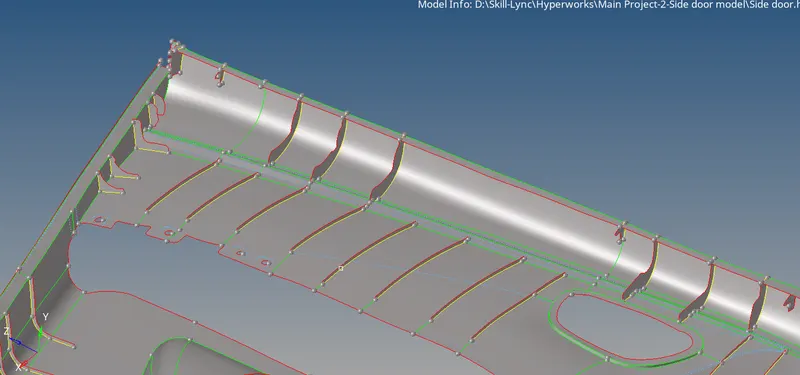
Complete Mid surface model with construction lines for better mesh flow :-
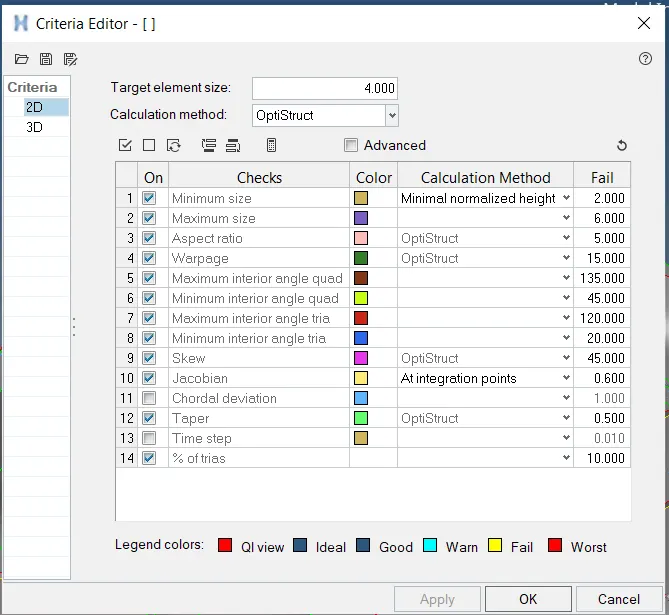
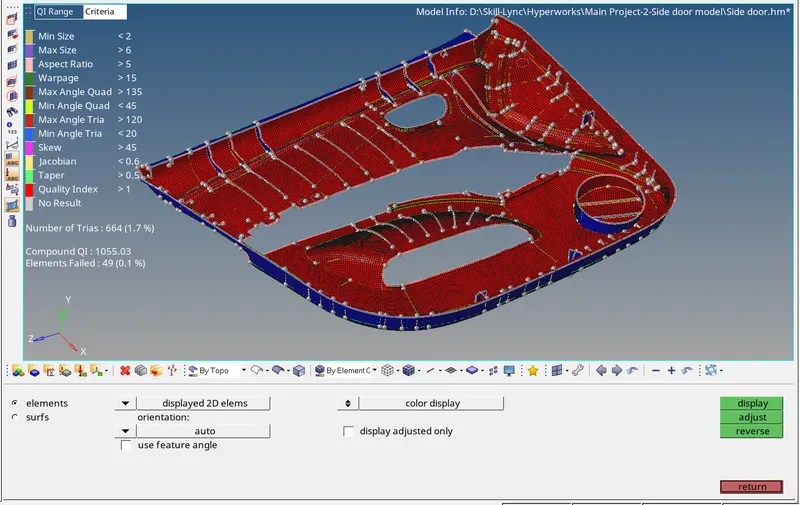
- Next step is to set Meshing criteria
Next step is Mesh the model surface by surface :-
Option used :-
2D-automesh
2D-Rebuilt mesh
2D- Quaility index
2D-edit element
2D-replace
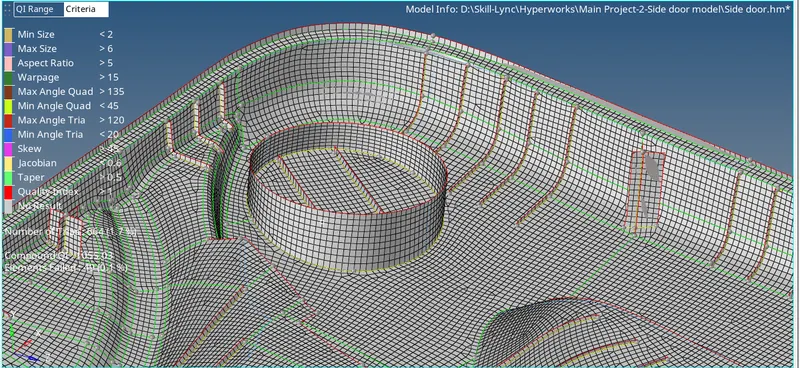
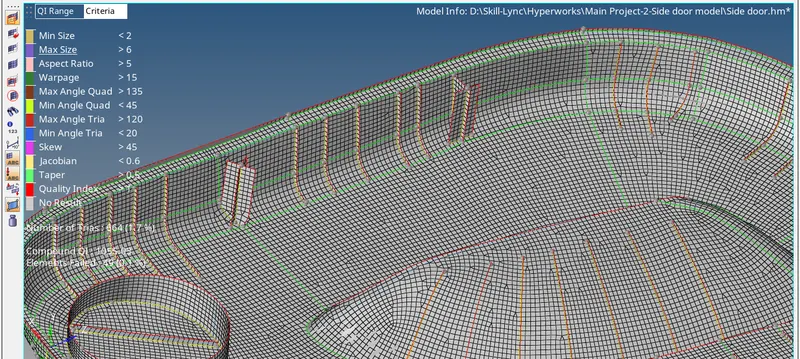
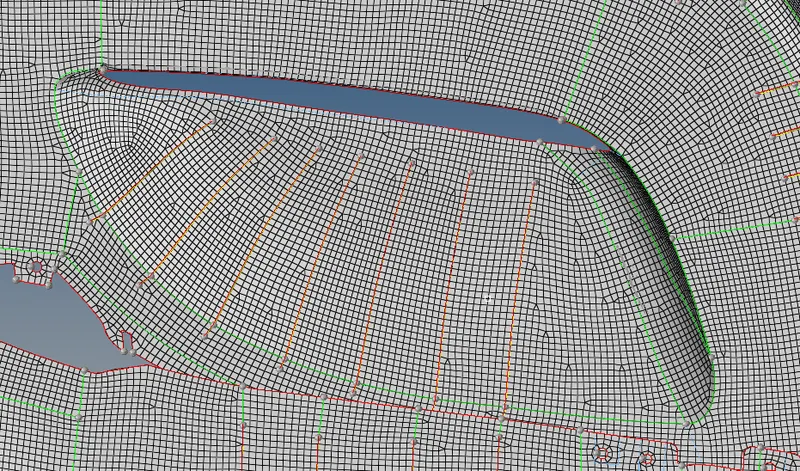
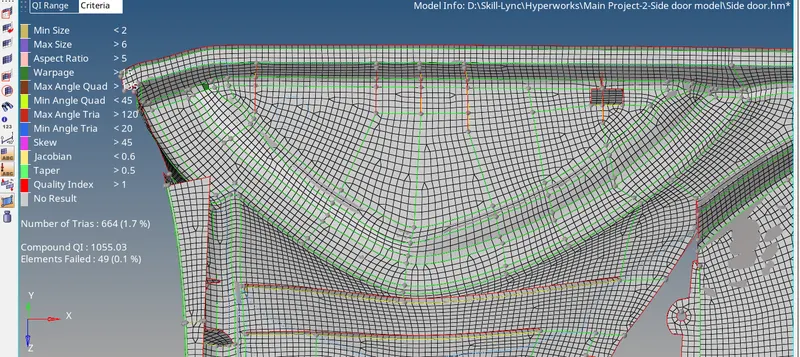
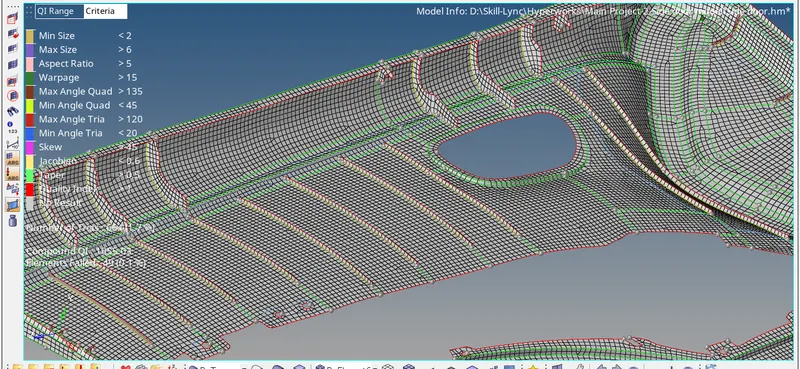
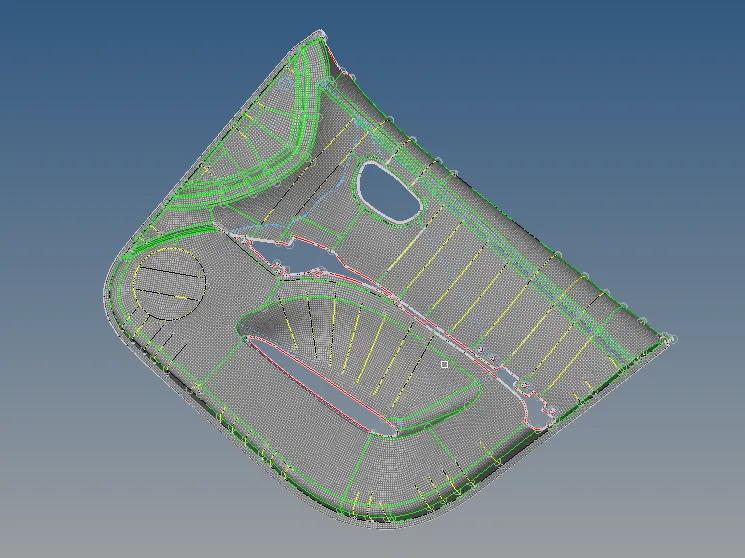
Final Snap of Mesh model :-
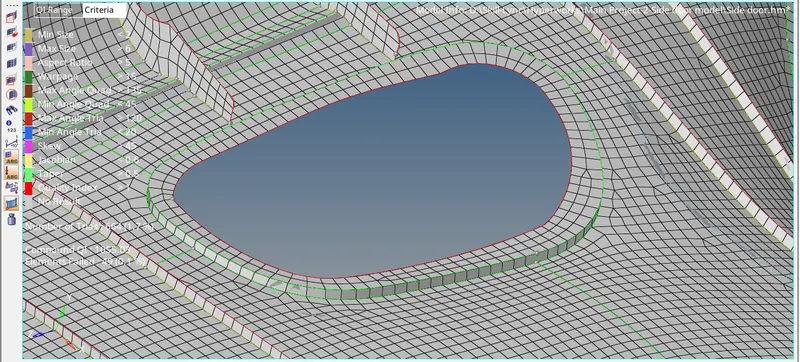
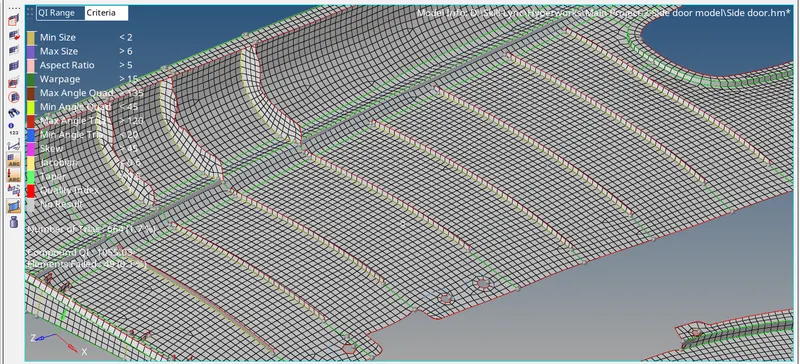
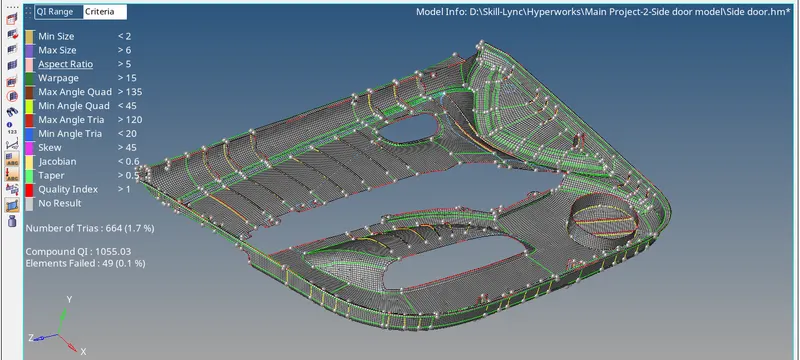
- Next step is to check for edges inside mesh (No Open edges are found)
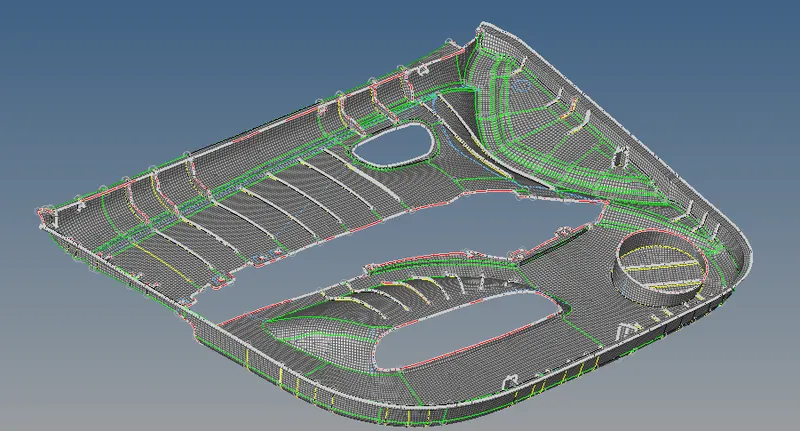
- Check for normals
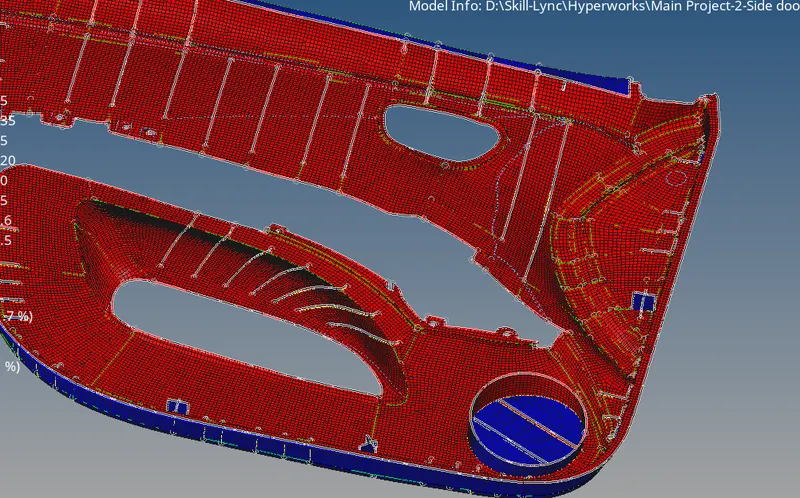
Blue elements are need to align proper
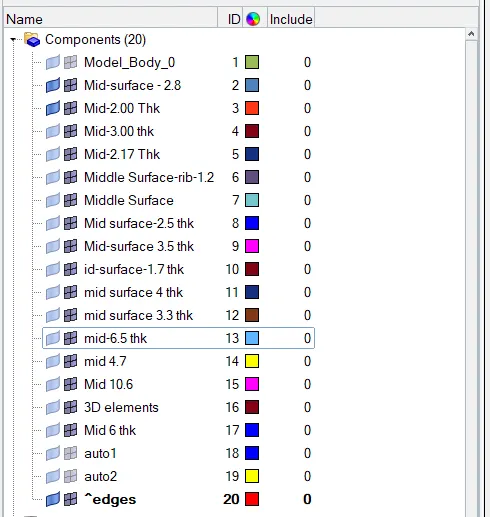
- Next step is to assign thickness for all surface
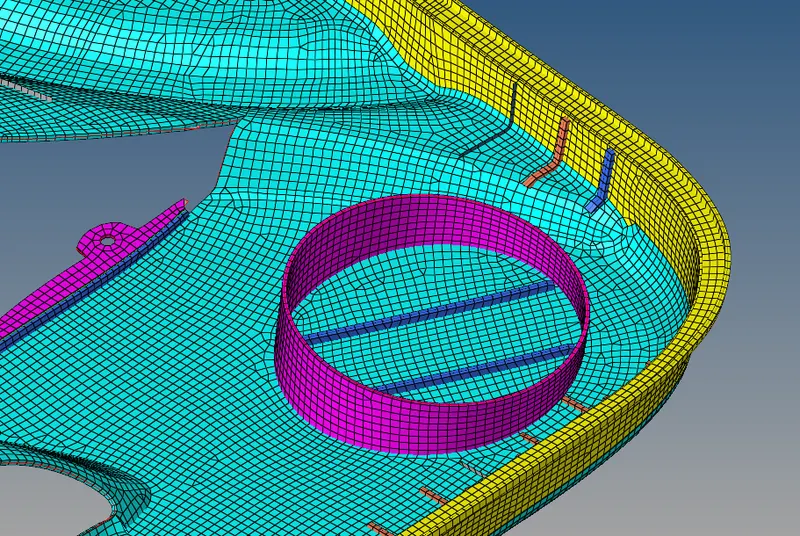
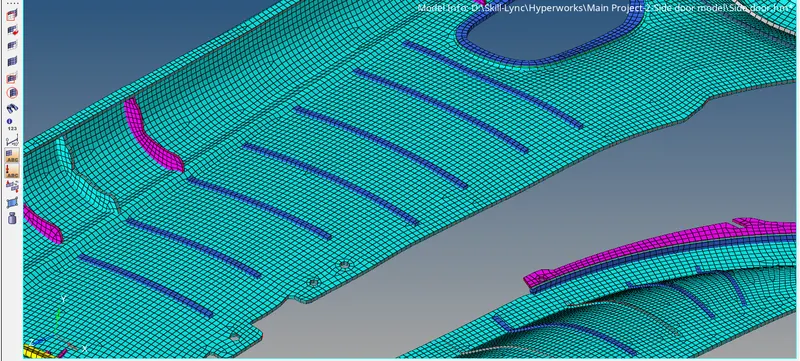
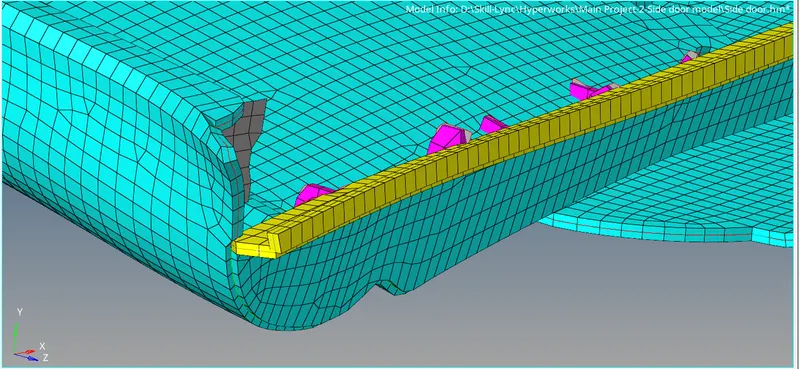
- Comparsion of mesh model with CAD model
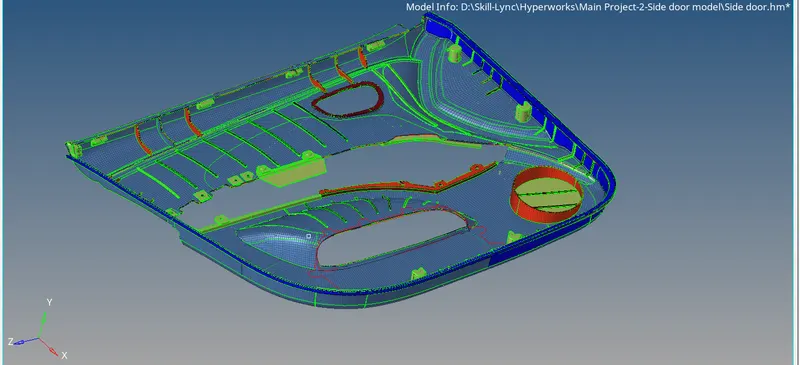
CONCLUSION:
The mid surface has been extracted for the given model and the mesh was generated within the given quality criteria.