Project 2 - Lane National Highway Roadway Design in Civil 3D
Que-1 Develop the road geometric design for a 2-lane NH concrete road with a paved shoulder for 80kmph design speed from the provided data.
- Creation of surface.
- Alignment & profile design.
- Creation of assembly & subassembly.
- corridor development.
- Section line & detail cross-section.
Ans- Creation of surface.
Method-01(By Landxml File.)
Create New File using Provided Data, For that click on File Then select New & select template, and click on ok.
Open New file-For import Landxml click on file select import Land xml & click on ok.
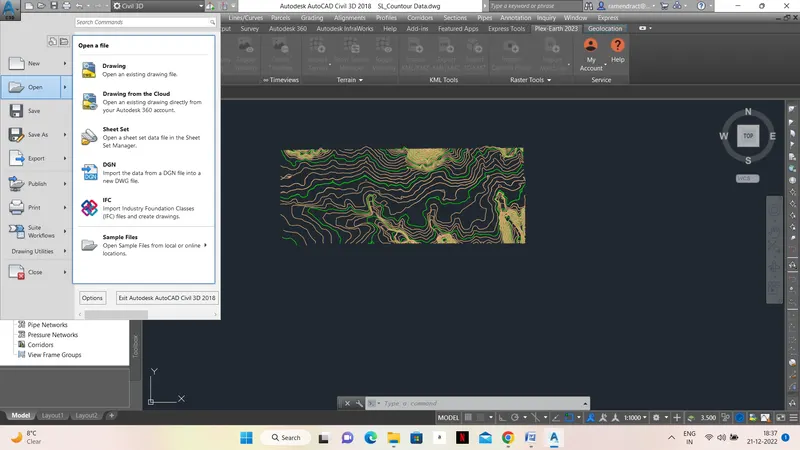
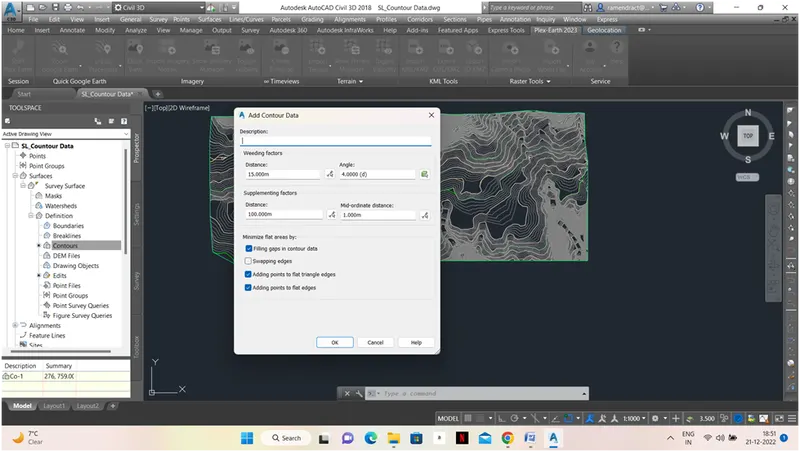
2-Create Contours-Create New File using Provided Template, For that click on File Then select New & select template, and click on ok.
2. Alignment & profile design- First we Select our working Zone(UTM WGS-84 ,43N)
Go to Alignment-Select Alignment Creation tool then Draw alignment.
After surface creation we need to create an alignment for which we need to on geolocation for this we have to set coordinate system & unit settings then we can on map hybrid for alignment design.
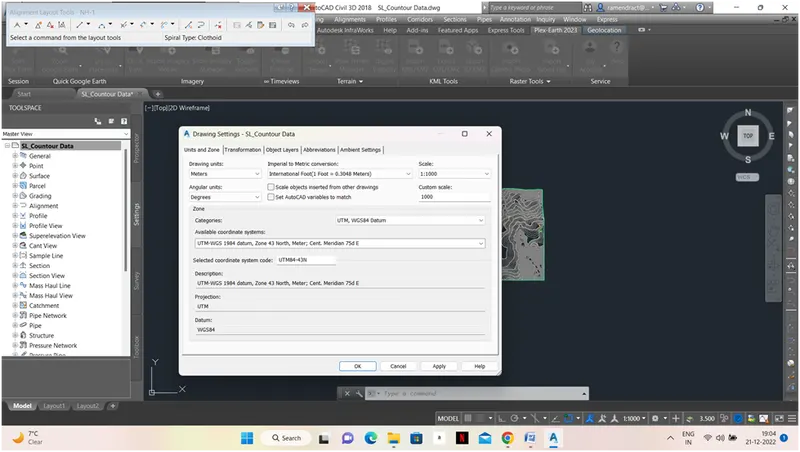
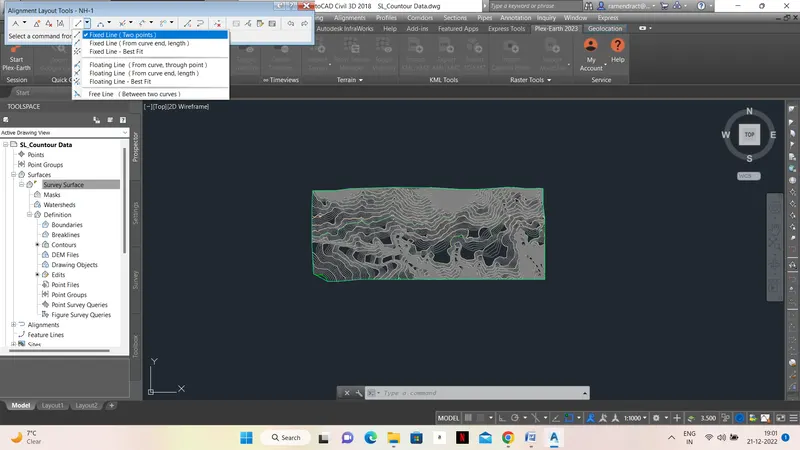
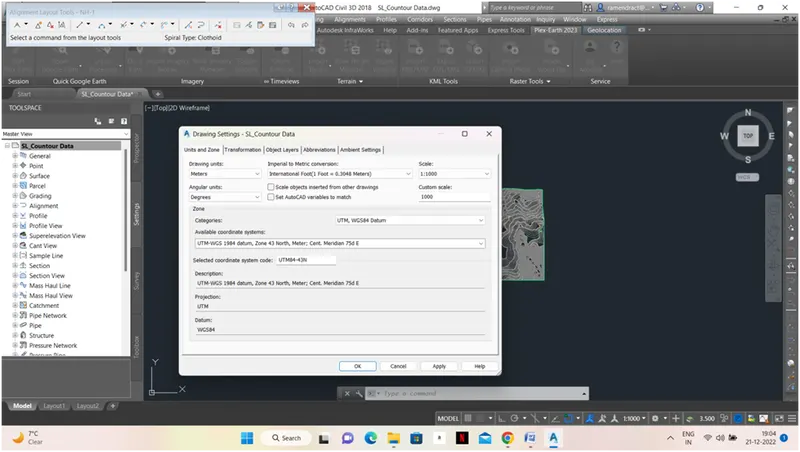
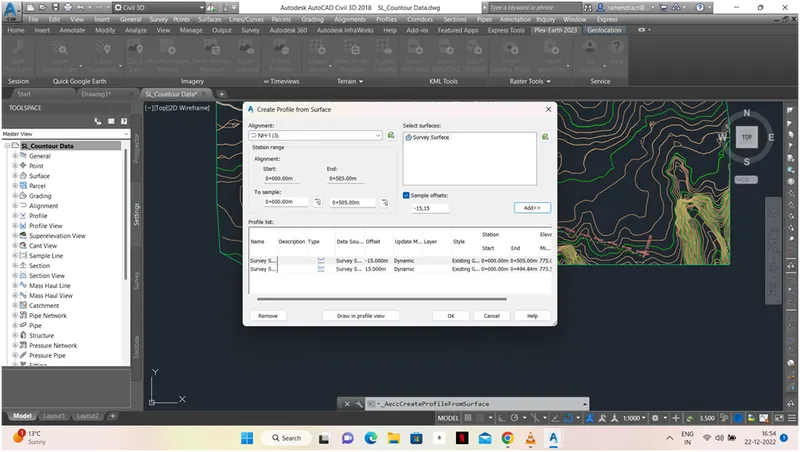
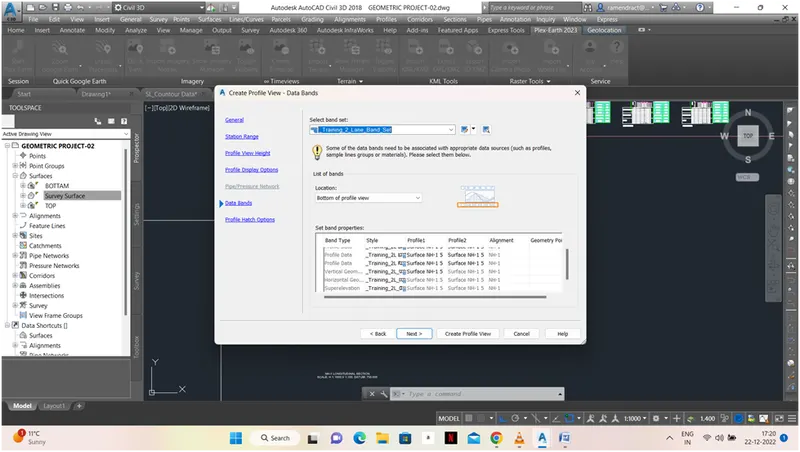
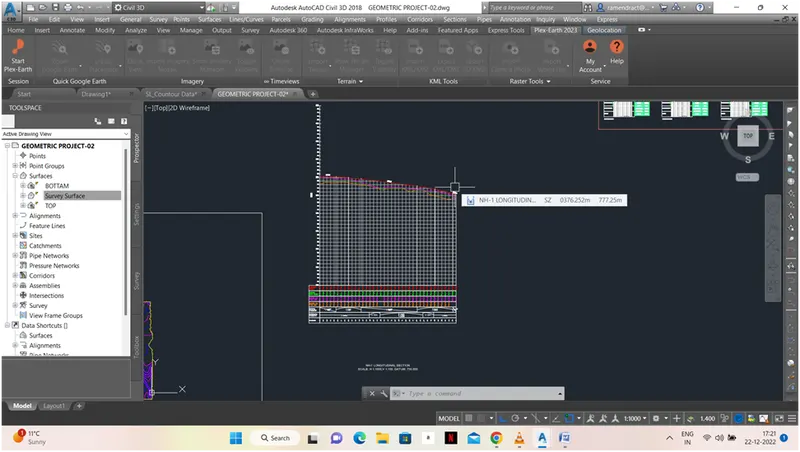
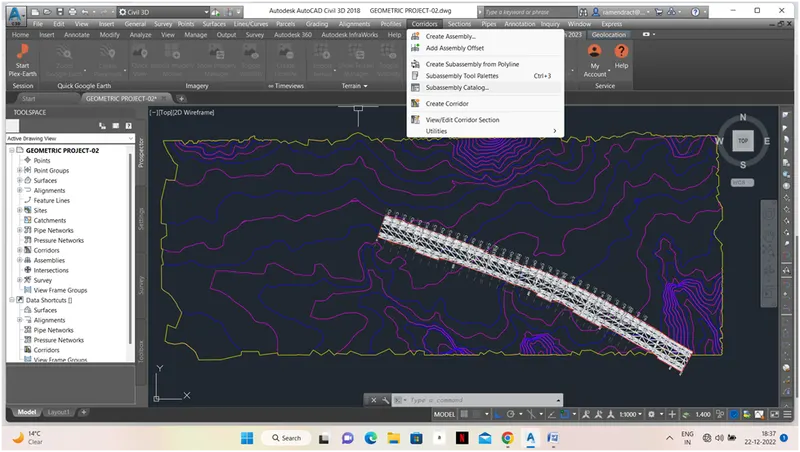
3-Creation of Assembly & Subassembly-Go to Corridor Option-Create Assemble then fill in Required Data.
Open a new window-Go to Tool Palette select Lane and fill in Required Data.
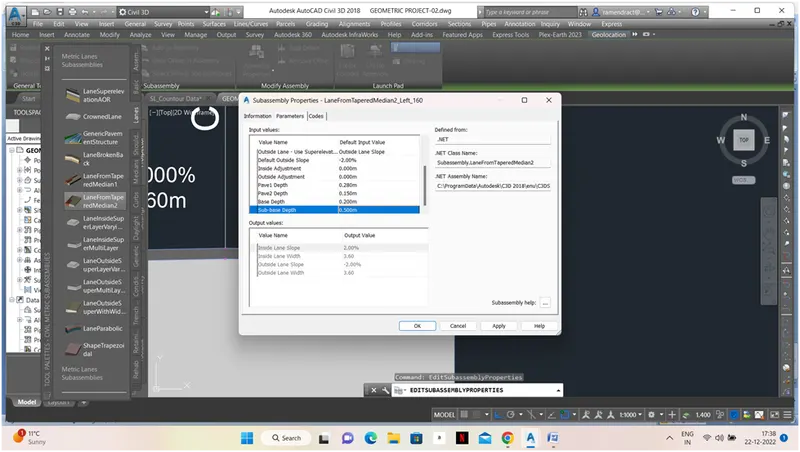
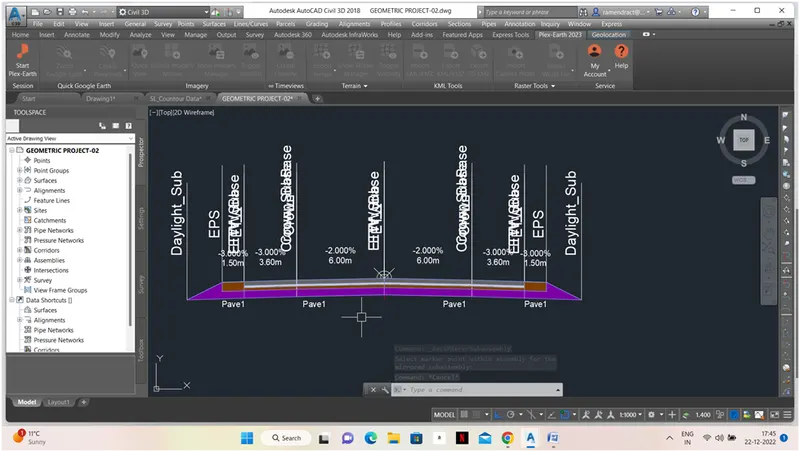
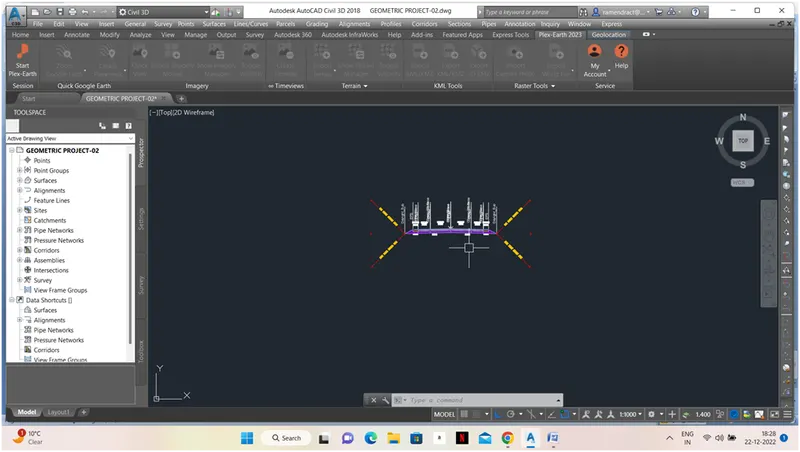
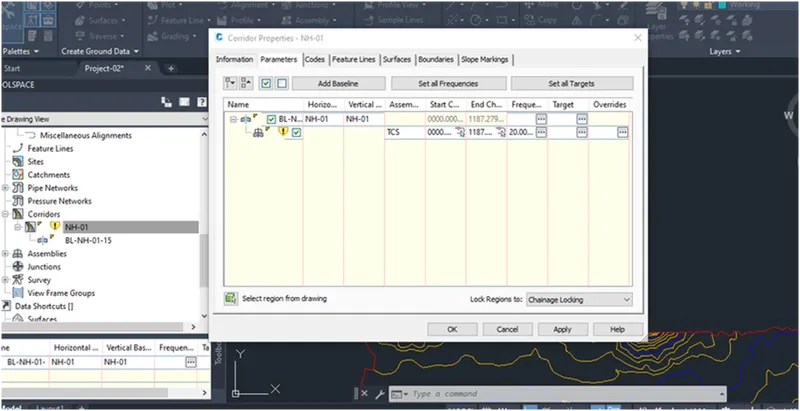
4-Corridor Development- Go to Corridor-Creat corridor-than open the window and fill in all required data.
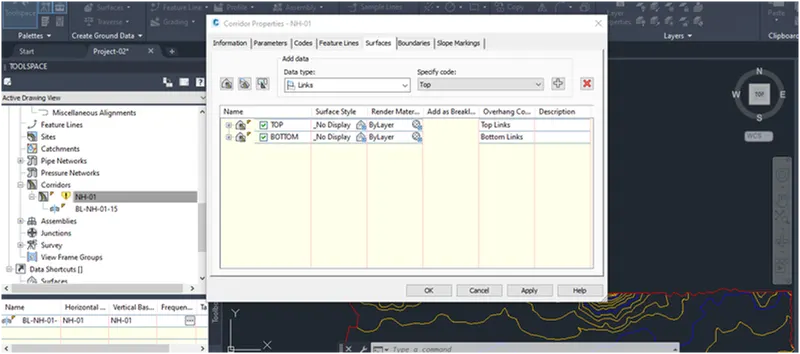
5. Section line & detail Cross section
For Cross-section we need to create sample lines then we need to select alignment then create a sample line group.
Then using the sample tool by taking the range of chainage then we need to give width on both sides of the chainage
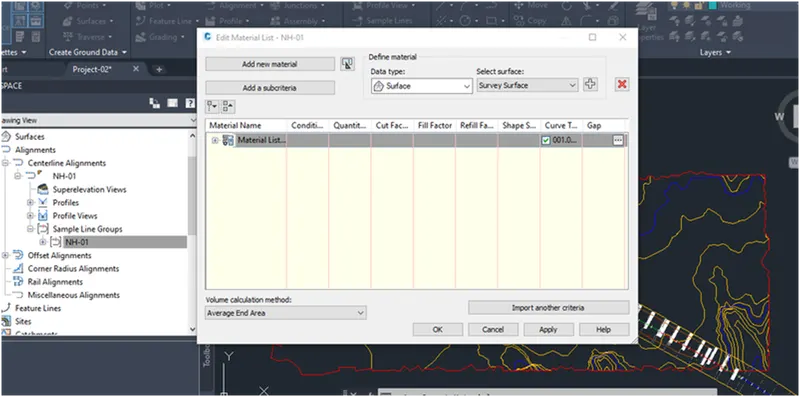
Then to compute quantities we have to compute material then need to add quantity take-off criteria naming the criteria.
Again we approach compute material then the materials list is displayed then apply it click ok.
Then we need to generate a report of cut fill volume for that click ok and put it in excel.
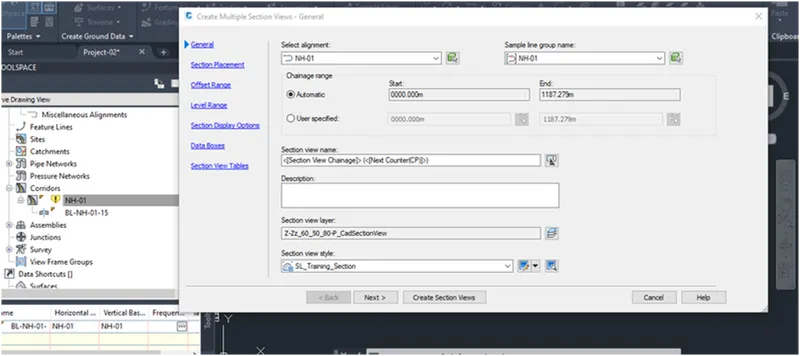
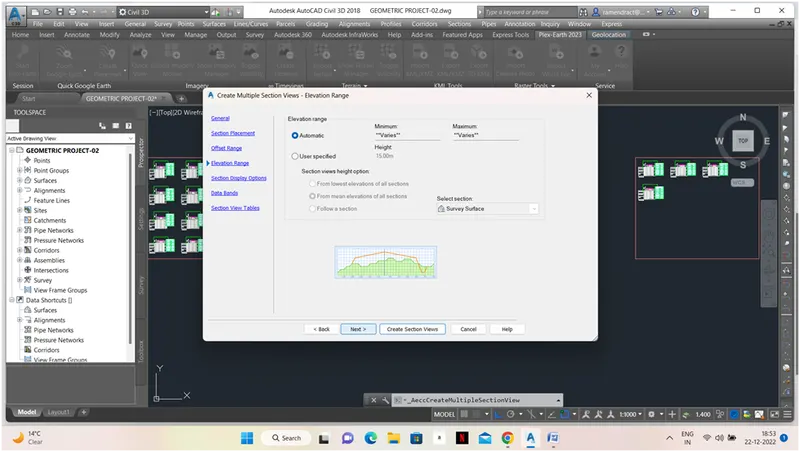
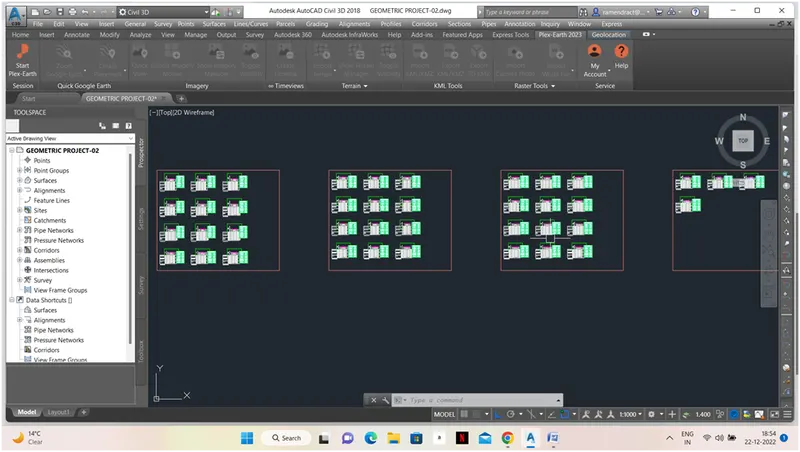
Then for multiple sections, we need to click on the section and select alignment, chainage, etc added then the next other details are added and we have to create section views.