Project 2 - Development of TFT Cluster Speedometer Software Component
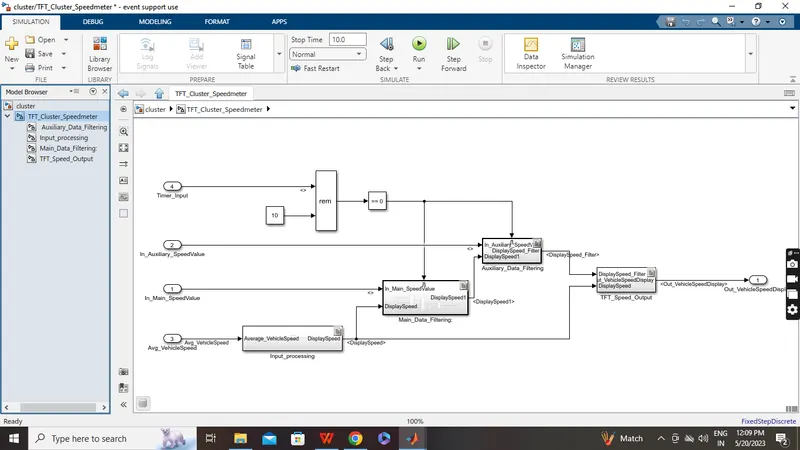
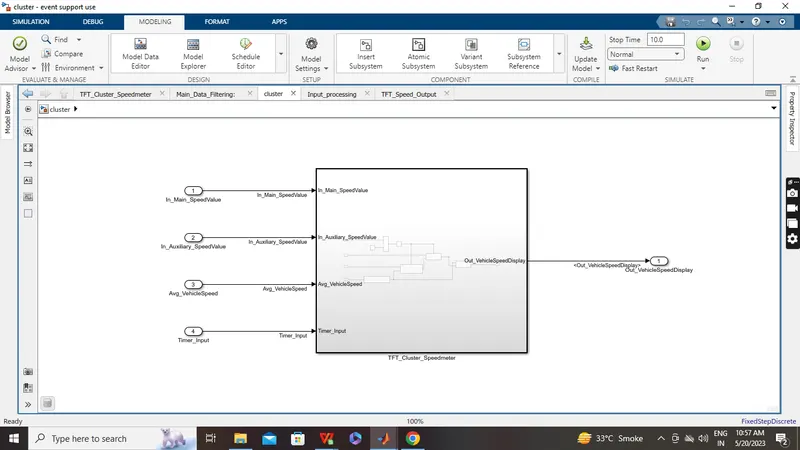
Model
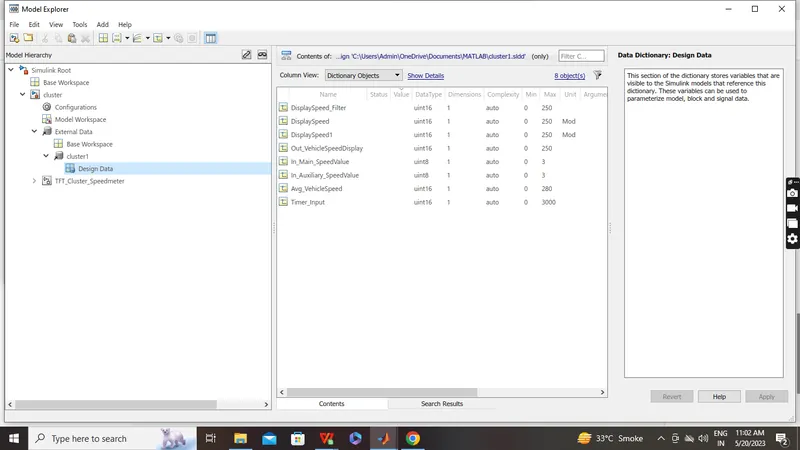
SLDD
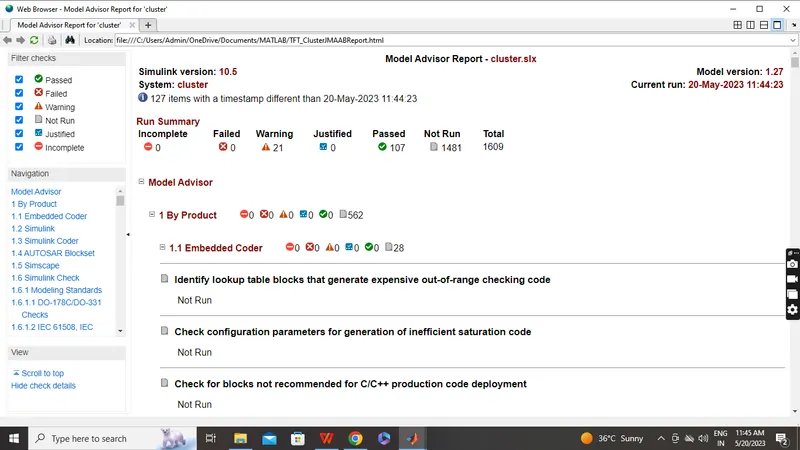
JMAAB Report
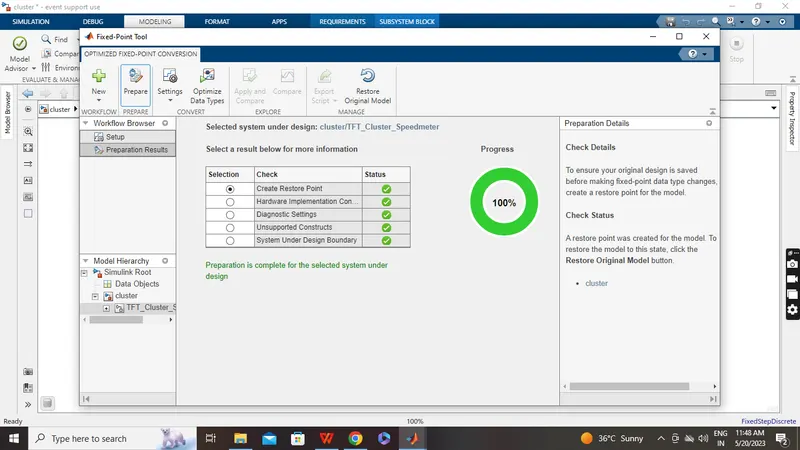
Fixed Point Tools
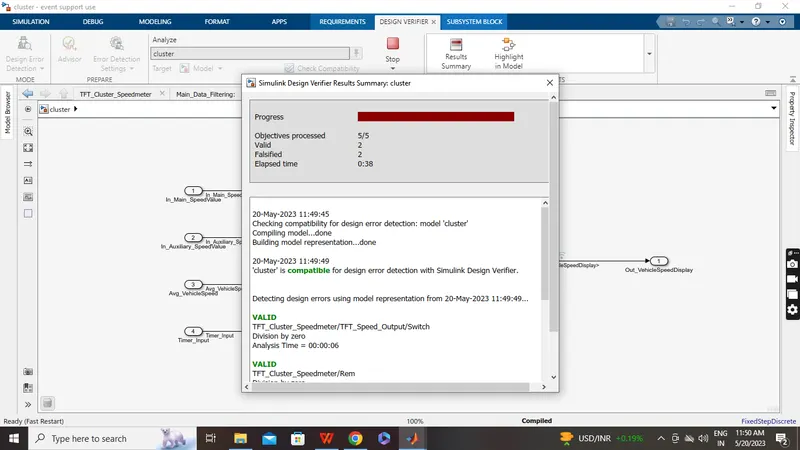
Design Error Detect
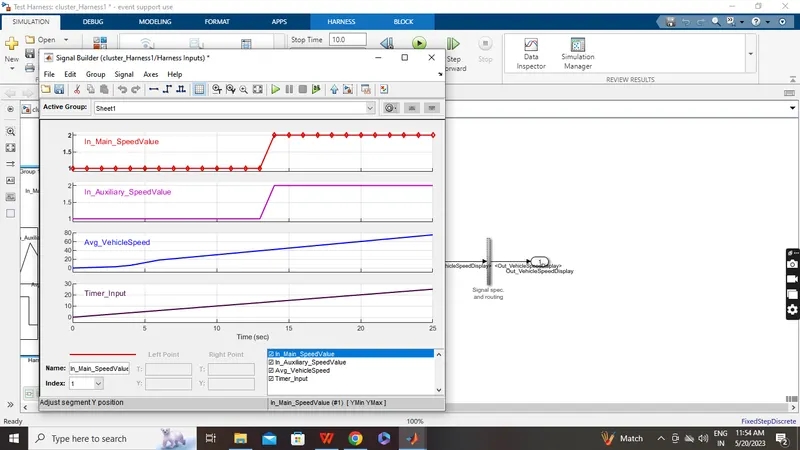
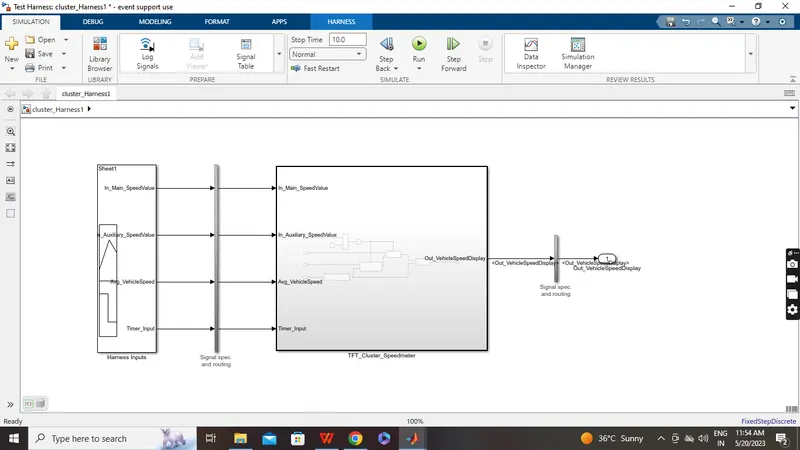
HIL Signal
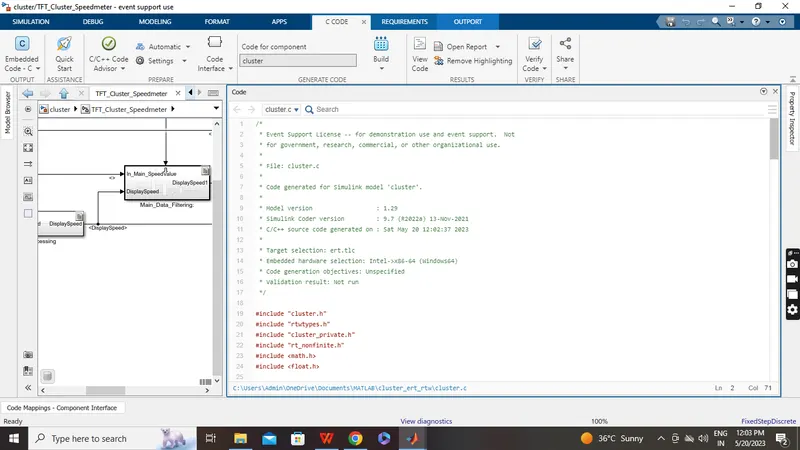
 Auto code generator
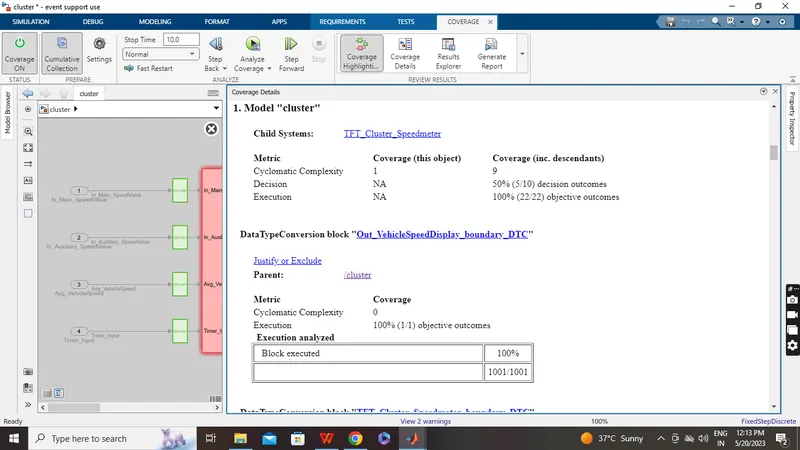
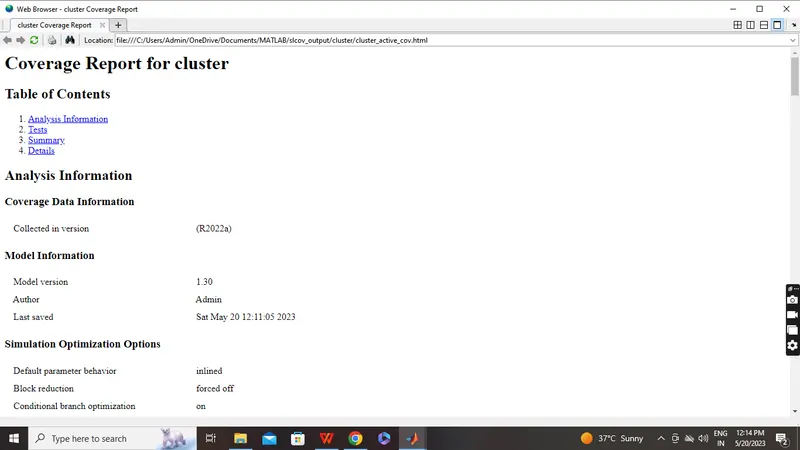
Coverage Analyzer
Polyspace
STEP-1
choose configration setting
-select desire setting for polyspace bug finder
-MISRA C 2004 chacking
-also other will be selected as our requirement
-configration --Run analysis
STEP-2
-complete run the model
-go to app and select embedded coder
-build the code of our project
-generate the code and code generation report here available all information
-in .c file
STEP-3
-open polyspace bug finder
-click on new projet on left side and select our project name and paste here
-and save the file
-click next below
-ask for project source file ..select our .c file than
-click finish
STEP-4
-project browser open ,all information available here
-select target procrssor type 'x86-64'
-coding standard MISRA C 2004 enable
-calculating code enable
-under bug finder..select default for require our need
-reporting under enable generate report and also our need desire settings
-save the file
STEP-5
-click on polyspace bug finder
-run and shown result
-code covered by analysis
-files & function,MISRA C violation detail
-more information shown on our result
-if we are select project review
-project matric and all more information available here
Back2back
ALL condition Done