Project 2 - Development of TFT Cluster Speedometer Software Component
Q.1>
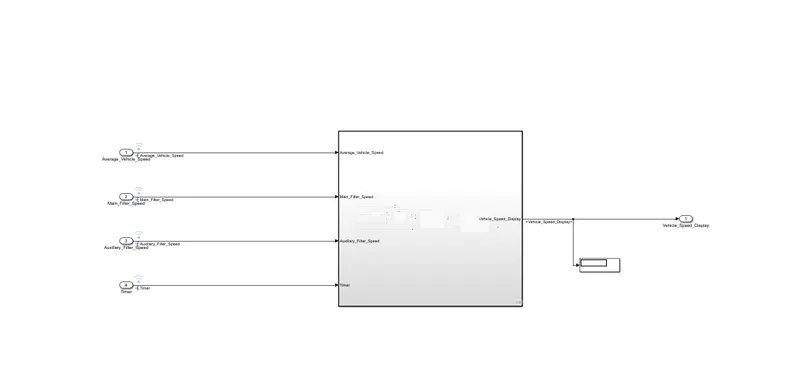
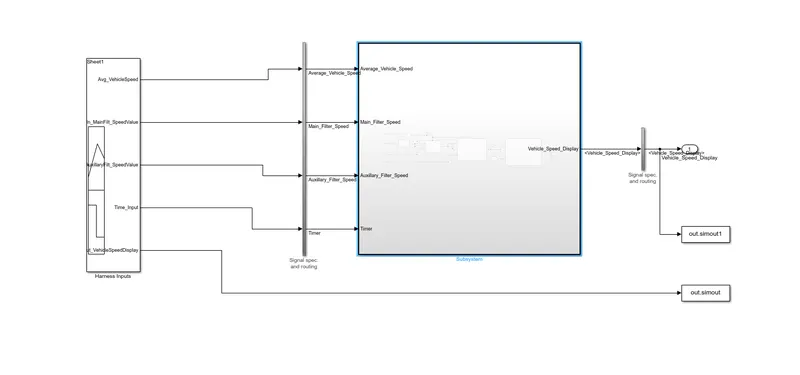
Main Model
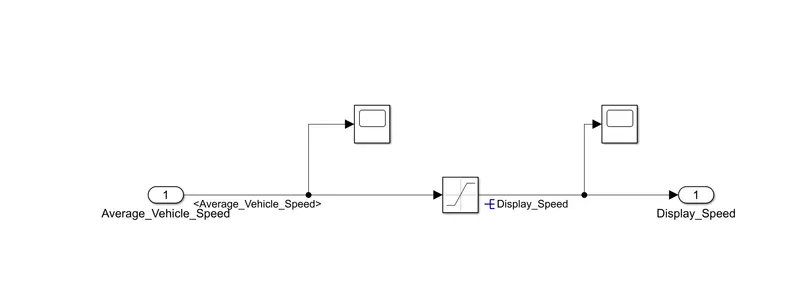
Subsystem_1(Avg-Vehicle Speed)
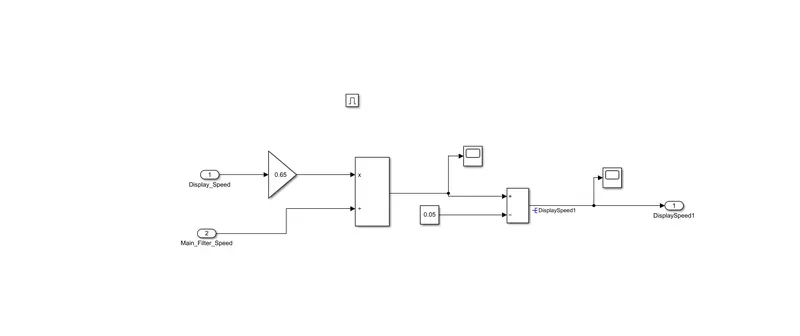
Subsystem-2(Main_Filter_Speed)
Subsytem-3(Auxiliary Filter Speed)
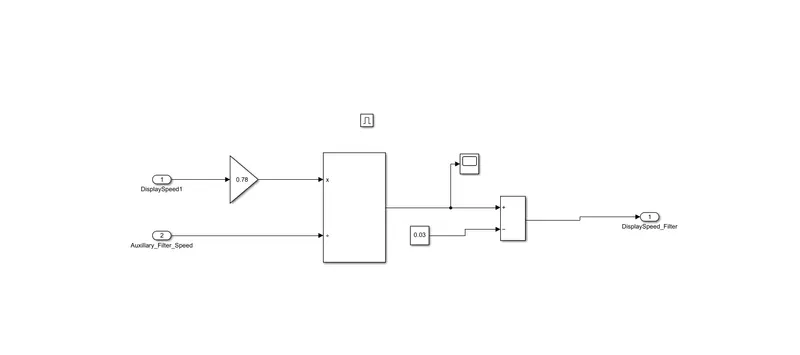
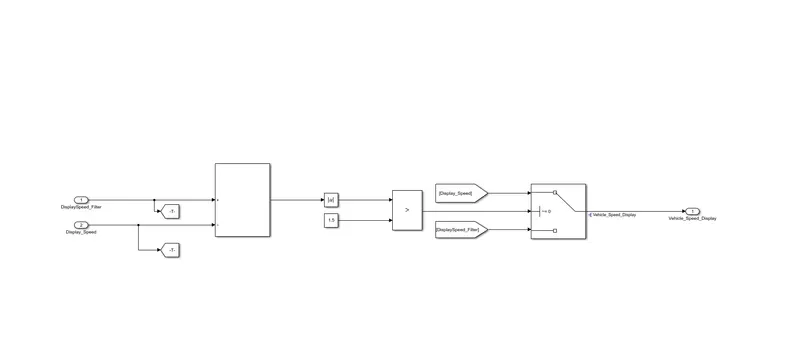
Substem_4(Final Display)
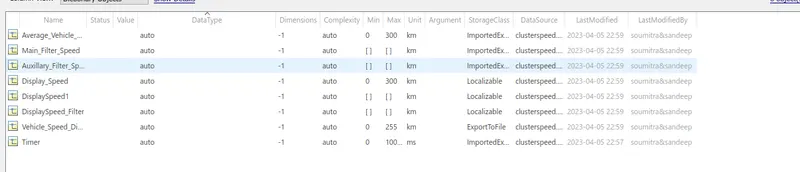
sldd file
Requirement Tagging:-

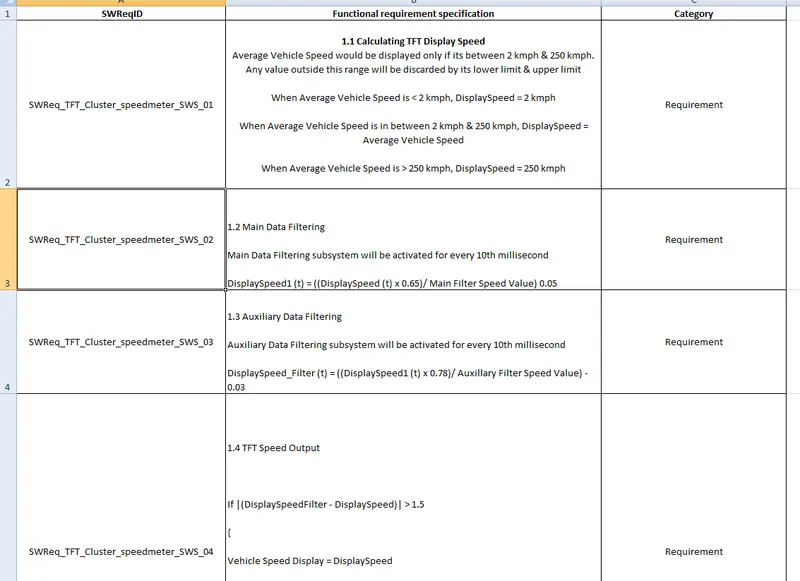
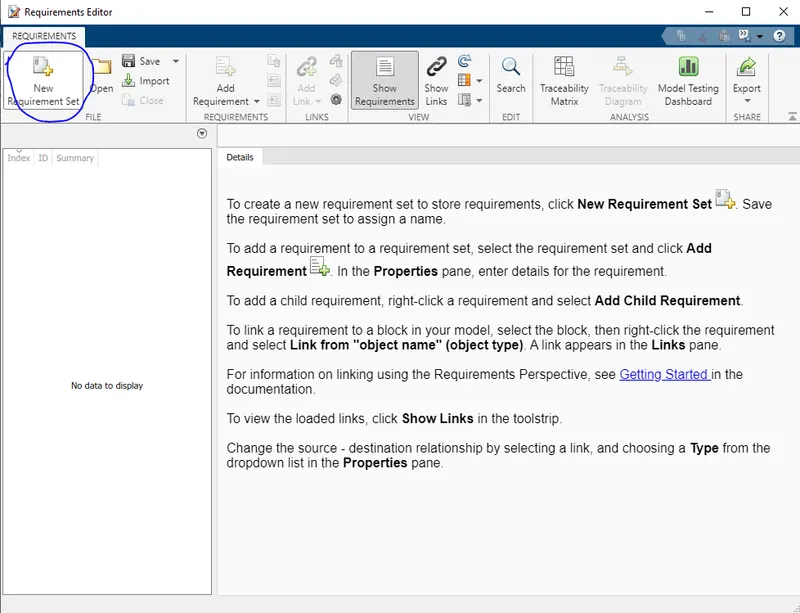

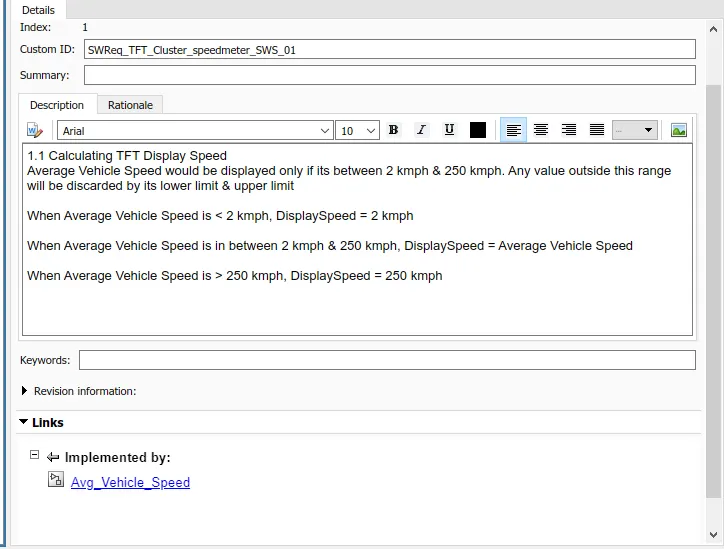
Tagging has done.
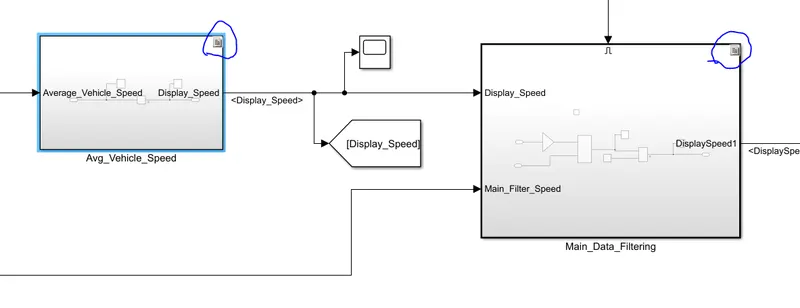
JMAB Check:-
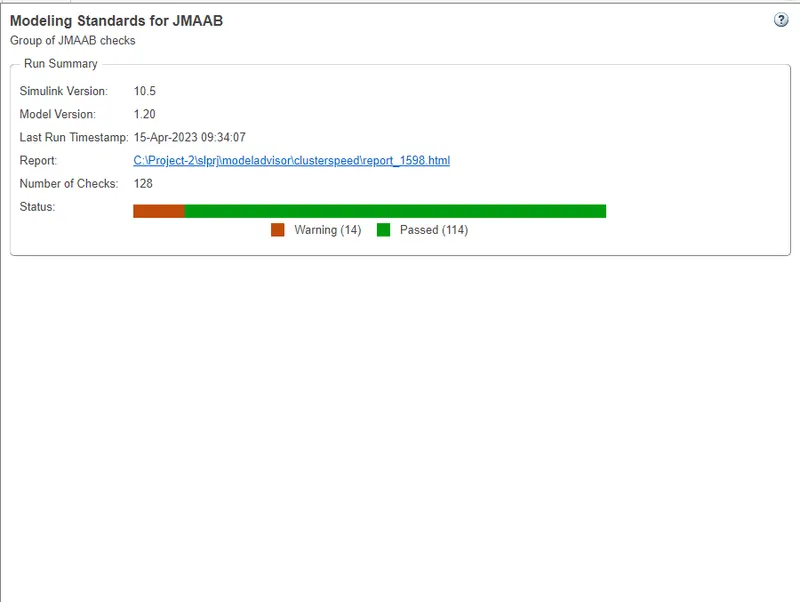
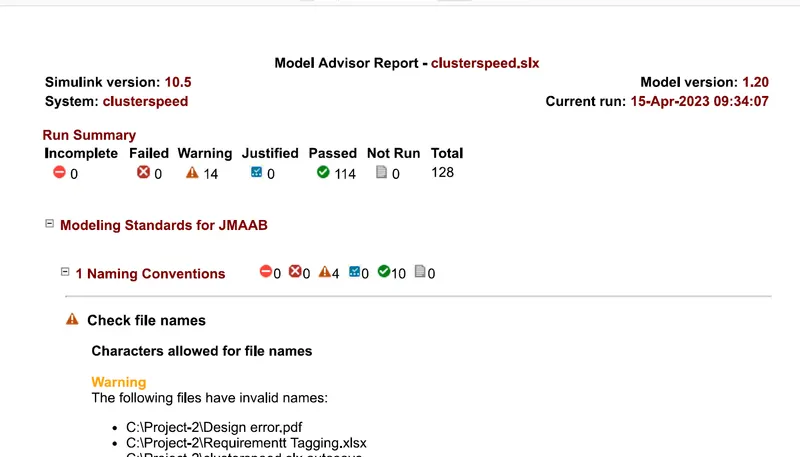
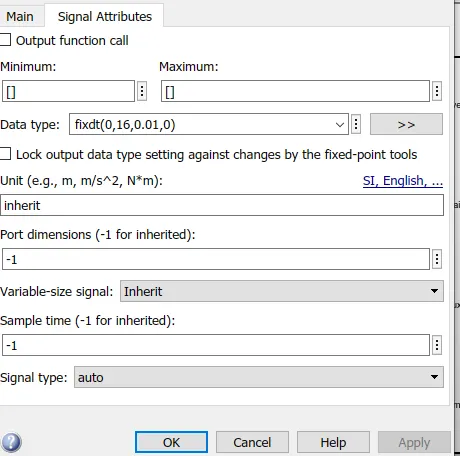
Fixed Point Tool:-

Fixed point change in Port
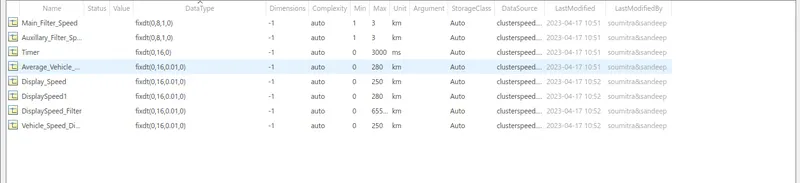
Fixed point change in SLDD
SLDC Design verifier
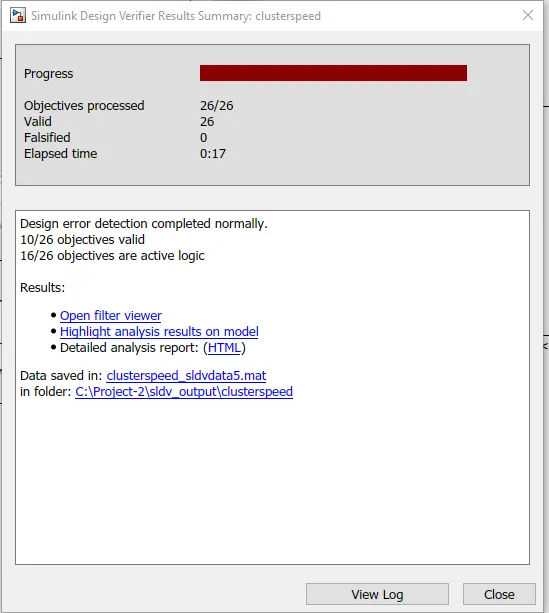
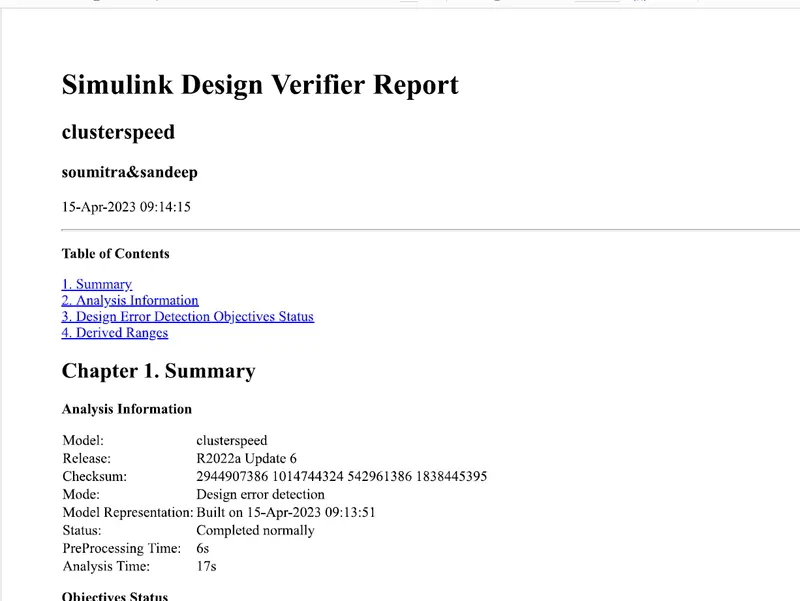
Advisor Report
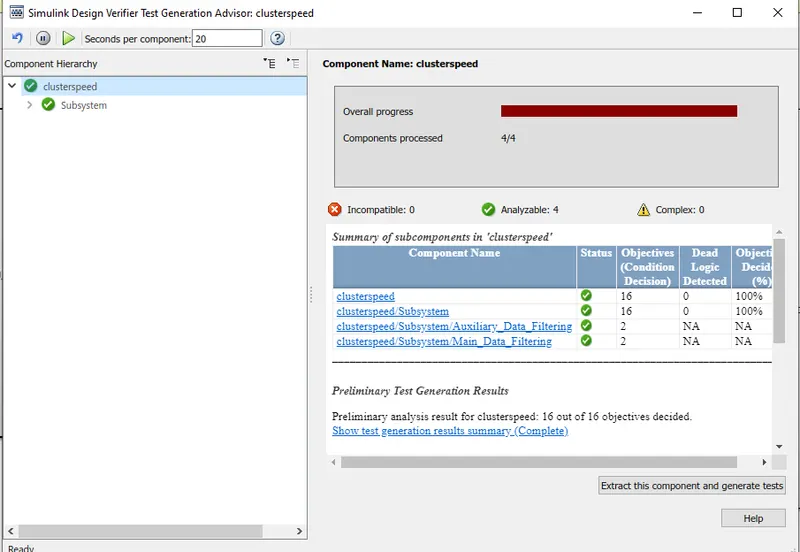
Test Generation
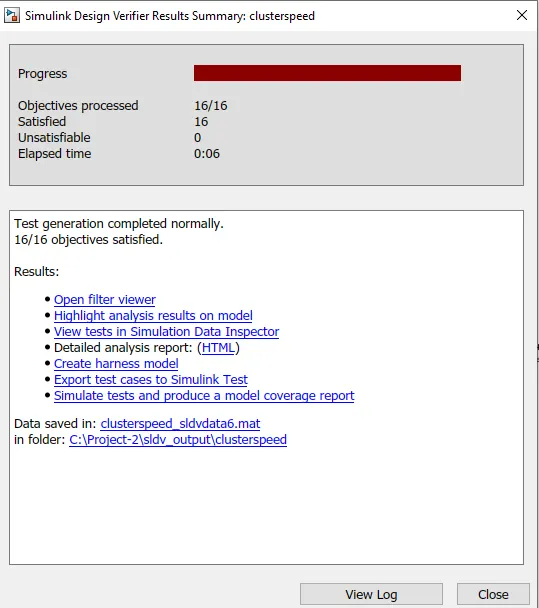
Test Generation Report
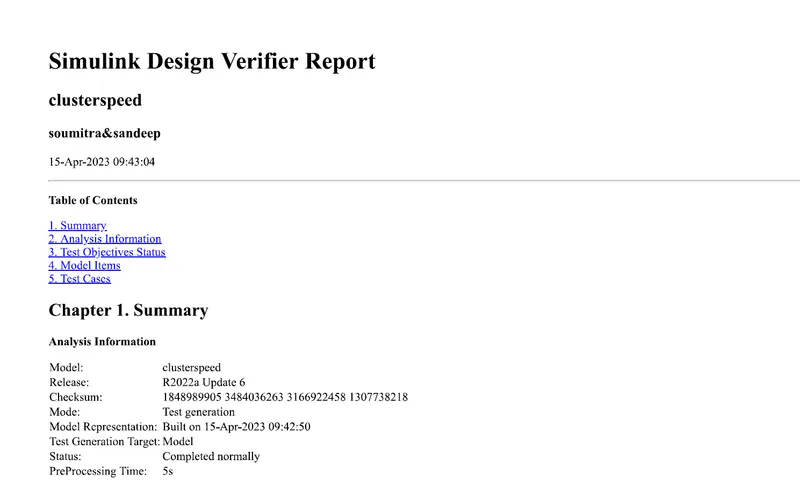
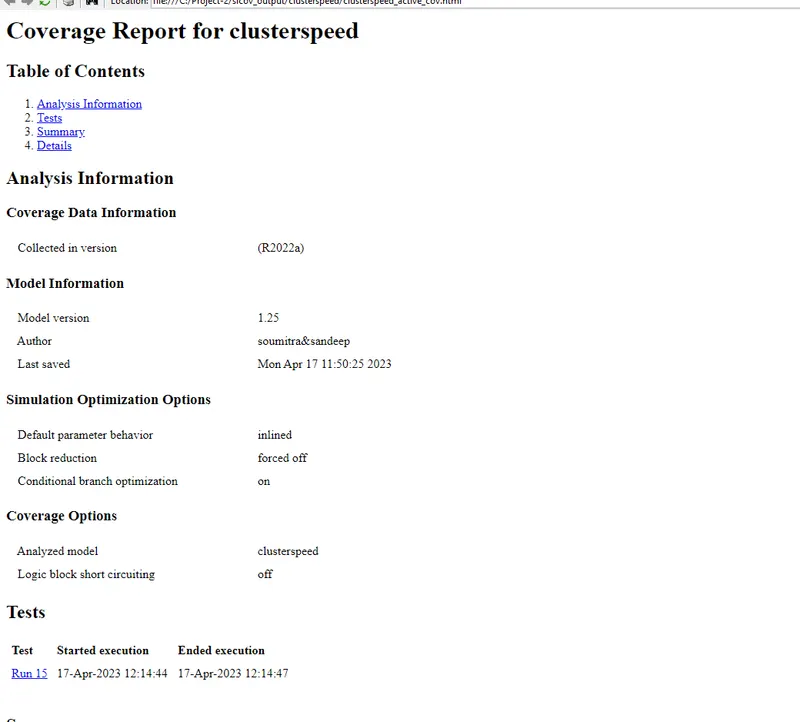
MIL SIL Report
Test cases
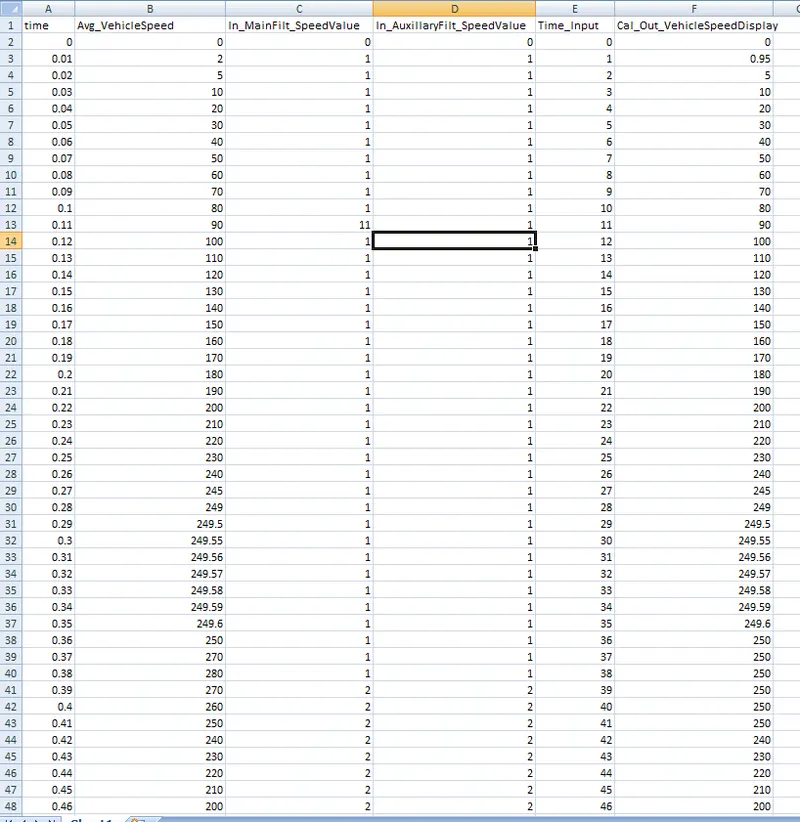
Signal builder output:-
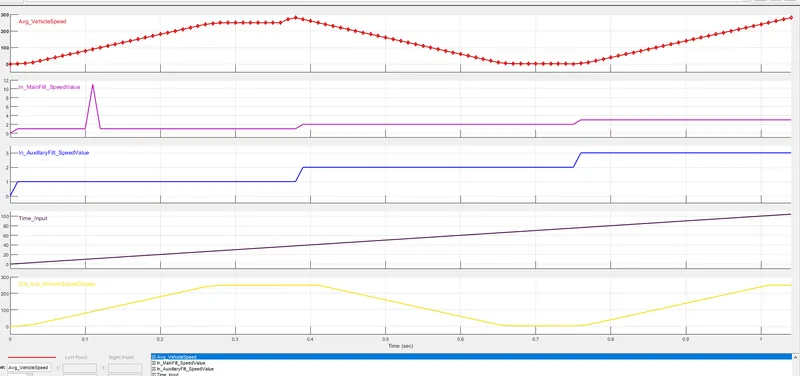
MIL Harness
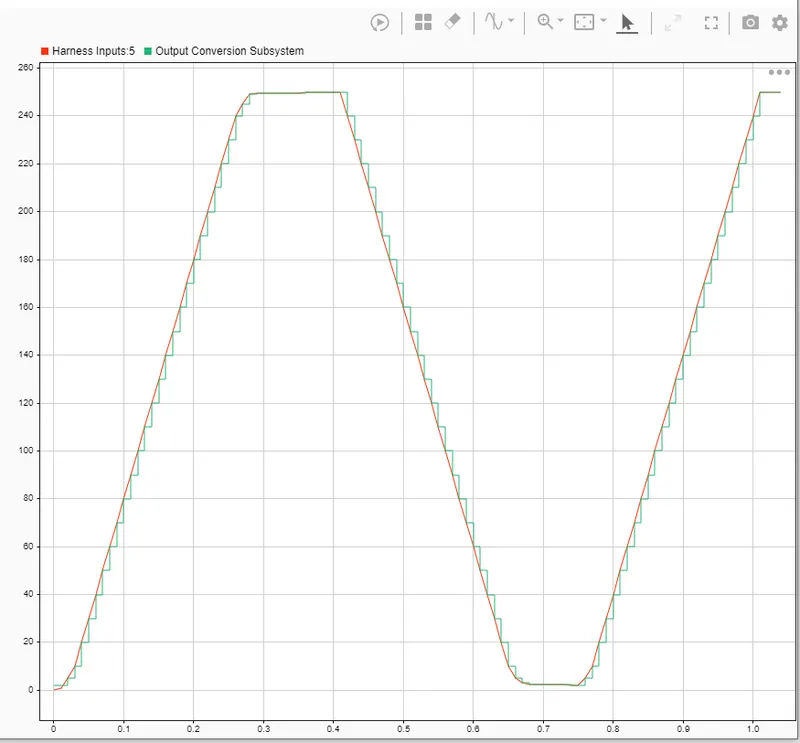
Its impossible to get zero output in scope, so we take the help of data inspector output, where the Harness output nearly matches the model output.
SIL:-
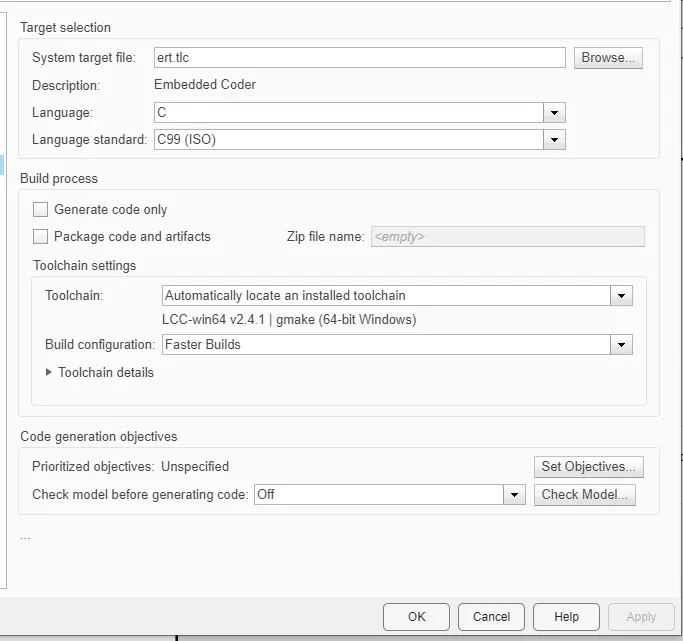
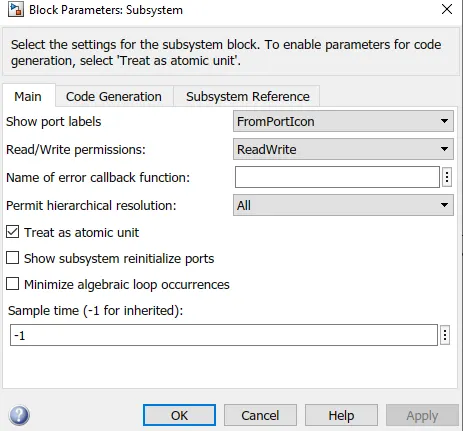
We first then select the solver settings as embedded coder then build the model.


The signal builDER OUTPUT
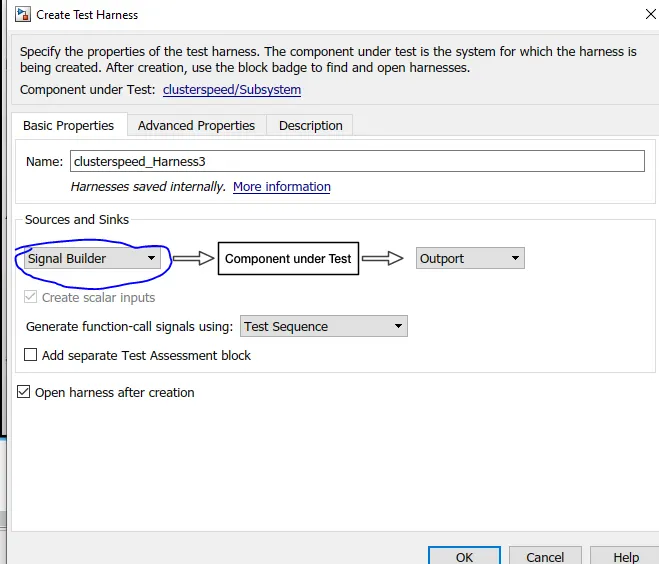
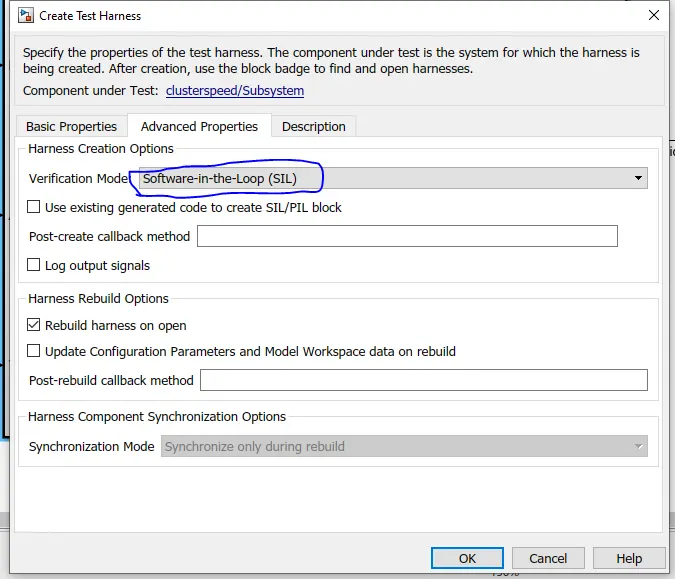
SIL Harness
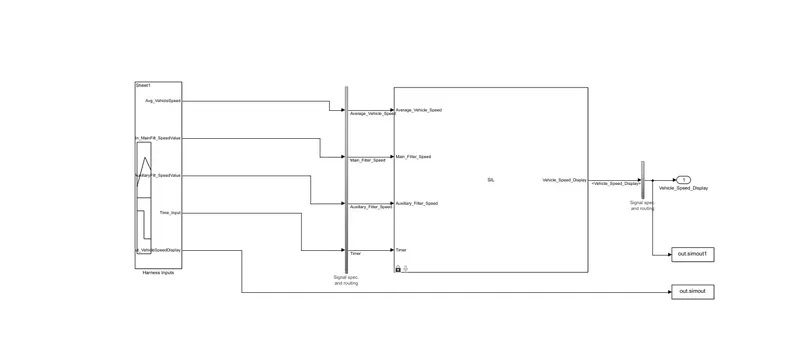
Signal builderoutput
Data Inspector output
MCDC Report for SIL Testing
code generation
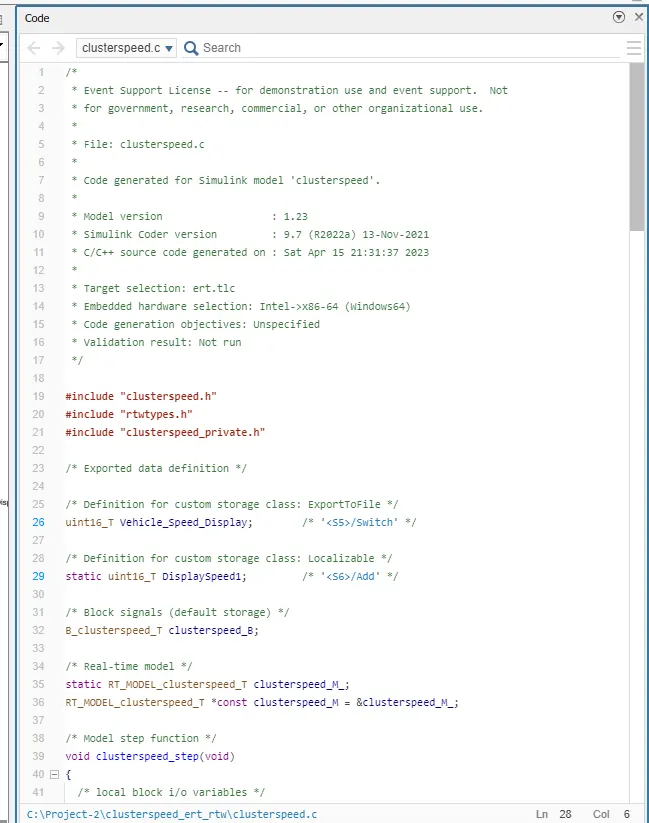
Polyspace Bug report:-
As we dont have the polyspace licence, only steps to find out the polyspace bug finder report is written below.
Polyspace Bug Finder is a static code analysis tool that can help you identify potential bugs in your MATLAB code. To generate a Polyspace Bug Finder report, you can follow these steps:
-
Open MATLAB and navigate to the directory where your code is located.
-
Open the Polyspace Bug Finder interface by typing "polyspace" in the MATLAB command window.
-
In the Polyspace Bug Finder interface, select "Create New Project" and give your project a name.
-
Select "MATLAB" as the programming language for your project.
-
In the "Project Settings" window, select the files you want to analyze and specify any additional analysis options.
-
Click "Run Analysis" to start the analysis process.
-
Once the analysis is complete, Polyspace Bug Finder will generate a report that lists any potential bugs it has identified in your code.
-
To view the report, select "View Report" in the Polyspace Bug Finder interface.
-
The report will display a list of potential bugs, along with detailed information about each bug and recommendations for how to fix it.
-
You can save the report in various formats, such as PDF, HTML, or XML, by selecting "Export Report" in the Polyspace Bug Finder interface.
-
Review the report and fix any potential bugs identified by Polyspace Bug Finder to improve the quality and reliability of your MATLAB code.
Polyspace Code Prover is a static analysis tool that can help you verify the absence of run-time errors in your MATLAB code. To generate a Polyspace Code Prover output, you can follow these steps:
-
Open MATLAB and navigate to the directory where your code is located.
-
Open the Polyspace Code Prover interface by typing "psrun" in the MATLAB command window.
-
In the Polyspace Code Prover interface, select "Create New Project" and give your project a name.
-
Select "MATLAB" as the programming language for your project.
-
In the "Project Settings" window, select the files you want to analyze and specify any additional analysis options.
-
Click "Run Analysis" to start the analysis process.
-
Once the analysis is complete, Polyspace Code Prover will generate an output that indicates whether your code is free of run-time errors.
-
To view the output, select "View Results" in the Polyspace Code Prover interface.
-
The output will indicate whether your code is free of run-time errors or if any errors were detected.
-
You can save the output in various formats, such as PDF, HTML, or XML, by selecting "Export Results" in the Polyspace Code Prover interface.
-
Review the output and address any errors identified by Polyspace Code Prover to ensure the correctness and reliability of your MATLAB code.
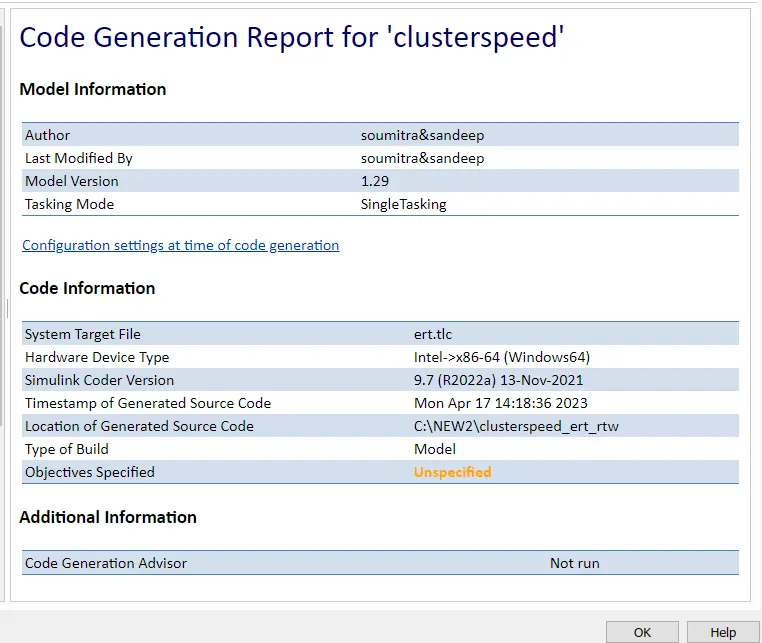
Codegeneration report
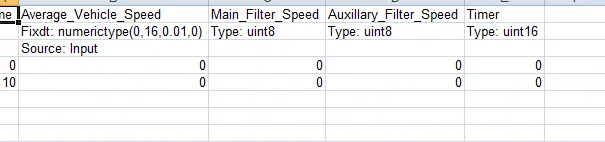
Baseline Test:-


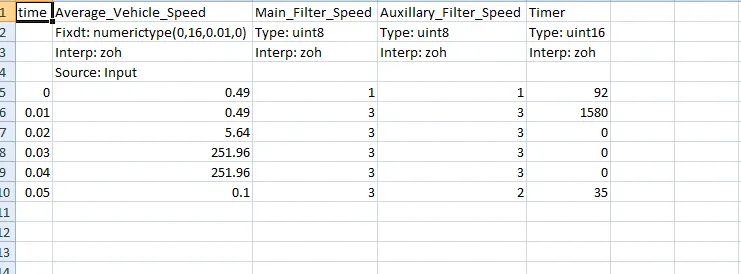
Now we do requirement tagging and select the model. and then we catch the inputs.
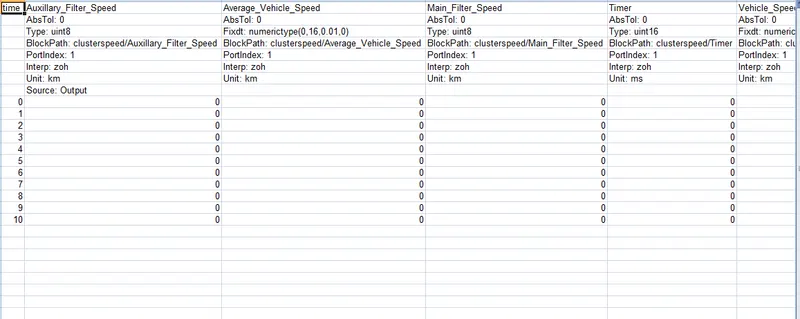
base line outputs:
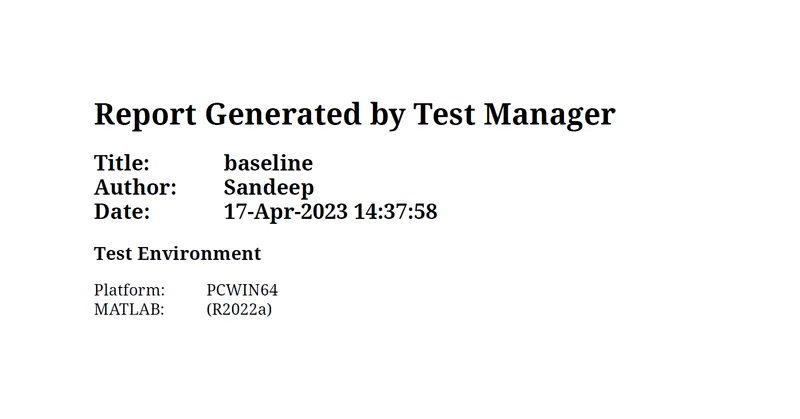
Now we run the test cases.
Back to Back Test:-
Equivalence Criteria
Backto Back Test Report