Project 2 - Create a report using PowerQuery, Macro VBA, List Functions and Data Validation functions for Data Reporting of Supply Chain Management companies
Features of Dashboard
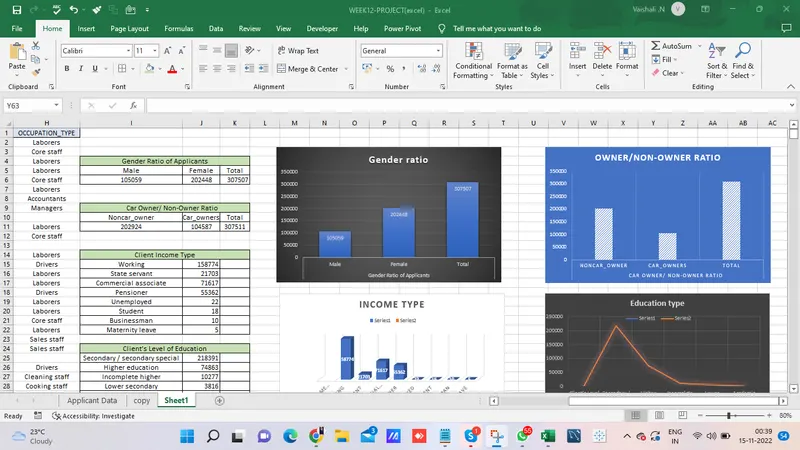
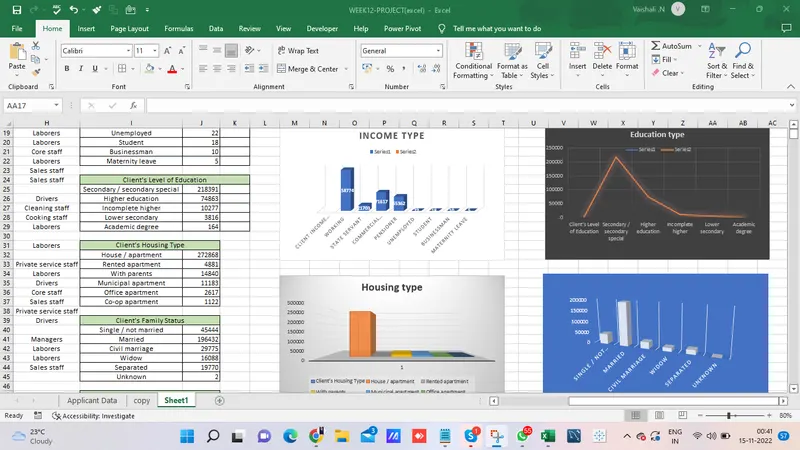
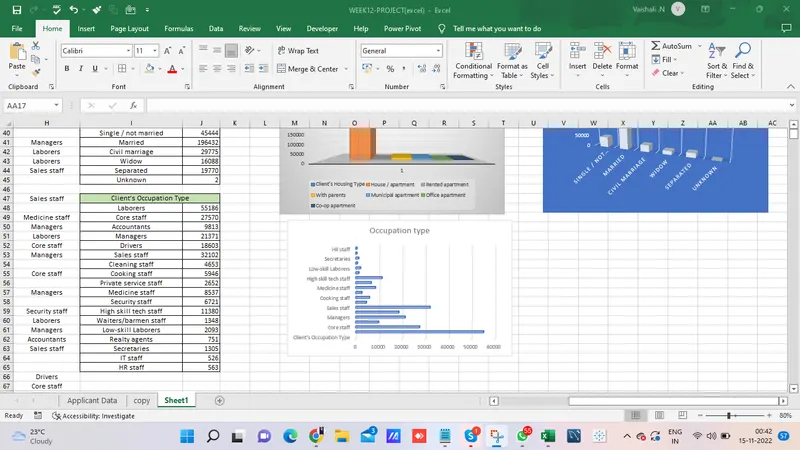
Data Summary of All Female Client’s for Income and Loan Amount using New Functions
=FILTER(A1:C307512,A1:A307512="F")
To summarize the female client, Data->what if analysis-> scenario manager, add a few related scenarios, and give the ok, it displays the summary of the female client
Macro for data formatting
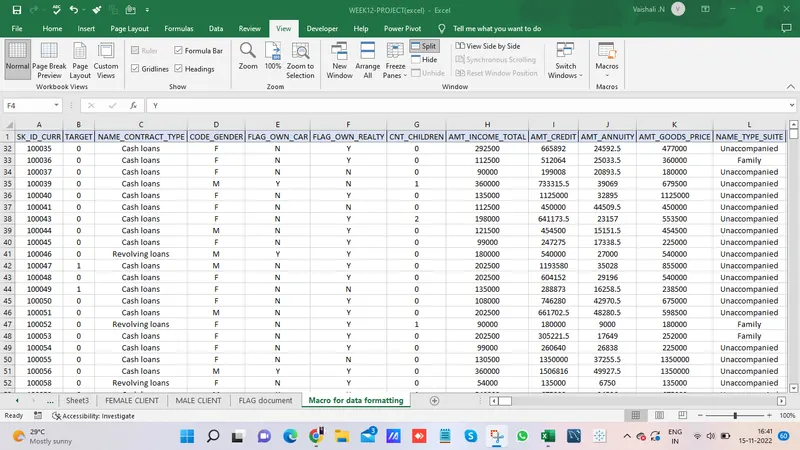
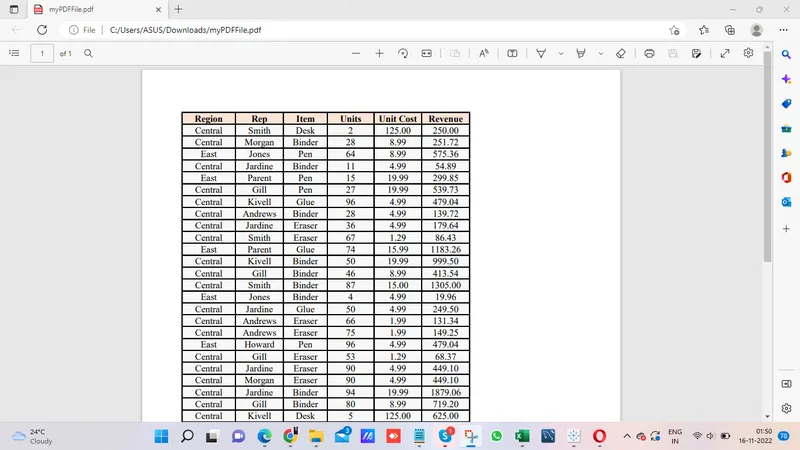
Create VBA Code to convert selected data into pdf from applicant data
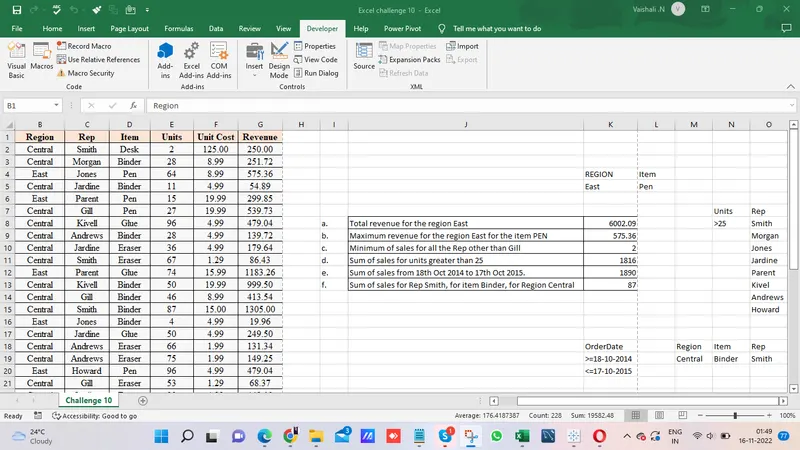
Public Sub pdf()
'Create and assign variables
Dim saveLocation As String
saveLocation = "C:\Users\ASUS\Downloads\myPDFFile.pdf"
'Save selection as PDF
Selection.ExportAsFixedFormat Type:=xlTypePDF, _
Filename:=saveLocation
End Sub
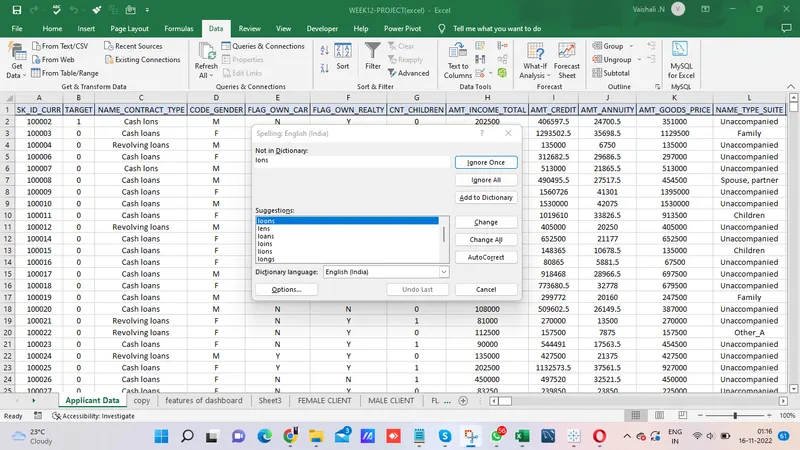
Check Spelling mistakes in the workbook using VBA Code
Public Sub spellingmistake()
ActiveSheet.CheckSpelling
End Sub
LINK FOR THE PROJECT:
https://drive.google.com/file/d/1iIB6_OmOXxzULaYb9ubvny32y9lZ3ucj/view