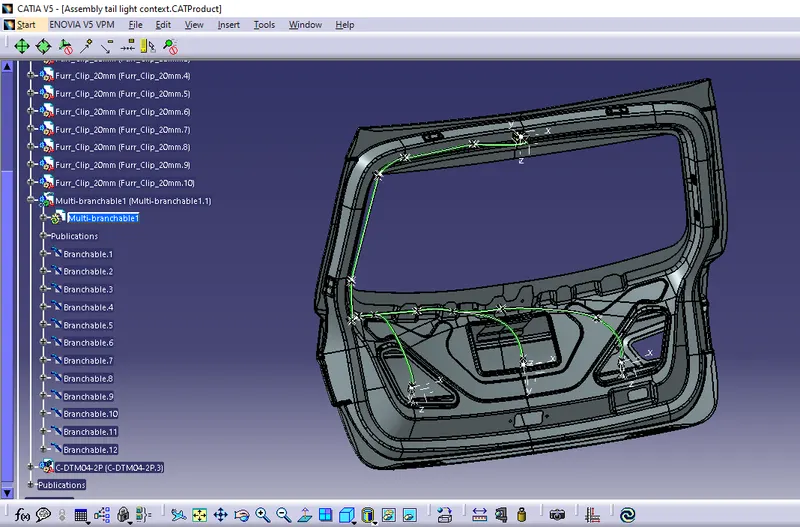
Project 2
AIM
Route the Wiring harness on Given car body and Prepare flatten view drawing in CATIA V5
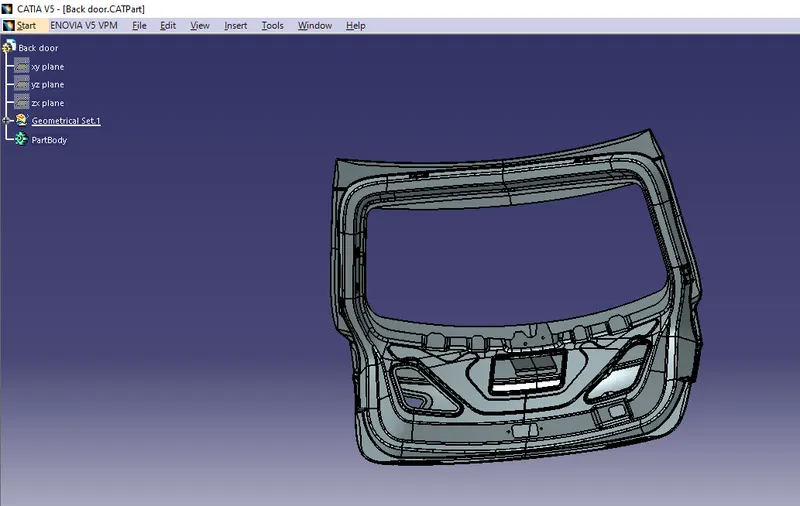
1.Download the back door and covert into CAT.file
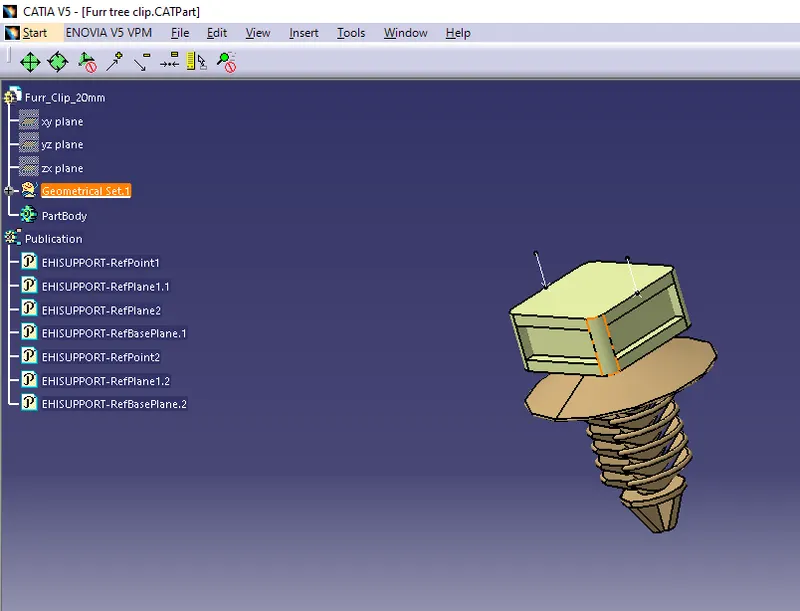
2. Define the Furr tree clip
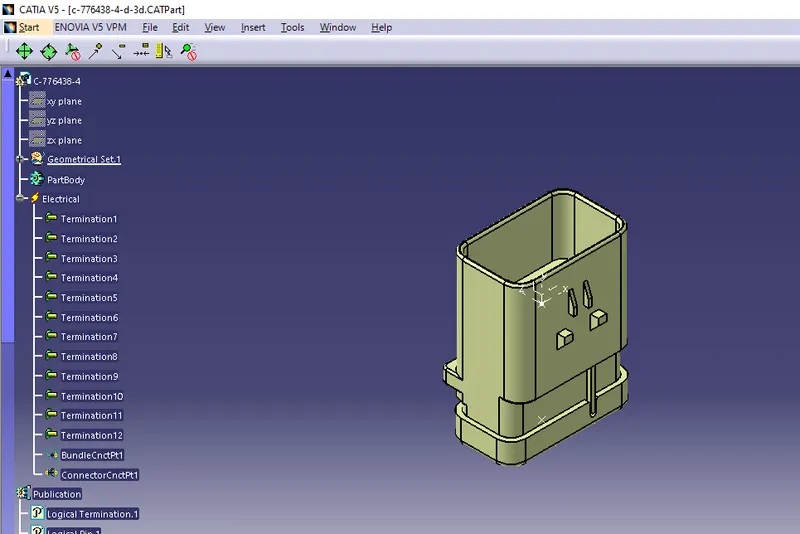
3.Define the connectors
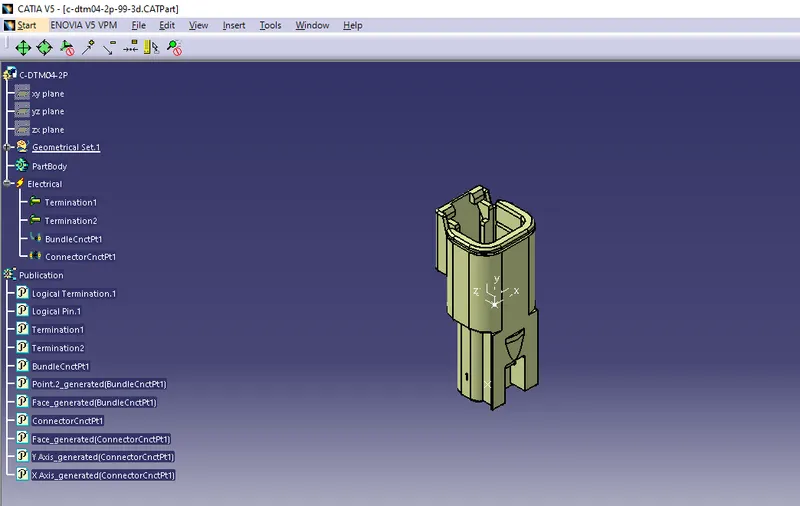
4.Assemble the connectors and furr tree clips
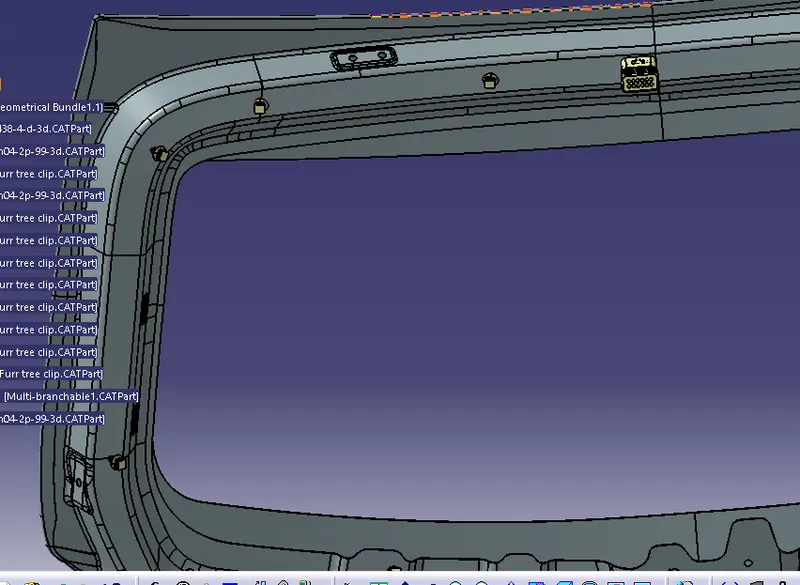
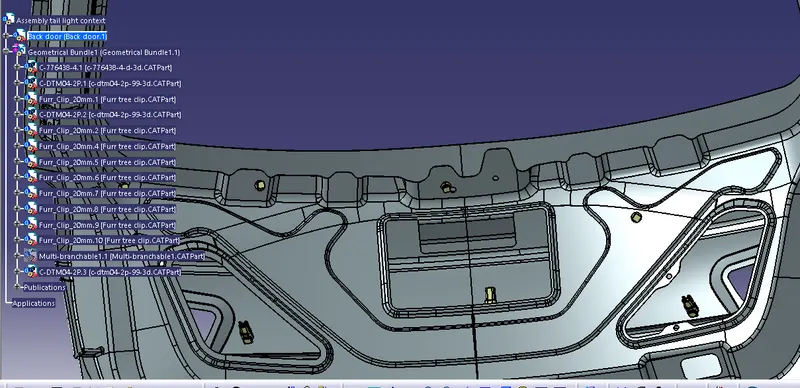
6.Route the bundle segement from the main interconnector
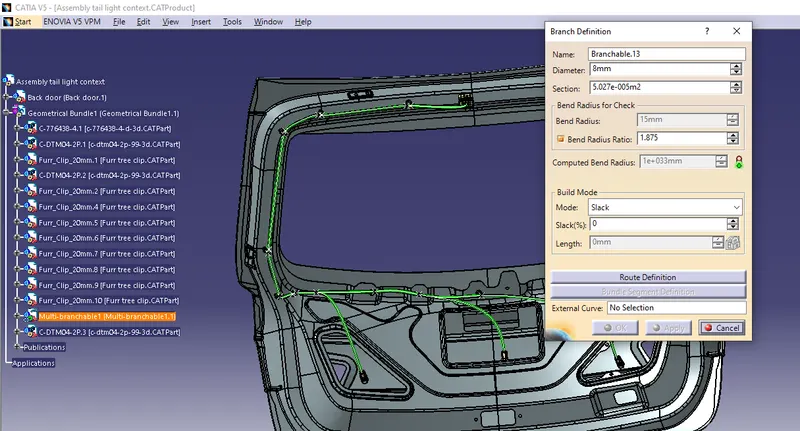
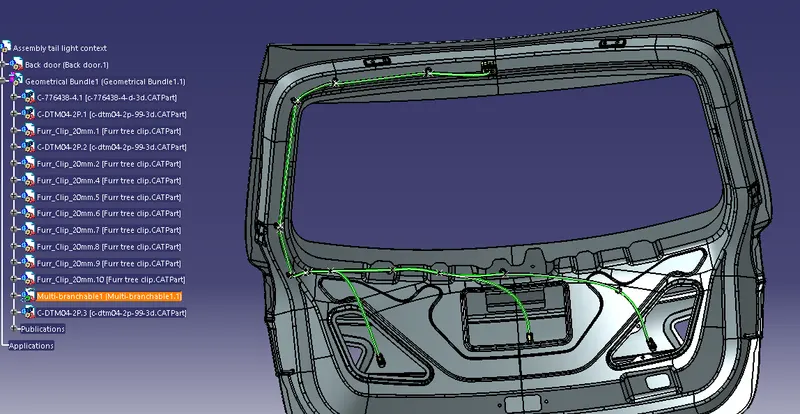
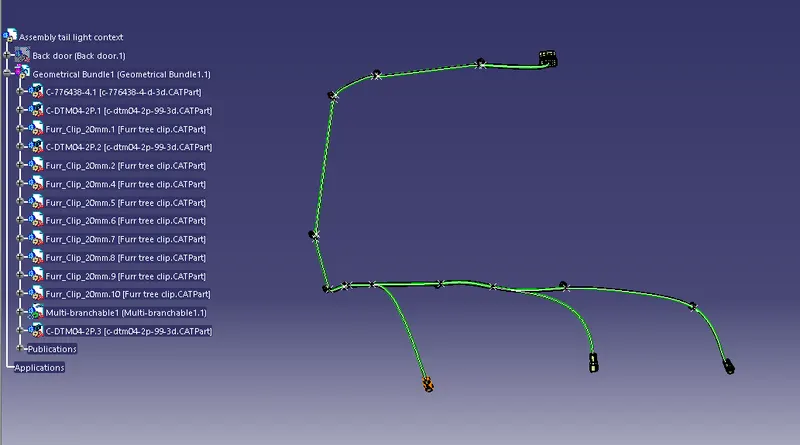
7.Check the connectivity of the entire bundle segment
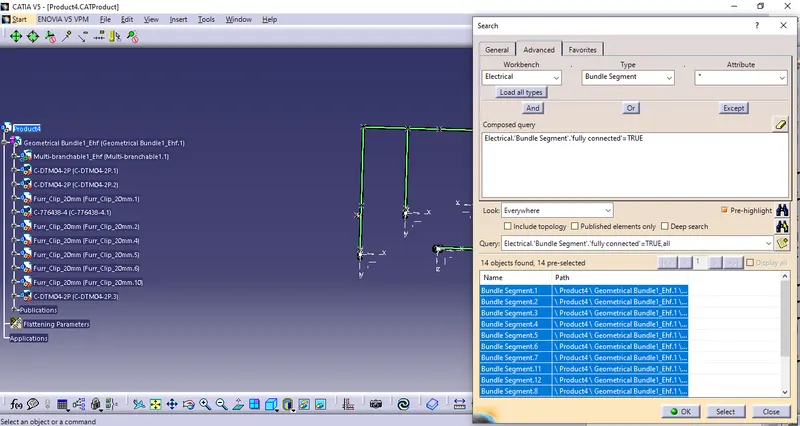
8.Flatten the geometric bundle
- Create new product file
- Add flattening parameters
- Import the gemetric bundle into the product file
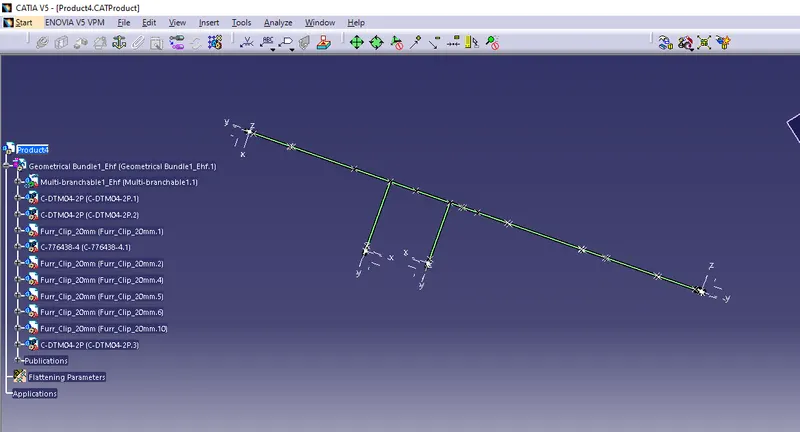
- Bend the geometric bundle as required
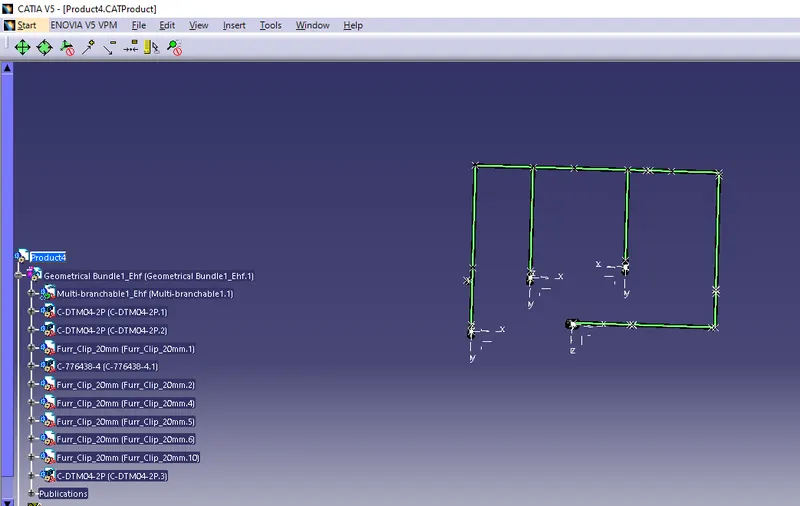
9.Drafting the geometric bundle after flattening
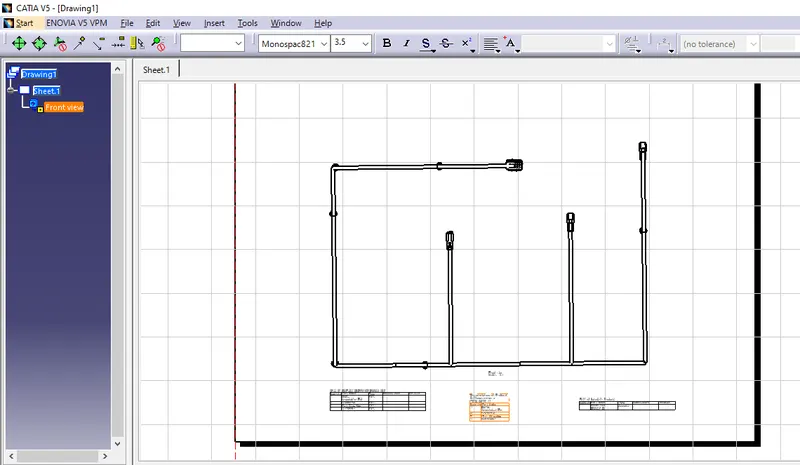
CONCLUSION
Wiring harness is done on the Given car body and flatten view drawing in CATIA V5 is also done