Project 2 - 2D meshing on the instrumental Panel
OBJECTIVES: -
- Geometry clean up
- Defeaturing
- Mid surface generation by using mid surface casting
- modify Mesh to meet up quality criteria
PROCEDURE: -
- OPEN ANSA V22
- Import the seat cover geometry
- Input perimeter length as 1 by selecting entire entity
- Check the geometry
- If it shows error in geometry clean it by using auto fix option remaining error clean manually,delete existing faces, creating new faces or by adjusting cones
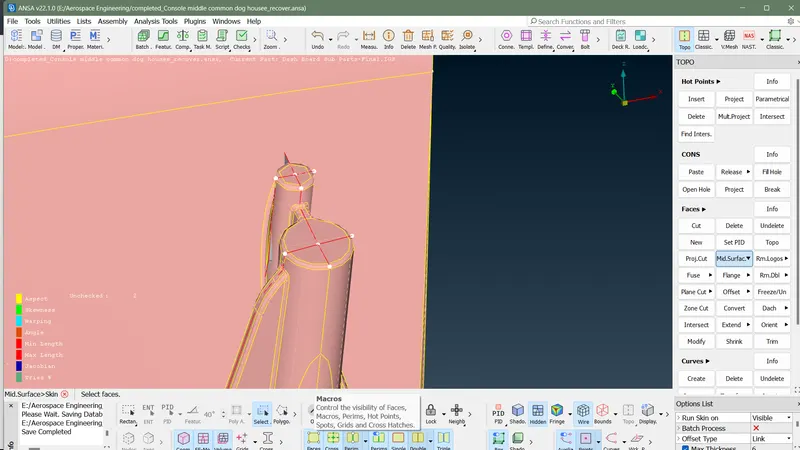
- Generate FE model using MID.SURFACE (casting) option in faces
- input mesh parameters in dialog box as required
- Input quality criteria
- Align FE model with geometry using align manager in mid.surfaces in face in topo module
- align perimeter selecting perimeter in dialog box ,adjust primeter with appropriate surface
- align whole surfce by using area option in dialog box
- nodal alignment can done using align in grids in mesh module
- adjust FE model of dog house properly by creating new surfaces or adjust it perimeter
- joint to surface can be done by using intersecetiojn option in face in topo module
- if gap between two surfaces are more it can join by using connect in modify in middle mesh module
- it can be also done by using project and fill options in shell mesh in mesh module
- Adjust mesh by using reconstruction and smooth option
- Eliminate maximum triangular element by using split option in element
- If quality issue raised avoid it by it by using smooth or reconstruction or by using grid adjustment
- Check quality issue and do correction for it
- check mesh flow avoid tringle touching each other ,avoid triangle which directed to each other
- improve mesh flow
- Finish the Challenges
FINISHED SURFACE:-
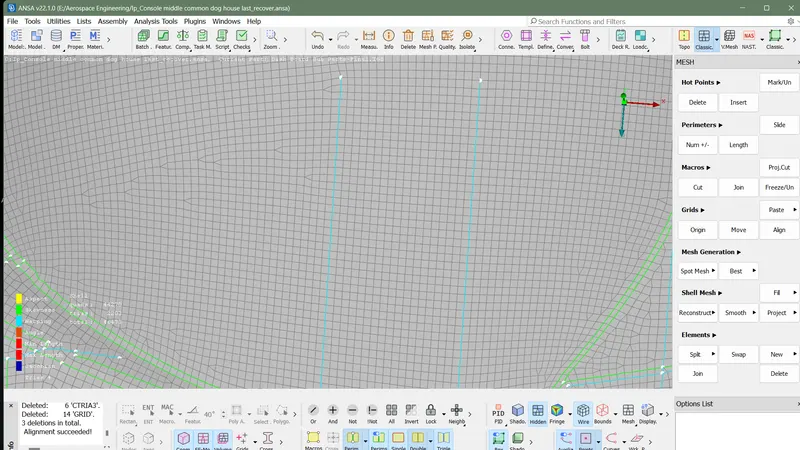
MODIFIED FE MODEL OF DOG HOUSE :-
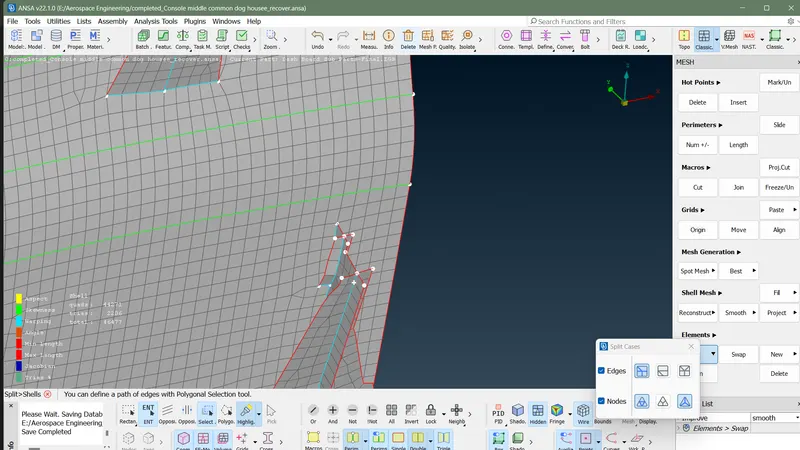
ALIGNED FE MODEL WITH GEOMETRY:-