Project 2 - 2D meshing on the instrumental Panel
AIM :
Mesh the component with given element Quality criteria. We have to maintain good mesh flow, After Meshing the component the thickness has to be assigned.
|
S.No |
Quality Criteria |
Value |
|
1 |
Target/Average length |
4 |
|
2 |
Minimum Length |
2 |
|
3 |
Maximum Length |
6 |
|
4 |
Aspect |
3 |
|
5 |
Warpage |
15 |
|
6 |
Skewness |
45 |
|
7 |
Jacobian |
0.7 |
|
8 |
Minimum Quad Angle |
45 |
|
9 |
Maximum Quad Angle |
135 |
|
10 |
Minimum Tria Angle |
30 |
|
11 |
Maximum Tria Angle |
120 |
|
10 |
Tria Percentage |
15 |
PROCEDURE :
- Import the cad model in ANSA software
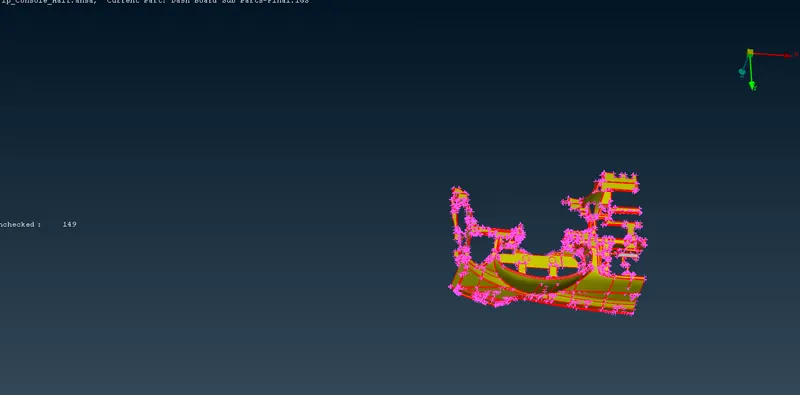
- Intially check the geometry for errors or sharp edges or single cons or crack faces using checks-geometry. select all the errors and fix them.
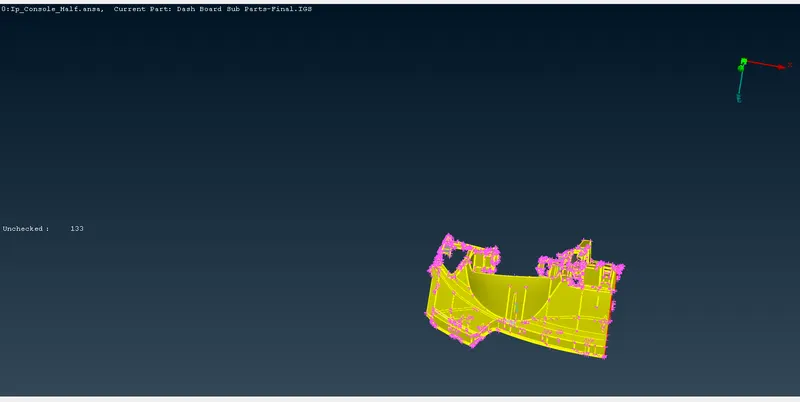
- After fix the orientation sigle colour in grey colour, hrey is apositive colour
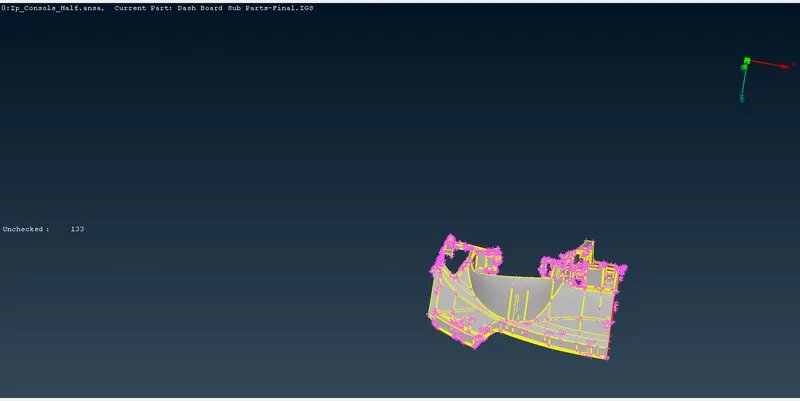
- Now check the geomentrical errors, In this is lot of geomentrical errors in my model
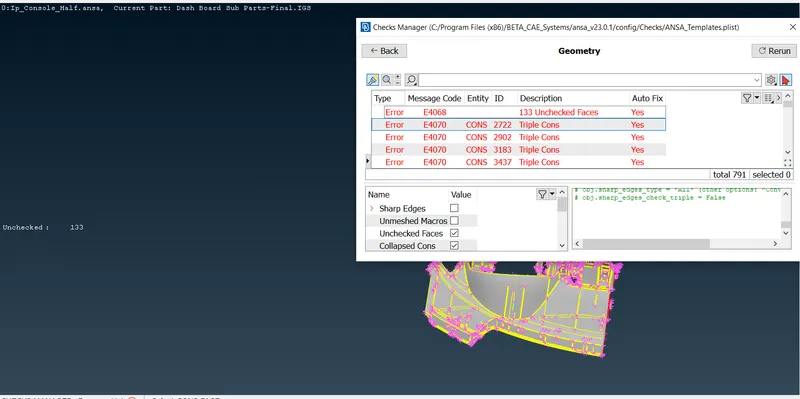
- Half of the errors only fixed in the auto , otherwise the fix the manually
- This ip console is half part only given , they are not proper to cut the half part then correct the parent geomentry in ip console
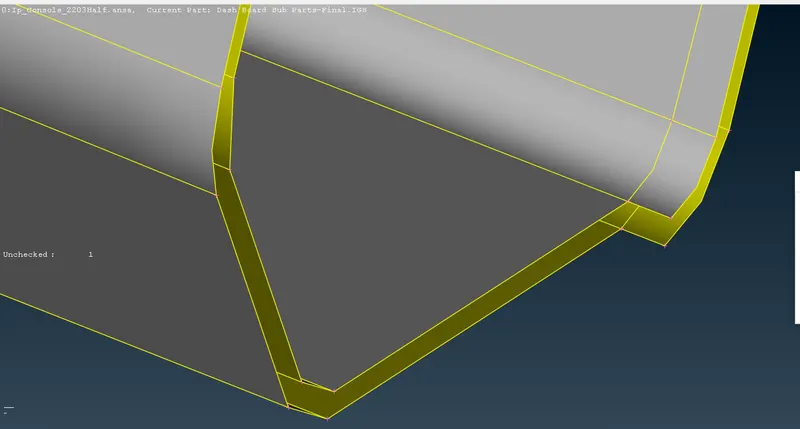
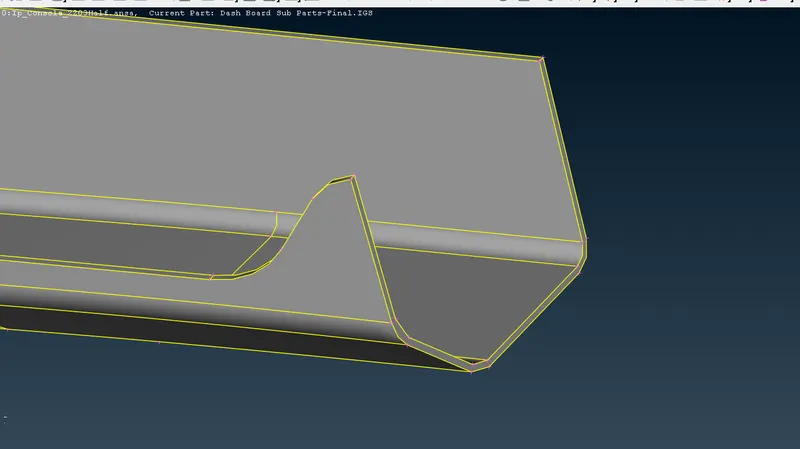
- Now clear the all geomentry cleanup in my model
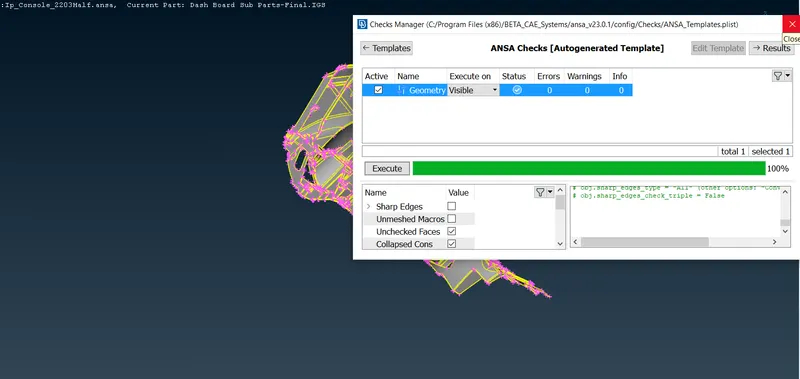
- we are not create a midsurface, we can create the midelement with the help casting option and align manager
- Align manager with the help of align the surface or element
- Now select the midsurface casting option and give the mesh parameter and minimum thickness of the componentn i will give the 0.5mm
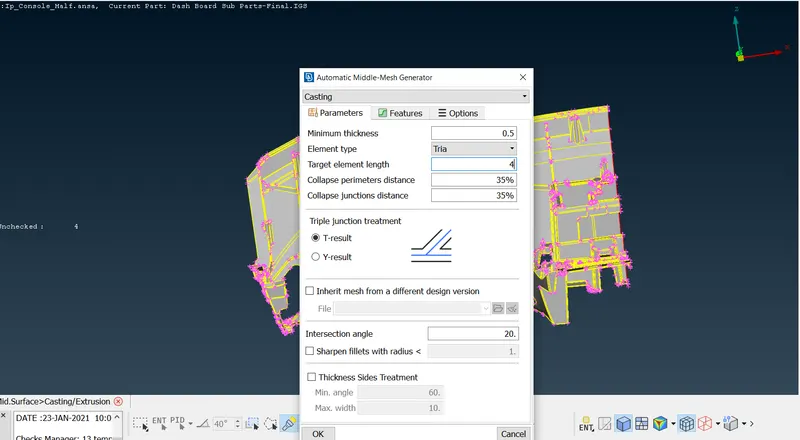
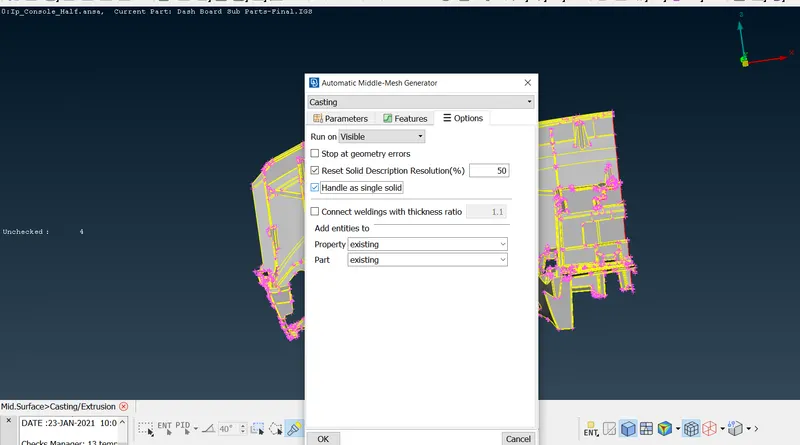
- After give the all parameters now click on ok to create the midelement, it will minimum 20 - 30 min
- After generated the midelement switch on the align manager
- Now check the surfaces are right or not sompare with parent geomentry, main check the all dog houses
- some dog house are fully correpted that dog house are delete created by manually
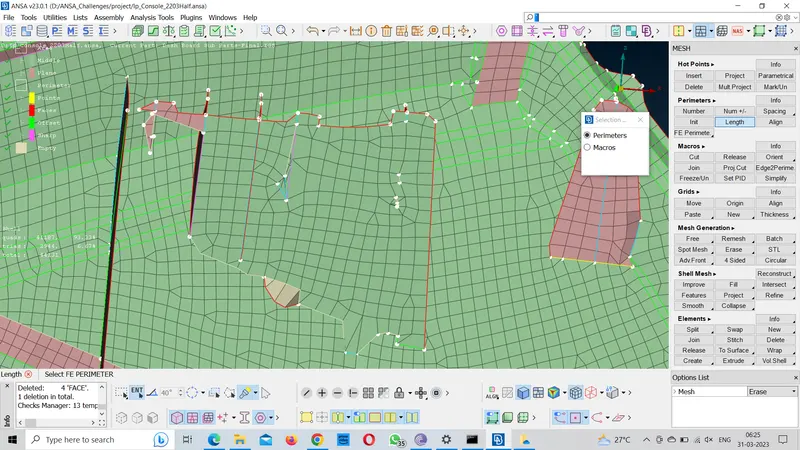
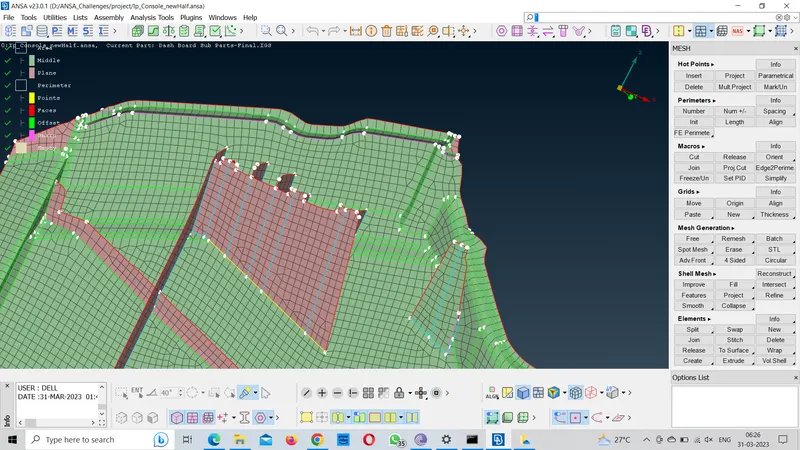
- Dog house are manually captured using curves create line and project the curves bottom surfaces and fill the elements and the join elements
- After create the dog house manually give the definitions areas and perimeters
- Flat surfaces definion are middle definition curves surafce are plane definition
- perimeters definitions are free edges are give the face definition attached surface are sive imprint are add to continuous the perimeter other the points and sharp
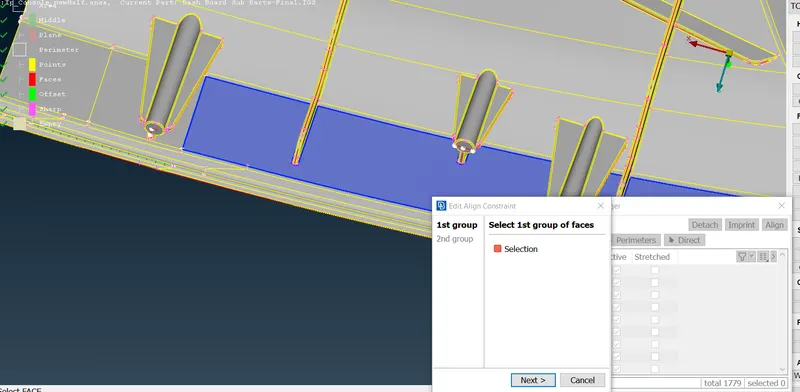
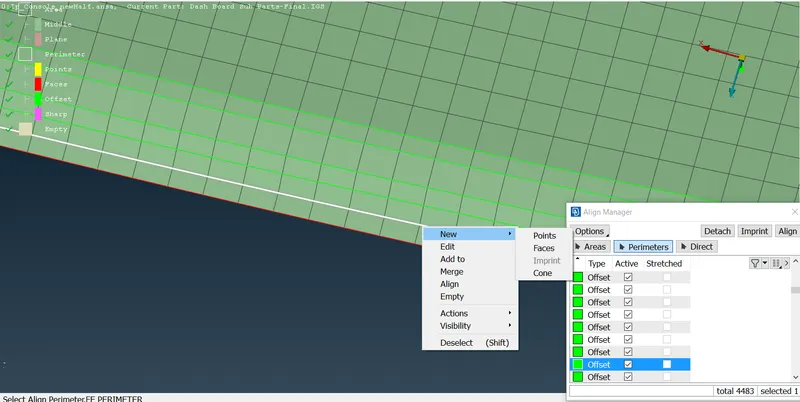
- other dog houses are small error, that errors fixed in align or give the proper definition
- And the cylinderical porsion are captured in plus symbole sign
- After correct the all surfaces, now check the any empty areas and perimeters
- iI the empty are present in my model correct the all emptys
- After finish all the surface now set the mesh perimeters and quality criteria
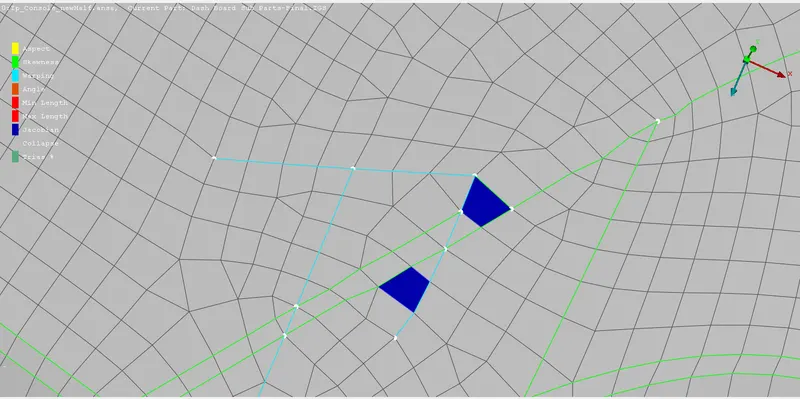
- Now correct the mesh flow and some of the construction are supressed
- They are no opposite trais
- Trais not touching each others
- They are no back to back trias
- Trias are not touching free edges and feature line
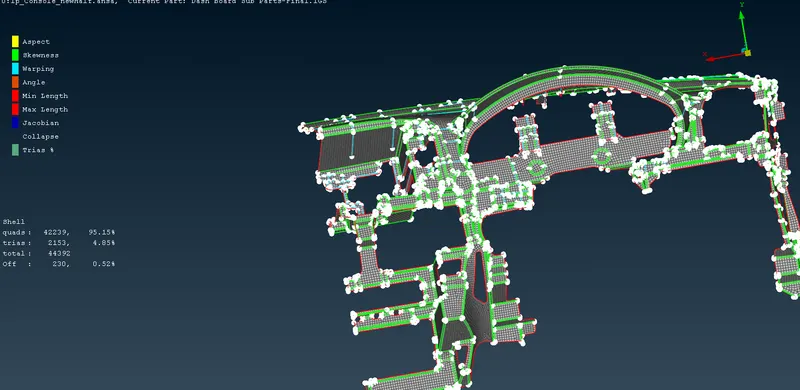
- Lot of triple are presented in model, i will be keep on the off elements near the triple cons
- Off elements are present in 227 (0.51%)
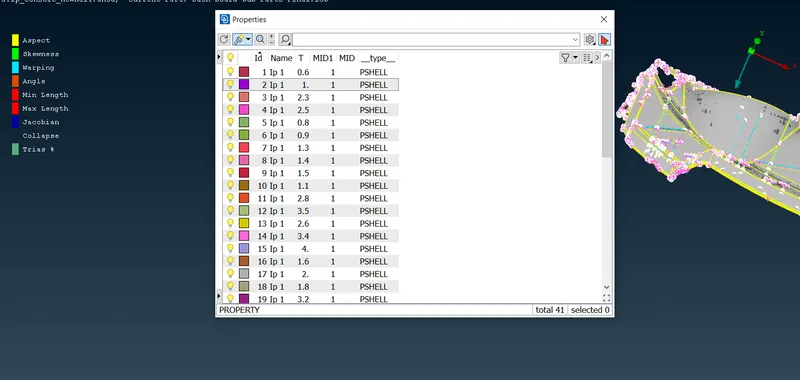
- after finishing the all assingining the thickneckness by using automatic method
LEARNING OBJECTIVE :
- To learn how to refine the dog house and how to create the dog house
- To learn how to align the surface and align the elements
- To learn how to fill the elements and attach the elements
- To learn how to assign the thickness in automatic method
Conclusion
successfully extracted mid-surface of IP substrate model capturing all features present in the geometry and meshed the model with given element quality criteria.