Project 1-Meshing of Rear Wheel Holder challenge
OBJECTIVES:-
- Mesh Side door geometry based on criteria given
PROCEDURE:-
- open the hypermesh
- import the geometry by using import geometry option and select type of file then select the file ,click import
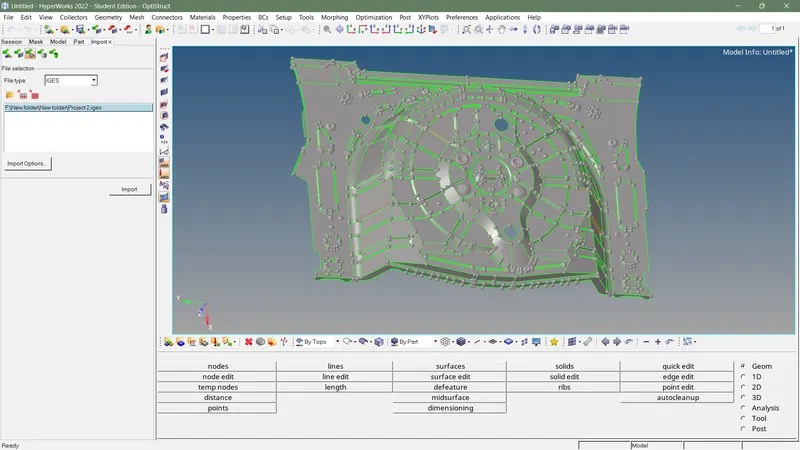
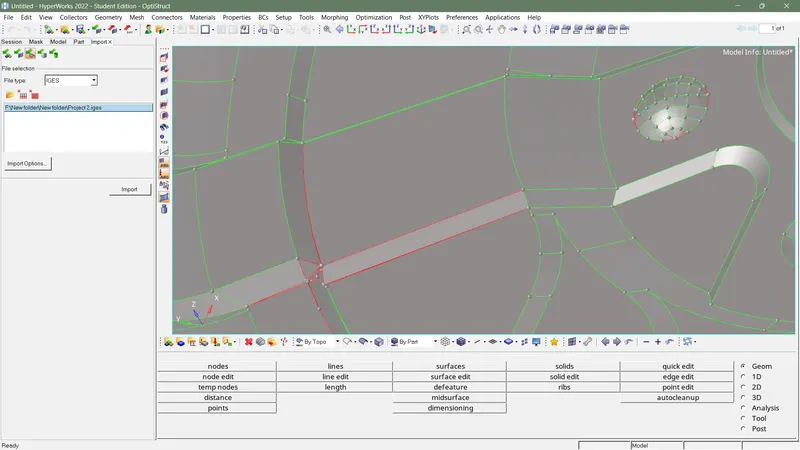
- Do correction for geometry error manualy
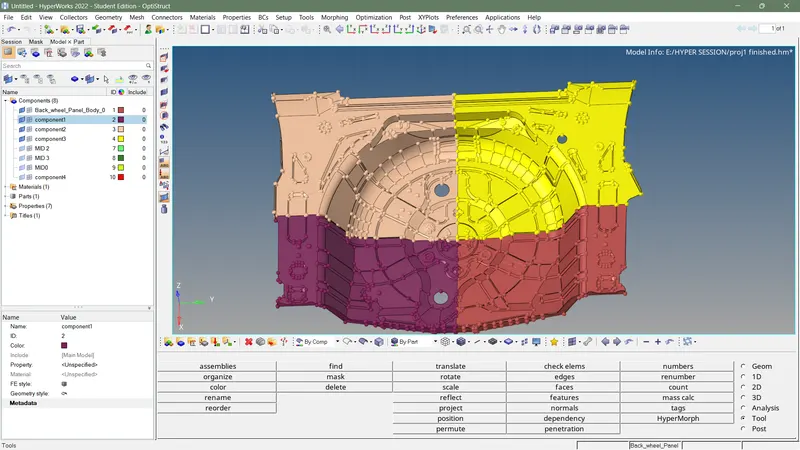
- split total geometry into 4 part to generate mid surface easily and move to diffrent collector
- generate mid surface for each collector seperately by using automesh generation ,select extraction option as offset+planes and select incomplete solid
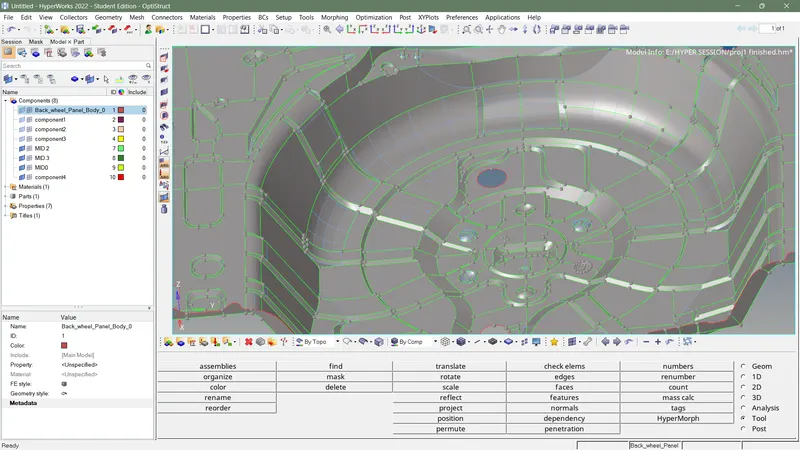
- compare generated mid surface with parent geometry ,if there any surface is missing then add that surface by using offset in surface edit and joint to existing mid surface
- if missing surface is mid surface of rib, then use final edit tool in midsurface and select both surface of rib ,joint mid surface of rib to midsurface
- after doing correction for mid surface , toggle the line which cause fail minimum element criteria
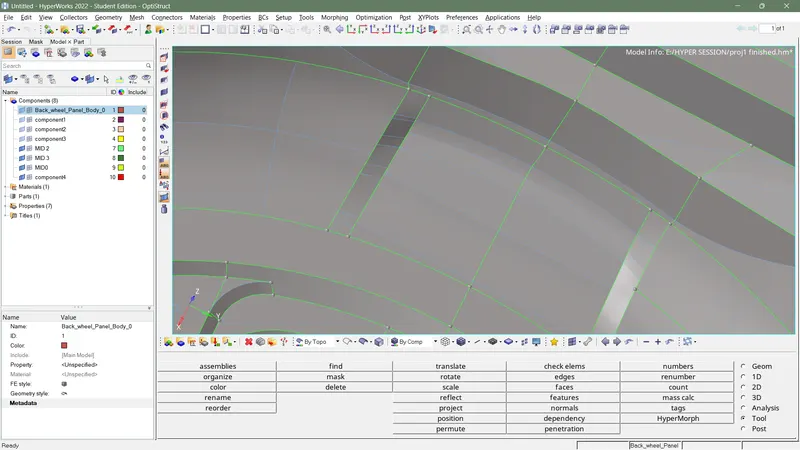
- select automesh from 2D mesh ,select surface appropriately ,adjust the mesh using moving triangle facing each other or touching each other
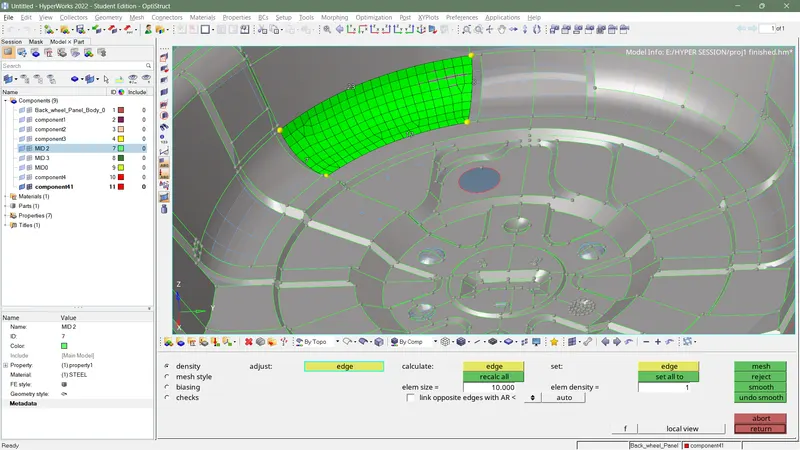
- select clean up tools from quality index ,and adjust element
- if necessary to rebuild mesh select rebuild mesh from 2d mesh and select element to rebuild
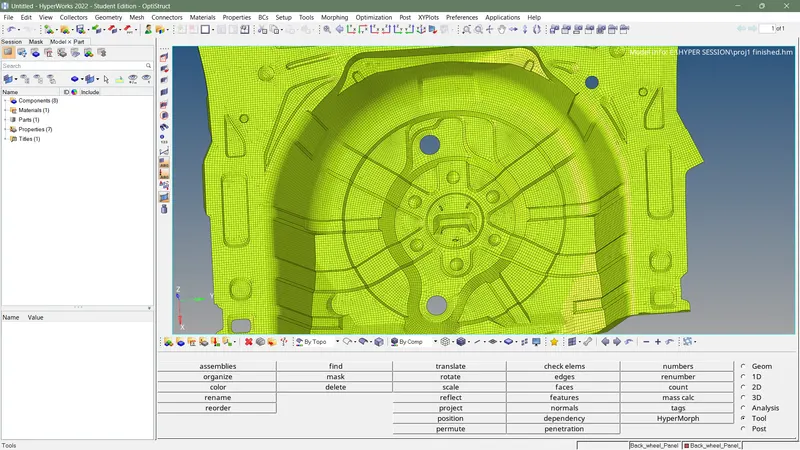
- after completing meshing for entire midsurface ,select edges from tools ,select a ll element ,check for free edges ,if there any free edges between element ,modify it with by using nodal paste option or equivalence option from edges
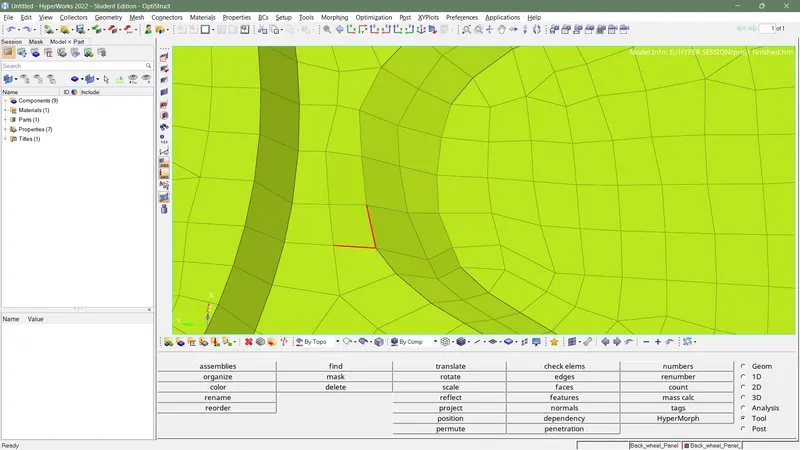
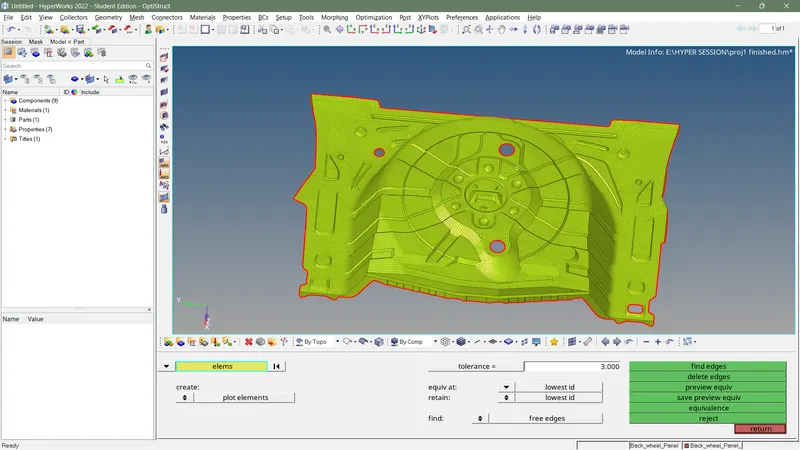
- delete free edges
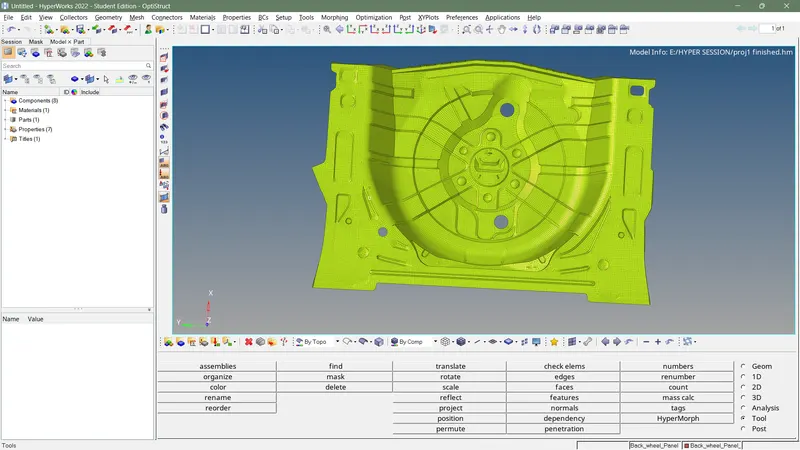
- To assign thickness for complete element select map mid mesh thickness ,select surface as parent geometry ,select all element then click on calculate thickness
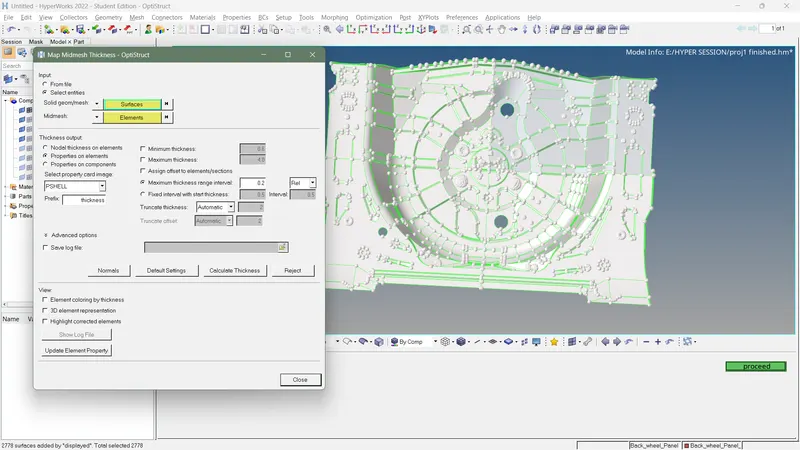
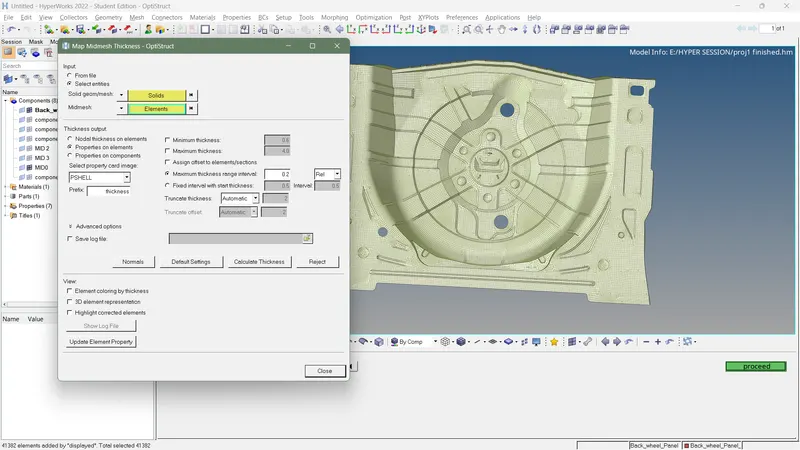
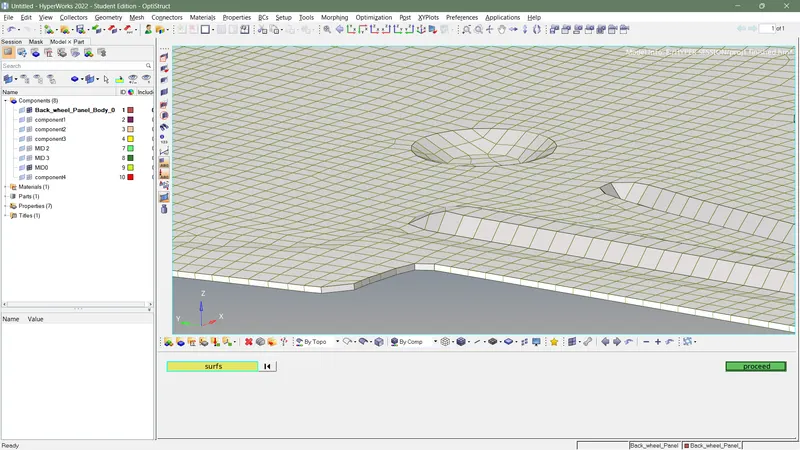
- finish the callenge
CONCLUSION:-
- Some of the element after assigning thickness are distorted little
- some small feature can't capture properly