Project 1-Meshing of Rear Wheel Holder challenge
AIM: To obtain midsurface and mesh the model and assign thickness to it.
Target element size = 5 units
Quality Criteria:
|
S.N |
Quality Criteria |
Value |
|
1. |
Aspect ratio |
5 |
|
2. |
Skewness |
45 |
|
3. |
Warping |
15 |
|
4. |
Taper |
0.5 |
|
5. |
Min. Length |
2 units |
|
6. |
Max. Length |
8 units |
|
7. |
Min angle quad |
45 |
|
8. |
Max angle quad |
135 |
|
9. |
Min angle tria |
20 |
|
10. |
Max angle tria |
120 |
|
11. |
Tria% |
10 |
PROCEDURE:
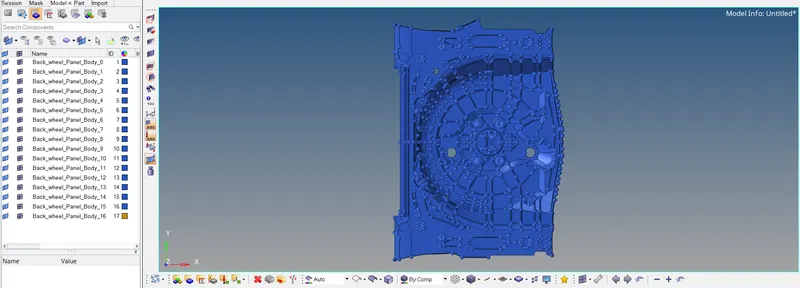
- The model is imported into hypermesh as a IGES file. The model is shown below,
- The unwanted component collectors containing few to no surfaces is selected and the surfaces are selected and moved to the collector containing the main model using the organise option.
- Now the extra component collectors are made sure to be empty before deleting them.
- The geometry is properly examined for any missing surfaces or imperfections and cleared as mush as possible using the quick edit and surface edit option.
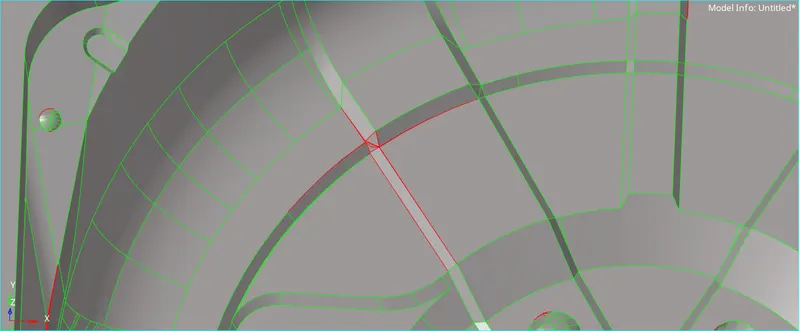
- After the edits performed on the parent component, the midsurface is to be obtained.
- The midsurface is obtained for this model by selecting all the surface by displayed in the auto midsurface option.
- The midsurface is now inspected for any errors and missing surfaces.
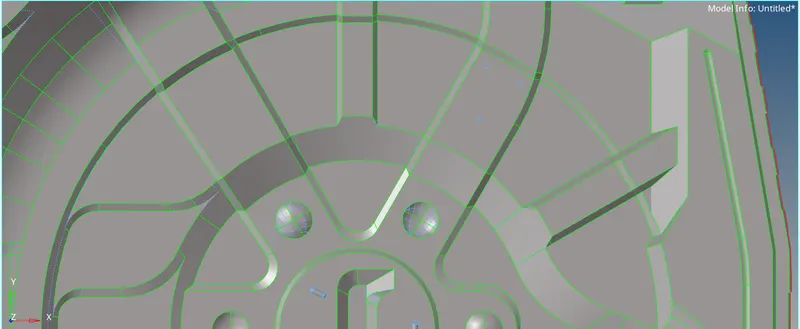
- For any missing surfaces the final edit tools in midsurface option is used and two surface of opposite sides are selected of the parent component and the surface is extracted. The free lines are toggled if required.
- The surfaces are edited if they were to cause any disturbance to the mesh flow or element quality.
- The quality criteria is set as per the requirements provided, it is set by going to preferences and criteria file settings.
- The surfaces are selected as a whole by using displayed option and using the automesh option the model is meshed with target element size as 5.
- The mesh generated will contain alot of elements failing for quality. The mesh flow will also not be uniform.
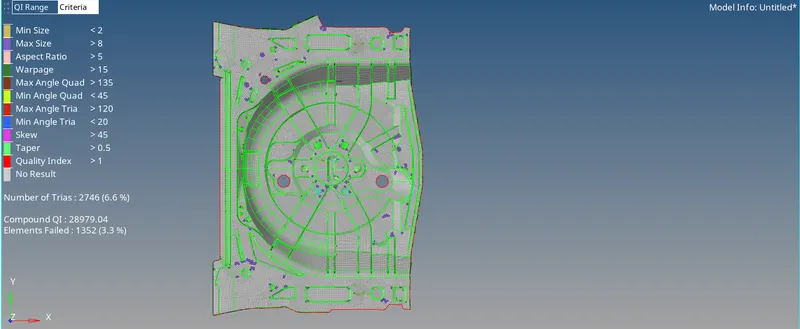
- To obtain a better mesh flow, the components are inspected and unnessesary freelines which cause problem with the element quality are toggled or the surface is divided accordingly.
- Using rebuild mesh option the surfaces are remeshed and now we will obtain a comparatively better mesh.
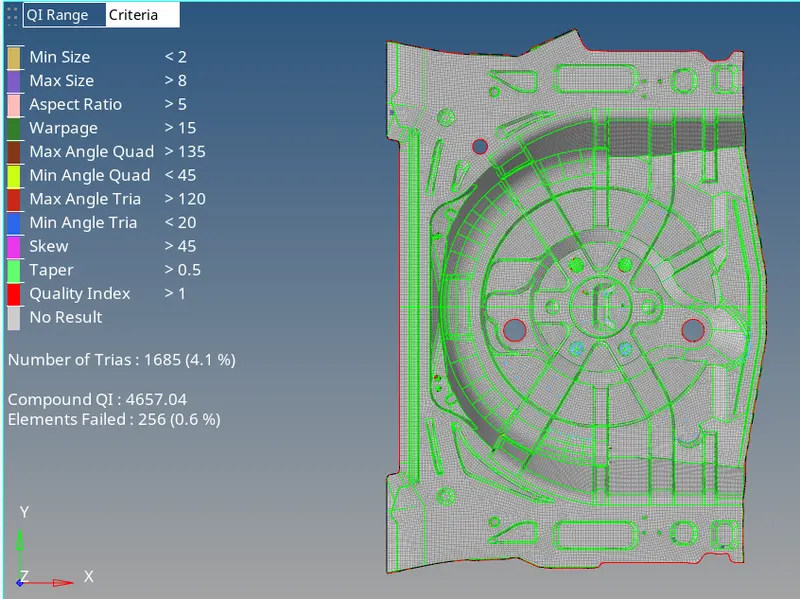
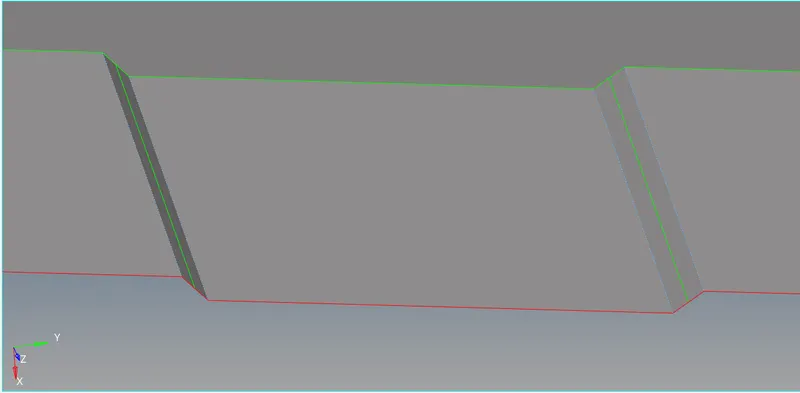
- The places where elements fail for minimum size as they could not fit in a region is looked upon and a midline can be obtained to properly capture the geometry as shown,
- The mesh flow regulated and flowed in the manner that the tria elements converge towards the centre of the model, the number of trias in the mesh is also to be fixed.
- By considering the rules for a good mesh, we have to work on the mesh from surface to surface by using options like quick edit, smooth, quality index, node edit, translate, mask, etc..
- Rotating quads and patterns are also to be avoided.
- Rebuild mesh can be used to fix the mesh by selecting the particular surface and a straight flow of elements is formed.
- After we obtain a good mesh, next we can go with the edge option and equivalence is used.
Meshed component:
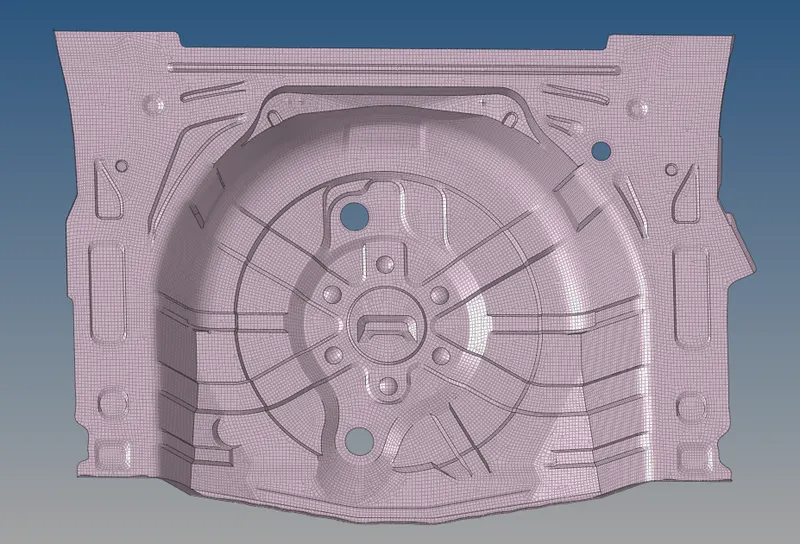
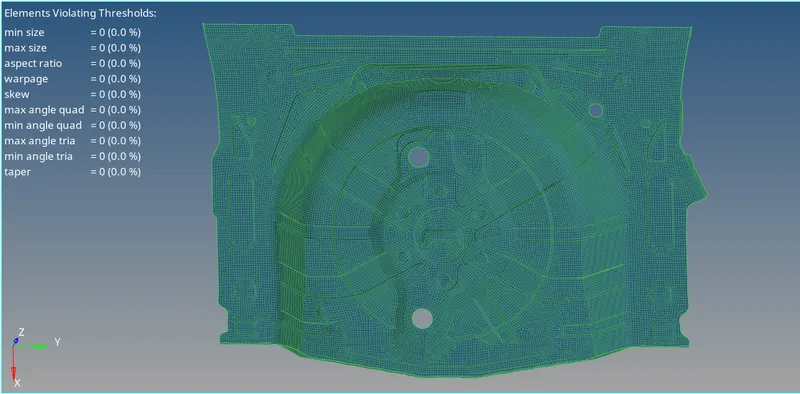
- The thickness of the model is measured using the distance option and measing parent geometry by the point present.
- The thickness is 0.75 and for this a new property is created and the thickness is provied as the value for it.
- The midsurface is selected and is assigned the property. The model after the thickness is applied is shown,
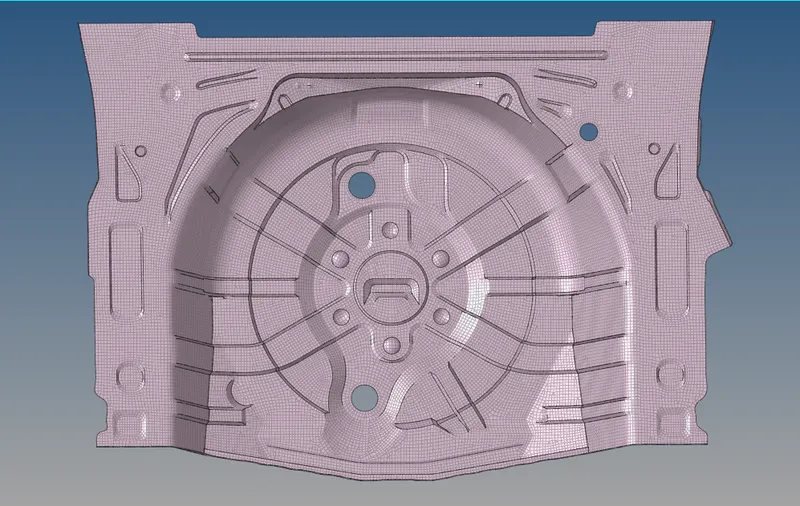
RESULT:
The model is meshed and the thickness is assigned.