Project 1 - Controlling a DC motor using PWM and monitoring its Running status
CHALLENGE 5 : PROJECT 1
Overview of the Project:
Implement a system on the simulator for controlling a DC motor using L293 motor driver, monitor its status and print the running status of motor on the LCD Display.
Program:
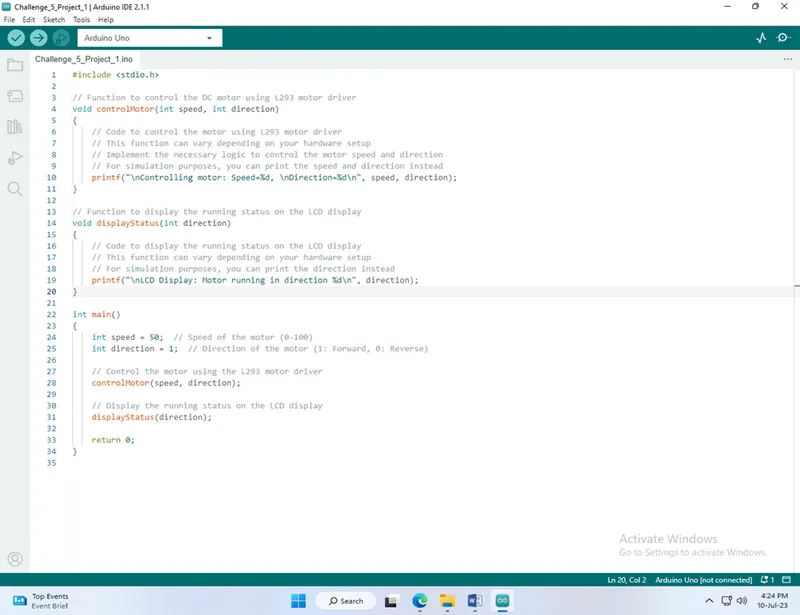
#include <stdio.h>
// Function to control the DC motor using L293 motor driver
void controlMotor(int speed, int direction)
{
// Code to control the motor using L293 motor driver
// This function can vary depending on your hardware setup
// Implement the necessary logic to control the motor speed and direction
// For simulation purposes, you can print the speed and direction instead
printf("\nControlling motor: Speed=%d, Direction=%d\n", speed, direction);
}
// Function to display the running status on the LCD display
void displayStatus(int direction)
{
// Code to display the running status on the LCD display
// This function can vary depending on your hardware setup
// For simulation purposes, you can print the direction instead
printf("\nLCD Display: Motor running in direction %d\n", direction);
}
int main()
{
int speed = 50; // Speed of the motor (0-100)
int direction = 1; // Direction of the motor (1: Forward, 0: Reverse)
// Control the motor using the L293 motor driver
controlMotor(speed, direction);
// Display the running status on the LCD display
displayStatus(direction);
return 0;
}
Output:
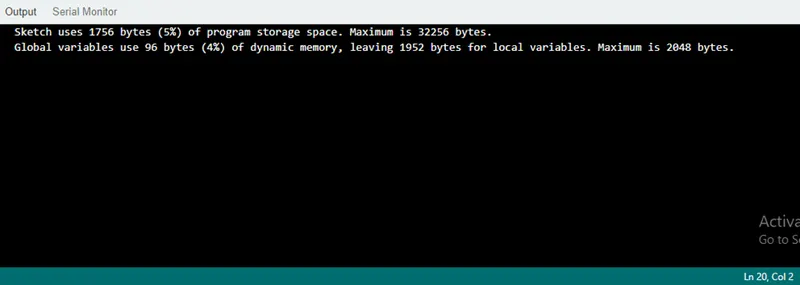
Controlling motor: Speed=50, Direction=1
LCD Display: Motor running in direction 1
Description of the program:
- The necessary header file `stdio.h` is included, which provides functions for input and output operations.
- The `controlMotor` function is defined. This function is responsible for controlling the DC motor using the L293 motor driver. In this example, it is a placeholder function that prints the speed and direction of the motor. You should modify this function to include the actual logic for controlling the motor based on your hardware setup.
- The `displayStatus` function is defined. This function is responsible for displaying the running status of the motor on the LCD display. Similarly, it is a placeholder function that prints the direction of the motor. Modify this function to suit your hardware setup and display the status on the actual LCD display.
- The `main` function is the entry point of the program. It initializes the `speed` and `direction` variables, representing the speed and direction of the motor, respectively.
- The `controlMotor` function is called with the `speed` and `direction` variables as arguments. This simulates the control of the motor using the L293 motor driver. In this example, it prints the speed and direction of the motor to the console.
- The `displayStatus` function is called with the `direction` variable as an argument. This simulates the display of the running status on the LCD display. In this example, it prints the direction of the motor to the console.
- The program ends by returning 0, indicating successful execution.