Project 1 : CFD Meshing for Tesla Cyber Truck
AIM:
To Perform meshing with the suitable Target length and element Quality criteria for Tesla cyber truck.
Explanation:
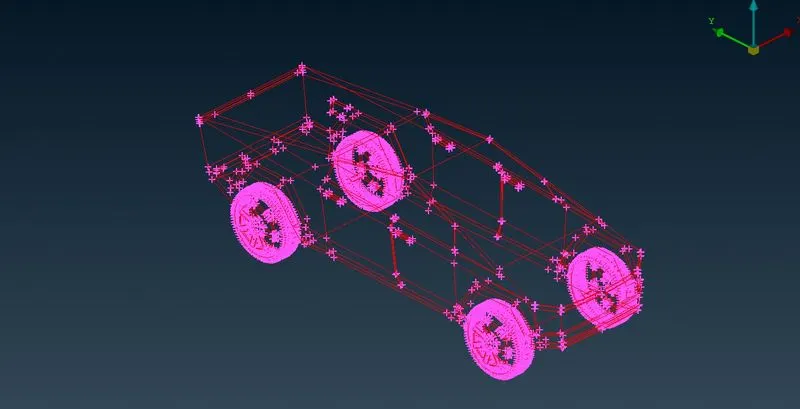
Given geometry in wireframe
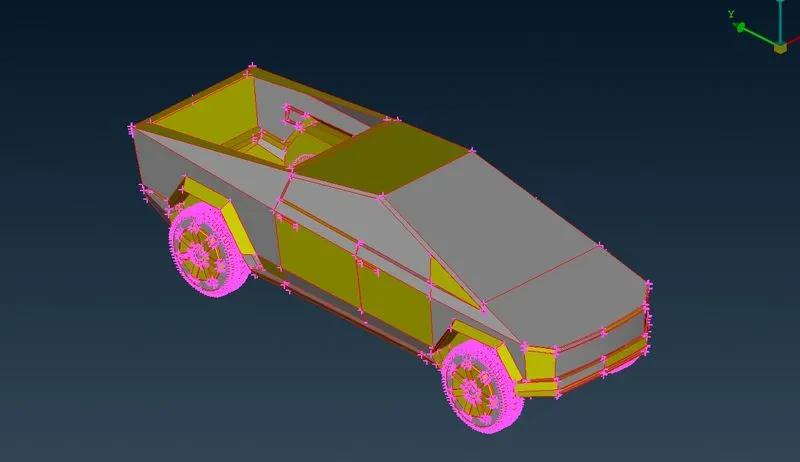
Shadow mode:
We can see the full of geometry is red con, lets try topo
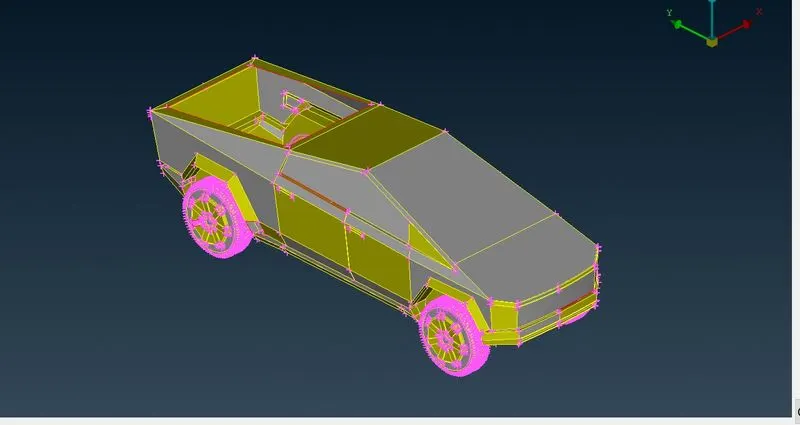
After topo most of the red cons are gone but still there are some single cons we have to work on it.
At the bottom of green house there is a missing surface and we can fill it.
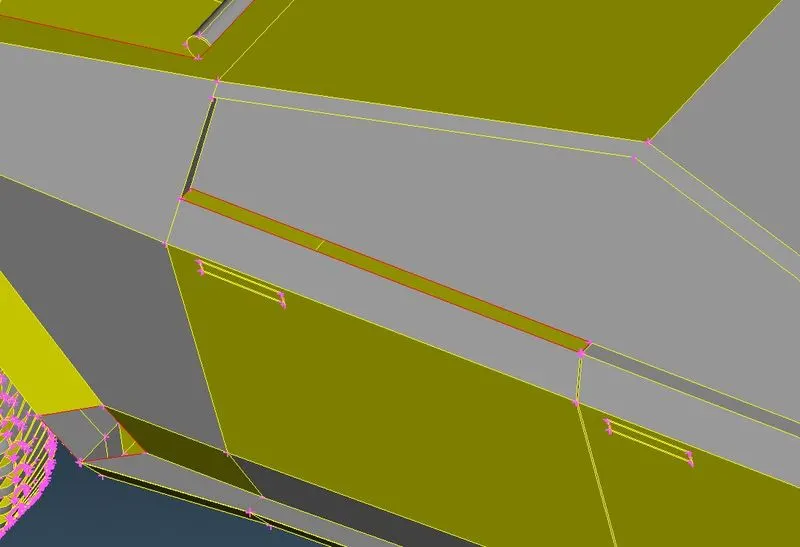
Here we cleared it.
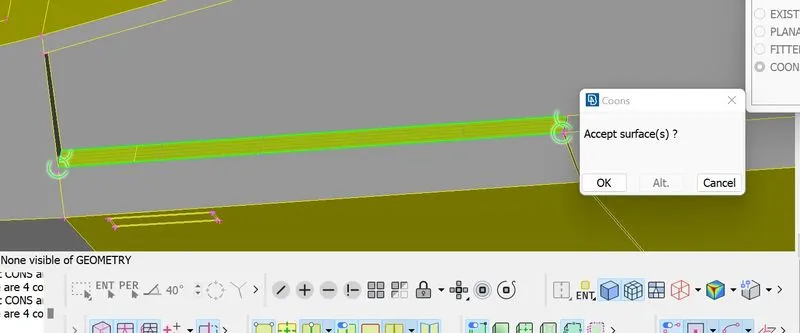
In rear we have to fill the boot surface to clear the red con.
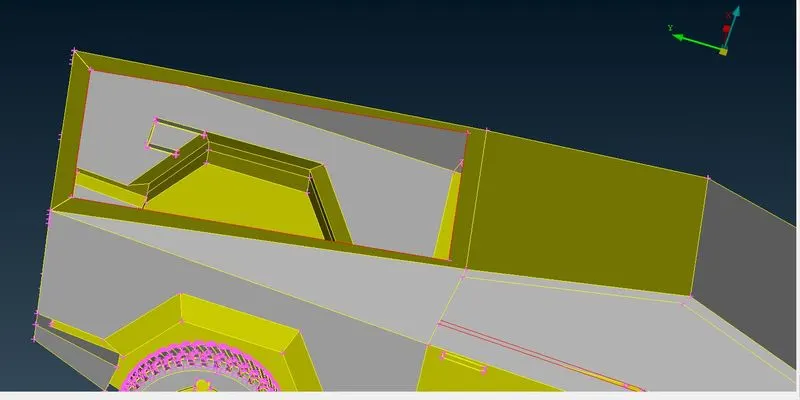
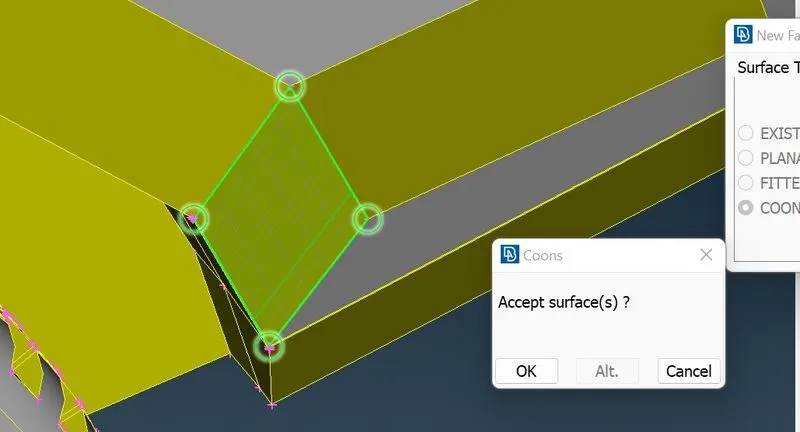
By using coons we can fill the surface.
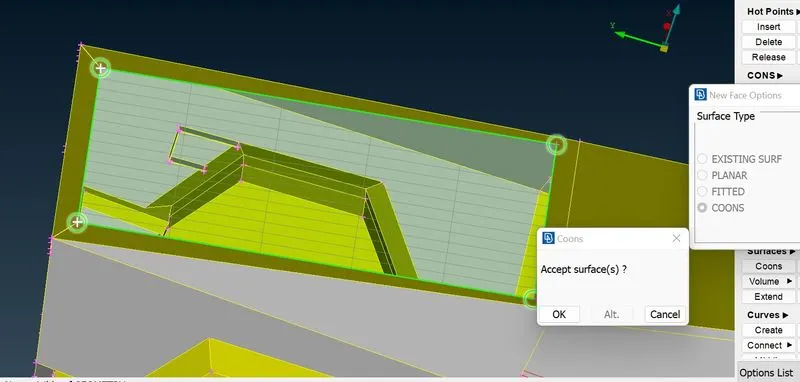
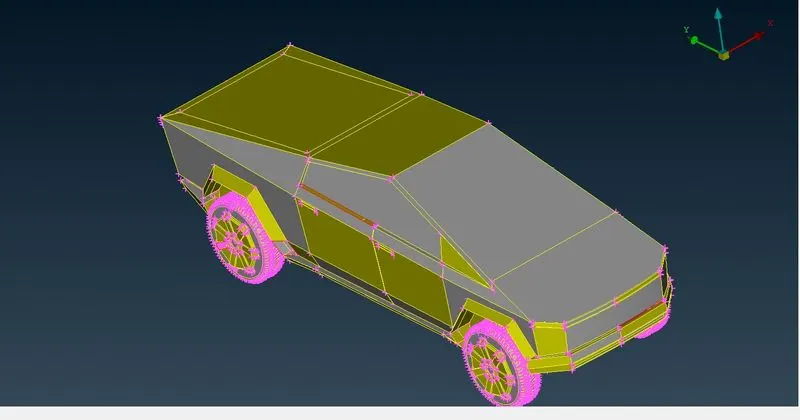
Nearby srface of wheel arch there is a missing surface
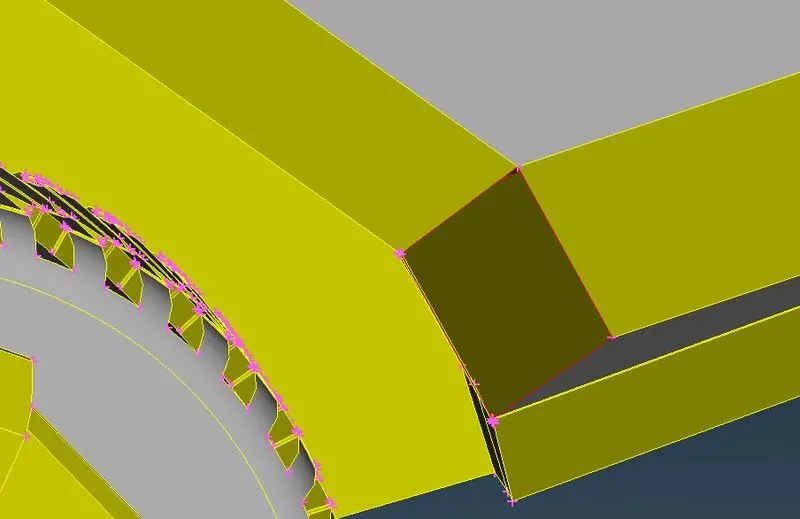
We can fill it by coons
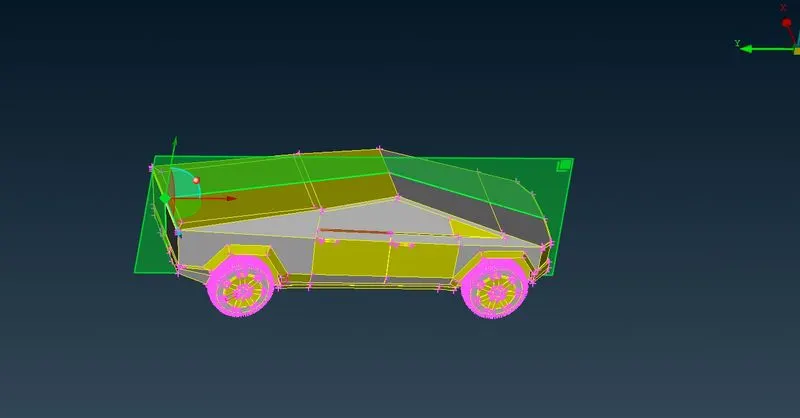
Now we are going to delete half part of the car ahead of intersection clean up.
By using plane which needs three points we can cut the surface along the plane
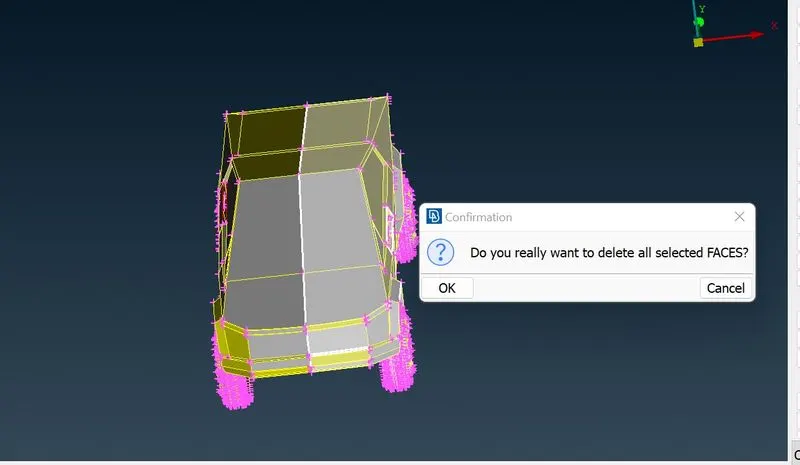
Here i found three intersection error. lets take a look.
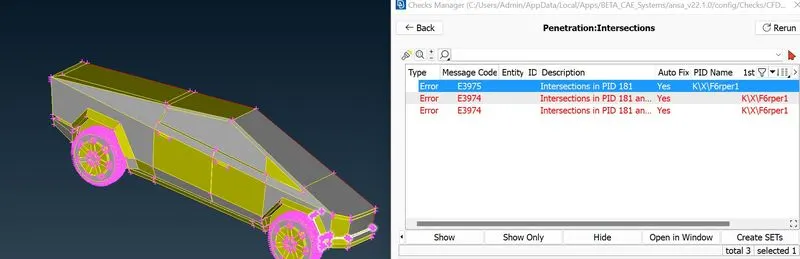
There is a surface intersecting with wheel arch we have to clear this
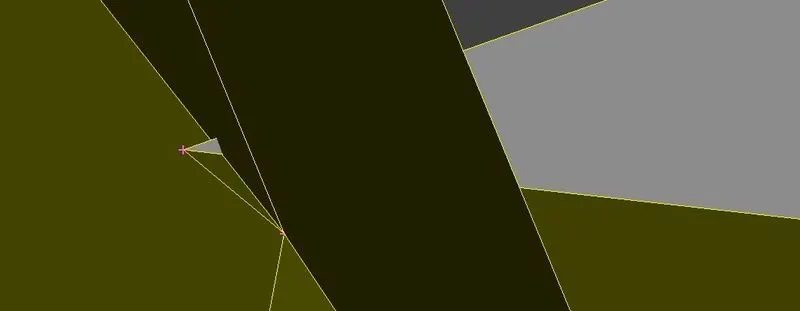
Here i deleted that intersecting surface, we can create new surface.
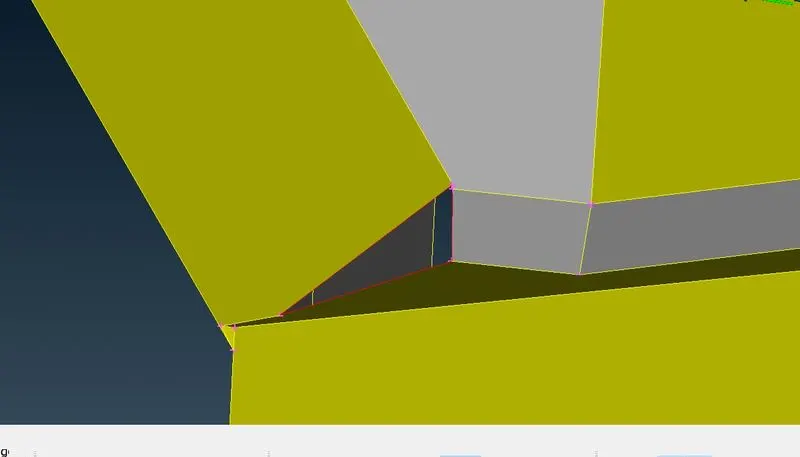
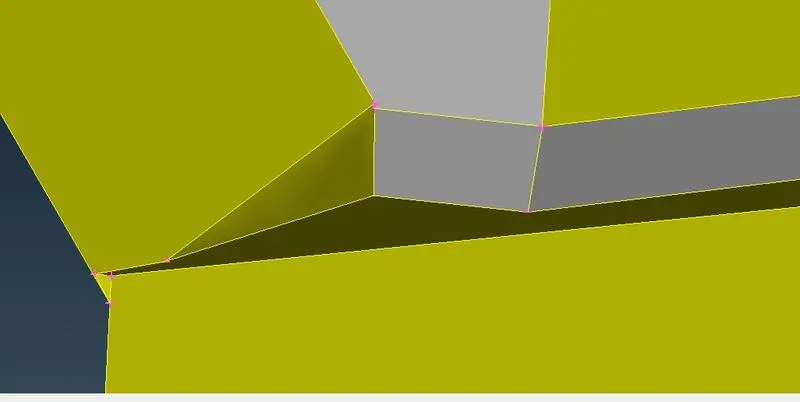
Now we cleared one intersection error, lets move on to remaining two and we can see the intersections in both front and rear wheel arch
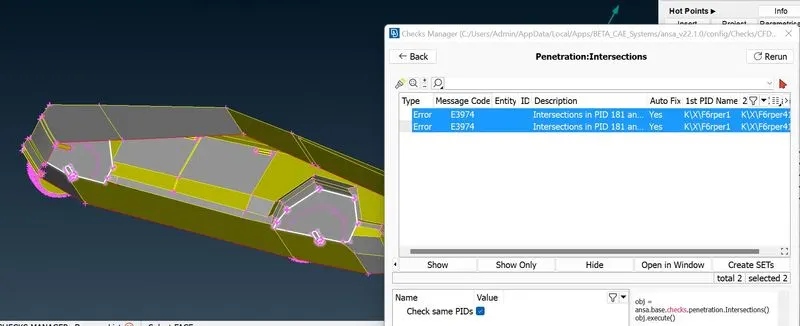
Here the shaft causes an intersection with wheel cover
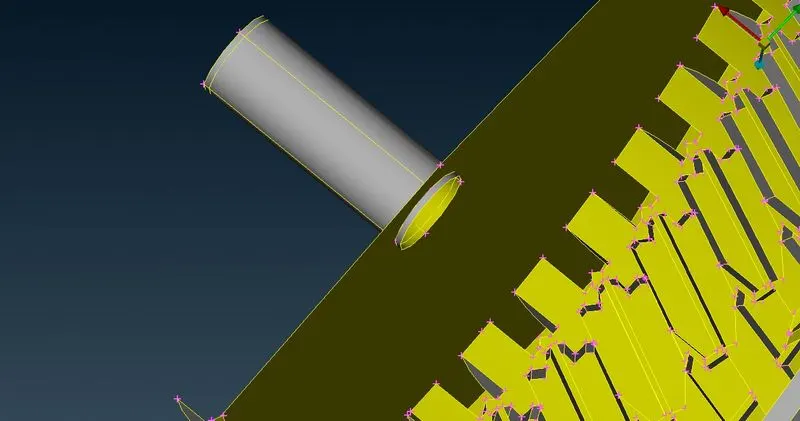
This is from front axle, in both area we can delete that whole shaft or we can delete intersecting part of shaft. Here i deleted the whole shaft
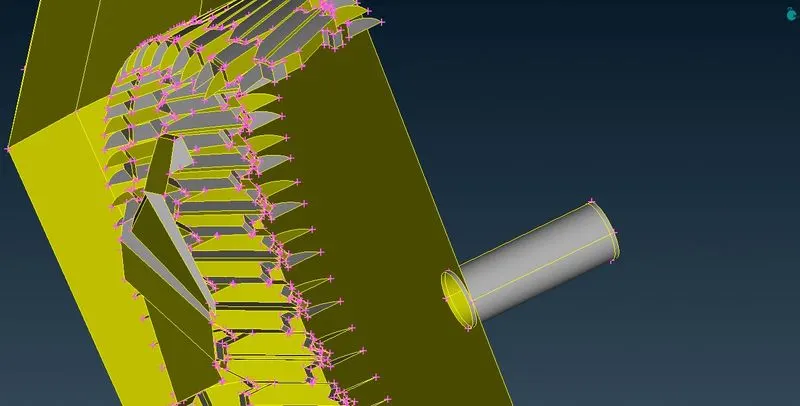
Here i have cleared all the intersection errors.
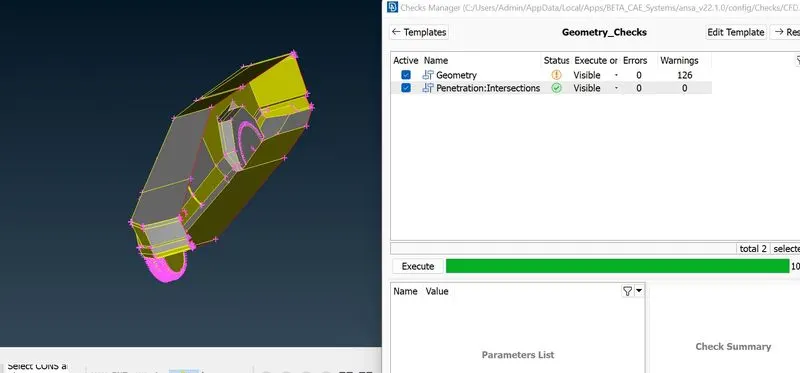
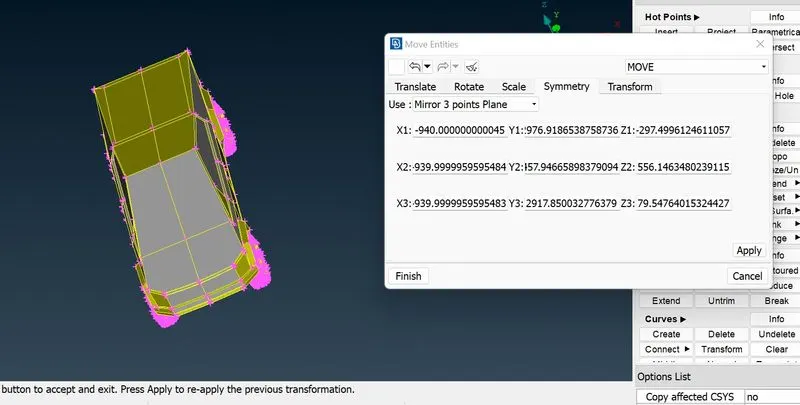
Now we are going to mirror half of the car, for this we can use transform.
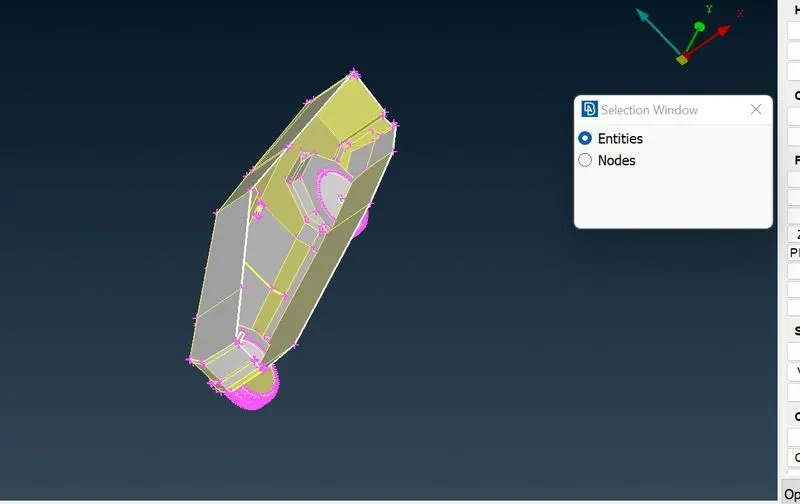
here we need entities and three node points to mirror.
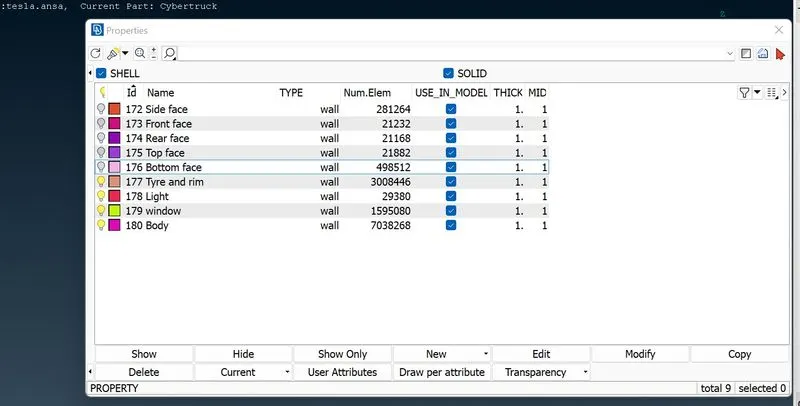
We have done geometry clean up next we go for meshing for that we have to assign PID
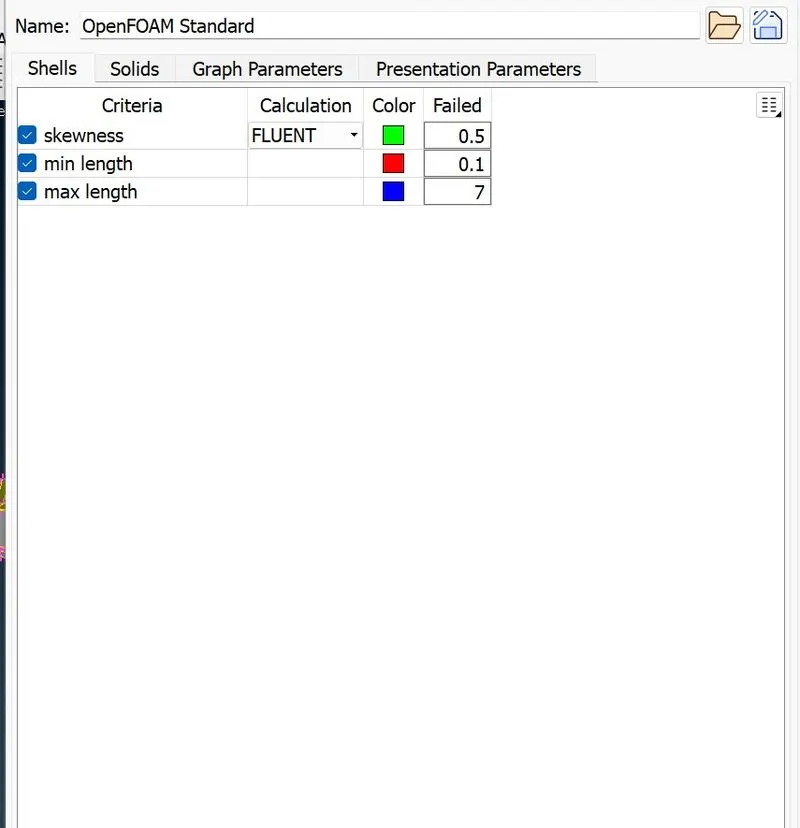
Next we have to follow quality criteria in that too skewness
Target lengths for the different parts of a model are as follow:
Body - 3 mm
Lights - 4 mm
Rims and Tyres - 2 mm
Window - 2 mm
Body
Target length is 3mm
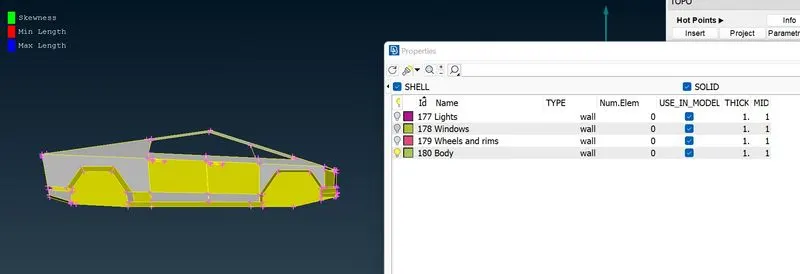
In mesh parameter we have assigned the length with the range of 2.5 to 3.5
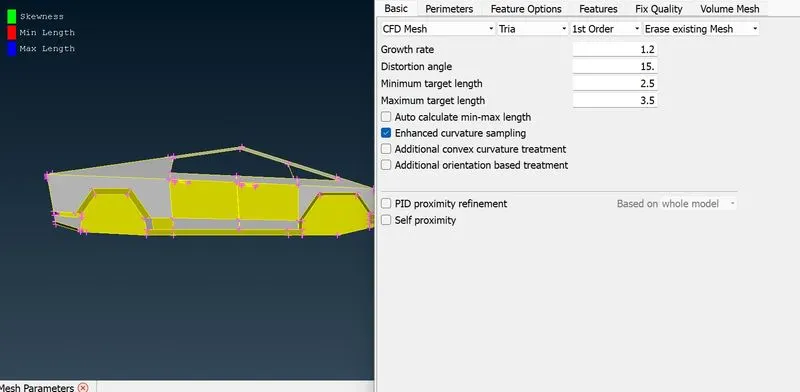
Spacing
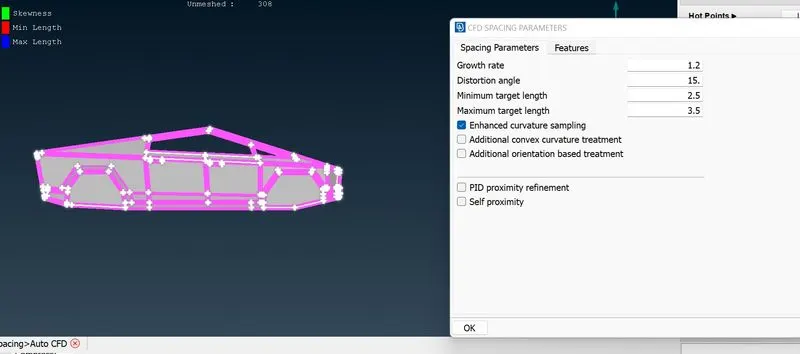
Here we can see that off elements are so high, now lets improve the mesh elements with reconstruct and reshape
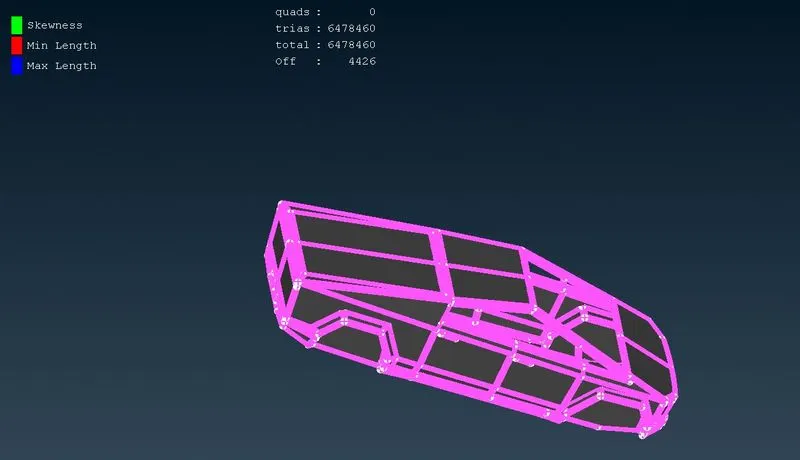
Here reduced our off elements into 330
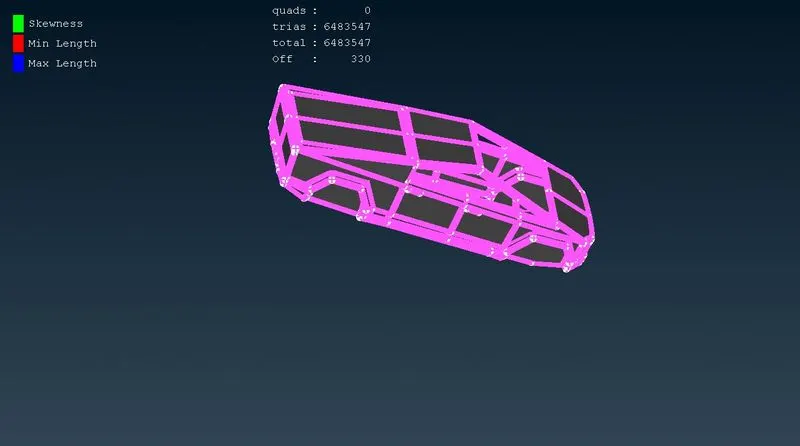
We encountered with surface errors because we couldnt clear off elements. lets go again to topo mode
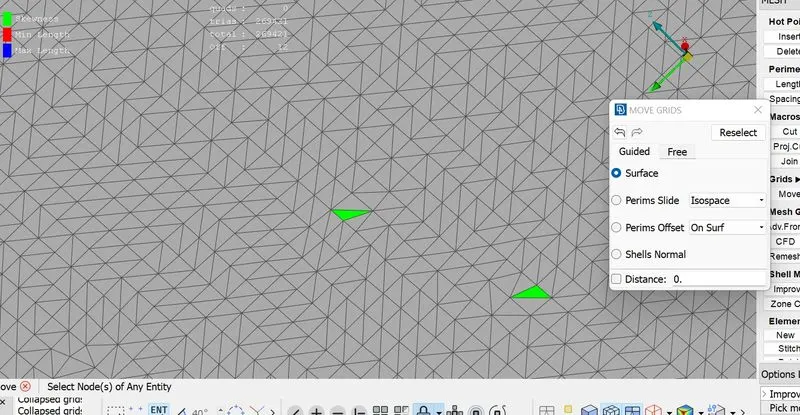
here in green house there was an irregularities in surface, here we can delete the surface and recreate.
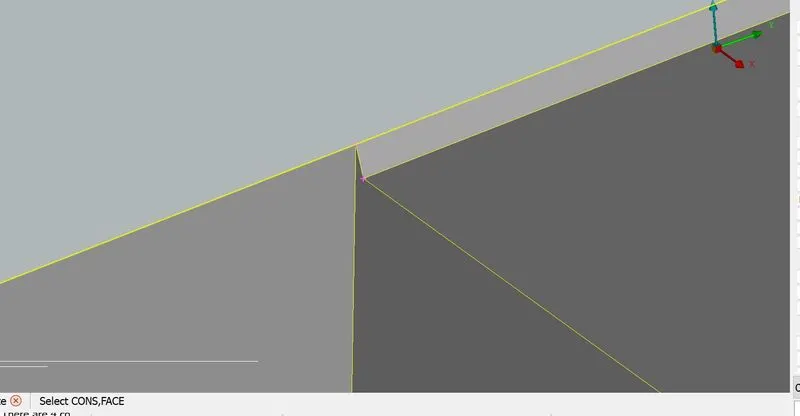
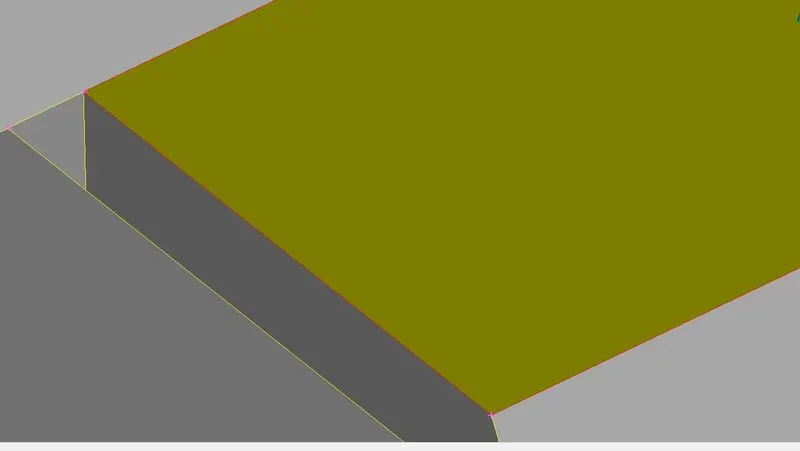
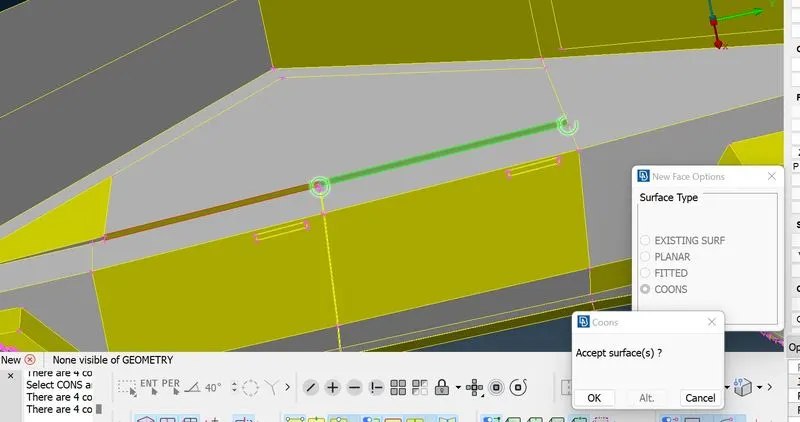
And also i have found an intersection error in lower door skin if we select the door surface it will be selected along the full length so we have to split that surface by deleting it and create a new surface.
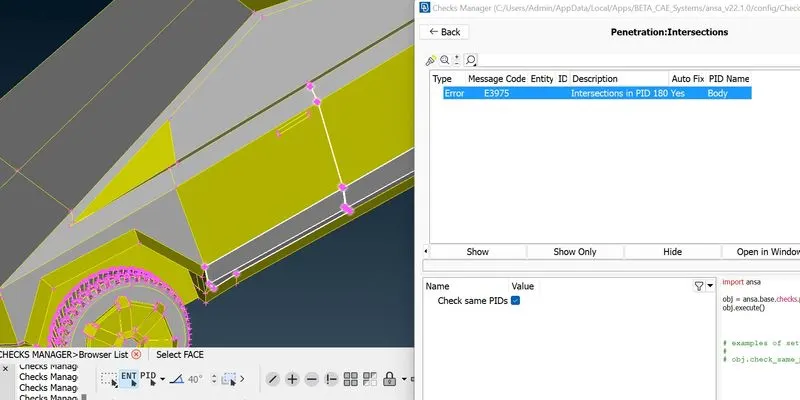
Here i deleted that single surface now we can create it new.
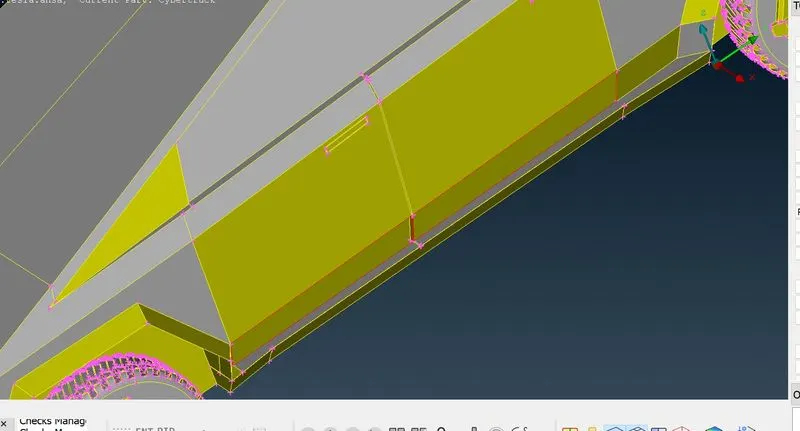
Here in nearby wheel arch panel there is a surface causes intersection
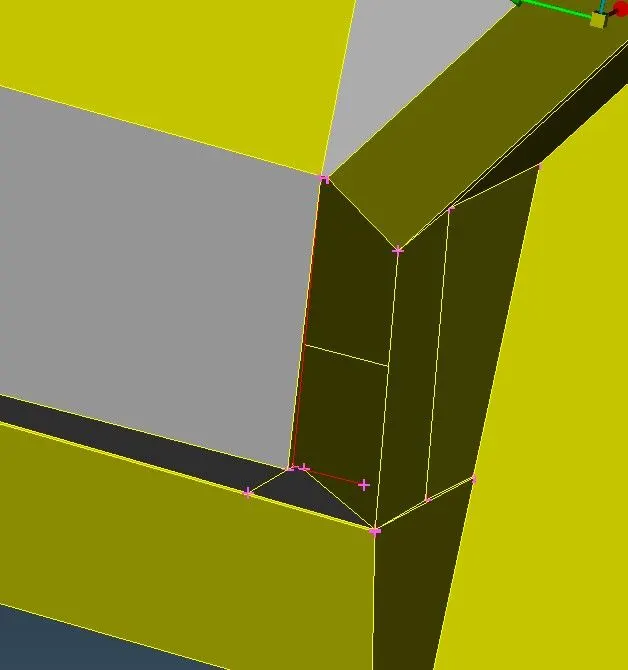
Here we can delete that face to clear the intersection.
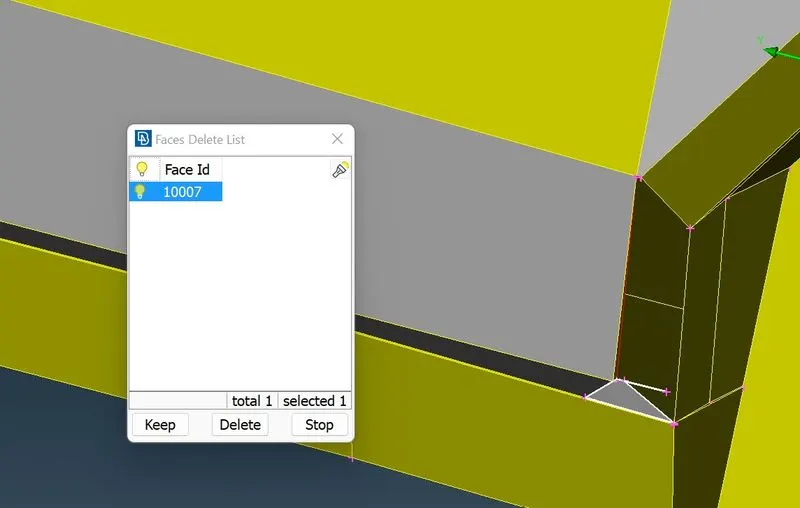
Now we go for mesh again
After meshing now we got only 4 off elements.
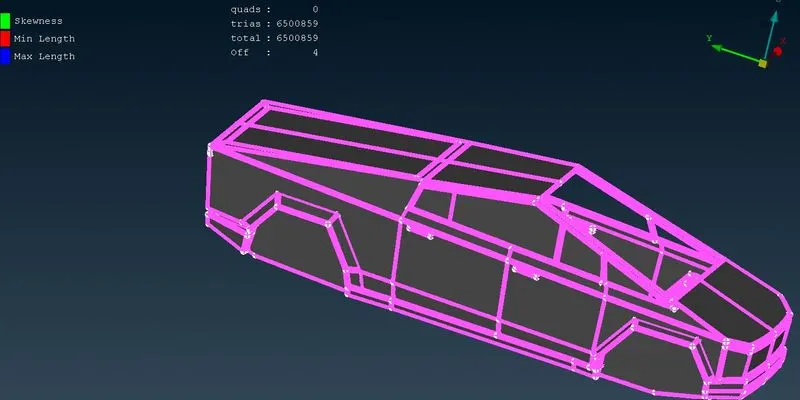
After reconstruct we have cleared all off elements.
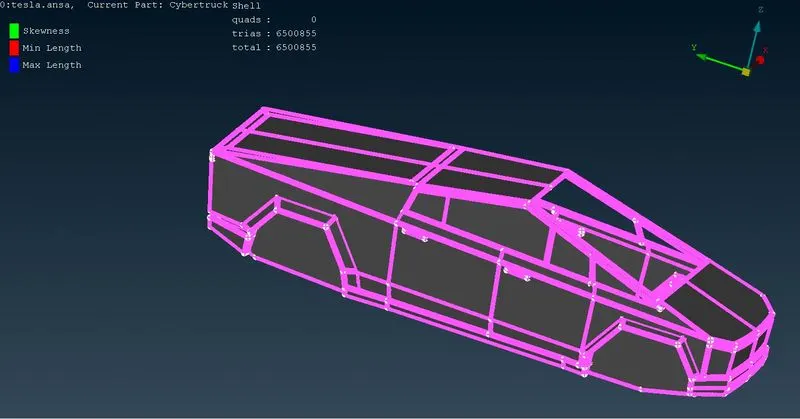
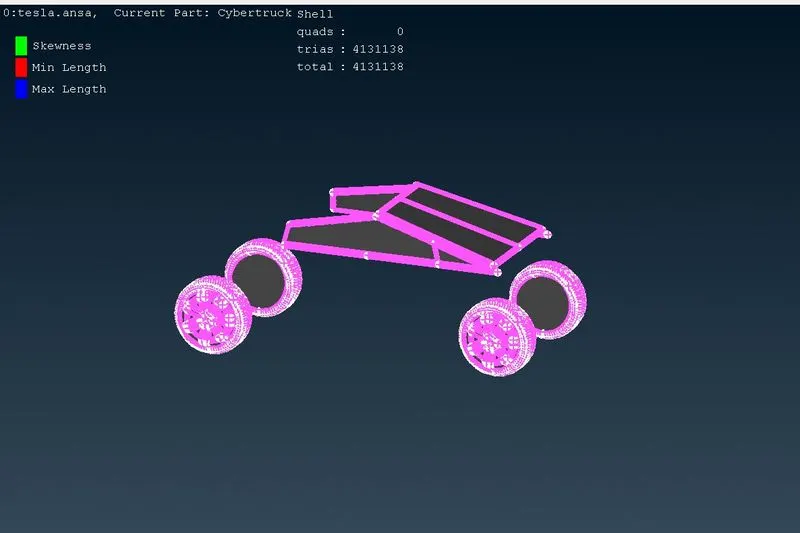
Windows and Rims & tyres
Target length 2mm
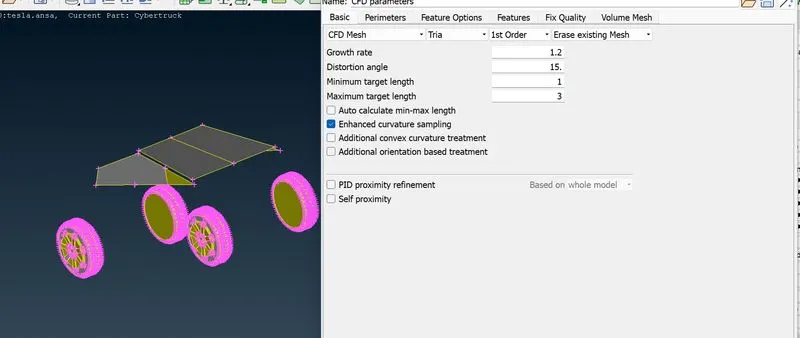
Spacing
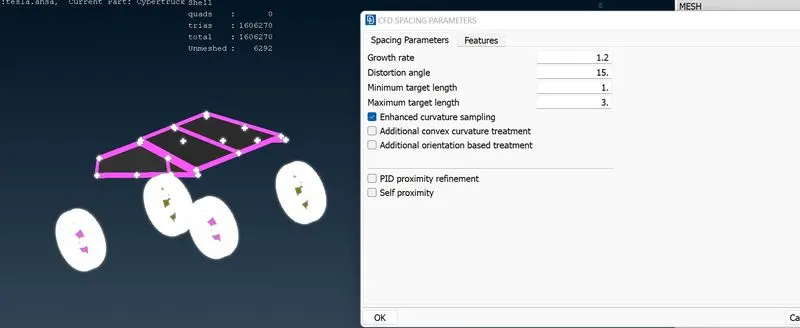
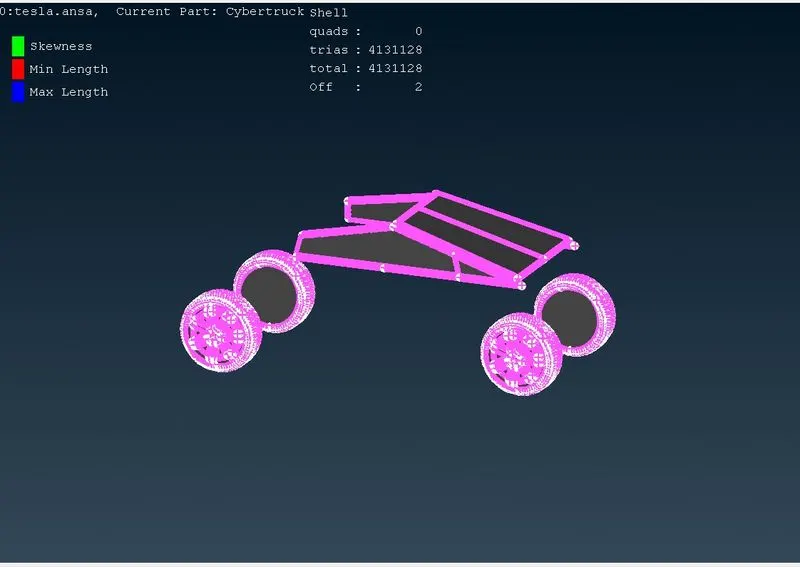
We cleared off elements by reconstruct and reshape.
Lights:
Target length= 4mm
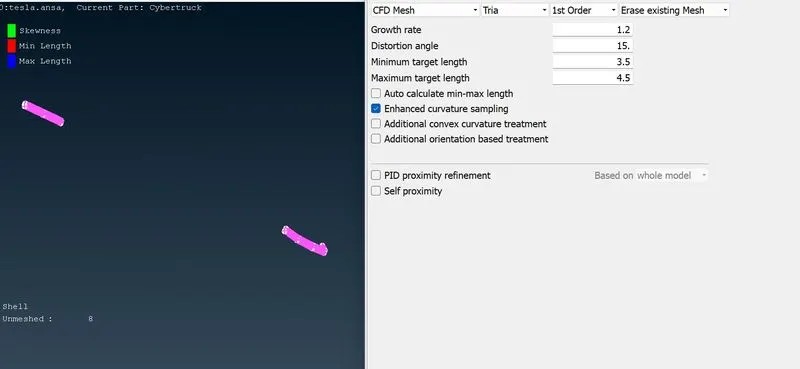
Spacing
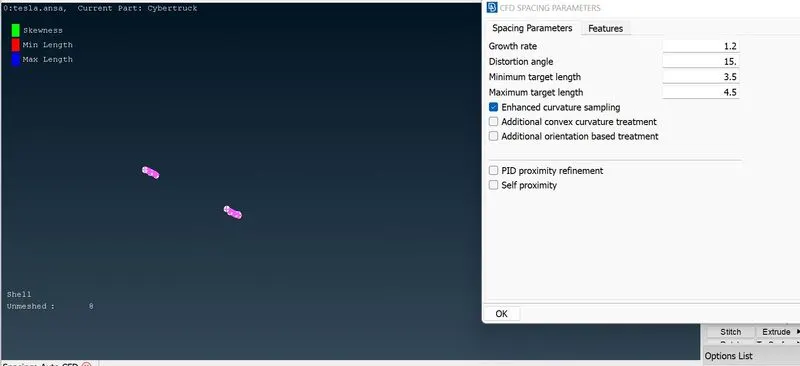
Here we have done meshing for lights.
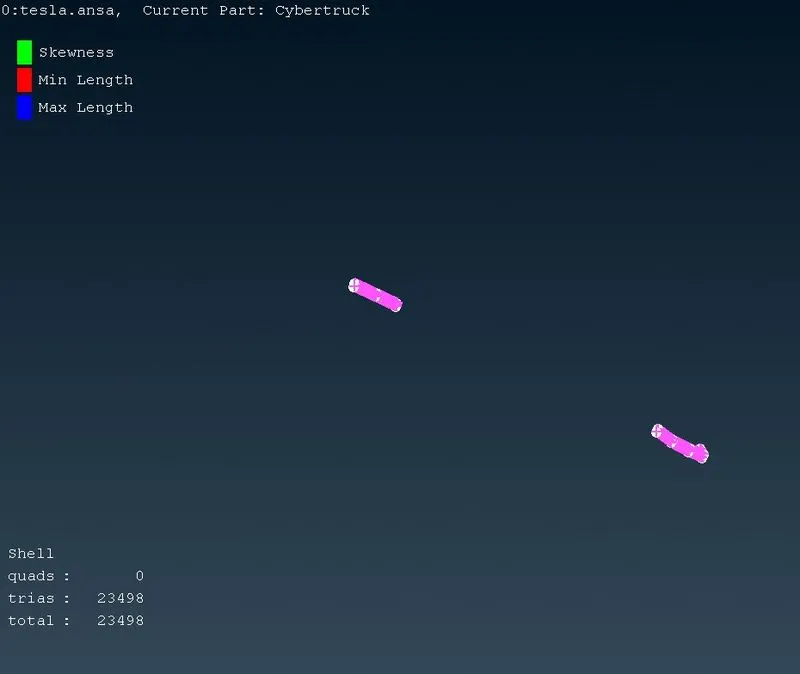
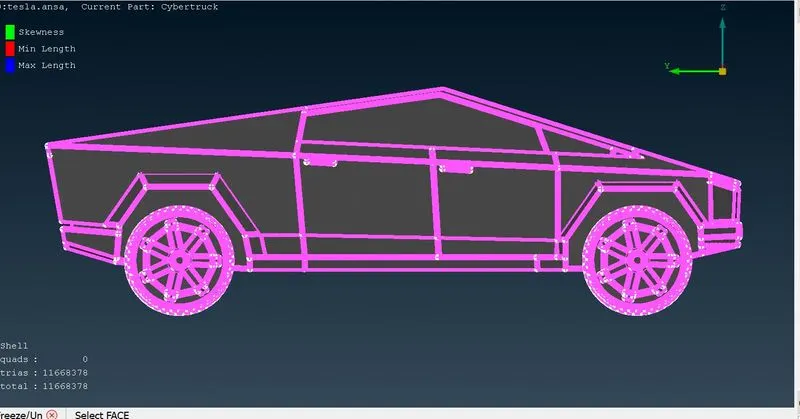
Next we go for wind tunnel:
There are some set of rules to create wind tunnel
here it is
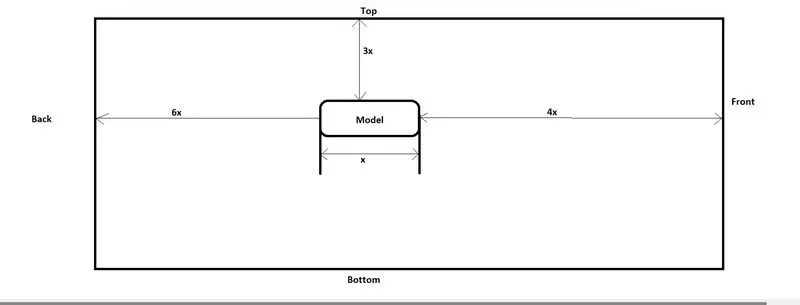
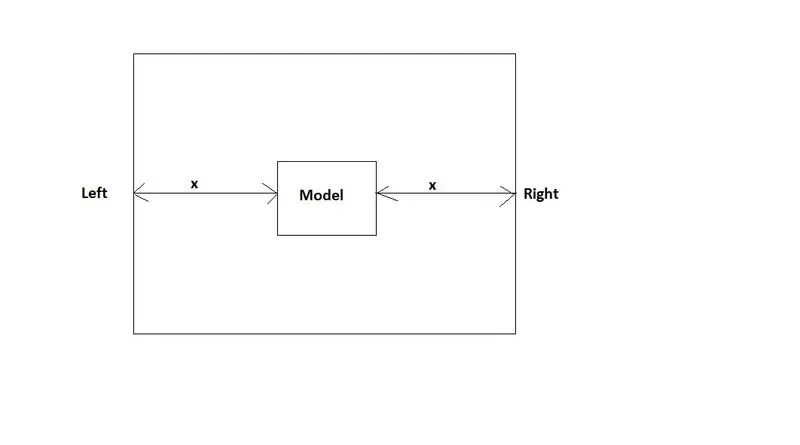
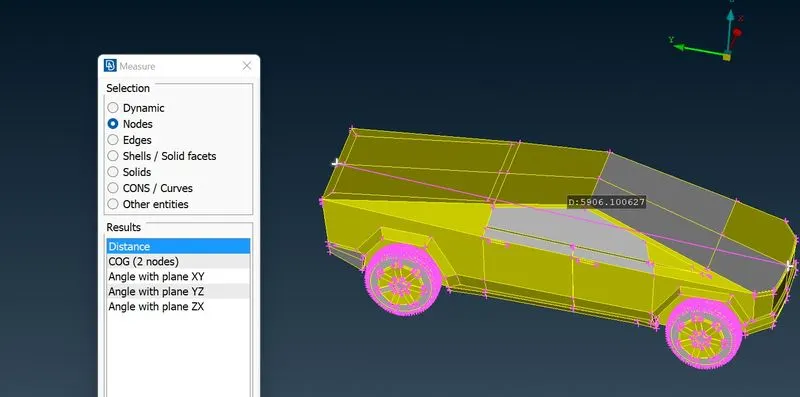
First we measure the 'x' value which is length of the car so x=5906
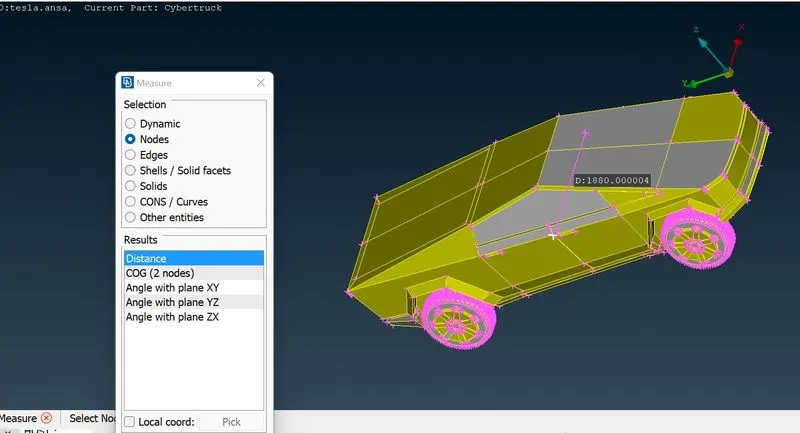
Width of the car
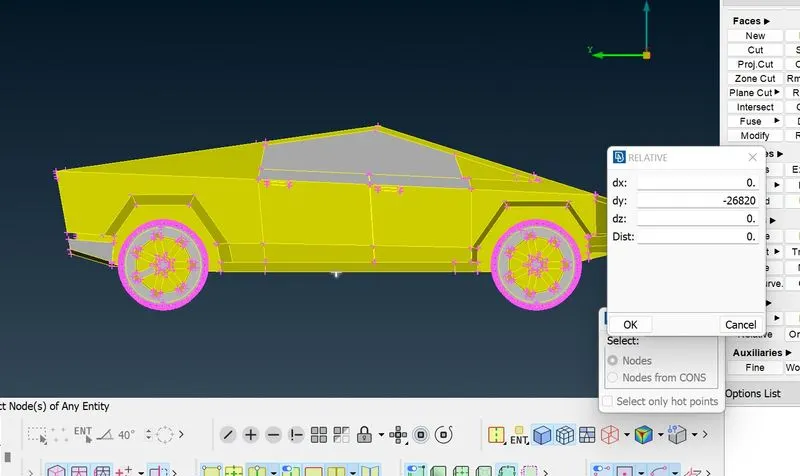
Here we creating a points for front and rear
For top surface
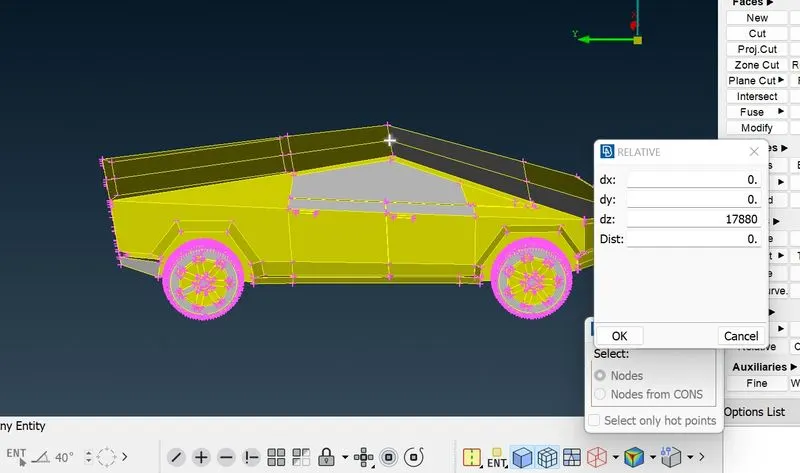
For side faces
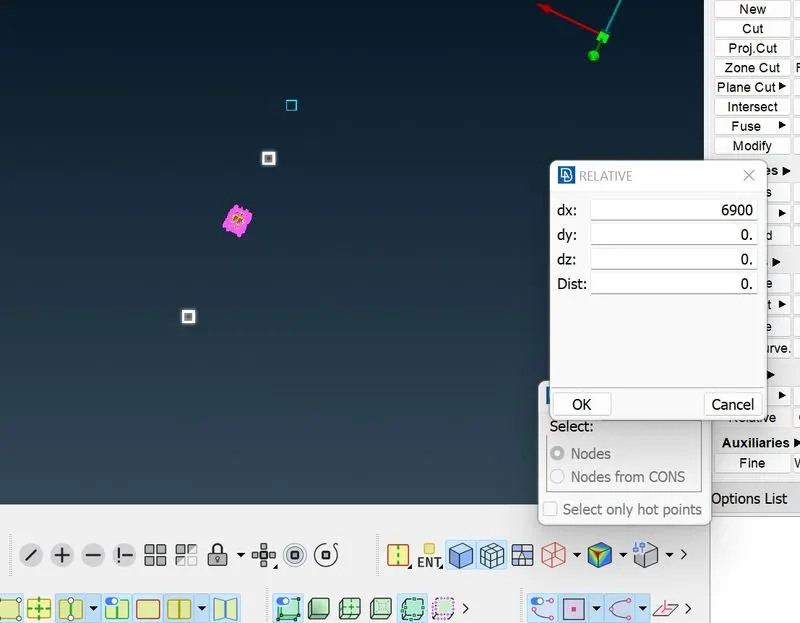
Now we creating the curves with the reference of point which we created
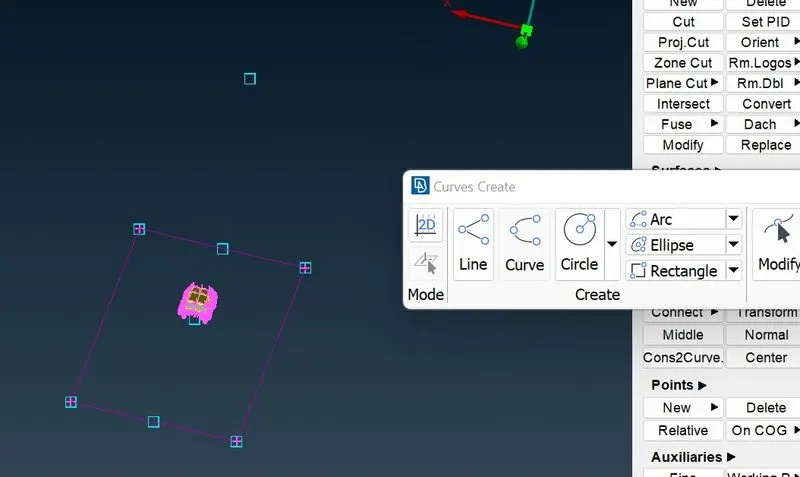
First we have created bottom
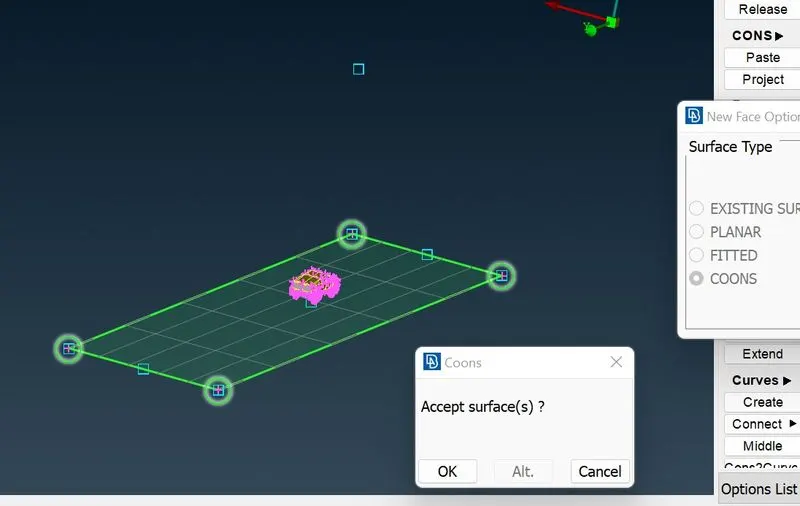
By using offset we have created top surface.
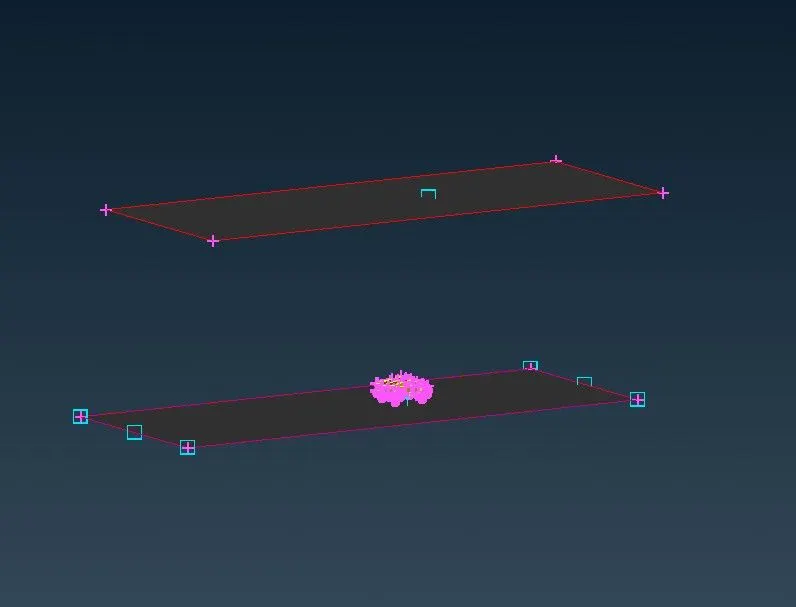
Now we can easily made both side faces.
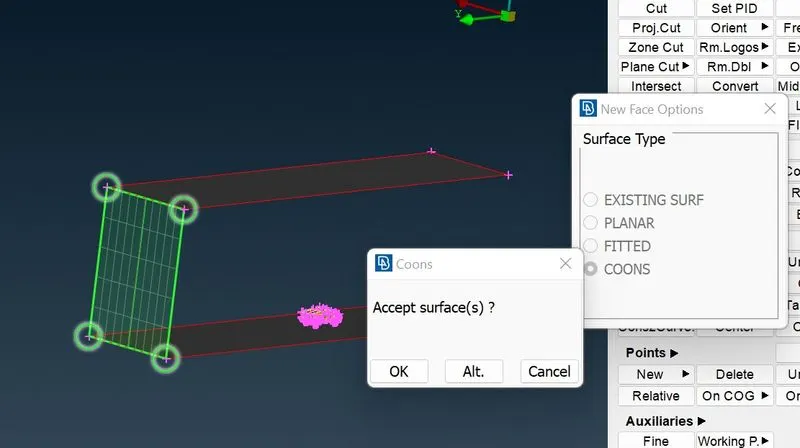
Now we are going for mesh. My target length for bottom surface is 60mm
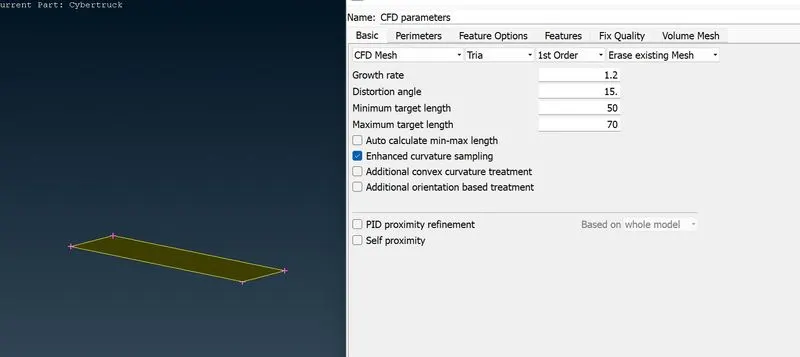
Instead spacing we go for length parameters
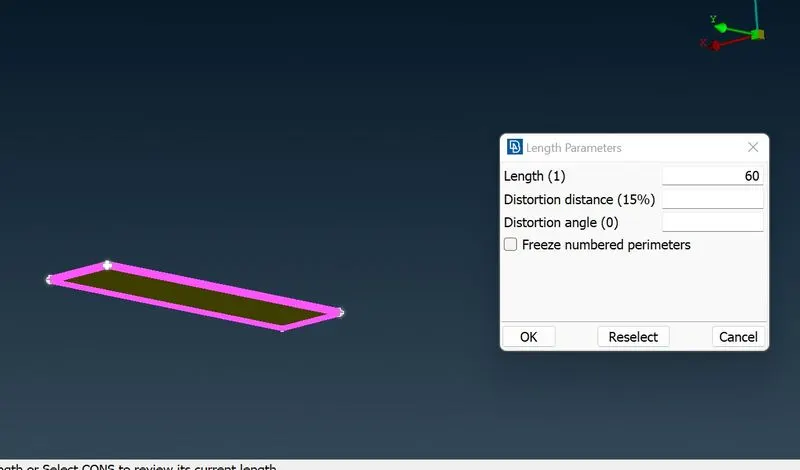
We have done mesh for bottom face.
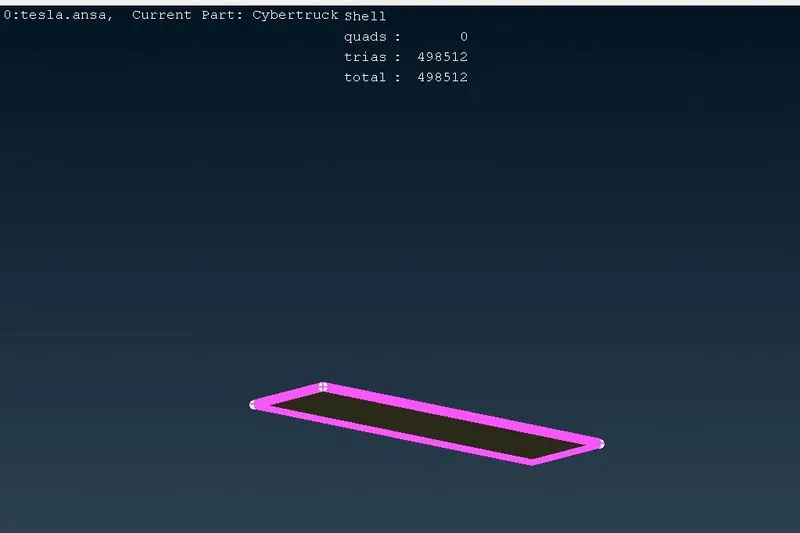
For top surface we go for 300mm target length
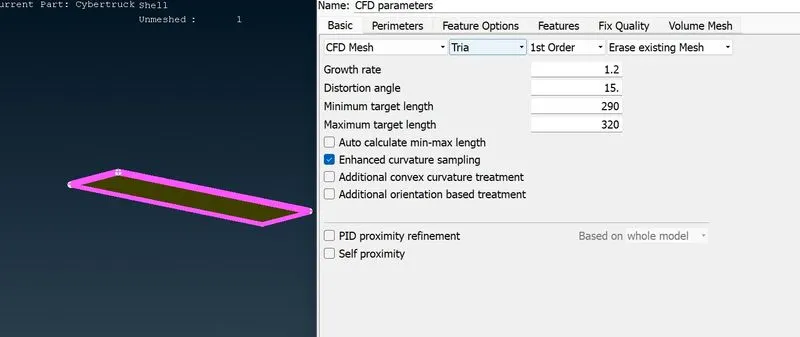
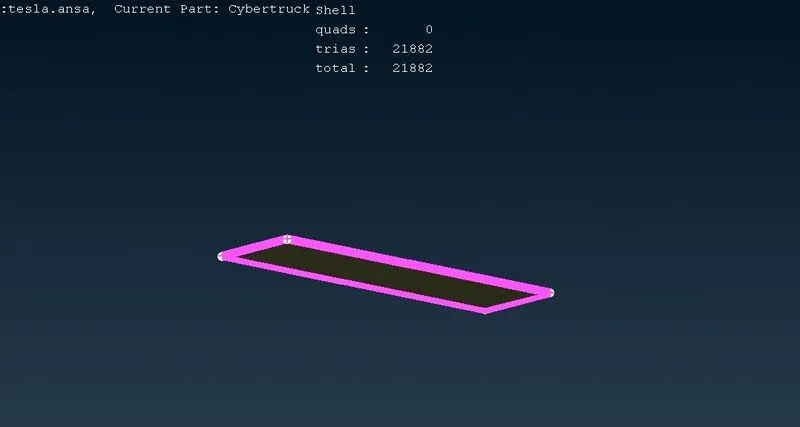
For side faces we have to create a mesh rises from 60mm to 300mm
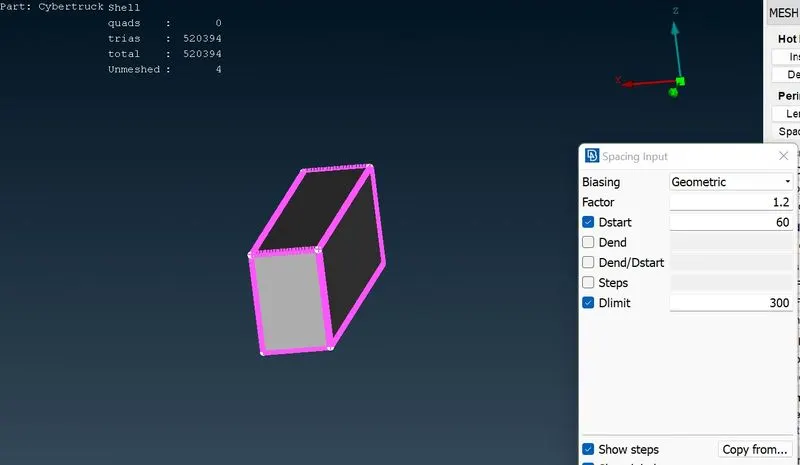
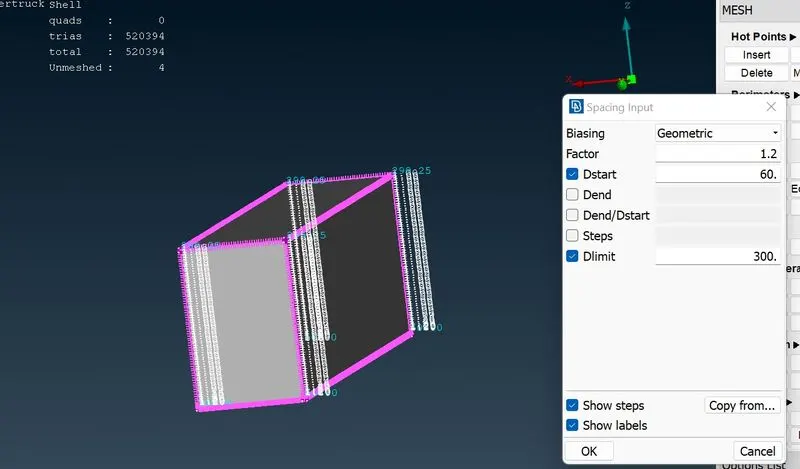
Finally we have done wind tunnel setup.
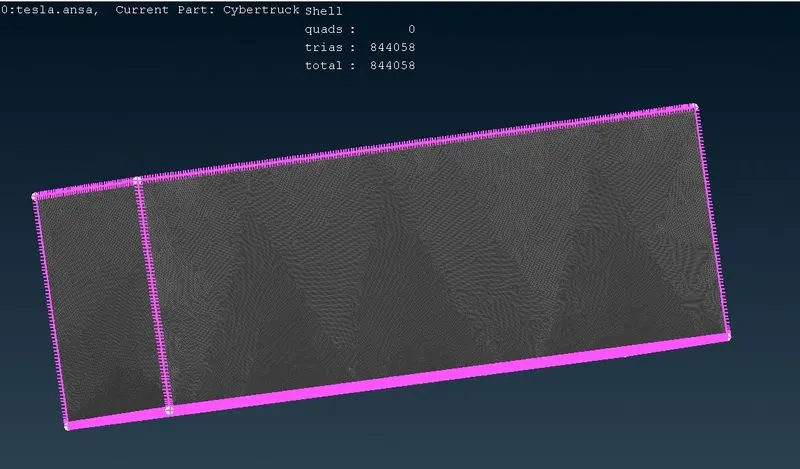
Final model
https://drive.google.com/file/d/1kbN_2GKgqW4VaJZss5K_ssUvksBSdCWQ/view?usp=sharing