Project 1 - 2D meshing on the instrumental Panel
AIM
To check the geometrical errors for the given component and mesh with the given element Quality criteria. After meshing the component the thickness has to be assigned.
Procedure
1.) First we need to check the geomentry error , by TOOLS > Checks > Geomentry and evaluate the geomentry.
2.) After the errors are spoterd then select all and click Fix to fix all the improper geomentry .
3.) Then creat an mid surface for the component by useing auto casting method.
4.) Then go through the midsurface and check the improper surfaces .
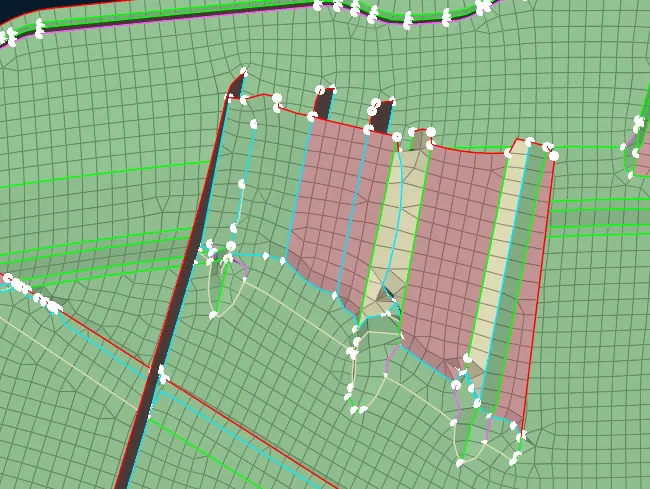
In this image the surface is not aligned properly. So we need to toggle the un eanted perimeters and give the proper surface for the align maneger .
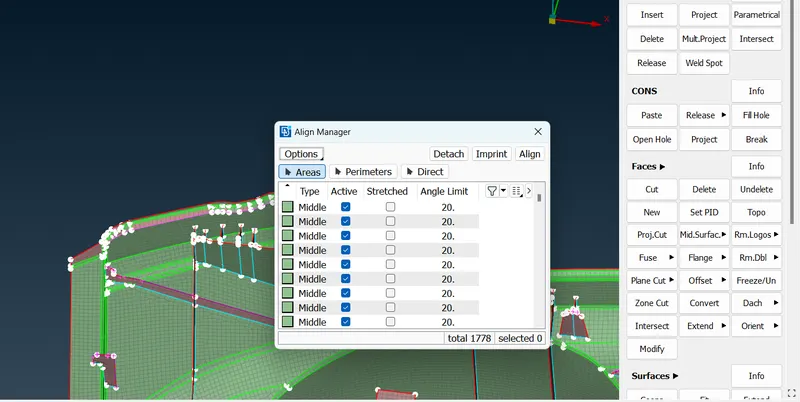
By useing align manager we have to align the surface properly.
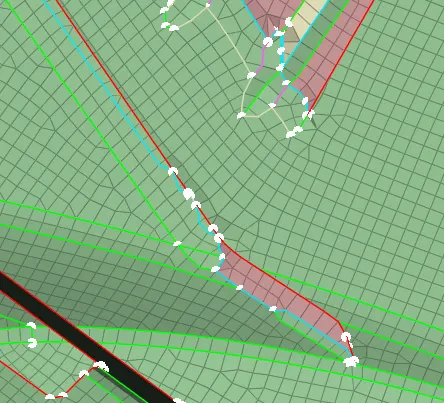
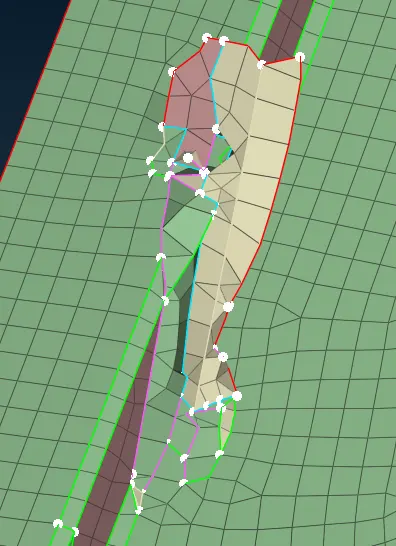
Like ,this there are too many improper surfaces , so i have worked in all the surfaces ,
for improve this surface better condition , first we have to make proper plane in the base surface , then only we shoud for the dog house.
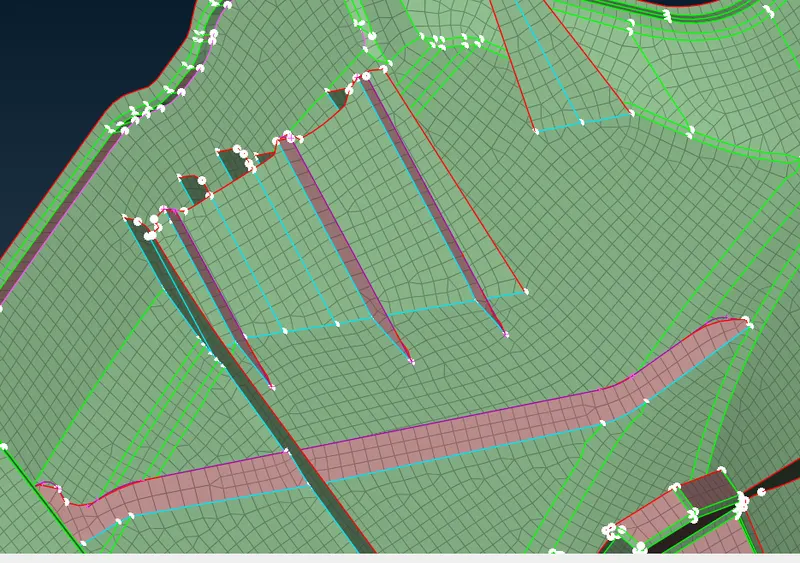
This the final outcome . This is the way to get the proper midsurface .
From this project i have learn to use align manager and learn many new tools in ansa.
Conclusion
Finaly i have check the geometrical errors and mesh with the given element Quality criteria.