Project 1 - 2D meshing on the instrumental Panel
PROJECT-1
AIM:
For the given component proper geometrical errors and meshing has to be performed with the mentioned quality criteria parameters and at last thickness to be assigned.
PROCEDURE:
STEP 1: IMPORTING
Opening ANSA and importing the file by selecting FILE-OPEN-SELECTING THE ANSA FILE.
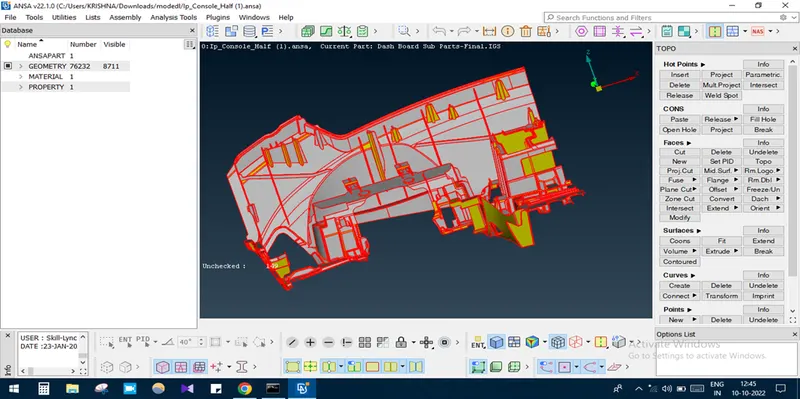
STEP 2: TOPO CLEANUP
As the geometry contains single cons, necessary topo cleanup was done.
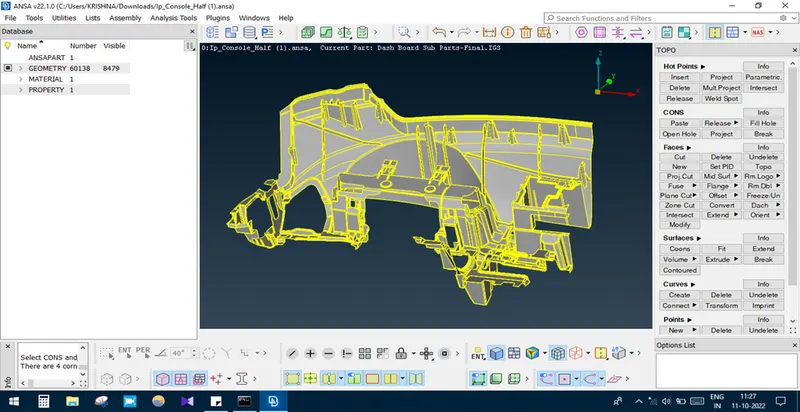
STEP 3: GEOMETRY CHECKS
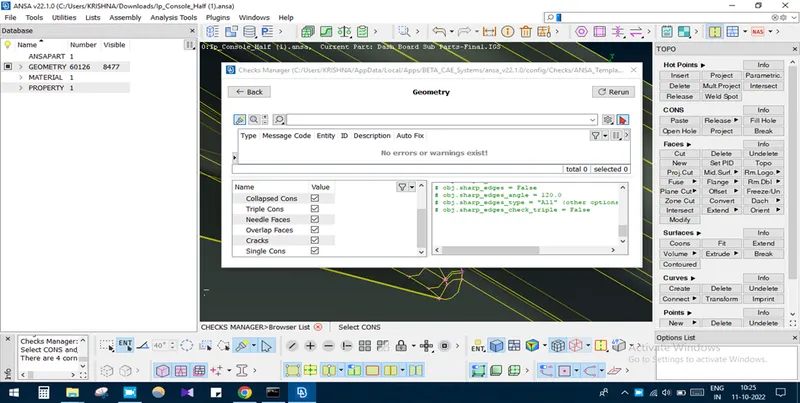
TO make the geometry free from error, geometry checks was done by selecting TOOLS-CHECKS-GEOMETRY-EXCEUTE.
STEP 4: CASTING
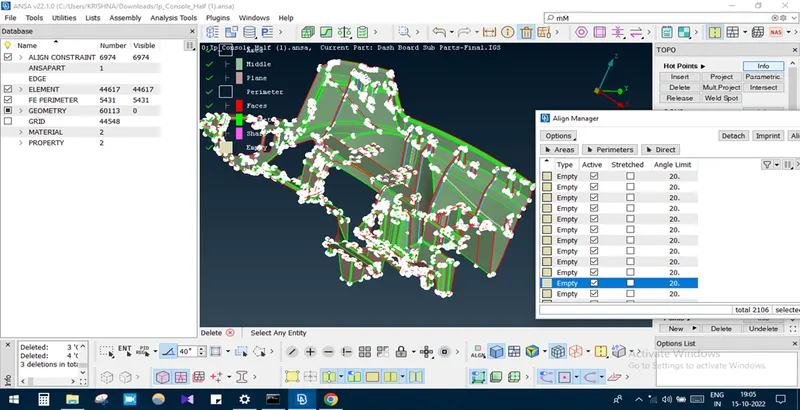
As the given model is a plastic component having different dimensional values at different locations and also having complex shapes it will be very difficult to extract the mid surface using manual methods like OFFSET and MIDDLE option. So in this case it will be easy to get FE by CASTING option. TOPO DECK-FACES-MID SURFACE-CASTING option.
STEP 5: IMPROVING THE QUALITY OF THE FE
- As the generating FE contains many EMPTY areas and improper FE at the dog house locations, the quality of the FE is quite worse. So it should be improved by using ALIGN MANAGER option.
- Some EMPTY areas are selected and added/middle/offset to the neighbouring area, by this way some EMPTY areas are resolved properly.
- EMPTY parameters are then resolved and assigned proper faces/point.
- Before capturing dog house feature the base FE is kept proper using ALIGN MANAGER-AREA-EDIT option.
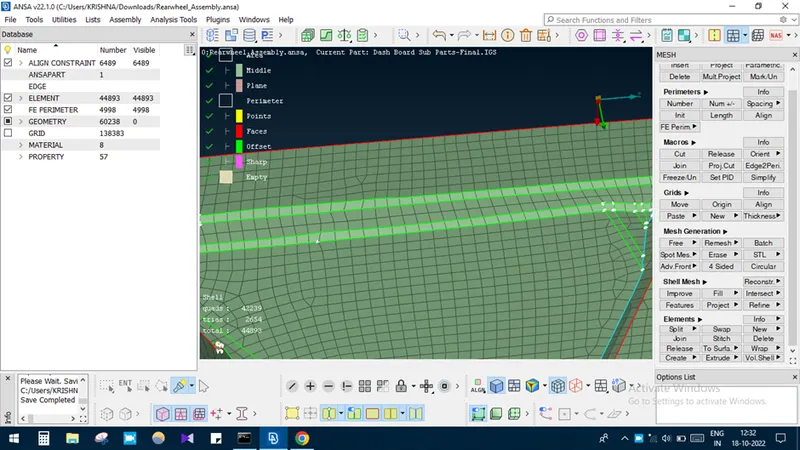
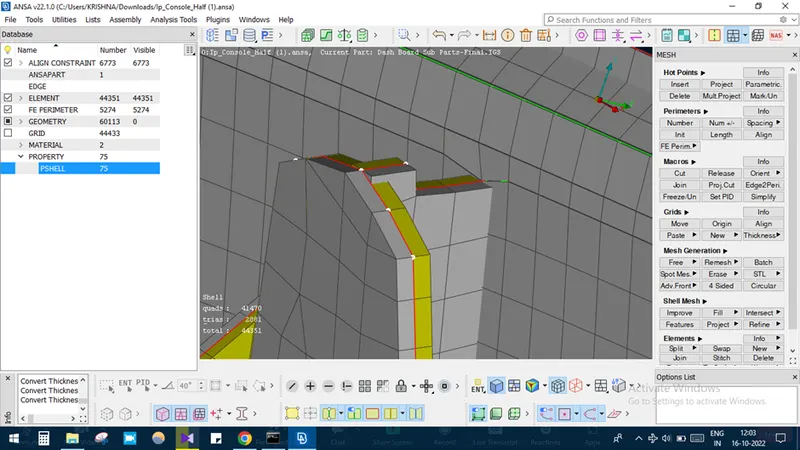
- Dog house is properly captured using Curves. Then it projected to the target cells using SHELL MESH-PROJECT option. Using SHELL MESH-FILL option new elements are created and PASTED properly to the neighbouring NODES respectively.
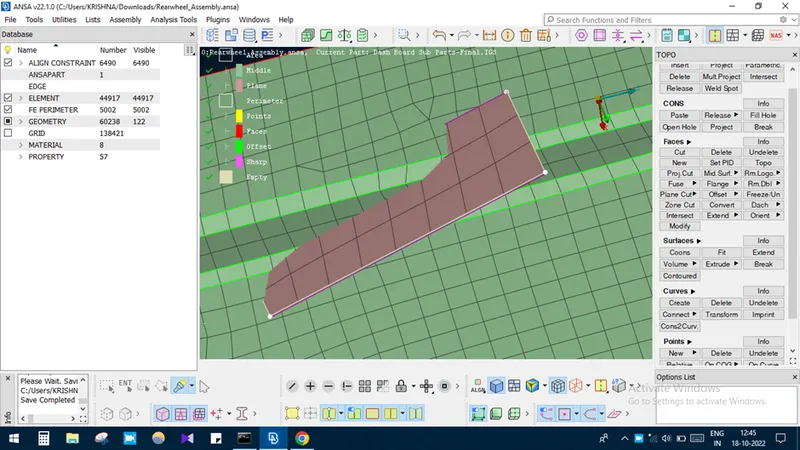
- Quality criteria is then applied and then checked for any OFF elements.
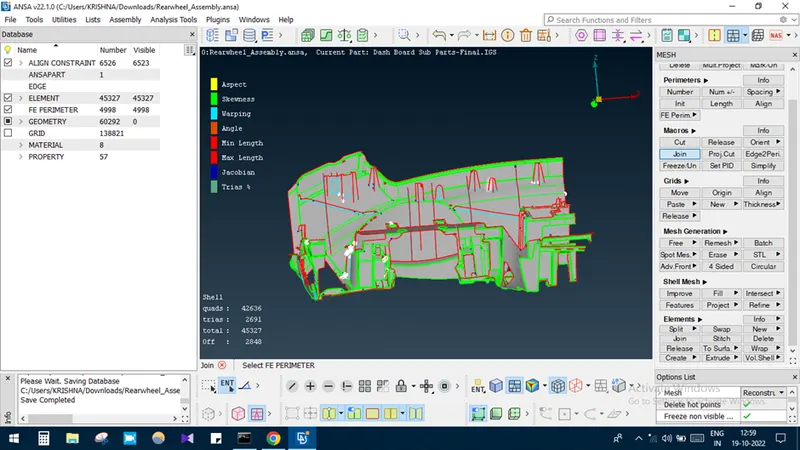
- Manual way of quality improvement is done to get better mesh and reduced of 200 OFF elements apx.
- Finally the FE is compared to the parent geometry using TRANSPARENT-ON option
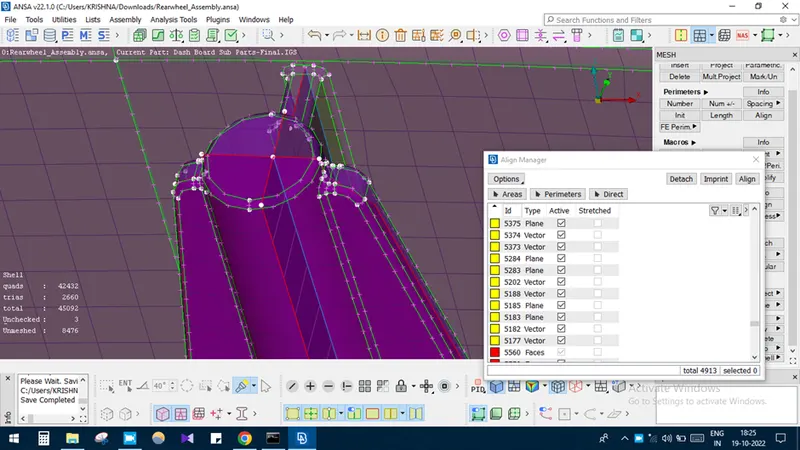
STEP 6: ASSIGNING THICKNESS
Thickness is assigned using CLASSIC MESH DECK-GRID-THICKNESS-CONVERT option. The step value is given as 0.1mm in this case.
LEARNING OUTCOME:
By doing project I come to know about meshing on complex plastic component of variable thickness using CASTING and ALIGN MANAGER option.
CONCLUSION
Thus the given plastic component was meshed with the given quality criteria and assigned thickness to it.