Project 1 - 2D meshing on the instrumental Panel
OBJECTIVE
Import the component to ansa and cleanup the geometry, Extract midsurface and mesh the component with proper mesh flow and satisfy all the quality criteria.
PROCEDURE:
Import the geometry into ANSA and do topo to stitch the surfaces. Assign PID for the whole geometry.
Clean the geometry using checks manager. Enable unchecked faces, collapsed cons, triple cons, needle faces, overlapped faces, cracks, single cons. Clear all these issues until no error is found. One can use fix option in ANSA to clear all the errors automatically. However, sometimes manual intervention is required for fixing some errors.
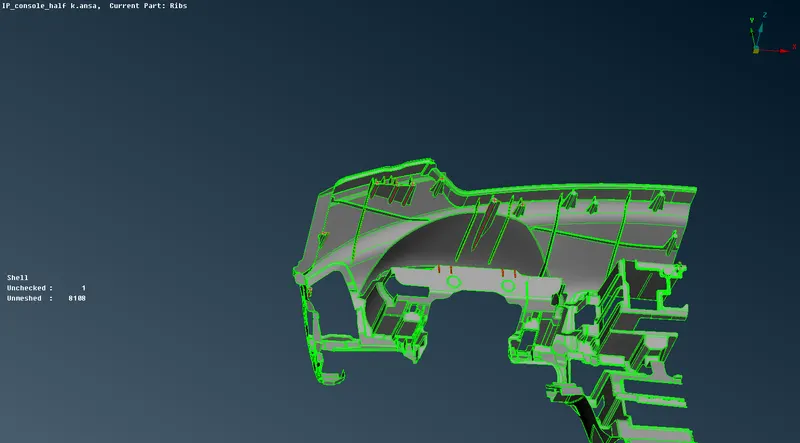
First generate mid surface for bigger part so that other small features can be extended on to it. Using offset option, pick the bigger surface using feature area to generate mid surface.The auto midsurface did not provide proper surface.
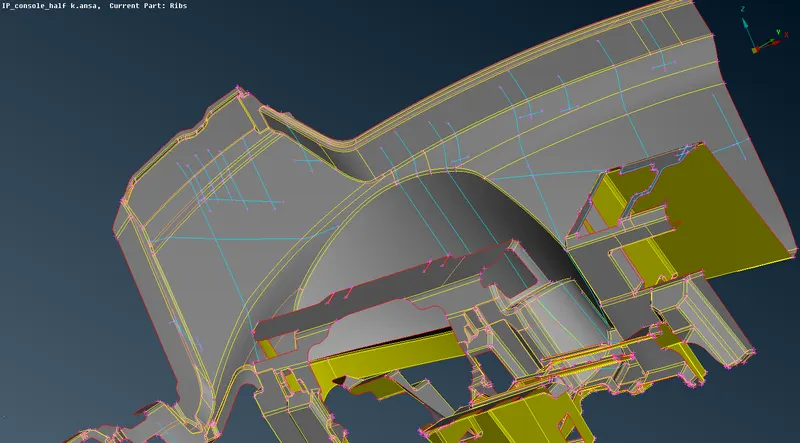
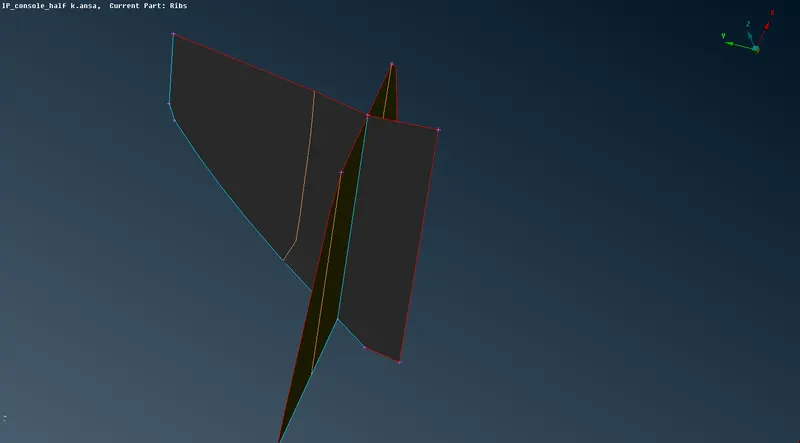
Use middle option and select both sides of the rib. Then a mid-surface will be formed. Like this generate mid surface for all the ribs.
Now extend the mid surface of the ribs on to the bigger mid surface generated in the earlier step or create curve middle for the ribs and project it onto the surface and create new surface.
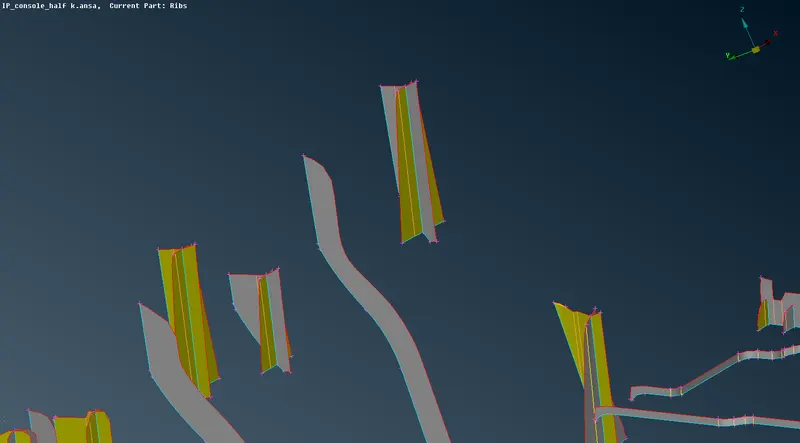
Mid surface for long ribs on the geometry can be generated using Faces offset option. Measure the thickness and give offset value in the proper direction.
Likewise extend the mid surface of the long ribs on to the bigger mid surface.
For these cylindrical type surfaces, we can’t generate exact mid surface and volume mesh is not preferred as these dog houses are more in this geometry. The cylinder is captured a stwo intersecting ribs.
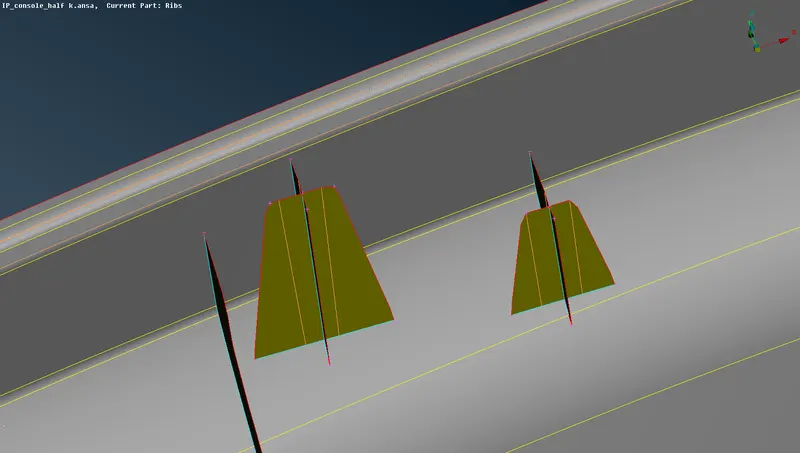
Using Cons2Curve option connect the curve which is created on the cylindrical feature of parent geometry and the rib using Faces - New - Fitted Surface option.
Select one side of rib and the curve to create rib for one side. Similarly create mid on the other side like intersecting surface After creating surface on both sides extend all the required surfaces to the main mid surface. Also use intersect option to form triple con in the midsurface.
Use extend option to attain the elevation like in the parent geometry.use topo option.
For two features in the centre, Midsurface-casting option is used to attain the midsurface and the mesh.Assign minimum thickness, target element length, and run on selected features. Casting always generates mesh along with the mid surface.
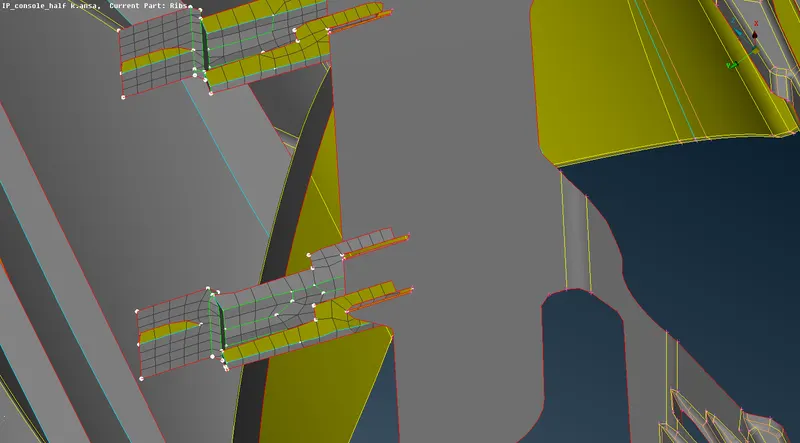
After midsurface is generated, it is meshed with best_mesh. Reconstruct option is used to acheive better mesh flow.
Align is used to align the nodes properly with the mid surface, origin option is used to Clear the raise and kinks in the surface.
Lots of areas or deleter and stitched to attain proper mesh flow.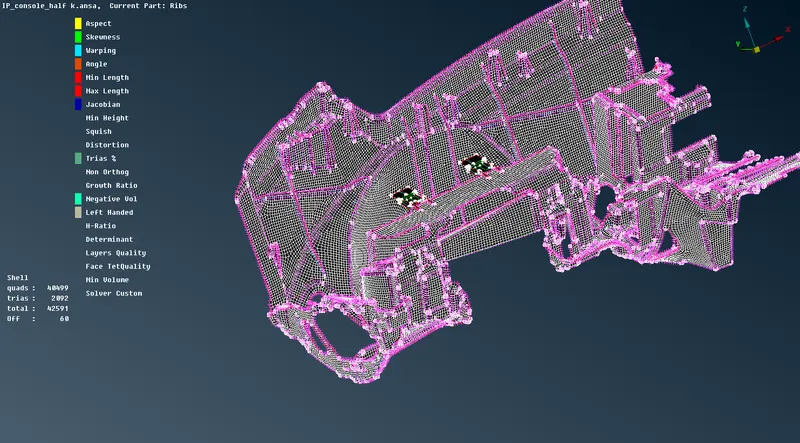
use Fix quality, reshape, Reconstruct option and Swap, split elements to get proper mesh flow.
RESULT
The Component is Cleanedup properly and the midsurface is generated and proper mesh flow is attained while fulfilling the provided quality criteria.
Googledrivelink: https://drive.google.com/file/d/1HNf1zcYqMWmmD-_P5zAlNKgqNfJvvXac/view?usp=sharing