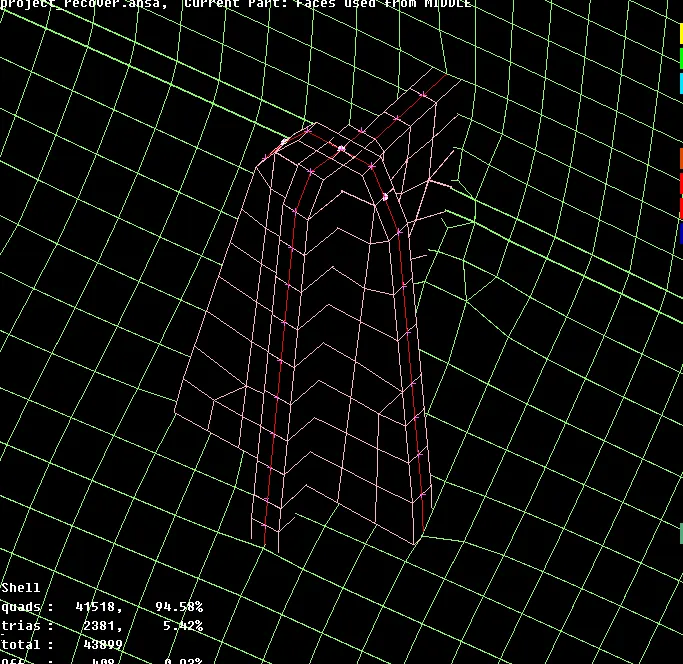
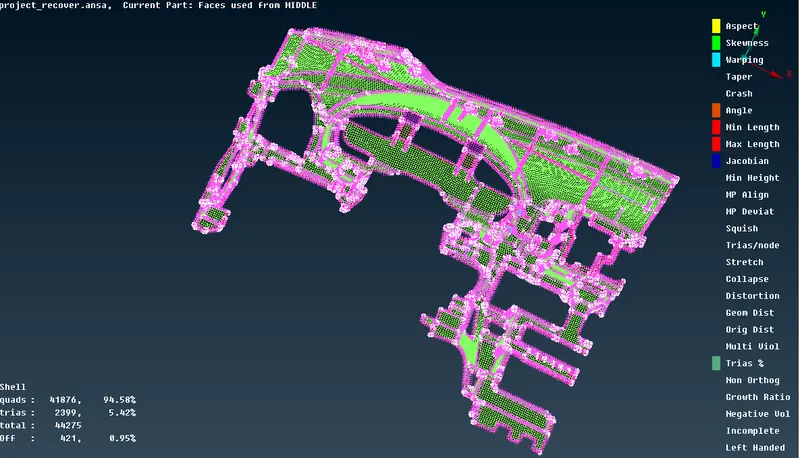
Project 1 - 2D meshing on the instrumental Panel
OBJECTIVE:To extract middle surface of the given component and to perform meshing operation on the exracted mid-surface
PROCEDURE:
- initially import the model and check for geometrical errors
- clear the geometry if necessary and manager the geometry
- optain a clear view of the component, and find the variable thickness ribs
- offset from the most profitable side
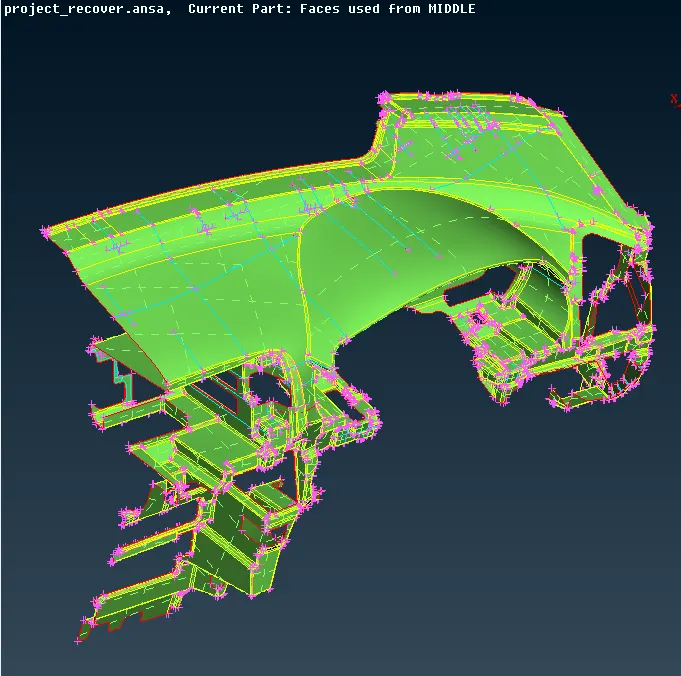
- see all the possible mid-surface extraction methods, as casting and automid are not suitable because of different size ribs and dog houses
- we are using manual offset method here and from this side
now lets move to the ribs and dog house features
- for the ribs there 2 methods that i have followed,
- offset
- curve creation
OFFSET METHOD:
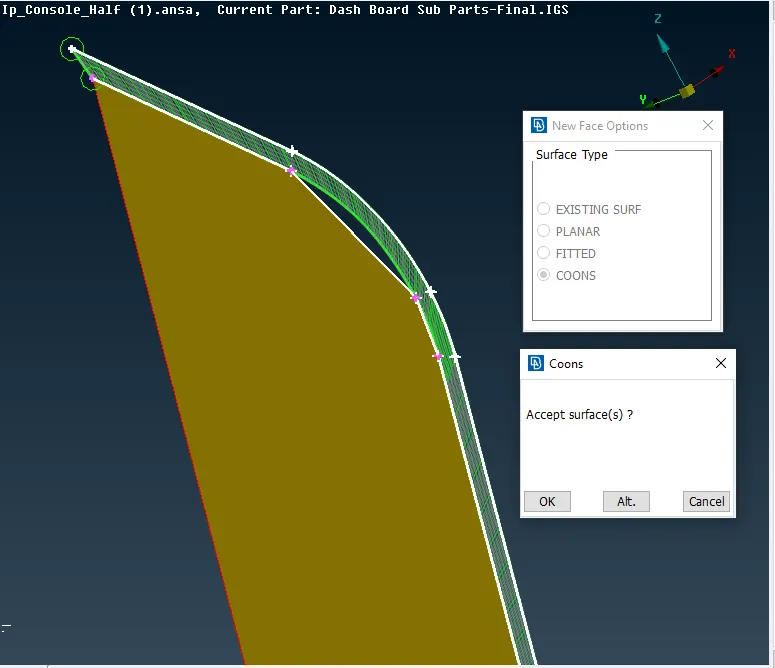
- Initially offset is created
- then an imaginnery curve is created and a new face is created as shown
curve generation:
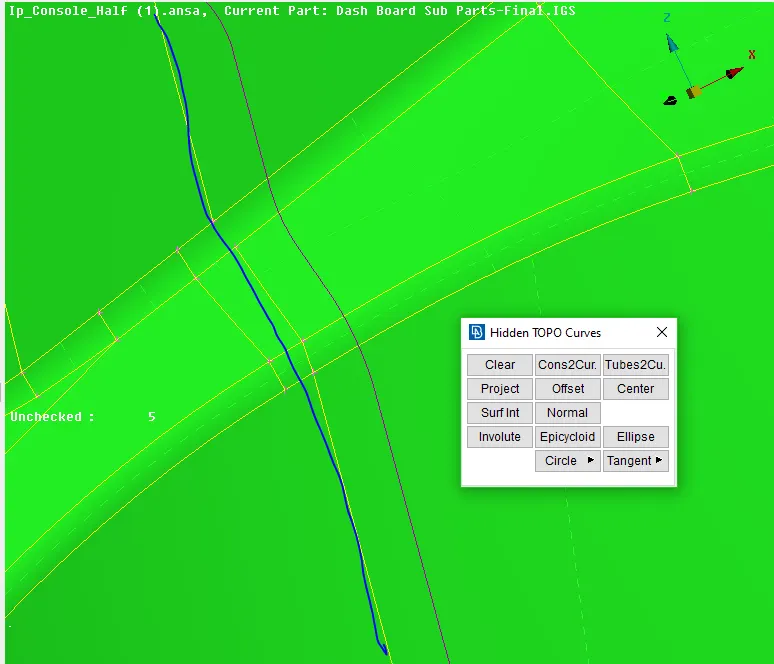
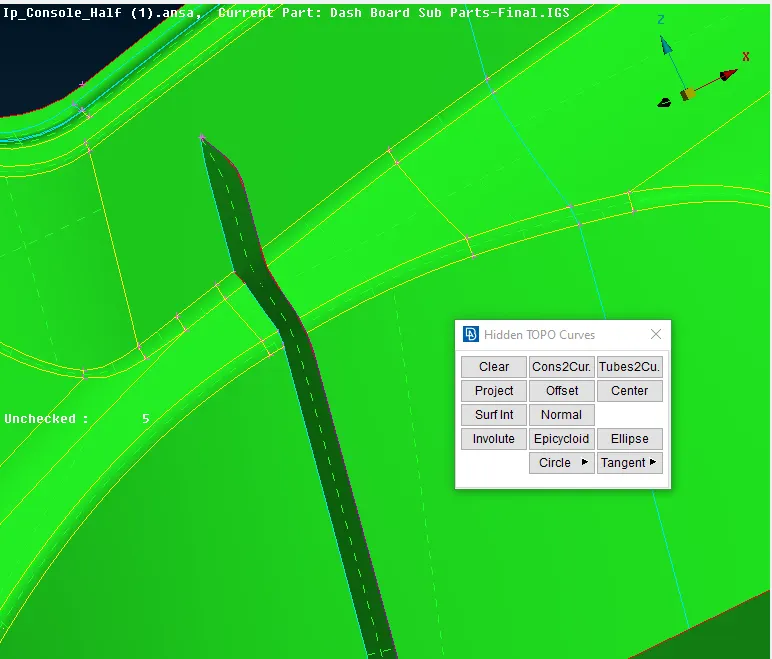
- this is a time saving methd and as projection is inacurate, which may lead to improper mid surface
now, lets move to the doghouses
- mid surfaces to these dog houses can also done by various methods
- offset
- giving curve then extending
as offset method ia a time taking one, mostly use curves
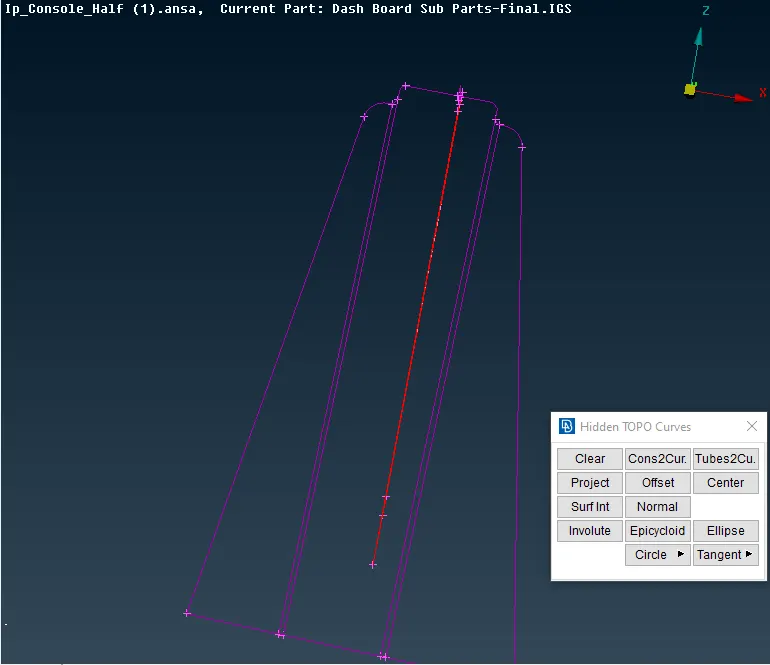
- create a immafinery curve use curve midle and create curve option
- fill them with new > coons> show
- delete the curve and check for the triple cons
- offset method gives a good visuvalization of faces of dog houses as fillets bends
- but, curve method does not give visual ease but, a quite accurate method
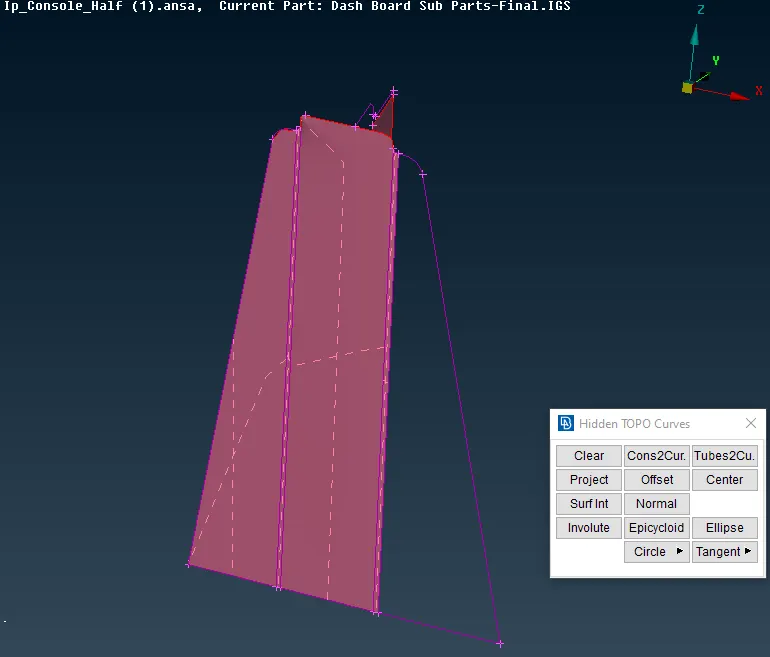
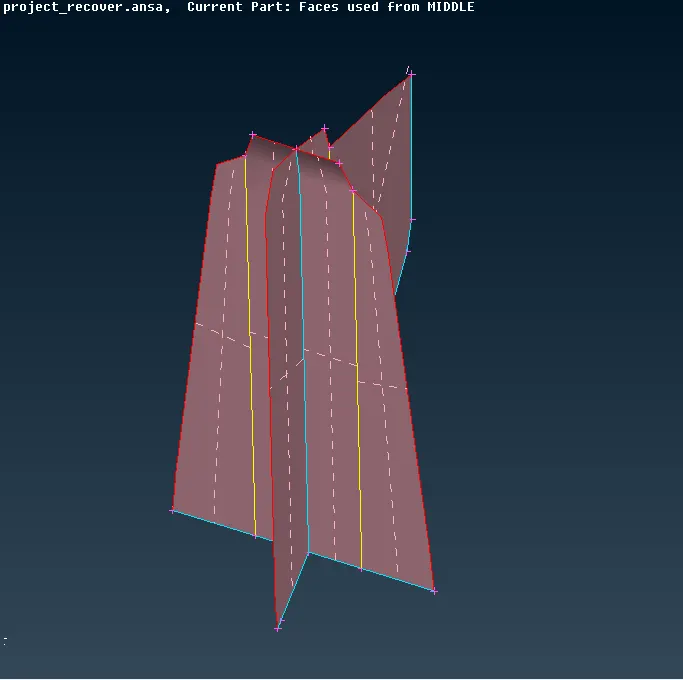
ccomplex dog houses can alse be created using the curves
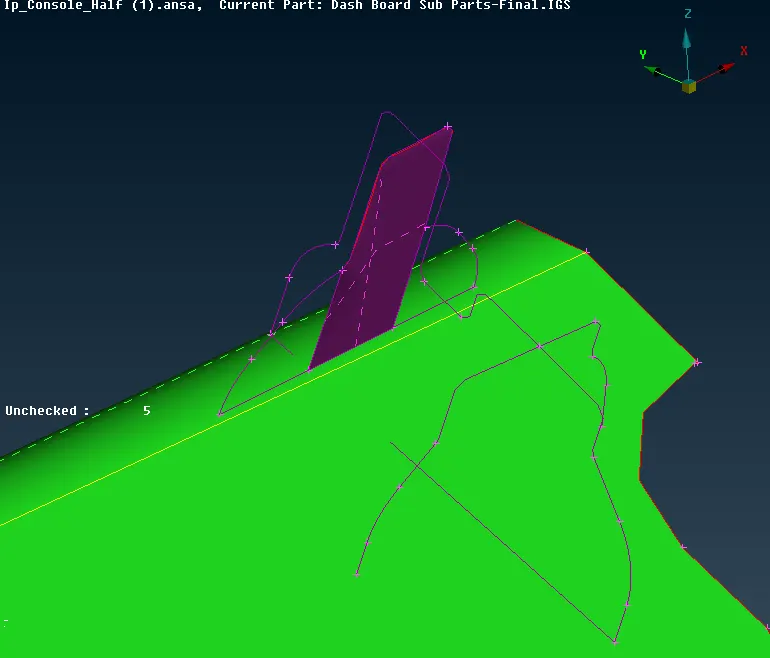
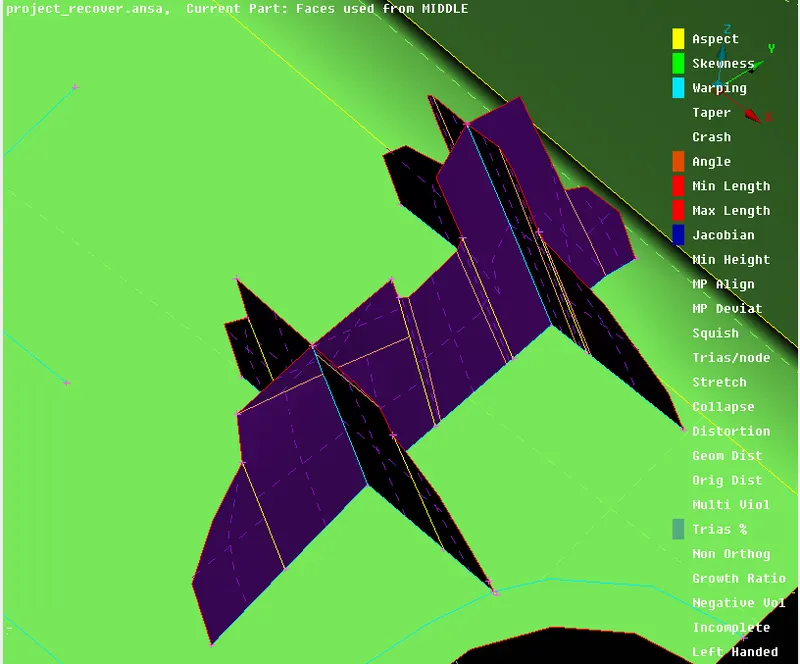
NOTE: after giving the new faces delete the curves so as to see wheter the curve are properly cinnected or not i.e, triple and double cons
now, lets move to cylindrical type structure
- same as the dog houses crates a immaginery curve
- give the same thickness as of the corresponding ribs of thickness featues
- extending there to the correspimding faces is complex and time taking
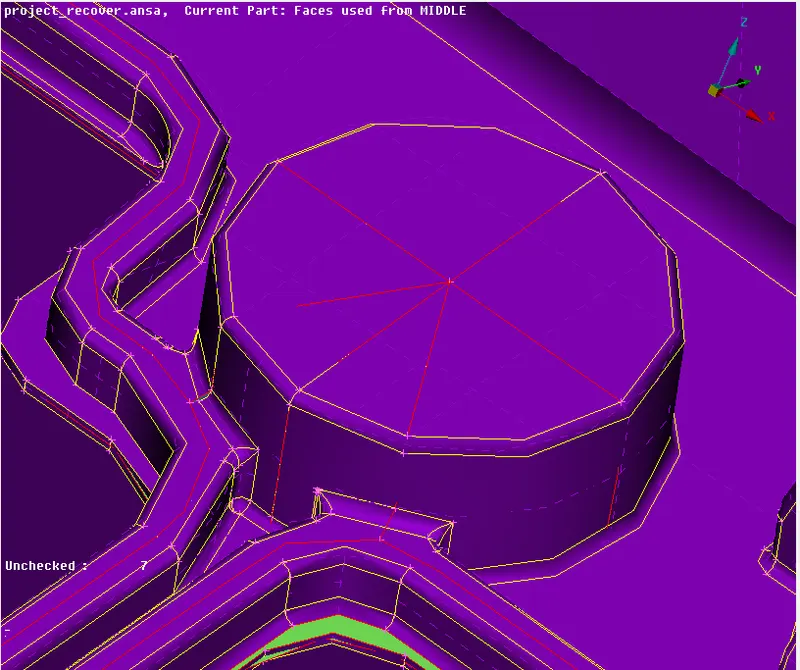
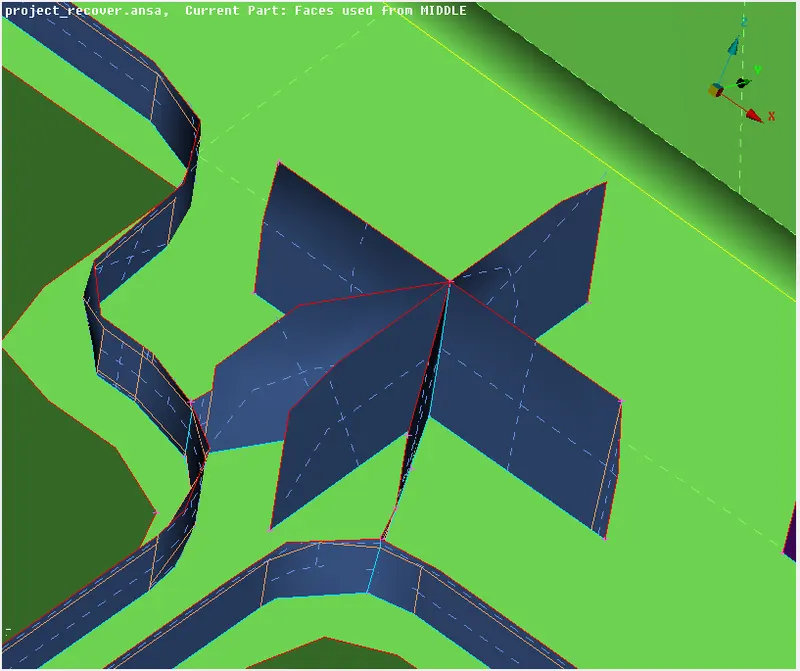
- be care full while extending
- as we are extending these on curves faces intersecting of faces may occur
- here use INTERSECT>ONE/TWO>KEEP/DELETE
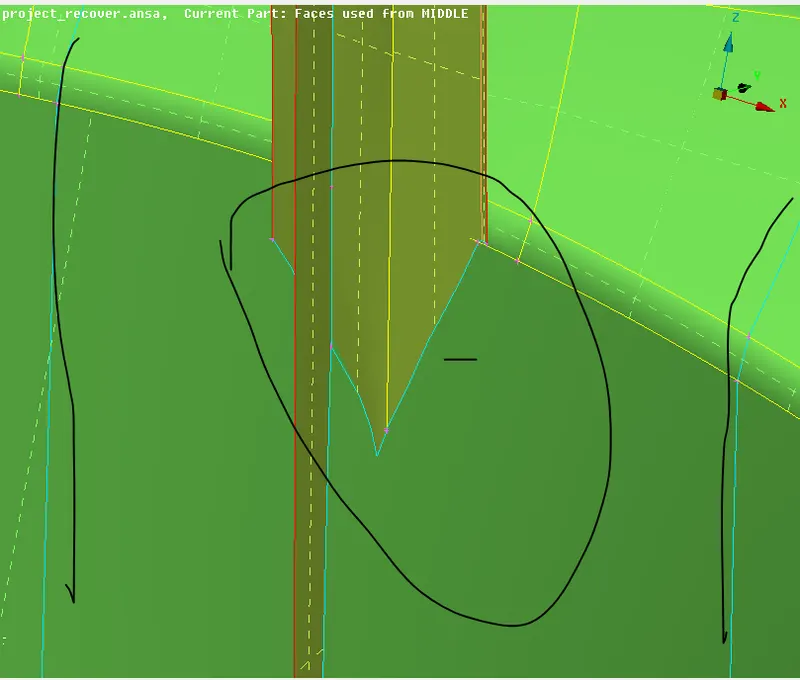
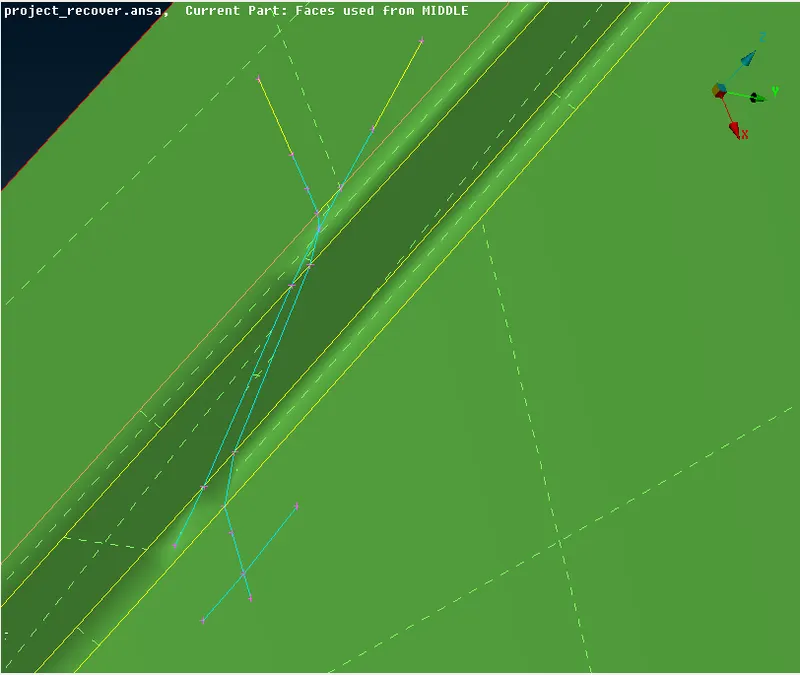
- in the second image there is a intersection of triple cons , care fully delete all the unwanted hot points so as to get a better meshingat that region
MESHIMHG:
- give the meshing parameters
- carefully toggle the cones in order to get a good meshing
NOTE: don' toggle the primary cones mostly, toggle the sub internal coes as shown
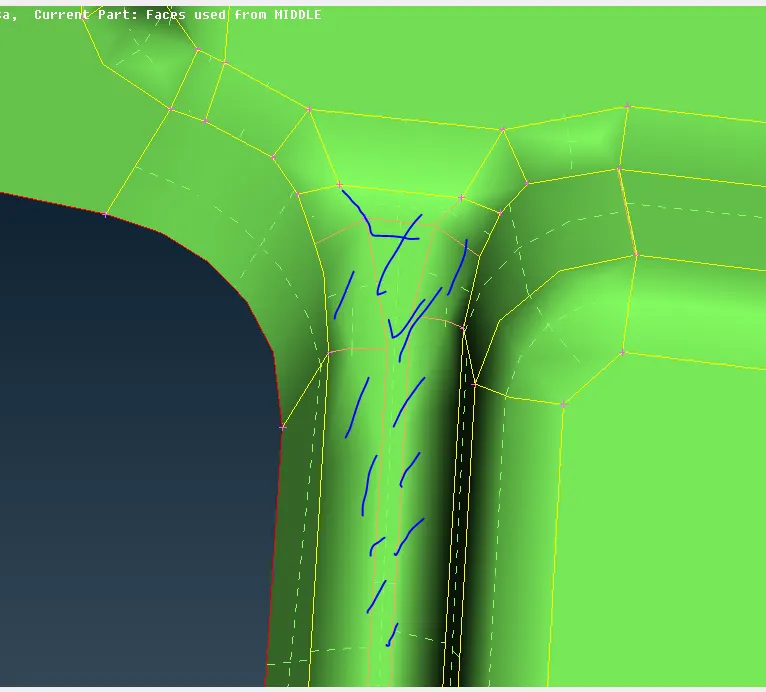
- start meshing one by one as, giving the batch meshing at a time may give a lot of errors
- enable shell to soligs option to visualize the mesh flow
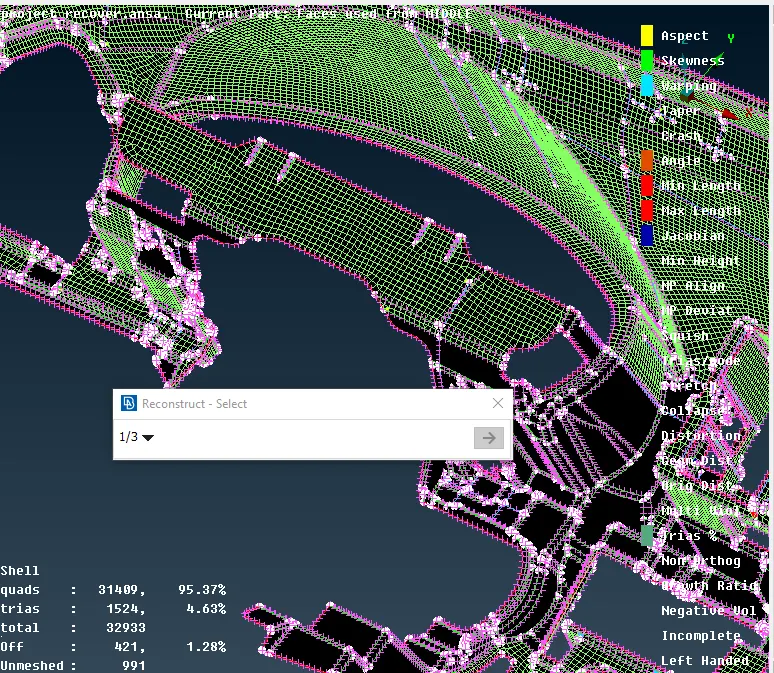
- mesh in a proper way , even if they fail let them be as reducing these may require to toggle the primary cons
- final mesh is as shown