Project 1
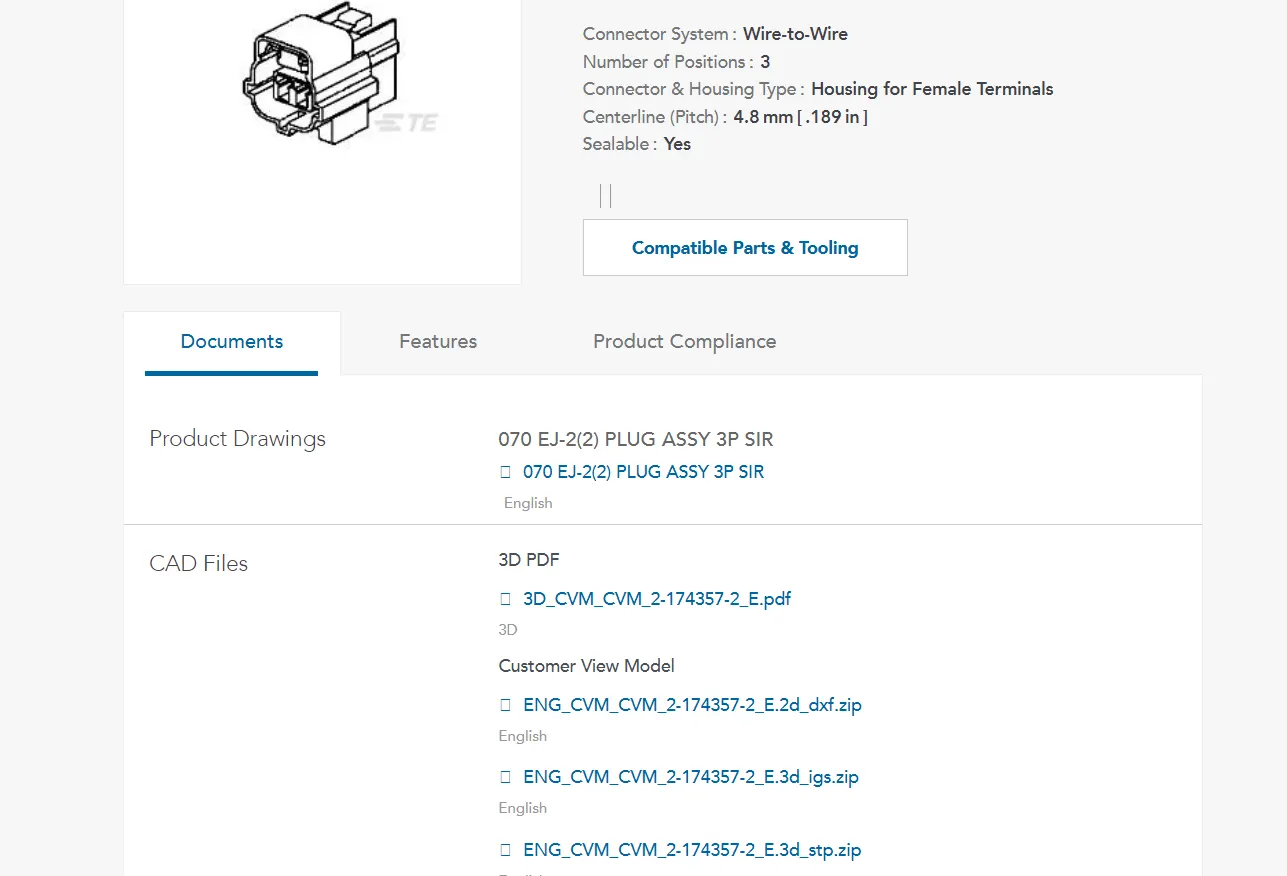
- when u click on the link. it takes to the TE connectivity page as shown the above fig.
- then download the ign files.
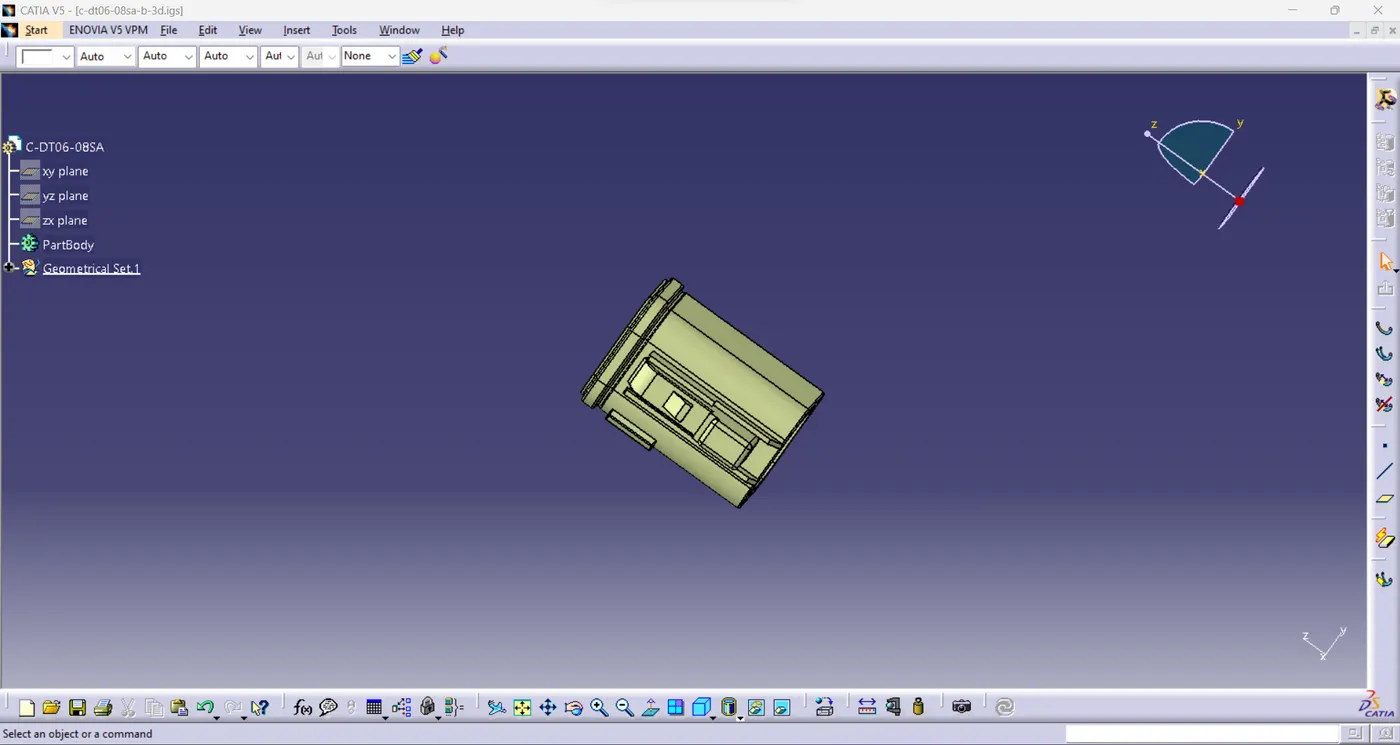
- then open the downloaded ign files in the catio.
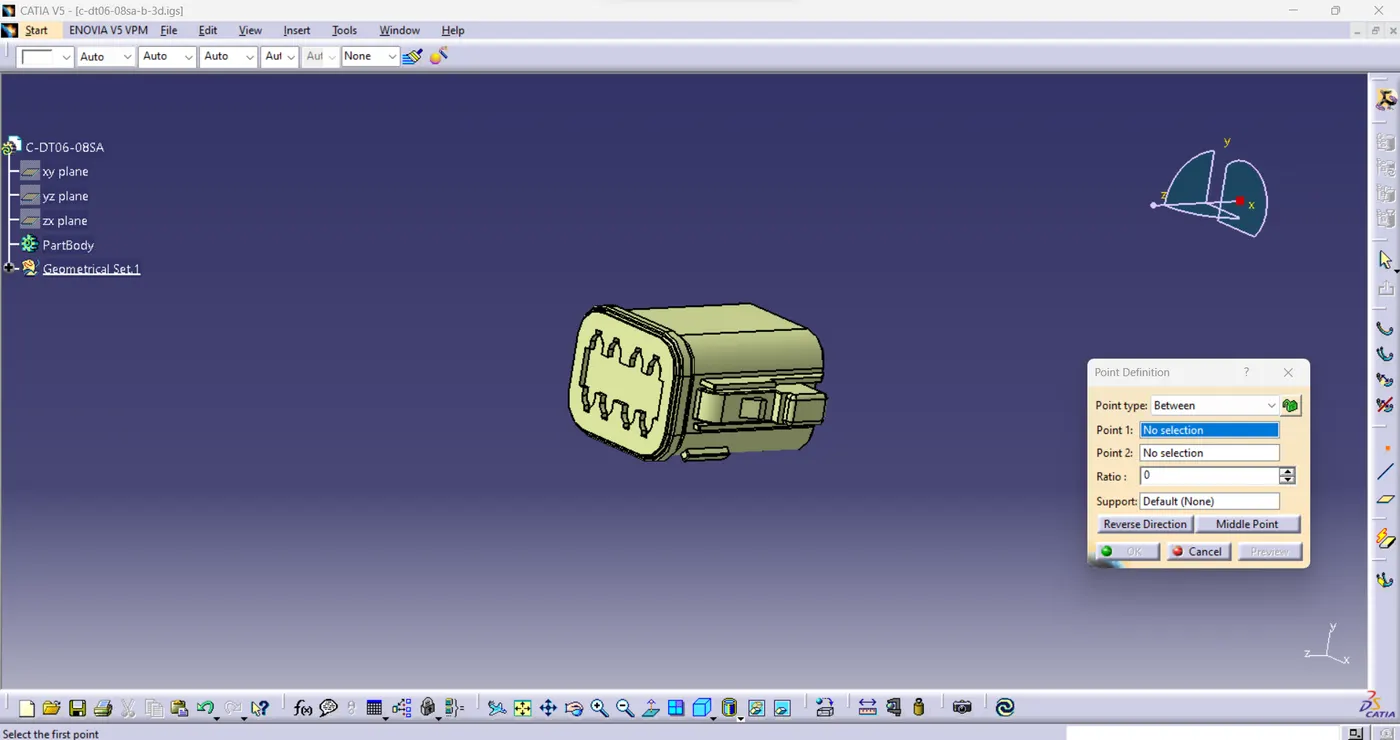
- create a point at two faces of the connector at the center.
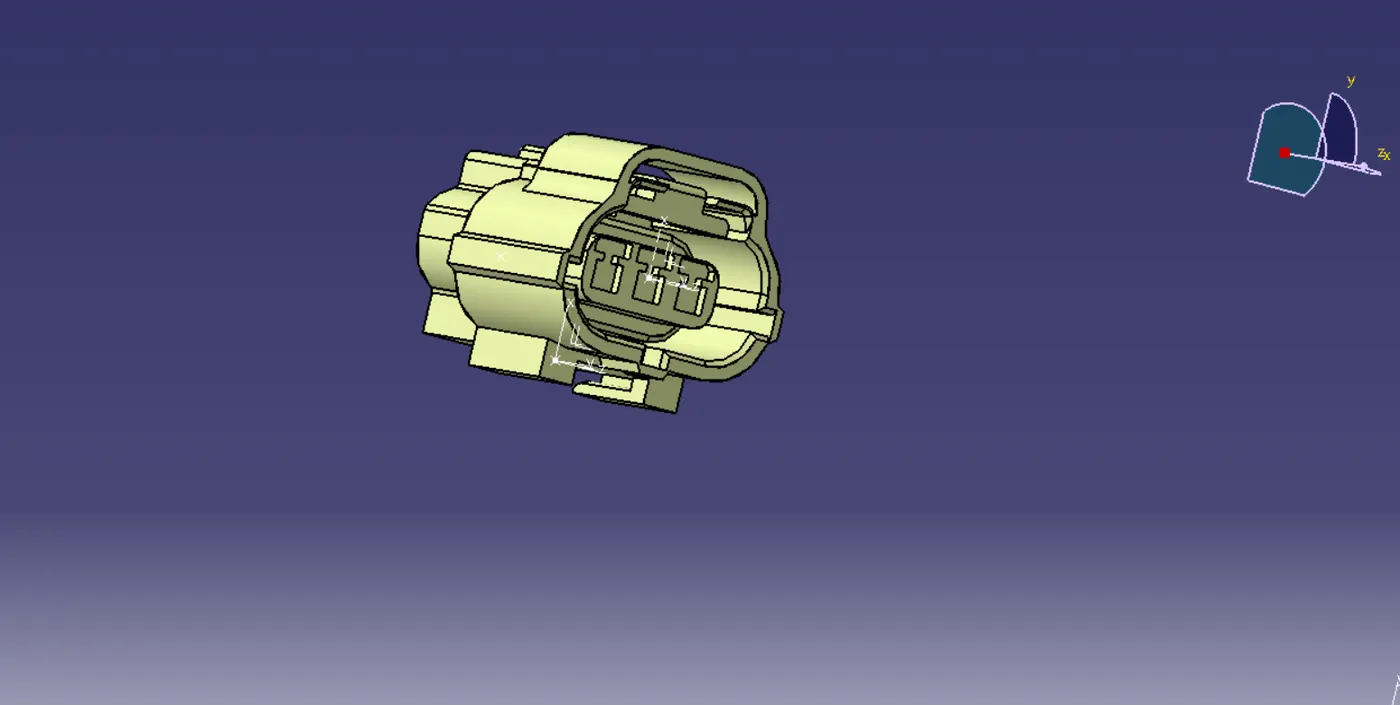
- axis system is create at the connector end as shown in above fig.
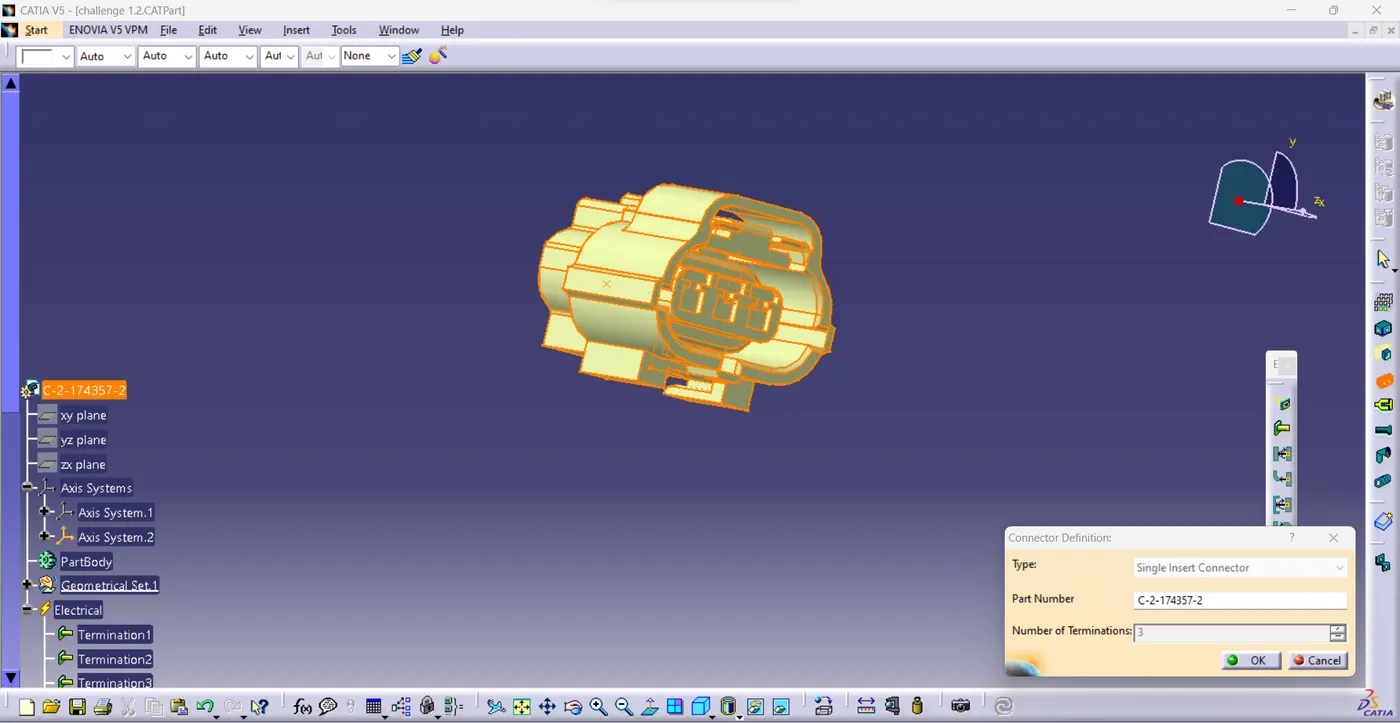
- define the component in to electrical component by using connector definition.
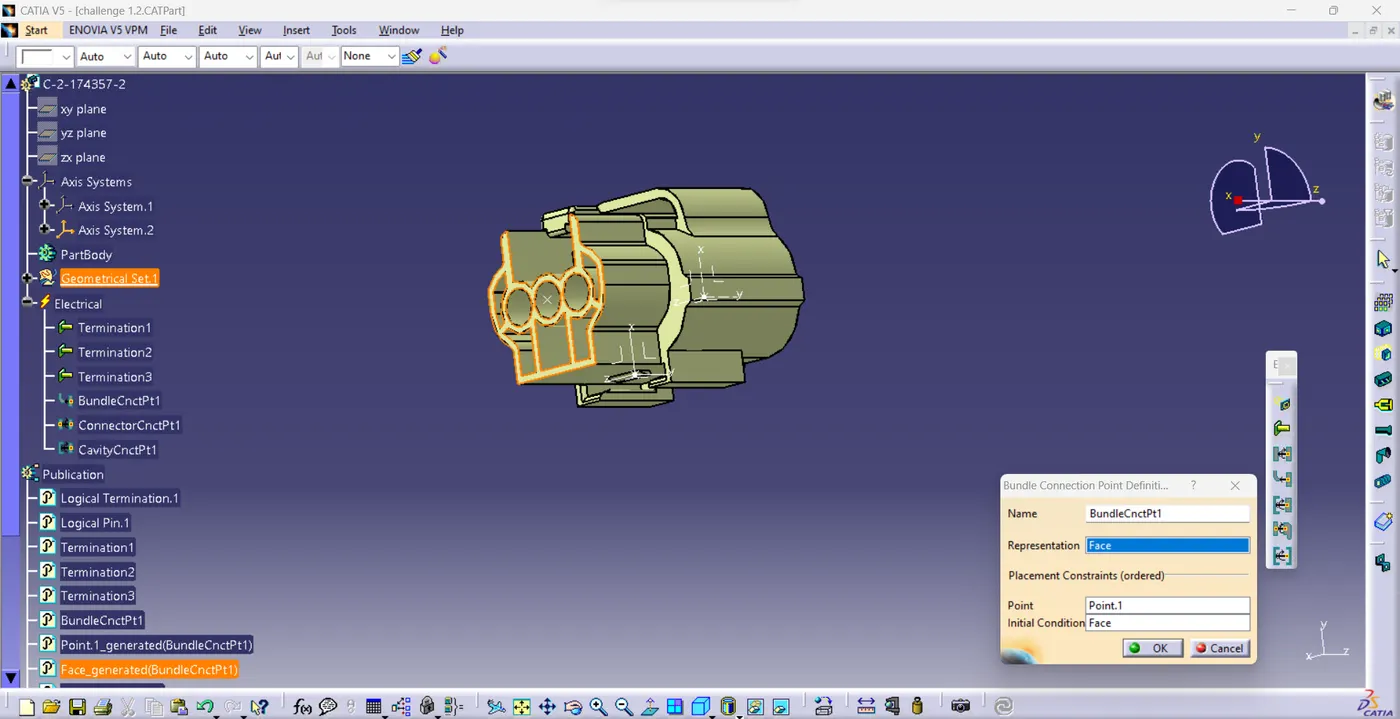
- create the bundle connection point at the another side of the connector by using define bundle connection point as shown in above fig.
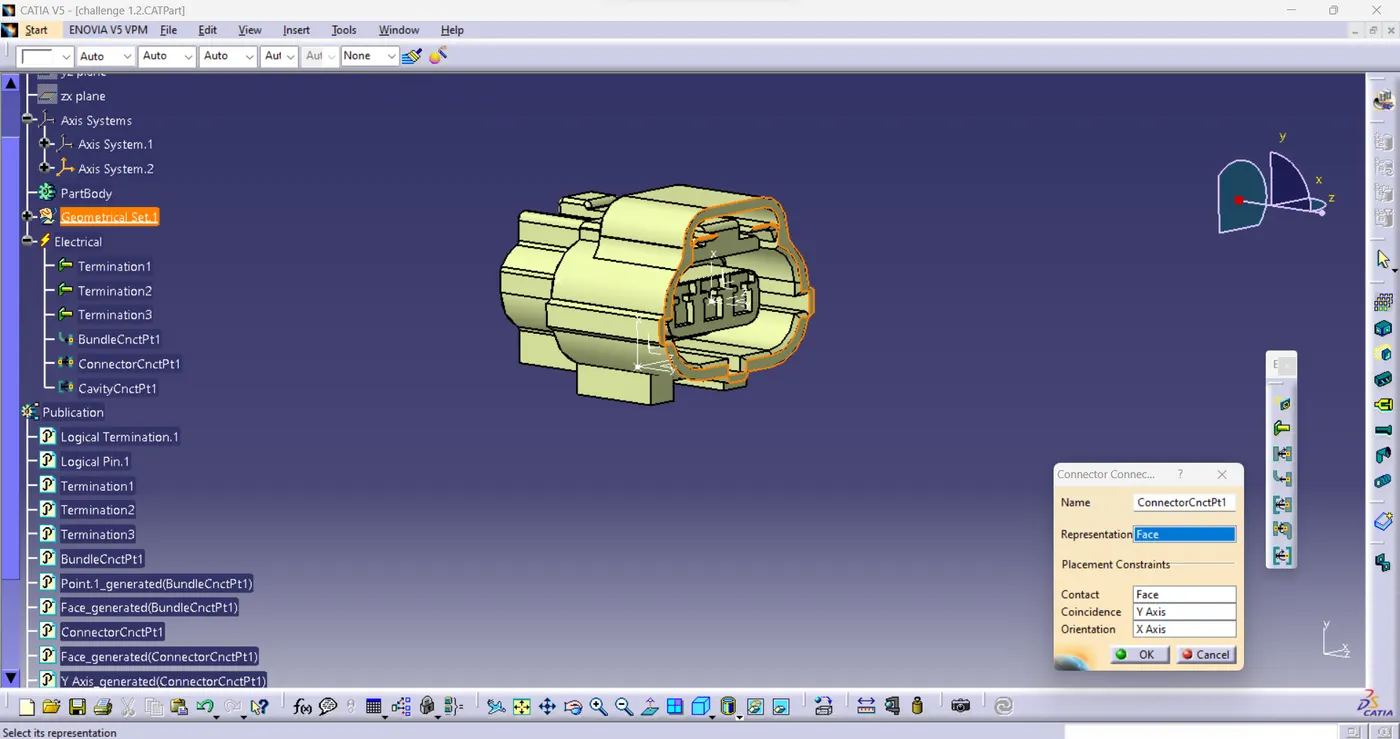
- create the connector connecting point at the connector side of the connector by using define connector connection point as shown in above fig.