Project 1
Step 1:
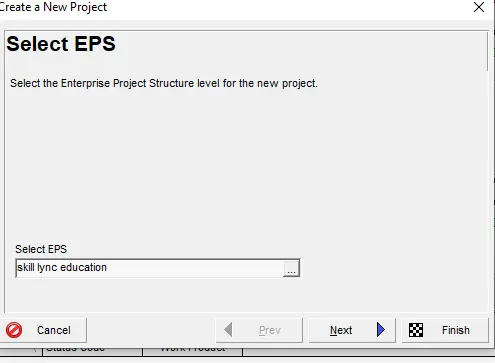
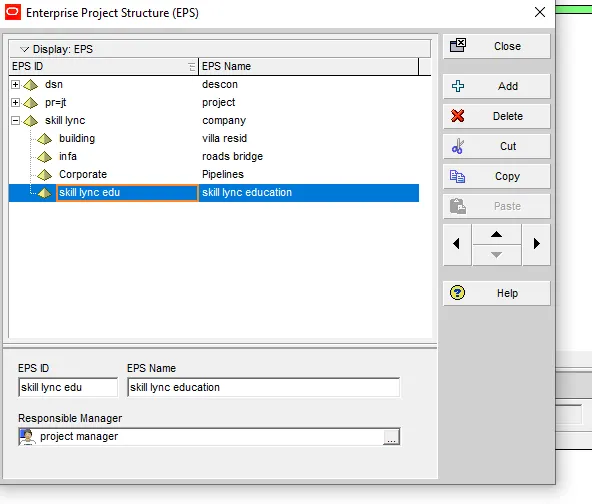
Make the EPS as “Skill-Lync Education” and OBS and assign a Project Manager
* Enterprise tab > OBS > add ( new > project manager )
*Enterprise > EPS >Skill -Lync education
*Assign > OBS ( project manager )
*Click okay
project us created under EPS " Skill-Lync Education Centre"
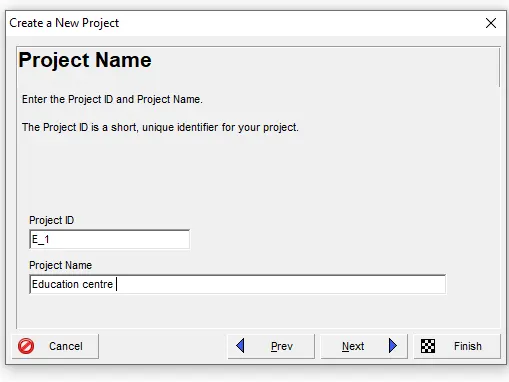
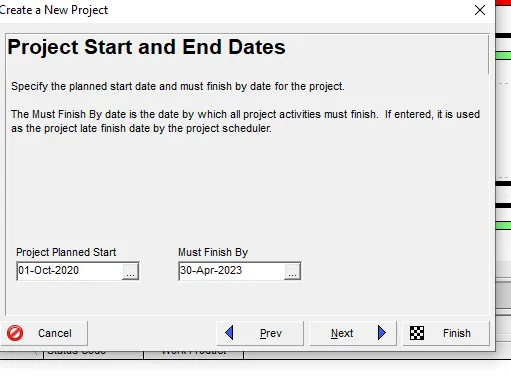
*Project will start on 1st October 2020 and end by 30th April 2023.
Create at least 50 activities.
*Break Major WBS as - Initial Activities, Design, Construction, and Balance Works
*Click on WBS ( Right side of the project )
*The details are added
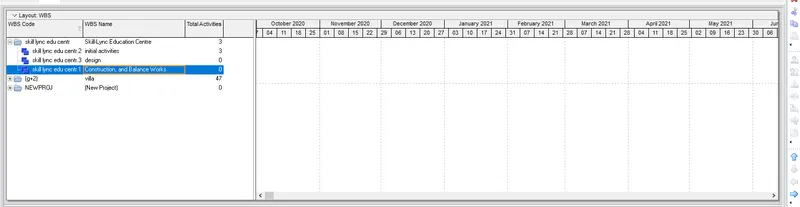
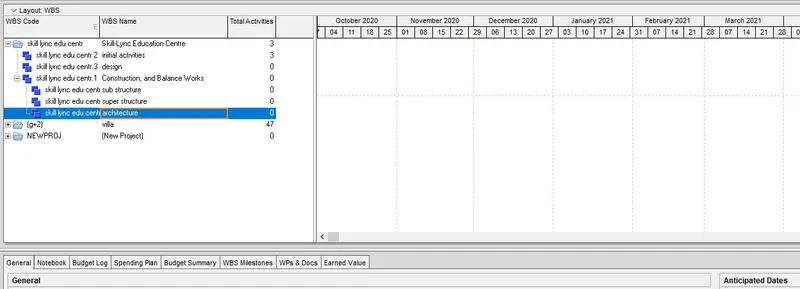
Now adding the sub-topics
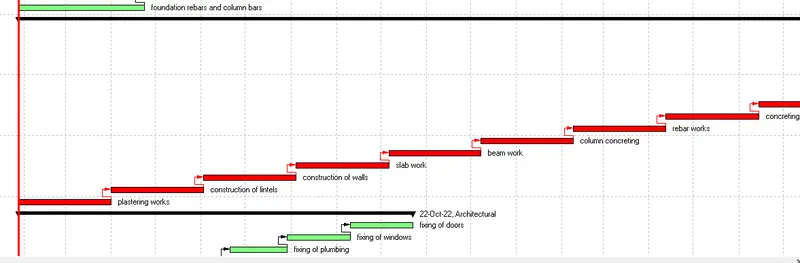
*Further Breakdown Construction into Substructure, Superstructure, and Architectural
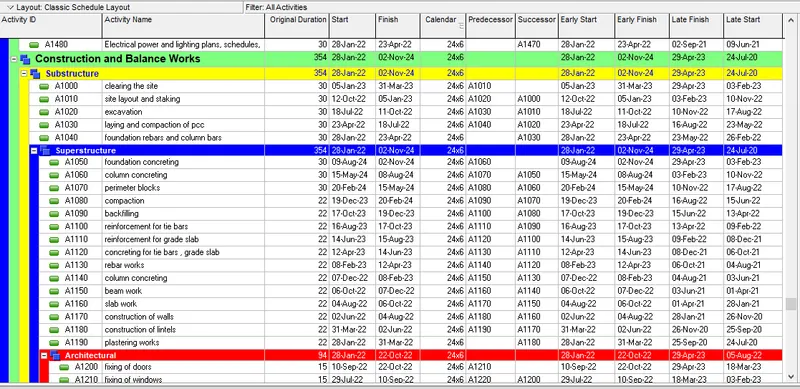
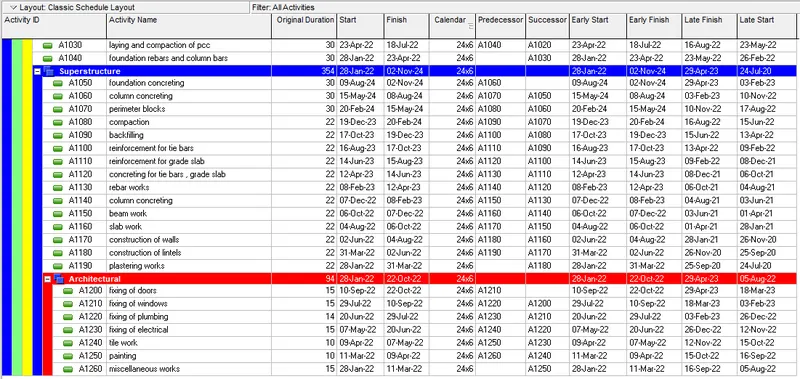
Now go activities > and 50 activities are added
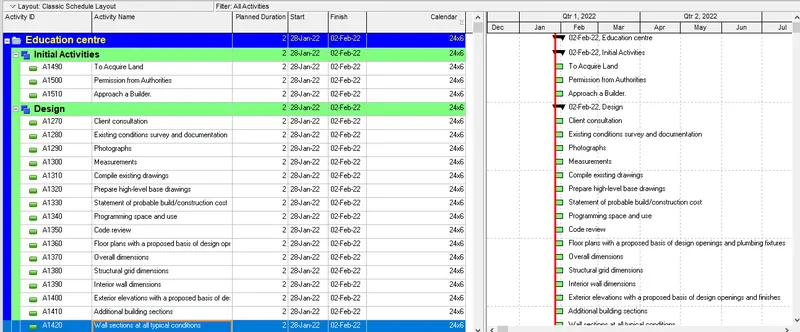
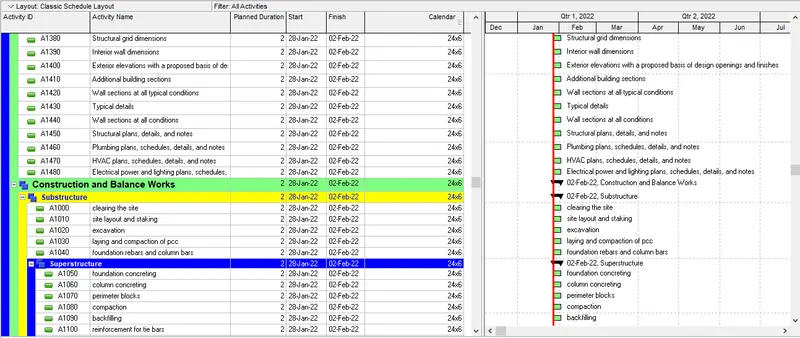
All activity Id’s are having an interval of exactly 10
*the duration is changed to approximate dates
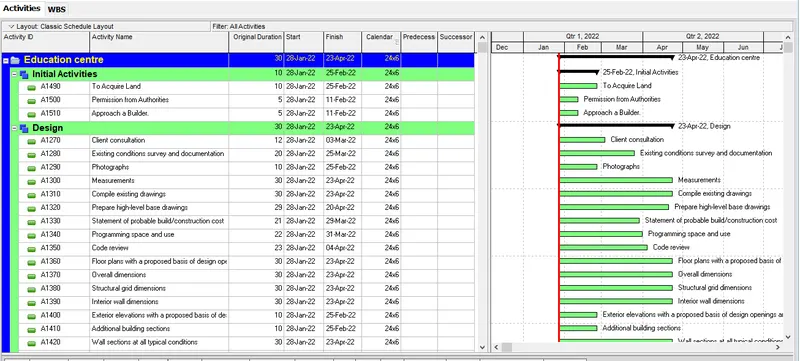
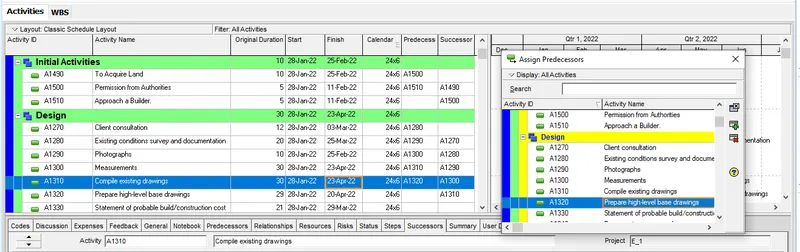
predecessor/successor choose suitable relationship of each activity is added
*Using the column option the predecessor and successor are added
Work hours will be 24 hours and 6 days a week are added
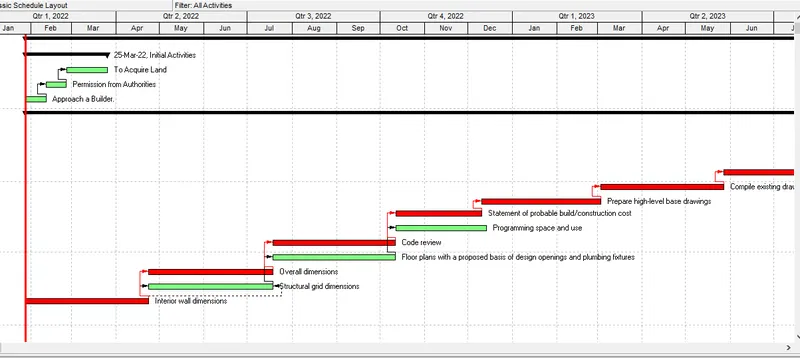
*Complete Design in 8 months
Select the Schedule tool on top of the tool bar
*therefore the Early/Late start and finish has been determined successfully
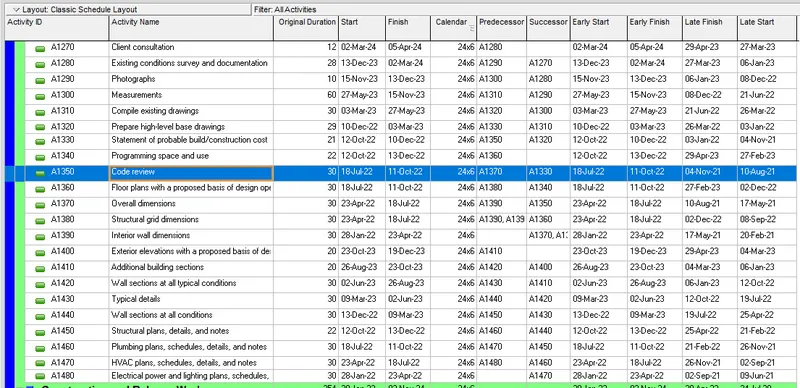
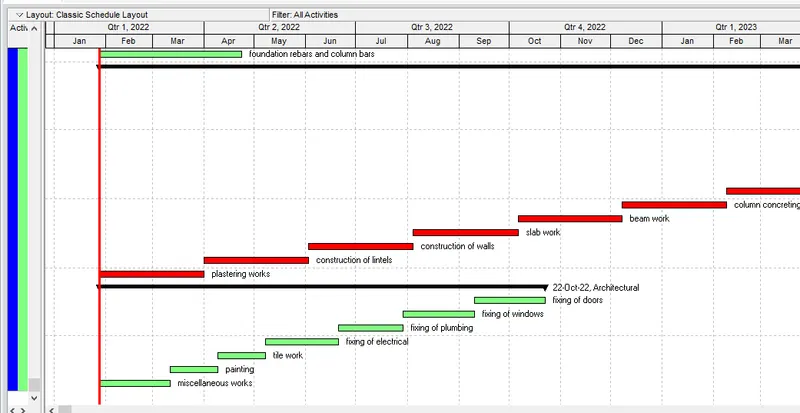
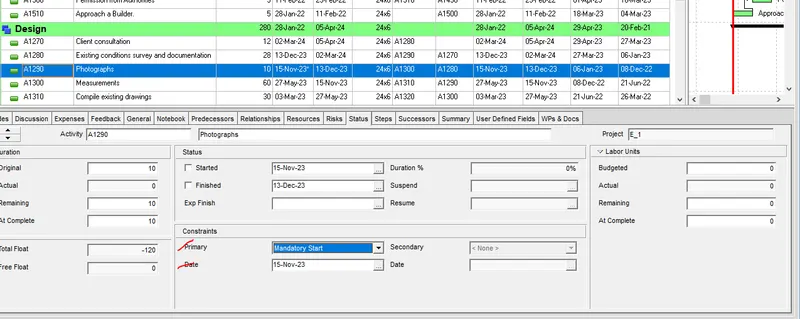
he constraints are done using the bottom > status tab